In short
- Day 0 is a call and a text. Days 1 to 10 are a short, steady mix.
- Every step sounds like you, and each one asks one easy question.
- The plan stops the moment they reply. Then it’s a conversation.
- Write it once as a Smart Plan and start it on every new lead.
Write down the plan before you build it
Here’s the one we’d start with. Change the days to suit your market. The point is that it’s written, so it happens.
- Day 0: call right away. If no answer, text.
- Day 1: call in the morning. Email a few homes that match what they looked at.
- Day 2: text a question about timing.
- Day 4: call. If no answer, leave a short voicemail.
- Day 6: email something useful about the neighborhood they searched.
- Day 8: text and ask if they want you to keep sending homes.
- Day 10: call once more, then move them to a longer, slower plan.
Build it as a Smart Plan
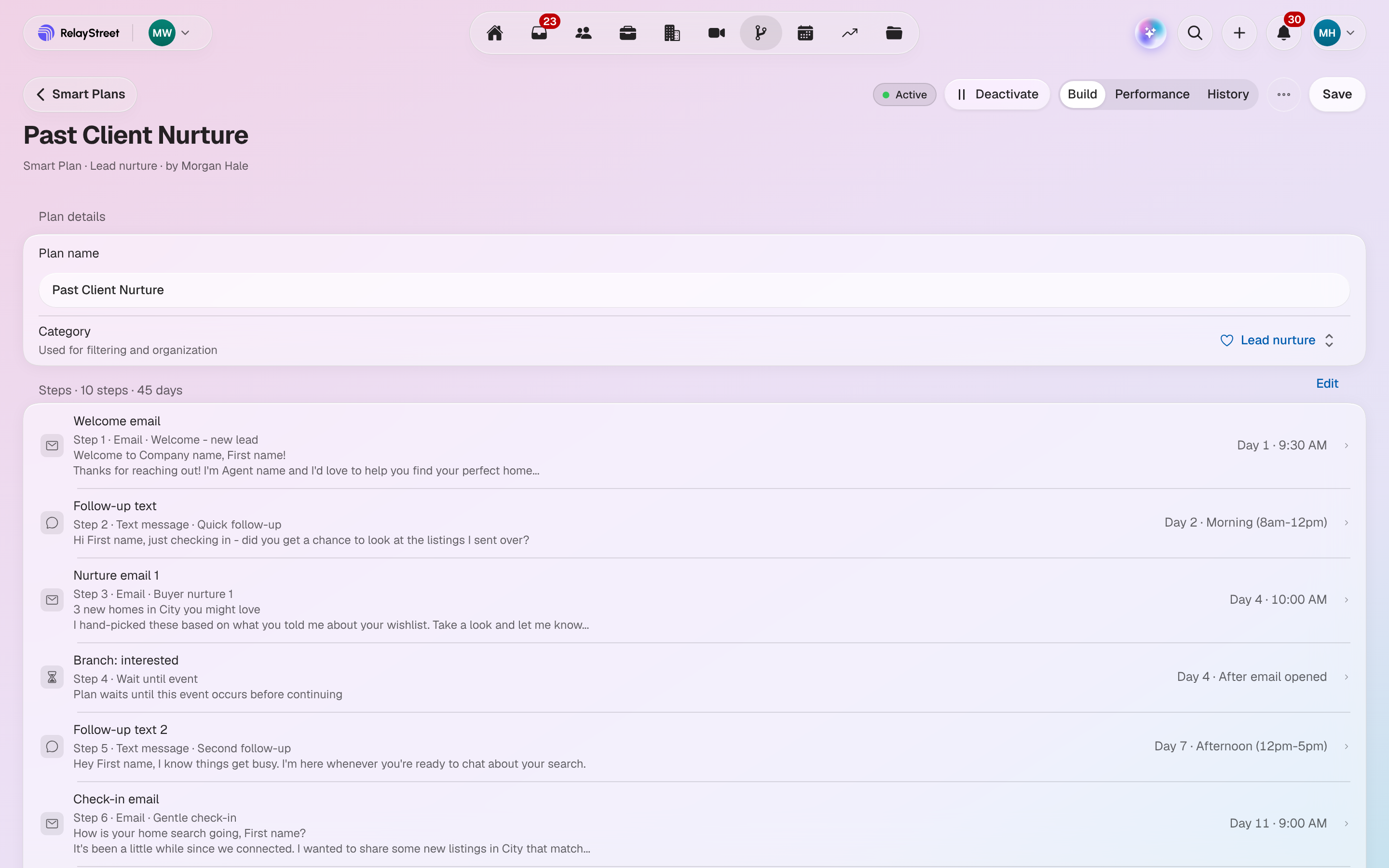
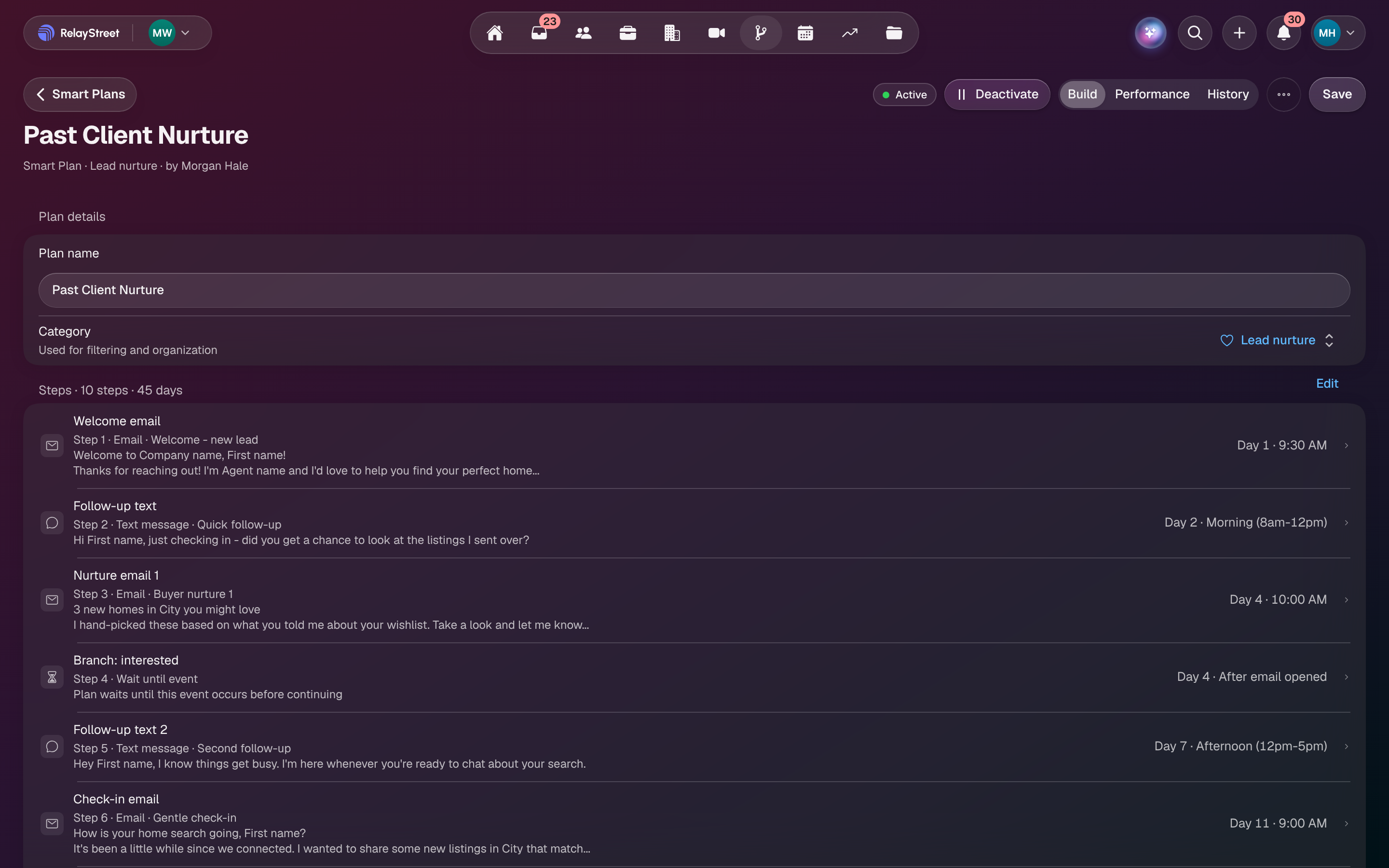
In Workflows, choose New plan, then New Smart Plan. A Smart Plan runs exactly as written: calls, texts, emails and tasks for your team. Add each step from the step library.
- Calls are call tasks. They remind you to dial; they don’t dial for you.
- Texts and emails can send on their own, at a time you choose: immediately, morning, afternoon or evening.
- A “Wait for” step holds the plan until something happens, like an email opened or the lead replying.
- Merge fields like First Name and your calendar link keep each message personal.
Automated texts from a plan wait for the lead’s legal hours in their state. They need the lead’s written consent first.
Write every message like a person
Short, specific, one question. If you wouldn’t send it by hand, don’t put it in a plan.
Hi [first name], quick one. Are you hoping to move before school starts, or is it more whenever the right place shows up?
for themBefore August ideally
for them
Let a reply stop the plan
Keep “Pause when lead replies” on. A text back, an email back or a real phone call pauses the plan, so nobody gets a canned day-6 email after telling you they bought last week. Leave “Ignore auto-responder replies” on too, so an out-of-office doesn’t count.
Start it on every new lead, automatically
Start a plan from the lead’s record with Add to a plan, or select a group in Contacts and start it on all of them. Better: in your routing rule, choose Start a plan under On assignment, so every new lead gets day 0 without anyone remembering.
Before you turn it on
- Every message reads like you wrote it today
- Each text and email asks one question
- Pause when lead replies is on
- The plan starts from your routing rule