Skip to content

AI home tours

A home tour video from the property’s photos

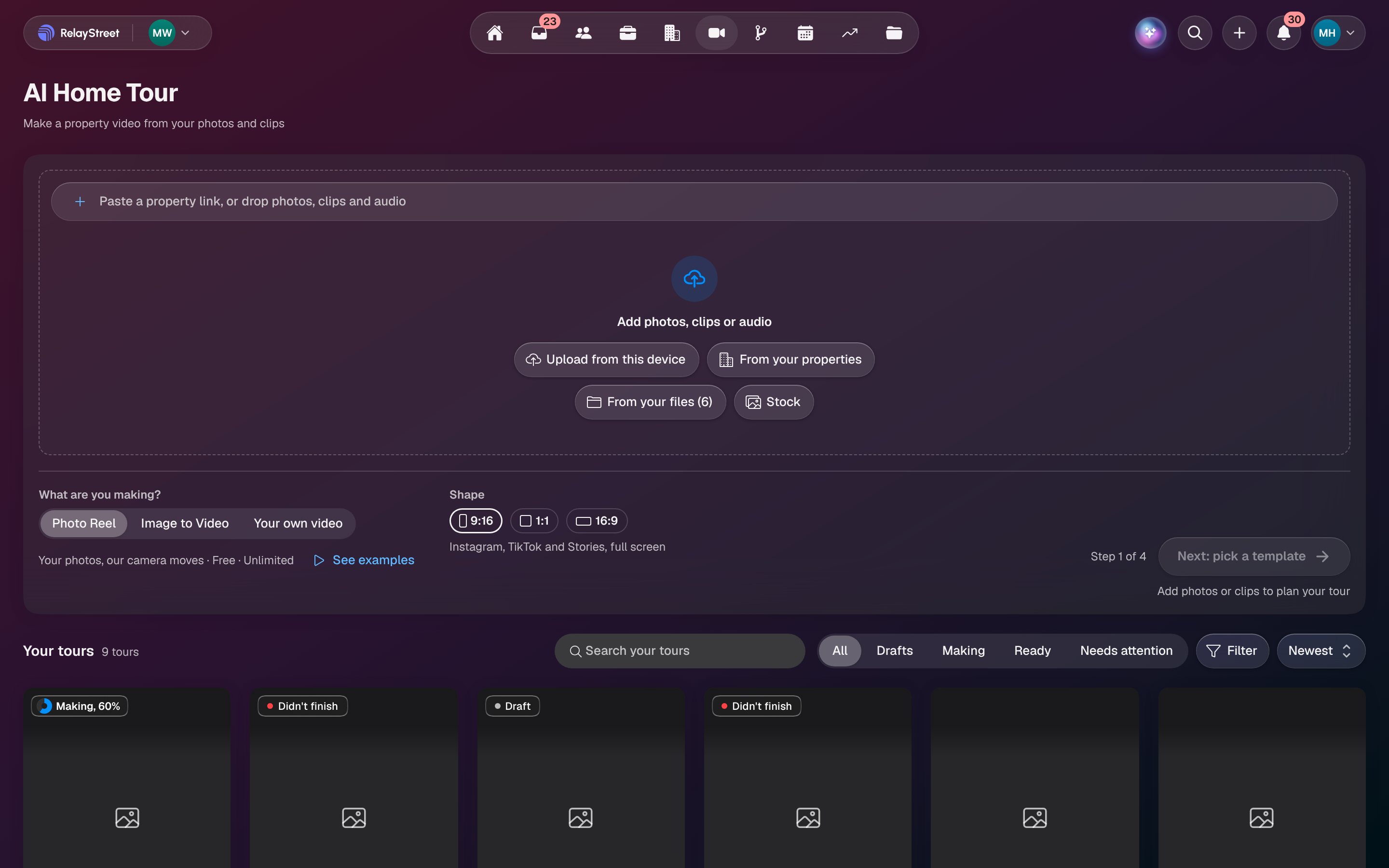
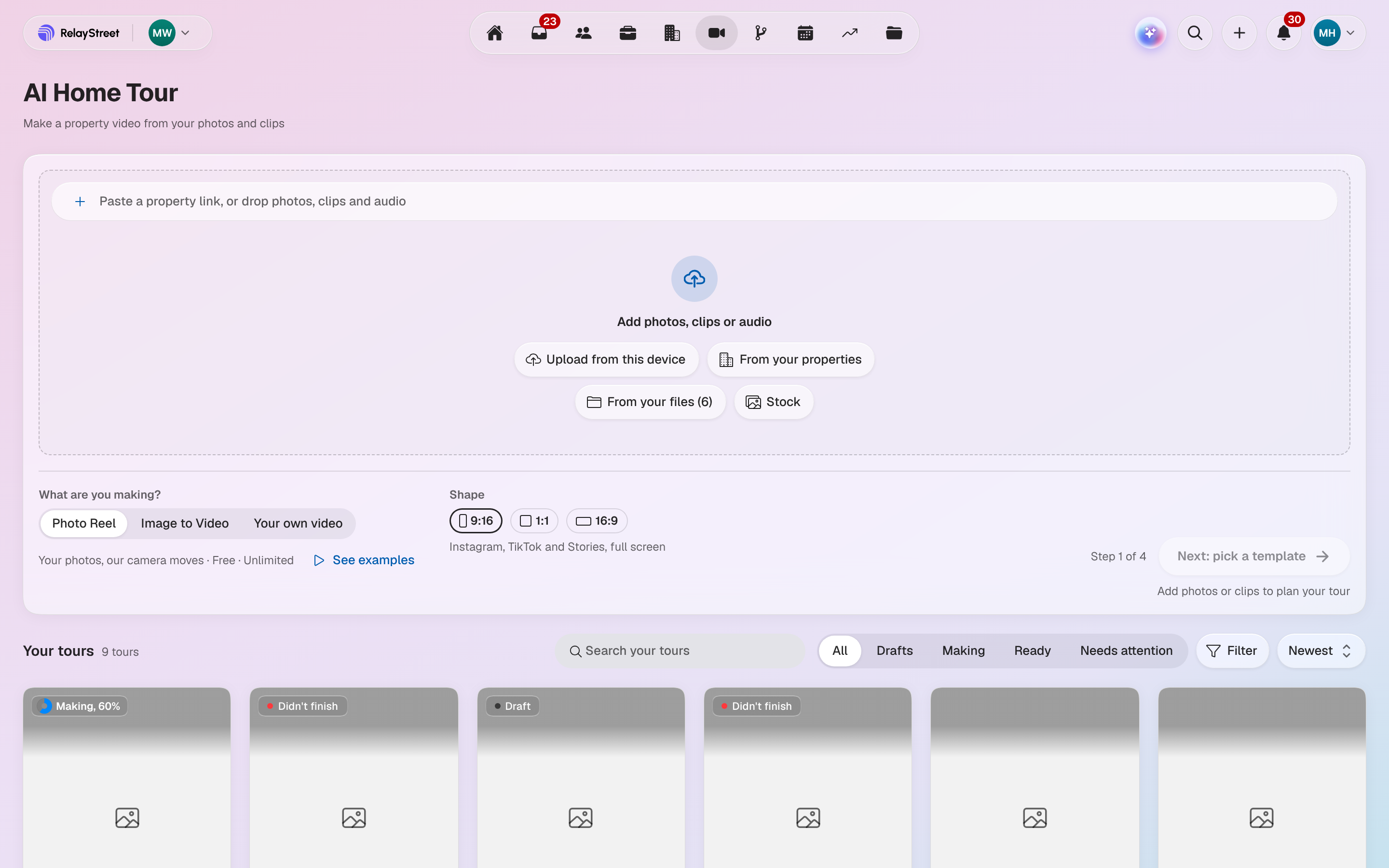
Add the photos or your own clips, or paste a Zillow, Realtor.com or property website link. Pick a shape and a template, check the plan, and choose your favorite of three versions.
Your tour is readyWeb 1440 × 900

Get the highlights

Three ways in

Photos you have, or the walk-through you filmed

Photo Reel puts camera moves on your photos, and it is free and unlimited. Your own video cuts your walk-through clips into a tour. Image to Video makes motion clips from photos, from a monthly allowance.

  • Import from Zillow, Realtor.com, a property website, your Properties or Files
  • Four shapes: 9:16, 4:5, 1:1 and 16:9
  • 30 templates, with one suggested for your photos
AI Home Tour, turning a property’s photos into a finished tour video.

The plan

See the tour before it’s made

The plan puts the rooms in order with chapters, how long each photo holds, and the words on screen. Add intro and outro cards with you, your brokerage and a QR code.

  • Property facts on screen
  • Soundtrack moods and pacing
  • Auto length from 30 seconds to 2 minutes, or pick one
PlanWeb 1440 × 900

Three versions

Pick the one you like, then fix it in a tap

Three versions sit side by side. Quick fixes make it shorter or longer, calmer or more upbeat, swap a photo or fix the words. Or ask Aiva, and keep or undo each change.

  • Ask Aiva about the whole tour, the music, the words, the shots or the length
  • Aiva says plainly what she can’t change yet
  • Three redos of single shots
Your tour is readyWeb 1440 × 900

Export and share

An unbranded version, and a link anyone can watch

Export at 1080p, 1440p or 4K in the browser, free, as many times as you like. The unbranded link is the same tour with no agent name, logo or contact.

  • Schedule it as a post, add it to an email or run it in an ad
  • A watch link with your card, Call and Email
  • Use it on a Preview Page or a property site
Tour watch pageiPhone 393 × 852
templates
30
shapes
4
versions of every tour
3

How it works

AI home tours in four steps

  1. 01

    Add the photos

    Or your clips, or a Zillow, Realtor.com or property link. Then pick the way and the shape.

  2. 02

    Pick a template

    One of 30, with a suggestion that fits your photos.

  3. 03

    Check the plan

    Rooms, words and music in order, then Make my tour.

  4. 04

    Pick and share

    Your favorite of three, a quick fix or two, then post, schedule or share a link.

Rules

Rights and fair housing

A property video carries someone’s photos and your brokerage’s name. The tour checks both.

Photo rights

After an import you confirm you have the right to use the photos. Stock is marked as stock and kept apart from yours.

An unbranded version

The unbranded link drops your name, logo and contact details.

Every word checked

Before you post, every word in the tour gets the fair housing check, and a blocked phrase stops it until it changes.

Your brokerage in the outro

The brokerage legal name must be in the outro, and text must sit inside each platform’s safe area.

Where it stands

What’s built, and what’s next

The honest list for this tool, as it stands today.

Built

  • Import from photos, clips and property links
  • Photo Reel and Your own video
  • 30 templates, the plan and three versions
  • Quick fixes and Ask Aiva
  • Browser export at 1080p, 1440p and 4K, and the unbranded version

Next for AI home tours

  • AI motion clips in Image to Video. Today it uses camera moves on the photos
  • Posting straight to social accounts
  • Watch links that open on any device
  • The template step and export on Android

Questions

Is it free?

Photo Reel and Your own video are free and unlimited. Image to Video uses a monthly allowance.

Can I bring photos from a property site?

Yes, from Zillow, Realtor.com or a property website, once you confirm you have the right to use them.

What sizes can I make?

9:16, 4:5, 1:1 and 16:9, exported at 1080p, 1440p or 4K.

Is there a version without my branding?

Yes. The same tour with no agent name, logo or contact.

Does it check fair housing?

Yes. Every word in the video is checked before you post.

Marketing

Works with

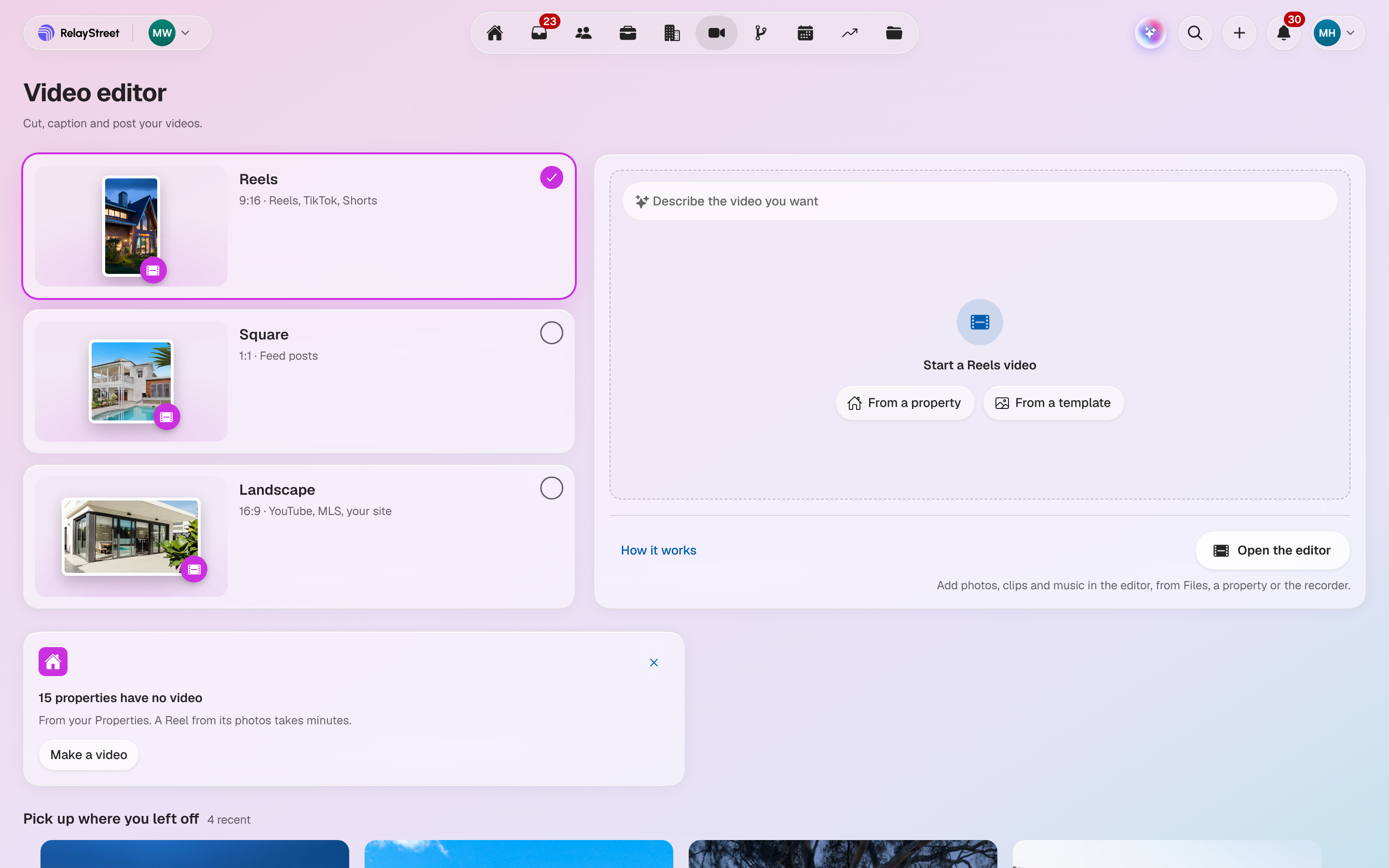
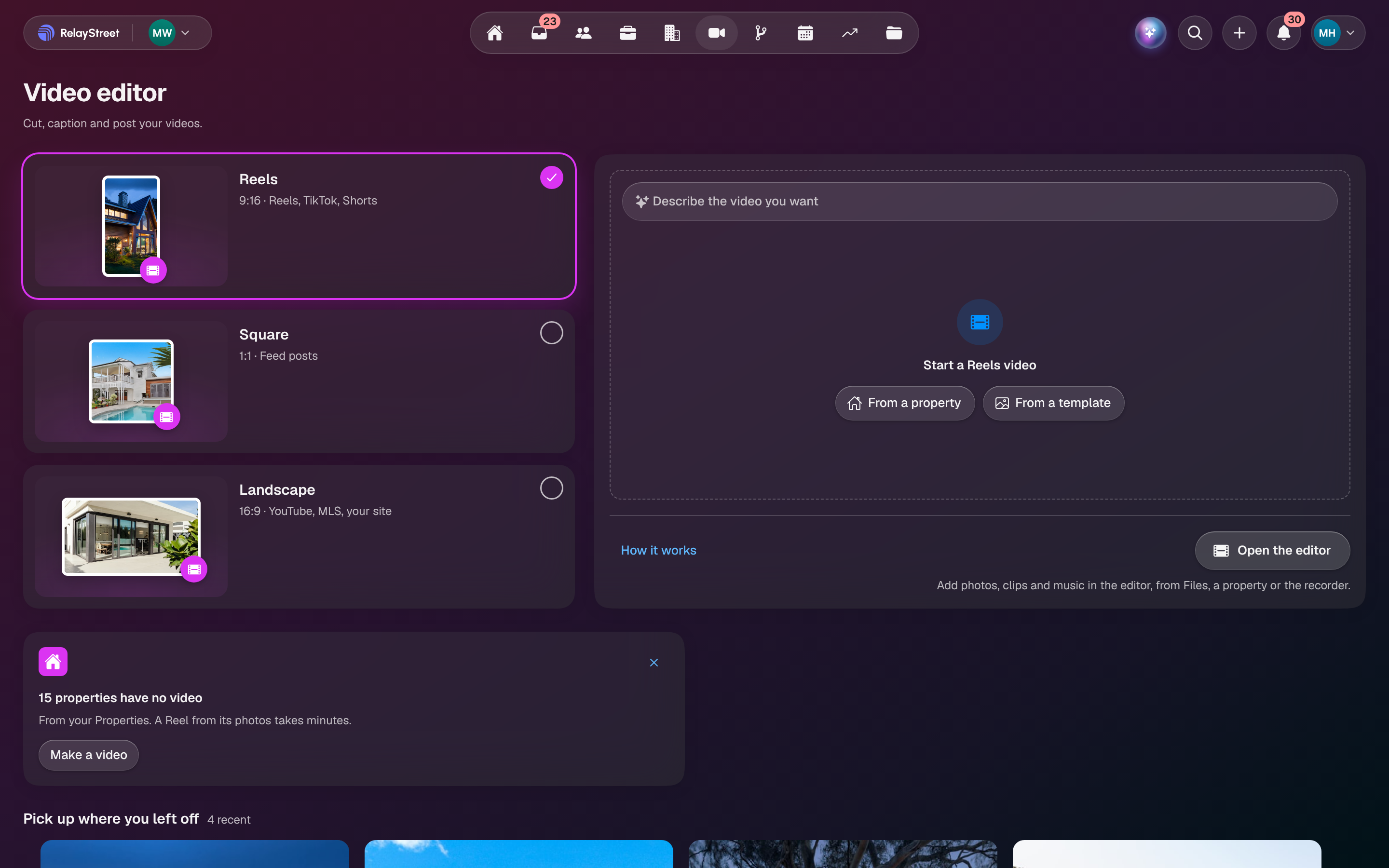
The video editor, with clips, text, music and captions on one timeline.

Video

Record with a teleprompter, edit on a timeline, send it anywhere

Instagram Reel composerWeb 1440 × 900

Social

Ten composers, a calendar and the numbers for every post

Site builderWeb 1440 × 900

Sites

Property, agent, open house and home valuation sites

Get in early. Bring your database when you do.

Join the waitlist today. When your invite comes, import your contacts, check them first, and undo it for 30 days.