Performance
See how your team is doing and who needs you
Performance turns the calls, texts, appointments and deals your team logs into pace, coaching points and reports. Nobody types numbers in: it reads the work as it happens.
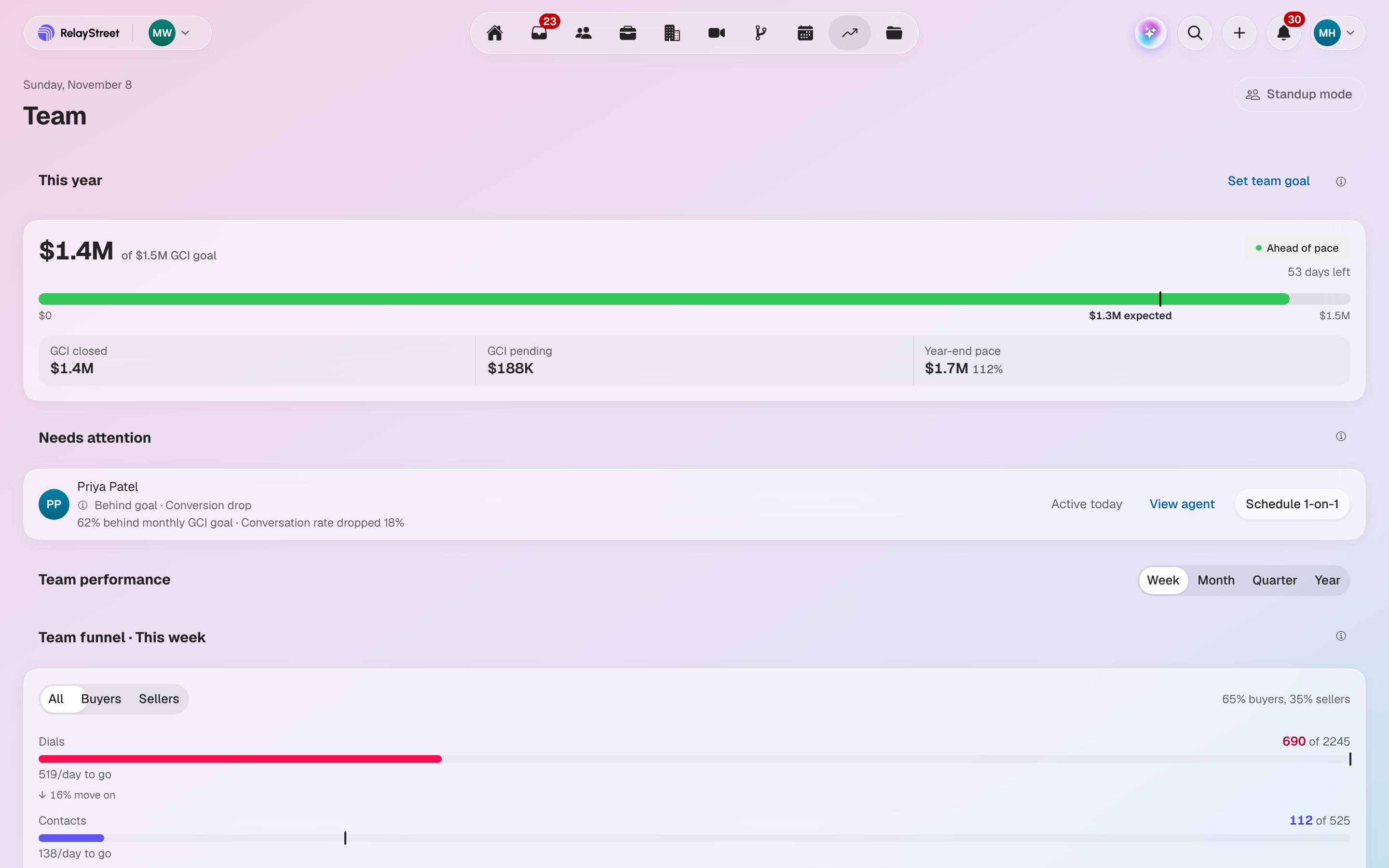
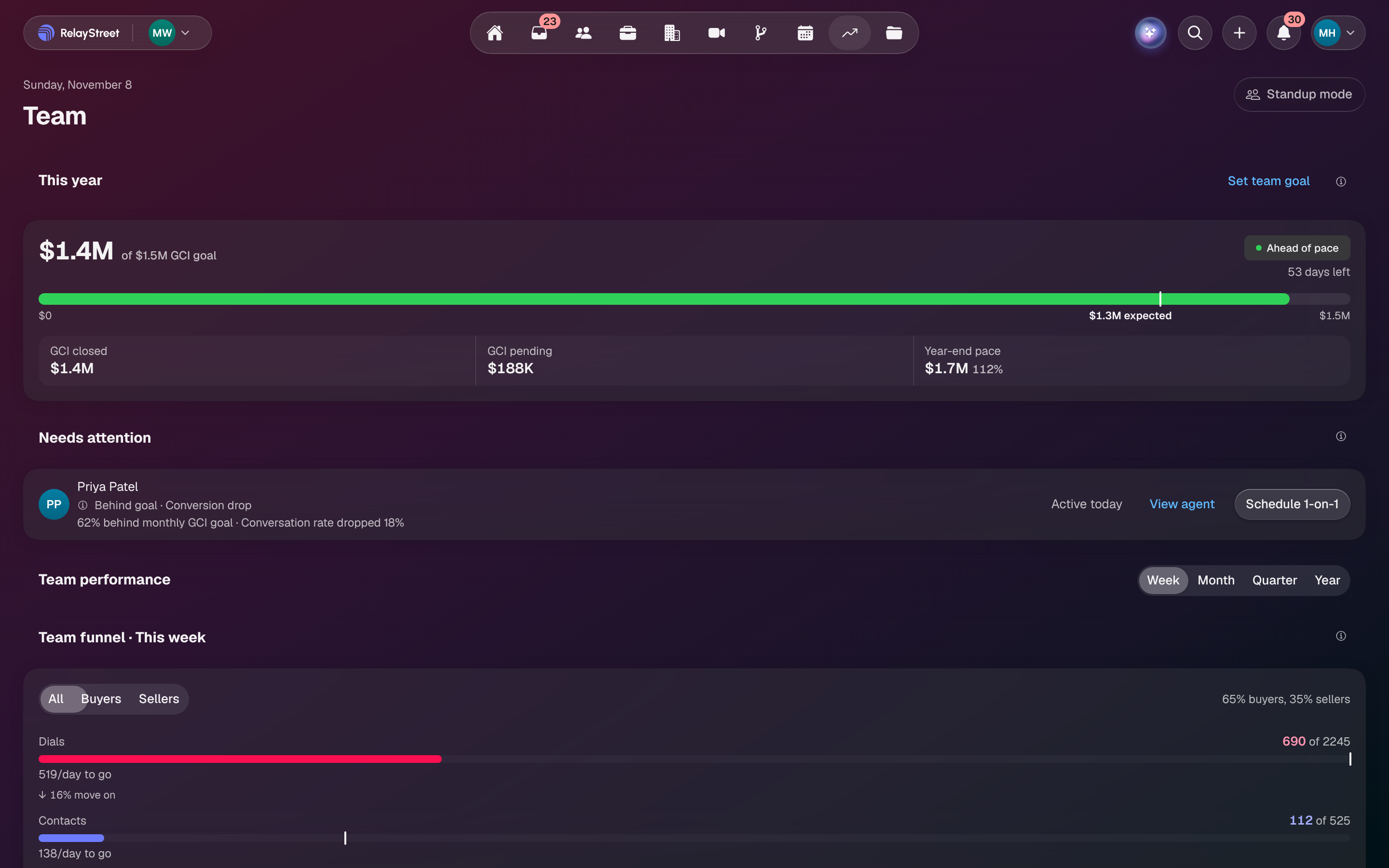
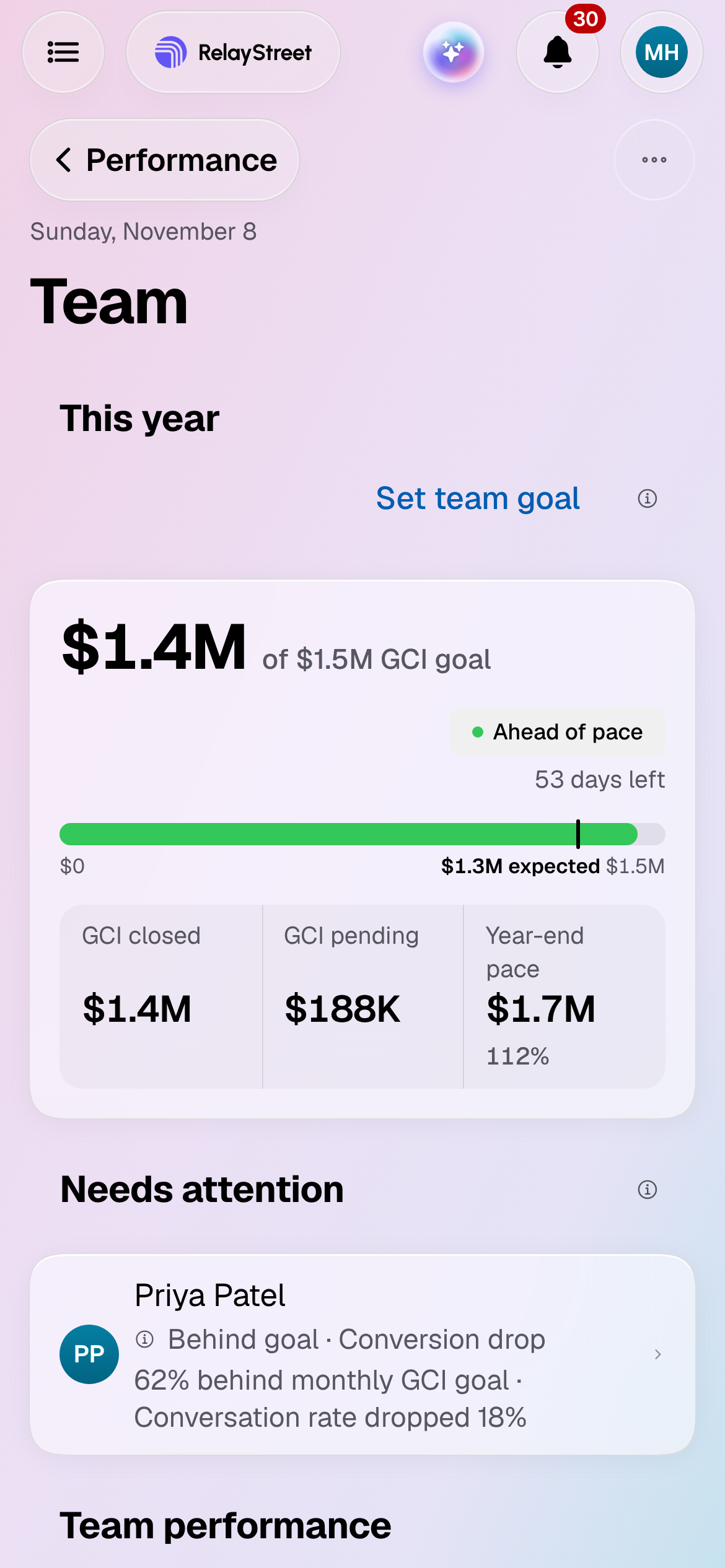
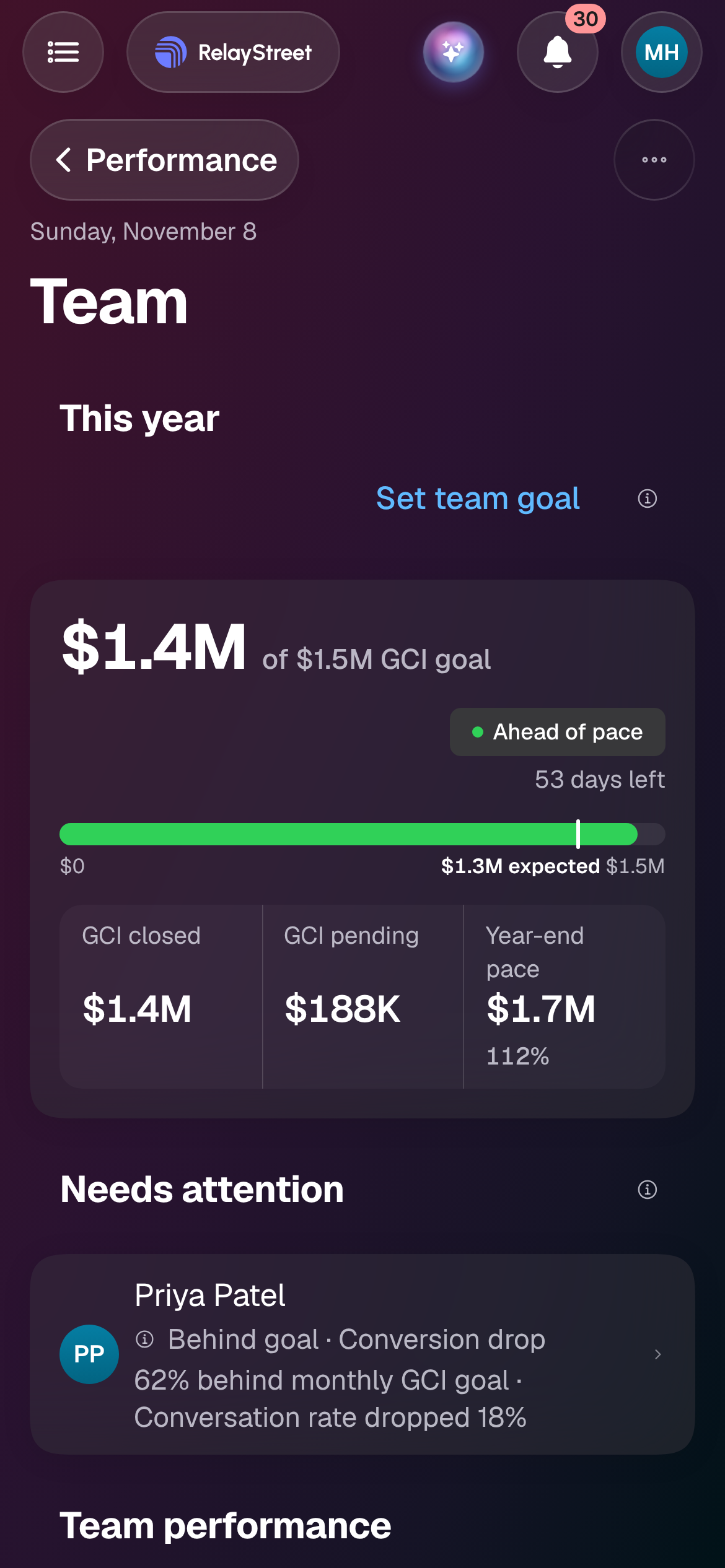
Numbers come from the work your team already logs
Only manual calls, texts and emails count toward targets
Week, Month, Quarter or Year on every page
On web, iPhone, iPad, Mac and Android
Who needs you
Know which agents need you this week
Needs attention flags the agents who have gone quiet, fallen behind goal or seen their conversion drop. Each name opens that agent's coaching page.
- Flags for no activity, behind goal and conversion drop
- Also flags released pond leads and high no-shows
- Agent activity: dials, conversations, appointments, closed
- Top performers, with movement against last week
Speed to lead
See how fast your team reaches new leads
Lead accountability shows the average time to first personal contact, who is slowest, and how many new leads were reached inside five minutes.
- Average minutes to first personal contact
- The slowest agent, by name
- Leads not acted on: no contact at all, or only a Smart Plan
- Pond auto-releases, when your workspace uses ponds
Coaching
Walk into every 1-on-1 with the facts
One agent's coaching page shows their goal progress, their activity over the last four weeks, their funnel and every active deal. Talking points come from their own patterns.
- Talking points: activity drops, no-shows, stalled deals
- Dials, conversations and appointments by week
- Every active deal with its days in stage
- Stalled deals are marked so you can ask about them
Lead sources
Put your lead money where it pays back
Source ROI shows where the team's lead money goes, who works those leads and what they return. Agents get My source ROI for the sources they fund.
- Spend, return and ROI for each lead source
- A seven-stage source funnel against the last window
- View by source, channel, campaign, team or agent
- Each source opens the leads it brought in
Commissions
Know what is pending and when the cash lands
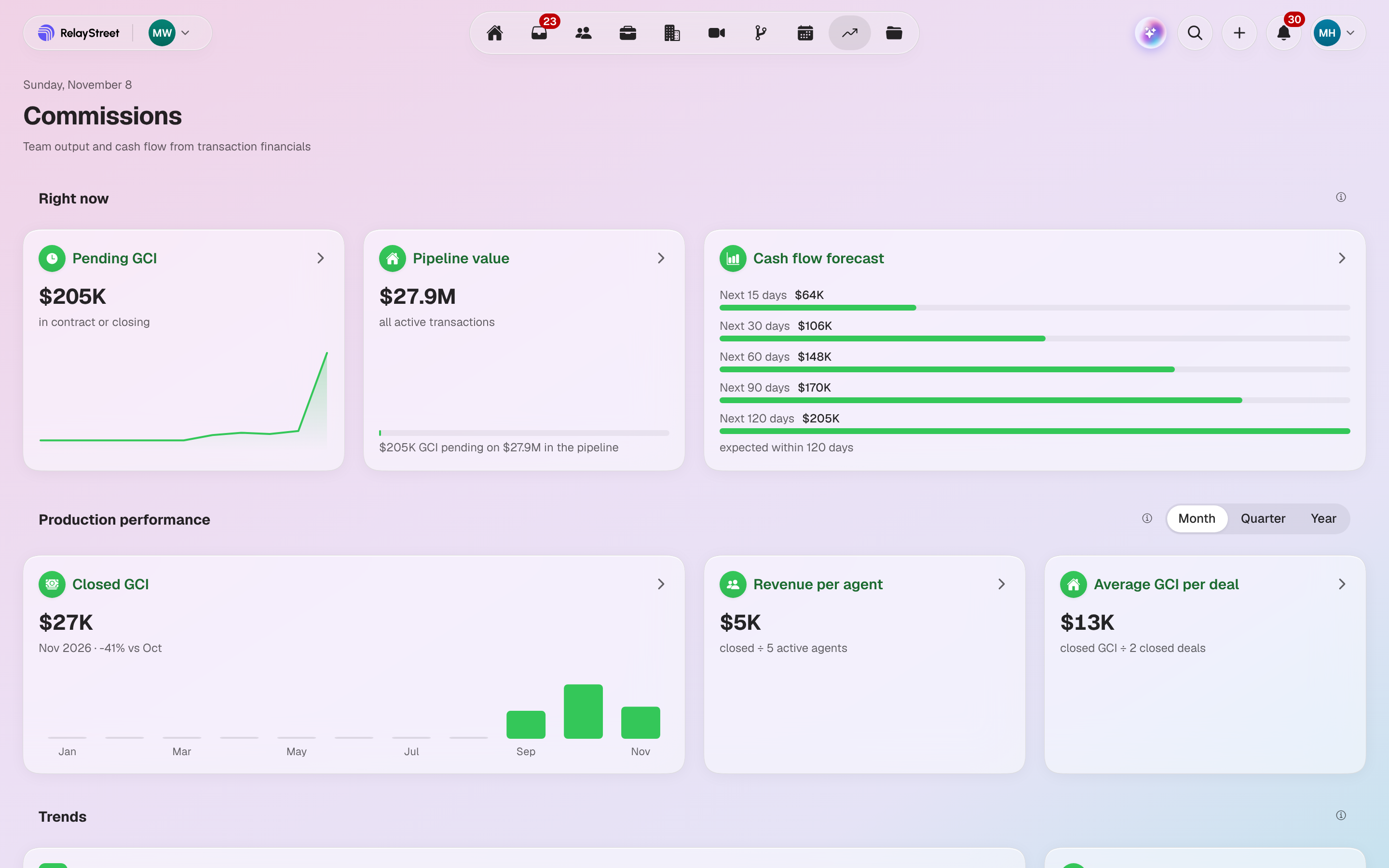
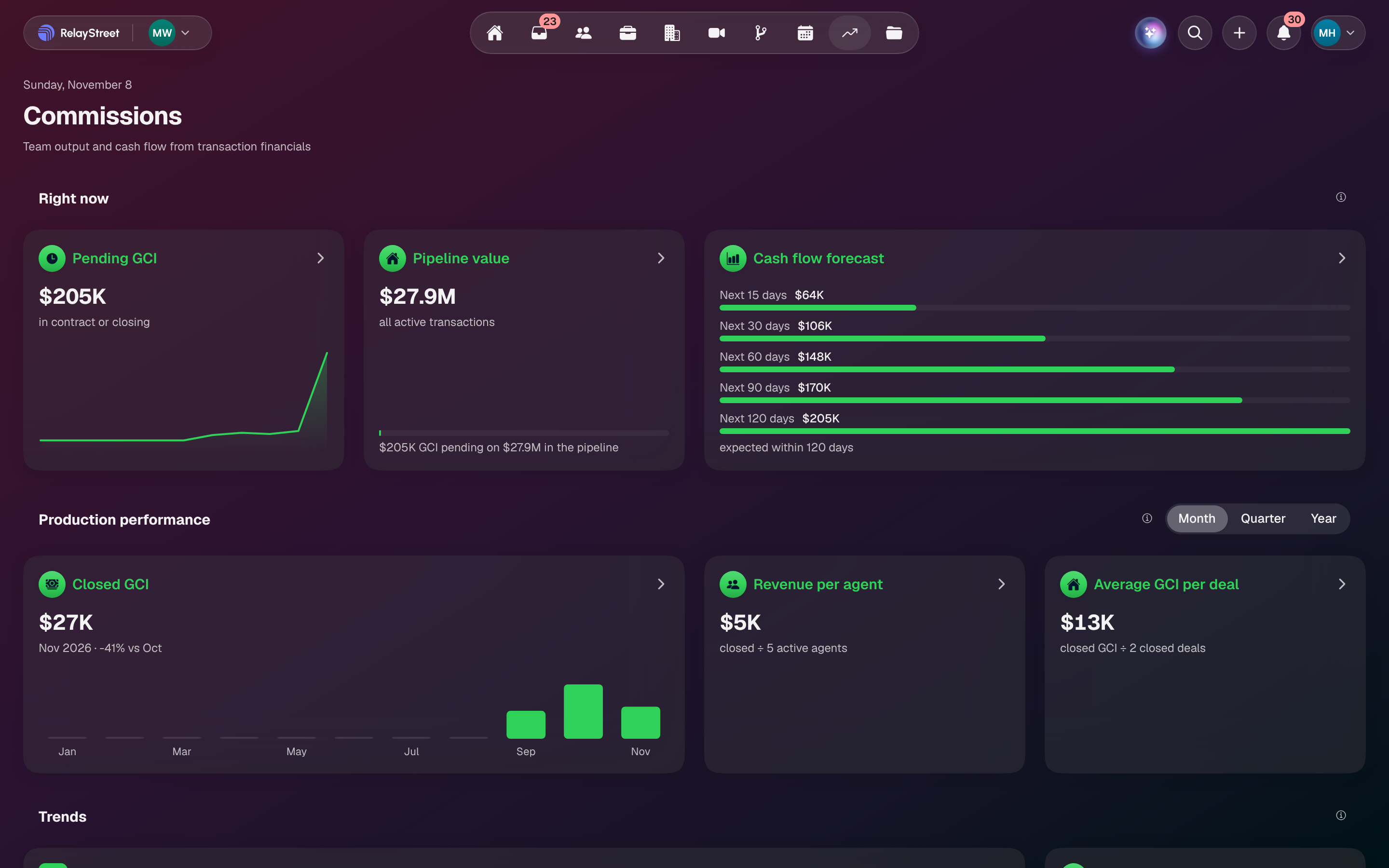
Commissions reads your transaction financials: pending GCI, pipeline value and a cash flow forecast out to 120 days.
- Pending GCI on deals in contract or closing
- Cash flow in 15, 30, 60, 90 and 120 day buckets
- Closed GCI, revenue per agent, average GCI per deal
- Every card opens a detail broken out by agent
Reports
Turn your numbers into a table you can send
Reports holds a library of tables by category. Pick the dates and an agent, sort any column, then save the view, share it with your team or export it.
- Dates from the last 7 days to this year
- One agent or all agents
- Sort by any column, with a Total row
- Export CSV and Share with Team, by permission
How it works
Performance, step by step
Your team logs the work
Calls, texts, emails, appointments and deals are logged where they happen. Performance reads them, so nobody enters numbers here.
Pick a window
Choose Week, Month, Quarter or Year. The choice stays in the address, so a shared link opens the same view.
Find who needs you
Needs attention and Lead accountability point to the agents and leads that need a hand this week.
Coach and report
Open an agent's coaching page for the 1-on-1, then save or export the report your broker asks for.
Questions
About Performance
Who can see team numbers?
Owners, admins and brokers see every page. Sales managers see every page and can open coaching pages. Team leads see every page except one agent's coaching page and Goal templates.
Do Smart Plan and Aiva sends count toward an agent's targets?
No. Only an agent's own manual calls, texts and emails count. Smart Plan and Aiva sends are shown separately and never raise the agent's number.
How is a conversation counted?
Once per lead per day, however many times you talk that day.
Does it update while the team works?
Yes. Cards reload on their own when leads, activity or transactions change. Each card loads on its own, so one slow card never blanks the page.
Which devices have Performance?
The web, iPhone, iPad, Mac and Android. On phones and tablets your home page shows first, with a list of every Performance page you may open under it.