Contact routing and ponds
Send every new lead to the right agent
Write a rule once and each new lead goes where it should. Leads nobody takes wait in a shared pond your team can claim.
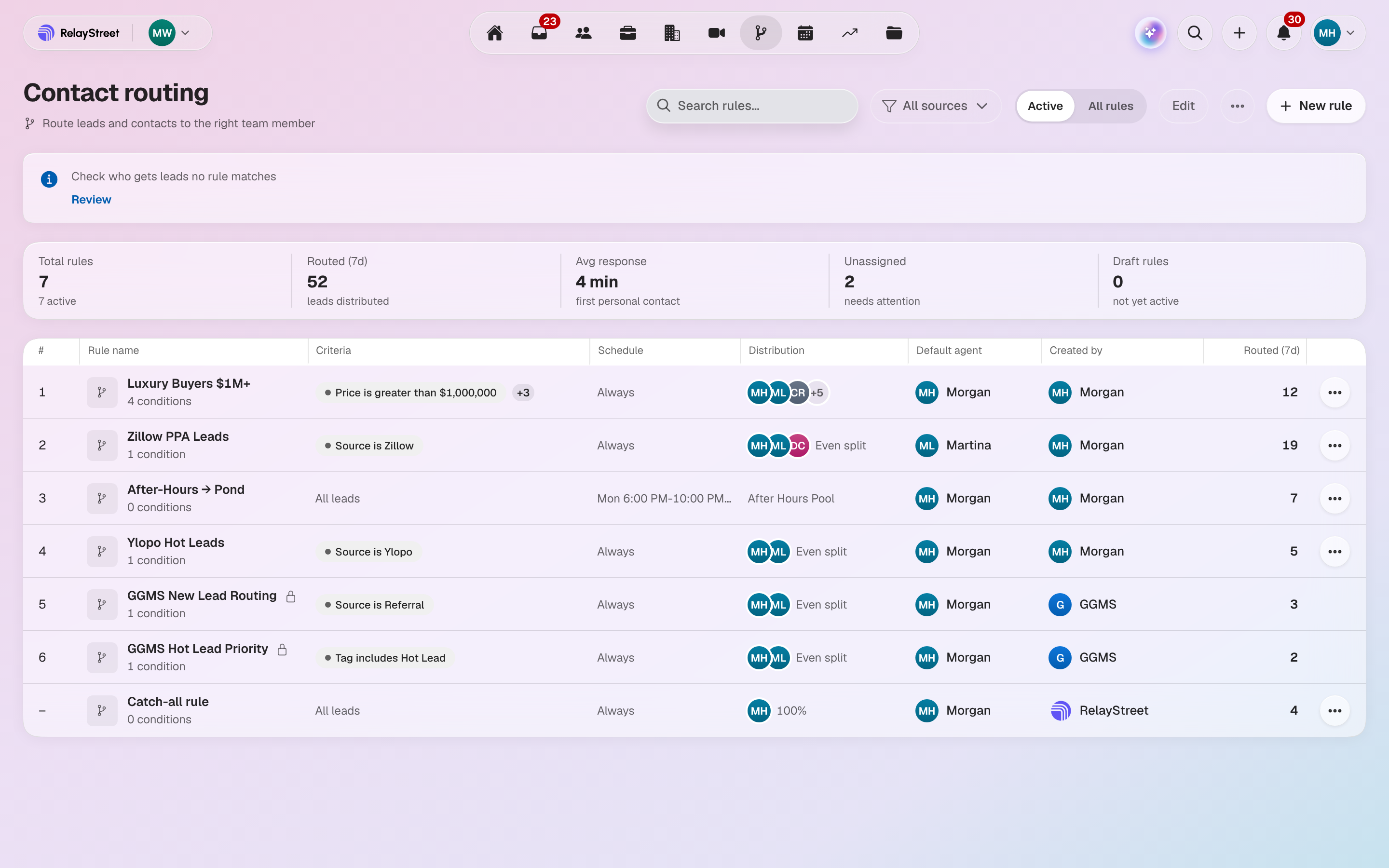
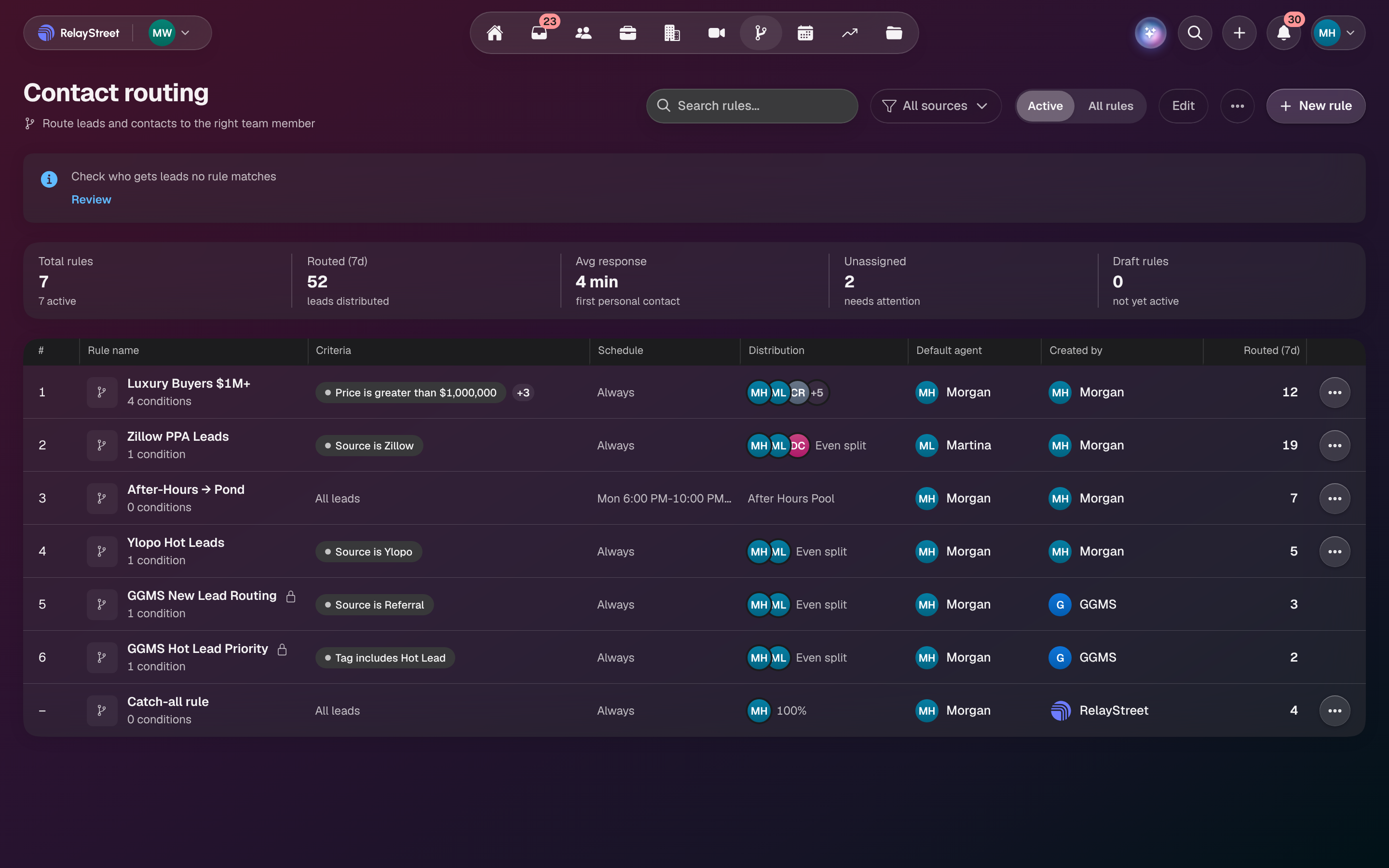
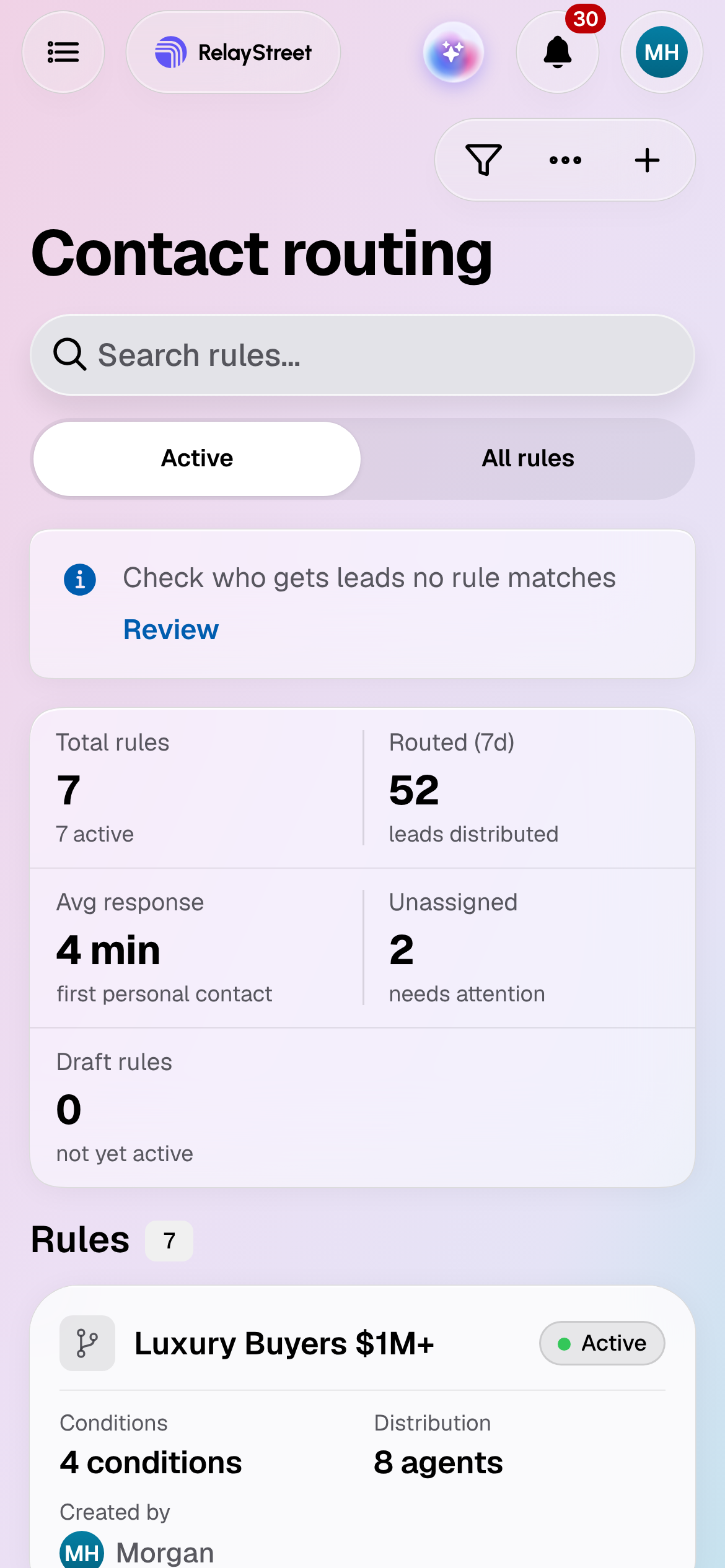
Round robin, Claim Rotation, First to Claim or Lead Pond
Tag, stage and text a lead the moment it is assigned
Shared ponds with claim timeouts and working limits
Your own stages and tags, in your pipeline order
Speed to lead
The right agent gets the lead right away
Each rule says which leads it takes, when it runs and who gets them. Pick how leads are shared and what happens if nobody answers.
- Lead criteria, with every condition required to match
- Days and times, or all days and all hours
- Round robin, Claim Rotation, First to Claim or Lead Pond
- A response timeout and a fallback agent or pond
No lead left behind
Every lead lands somewhere, every time
Rules run from the top down and the first match wins. A catch-all rule at the bottom takes any lead no other rule matches.
- A warning when another rule would get these leads first
- Test this rule on a sample lead before it goes live
- Pause or turn on any rule with one switch
- Duplicate a rule to start the next one fast
On assignment
Follow up before the agent even opens the lead
When a rule assigns a lead it can tag it, set its stage, start a plan and send a first text or email. Automated texts and calls follow the compliance window.
- Apply tags and set the starting stage
- Start a plan and auto-send a text or email template
- Add collaborators and connected partners
- Texts and calls go 9 AM to 8 PM their time, Monday to Saturday
Shared leads
Leads nobody took still get a call
Ponds are shared groups of leads your team can claim and follow up with. You set how long an agent has, and what they must do first.
- Working limit, claim timeout and cooldown per pond
- Require a call, text, email or note before claiming
- Ask the pond owner or a manager to approve claims
- Move leads to an overflow pond after a set number of days
Coaching
See who works the pond and who lets it sit
Agent activity shows each agent's pond work for this month, the last 30 days or the last 7 days.
- Working, claimed, returned and timed out per agent
- Average time to claim and average time working
- Filter by pond, by agent and by period
Your pipeline
Stages and tags that match how you sell
Stages are your lead pipeline, in the order you work it. Tags label leads by category, so filters and Smart Lists find them.
- Create stages, pick from 13 colours and reorder the pipeline
- Merge two stages or two tags into one
- Deleting a stage moves its leads to another stage first
- Tag categories with their own icon and colour
How it works
Contact routing and ponds, step by step
Set up your pipeline
Create the stages and tags your team uses. RelayStreet stages keep their names, and you can change their colour.
Write a rule
Choose which leads it takes, when it runs and how it shares them. Add the tags, stage and first message for each new lead.
Test it
Run Test this rule on a sample lead. It shows who would get the lead, and a test never routes or changes a lead.
Turn it on
Switch the rule on. New leads now go to the right agent, and the rest wait in your pond.
Questions
About Contact routing and ponds
Who can change routing rules?
On the web, an Owner, Admin or Team Lead can create, change, pause or delete rules. Other roles can view the rules.
What happens to a lead no rule matches?
It goes to the catch-all rule, which is always last. The account owner owns it, and you choose who it sends leads to.
Who manages ponds?
Owners, Admins, Brokers and Sales Managers can create and edit ponds. A pond is archived, not deleted, and Reactivate brings it back.
Do automated texts respect contact hours?
Yes. Automated texts and calls from routing go between 9 AM and 8 PM in the lead's local time, Monday to Saturday. Emails send right away.
Can I delete a stage that has leads in it?
Yes, after you pick another stage for those leads. RelayStreet moves them, then deletes the stage.
Which devices can I use?
Contact routing and Ponds are on the web, iPhone, iPad, Mac and Android.