Apps
One app on every screen you work from
The web in any browser today. Native iPhone, iPad and Mac apps are in testing, with Android to follow, and the same leads, Inbox and Schedule on each.
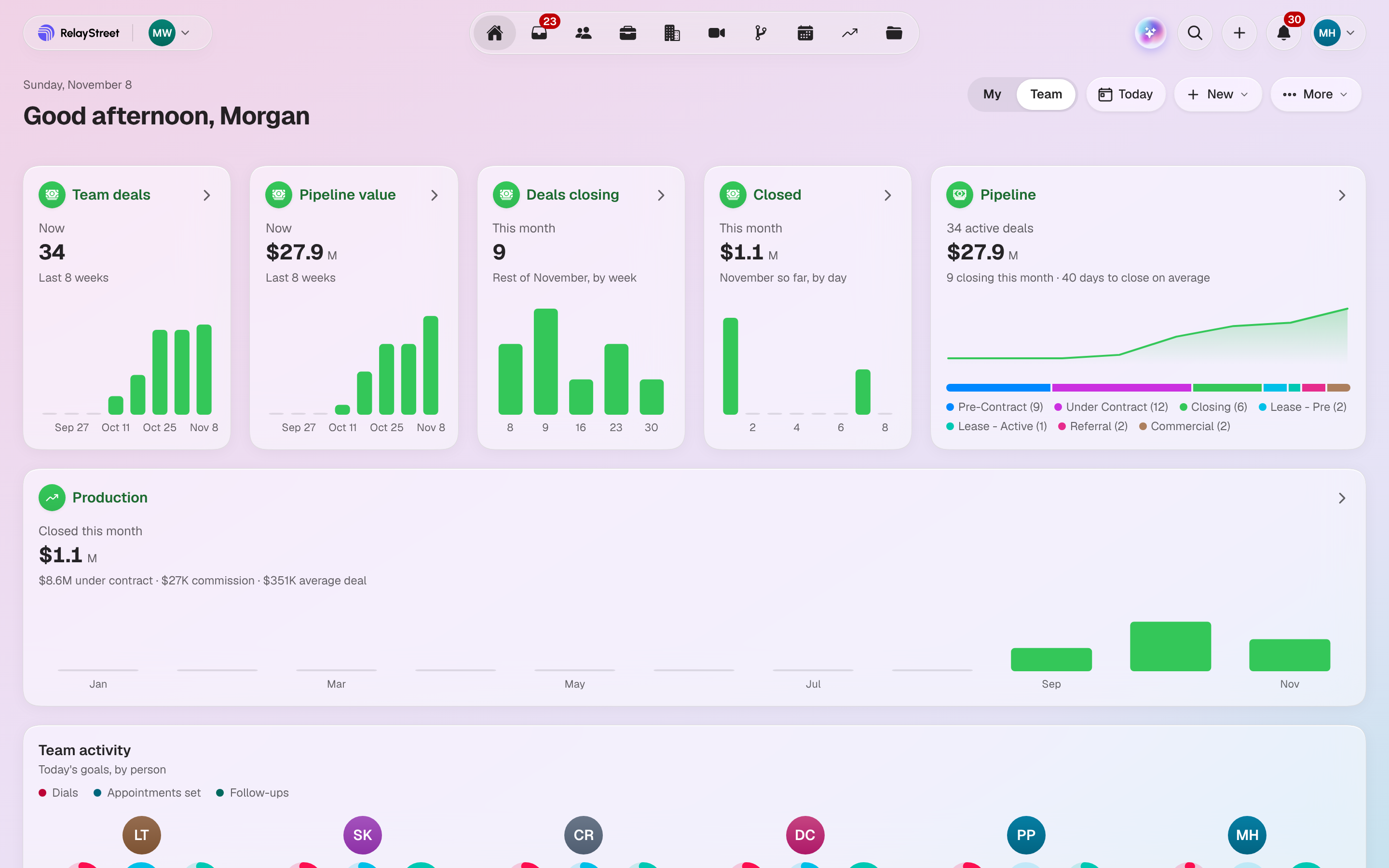
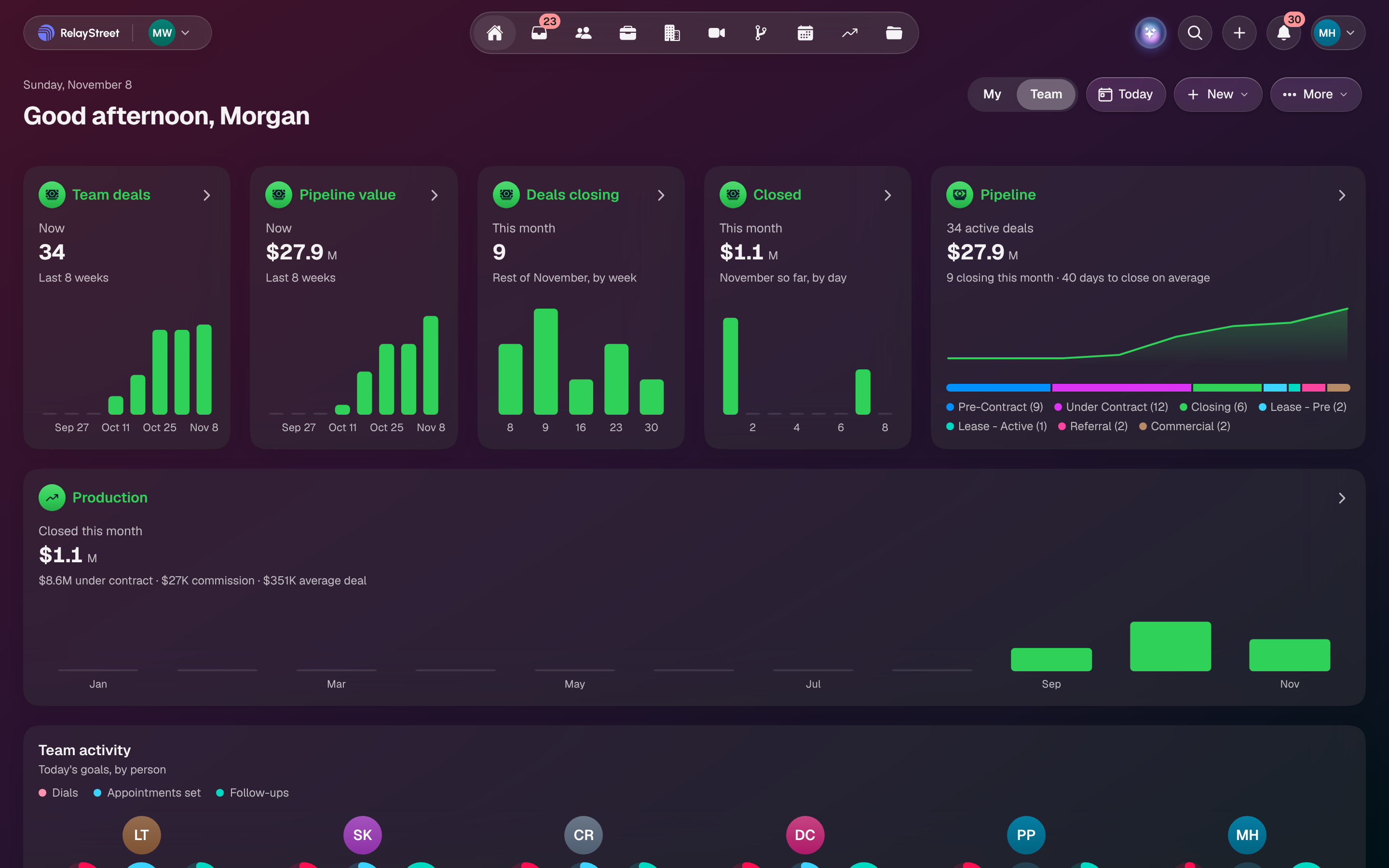
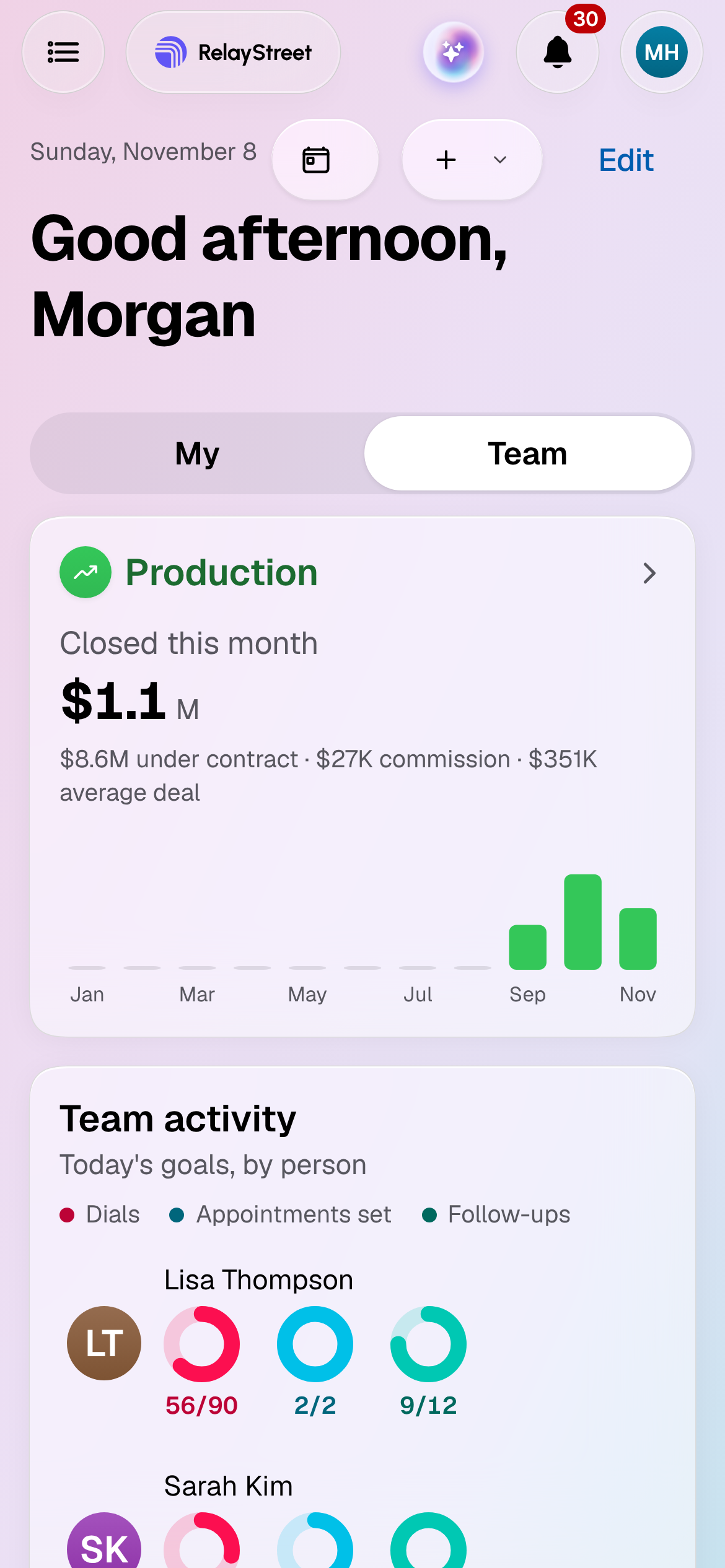
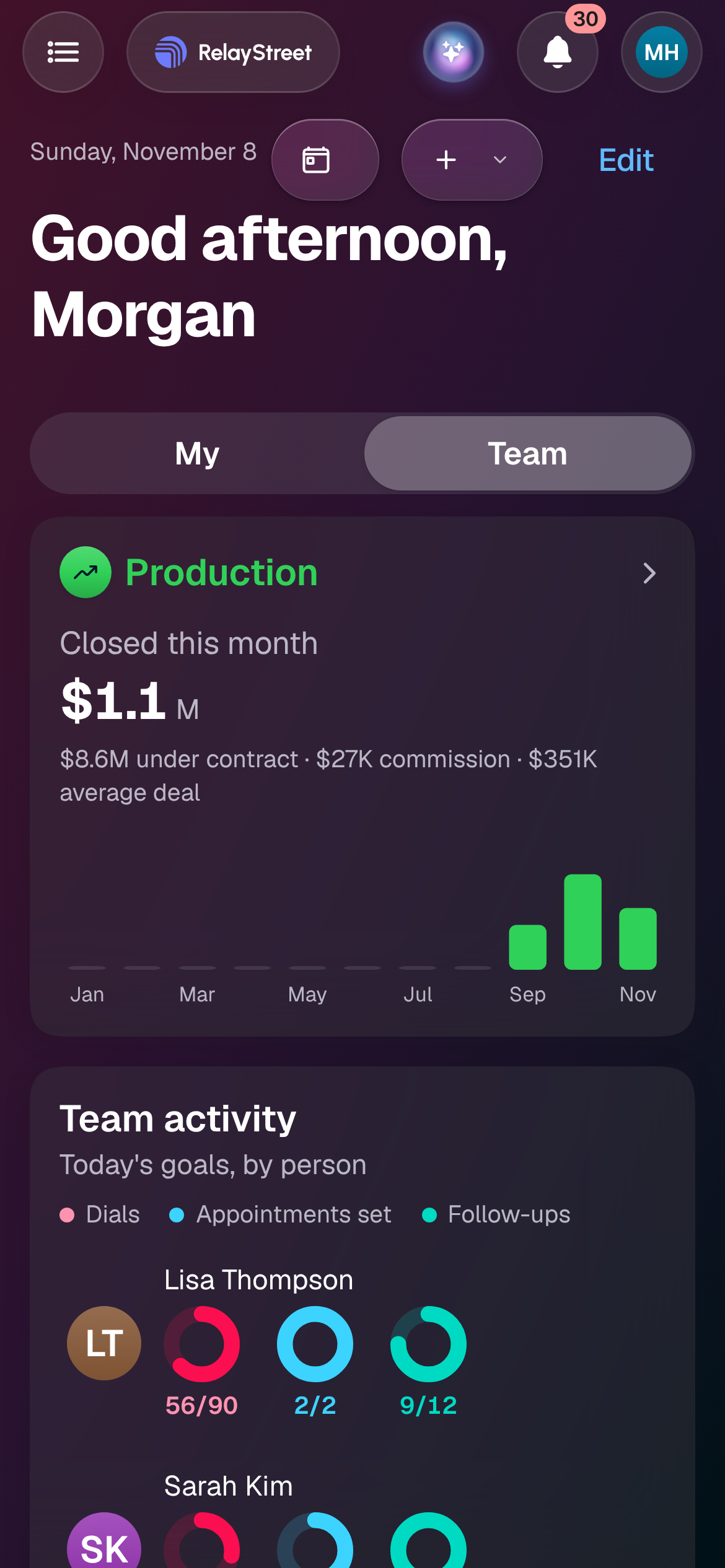
iPhone
Your day in one hand, between showings
- Today, Inbox, Contacts and Schedule in the tab bar, everything else under More
- Calls ring on the iPhone call screen, with the lead’s name on caller ID
- Answer, decline or reply to a call from the notification
- A missed call comes with Call back
iPad
The kitchen table office, with room to read
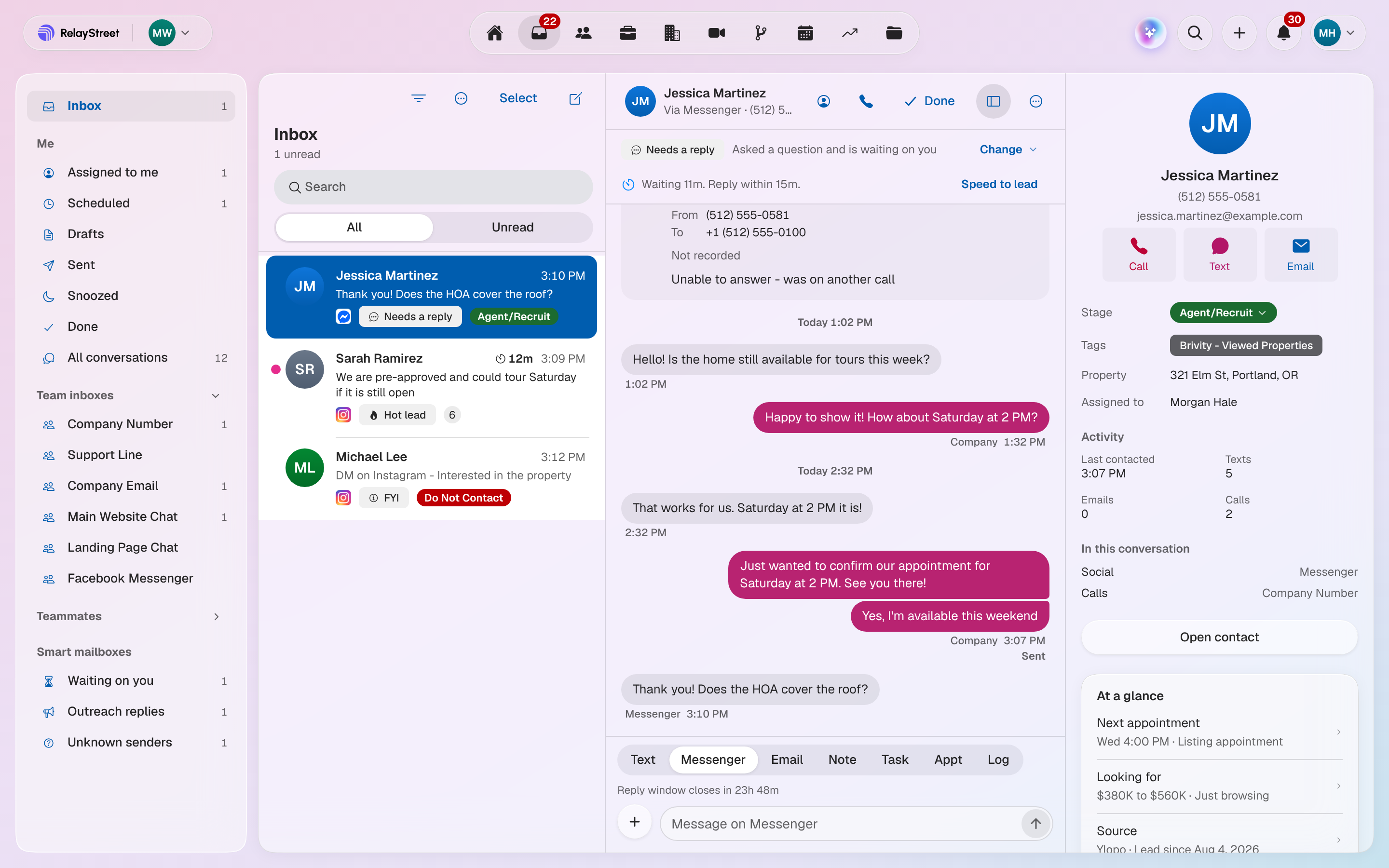
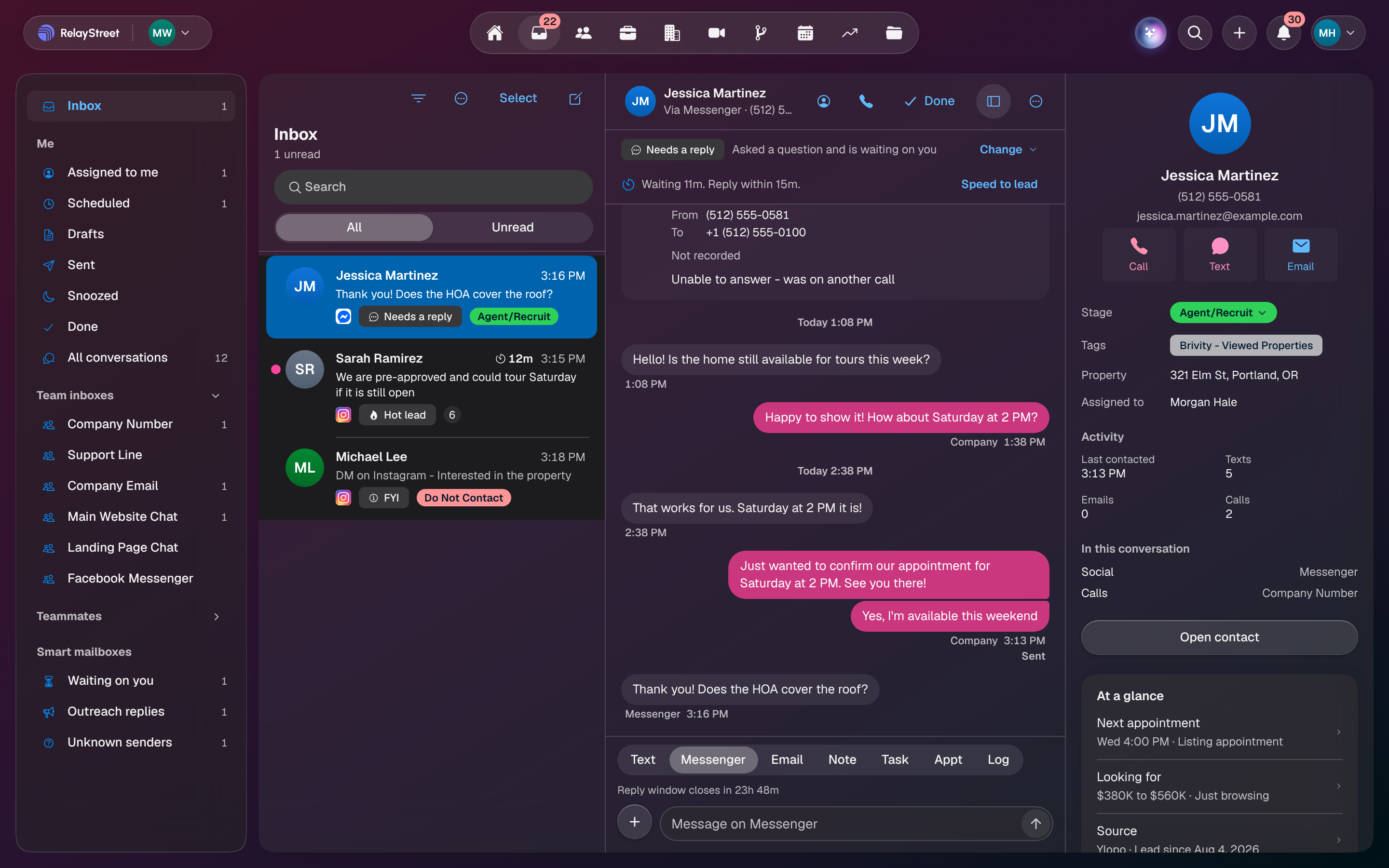
- A Mail-style split Inbox: the list on the left, the thread on the right
- In landscape, the dialer sits in a side pane while you call
- The same records and the same order as your phone
Mac
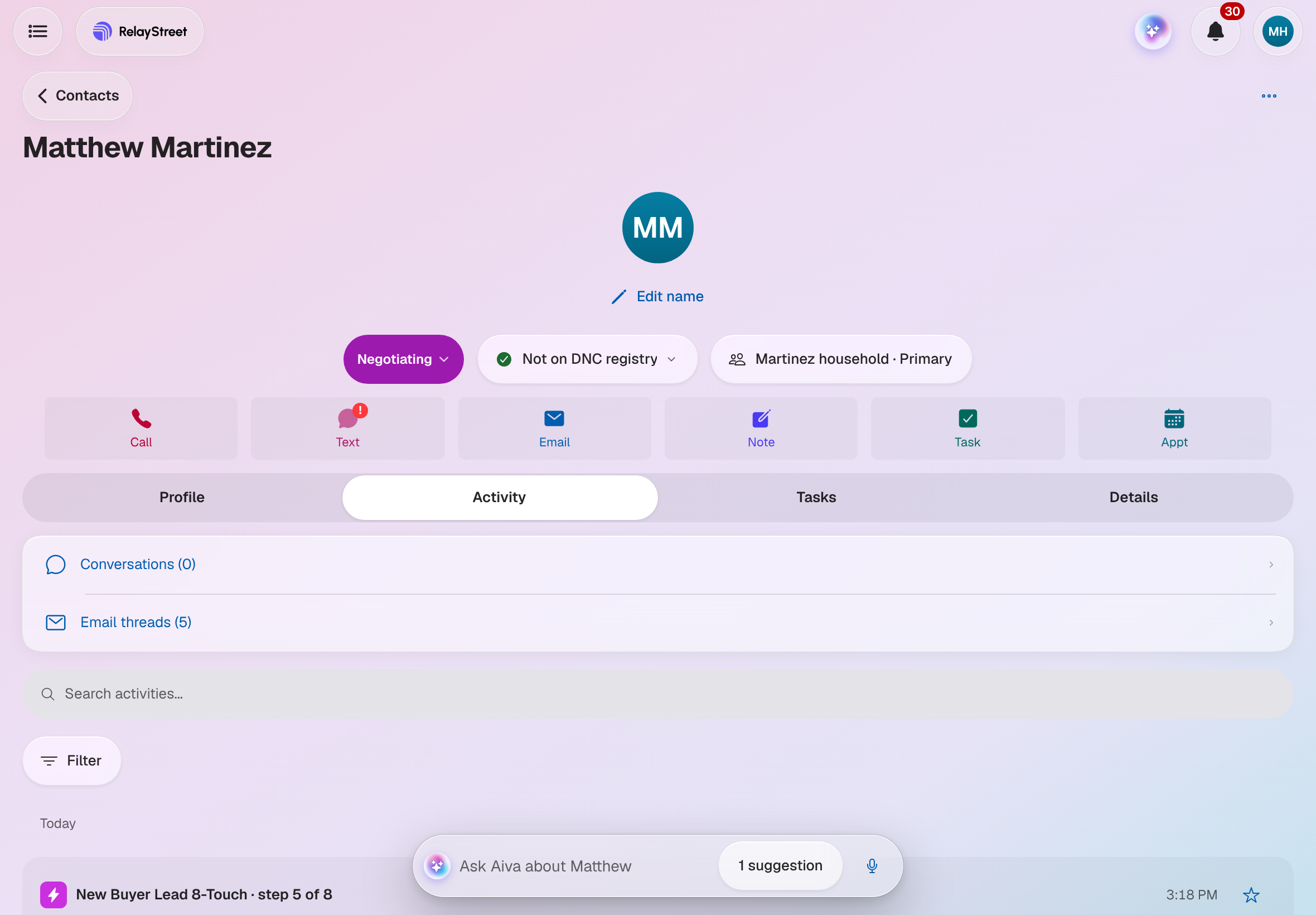
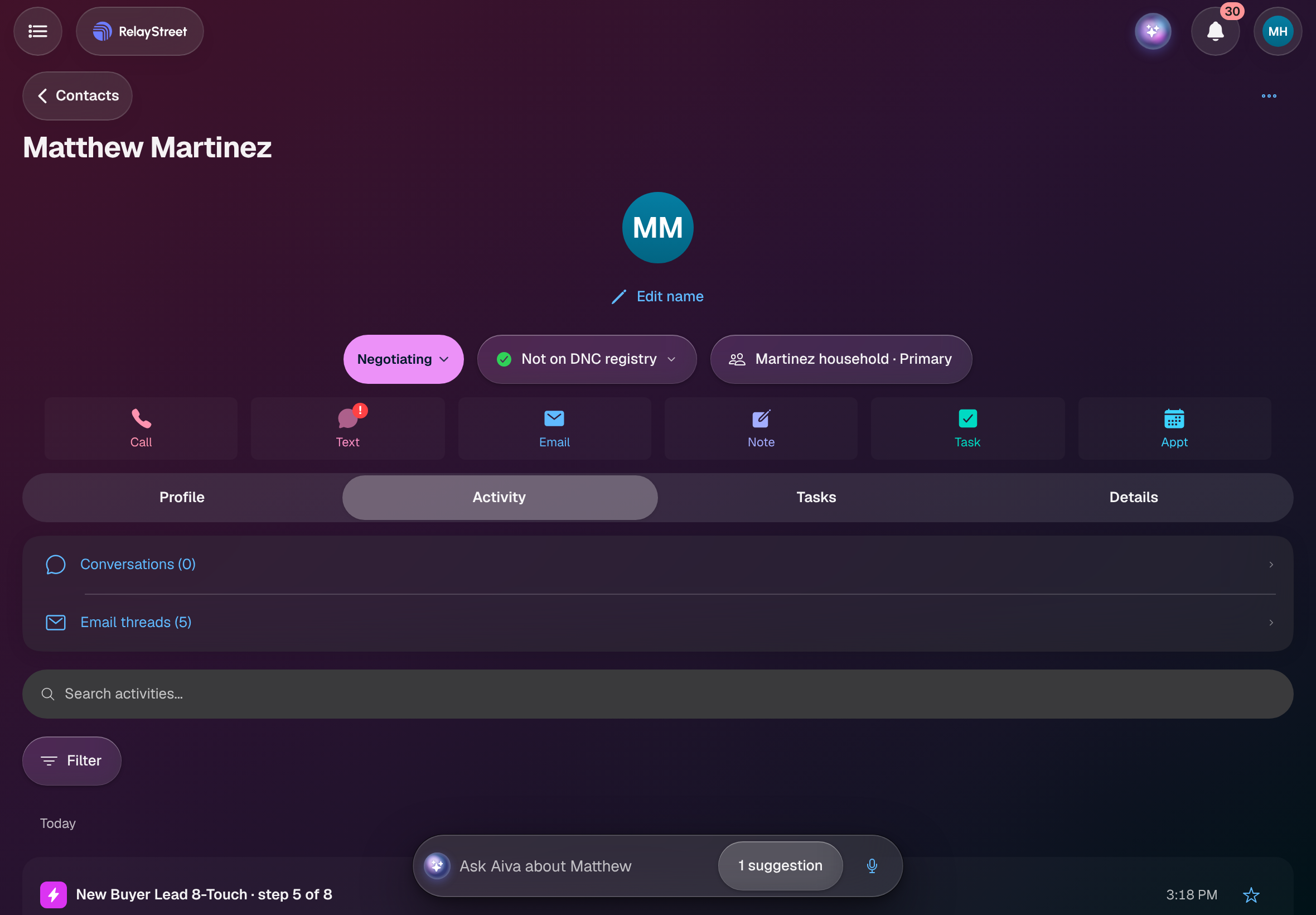
A real Mac app for the long desk days
- Native macOS, drawing the full desktop layout in a Mac window
- A Mac menu bar with Settings, File, Go and Help
- Command-N for a new contact and Command-comma for Settings
- Calls use the system call screen, like on iPhone
Android
Built for Android phones, tablets and foldables
- Written in Kotlin and Jetpack Compose for Android
- Calls run through Android’s own call handling, with a live timer and Hang up
- A missed call comes with Message, so you can text back from the notification
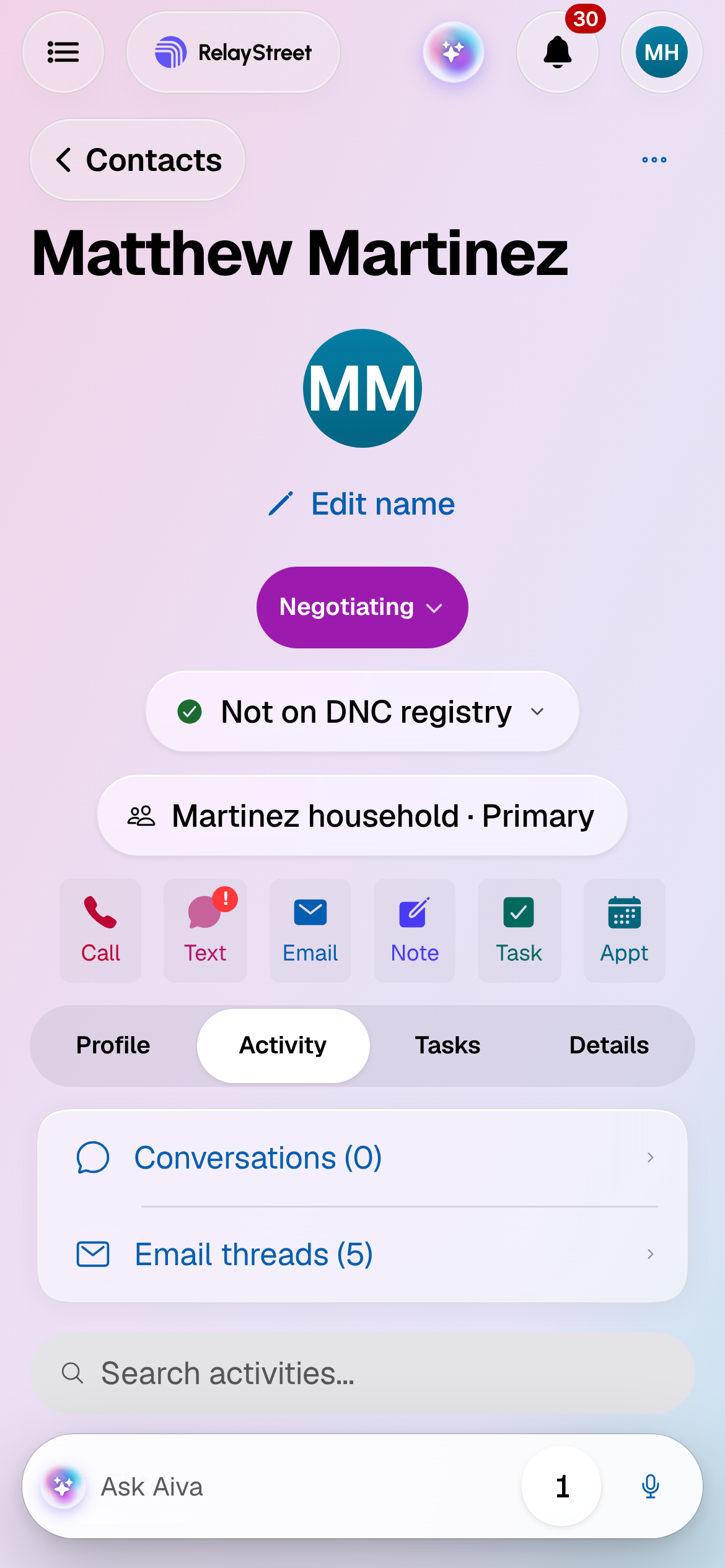
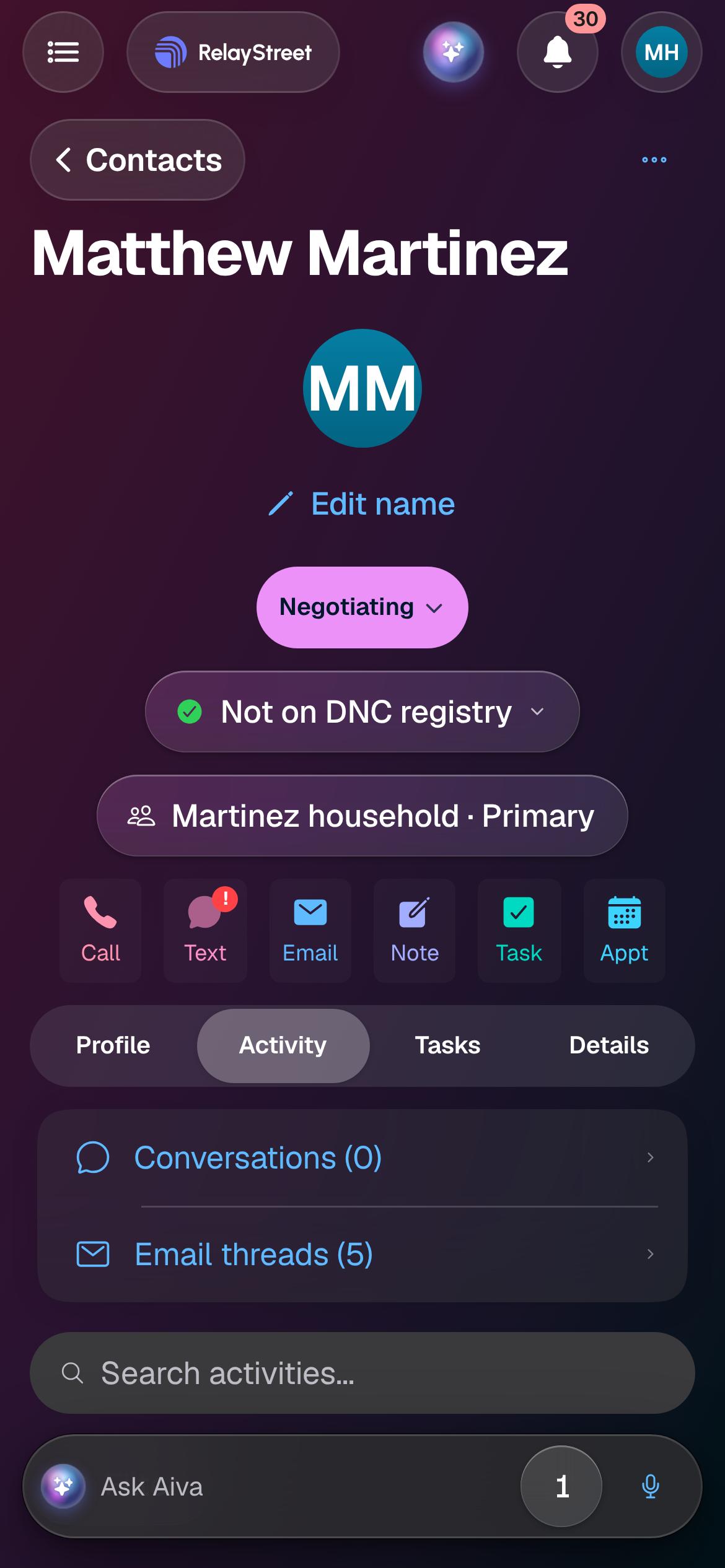
Web
Any browser, sized to the screen you have
- Desktop, tablet and phone layouts, picked by the window’s width
- Command-K or Control-K to search everything
- Command-apostrophe to open your assistant
- Billing and plan changes live here
On every device
The same ten areas, wherever you open it
Today and Inbox
Your day, and every text, email and call in one list.
Contacts and Schedule
Every person with their whole timeline, and your calendar.
Transactions and Properties
Your deals and the homes behind them.
Marketing and Workflows
Campaigns, social posts and the Smart Plans that run themselves.
Performance and Files
Your numbers and your team’s, and every document on its record.
One product
The web sets the rules and each app follows them at its own size.
The native apps reach testers through TestFlight today. Store links come at launch.
App questions
Where do I download the apps?
The web app works in any browser today. The iPhone, iPad and Mac apps are in testing now, with Android to follow. The store links go on this page when each one is released.
Is it the same app everywhere?
Yes. One product definition covers all five, with the same ten areas, from Today to Files. The web leads and the native apps copy it at their size.
Why does the iPad look like the phone?
On purpose. Tablets use the phone layout, with a few wider screens such as the split Inbox and the dialer side pane.
Is the Mac app a web page in a window?
No. It is a native macOS app built in SwiftUI with the iPhone and iPad app, not an iPad app running on a Mac.
Can I change my plan in the app?
The apps show your plan and usage and link to the web for changes, because of App Store and Play Store purchase rules.