Organize
Run your whole business from one place
Every lead lands in Contacts with its source. Routing hands it to the right person. The call, the showing, the offer and the file all sit on the same record, on your phone, Mac and browser.
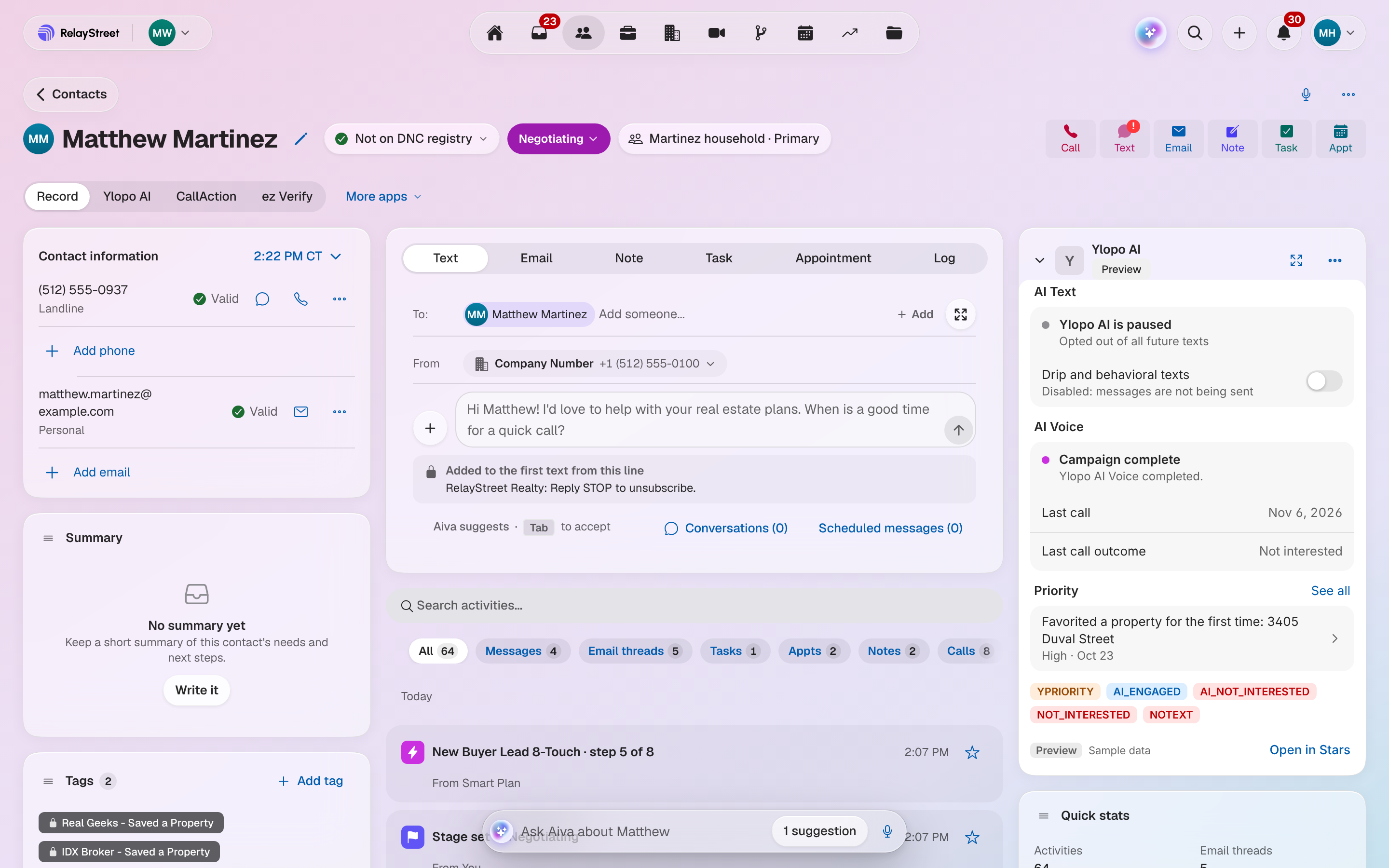
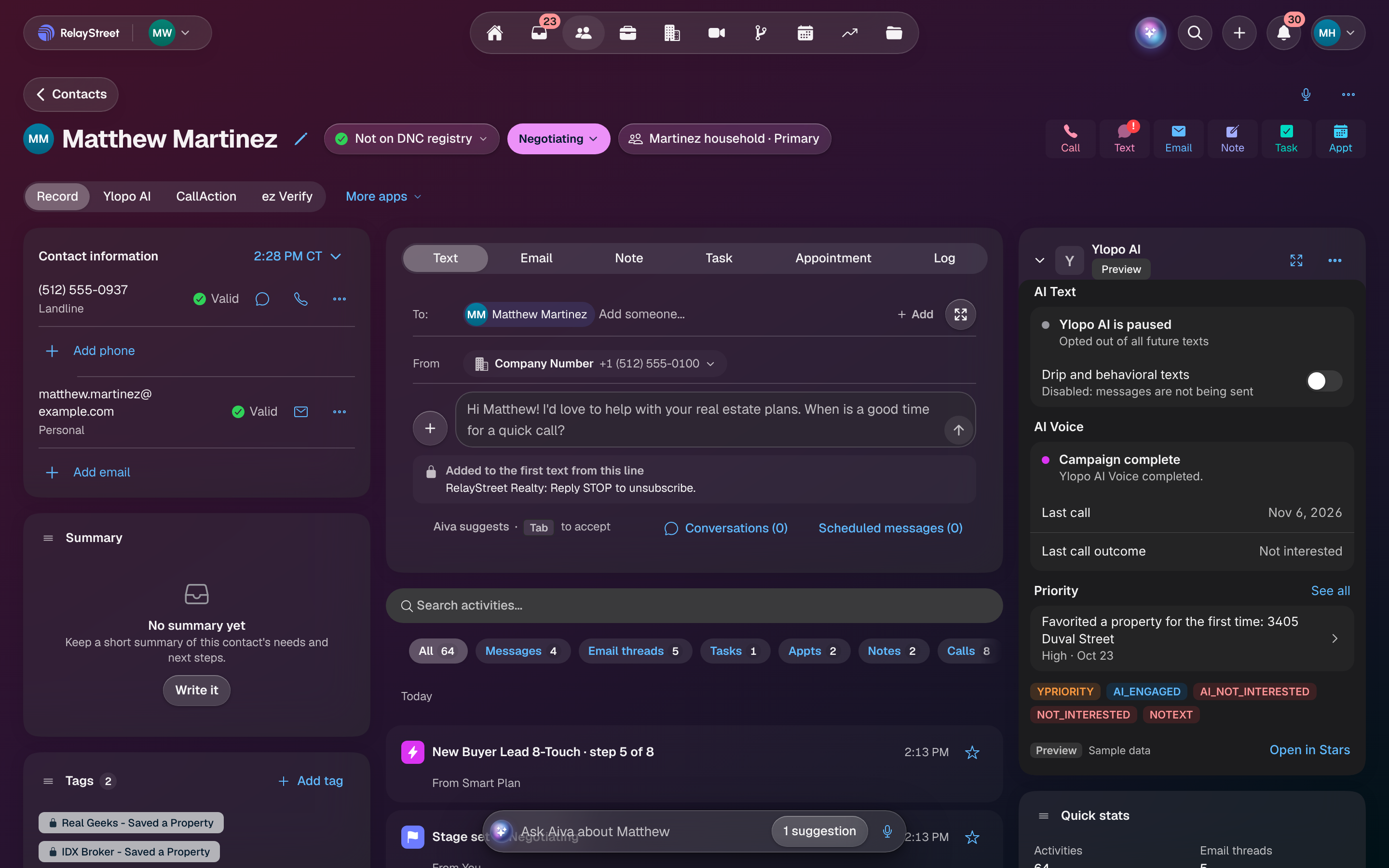
Every new lead has a person on it in seconds
Leads come in from your lead sites, your email and your own pages, and each one has a person on it in seconds.
Lead sources
Bring in leads from every place they start
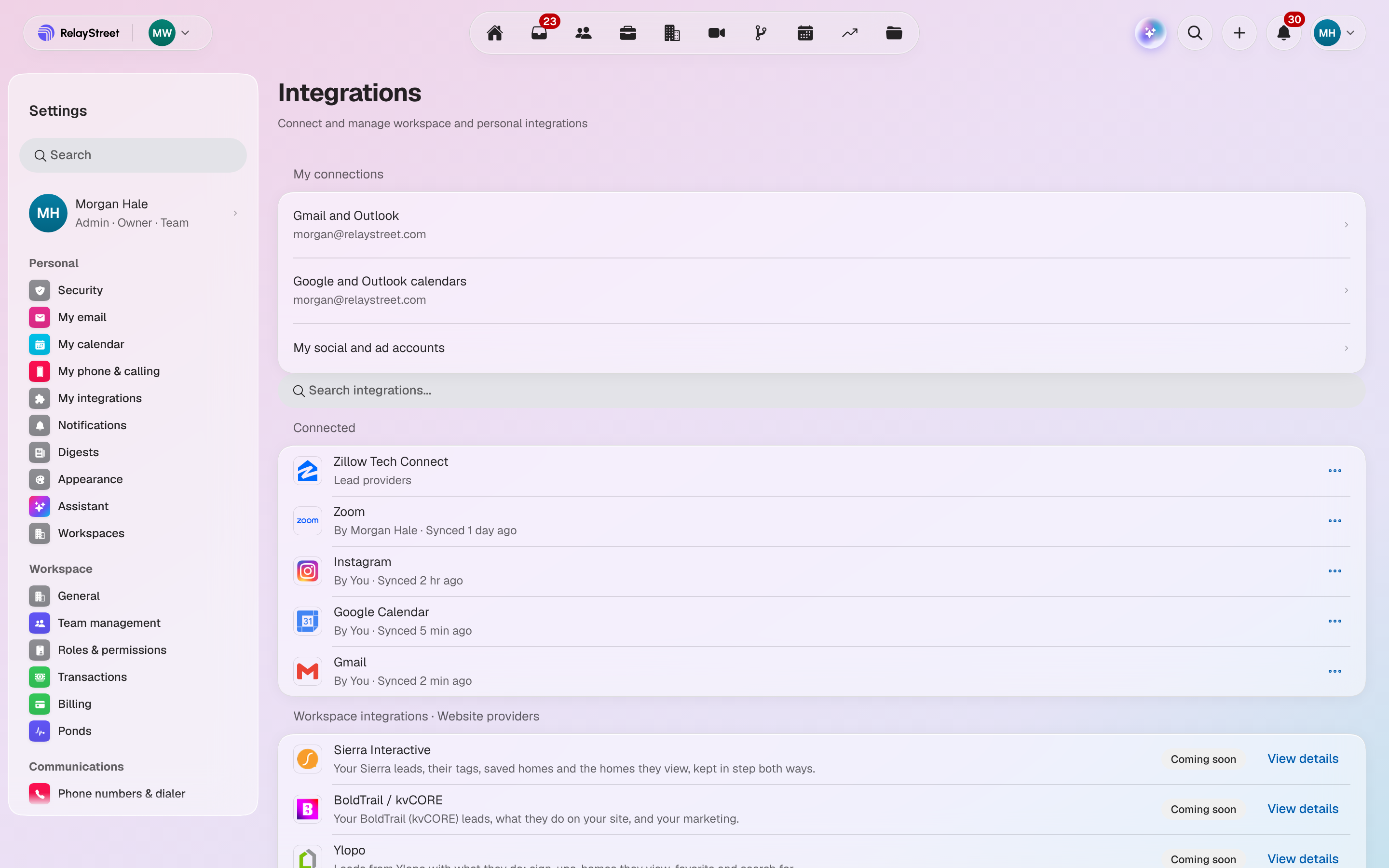
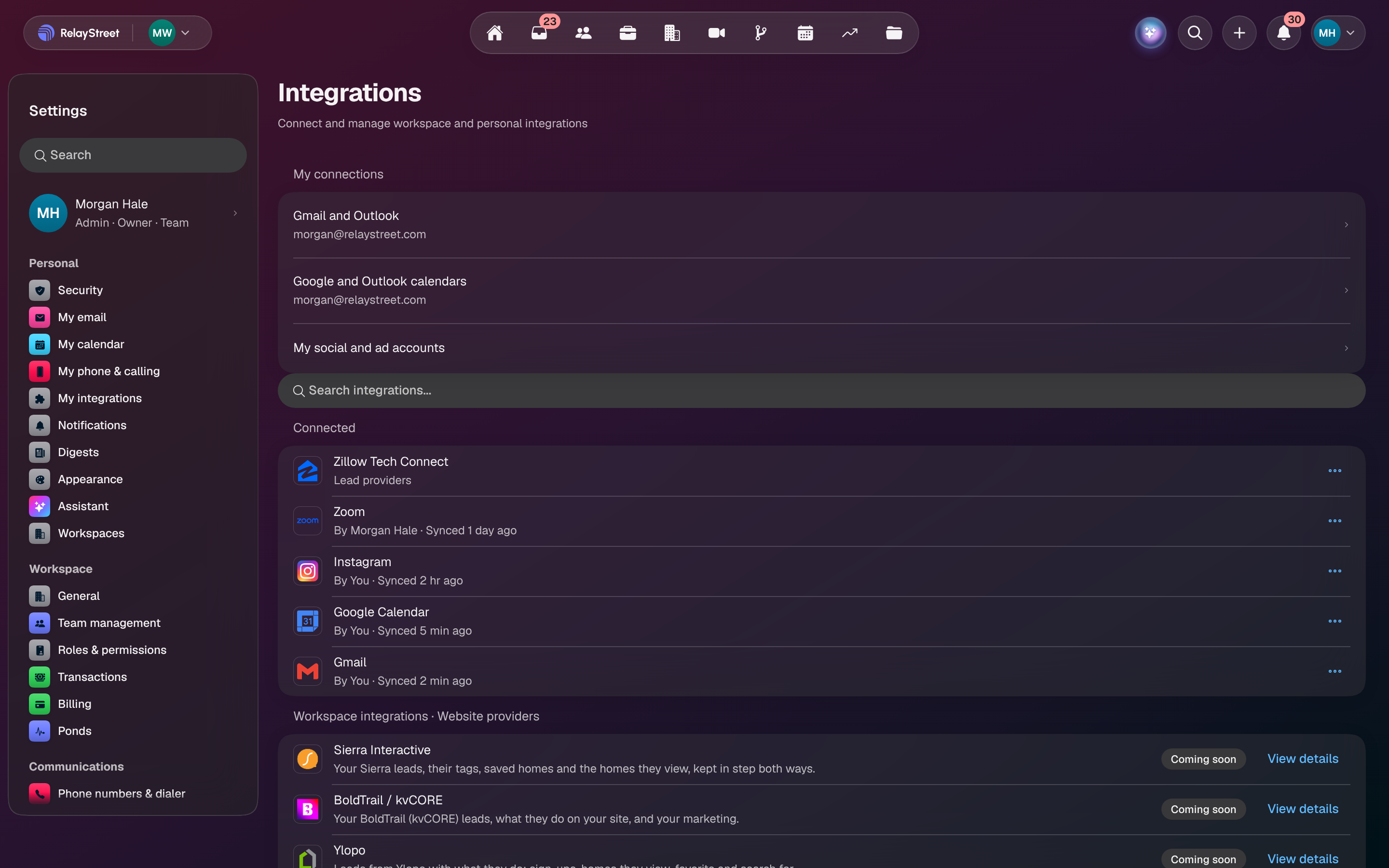
- Connect lead sites like Zillow, and your Gmail and Google Calendar
- A personal lead email: forward a lead notification and it’s assigned to you
- Each lead keeps its source, campaign and landing page details
- Put in what a source costs you, and see cost per lead and per closing
Lead routing
Get every lead to the right person
- Round robin, claim rotation, first to claim, or straight to a pond
- Rules by source, area, price or time of day; the first match wins
- A response timeout passes the lead on if nobody picks it up
- Test a rule on a lead before it goes live; a test never moves anyone
Ponds
Let your team claim the leads that went quiet
- Shared groups of leads anyone on the team can start working
- Claim rules: a call, a text or a note before a lead is yours
- A working limit and a claim timeout keep the pond moving
- See who claimed, returned and timed out, agent by agent
Sites and forms
Turn your own pages into leads
- Property sites, your agent site, open house and home value pages
- Forms record consent per channel, with the time and the wording they saw
- Site visits and form answers show on the person’s timeline
- Everything a page collects lands in Contacts
One record, one calendar and one library for the whole team
One record per person, one calendar for the team and one library for every file.
One timeline
See every call, text, email and visit on one record
- Text, email, note, task, appointment or call log from the same box
- Filter the timeline to messages, calls, notes or website visits
- Calls show their outcome and length; appointments show how they went
- Pin the note that matters to the top
Working together
Hand off a lead without losing the thread
- @mention a teammate in an internal note; the contact never sees it
- Reassign and keep the first agent on as a collaborator
- Share a Smart List with the whole workspace
- Choose what your team sees on your calendar: busy, titles or details
Schedule
Keep your week in one calendar
- Appointments, tasks, deal deadlines and blocked time together
- Type “buyer consultation Thursday 3pm at 444 Lake View” and it fills in
- Log the outcome: signed, no-show or rescheduled, with the follow-up made for you
- Day, week, month or a list
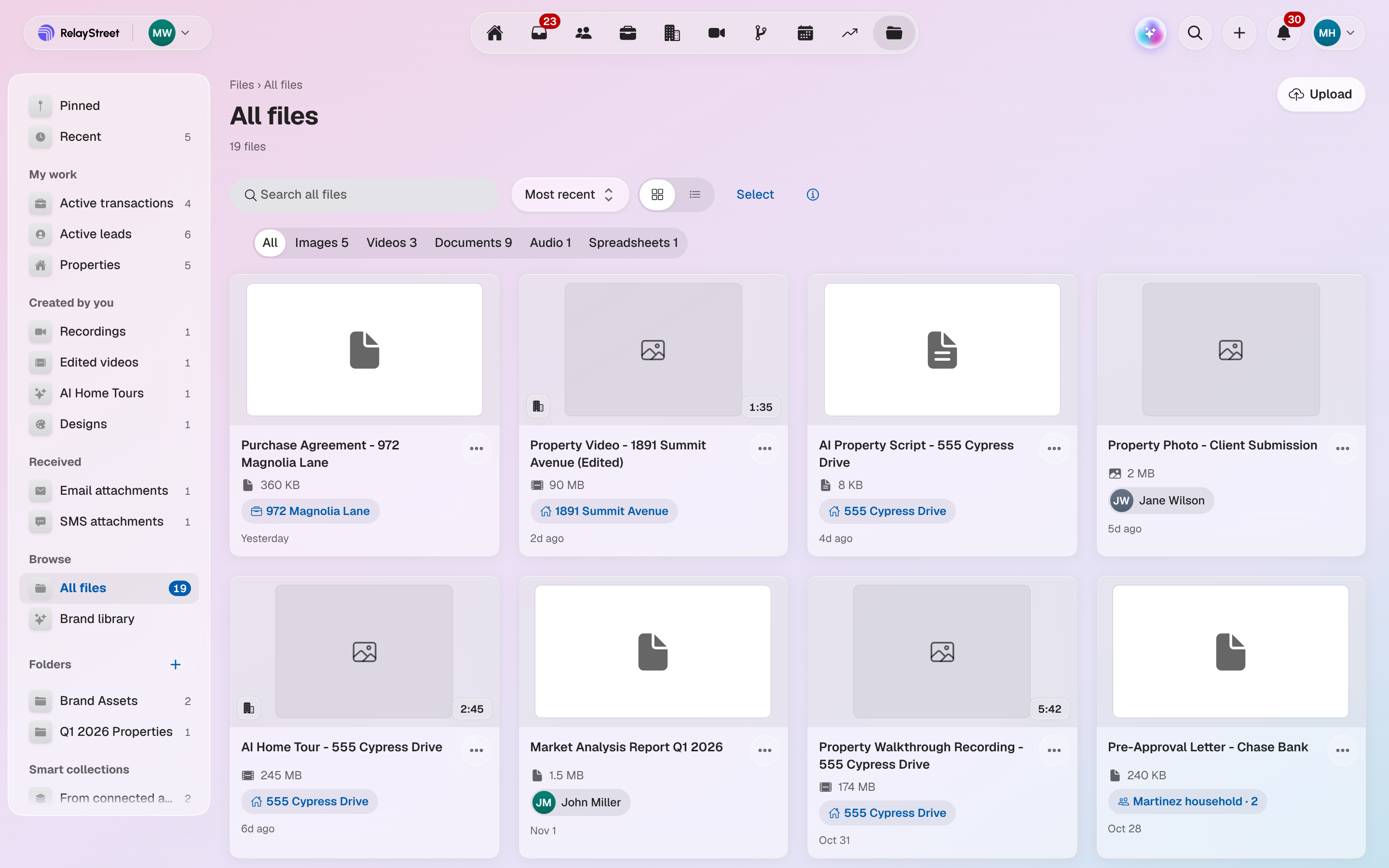
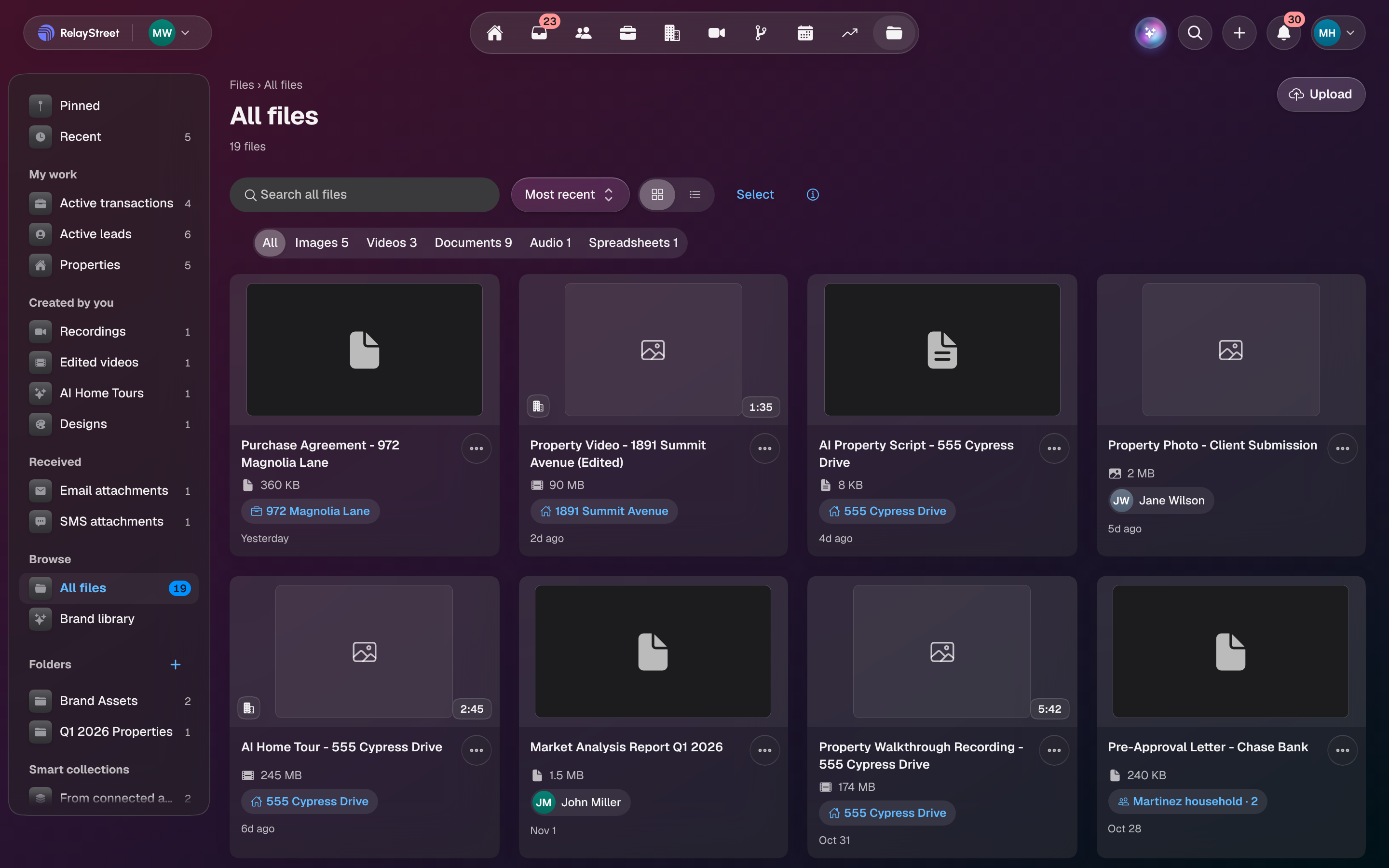
Files
Find any file from the contact, the deal or the property
- Uploads, recordings, designs and attachments in one library
- Linked to the contact, the property and the transaction
- Quick Look without downloading
- Share by link with an expiry and a download limit
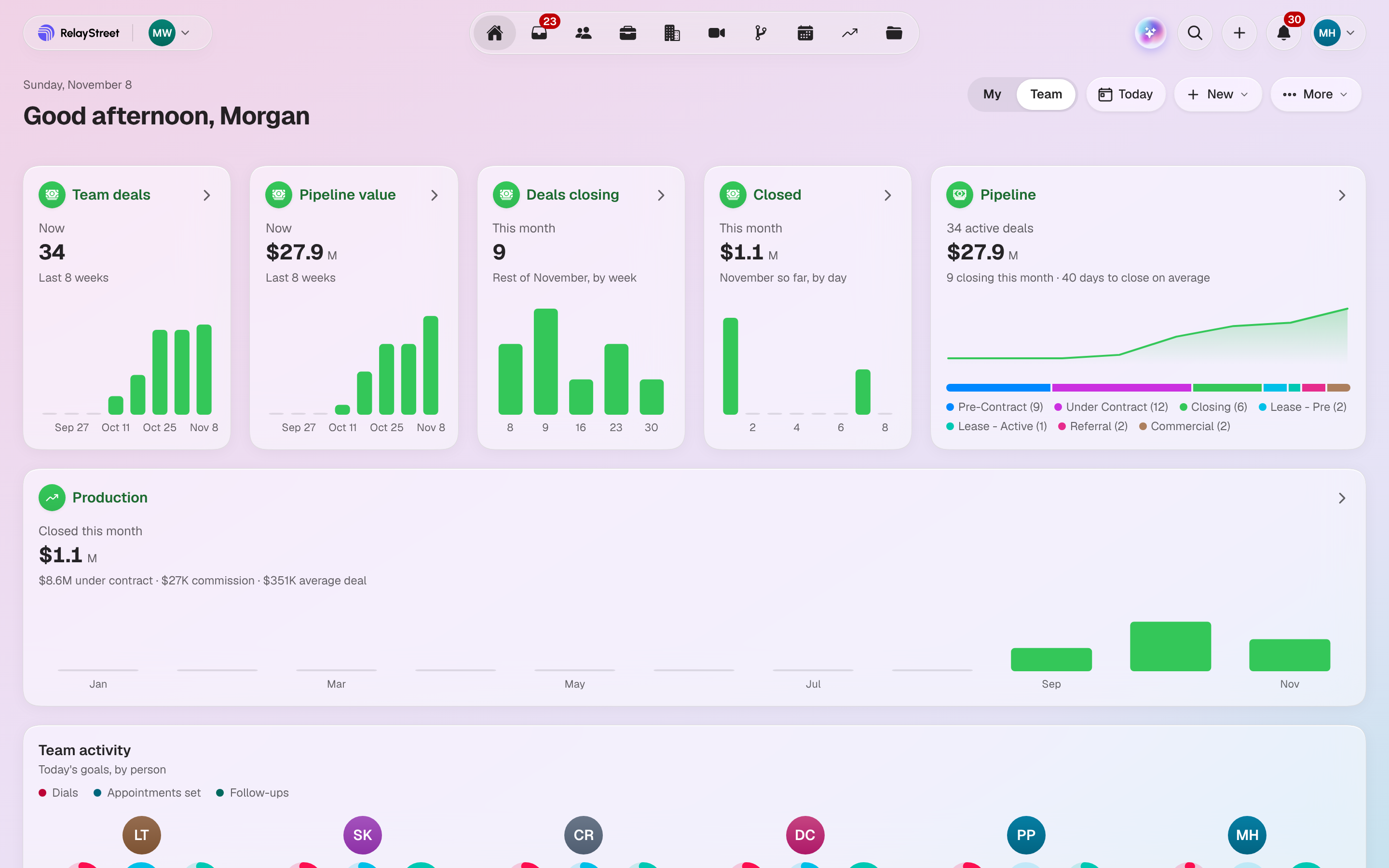
See your whole business at a glance
Your pipeline, your numbers and your day, on whichever device is in your hand.
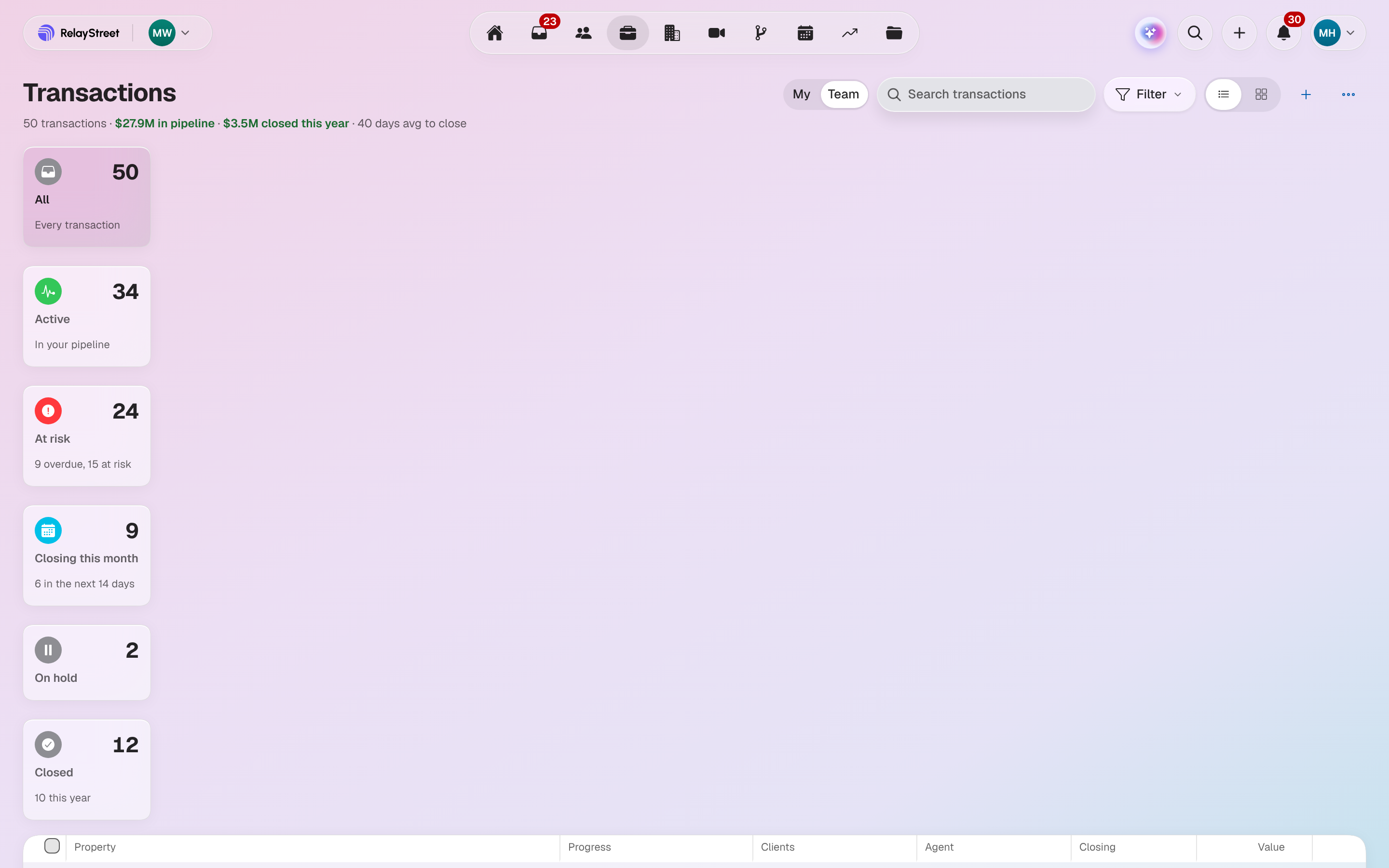
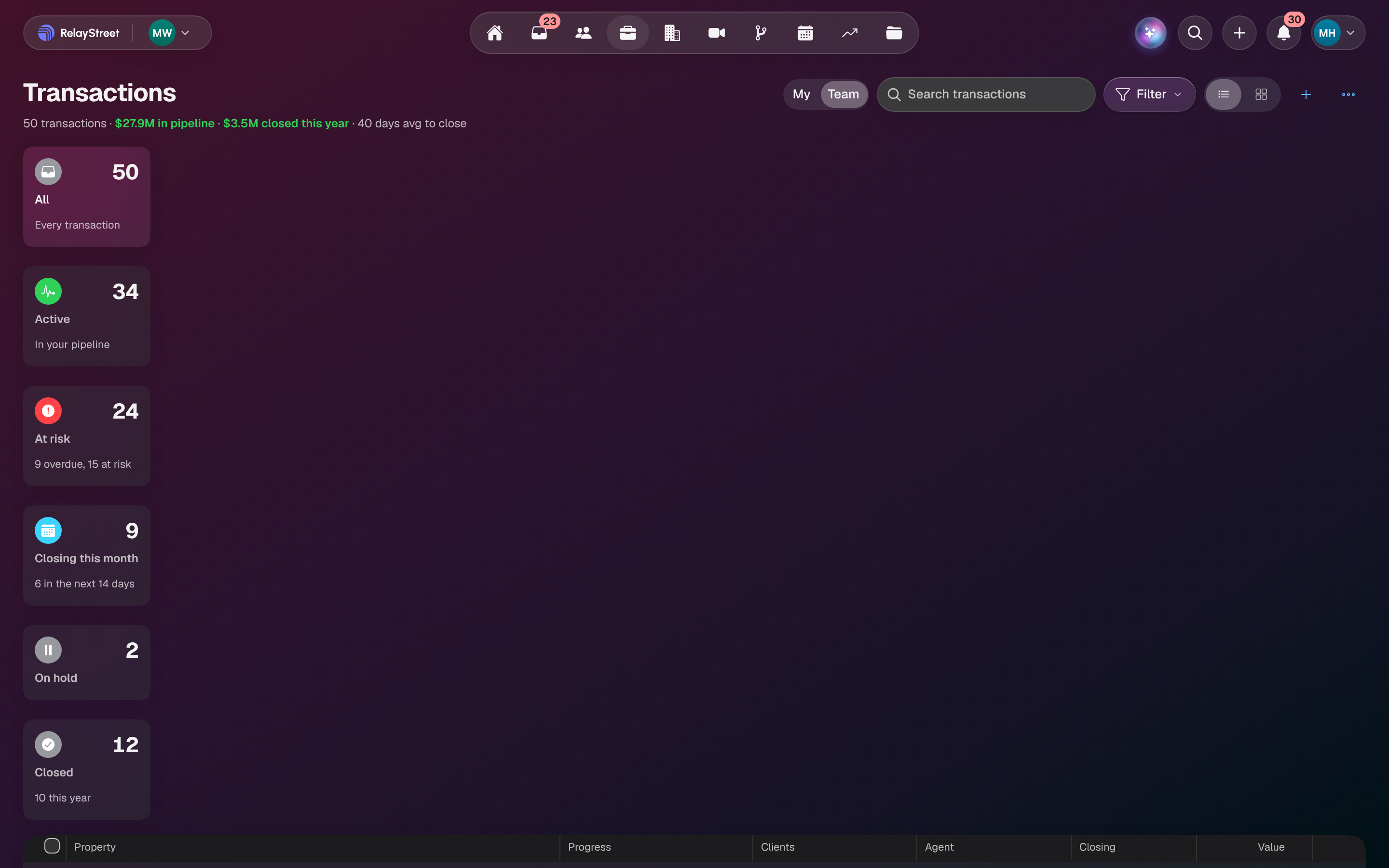
Transactions
Track every deal from offer to close
- A board or a list, with on track, at risk and overdue at a glance
- Checklists, key dates and documents for each kind of deal
- Gross commission, splits, fees and your net, with a commission calculator
- Pipeline, closed this year and average days to close
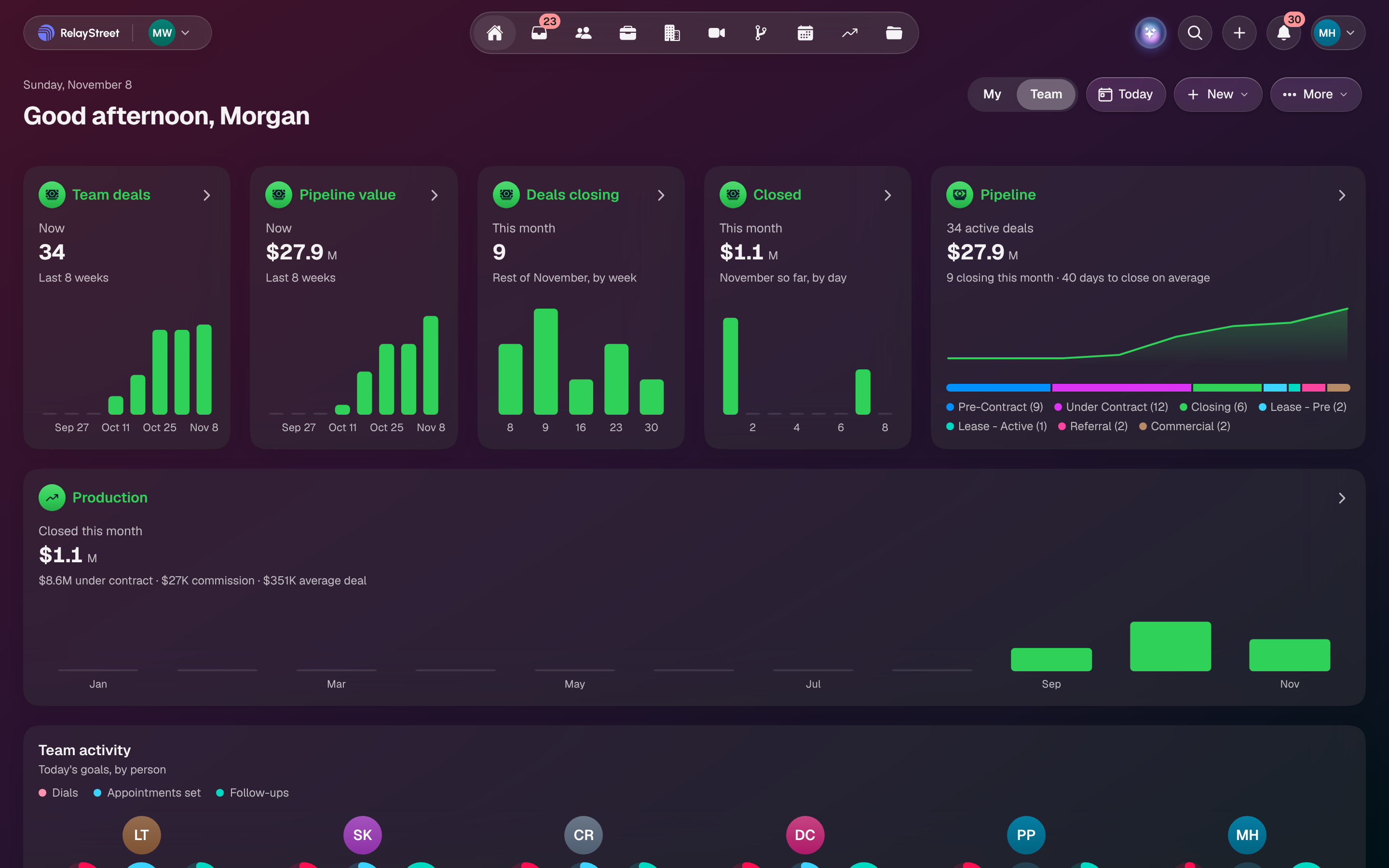
Dashboard
Open the app to the numbers that matter for your role
- Today: your game plan, your setup steps and your team
- Pipeline, appointments, new leads and closings soonest
- Lead funnel, lead sources and a commission forecast for brokers
- Rearrange the cards, or start from one of ten layouts
Apps
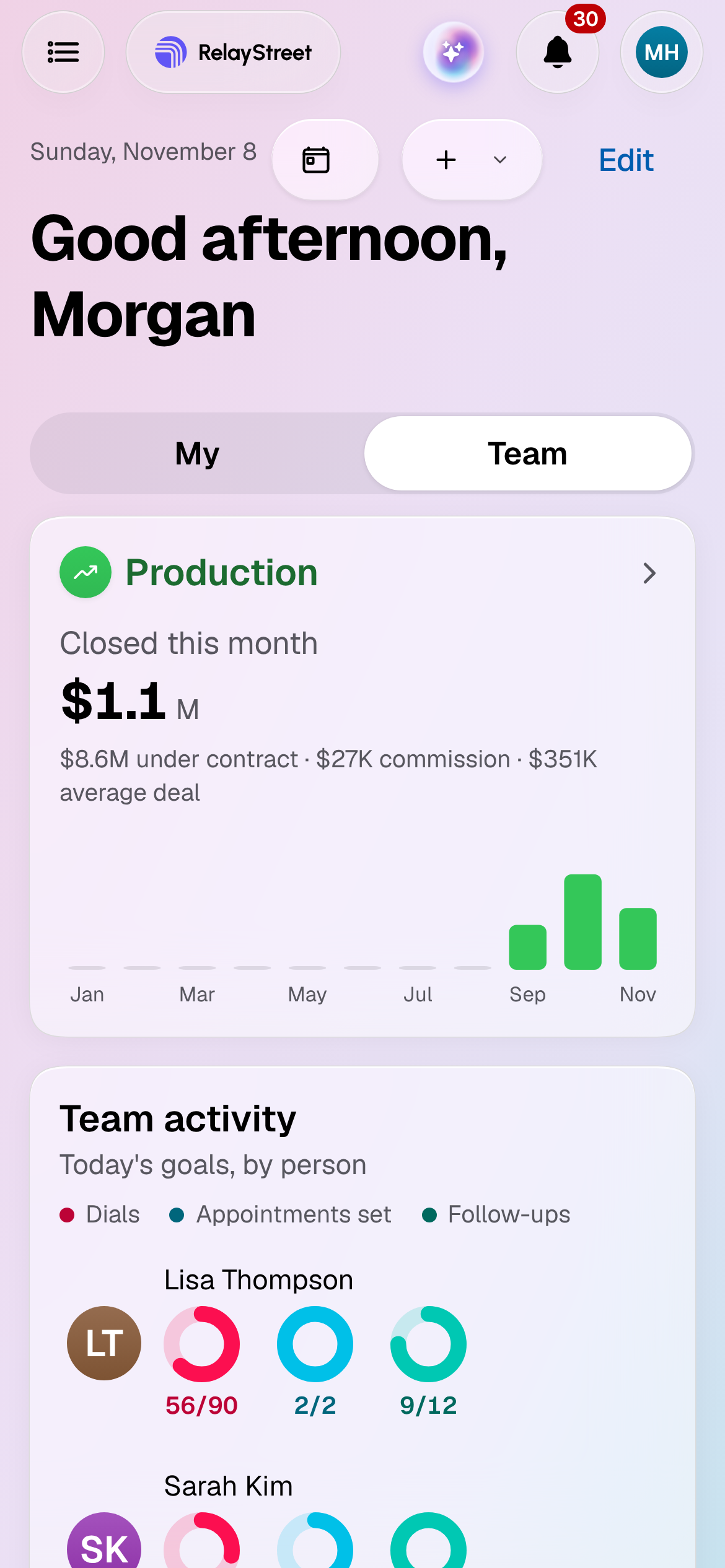
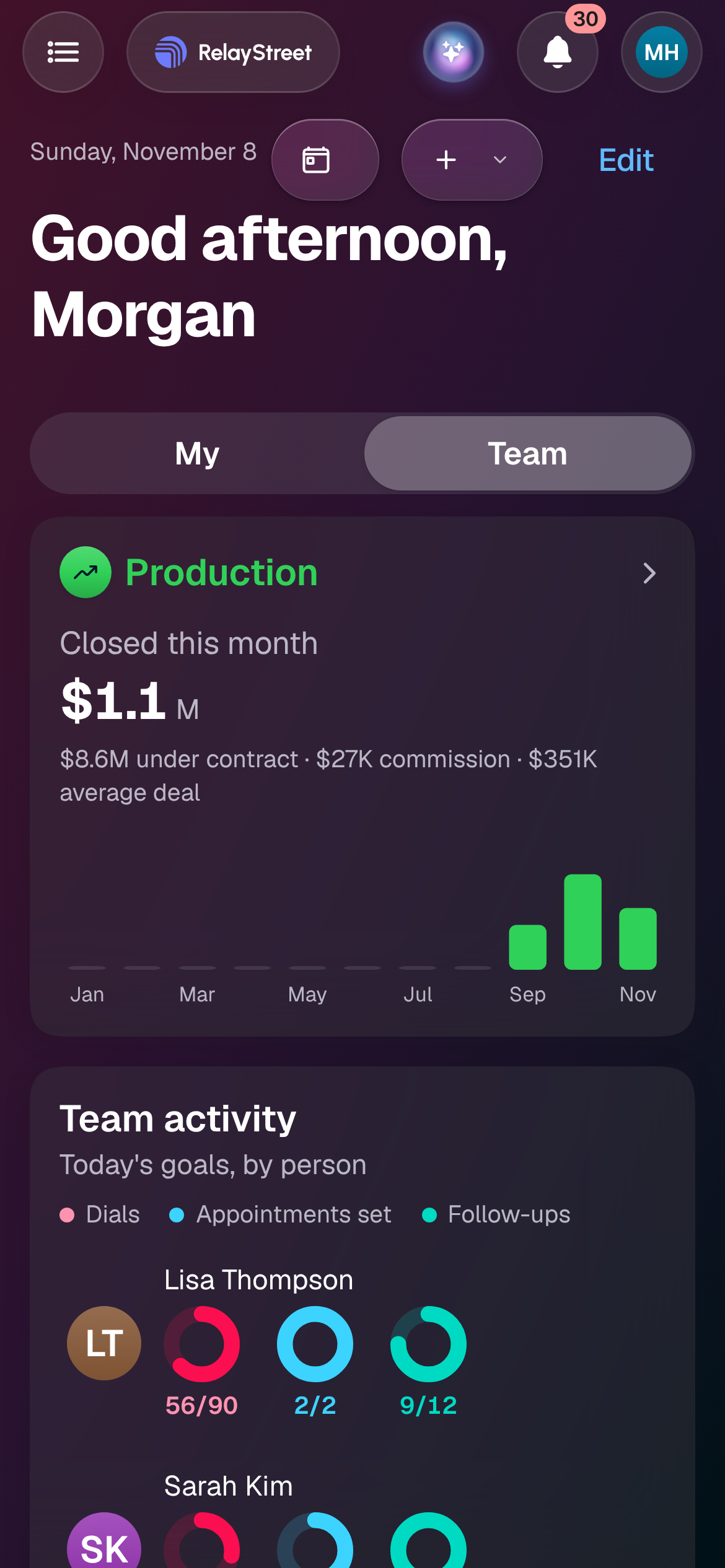
Carry the whole business in your pocket
- The same RelayStreet on iPhone, iPad, Mac, Android and the web
- Today, Inbox, Contacts and Schedule one tap away on the phone
- Calls, reminders and availability that use the phone itself
- A native Mac app, with Command-K to find anything
How it works
From lead to closing, on one record
A lead arrives
From a lead site, your lead email or your own form, with its source attached.
Routing assigns it
The first rule that matches picks the agent or the pond.
Everyone works it
Calls, texts, notes and appointments build one timeline.
It becomes a deal
A signed outcome starts the transaction, with its checklist and dates.
Where it stands
What’s built, and what’s next
The plain list for this page, from the product specs as they stand today.
Built
- Contacts, routing, ponds, Schedule, Transactions, Files and the Dashboard as screens on web, iPhone, iPad, Mac and Android
- Server routes for routing rules, tags, stages, Smart Lists, notes, tasks, appointments and transactions
- Zillow, Zoom, Google Analytics, Instagram, Facebook, Google Calendar and Gmail connections on web
Next
- Two-way Google and Outlook calendar sync
- Files on web against the server (today it’s sample data)
- The client portal and e-signature sending for transactions
- The phone apps in the App Store and Google Play
Questions
What happens to a lead that no rule matches?
Every workspace has a catch-all rule that runs last, and a default agent who gets the lead if nobody in the rotation is available.
Can agents see each other’s leads?
That depends on their role. Owners, admins, brokers, team leads and sales managers see every contact by default; agents see their own.
Does it work on my phone?
Yes. RelayStreet runs on iPhone, iPad, Mac, Android and the web, from one product, with the same contacts and calendar everywhere.
How it works