Switch to RelayStreet
Bring your CRM, and everything you built
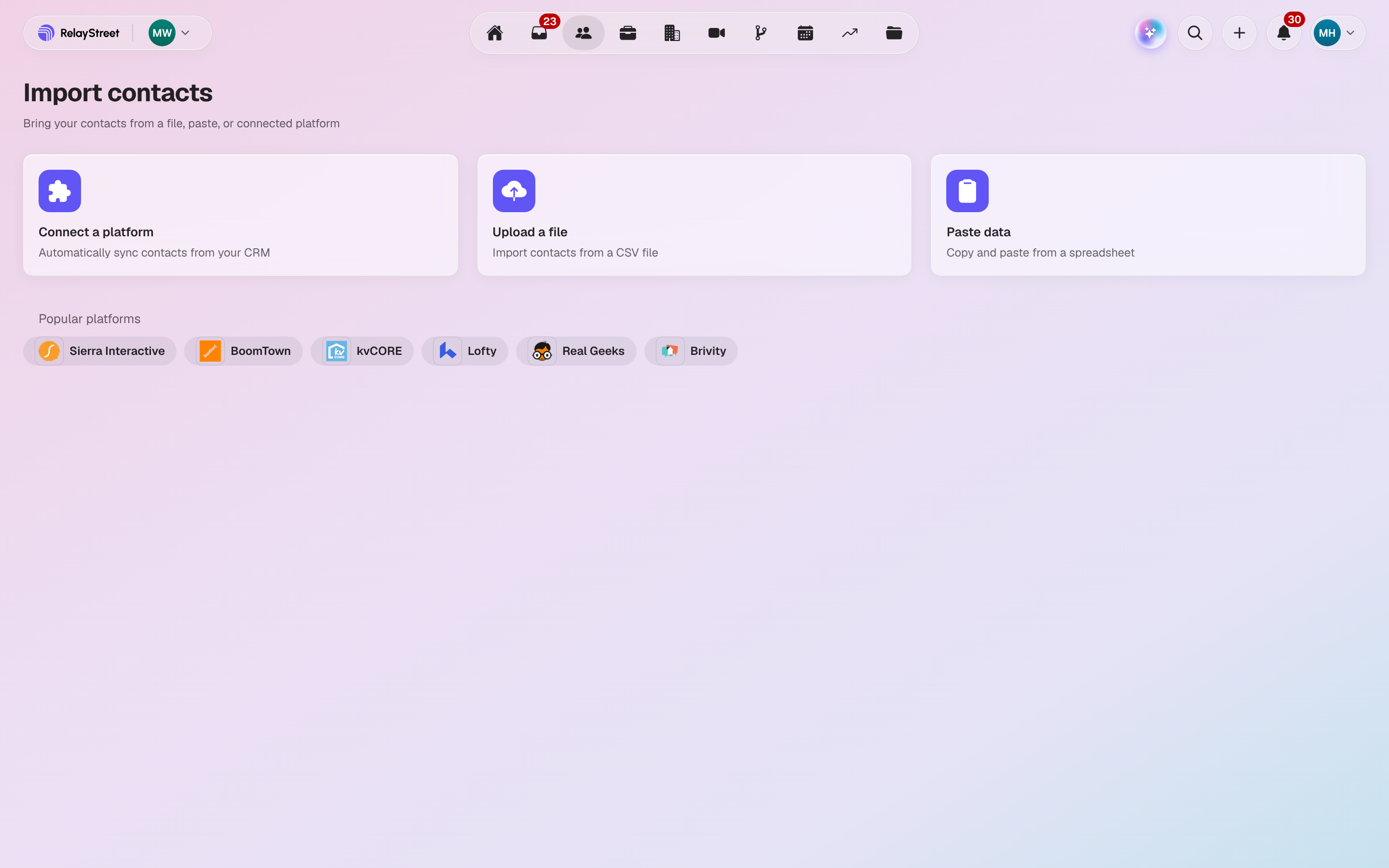
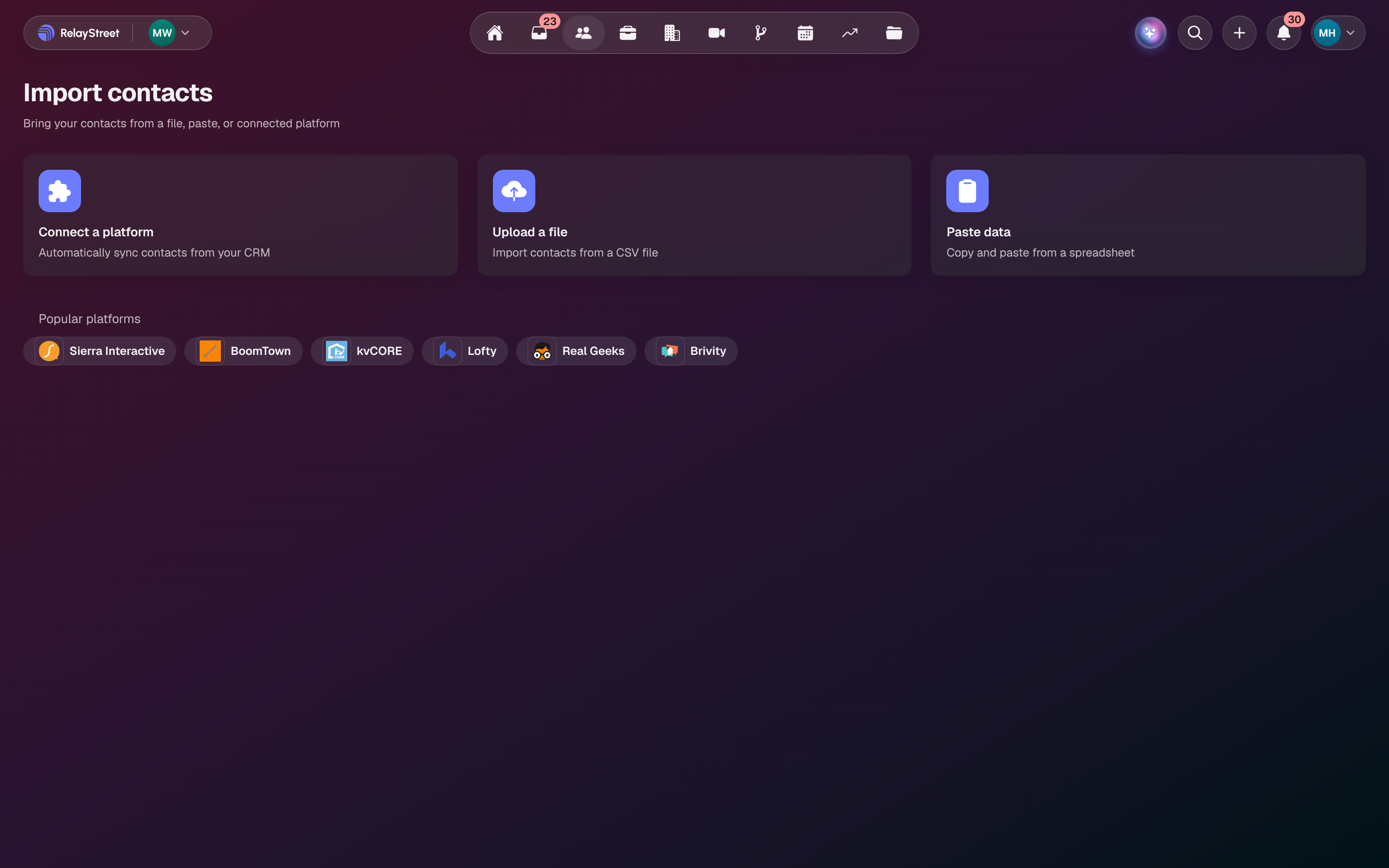
Connect Follow Up Boss, Sierra Interactive, Lofty, CINC, kvCORE or BoomTown, or bring a CSV from any CRM. You check a dry run first, and nothing changes in your old system.
The move
Seven steps, and you see each one
Most of it is reading what will happen and saying yes.
Source
Six CRMs connect directly, or a CSV from any CRM
Connect
A read-only key, a token, a sign-in or your file
Choose
Everything is on. Switch off what to leave behind
Match
Stages, fields, users, sources and ponds
Check
A dry run. Nothing is imported yet
Import
Runs in the background. Pause any time
Report
Imported, updated, merged and skipped
Your whole business
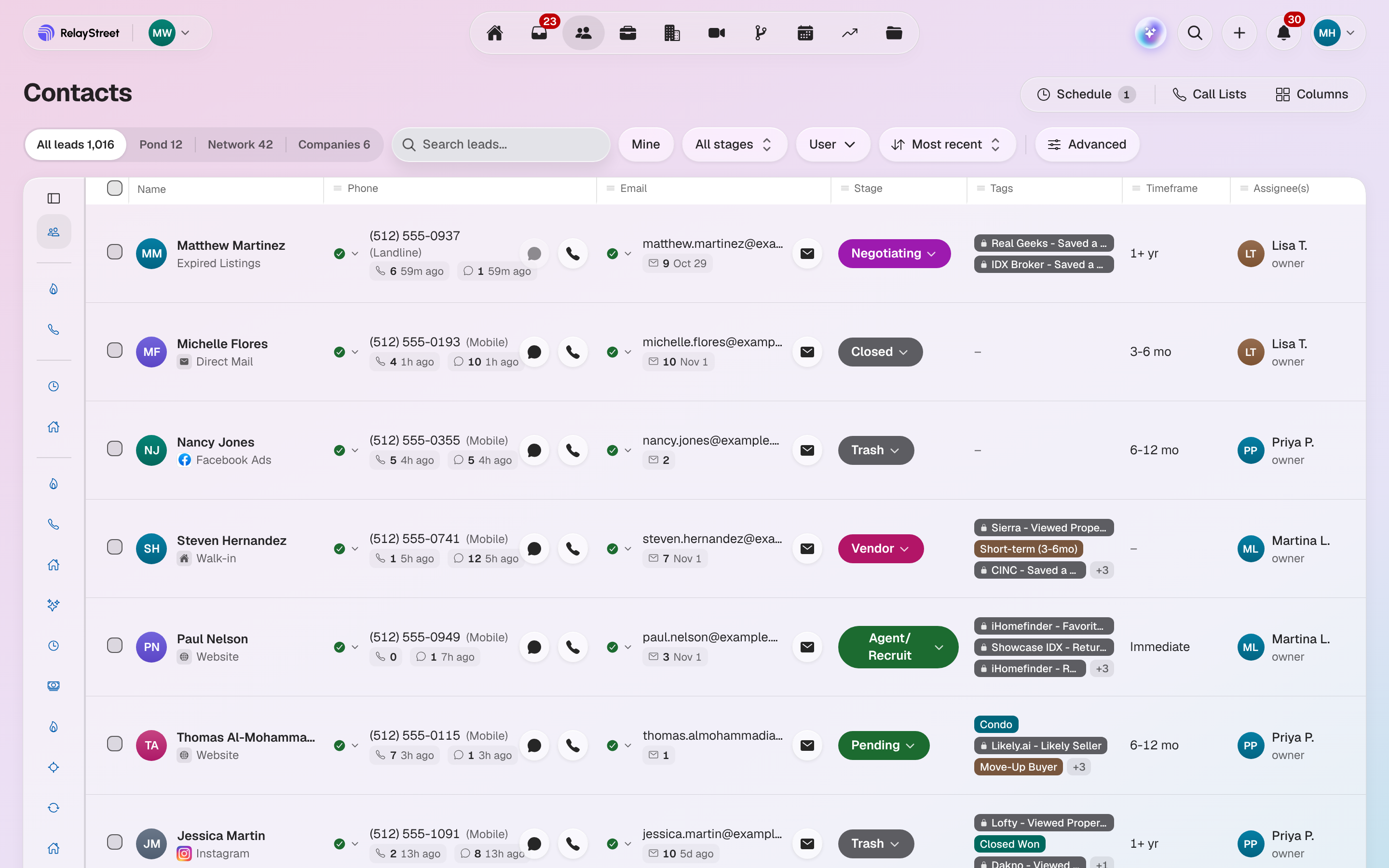
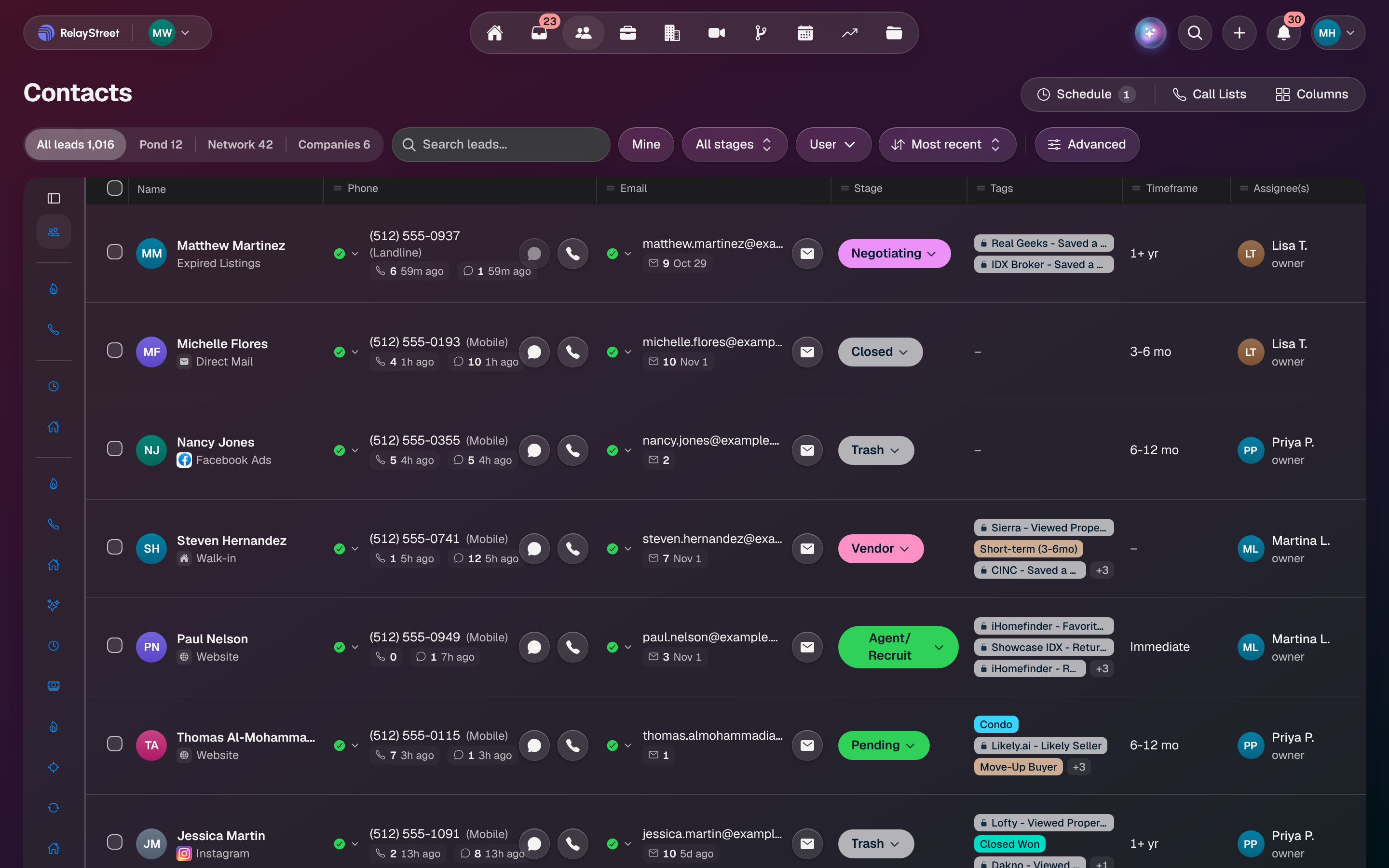
Your whole business comes across, not just the names
- People, stages, tags, custom fields, sources and ponds
- Smart Lists, with their filters rewritten to RelayStreet fields
- Notes, calls, texts, emails, tasks, appointments and deals
- Do Not Contact flags come in kept
Check first
See what will happen before anything moves
- A dry run shows what will be created, updated, skipped or is already here
- Duplicates merge by default: empty fields filled, nothing overwritten
- Or skip them, or bring them in as new people
- RelayStreet never changes anything in your old CRM
Nothing sends by surprise
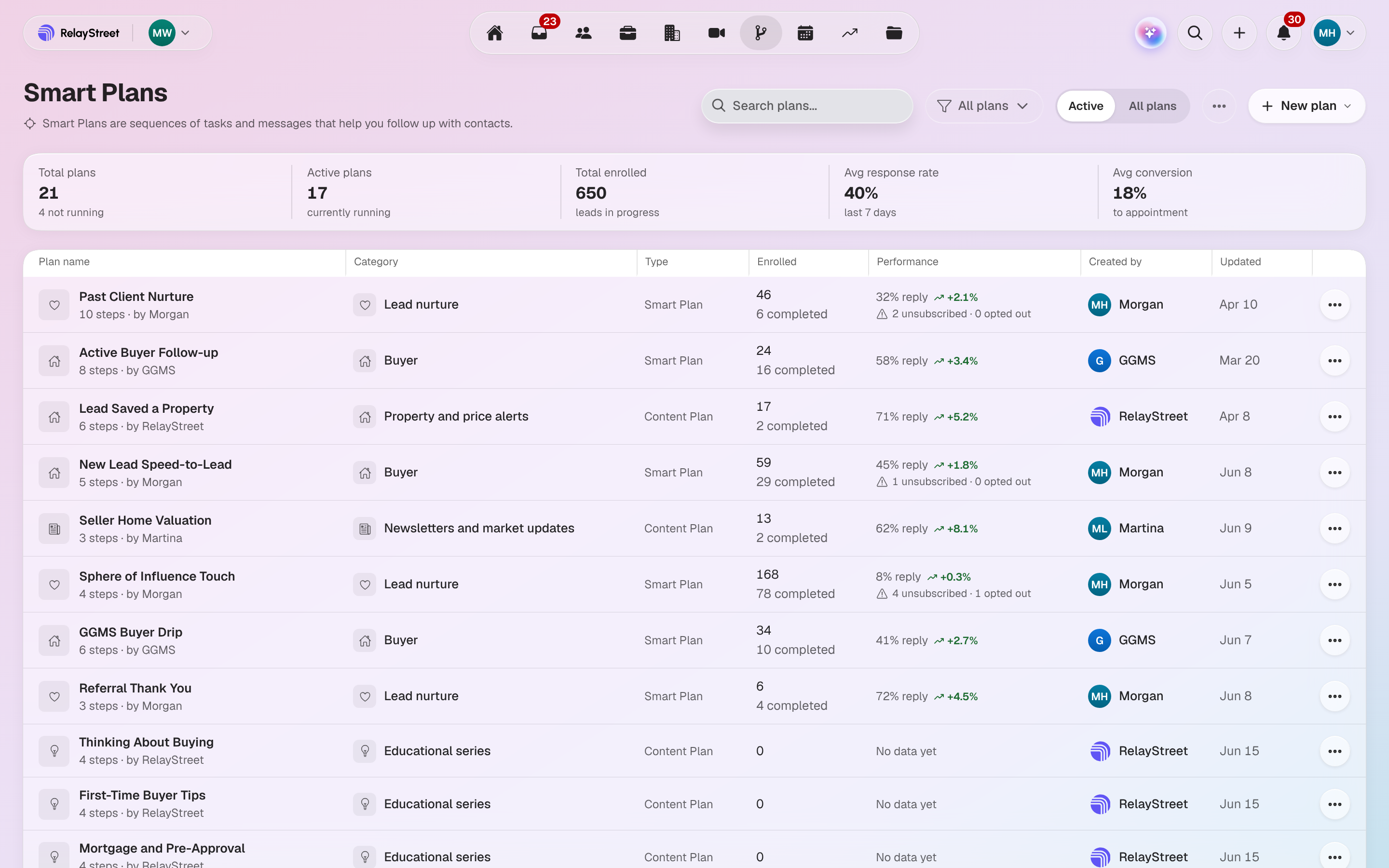
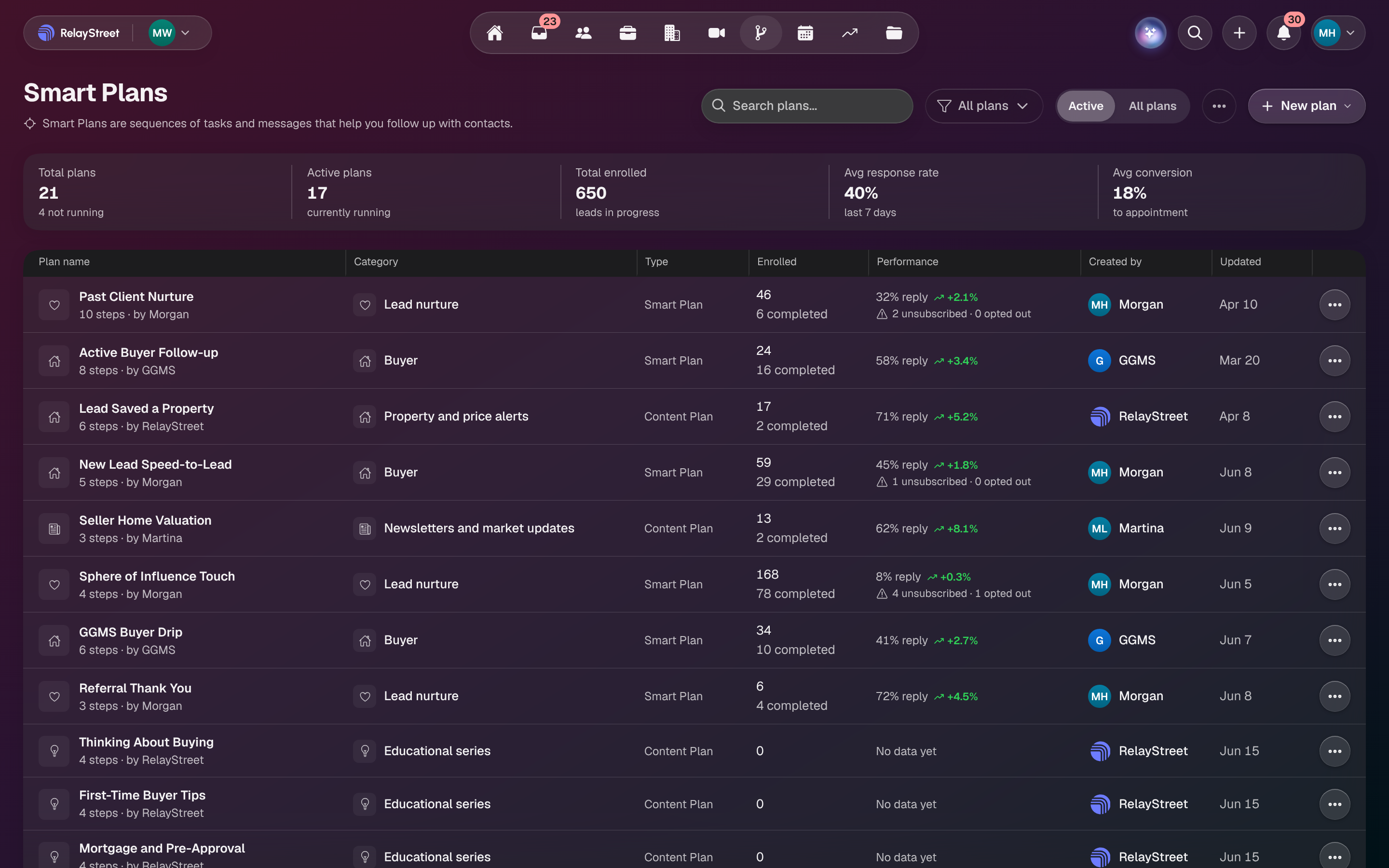
Your action plans arrive as Smart Plans, paused
- Imported plans wait until you turn them on, so no lead gets a stray text
- The import runs in the background. Leave the page and come back
- Resume picks up where it stopped. Nothing is imported twice
- Undo the whole import for 30 days
From any other CRM
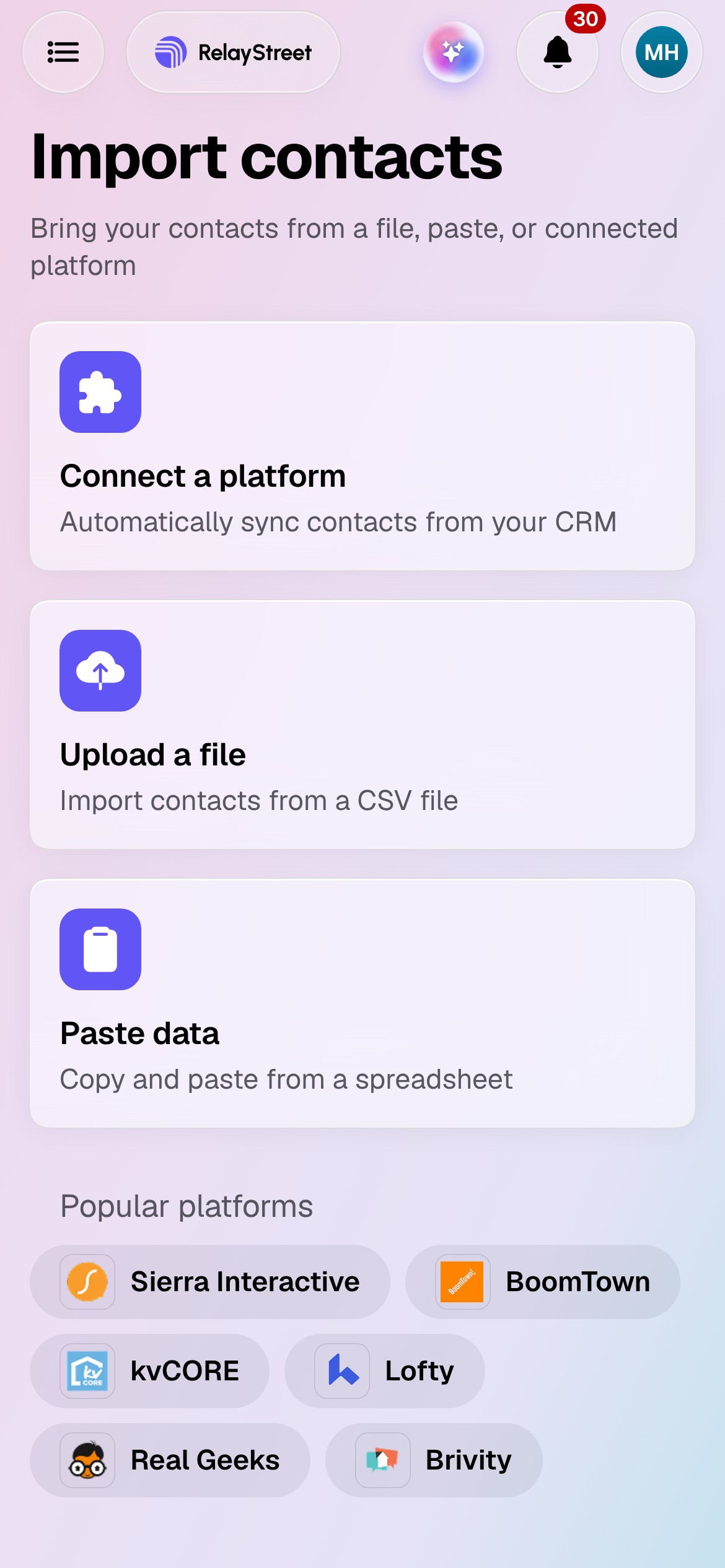
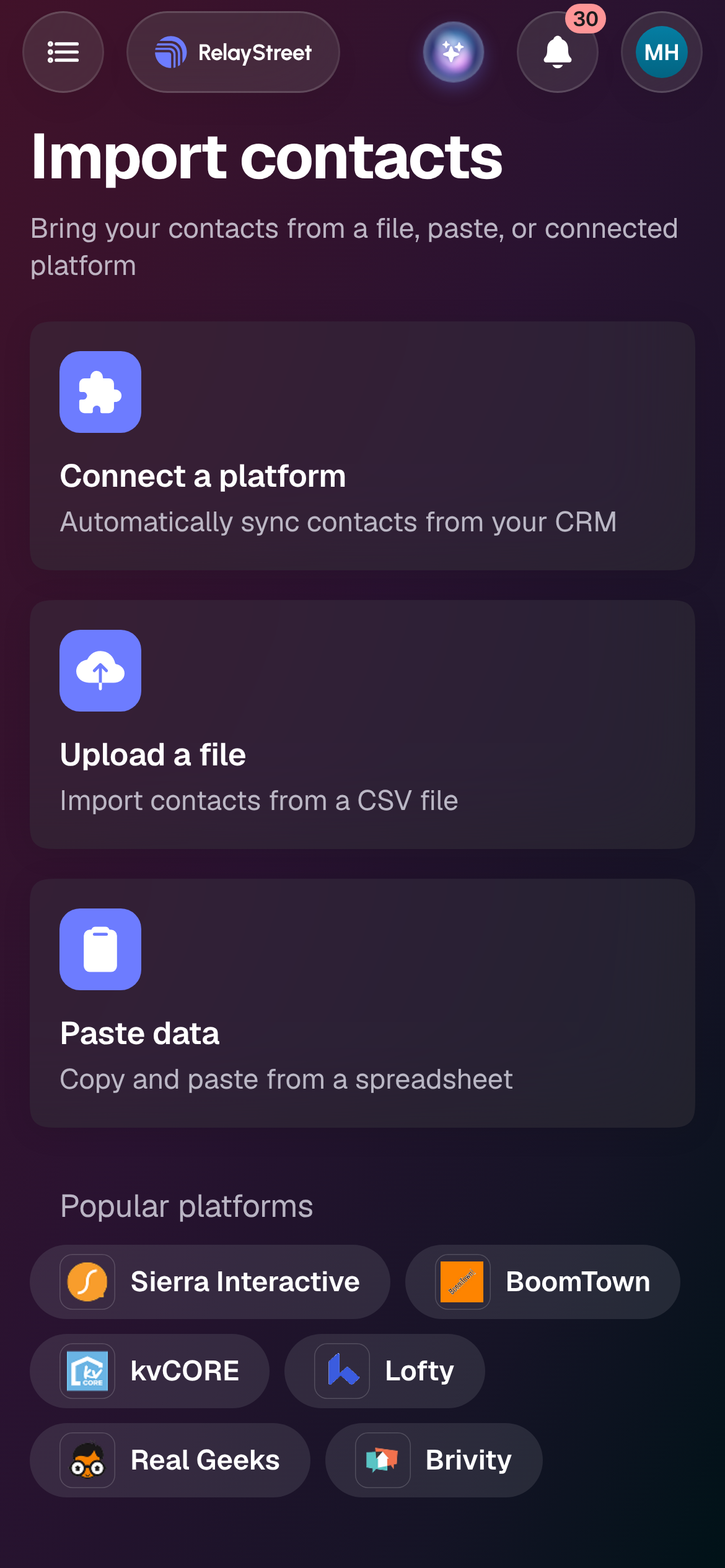
Bring a spreadsheet. We read which CRM made it
- Upload a CSV up to 50 MB, or paste rows from a spreadsheet
- Ready column maps for Sierra Interactive, BoomTown, kvCORE, Lofty, Real Geeks and Brivity
- Fix phones and names before anything is saved
- Assign agents, a stage and tags as people come in
No lock-in
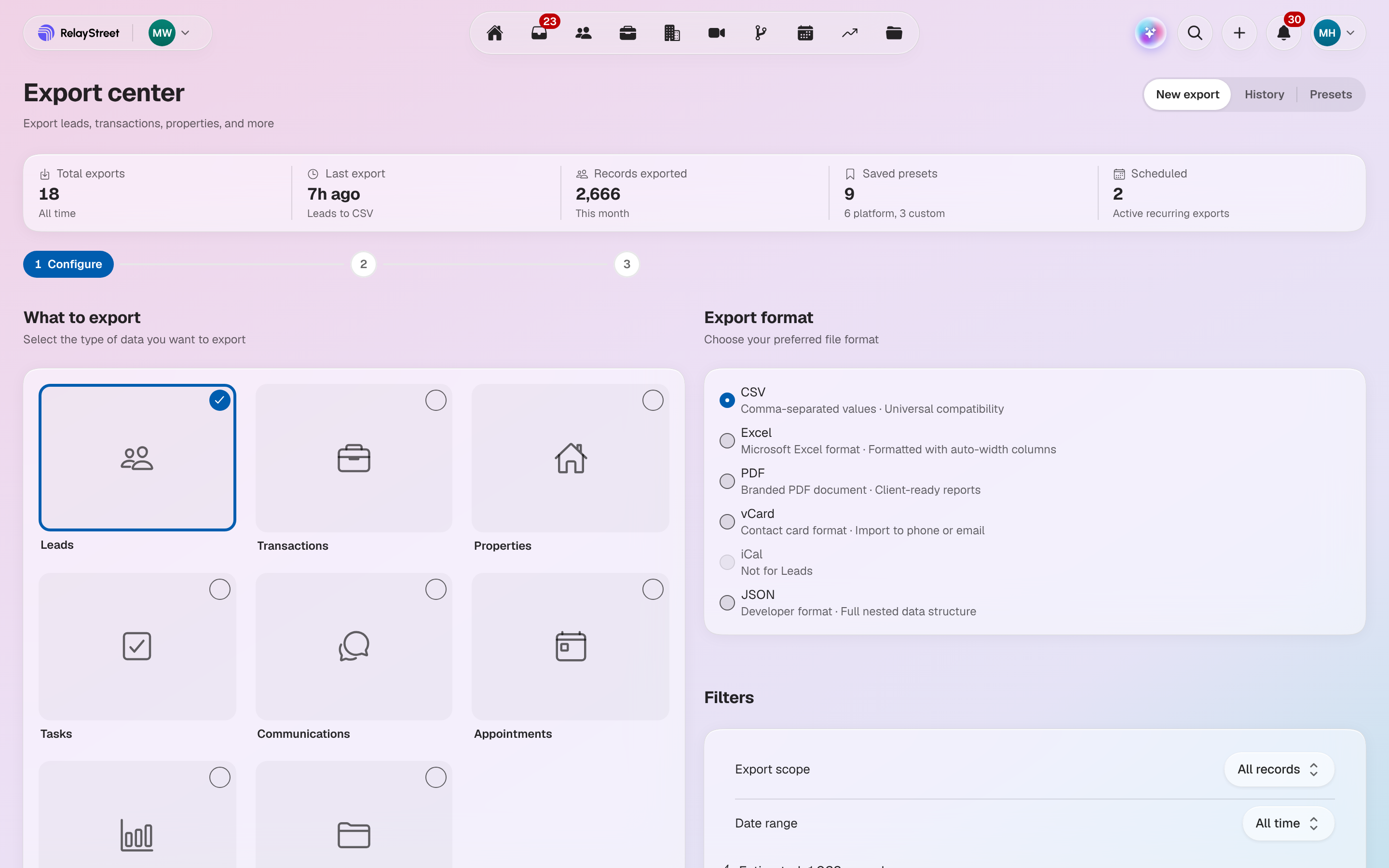
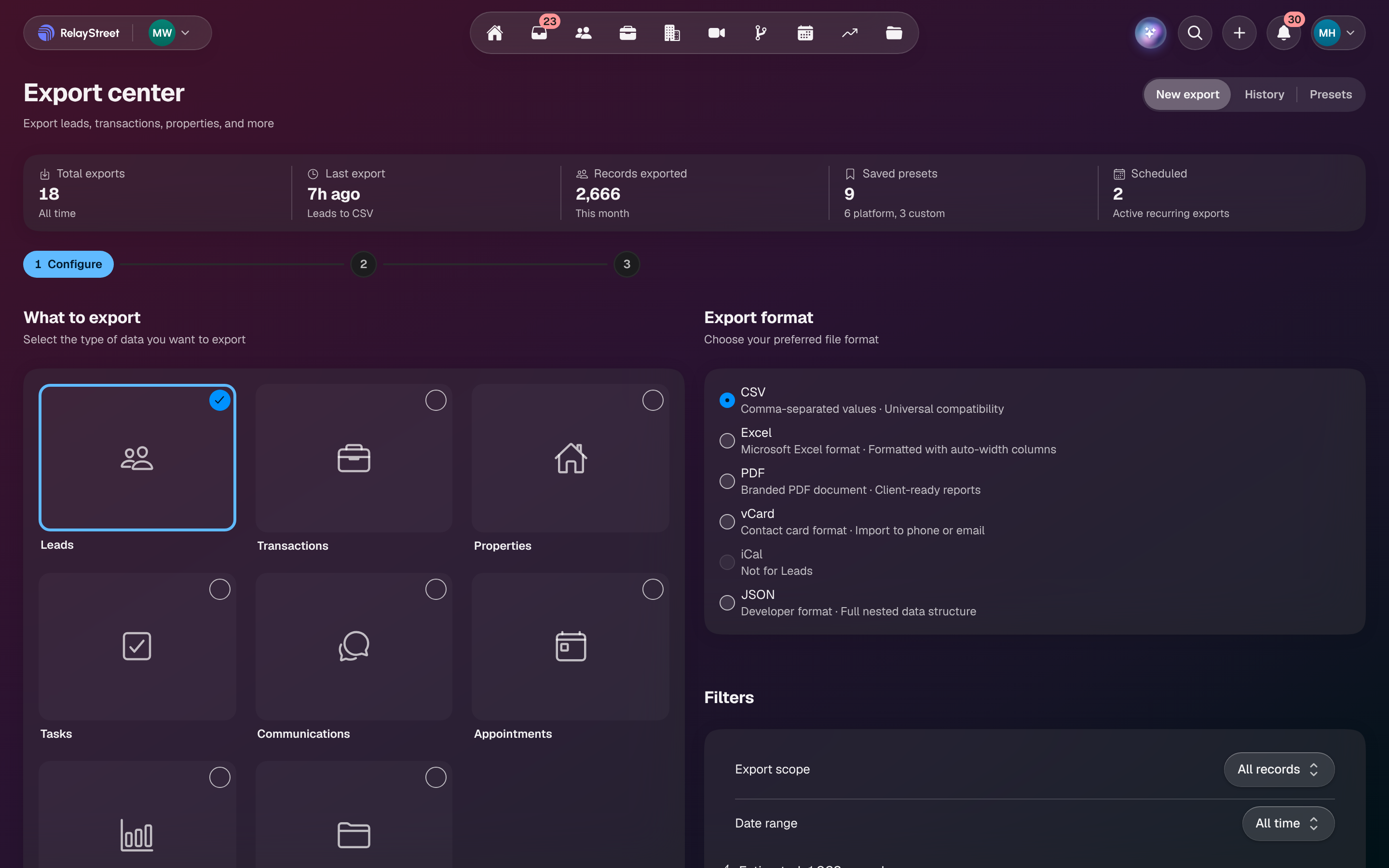
Leave whenever you want, with everything
- Export leads, deals, tasks, messages and files
- CSV, Excel, PDF, vCard, iCal or JSON
- One ZIP of your whole workspace
- If you cancel, export stays open for 90 days
Help
Answers for every screen, by role
- A help center with 26 topics and a Start here list for each role
- Every request to the team gets a reference number
- Brokerages get custom onboarding on the Brokerage plan
Coming from somewhere else
Sierra, Lofty, kvCORE and more
Each comparison is factual, with a public source for every line.
The Setup Assistant asks you to bring your contacts as one of its steps, so the move is part of getting started. See pricing
Switching questions
What does RelayStreet do with my Follow Up Boss API key?
It only reads your data. The key stays on RelayStreet’s servers, never in your browser, and RelayStreet never changes anything in Follow Up Boss.
What comes over from a CSV?
People, stages, tags, custom fields, sources and notes. History, tasks, appointments, deals and plans come over from a Follow Up Boss connection.
Which CRMs connect directly?
Follow Up Boss, Sierra Interactive and BoomTown with an API key, CINC and kvCORE with a token, and Lofty by signing in. From Follow Up Boss the whole business comes across; from the other five, your contacts do. Any other CRM works through a CSV export.
Can I leave old history behind?
Yes. Choose all of it, the last 2 years or the last year, and switch off anything you do not want.
Does an import turn on texting consent?
No. Texts, calls and marketing email stay off for imported people unless your file’s consent columns say they agreed.
Who on my team can run the import?
The Owner, an Admin or the Broker.
What if something looks wrong afterwards?
Undo the import for 30 days. It removes what it added, and people who were already in RelayStreet keep what they had.