Your video is ready
Captions and voiceover
Branded captions on every video, and a voice for every script
Work your leads
Run your deals
Market yourself
Lead your team
Teams and brokerages
Video
Record your camera, your screen or both, with a teleprompter. Edit in one timeline with text, music, transitions and captions, then hand the video to an email, a post, an ad or a contact.
Record
Camera, screen, screen and camera, audio, or voiceover on the Mac and the web. Video, audio and voiceover on a phone or tablet. The teleprompter can float in its own window.
What’s next
When you stop recording, pick where the video goes next. Each choice opens the right tool with the take already in it.
Editor
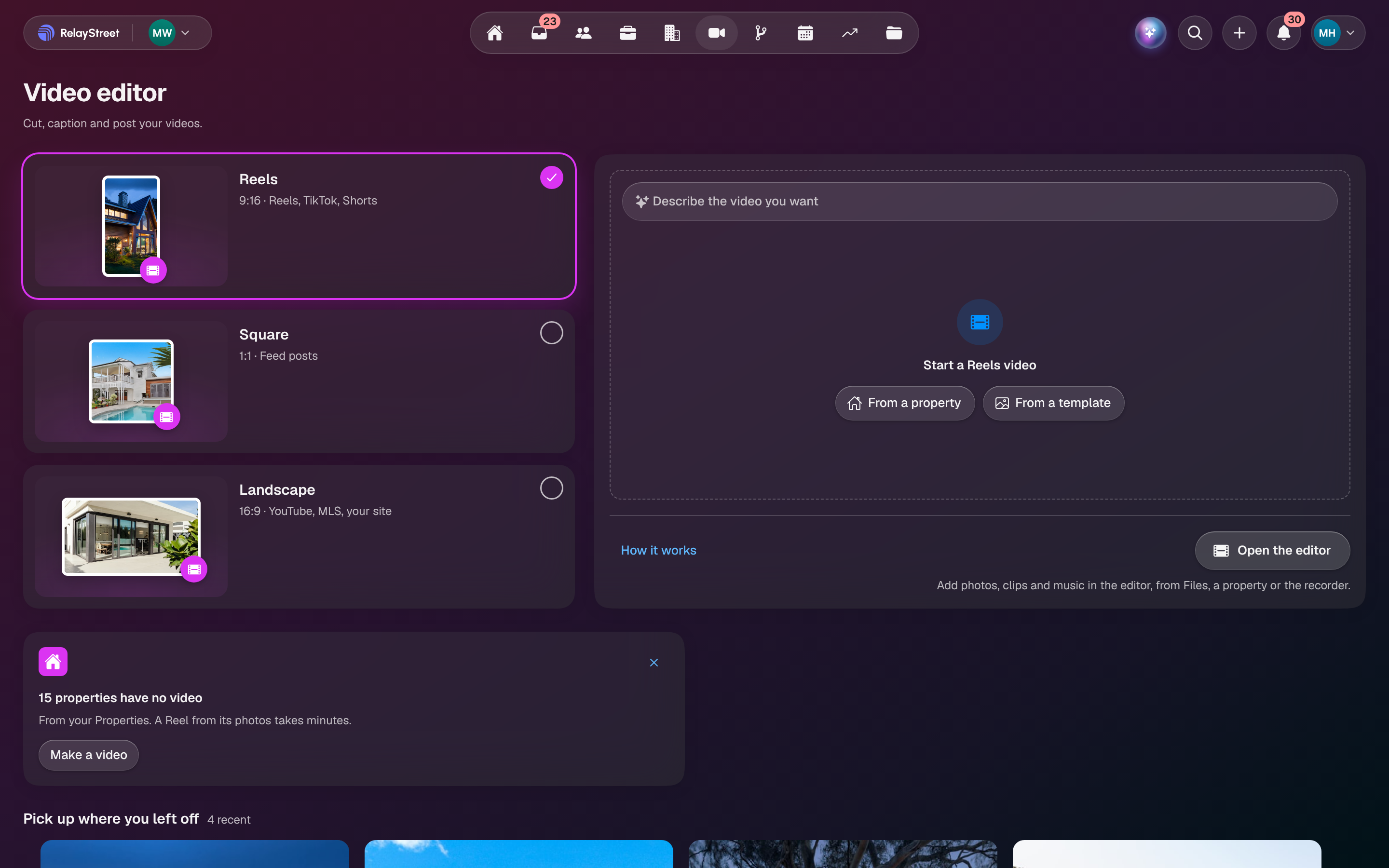
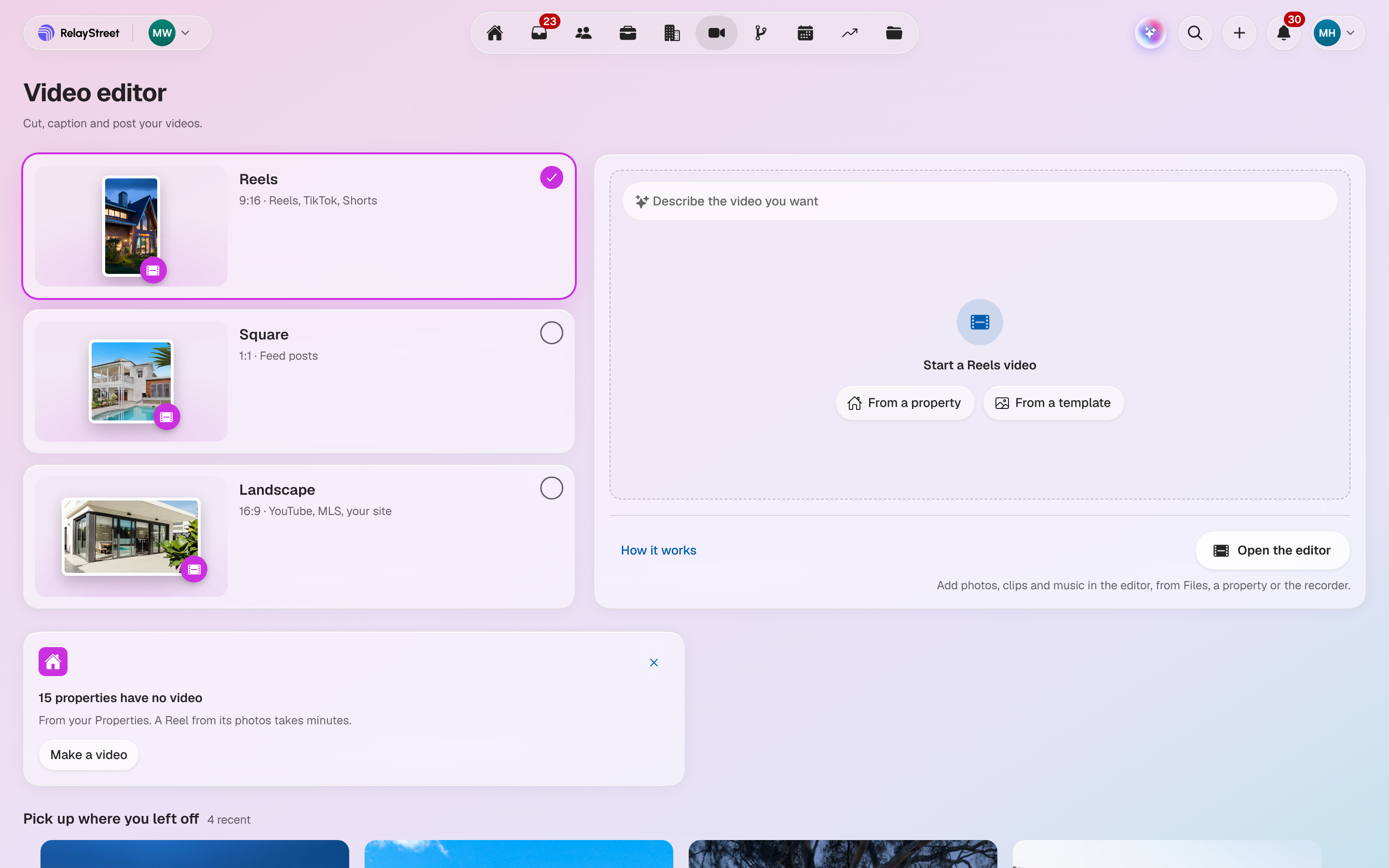
Start by size, Reels at 9:16, Square or Landscape, from a property, or from 24 templates in 7 groups. The home tour editor and the captions editor are this same editor.
Detail
Ken Burns moves on photos, color adjustments, green screen, keyframes and masks. A safe zones overlay shows where Instagram and TikTok put their buttons.
How it works
Camera, screen or both, with the teleprompter.
Edit it, caption it, or send it straight on.
Cut, add text and music, and check the safe zones.
MP4 or WebM, ready for a post, an email or an ad.
Rules
Music is the easiest way for a video to get taken down. The editor keeps track of what can go where.
The music in the library is cleared for anywhere you post.
Audio you upload is for posts only, not ads, and you confirm you have the rights to it.
They are never put in a file you download.
Where it stands
The honest list for this tool, as it stands today.
Yes. The teleprompter has speed, font and mirror controls, and can float in its own window.
Yes, on the Mac and the web. Screen, camera, or both at once.
Reels at 9:16, Square at 1:1 and Landscape at 16:9.
MP4 or WebM, up to 1,920 pixels on the long side.
The library music is cleared for anywhere you post. Your own audio is for posts only.
Marketing
Branded captions on every video, and a voice for every script
A property video from its photos, in three versions
Ten composers, a calendar and the numbers for every post