Skip to content

Forms and link pages

Every sign-in sheet, form and bio link, tied to Contacts

Buyer, seller, showing and open house forms, a sign-in kiosk for the open house, and a link page for your Instagram or TikTok bio. Answers save to the contact, with consent recorded.
Form editorWeb 1440 × 900

Get the highlights

Templates

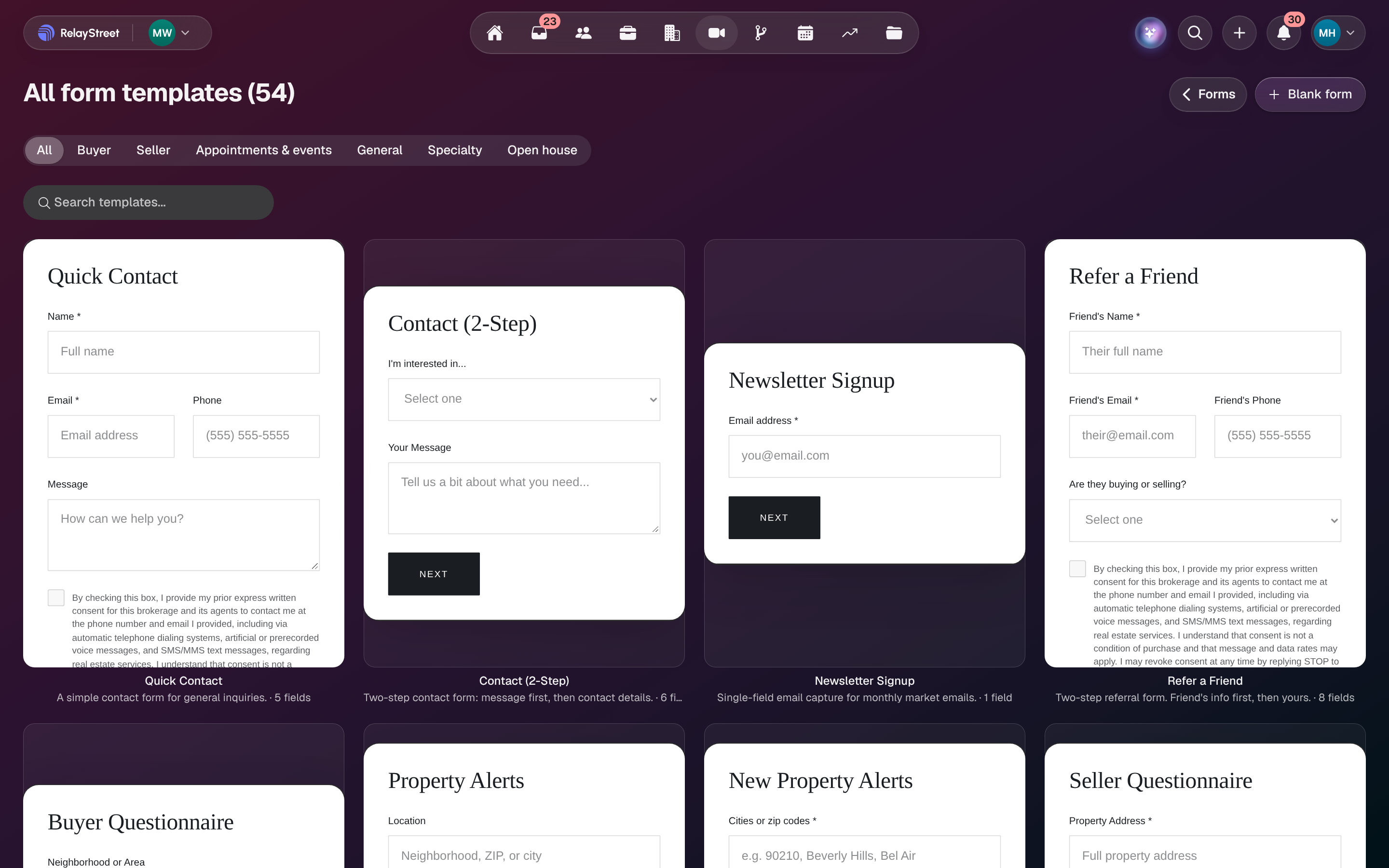
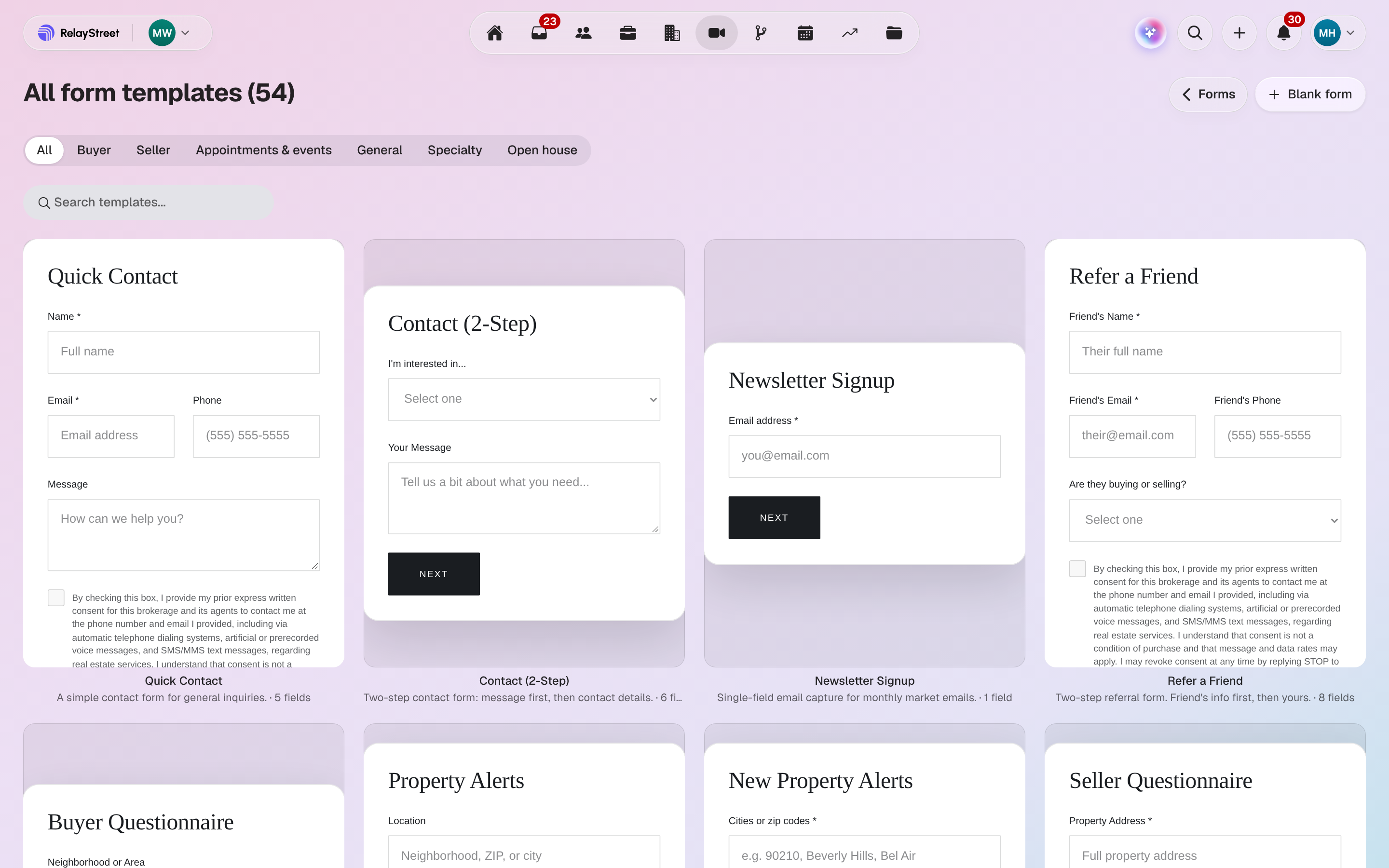
A form for every moment in the deal

Buyer, Seller, Appointments and events, General, Specialty and Open house. The open house category alone has 38 templates.

  • 27 field types, 8 of them for real estate: budget range, bedrooms, bathrooms, property type, buying timeline, mortgage status, selling timeline and neighborhood
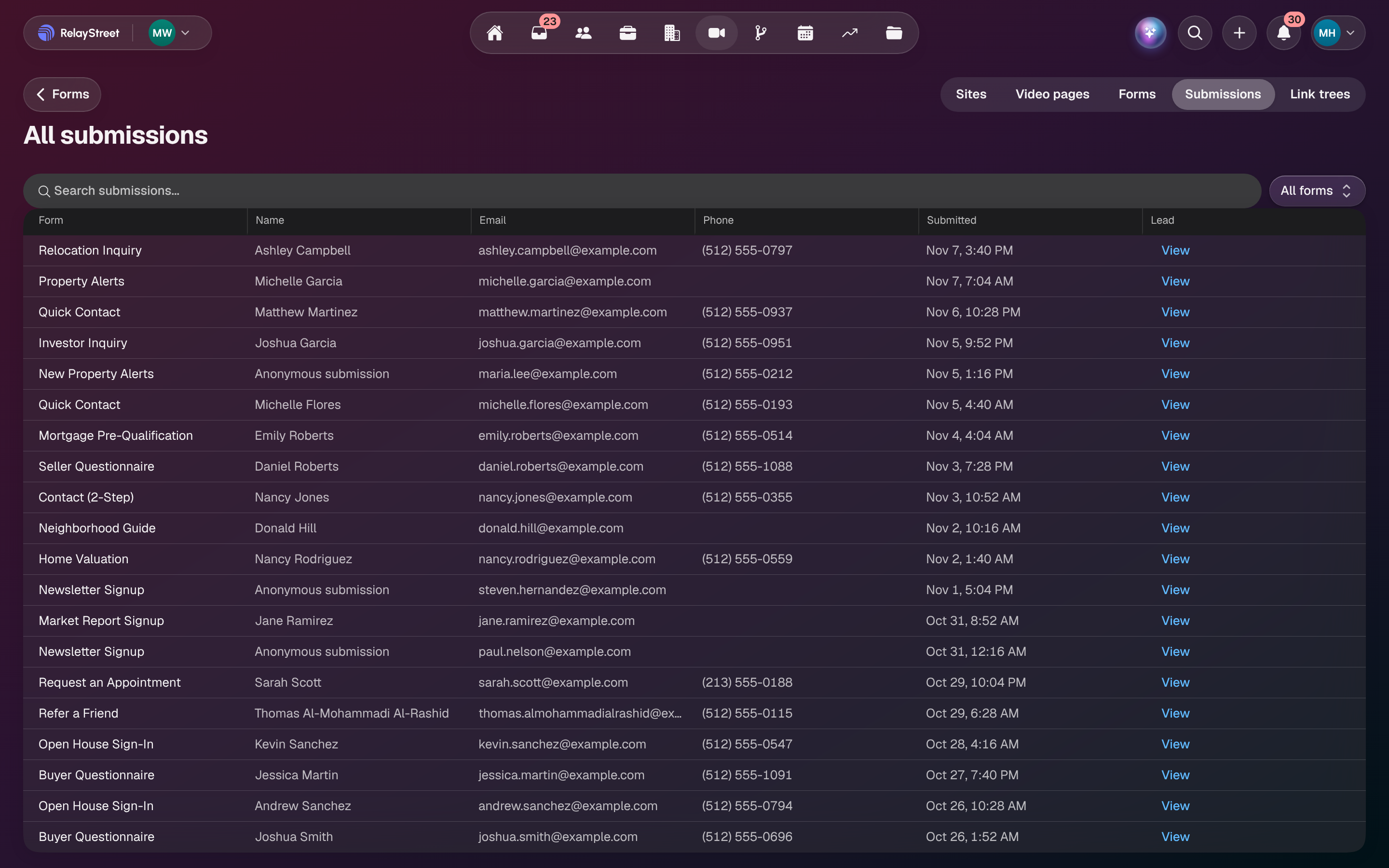
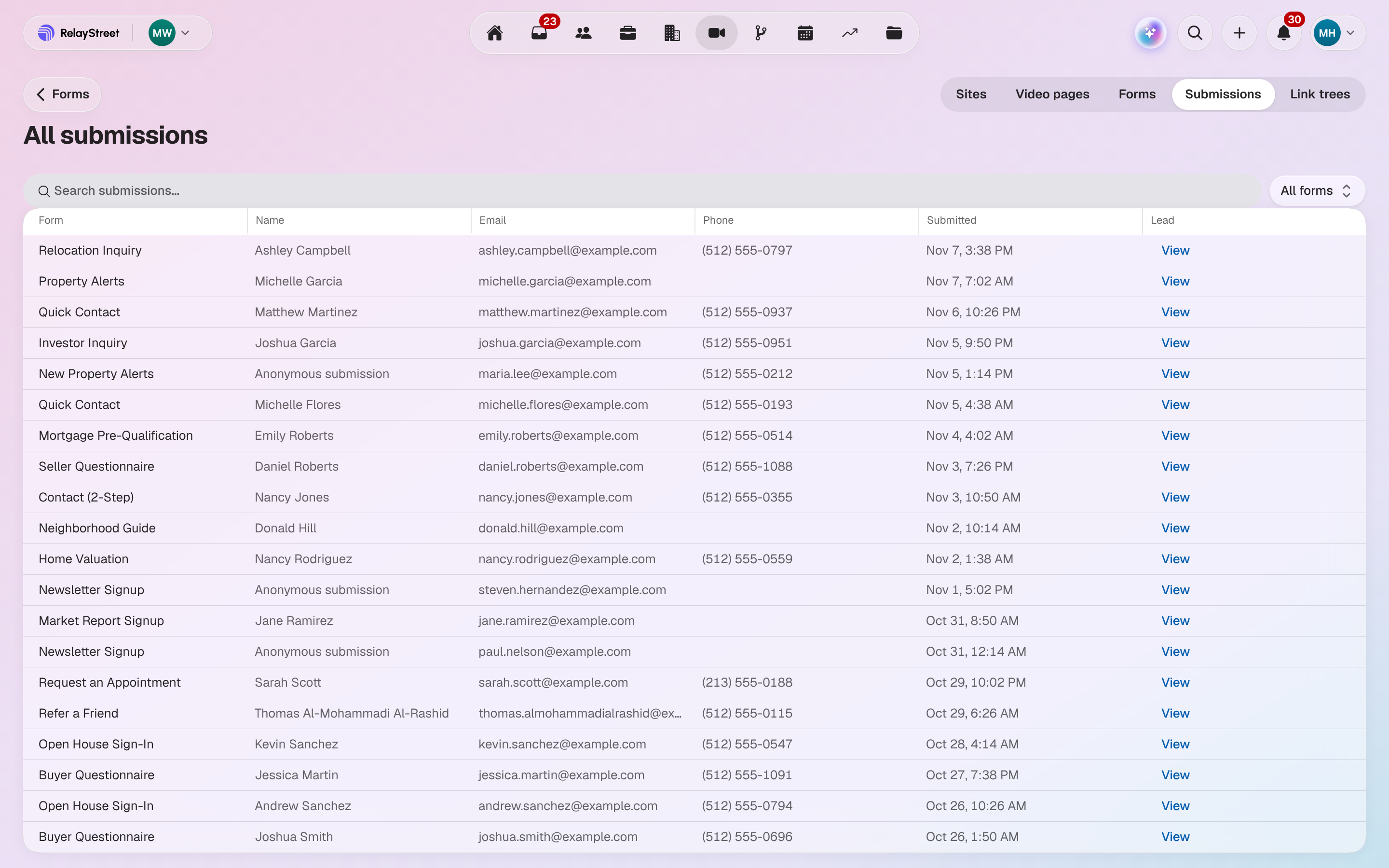
  • Answers save to the contact’s own fields
  • Share it by link or embed it on another site
Form templates for buyers, sellers, showings and open house sign-in.

Logic and routing

The right person gets the lead

Show, hide, require or skip a question based on an answer, with up to 50 rules. Routing sets the stage, the owner and the tags from the answers, and the form’s owner gets anything no rule catches.

  • A second form from the same email updates that contact instead of making a duplicate
  • The assignee gets a New lead notification with a link to the contact
  • Each lead is tagged with the form it came from
Form editorWeb 1440 × 900

Open house

Sign-in that clears for the next visitor

Kiosk mode turns a tablet into the sign-in sheet. Visitors can also scan a QR code and sign in on their own phone. The screen clears after each one.

  • First name, last name, phone or email, and “Are you working with a real estate agent?” are always kept
  • On the web, iPhone, iPad and Mac
  • Every visitor is saved as a contact
Open house kioskiPad 1180 × 820

Link pages

One page for your Instagram or TikTok bio

Twelve templates for agents, brokers, teams, lenders and specialists. Sixteen kinds of block, from a featured property and a lead form to scheduling, reviews and a map.

  • Six layouts and four themes, including your brand
  • Schedule a block, or show it only in some countries
  • A partner disclosure when you link a partner
Link pageiPhone 393 × 852
field types
27
open house templates
38
rules per form
50
kinds of link page block
16

How it works

Forms and link pages in four steps

  1. 01

    Pick a template

    Buyer, seller, showing, open house or a link page.

  2. 02

    Set the rules

    Questions that depend on answers, and who gets the lead.

  3. 03

    Clear the check

    Consent and brokerage details are checked before it goes live.

  4. 04

    Share it

    A link, an embed, a QR code or the kiosk at the door.

Rules

Consent, captured the right way

A form that asks for a phone number has to ask permission properly. RelayStreet won’t publish one that doesn’t.

A consent box on every phone form

It is required, never pre-checked, and its wording names your brokerage.

Consent per channel

Each consent is stored by channel with the time and the version of the legal text the person saw.

A notice at collection

Forms link the privacy policy at the moment they collect details, as California’s CCPA asks.

No consent, no texts

On a Preview Page consent is optional. Without it the lead is never texted or autodialed.

Where it stands

What’s built, and what’s next

The honest list for this tool, as it stands today.

Built

  • Form templates, field types, logic and routing
  • Open house kiosk with QR sign-in
  • Share links and embed codes
  • Link pages with templates, blocks, layouts and themes
  • The consent and compliance check

Next for Forms and link pages

  • Submissions from the live service into Contacts. Today this runs in the demo workspace
  • Publishing link pages
  • Form and link page numbers from live traffic
  • Logic and the kiosk on Android
  • AI form drafts. Today the AI tool picks from templates

Questions

Can I use a form at an open house?

Yes. Kiosk mode turns a tablet into a sign-in screen with a QR code, and it clears after each visitor.

Where do the answers go?

Onto the contact, with the form’s stage, tags and owner rules and a New lead notification.

What if the same person fills it in twice?

The same email updates the contact they already are instead of making a second one.

How does a form protect me on consent?

Any form that collects a phone carries a consent box that is never pre-checked and names your brokerage.

Can I put it on my own website?

Yes, with the embed code, an iframe or the form’s HTML.

Marketing

Works with

Site builderWeb 1440 × 900

Sites

Property, agent, open house and home valuation sites

Create a campaignWeb 1440 × 900

Ads

Facebook and Instagram ads for a property, with leads routed on arrival

Email builderMac 1512 × 982

Email campaigns

Campaigns and newsletters, designed block by block

Get in early. Bring your database when you do.

Join the waitlist today. When your invite comes, import your contacts, check them first, and undo it for 30 days.