In short
- Aiva texts and emails your leads, asks your questions and sets appointments on real calendars.
- You decide which stages she works on her own and which stay with people.
- She signs as your assistant, so leads always know when a person takes over.
- She doesn’t start a cold conversation outside the lead’s legal hours.
Name her and say who she is
In Settings > Assistant, give your assistant a name, up to 30 characters. Leads see messages signed with it. Pick a name nobody on your team has, so a lead always knows when a real person takes over.
Her first message in every conversation says she’s your assistant, like “I’m Aiva, [your name]’s assistant.” That line stays on. People should know who they’re talking to.
Write the playbook
The playbook is what you’d tell a new ISA on day one: the questions you ask, in order, and when to hand off. For each stage, choose who does the work.
- Aiva: she replies on her own, at the first legal minute for that lead.
- People only: she stays out and tells you.
Start her on one stage for a week and read her conversations in the inbox. When she sounds like you, give her the next stage.
Give her real calendars
Aiva only offers times your agents actually have. Connect your calendar and keep it honest. An appointment set on a time you blocked for your kid’s game helps nobody.
Is the house on Birch still available? Could we see it this weekend?
for themHi, I’m Aiva, [your name]’s assistant. It is. I can set up a buyer consultation with [your name], who will arrange the visit. Saturday at 11 or 2?
for them11 please
for themDone. Your consultation with [your name] is Saturday at 11. I’ll send a reminder Friday.
for them
Know what she won’t do
- She doesn’t call leads. Calls are yours.
- She doesn’t start a cold conversation outside the lead’s legal hours. That text waits for morning in their state.
- Smart Plans stop while she’s working a lead, so nobody gets two follow-ups at once.
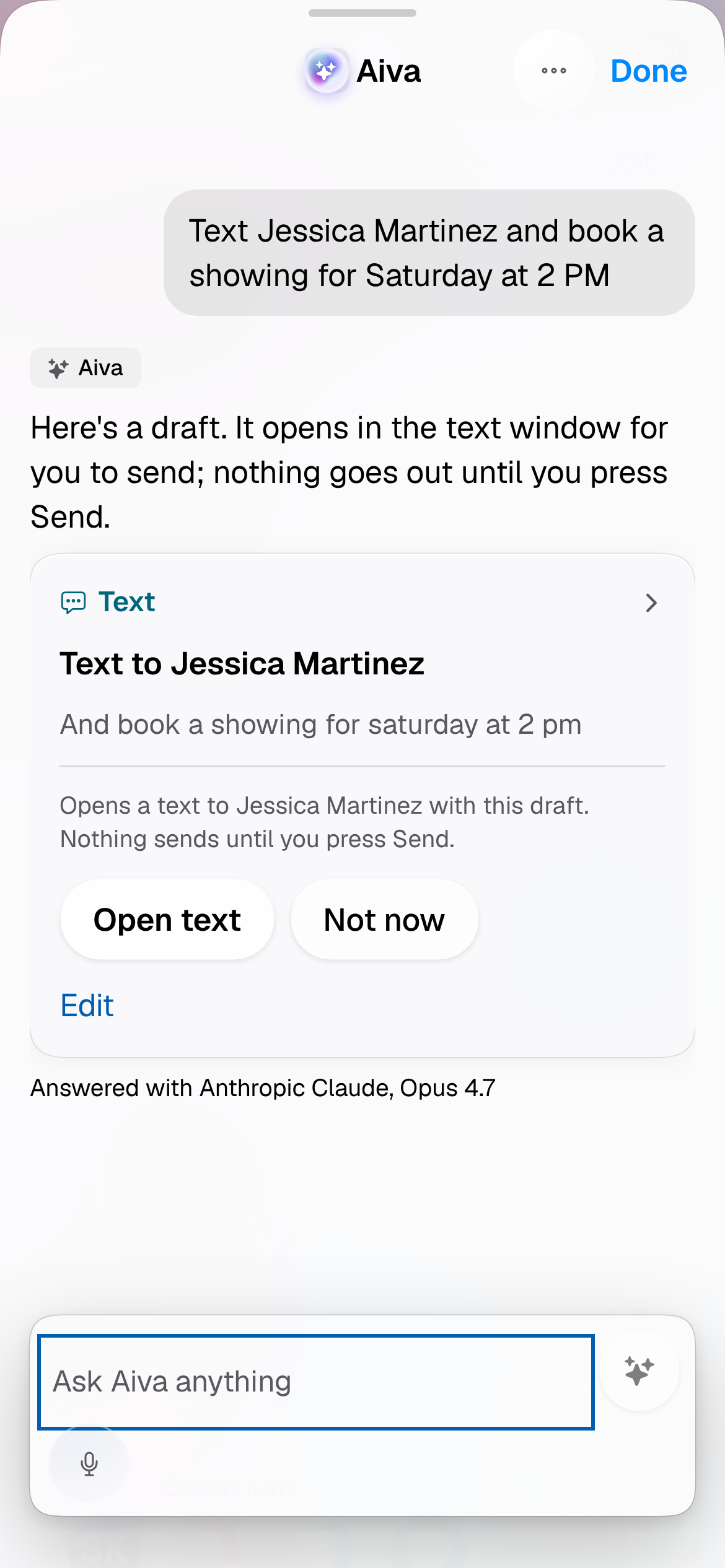
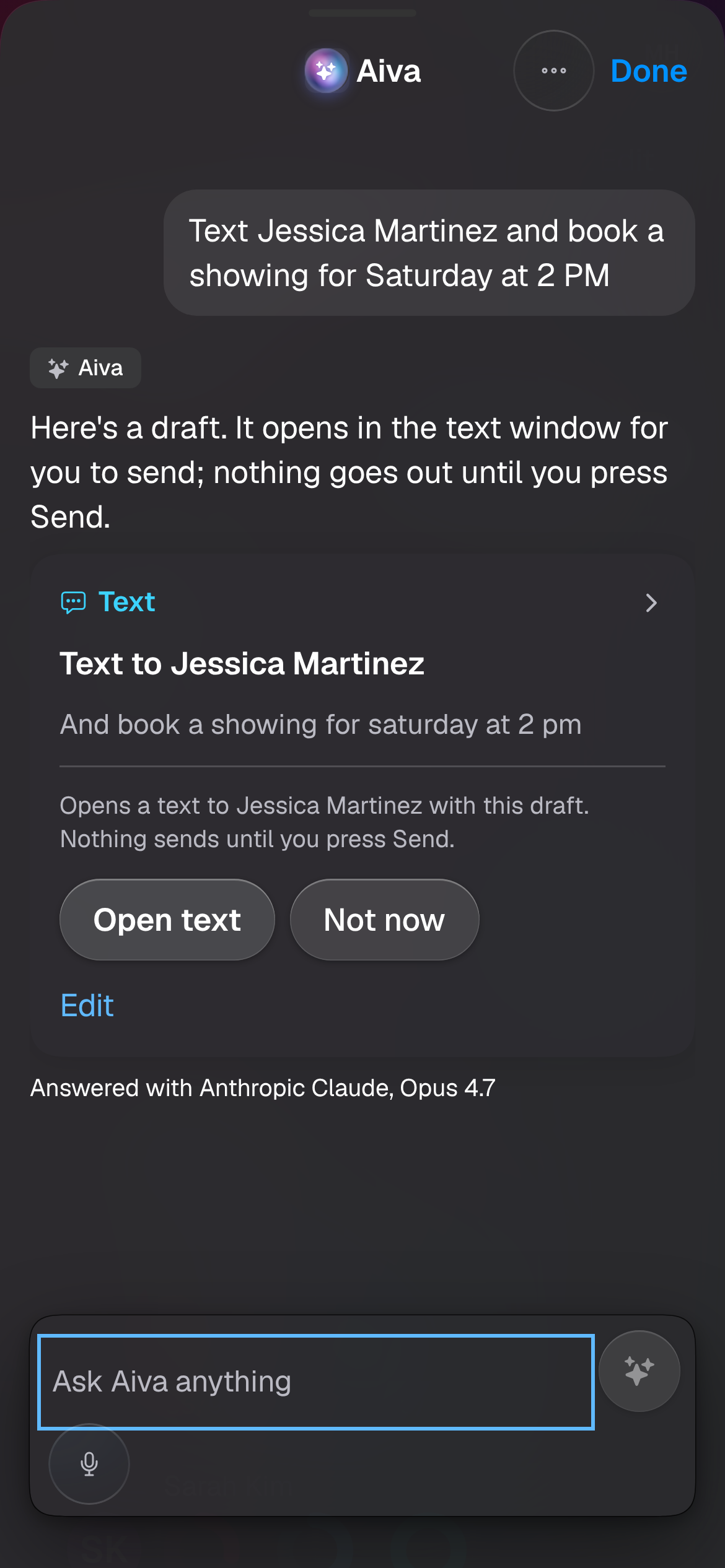
- She works the lead on her own, with no OK step. Approve and Reject only appear for things you ask her to do in the app.
Pick up the hand-off in the morning
Each lead she works shows where it stands: Working, Waiting on reply, Handed off or Opted out. In the morning, open the ones handed to you, read the thread, and call. She’s done the scheduling; the relationship is yours.
You choose the AI underneath: RelayStreet’s AI, your own AI, or no AI. With your own, you pay your provider directly and RelayStreet adds nothing. A backup to RelayStreet’s AI is off unless you agree to it, with a monthly cap you set.