Skip to content

Sites

Property sites, agent sites and open house pages, in your brand

Five kinds of site: Single Property, Agent Website, Preview Page, Open House and Home Valuation. Start with AI, a template or a blank page, and publish on a free RelayStreet address.
Site builderWeb 1440 × 900

Get the highlights

Five kinds of site

A site for the property, and one for you

A Single Property site for each property, an Agent Website for you or your team, a Preview Page for a video, an Open House page with sign-in, and a Home Valuation page for sellers.

  • More than 20 templates to start from
  • Start from a property and its facts and photos fill in
  • Or describe it in a few sentences and start with AI
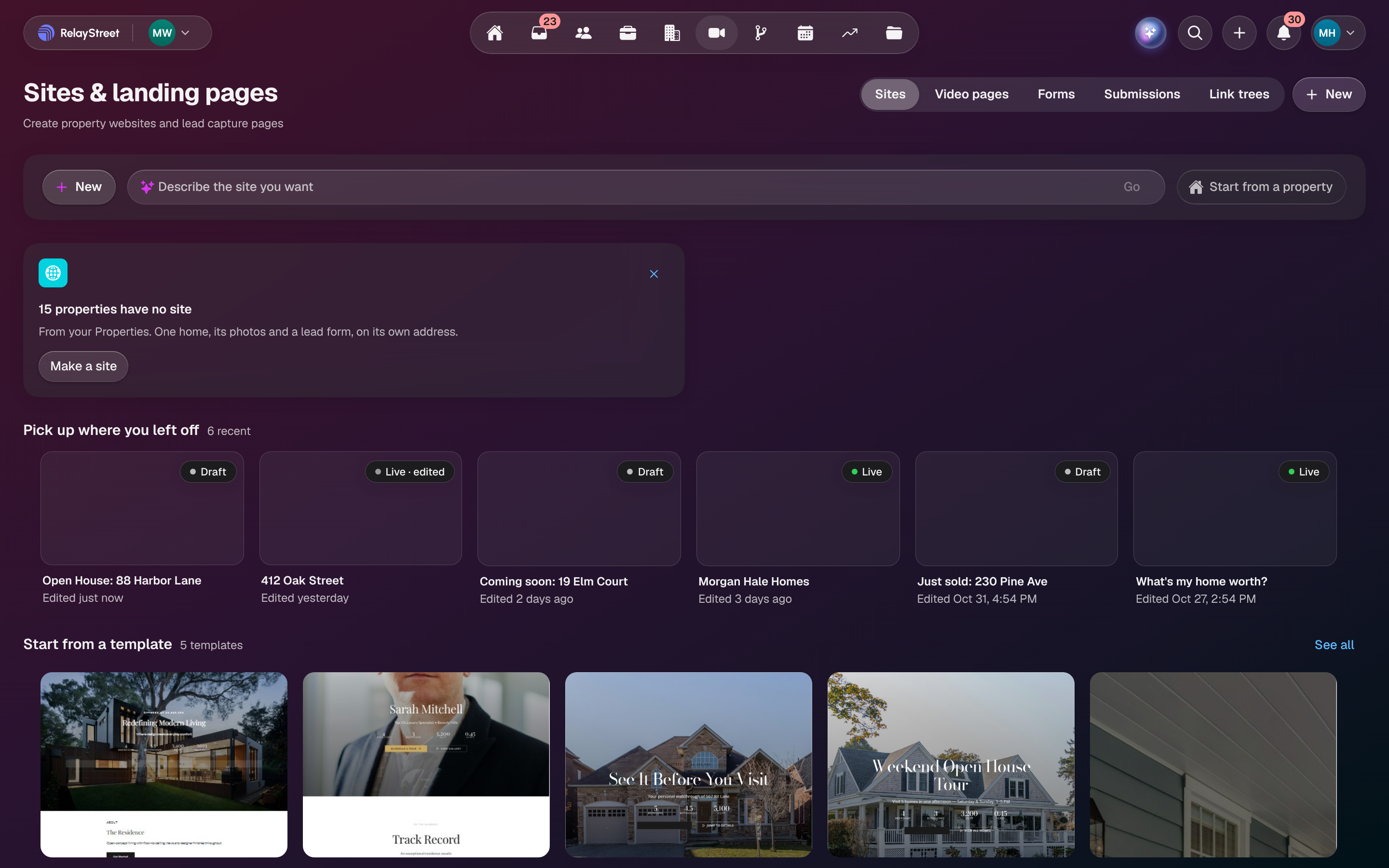
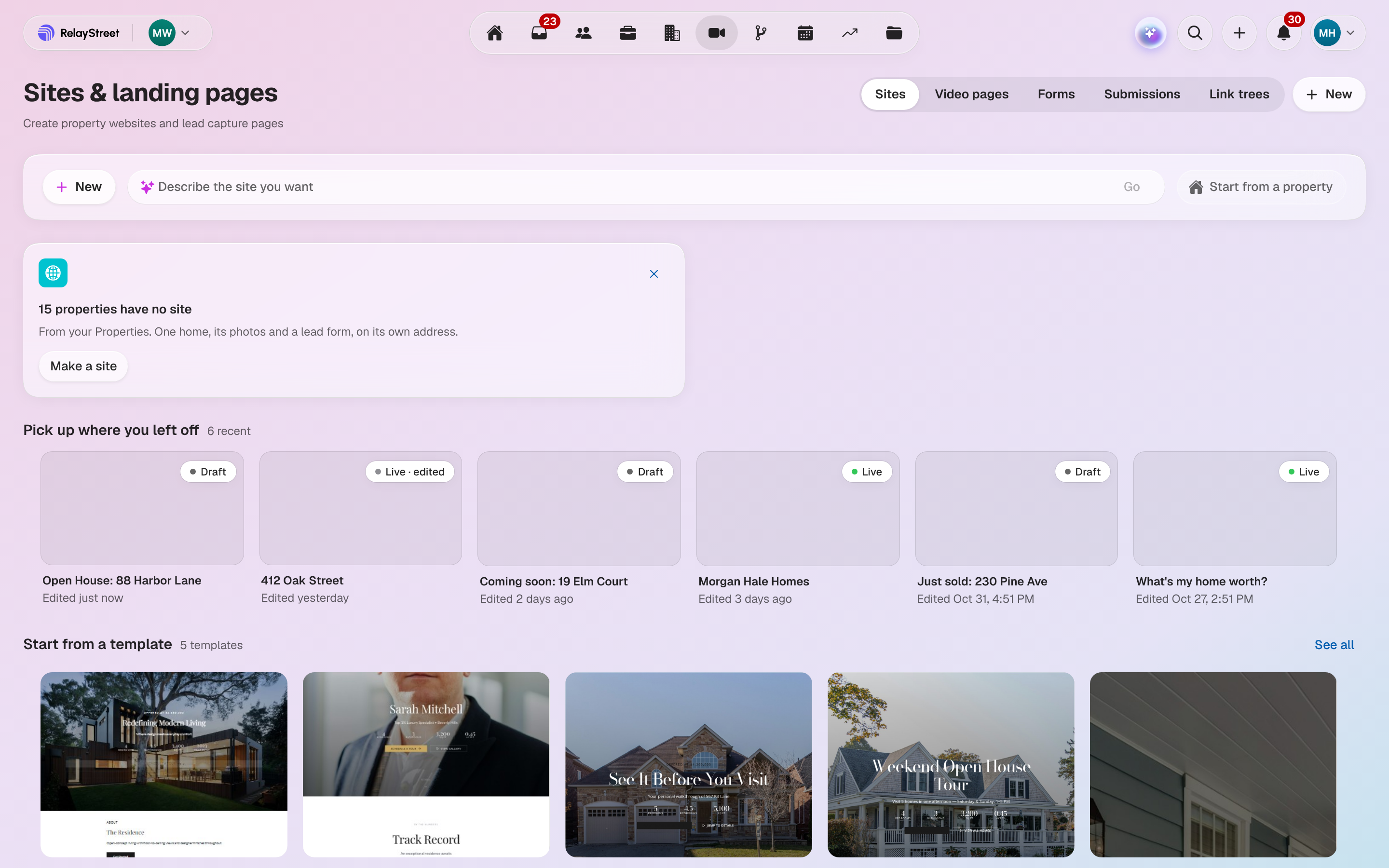
The Sites page, with property sites, agent sites and landing pages and their status.

Builder

Plan the pages, then make them yours

Four stages: sitemap, wireframe, theme and design. Preview on desktop, tablet and phone as you go. More than 30 kinds of section, from an open house schedule to recently sold and a map.

  • Four presets and twelve named styles
  • Colors, fonts and motion from your brand
  • 100 steps of undo, autosaved as you work
Site builderWeb 1440 × 900

Leads

Every visitor who asks becomes a contact

Open house sign-in, home valuation and contact sections are forms, so their answers save to Contacts with consent recorded and the right owner.

  • Open house sign-in and home valuation sections
  • Featured and recently sold properties from your Properties
  • Videos from Record and AI home tours on Preview Pages
Published siteiPhone 393 × 852

Publish

Every version kept, every page findable

Each publish is kept as a version you can restore. Set the title, description and share image for each page, and verify the site with Google and Bing.

  • Publish on a free RelayStreet address
  • Titles up to 60 characters and descriptions up to 160
  • A 1200 by 630 share image for each page
Site settingsWeb 1440 × 900

How it works

Sites in four steps

  1. 01

    Pick what you’re building

    A property, your brand or an open house.

  2. 02

    Start with AI, a template or blank

    Every section stays editable.

  3. 03

    Clear the check

    Brokerage details, fair housing wording and your confirmation.

  4. 04

    Publish

    On a free RelayStreet address.

Rules

Your brokerage on every page

One check runs before any publish. Red items block it, yellow items are advice.

Brokerage disclosure

Every visitor page ends with your brokerage’s legal name, license, office and Equal Housing Opportunity.

What blocks a publish

A missing brokerage legal name, or license number, or the sample agent still on the page.

Fair housing wording

Flagged words come with a suggestion to use instead.

Privacy, terms and accessibility

Each site gets its own privacy, terms and accessibility pages. Tracking tags wait for cookie consent.

Where it stands

What’s built, and what’s next

The honest list for this tool, as it stands today.

Built

  • Five site types, templates and the four-stage builder
  • Starting from a property
  • Page settings for search and sharing
  • Versions on every publish
  • The compliance check before publishing

Next for Sites

  • Form answers from live sites into Contacts. Today this runs in the demo workspace
  • Your own domain, connected end to end
  • Visit numbers for each site
  • Search and analytics settings applied on the published page
  • AI site plans from the live service

Questions

Do I need my own domain?

No. Every site can publish on a free RelayStreet address.

Why won’t my page publish?

A red item is open, like a missing brokerage legal name, or license number. Fix each row, then publish.

Can I go back to an older version?

Yes. Every publish is kept as a version you can restore.

Marketing

Works with

Form editorWeb 1440 × 900

Forms and link pages

Lead forms, an open house kiosk and a link page for your bio

Your tour is readyWeb 1440 × 900

AI home tours

A property video from its photos, in three versions
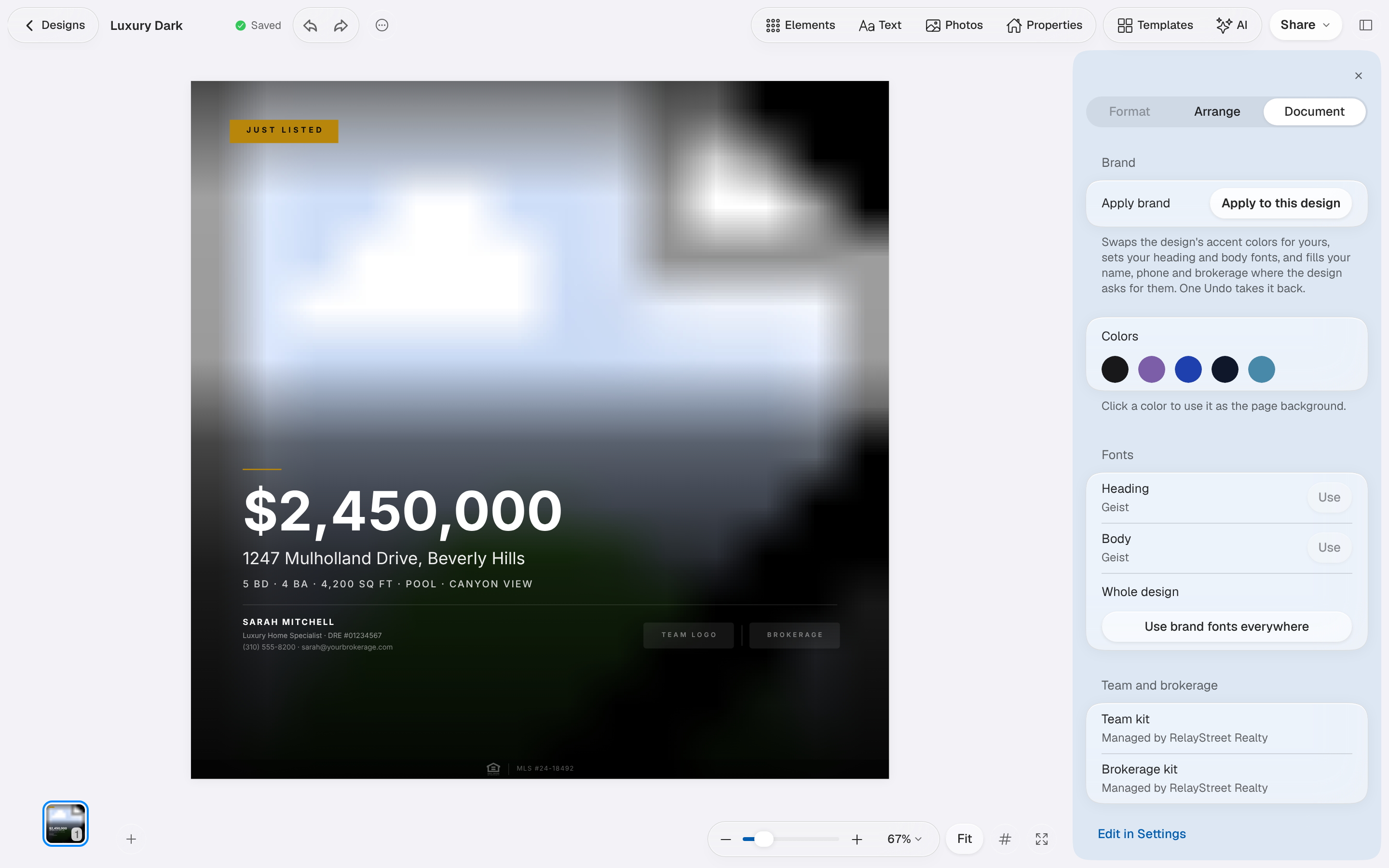
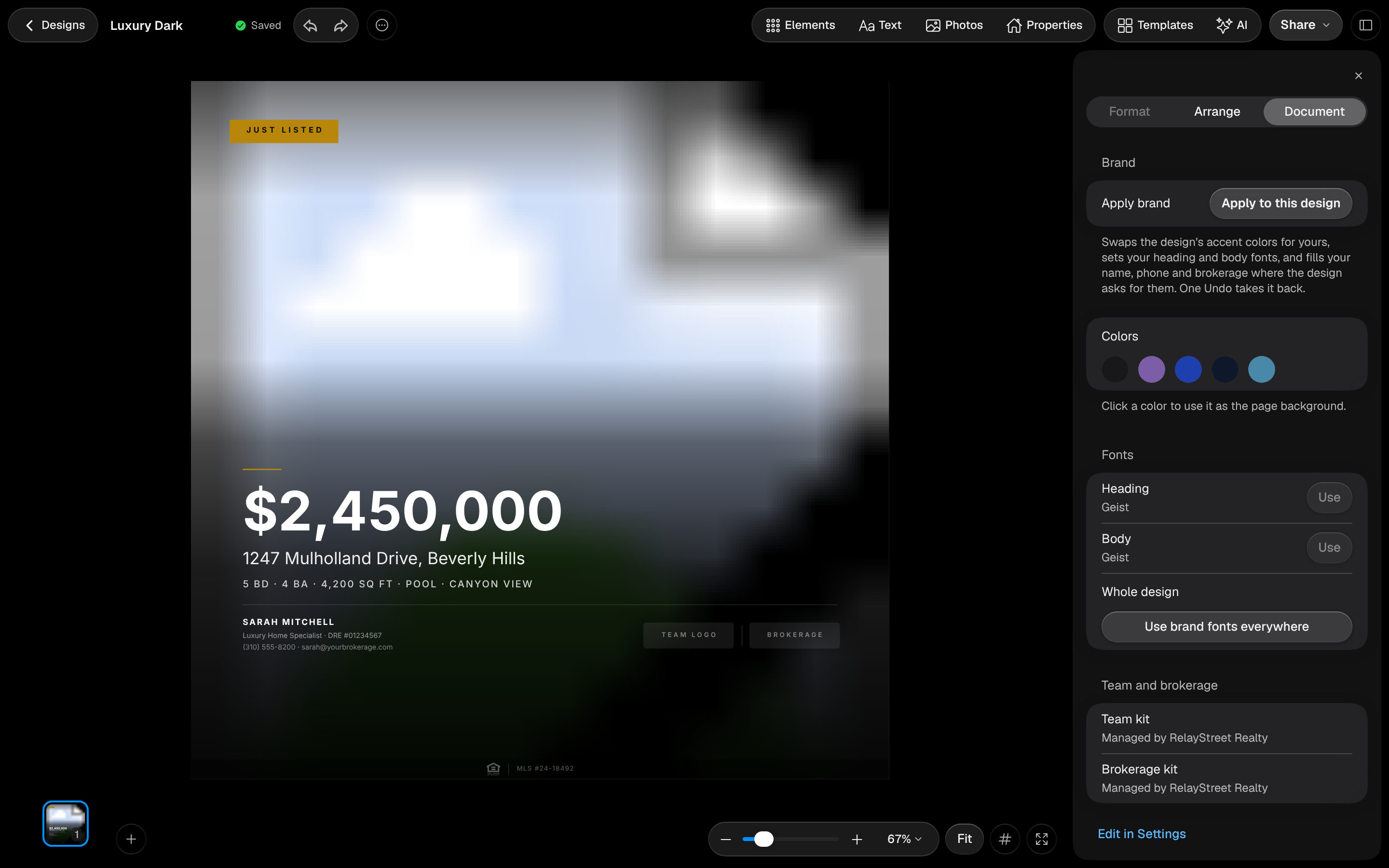
The Design Center editor, with a design open and the property’s details filled in.

Design Center

Flyers, posts and print pieces, filled in from the property
Get in early. Bring your database when you do.

Join the waitlist today. When your invite comes, import your contacts, check them first, and undo it for 30 days.