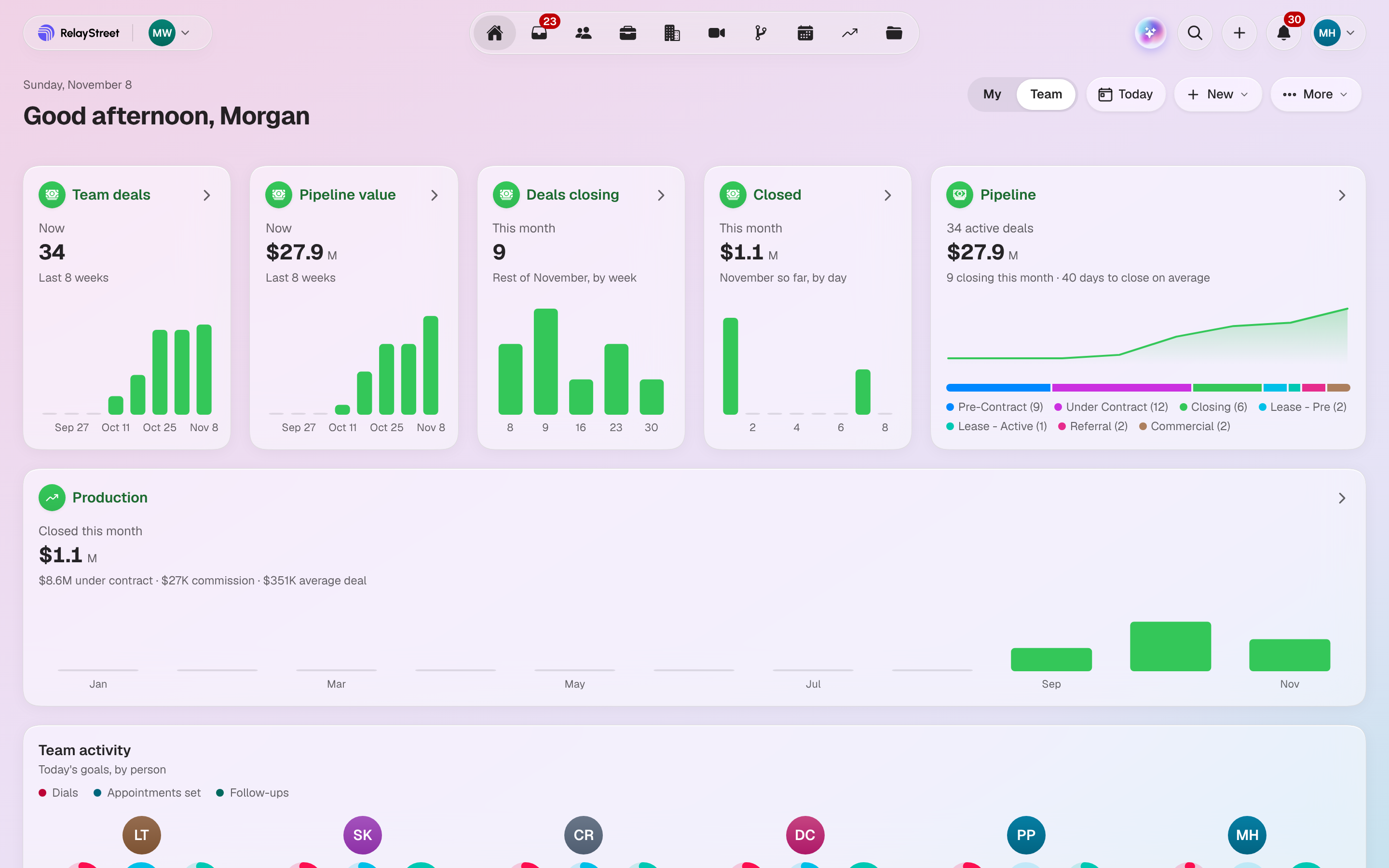
Side by side
What you get with each, in plain terms
Formerly Chime. Chime Technologies renamed itself Lofty in November 2023. Everything in the Lofty column comes from its public pages or the press, with the source under each line.
| What you get | RelayStreet | Lofty |
|---|---|---|
| Prices | Public on the pricing page: Individual $79, Team $499 and Enterprise $999 a month. Brokerage is by contract. | Not public. Each of its four packages says Request Pricing. |
| Terms | Monthly or yearly on Individual, Team and Enterprise. Brokerage is by contract. | Check with Lofty |
| Apps | Native apps for iPhone, iPad, Mac and Android, plus the web. They are not in the App Store or Google Play yet. | Check with Lofty |
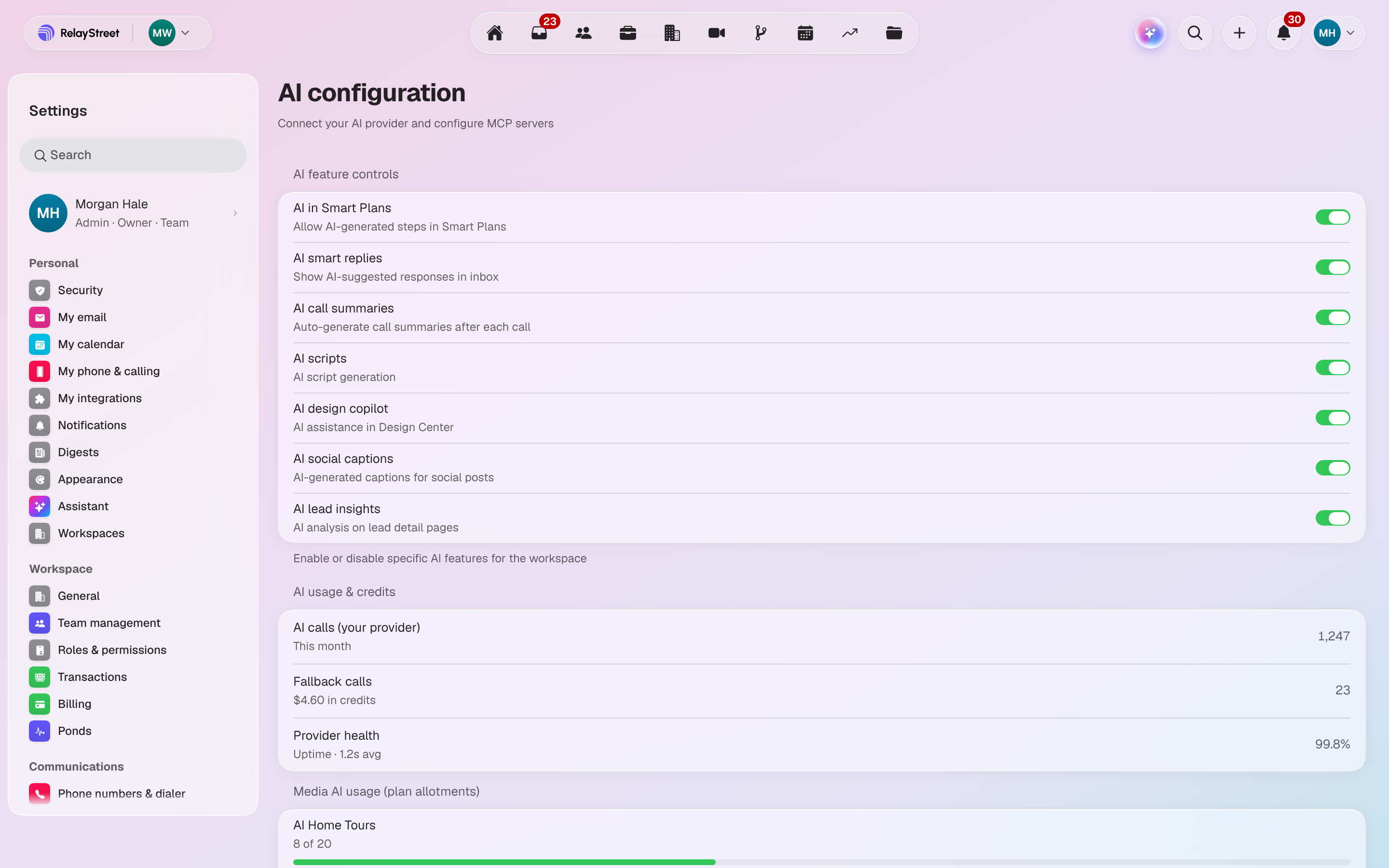
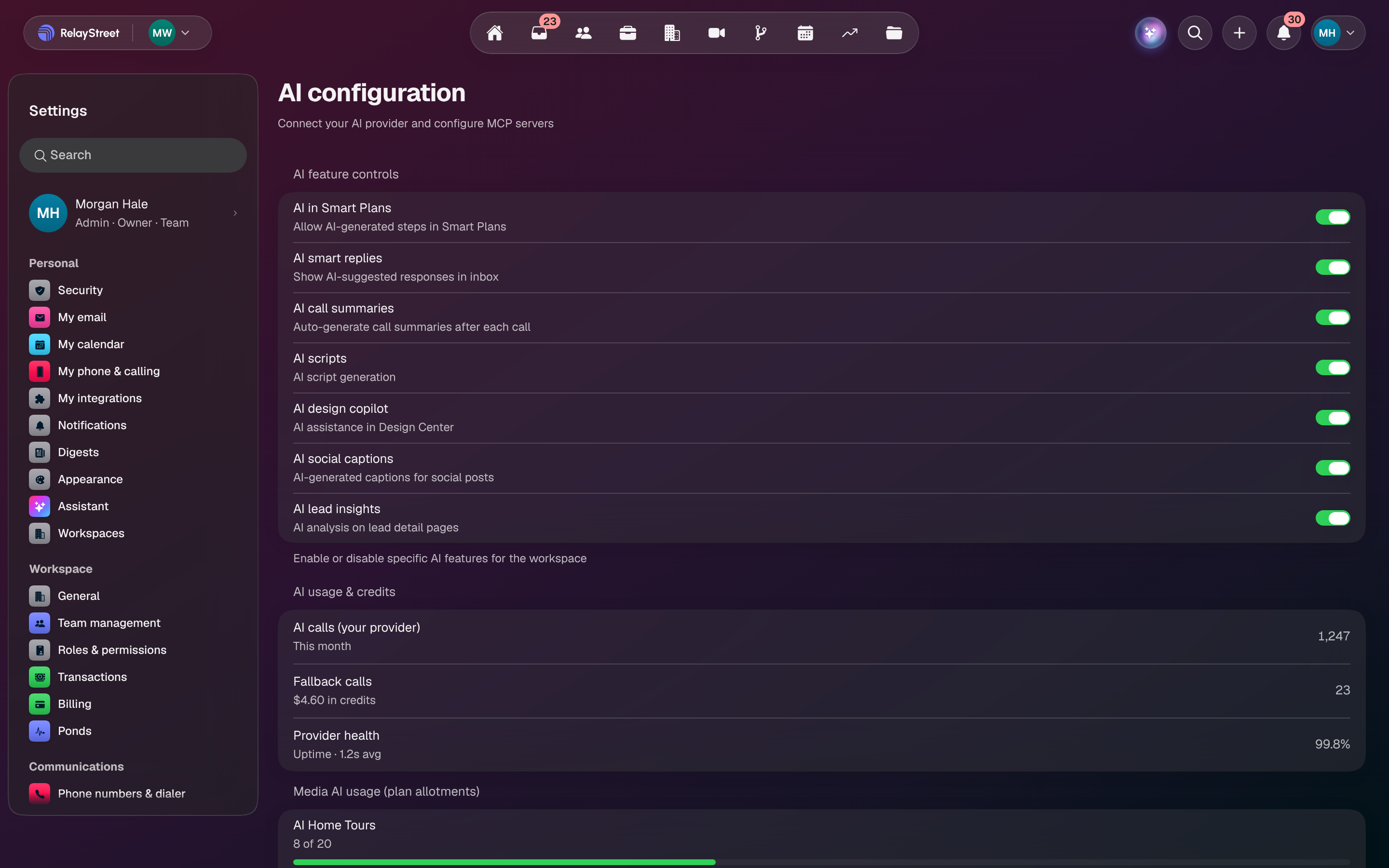
| AI | Aiva, an assistant in the app. Run her on RelayStreet’s AI, on your own AI account, or turn AI off. On your own AI, we add no AI charge. | Sells "a team of AI agents, built into your CRM", under the name Lofty AOS. |
| Calls and texts | Calls, texts and email in one inbox. The dialer is included on Team and a $39 per seat add-on on Individual. | Check with Lofty |
| Websites | Property sites, an agent site, open house and valuation pages, forms and link pages. | Check with Lofty |
| Integrations and API | An integrations directory, API keys and webhooks. A public API and an MCP server for outside AI apps are in progress. | Check with Lofty |
| Moving your data | Bring Follow Up Boss over yourself with its API key, or a CSV from any CRM. A dry run first, and the whole import can be undone. | Check with Lofty |
Lofty’s plans and prices can change, so check its site before you decide. If a line here is out of date, tell us and we will fix it.
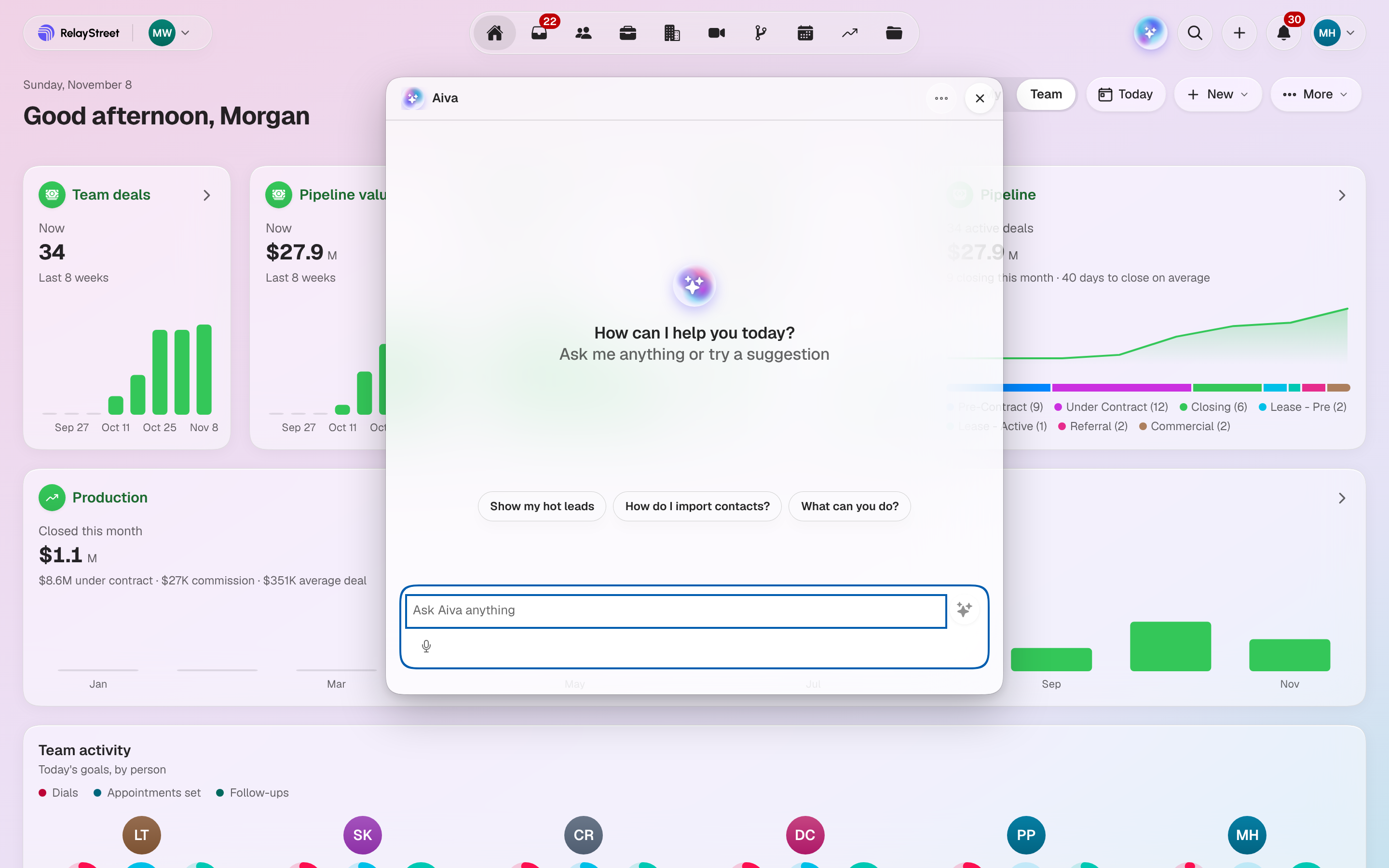
Aiva
An assistant that works your leads with you
- Ask her from the panel, from search or from any contact
- She also answers in Help and on your Sites pages
- Rename her, and talk to her on the web, iPhone, iPad and Mac
Bring your own AI
Use the AI you already pay for
- RelayStreet’s AI, your own Anthropic, OpenAI or Google account, or no AI at all
- On your own AI, you pay your provider and we add nothing
- Our AI as a backup only after you agree, and only up to the cap you set
- The setup assistant is included in every mode
Contact hours
Automated texts wait for the lead’s legal hours
- Aiva, Smart Plans and bulk sends hold until each state allows them, and are never dropped
- Your own texts and calls go when you send them
- Do not contact and missing consent stop every send, for everyone
- Register for 10DLC texting in the app; texts queue until it is approved
Contact hours
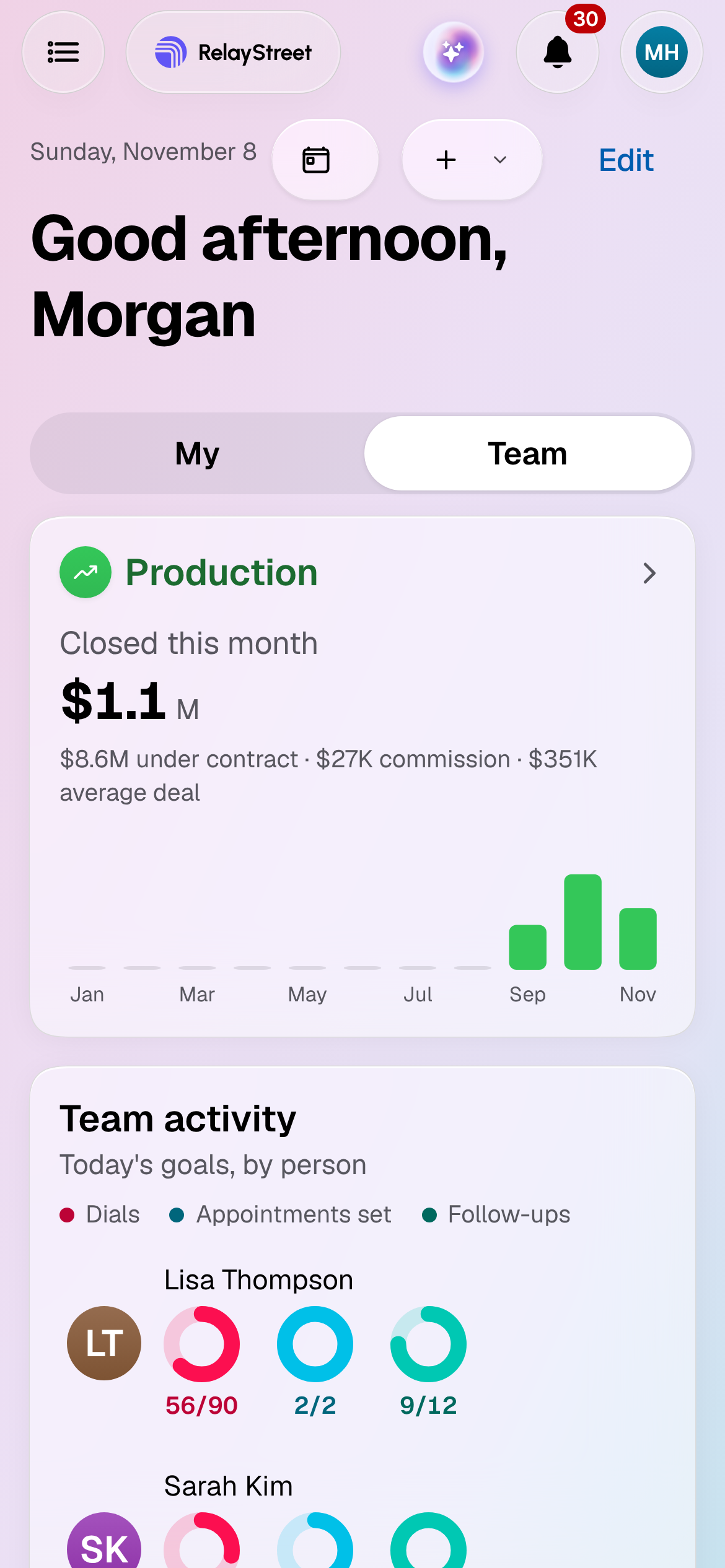
Every device
The same day on your phone, your Mac and the web
- Native apps for iPhone and iPad, and a native Mac app
- A native Android app and the web app
- Billing is changed on the web; every app shows where it stands
Your team
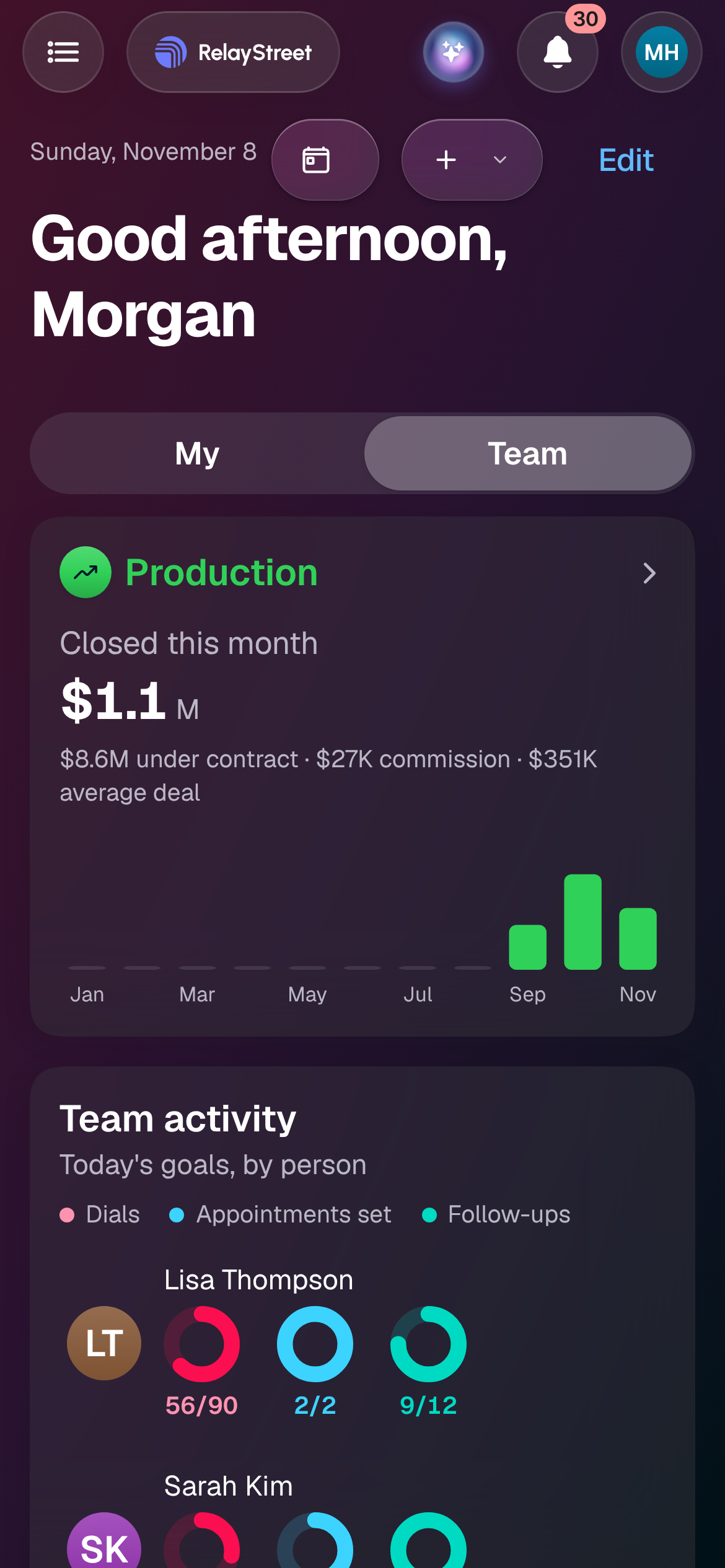
Every new lead goes to the right person
- Round robin, first to claim and shared lead ponds
- Test a routing rule before it goes live
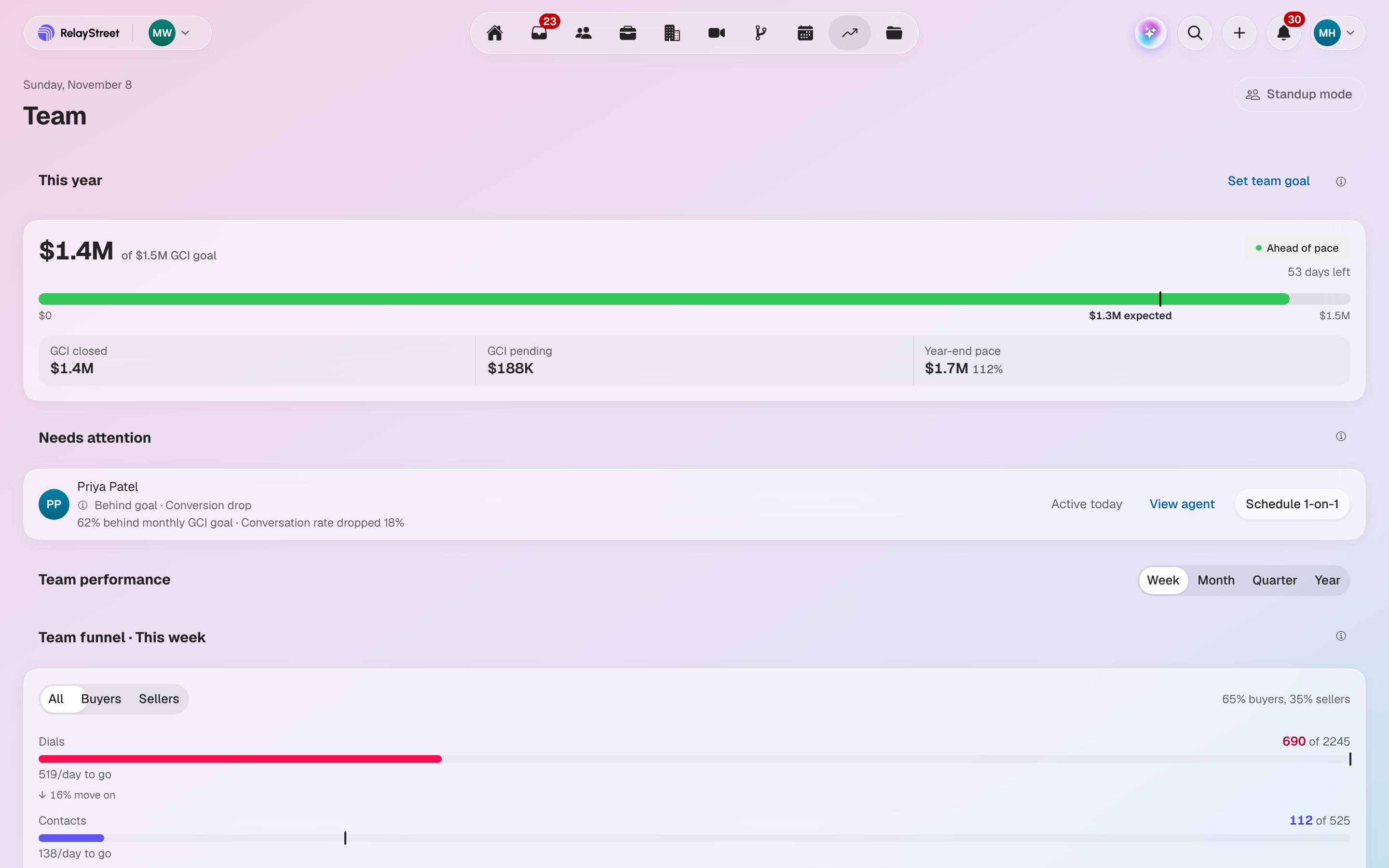
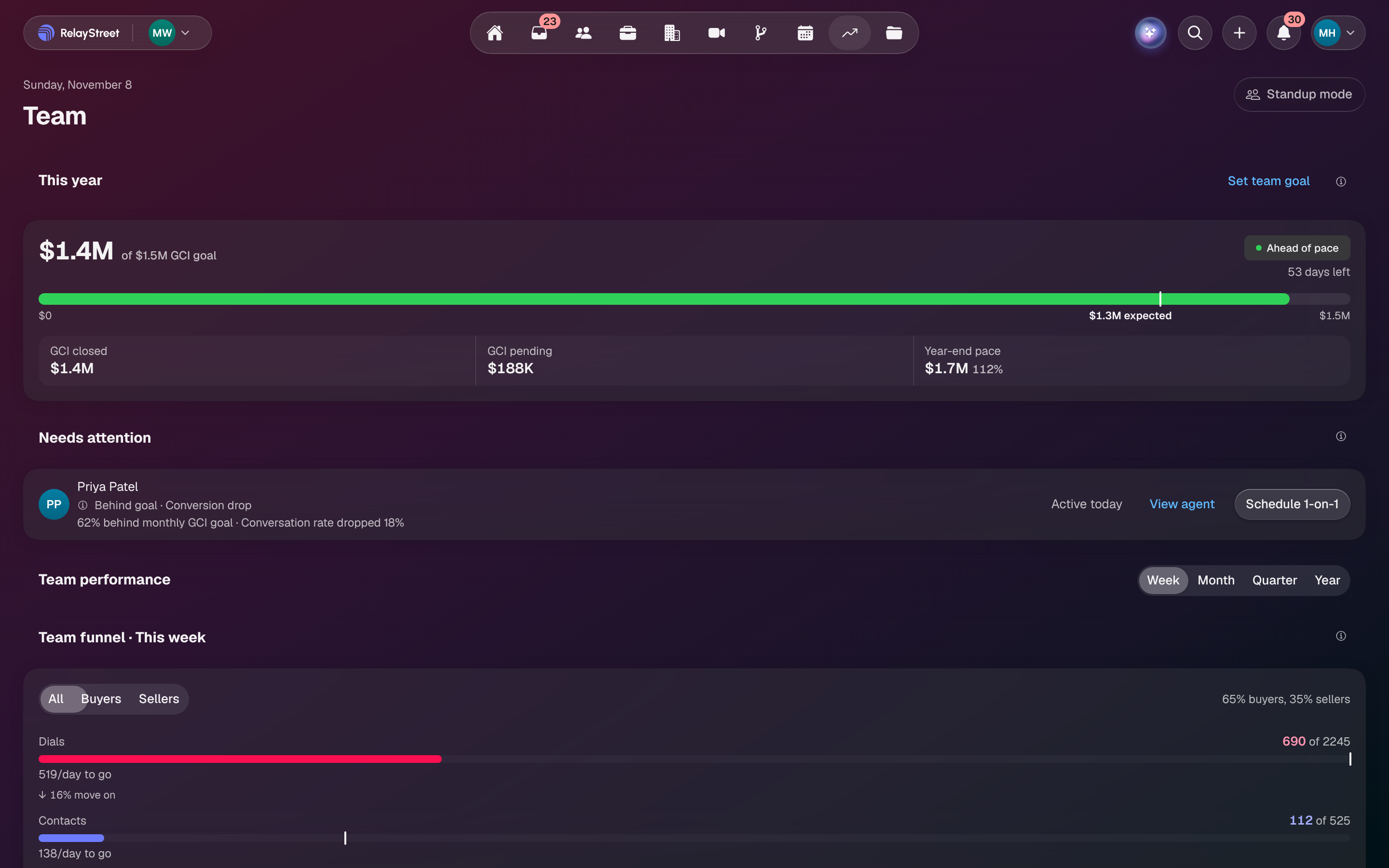
- A leaderboard, challenges and coaching in Performance
- Eleven built-in roles for who sees what
Make the switch
Leaving Lofty takes three steps
Get your invite
Join the waitlist, and your invite comes by email when your wave opens.
Connect your old CRM
Paste your Follow Up Boss API key, which only reads, or upload a CSV from any CRM. Nothing changes in your old CRM.
Check the dry run, then bring it over
See what will come across first. If something looks wrong, undo the whole import in one step.