Workspace and account settings
Set up your business once, and keep it right
Your business details, your team, your brand and your own sign-in live in one Settings app. Change them from your computer or your phone.
Business name, address and hours in one place
Members, roles and seats on one Team page
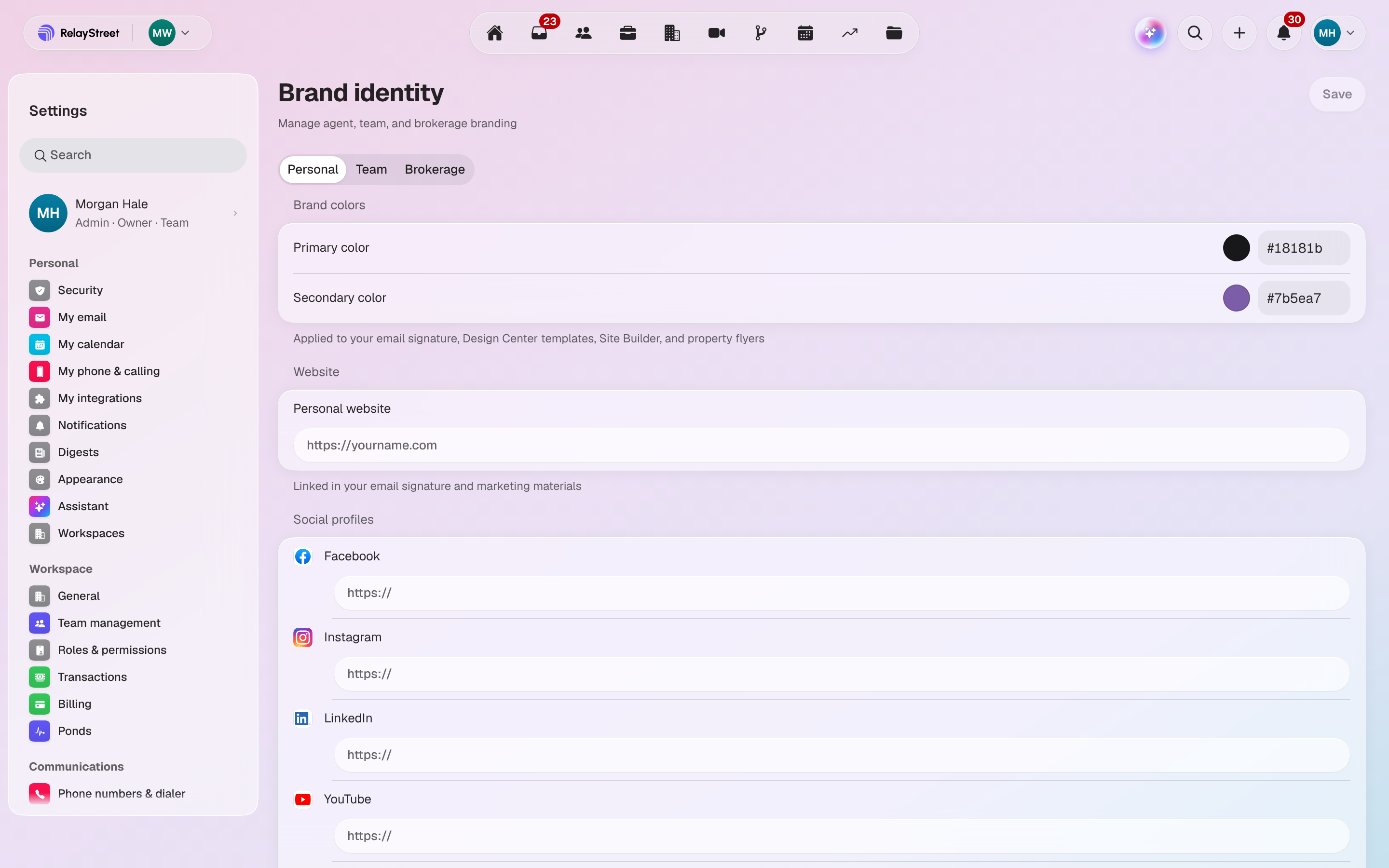
Brand at personal, team and brokerage level
An audit log you can search and export
Your business
Your business details, filled in once
General holds who you are as a business. Your address flows into the footer of your marketing email.
- Logo, entity type, EIN and DBA
- Business address for your email footers
- Opening hours for each day of the week
- Time zone and default currency
Your team
See your whole team and what each person can do
Team management lists every member with their role, their phone and email status, and whether they have joined yet.
- Search, and filter by role and status
- Phone and email status for each member
- Change a role, deactivate or remove
- Seats used shown under the list
Your brand
Look the same on every email and flyer
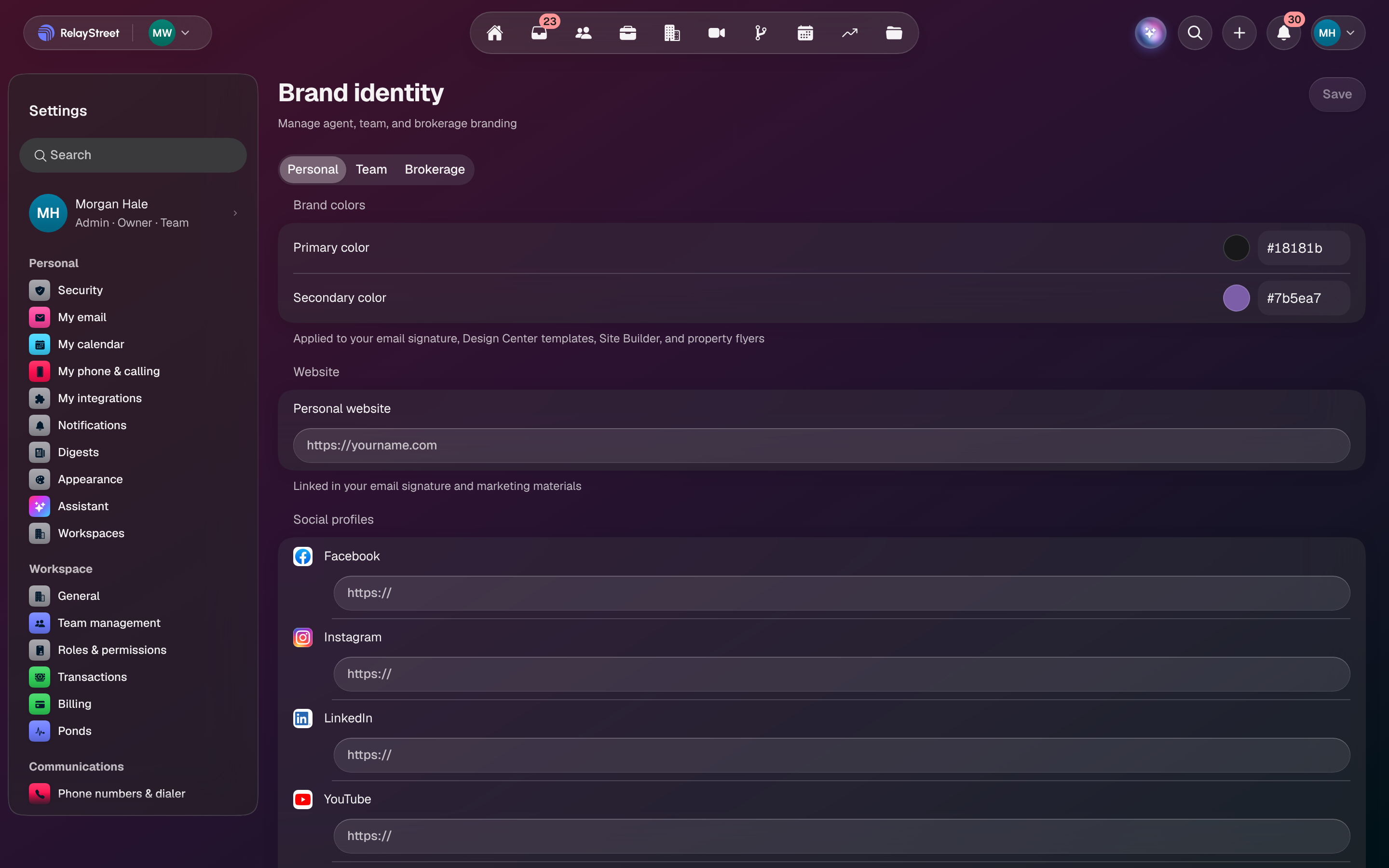
Set your colors, logo and social profiles once, for you, your team or your brokerage.
- Personal, Team and Brokerage brand levels
- Brand colors, logo and social profiles
- Brokerage branding flows to linked workspaces
- Equal Housing logo always on, as the law asks
More than one team
Switch between workspaces without signing out
Work with more than one team? Every workspace you belong to is in one list.
- Every workspace you belong to, with your role
- Open one with a click
- Create a new workspace that starts empty
- Rename one you own, or leave one you do not
Your account
Keep your profile current and your sign-in safe
Your profile, password and devices are yours to manage, whatever your role.
- Photo, title, license number and brokerage
- Change your password with a live checklist
- See every signed-in device and sign out others
- Review your recent sign-in history
Data and privacy
Answer data requests and keep the record
Data & privacy keeps an audit log of changes and handles requests to export or delete what you hold on one person.
- Search and filter the audit log, export it as CSV
- Export everything about one person on request
- Deletion keeps their do-not-contact record
- Audit records kept 5 years at the least
How it works
Workspace and account settings, step by step
Fill in General
Add your logo, business details, address and opening hours.
Invite your team
Add members from Team management with the right role for each.
Set your brand
Pick colors, add your logo and link your social profiles.
Keep watch
Check the audit log in Data & privacy to see who changed what.
Questions
About Workspace and account settings
Who can change workspace settings?
The owner can change everything. Admins and brokers can change everything except owner-only actions such as transferring ownership. Other roles see the team list and their own personal pages.
Which settings can everyone change?
Every role has the personal pages: Profile, Security, Notifications, Appearance, Assistant, Workspaces and the rest that are about you, not the workspace.
Can I belong to more than one workspace?
Yes. Workspaces lists every one you belong to, and Open switches to it. You can leave a workspace someone else owns.
How long is the audit log kept?
You choose 5, 7 or 10 years. It is never less than 5 years, the legal minimum for consent, Do Not Call and audit records.
Where do I find RelayStreet's terms and policies?
Data & privacy lists all nine legal pages, from the Terms of service to the Accessibility statement. Legal is also in your account menu.