Developers
Your data stays open to the tools you choose
An API, webhooks, an MCP server for AI assistants and a full export. No lock-in, and each part below says where it stands.
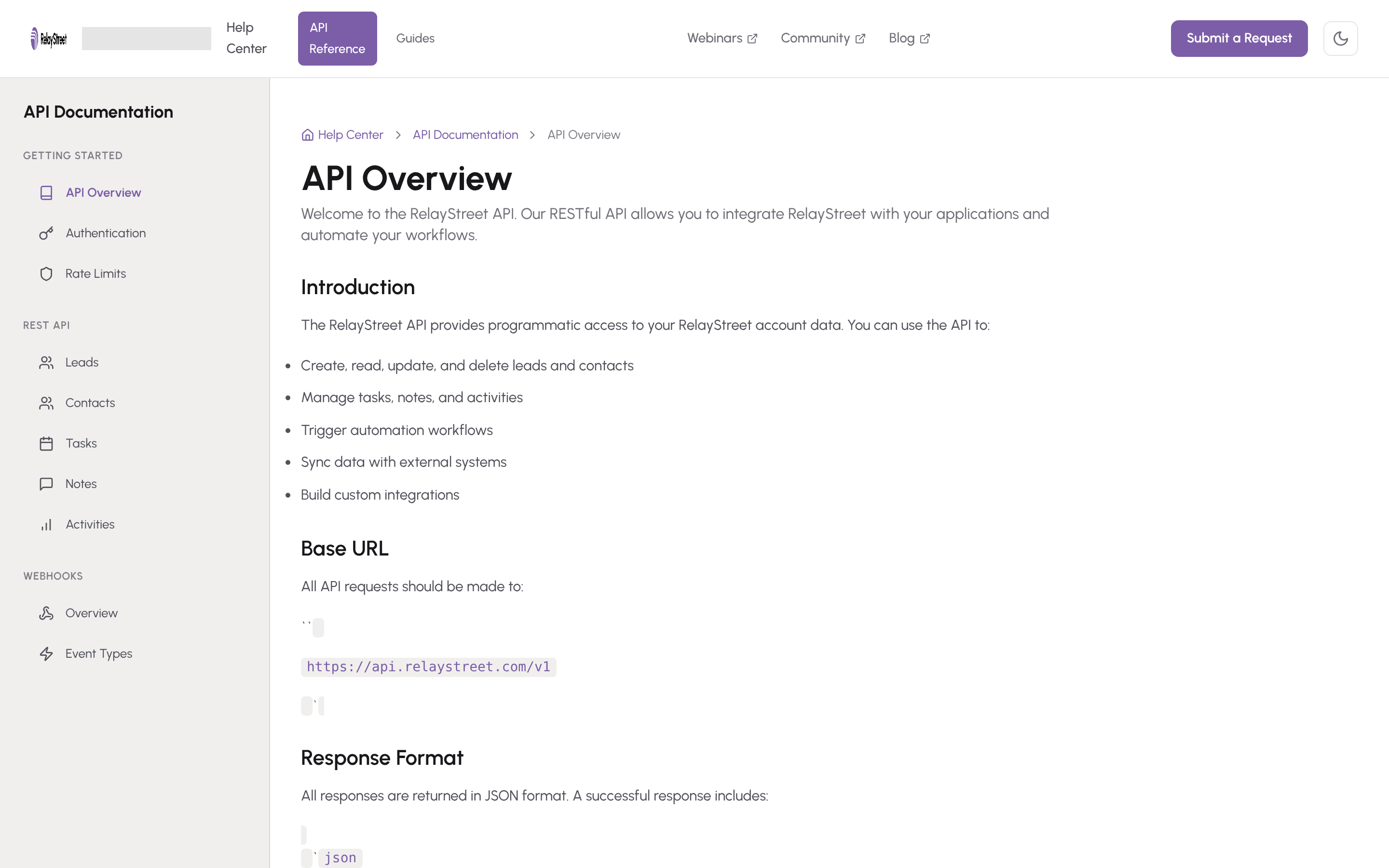
REST API
Read and write your RelayStreet data from your own tools
- Contacts with their tags and stage, users, transactions, appointments, notes and tasks
- Keys made in Settings, shown once, with an expiry of 30 days, 90 days, a year or never
- Scopes per key, from read-only to full access, and revoke stops a key at once
- Only the Owner, an Admin or the Broker can see keys
Webhooks
Hear about a new lead the moment it lands
- Events such as lead.created, lead.assigned, appointment.created, task.completed and deal.closed
- HTTPS only, with a signing secret to check each message with HMAC-SHA256
- Point them at your own server or an automation tool
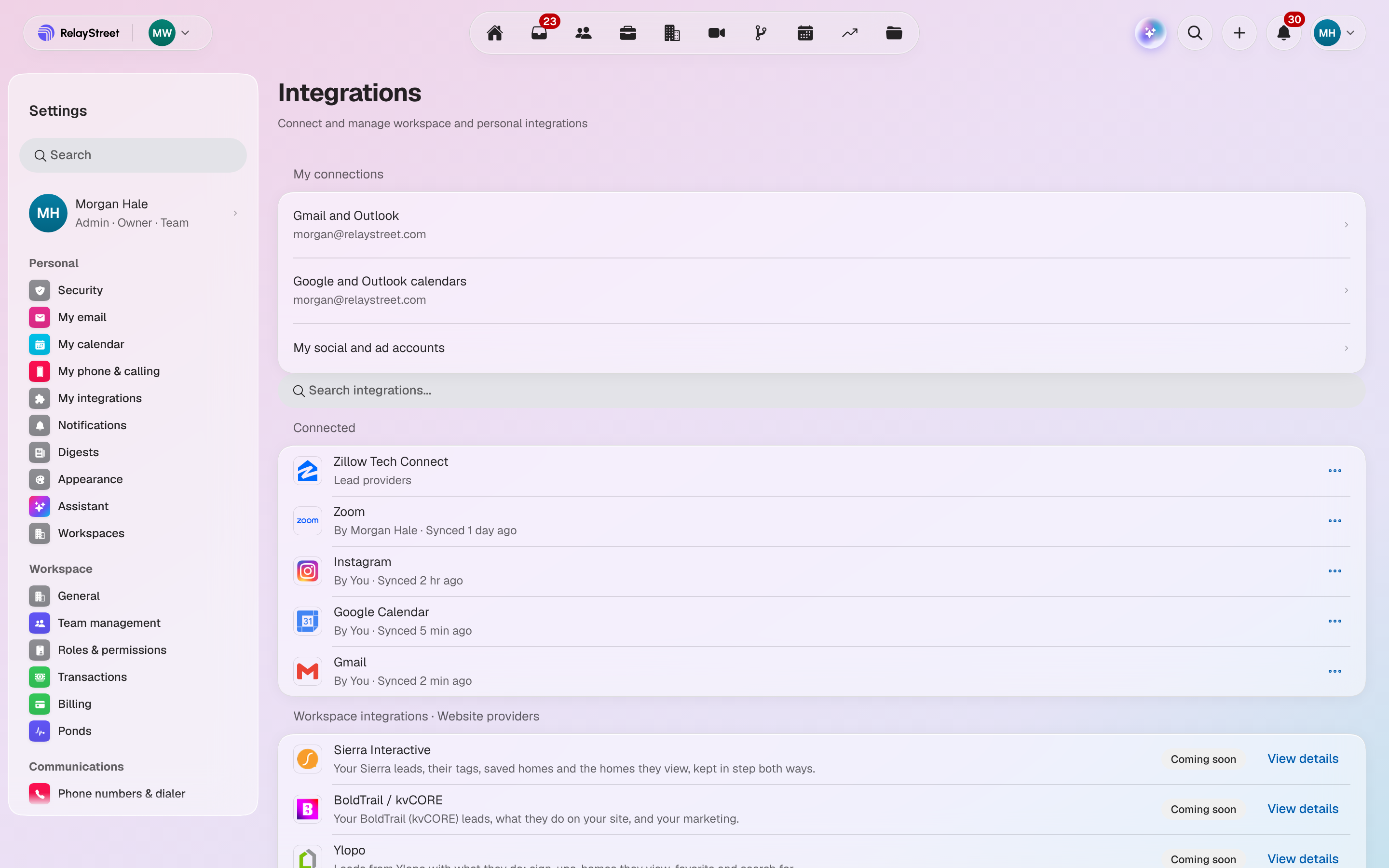
MCP server
Let Claude, ChatGPT or your own AI work inside your CRM
- Connect Claude Code or any MCP tool with your workspace’s server address and a one-time token
- You choose what it may do. Sending messages and changing stages start switched off
- It acts as the person who approved it and can never reach more than they can
- It gets the same checks as everyone: consent, Do Not Call, contact hours and state limits
Export
Take all of it with you, whenever you like
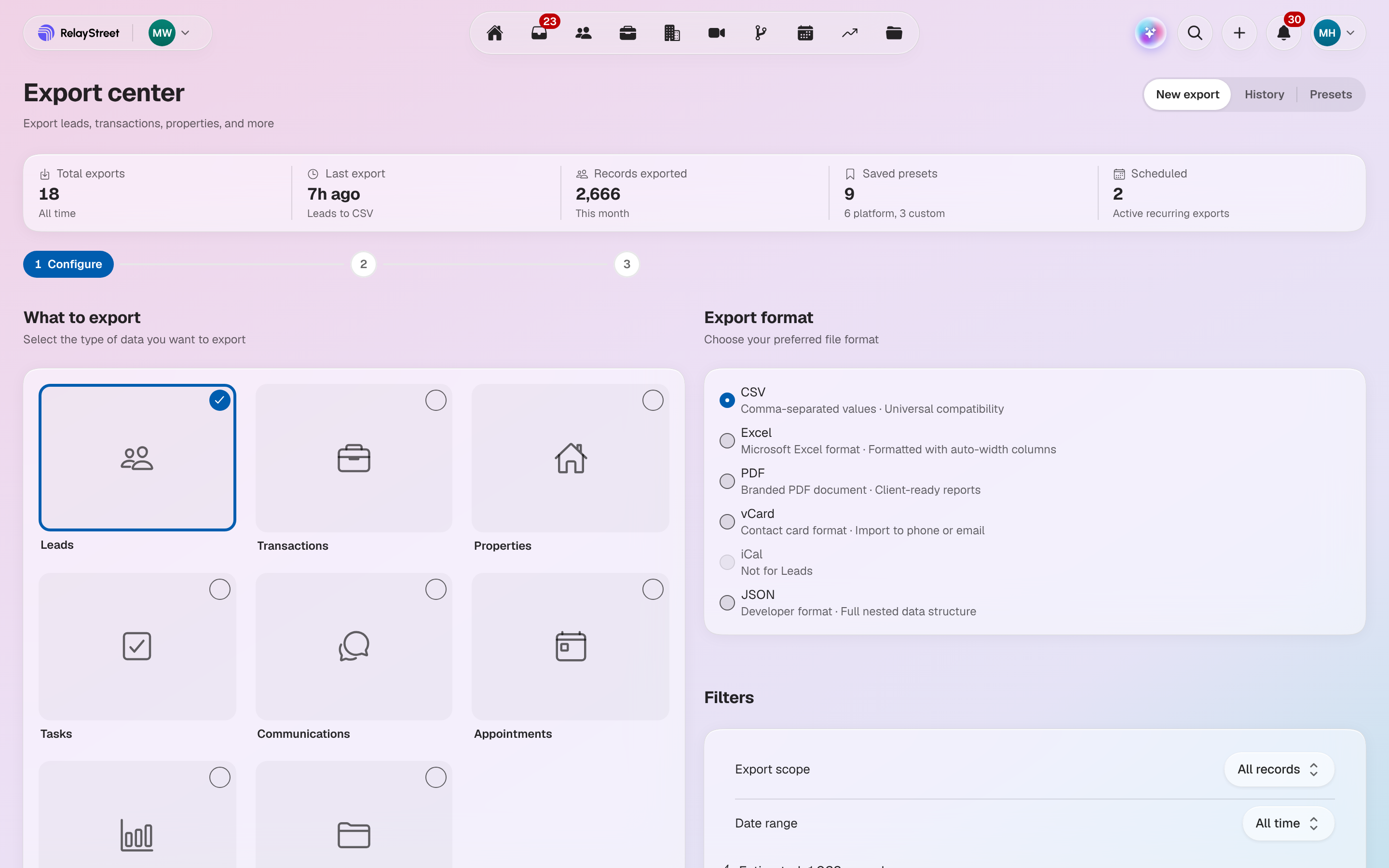
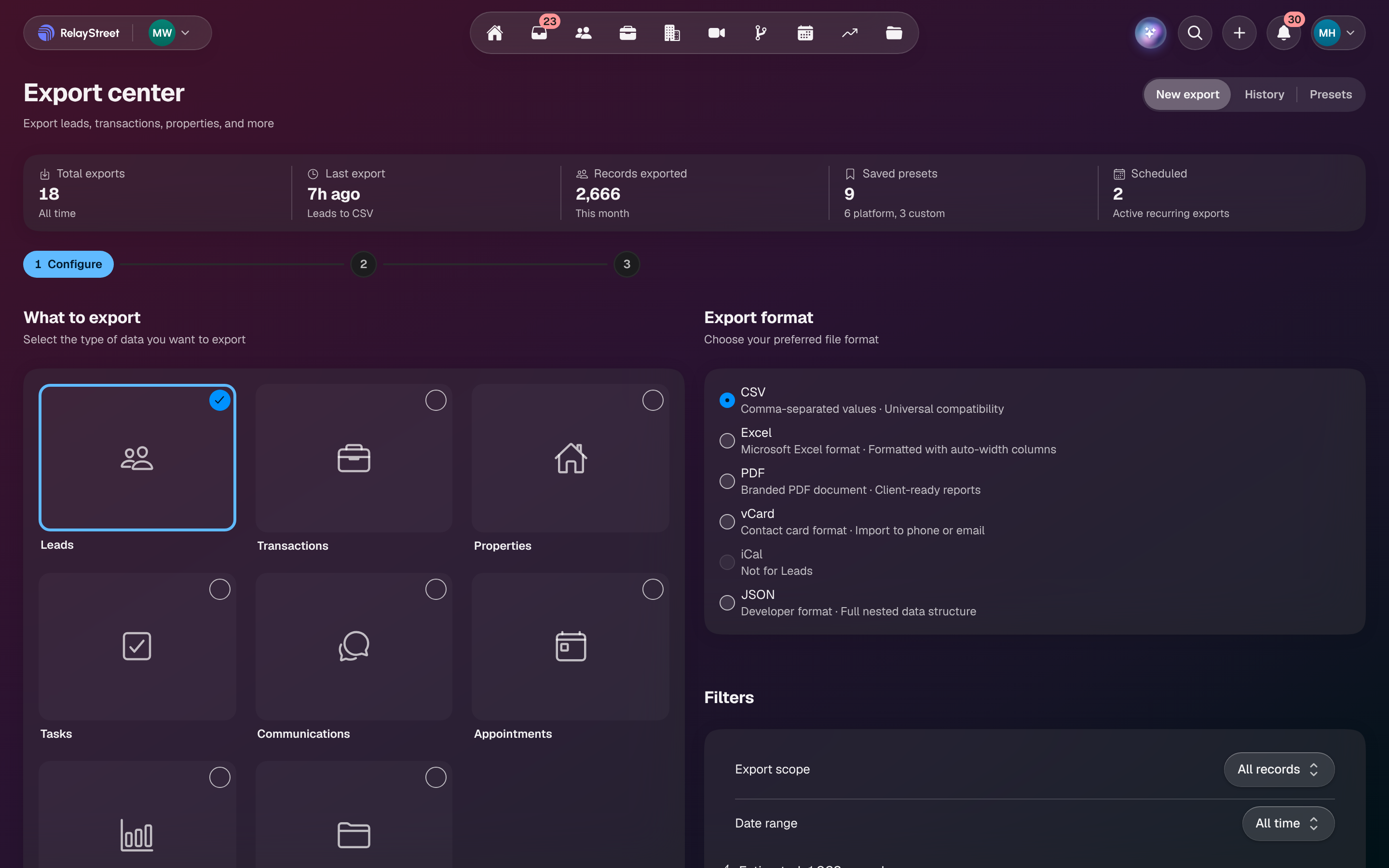
- One ZIP of contacts, deals, tasks, notes, messages, files and settings, in CSV and JSON with a manifest
- Or export leads, transactions, properties, tasks, appointments and files on their own
- CSV, Excel, PDF, vCard, iCal or JSON
- Everyone can export their own data. The owner can export the whole workspace
The details
Built to be predictable
https://api.relaystreet.com/v1

Authorization: Bearer <your key>
Idempotency-Key: <one per write, kept 24 hours>
llms.txt
A plain index of what RelayStreet’s tools do, written for AI assistants to read, generated from the same tool list as the MCP server. In build.
Sandbox keys
Test keys talk to a sandbox, so you can build without touching real leads. In build.
Rate limits
Planned at 3,000 requests a minute per partner key and 600 a minute per workspace.
Safe retries
Writes take an Idempotency-Key, kept for 24 hours, so a retry never makes a duplicate. Lists return up to 100 at a time.
Looking for a ready-made connection instead? Browse integrations
Developer questions
Can I start building today?
You can make keys in Settings now. The developer portal runs on sample data, and the API documentation, Postman collection and code examples are coming. The changelog says when the public API opens.
Does MCP run RelayStreet’s own AI features?
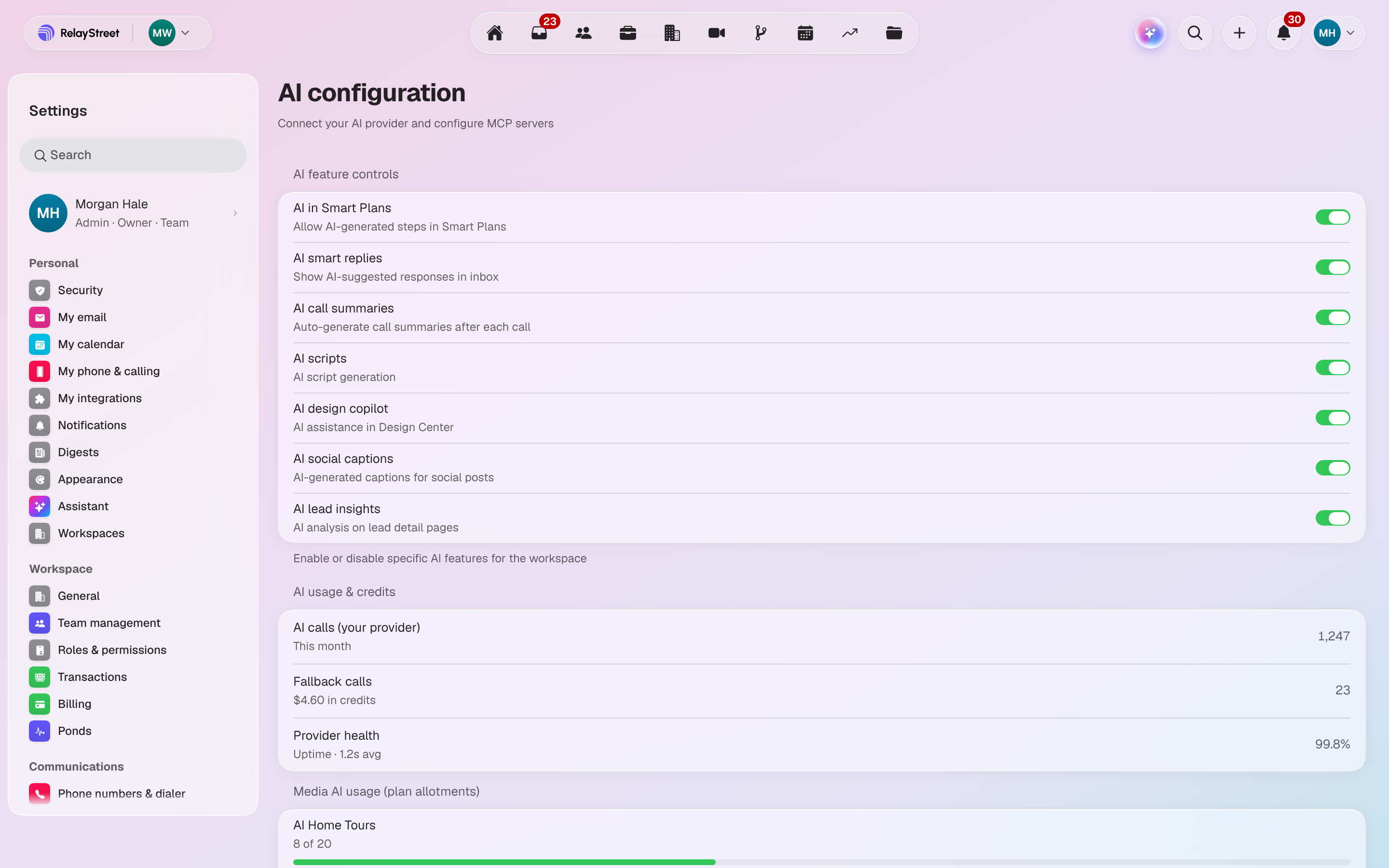
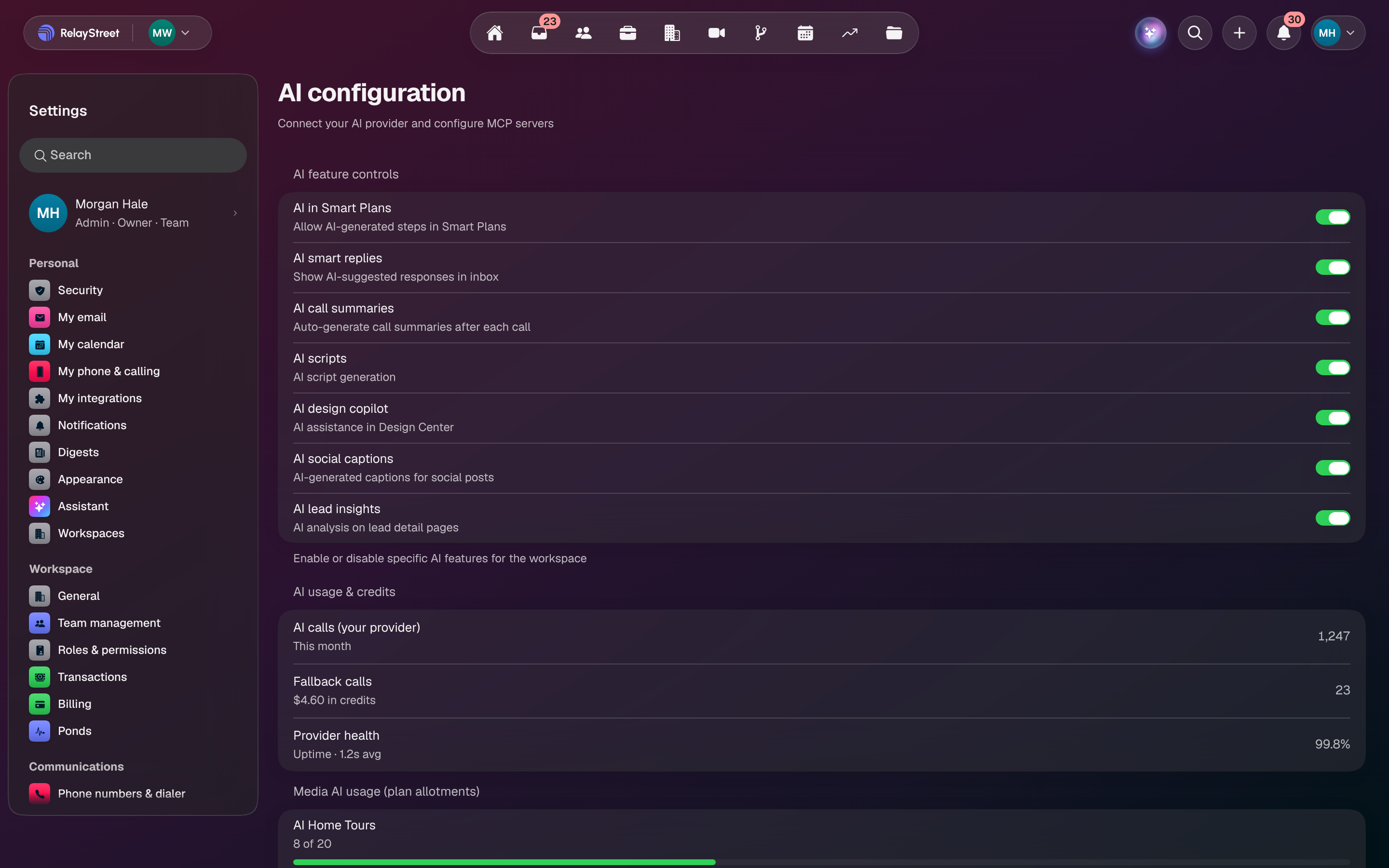
No. MCP lets your AI app reach into RelayStreet. Aiva and the in-app features run on the AI you pick in Settings, which can also be your own.
Is an export protected?
Yes. An export asks you to confirm it is you, with your password or an authenticator code.
What if an AI tool does something wrong?
Revoke or regenerate its connection token at any time, and it loses access at once. A list of what each AI tool did, with undo, is in build.