Video
Record with a teleprompter, edit on a timeline, send it anywhere
Work your leads
Run your deals
Market yourself
Lead your team
Teams and brokerages
Captions and voiceover
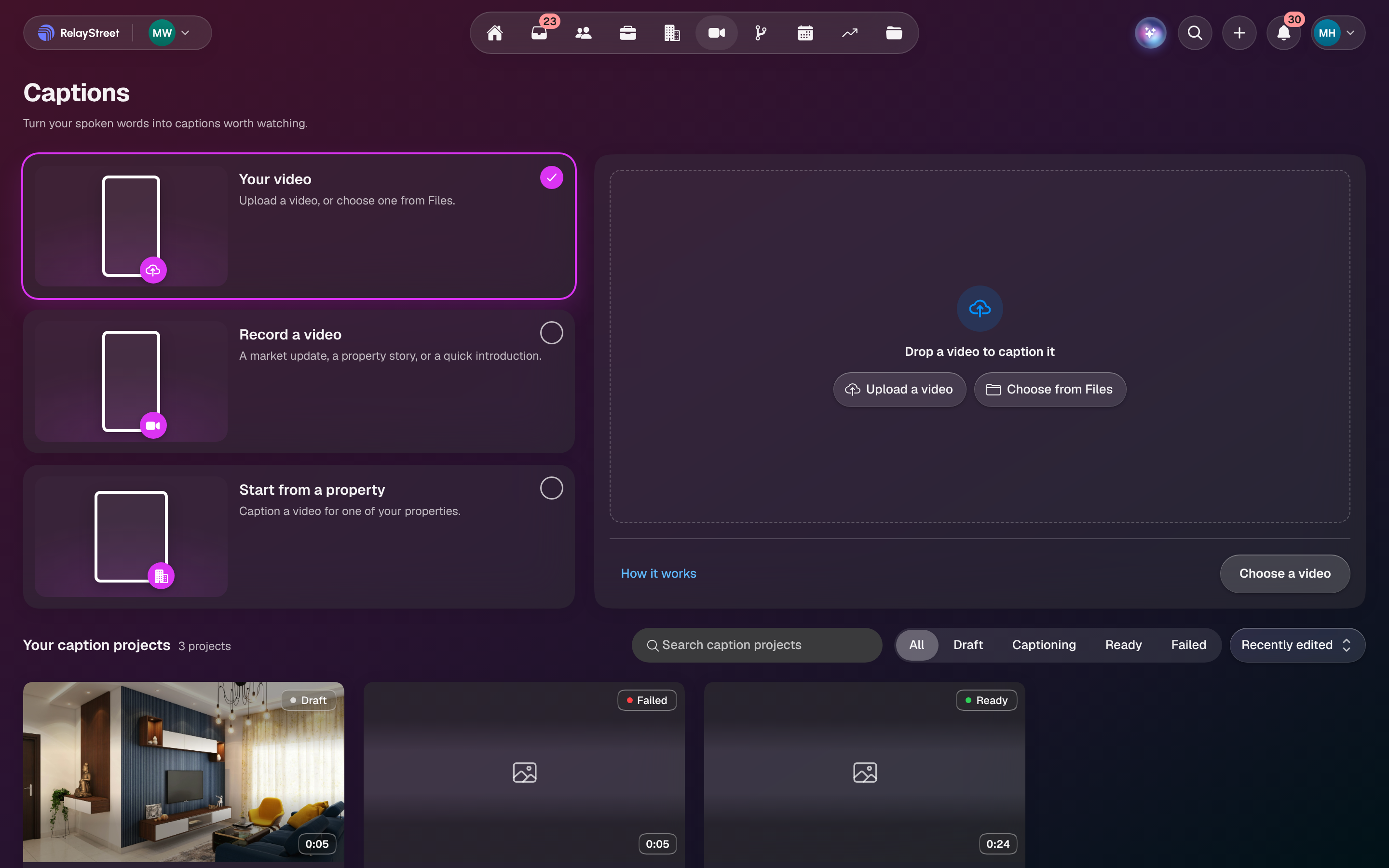
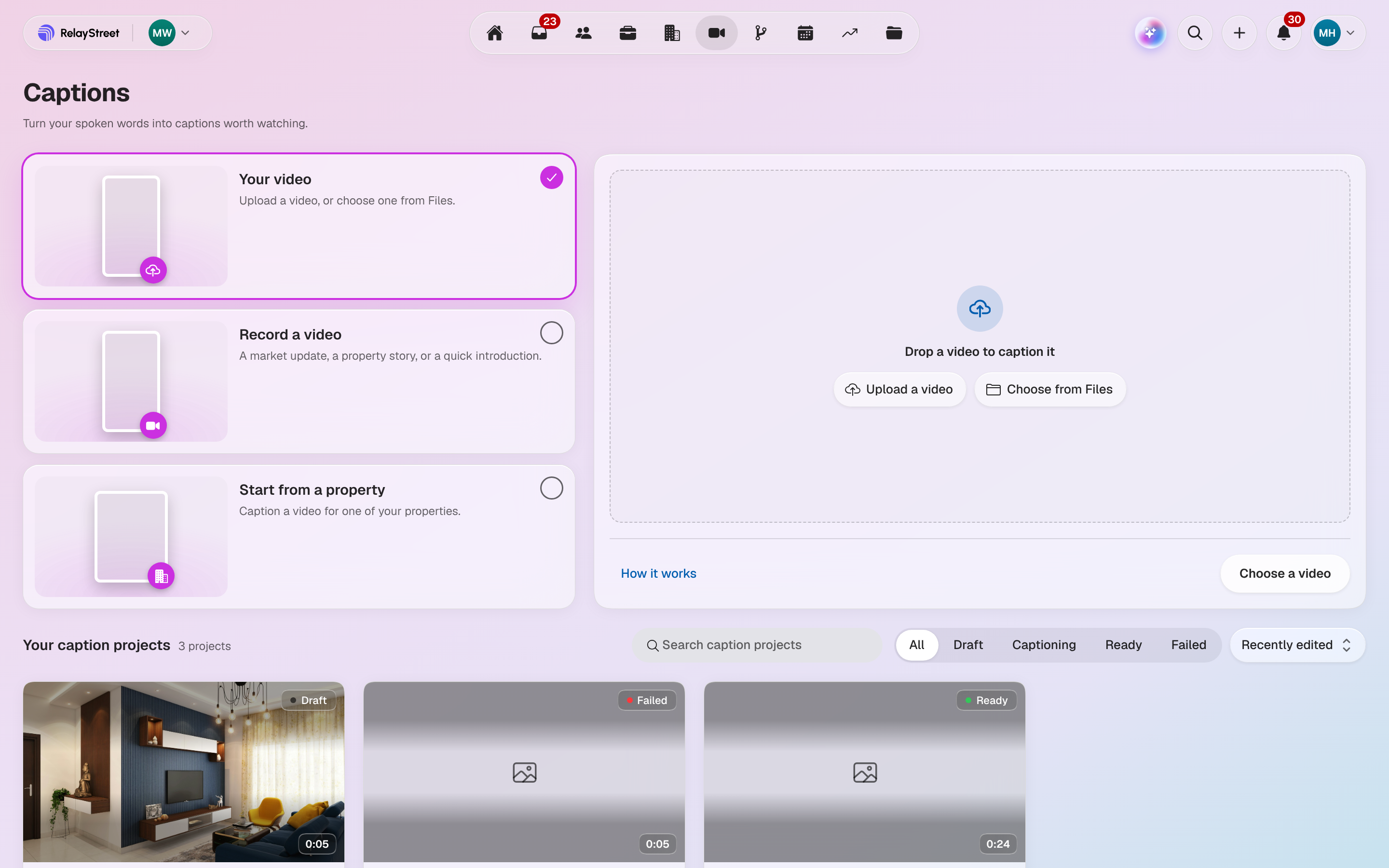
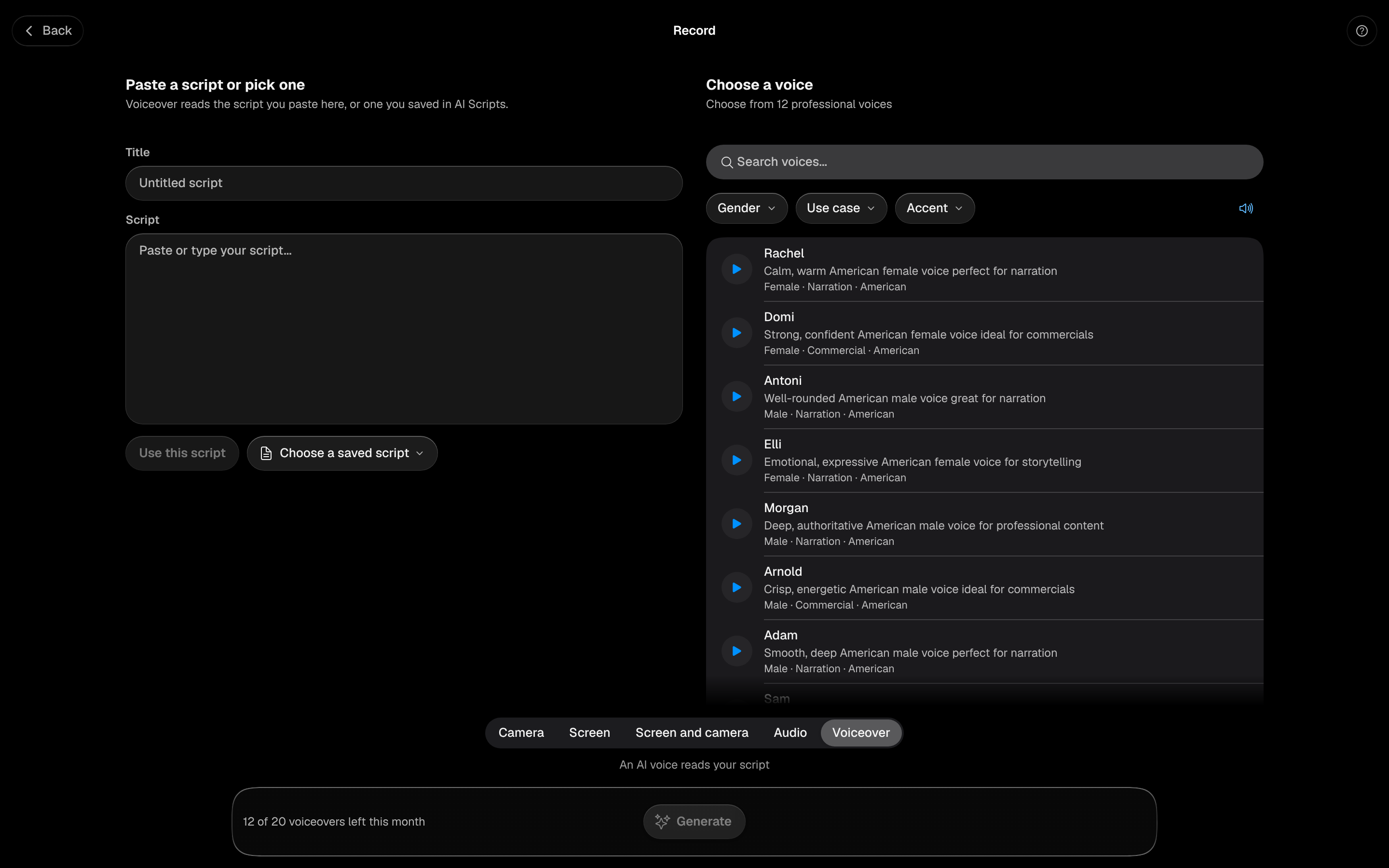
Upload or record a video of you talking and RelayStreet puts animated captions on it in your brand. Paste a script and pick one of 12 voices for a voiceover.
Make captions
Upload a video, choose one from Files, record a new one, or start from a property. Progress shows as the captions are made.
Quick fixes
Fix a word, add music, turn the highlights on or off, or make it shorter. Or ask Aiva and compare before and after.
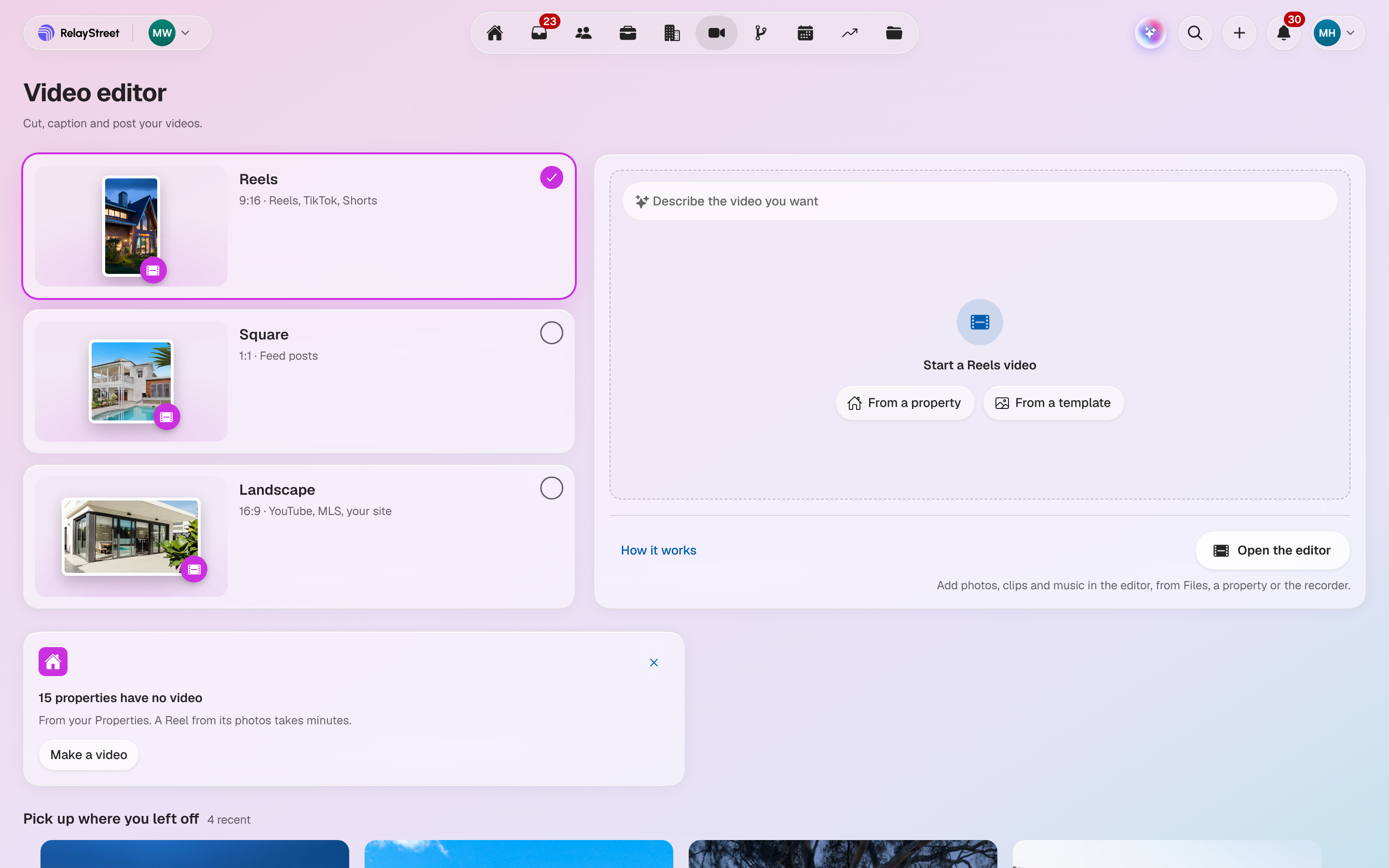
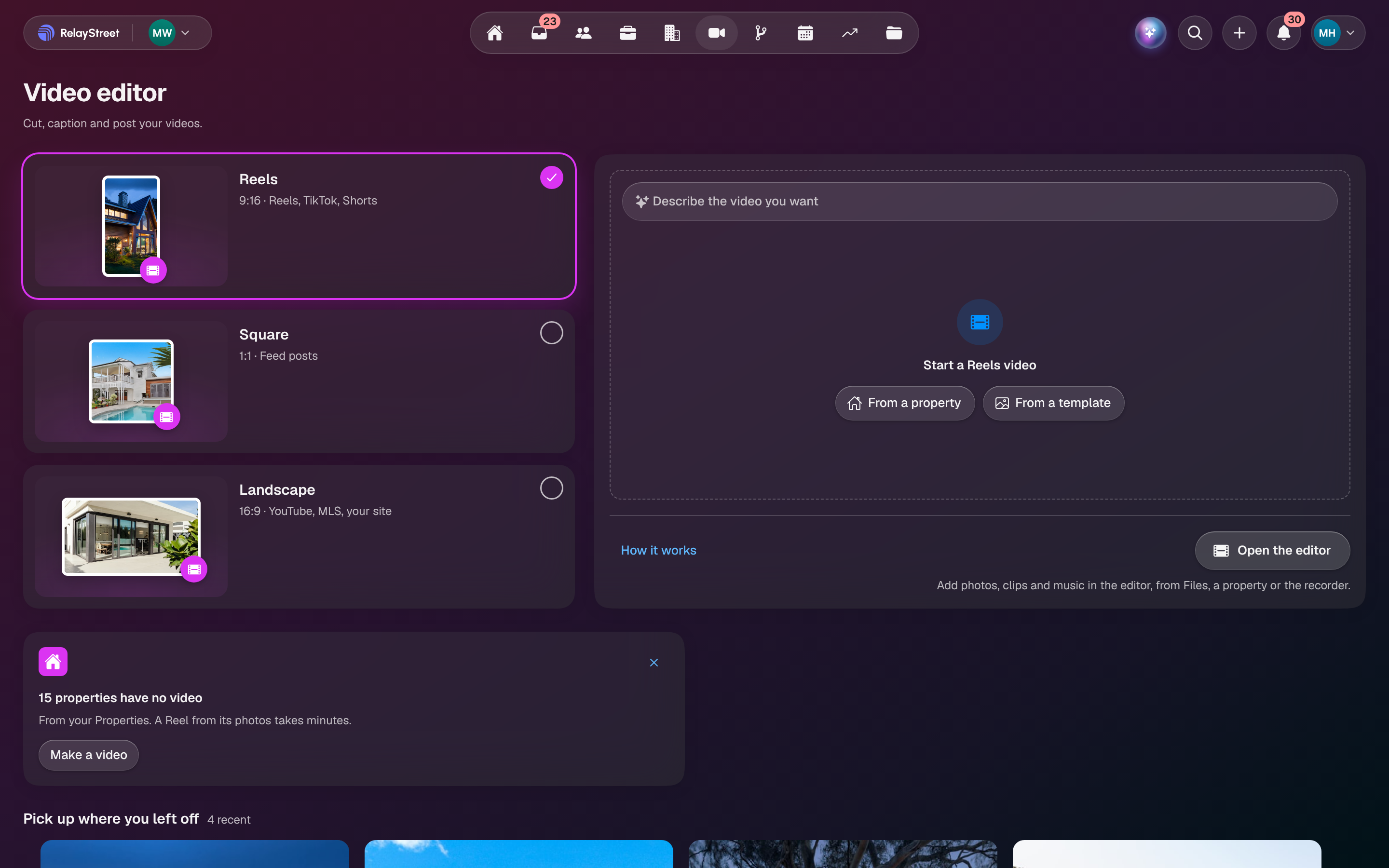
Editor
Tighten finds the pauses and filler words. Property photos drops in each room as you say it. Punch-ins keep a talking video moving. Advanced opens the full video editor.
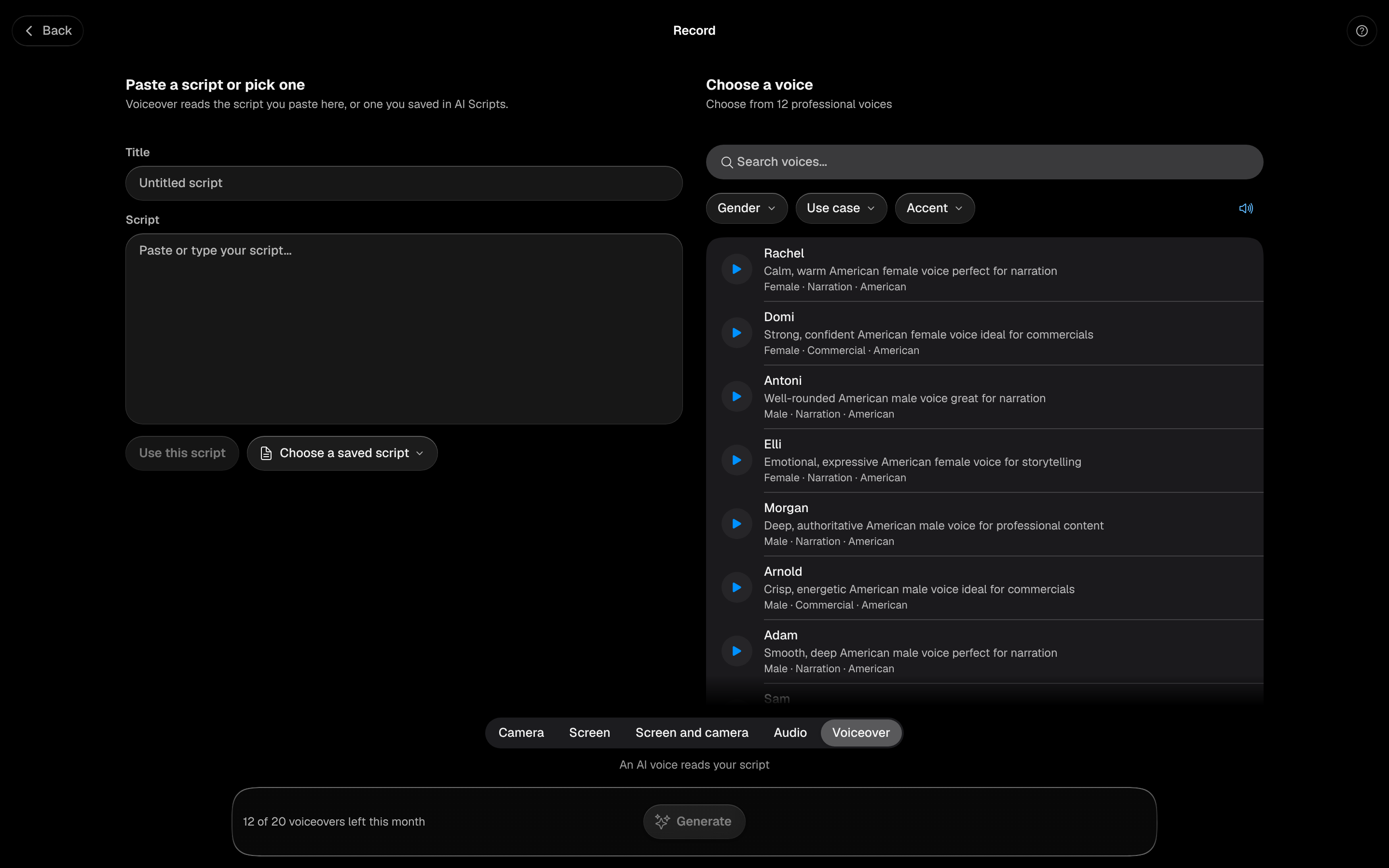
Voiceover
Paste a script or pick a saved one from AI Scripts. Filter twelve voices by gender, use and accent: American, British or Australian. Save the track to your media library or open it in the editor.
How it works
Upload, pick from Files, record, or start from a property.
Watch them being made, or come back later.
Pick a style, change a word, or ask Aiva.
An MP4 with or without captions, and an SRT file.
Rules
Captions put your words on screen, so they get the same check as everything else you publish.
Captions are checked before you post. A problem is named, with the wording to fix.
Every caption can be edited word by word before anything is exported or posted.
Where it stands
The honest list for this tool, as it stands today.
Videos over 1:30 are tightened to 1:30, with two minutes in all.
Yes. Export an SRT file for YouTube and other players.
Twelve, filtered by gender, use and accent: American, British or Australian.
Yes. Aiva can change the style, the music, the highlights, the length and a word, and shows before and after.
Marketing
Record with a teleprompter, edit on a timeline, send it anywhere
A property video from its photos, in three versions
Ten composers, a calendar and the numbers for every post