Smart Plans
Follow up with every lead on a schedule you set
A Smart Plan is a list of texts, emails, call tasks and to-dos that runs for one lead, day by day. Write it once, put leads on it, and set it to pause when they reply.
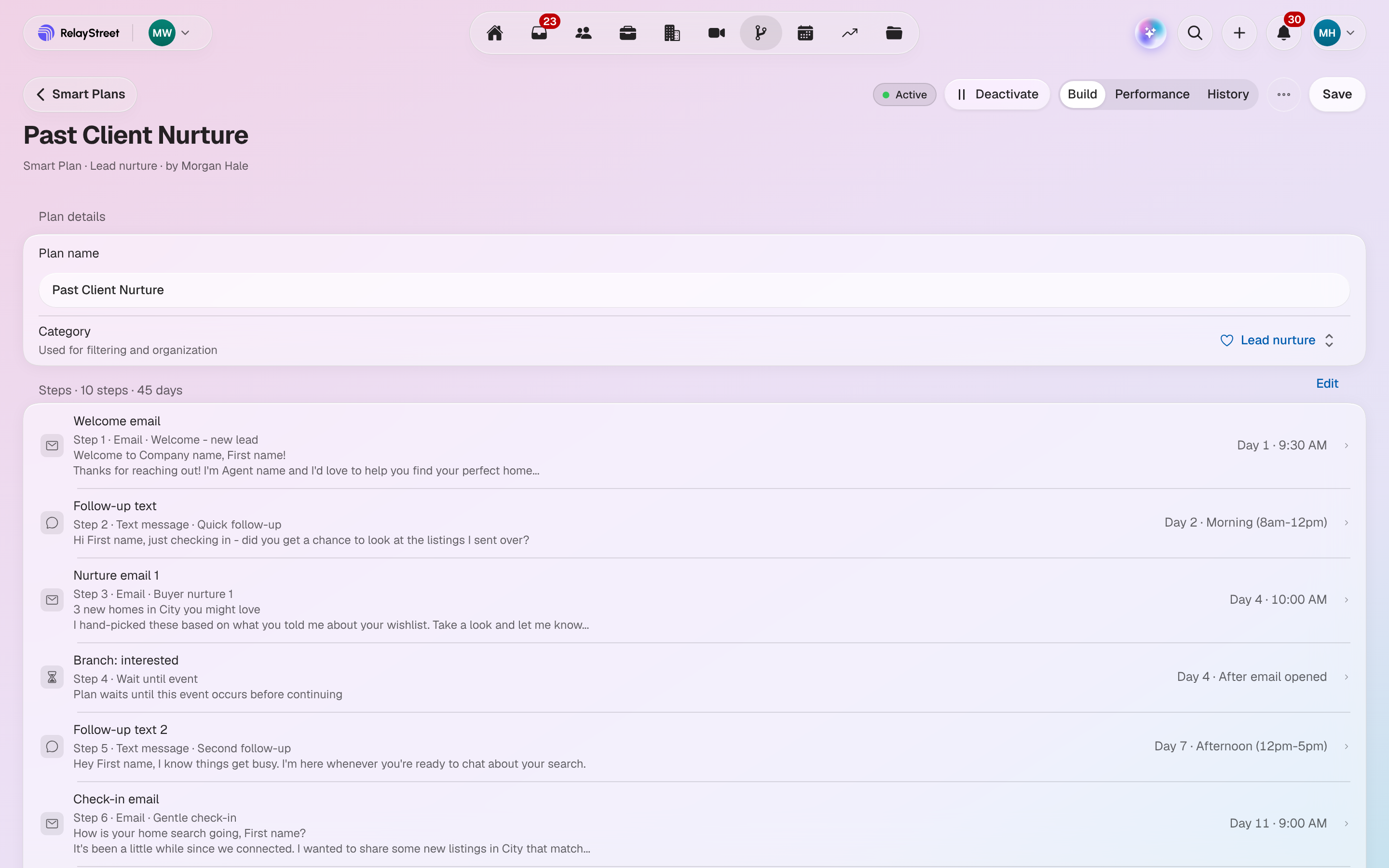
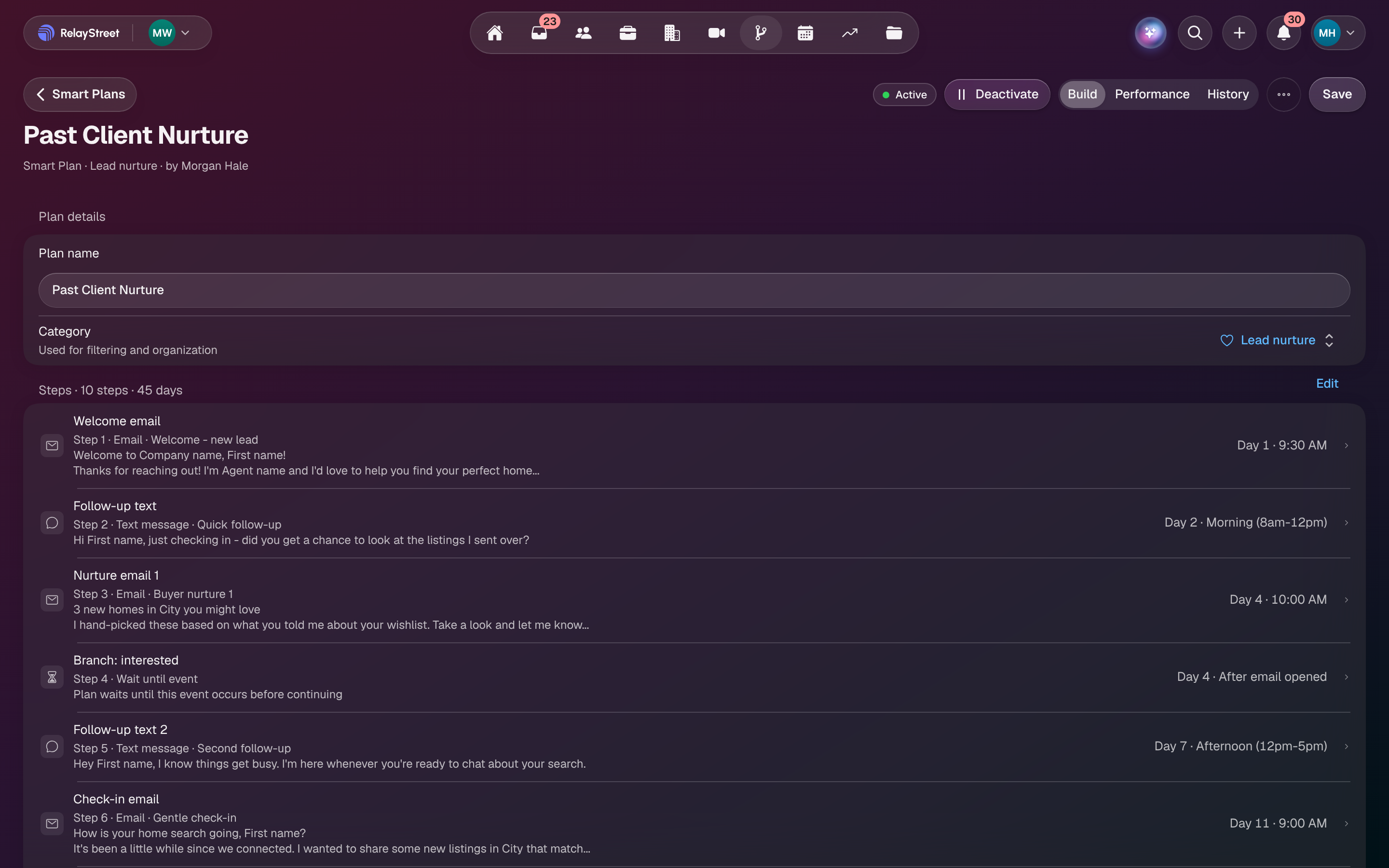
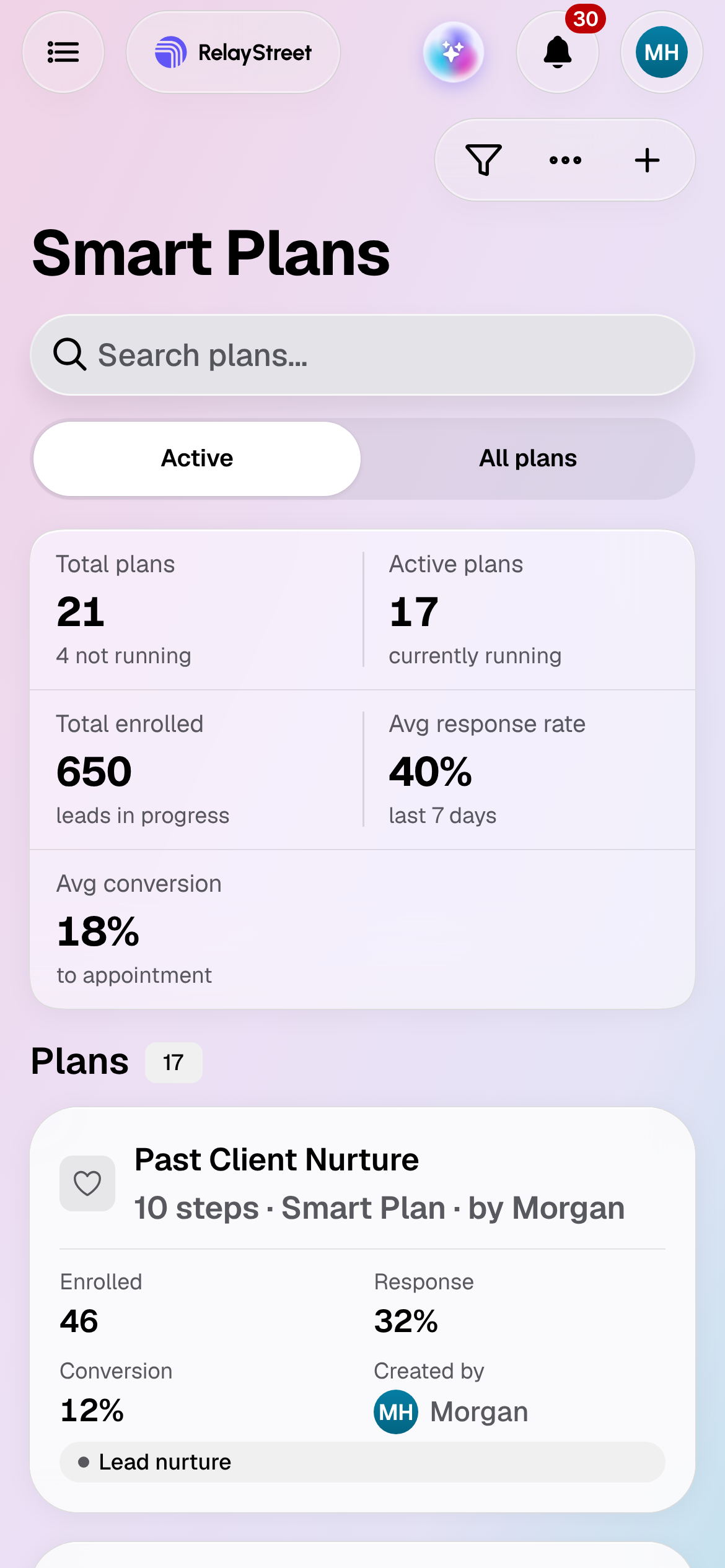
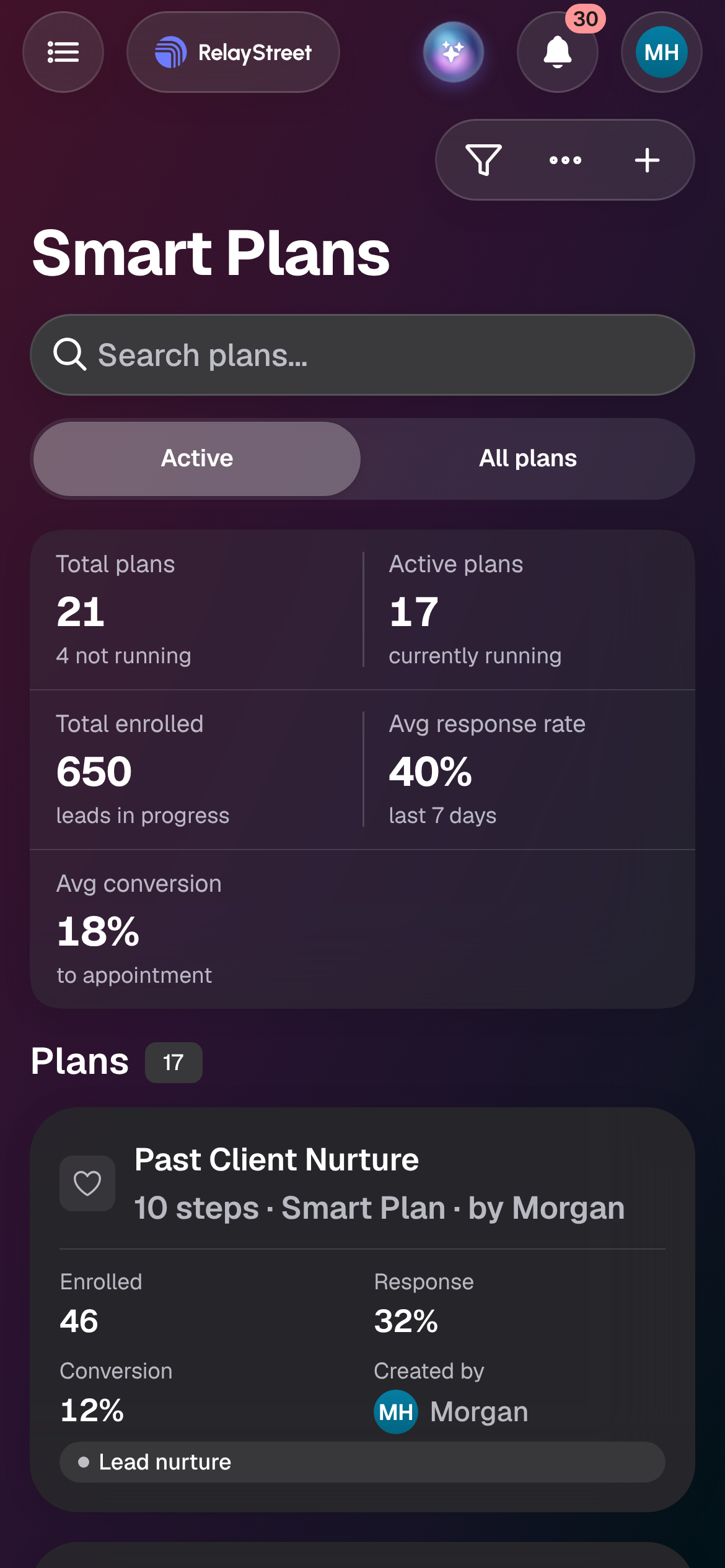
Texts, emails, call tasks, to-dos, waits and tags
Smart Plans for follow-up, Content Plans for email series
Start a plan from one lead or a whole selection
On web, iPhone, iPad and Mac
Build a plan
Write your follow-up once, step by step
Add steps from the library and set the day and time for each. The plan runs the same way for every lead you put on it.
- Email, Text message, Call task, Custom task, Notification
- Wait until event, Add or remove tag, Reassign agent
- Each step on any day from 0 to 365, at a time you pick
- Buyer property alerts from saved searches
Messages
Write texts and emails that sound like you
Use a shared template or write the words for one step. Merge fields add the lead's name, your calendar link and the property address.
- Shared templates update every plan that uses them
- Just for this step makes a one-off copy
- Add a video link straight into the message
- Fair housing words are flagged while you write
for them
Replies
Hand the lead to a person when they talk back
With Pause when lead replies on, any email, text or call of 2.5 minutes or more pauses the plan, so the agent takes the conversation from there.
- Pause when Aiva takes over the lead
- Pause when the pipeline stage changes
- Ignore out-of-office and auto-reply messages
- Resume the plan from the lead's record when ready
Enroll
Put one lead or a whole list on a plan
Start a plan from a lead's record with Add to a plan, or select leads in Contacts and choose Start a Smart Plan.
- The record shows the step they are on and what is next
- Pause, Resume or Stop from the lead's record
- Leads marked do not contact on a channel are left out
- Leads already on the plan stay as they were
Content Plans
Send an email series that runs on its own
A Content Plan only sends emails and never expects a reply, like a first-time buyer series or a monthly market update. It runs alongside any working plan.
- Seven content categories, from newsletters to review asks
- Replies land in your inbox and the series carries on
- A lead can be on a working plan and a Content Plan
- Content Plans use email steps only
Results
See which step gets replies and which falls flat
The Performance tab shows active and completed leads, messages sent in the last 7 days and the reply rate for every step.
- Overall reply rate with its trend
- Sent, replied and reply rate for each step
- The weakest step is marked Needs work
- Email unsubscribes and text opt-outs for the week
How it works
Smart Plans, step by step
Pick a plan type
Choose New Smart Plan for follow-up you write step by step, or New Content Plan for a one-way email series.
Add your steps
Pick each step from the library, set its day and time, and write or choose the words.
Turn it on
Save the plan and turn it on. A plan turns on once it has a name and at least one step.
Put leads on it
Add one lead from their record, or select many in Contacts and start the plan for all of them.
Questions
About Smart Plans
What is the difference between a Smart Plan and a Content Plan?
A Smart Plan mixes texts, emails, calls and tasks and pauses when the lead replies. A Content Plan only sends emails, expects no reply and runs alongside whatever else the lead is on.
Who can build Smart Plans?
Owners, admins, brokers, team leads, sales managers, agents, ISAs, transaction coordinators and virtual assistants can open Smart Plans. Showing assistants and viewers cannot.
Can a lead who asked not to be contacted join a plan?
No. A lead marked do not contact for everything cannot join any plan. A lead marked do not contact on one channel cannot join a plan with a step on that channel.
How long can a plan run?
Steps can fall on any day from 0 to 365. A Wait until event step can wait up to 90 days, or forever.
What if a lead is already on the plan?
You choose for each plan: block the second start, restart from the beginning, or resume from where they left off.