Leaderboard
Give every agent a board they can win
Pick a metric, pick a week or a year, and see where everyone stands. Each goal turns into the daily dials, conversations and appointments that get there.
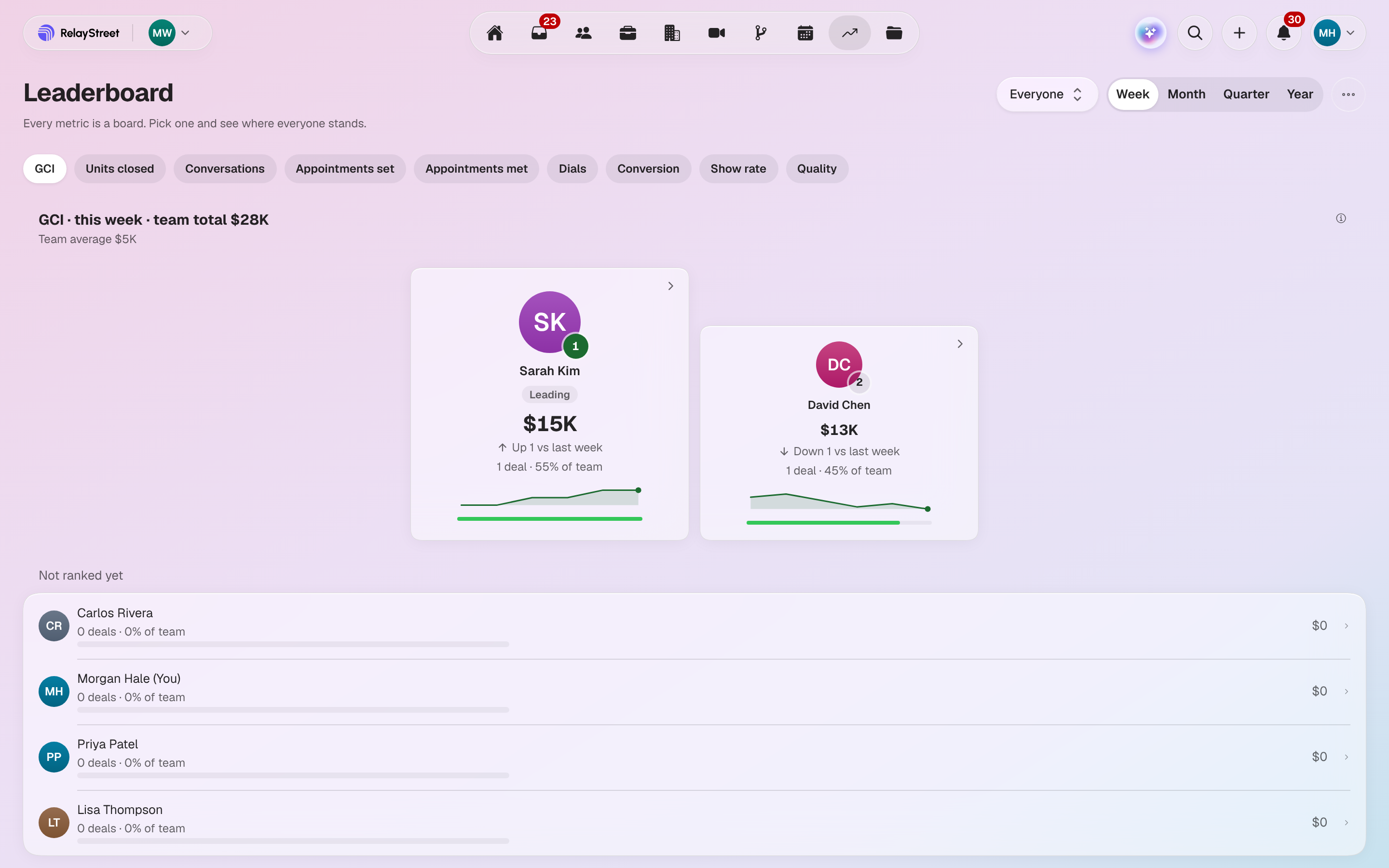
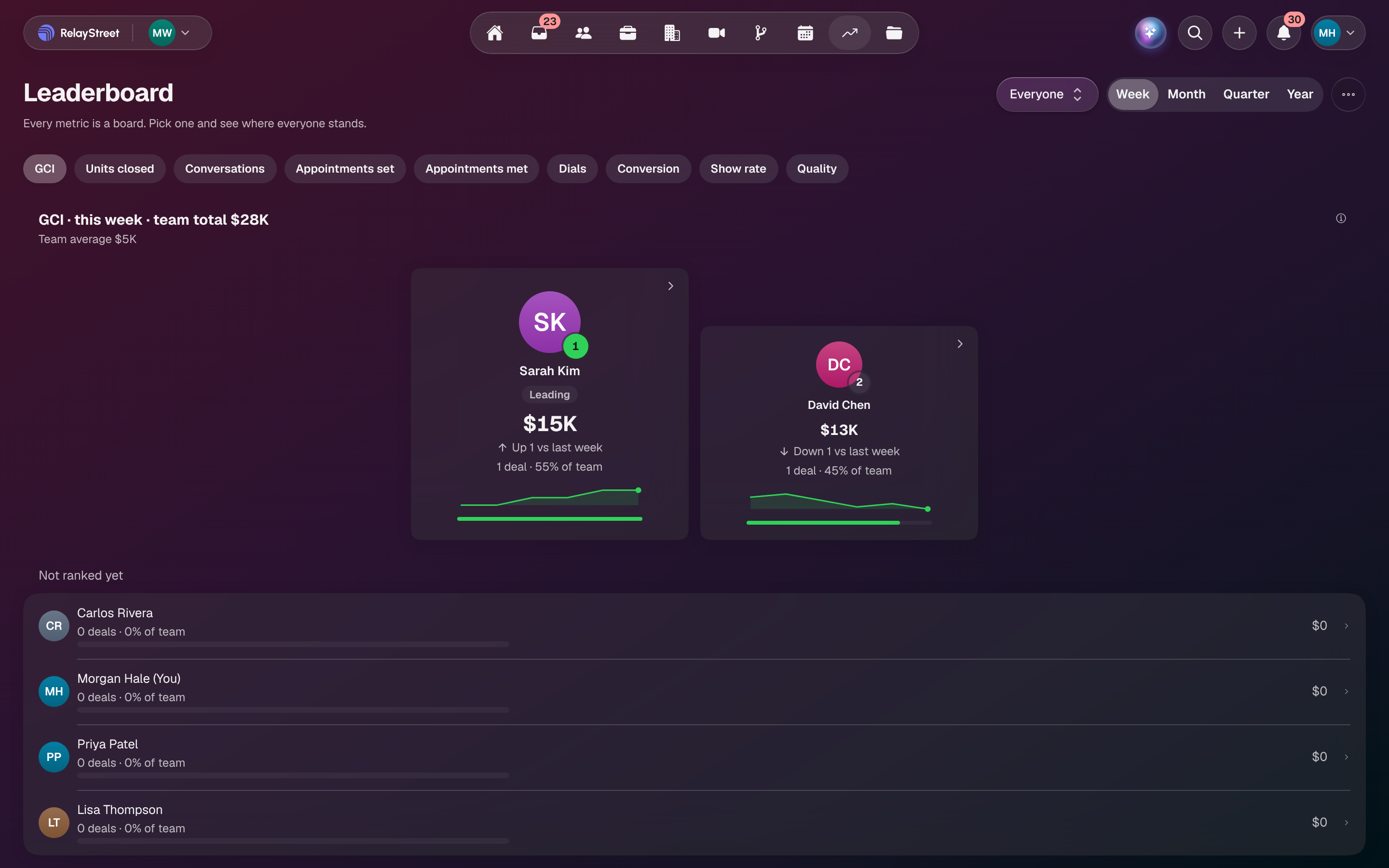
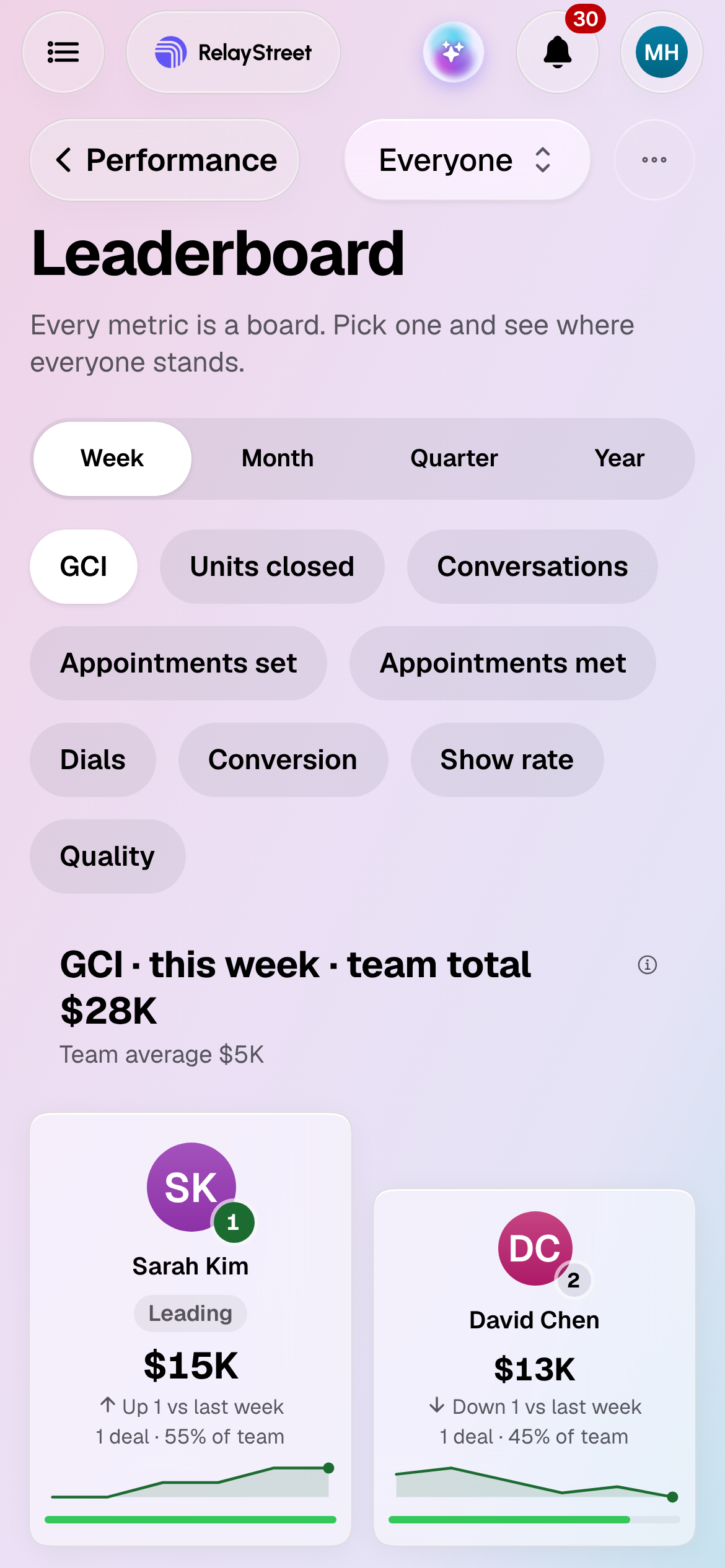
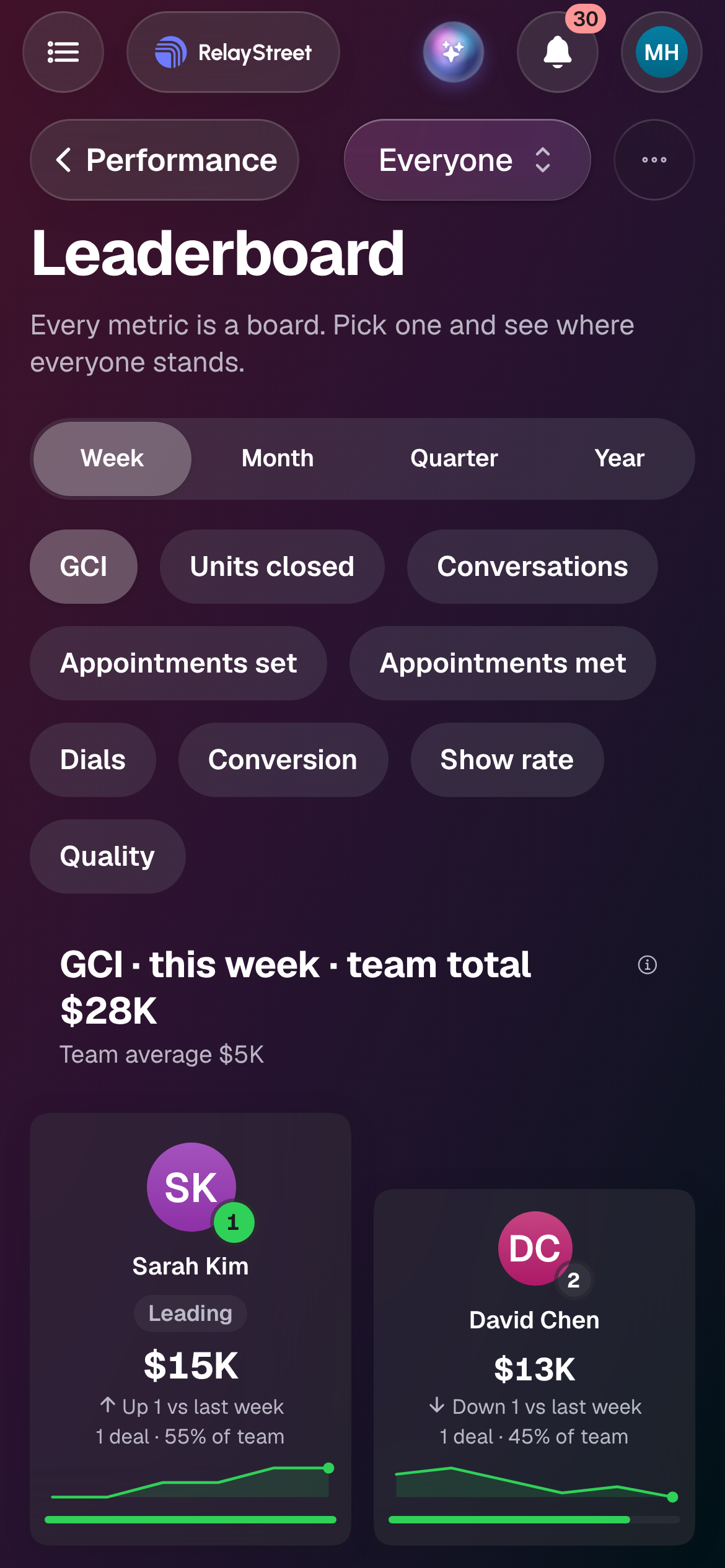
Rank by GCI, units, conversations, appointments or dials
Separate boards for agents and ISAs
The top ten, with your own place pinned
Display mode for the office TV
Pick a board
Rank the team on the number you care about
Every metric is its own board. Choose who to show and the window, and the board ranks the team from the top down.
- Show Everyone, Agents or ISAs
- GCI, Units closed, Conversations, Dials and more
- Week, Month, Quarter or Year
- Your picks live in the link, so you can share it
The podium
Put your top three where everyone can see them
The top three stand on a podium with their value, their share of the team total and how they moved since last week. Places four to ten follow.
- Movement: held, up or down against last week
- Ties share a rank and say Tied
- People at zero wait in Not ranked yet
- Below tenth, your own place is pinned at the bottom
Inside sales
Rank ISAs on the work they control
ISAs get their own board: appointments set and met, conversations, dials, show rate and quality. They are never ranked on GCI or units.
- Appointments set is the default ISA board
- Show rate and Quality sit beside the counts
- Quality weighs show rate 40% and sign rate 60%
- An empty group tells you to pick another metric
Office TV
Put the board up on the office TV
Display mode plays your chosen boards full screen, one after another, for the office wall or the morning huddle.
- Choose up to 8 boards, in the order you want
- Each board shows for 10, 15, 30 or 60 seconds
- Numbers refresh every 5 minutes
- Escape exits, arrows step, Space pauses
Goals
Turn one yearly goal into today's targets
Enter the GCI you want and the date to hit it. The goal calculator works back to the deals, appointments, conversations and dials it takes, and shows its math.
- Daily, weekly and monthly targets as you type
- Each rate says if it is your data, team or industry
- Factor in contacts your Smart Plans and Aiva will make
- ISAs set an earnings goal or a kept-appointment goal
Goal templates
Write a goal once and hand it to your agents
A goal template holds a ready goal, like First year agent or Top producer, with its GCI, average price and commission. Assign it to the agents it fits.
- Separate templates for agents and ISAs
- See how many agents hold each one
- Duplicate a template to make the next level
- Use a template for your own goal
How it works
Leaderboard, step by step
Set the goal
Each agent saves a yearly goal, or you hand them a goal template. Their daily targets follow from it.
Pick a board
Choose Everyone, Agents or ISAs, a metric and a window. The board ranks the team on that one number.
Watch the movement
Each person shows how far they moved since last week, and the podium changes as the work comes in.
Put it on the wall
Start Display mode on a desktop browser and let your boards rotate on the office TV.
Questions
About Leaderboard
Who can open the Leaderboard?
Owners, admins, brokers, team leads, sales managers, agents and ISAs. Only people with coaching access can tap a row to open that person's coaching page; everyone else sees the board read only.
Does it work for a team of one?
No. The Leaderboard needs at least two members. In a one-person workspace it sends you to your home page instead.
How many people does a board show?
The top ten above zero. If you are below tenth, your own row is pinned under the list.
Who can start Display mode?
People allowed to configure it, which by default means owners, admins and brokers. It runs on desktop web.
What does saving a goal change?
Everything that reads it moves together: the daily targets, the funnel targets and the Goals card with its pace.
Which devices have the Leaderboard?
The web, iPhone, iPad, Mac and Android. Display mode is on desktop web.