RelayStreet
Your whole real estate business in one app. And an assistant who works every lead
Leads, calls, texts, deals and your marketing in one app, with an AI assistant you name, built to answer new leads inside each state’s legal hours.
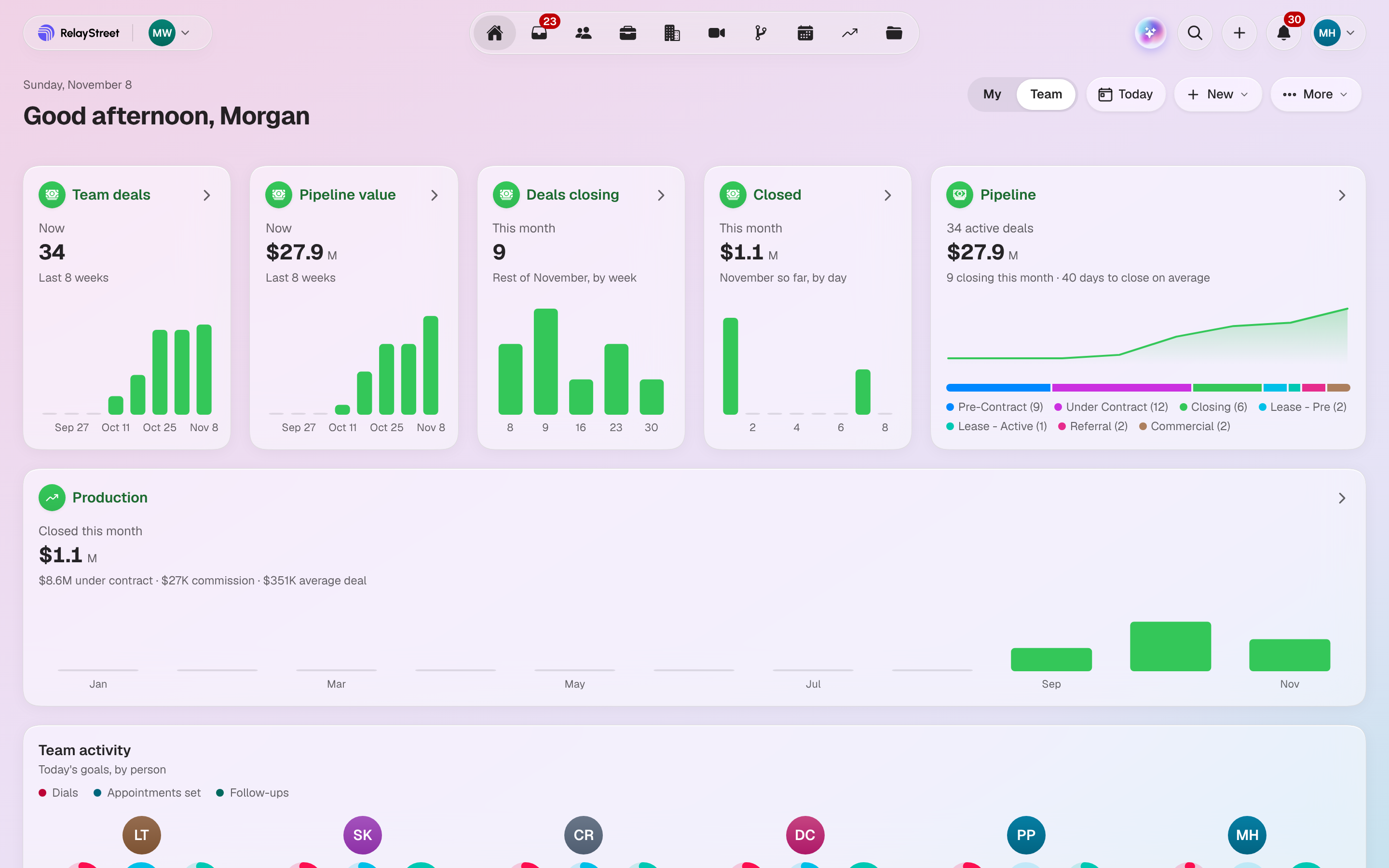
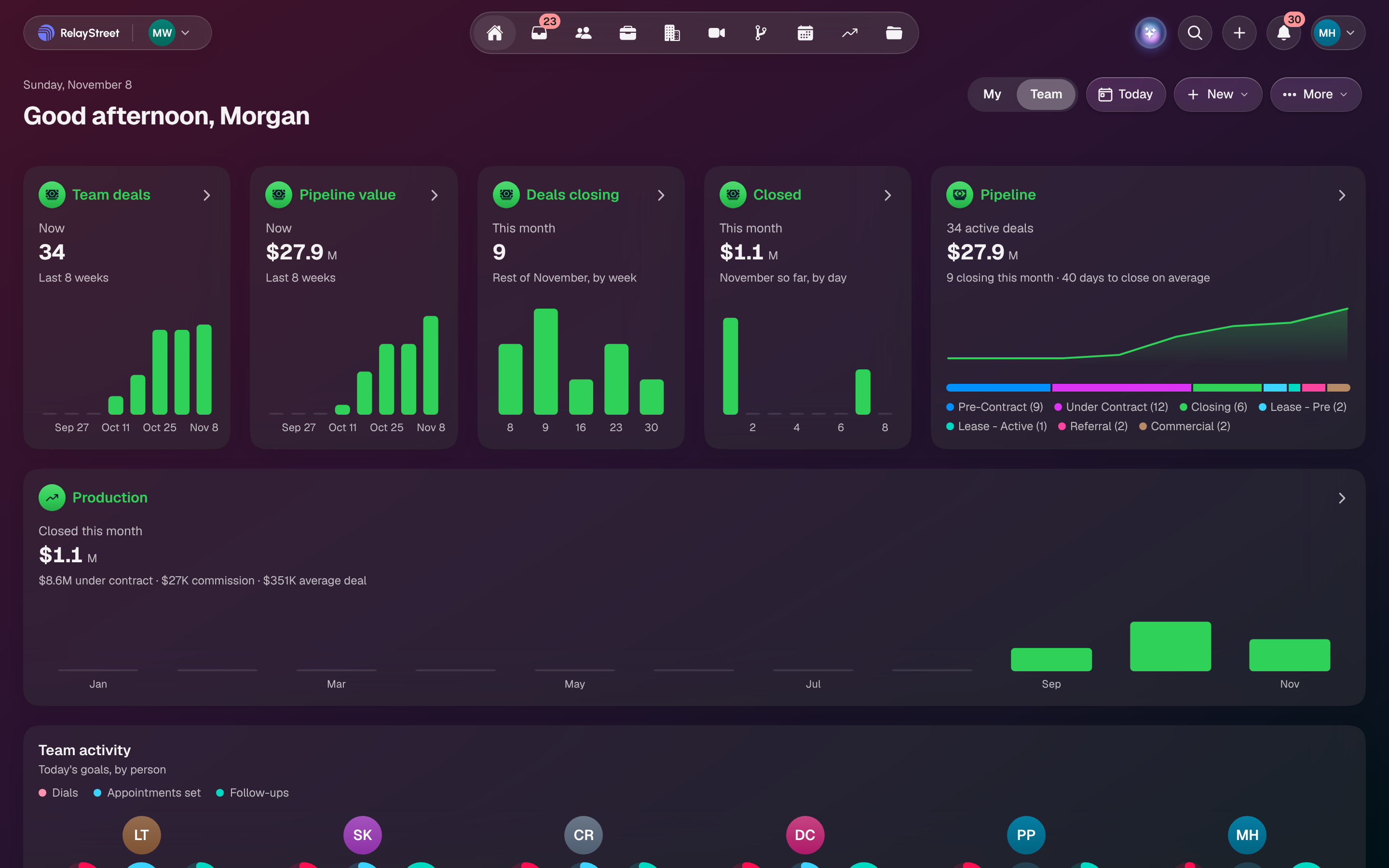
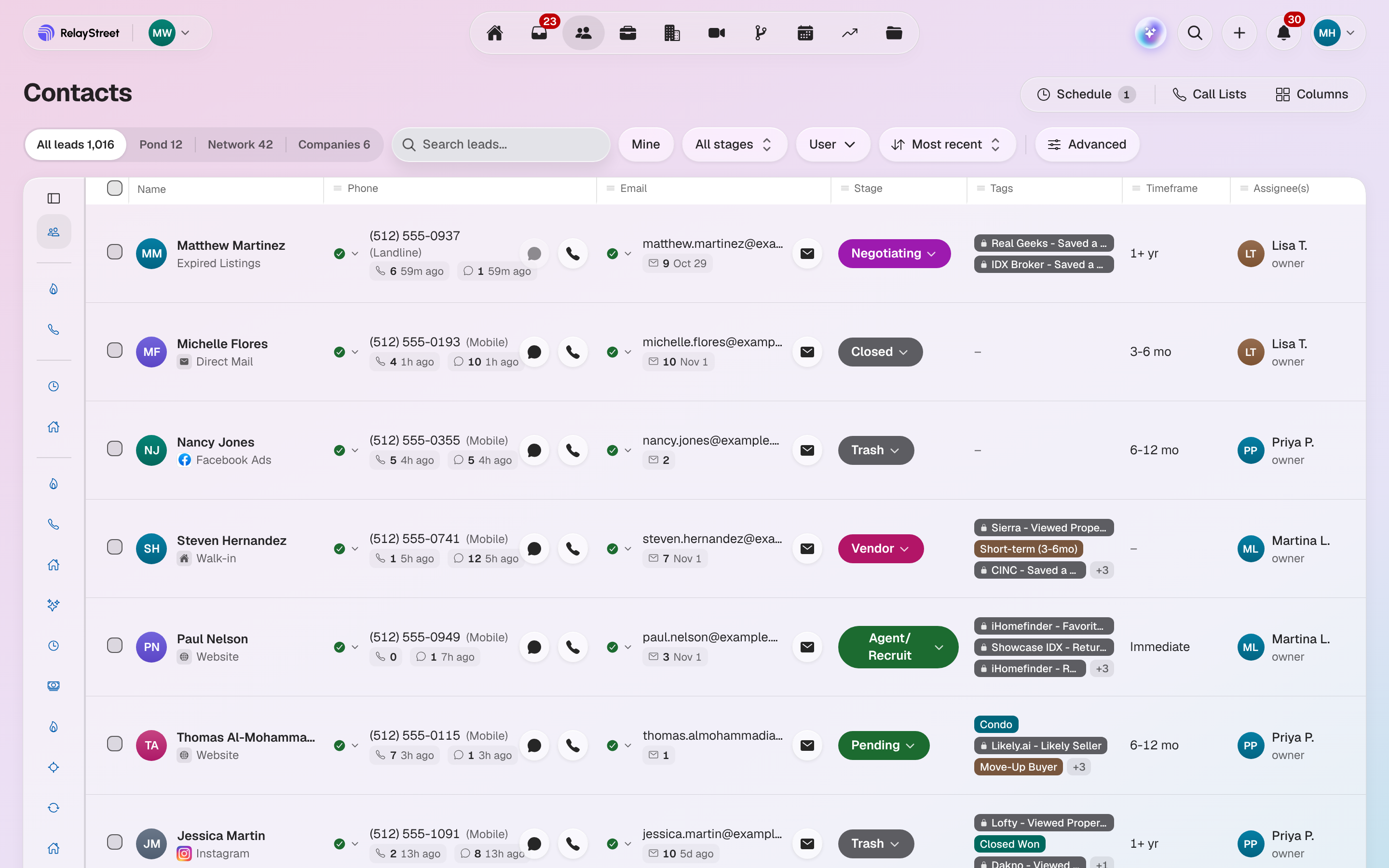
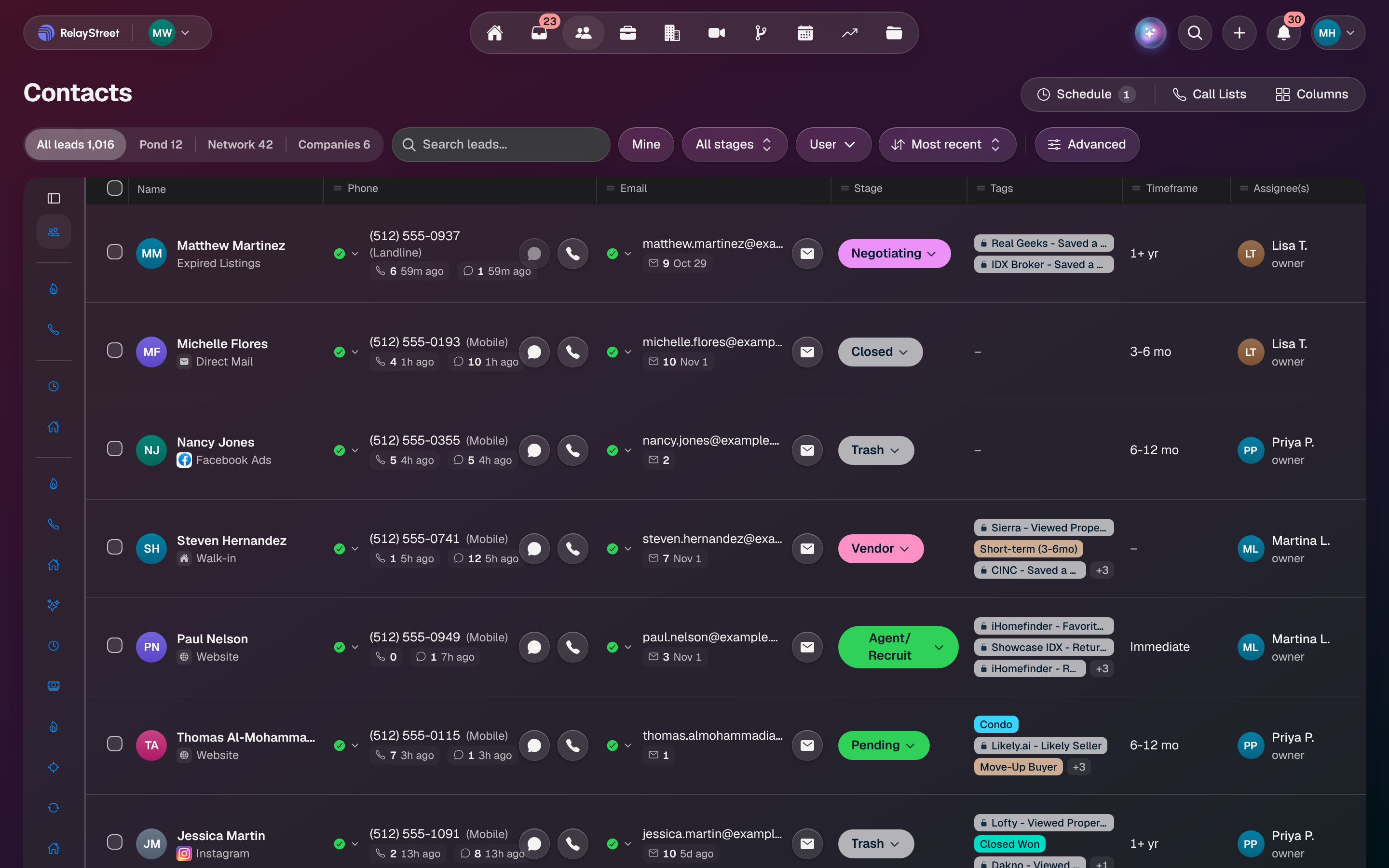
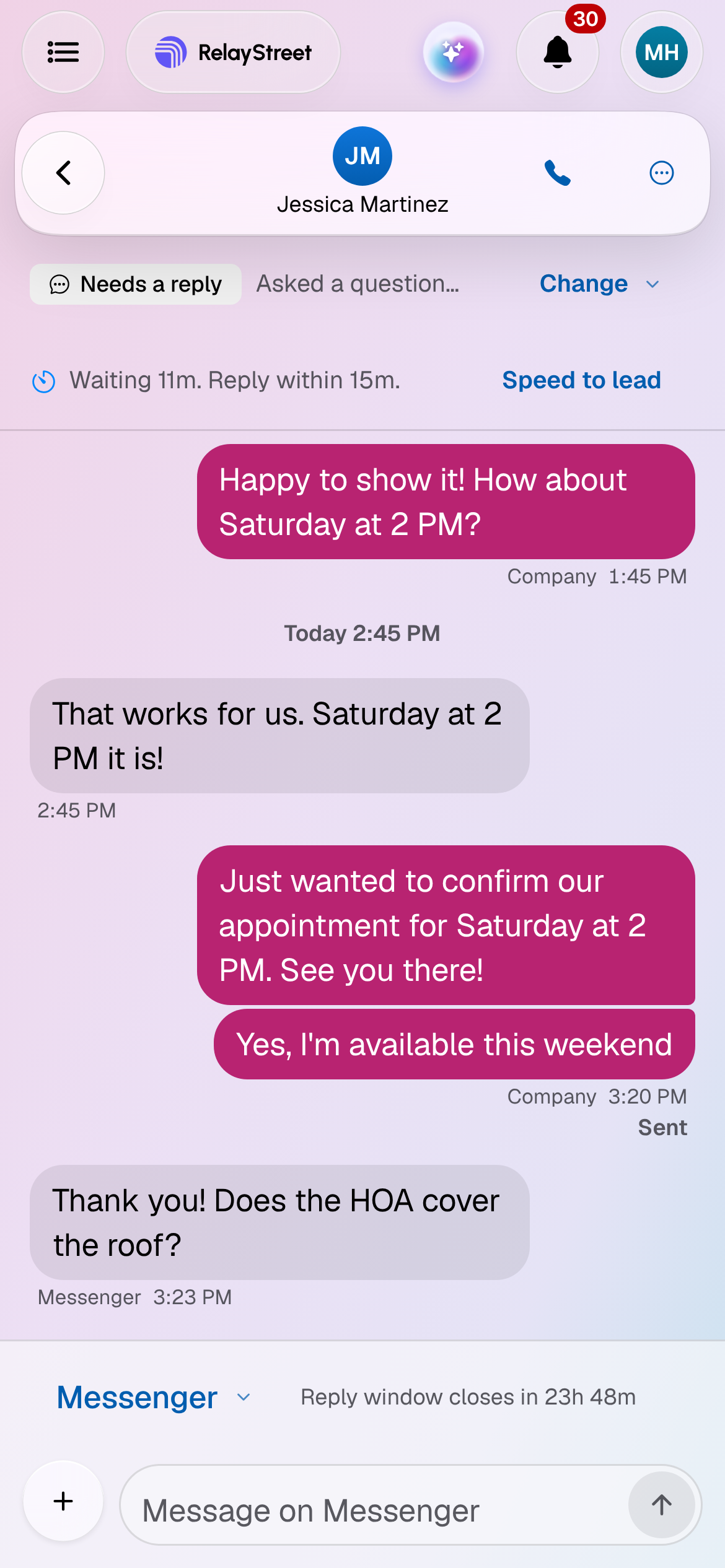
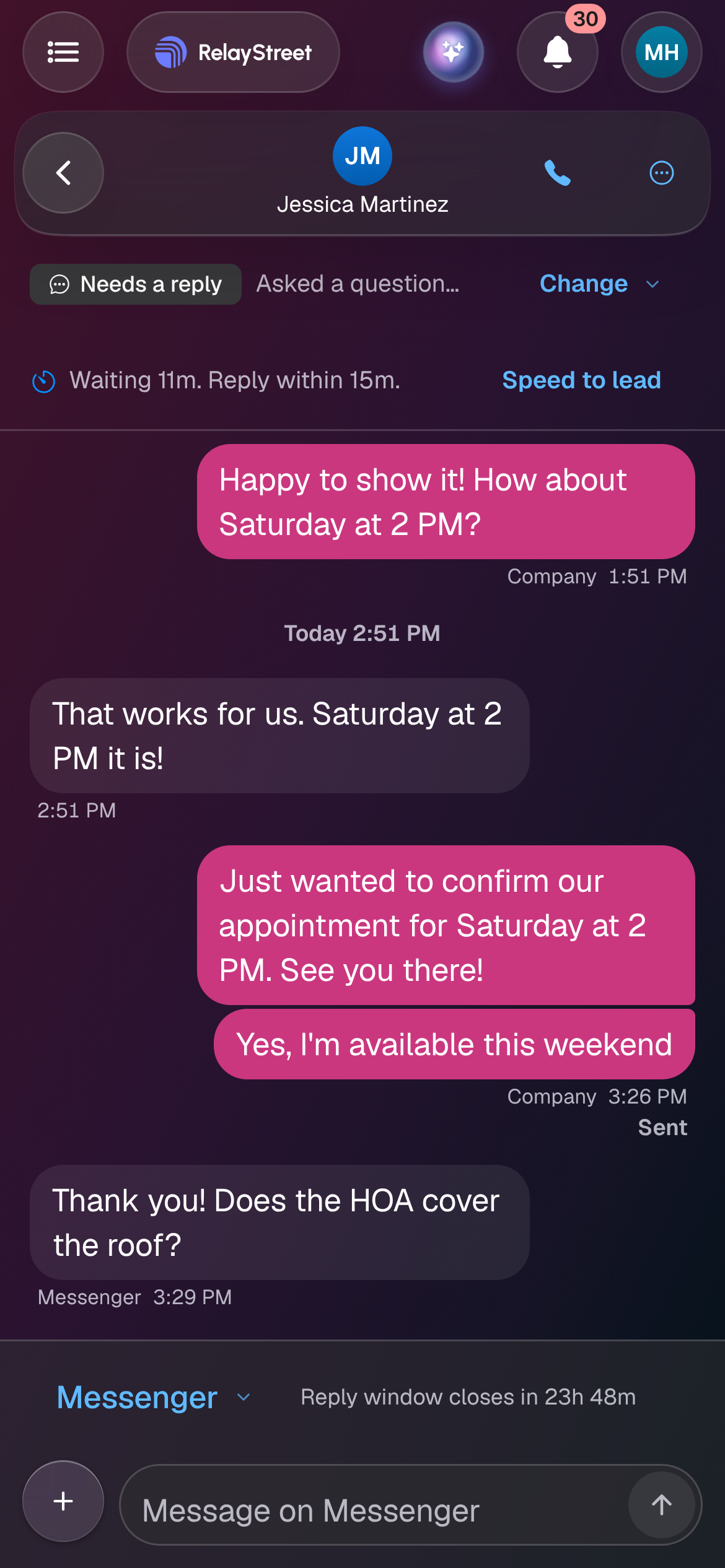
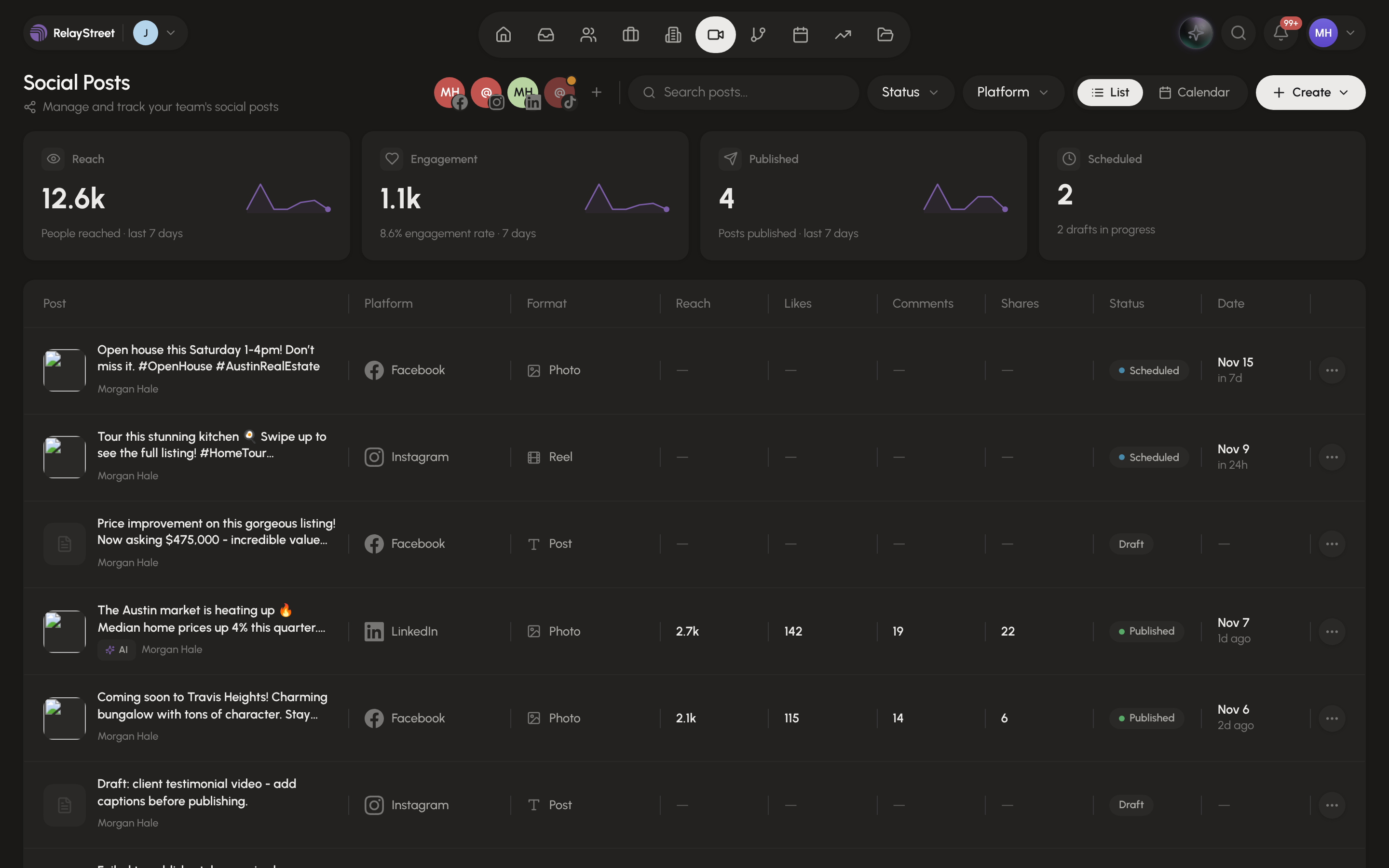
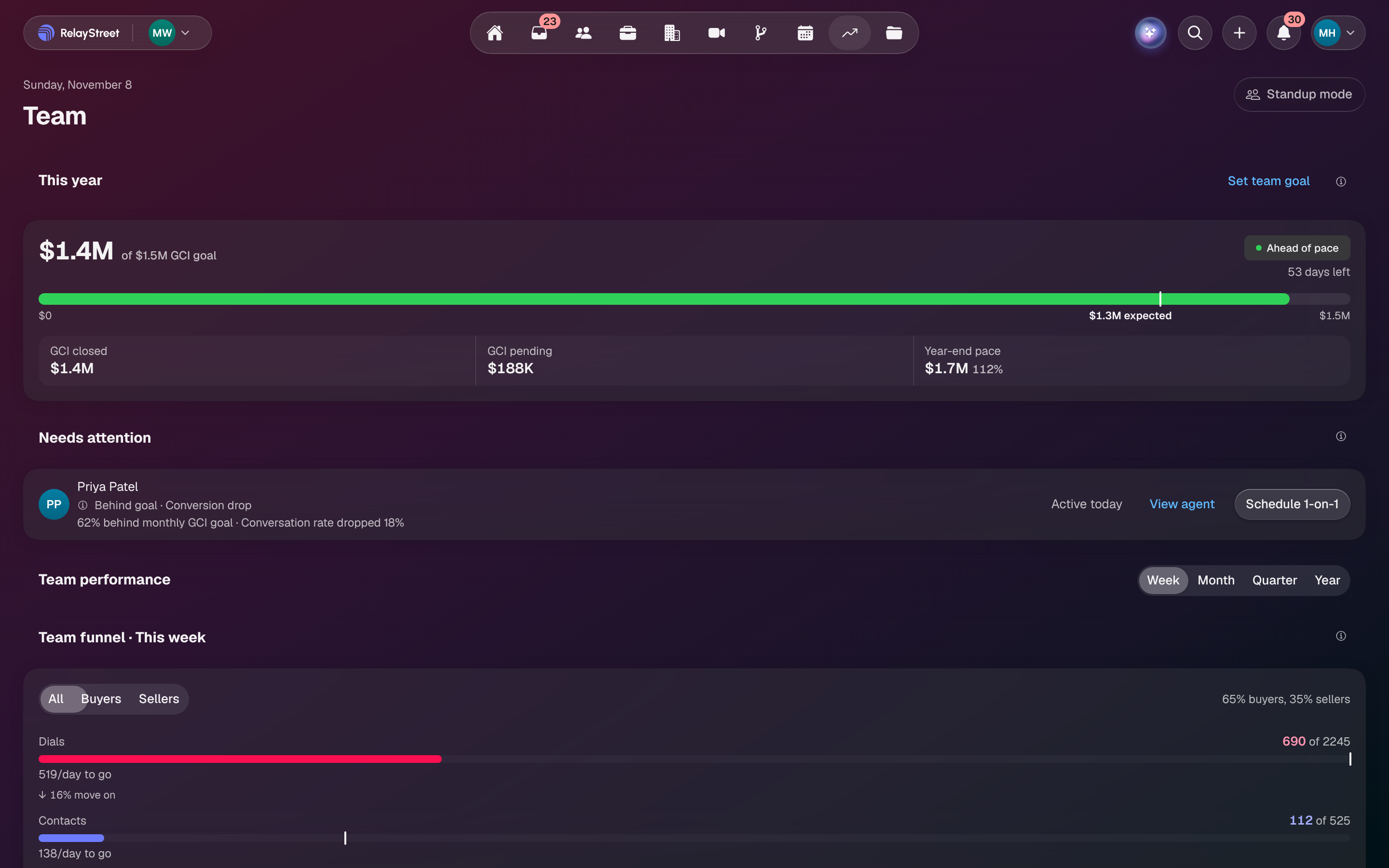
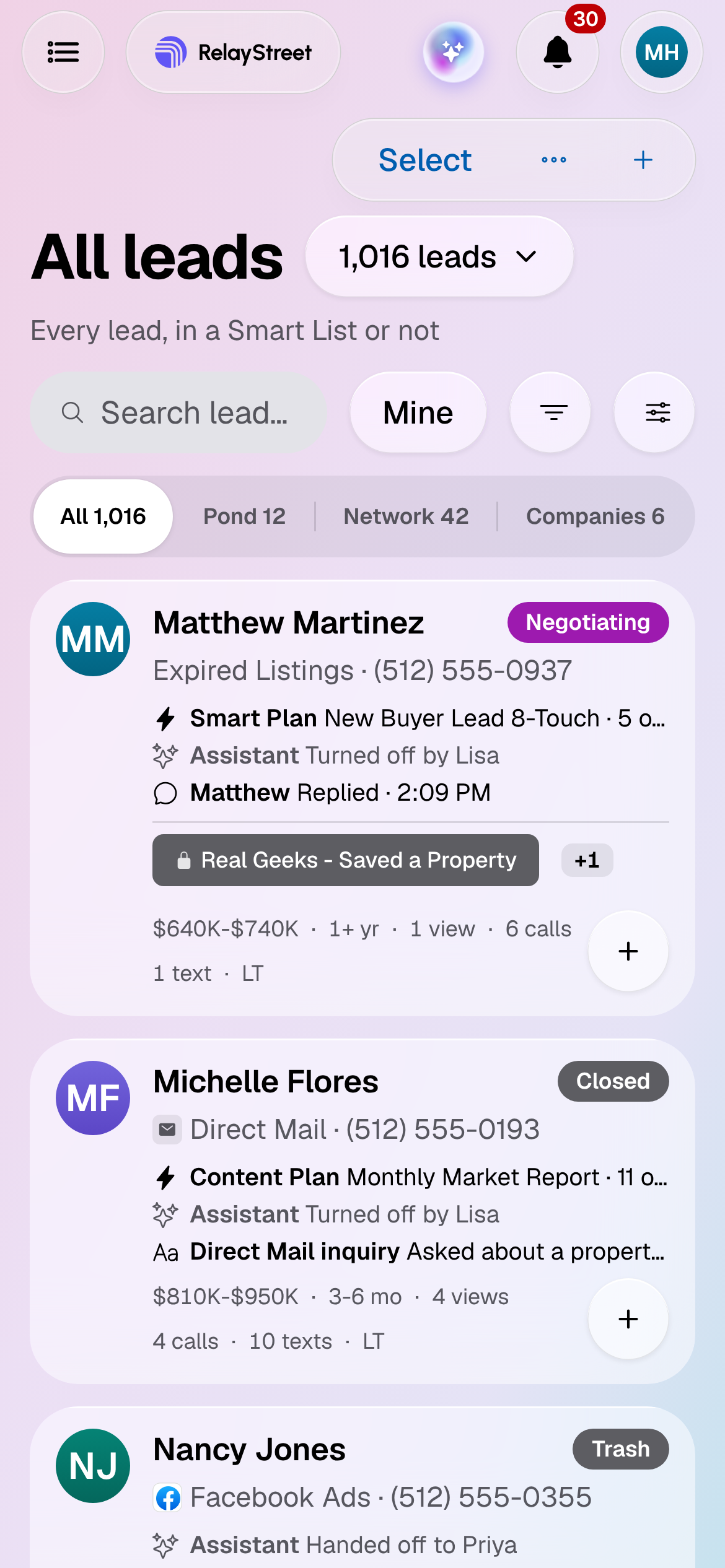
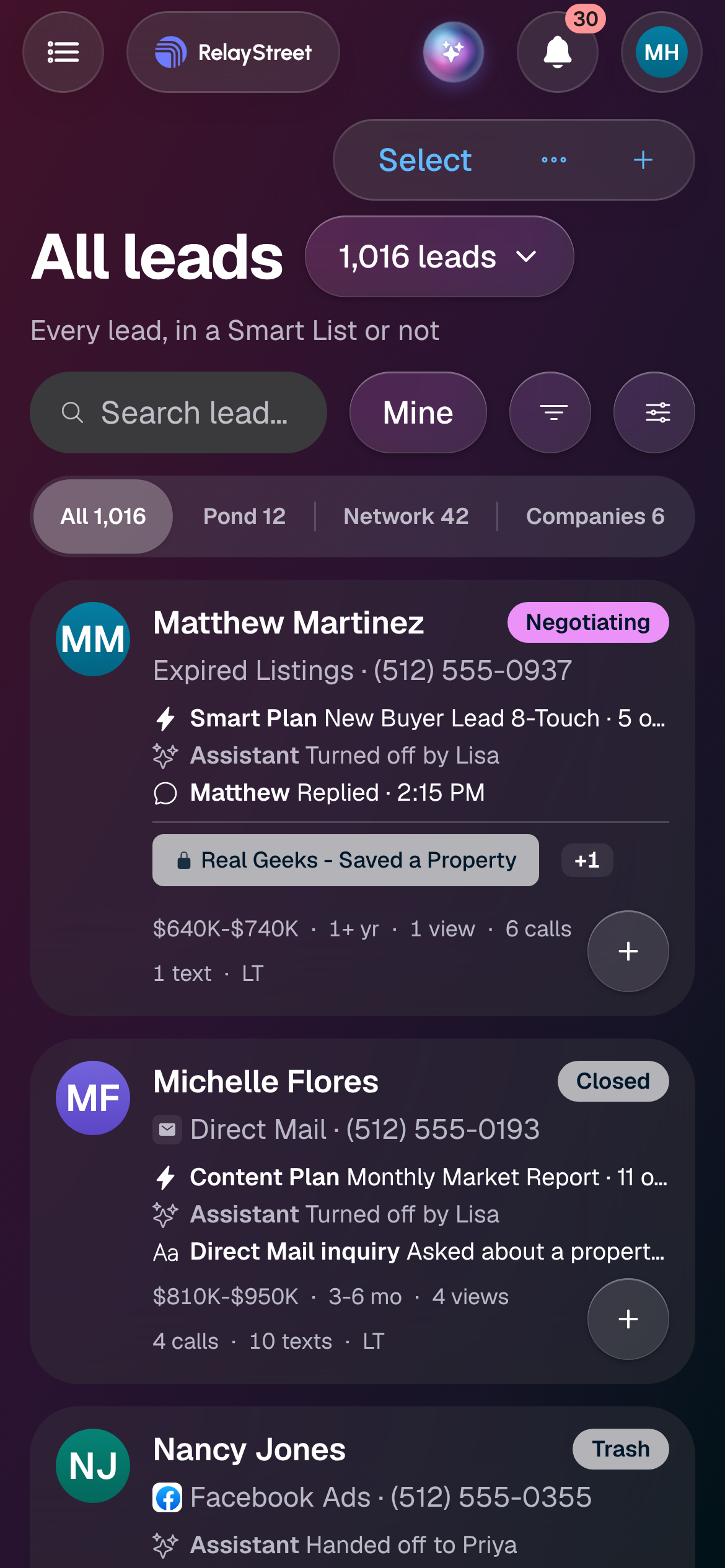
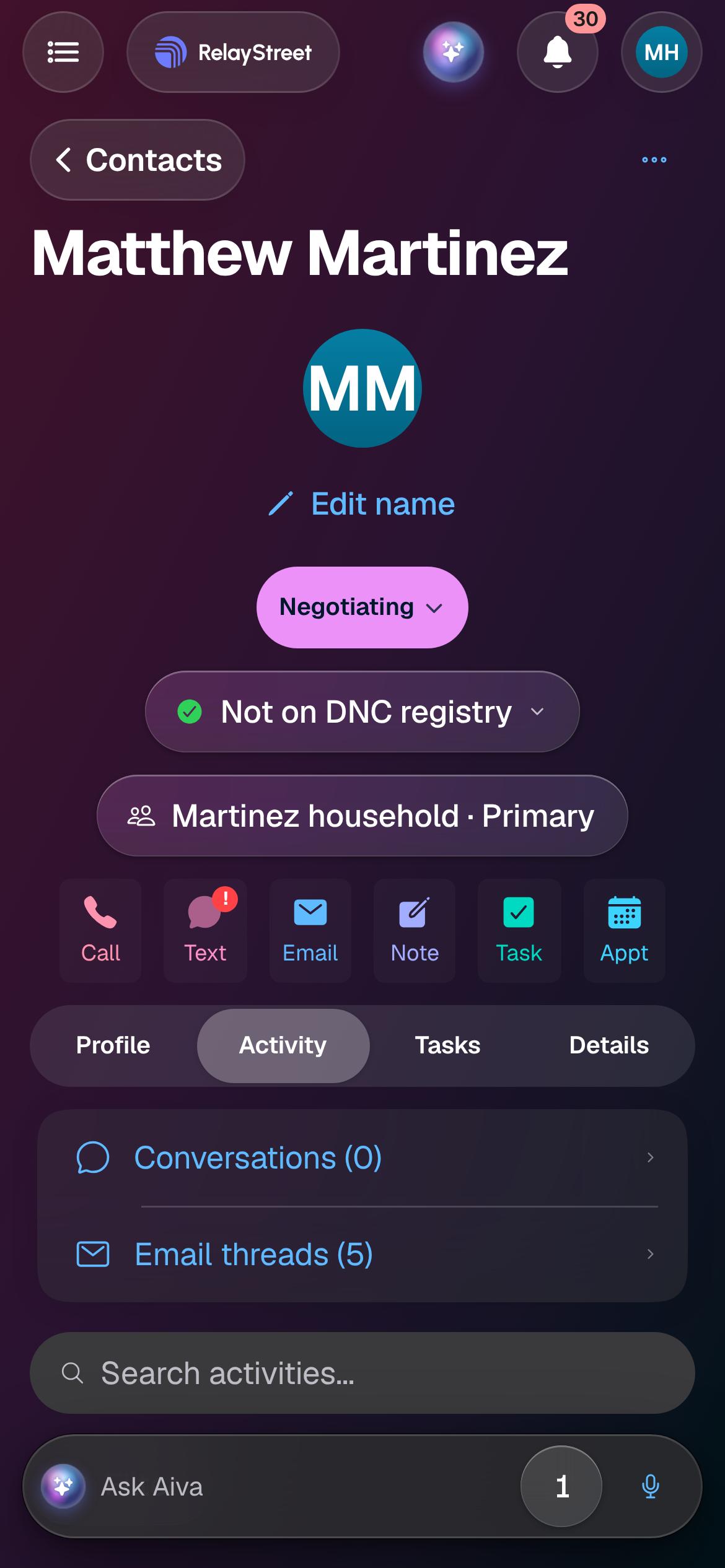
Dashboard on Mac, Contacts on the web, Inbox on iPhone. The real app with sample data.
Get the highlights
The parts you’ll use every day
Before and after
What you stop putting up with
Six things every agent knows. Each one has a fix you can see on the screen beside it.
Three apps open to answer one text
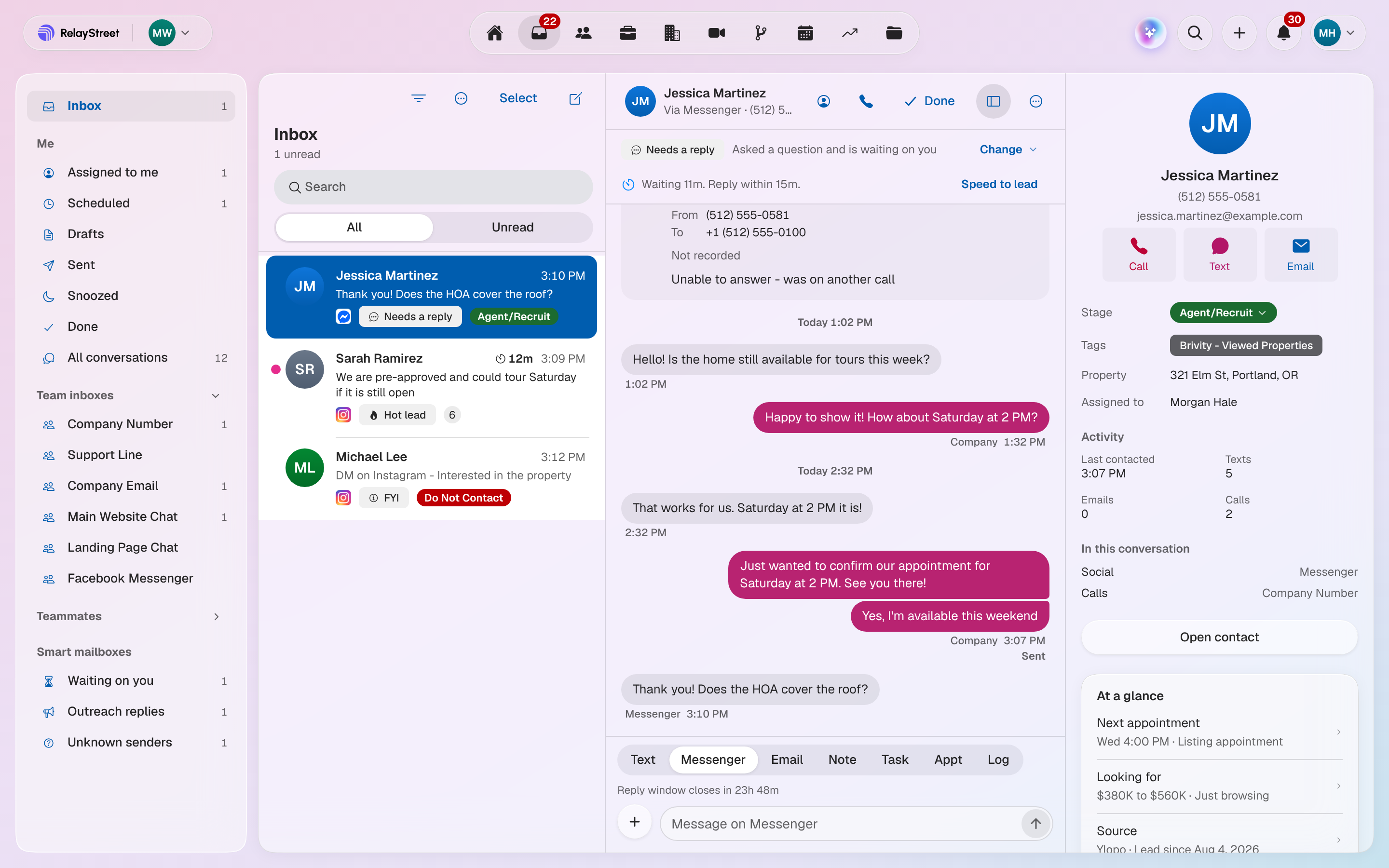
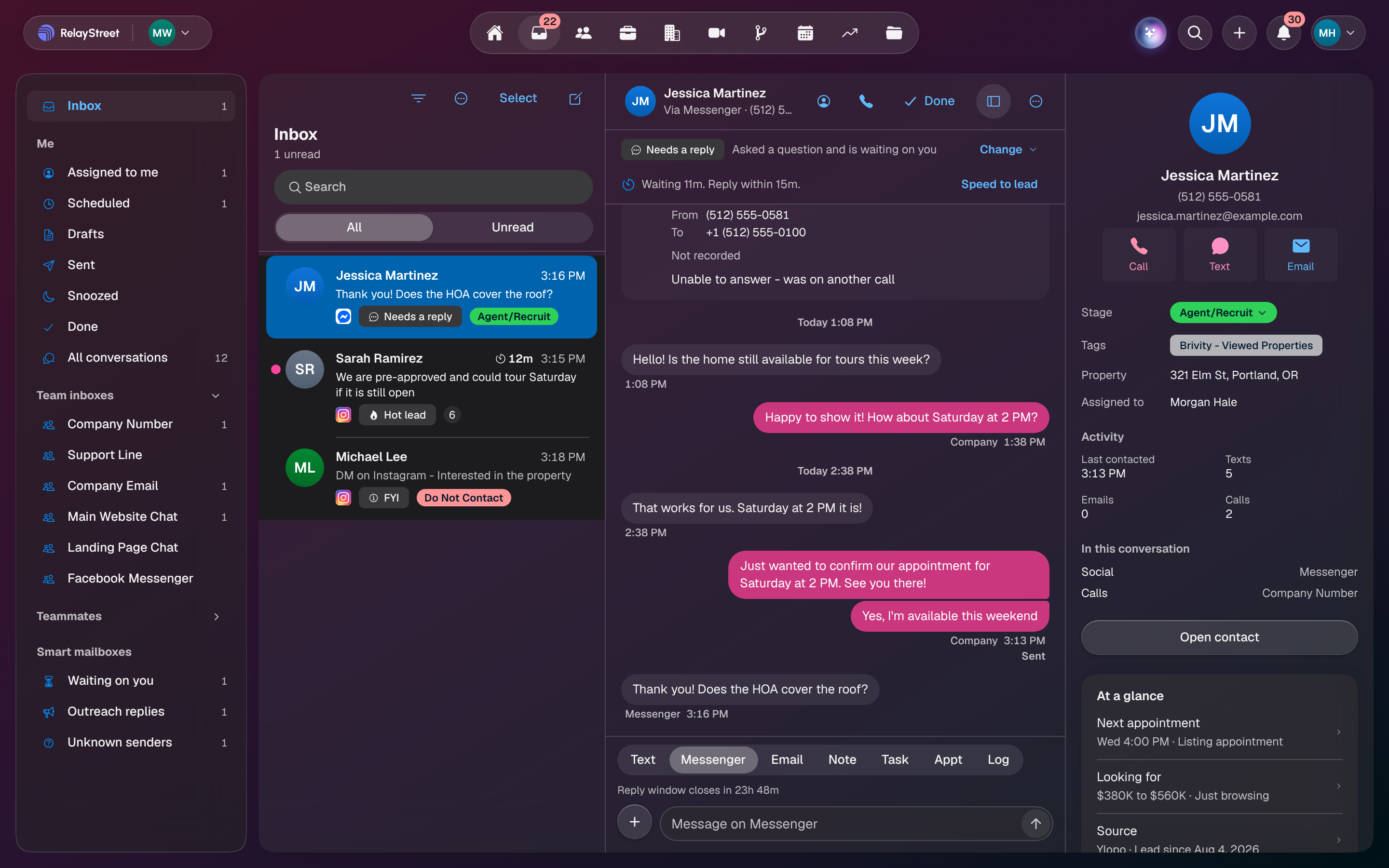
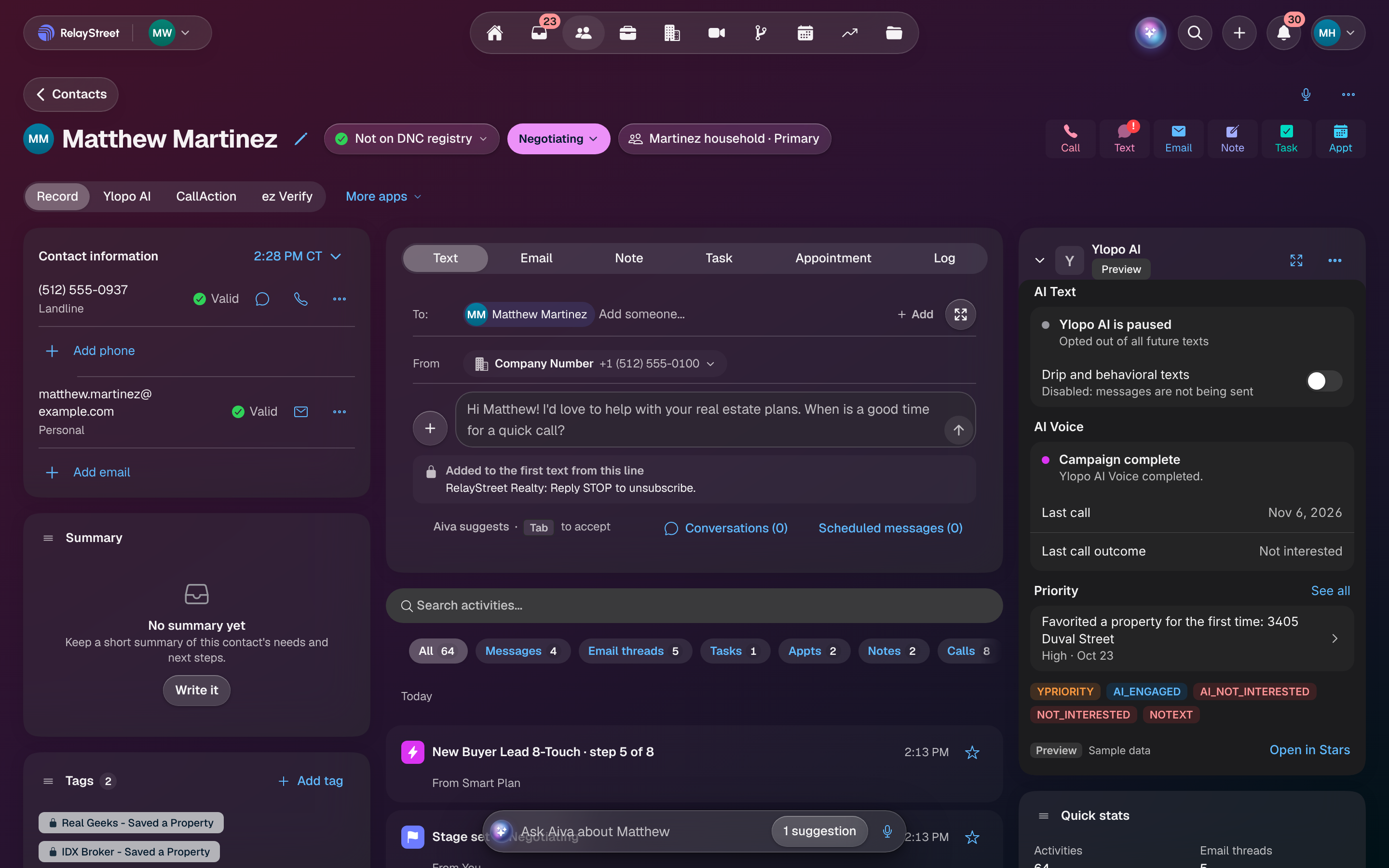
One inbox, with the whole record beside the reply
A pile of texts and no idea who’s ready
Aiva answers the new ones and your day shows who needs you
Power hour starts with building a spreadsheet
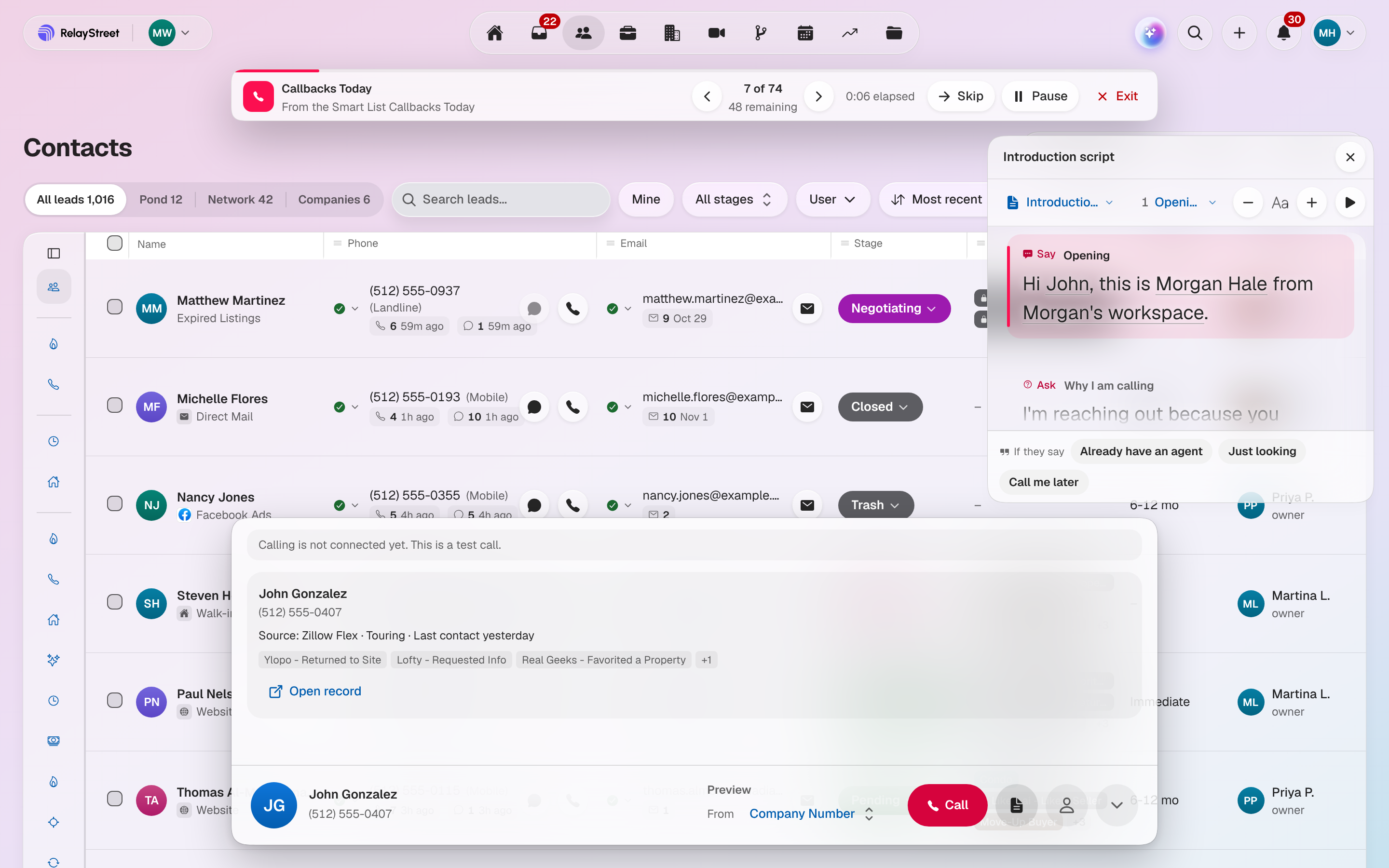
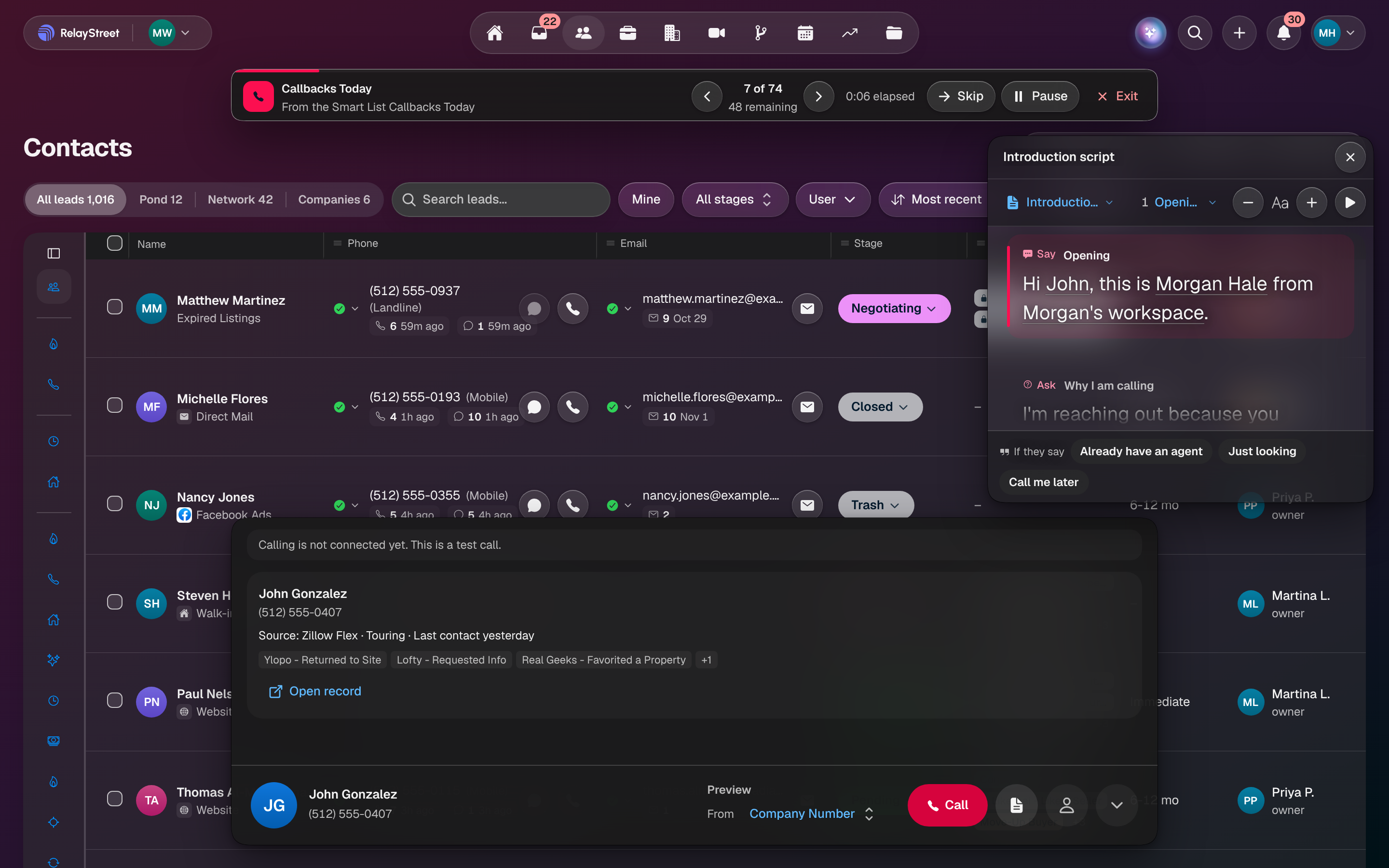
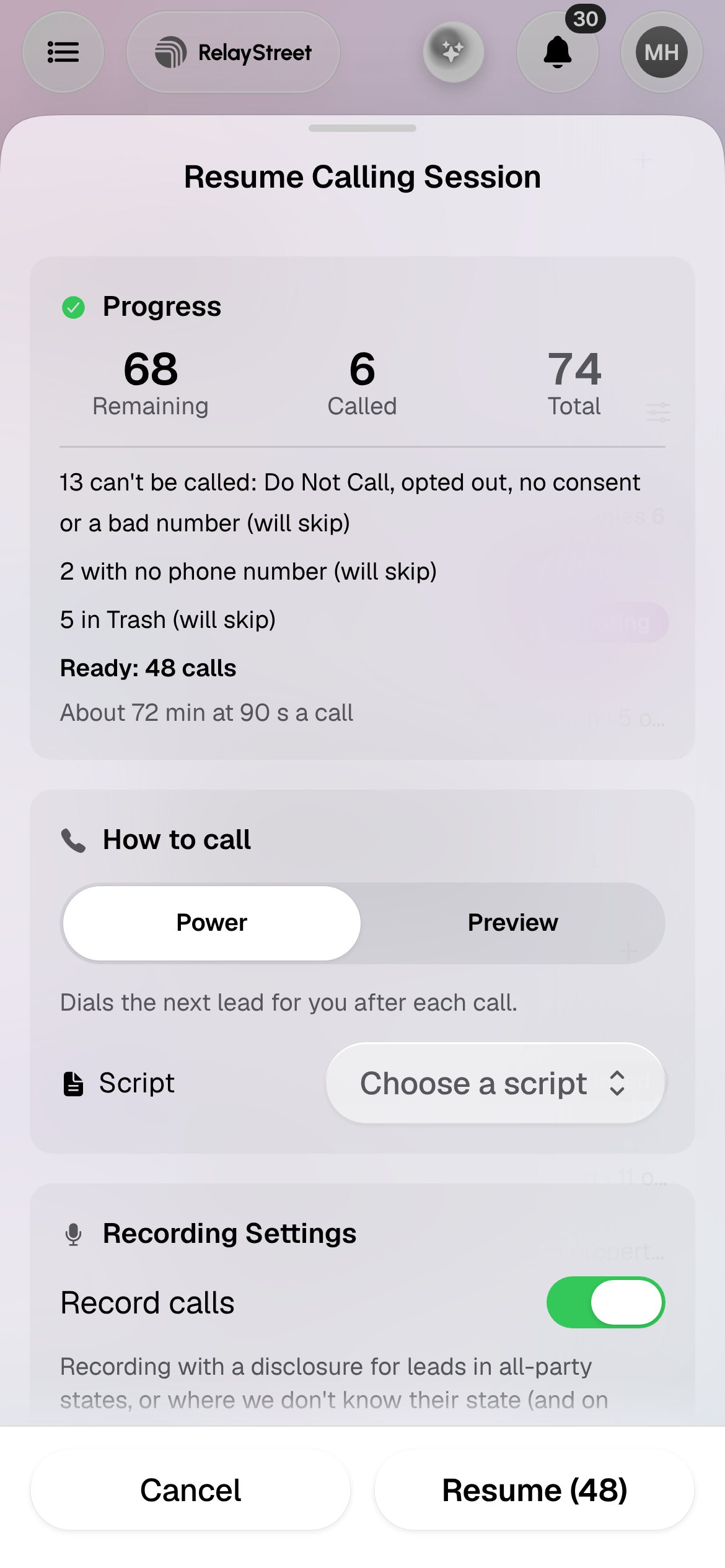
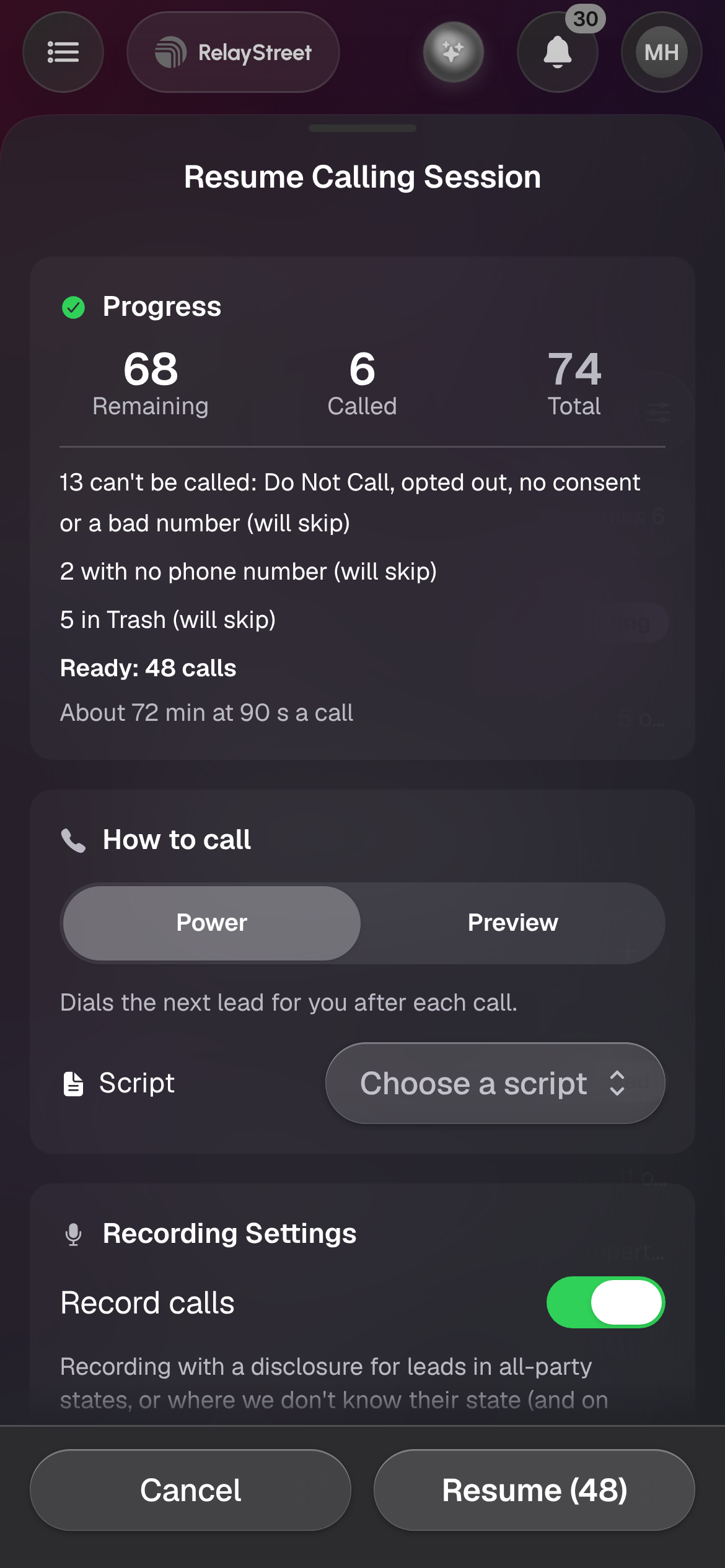
Call lists from your Smart Lists, your script beside every call
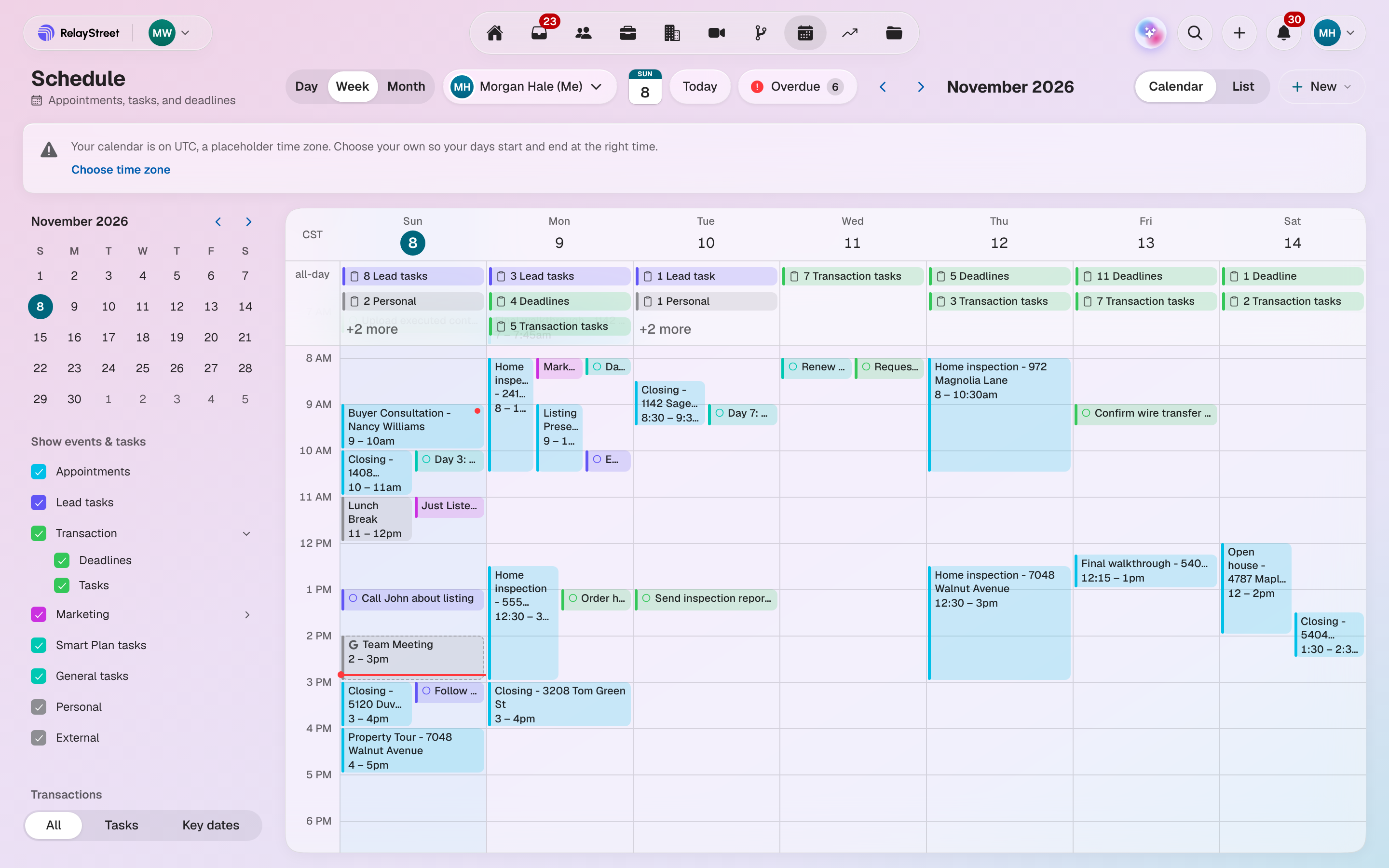
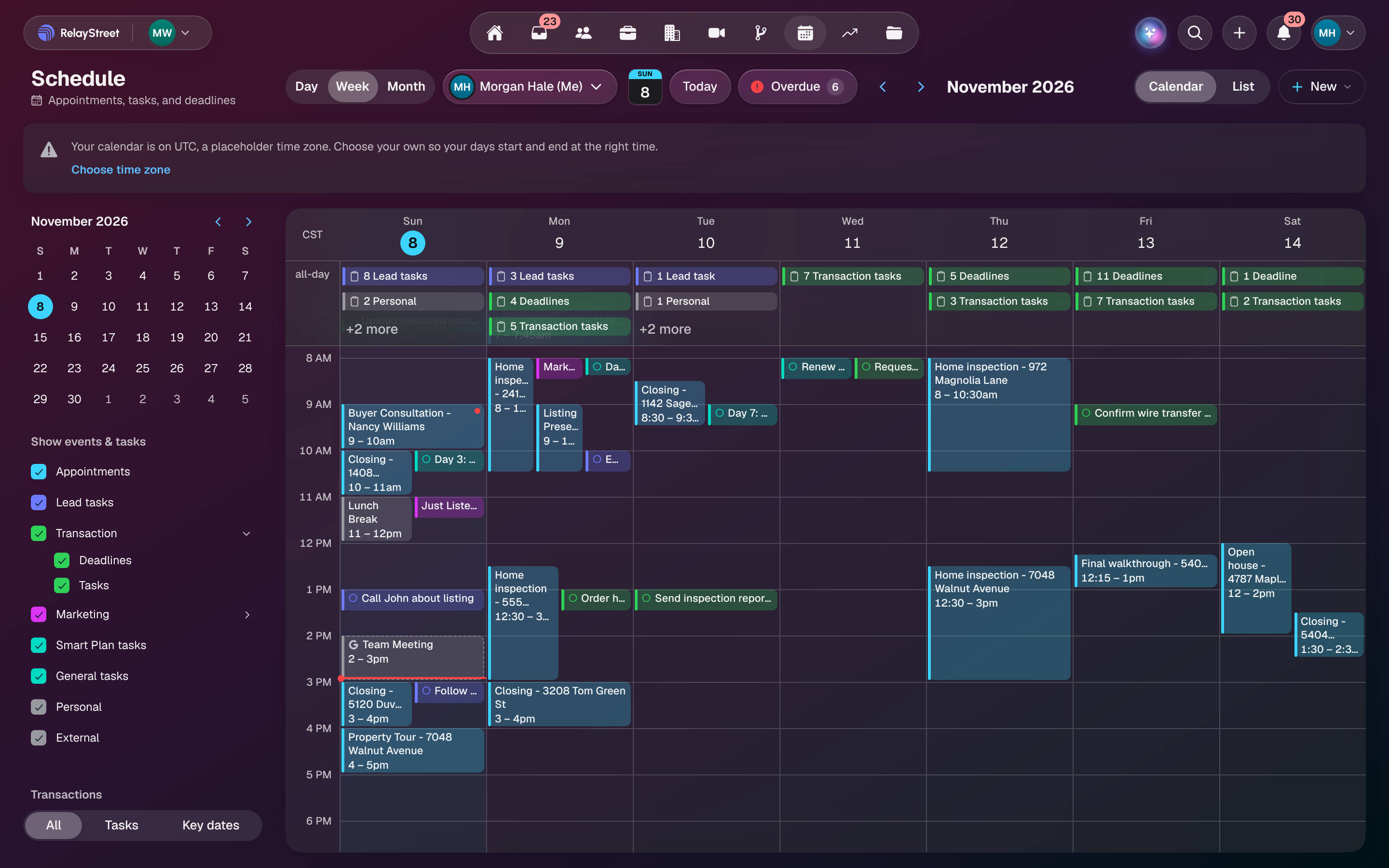
You set the appointment, then nobody says what happened
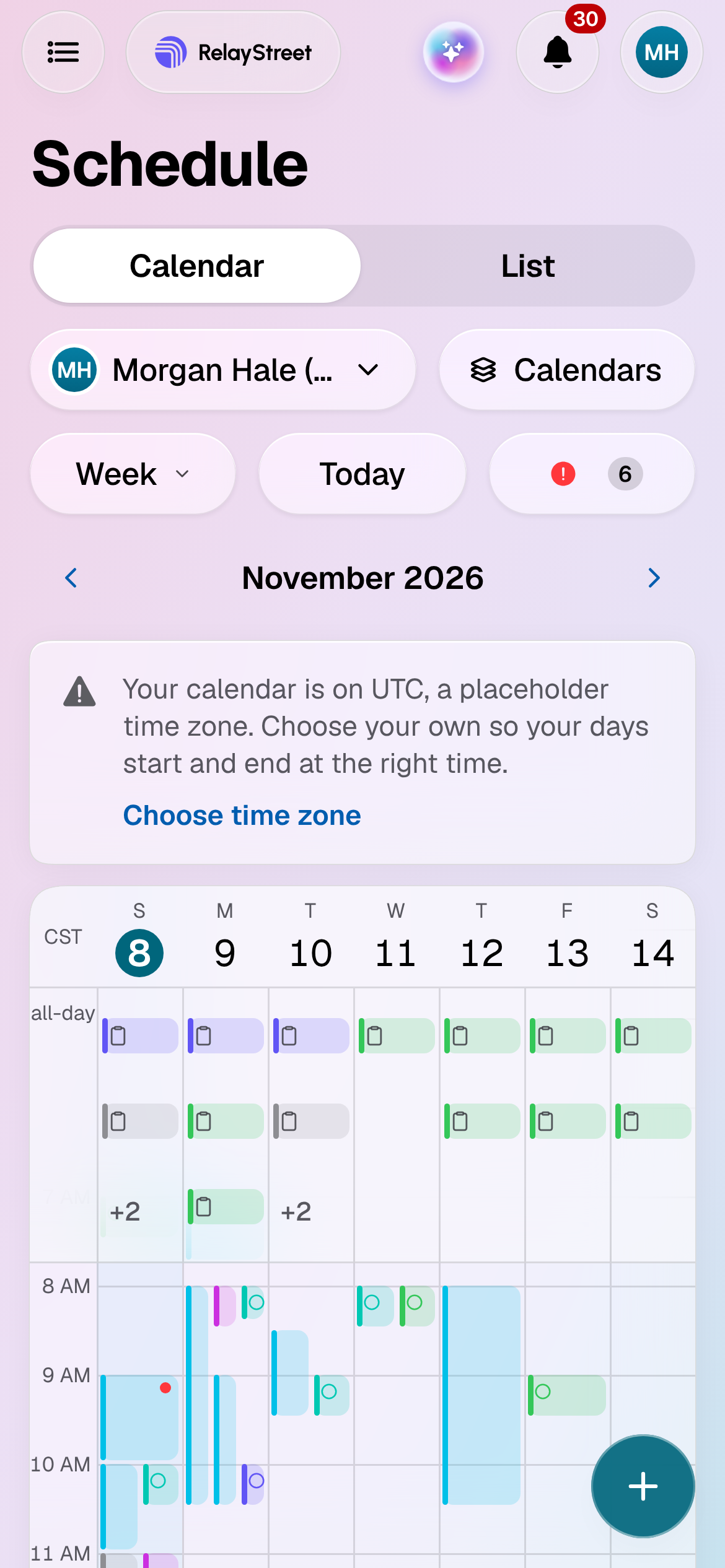
Every appointment asks for an outcome, and missing ones show
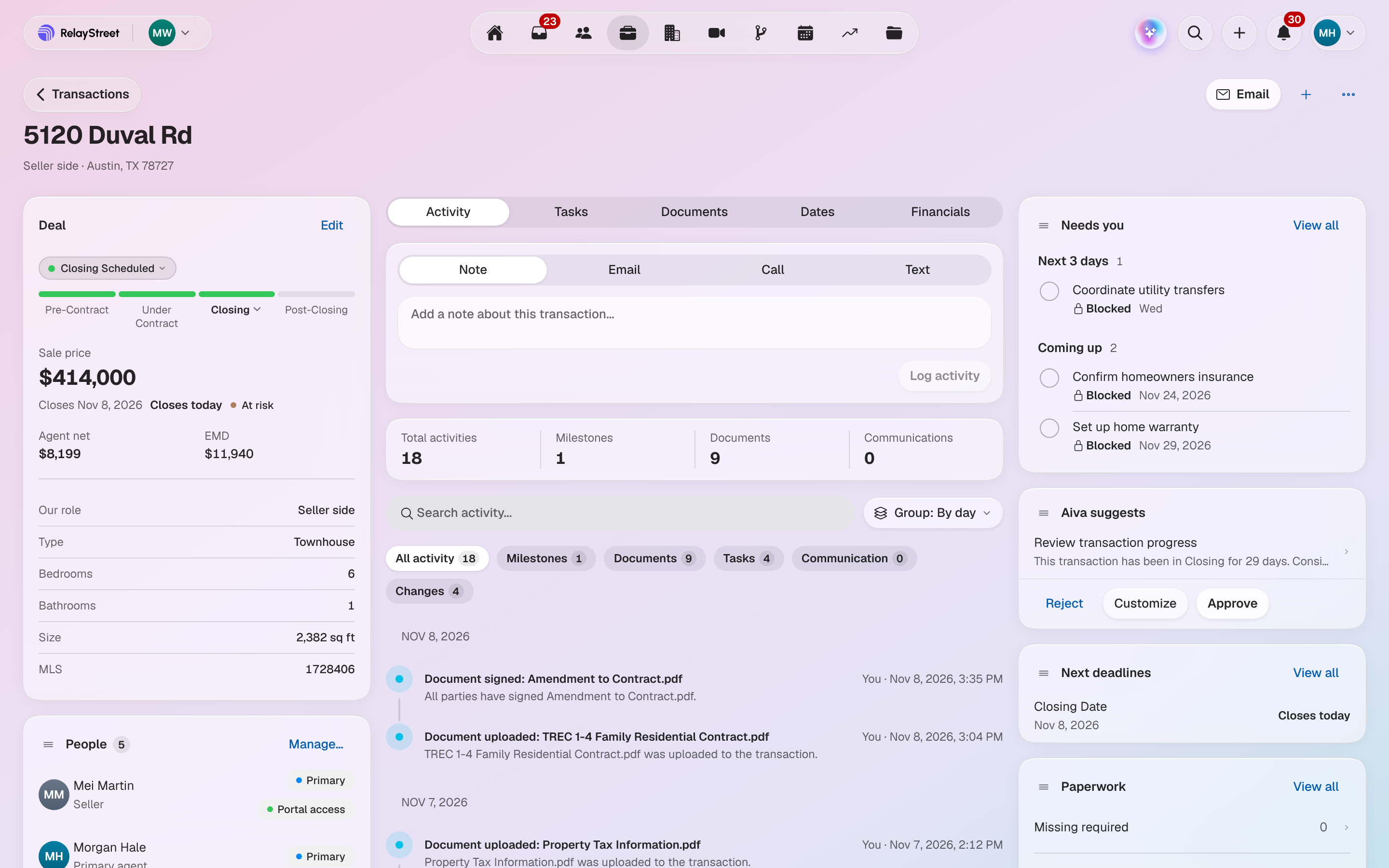
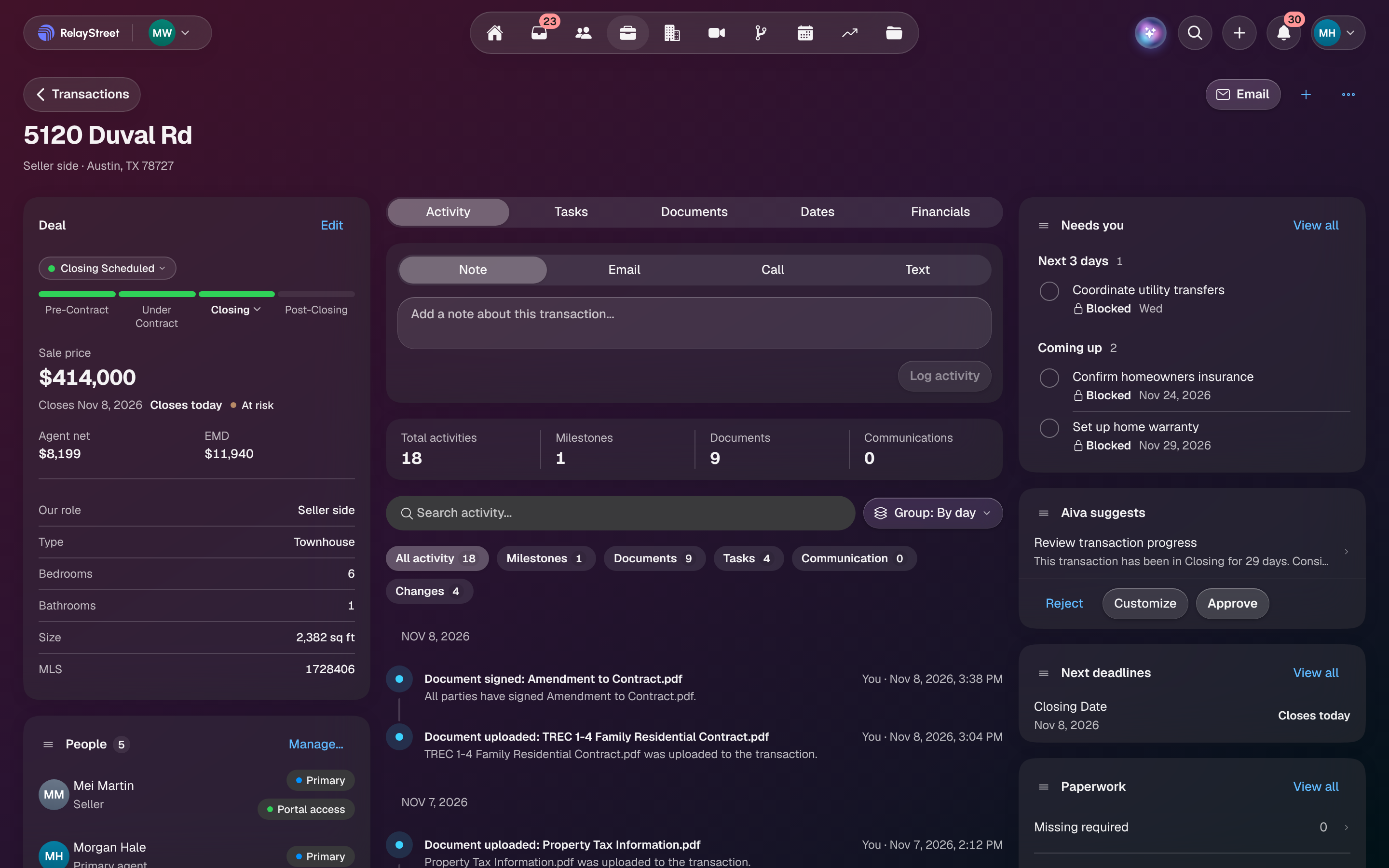
A signed client means typing the deal in again
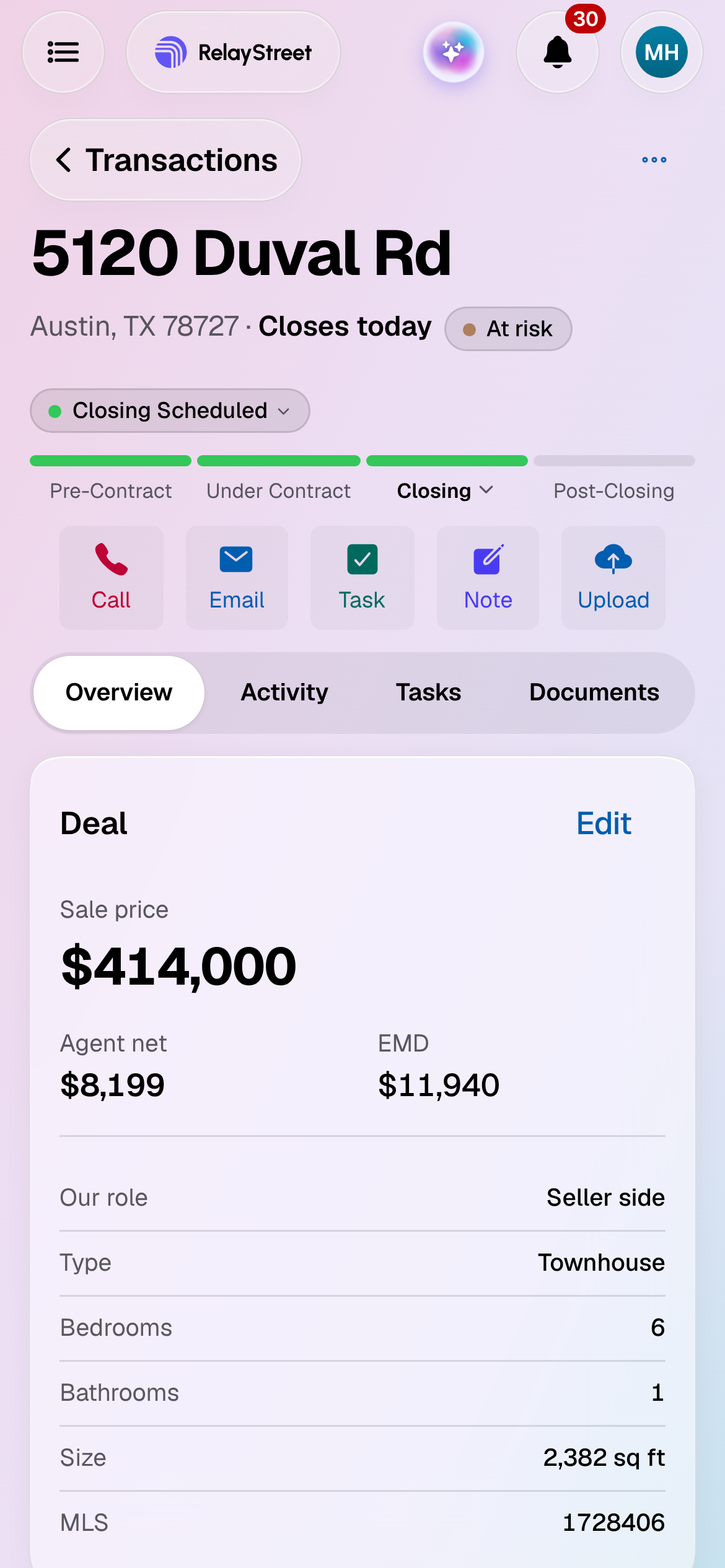
“Signed” starts the deal with the client and the home filled in
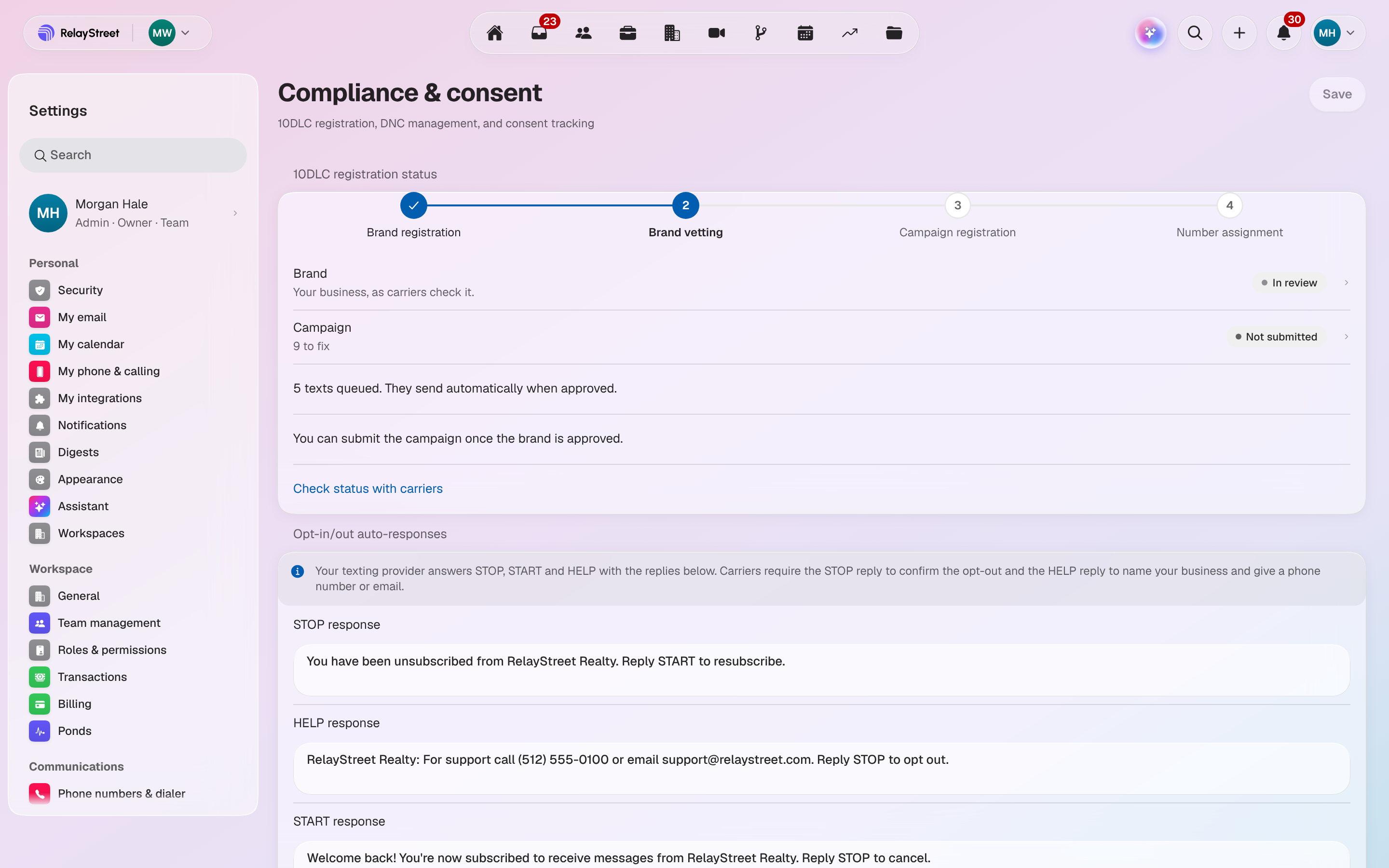
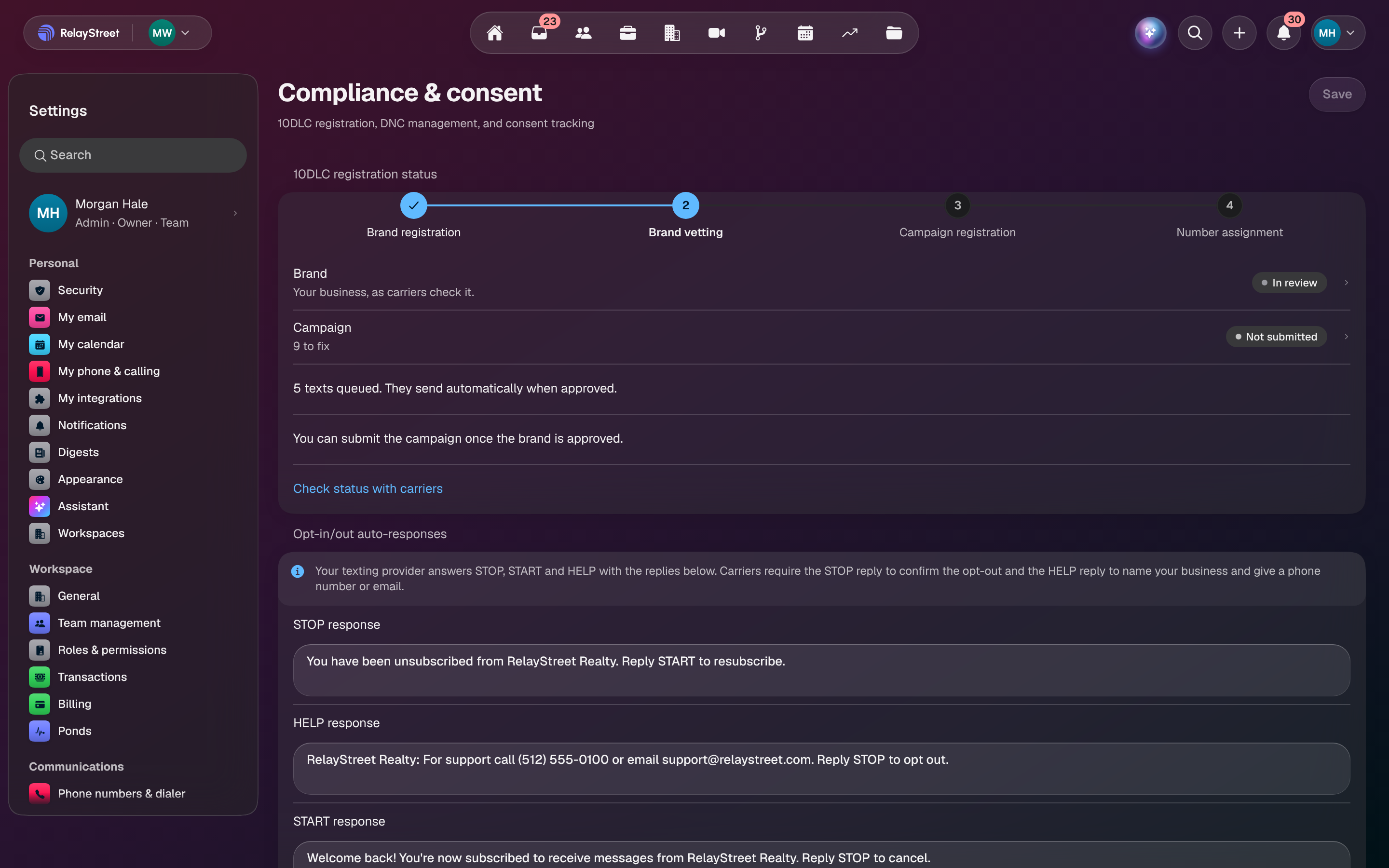
Texting rules live in people’s heads
Quiet hours, opt-outs and Do Not Call checked before every text and call
One lead, start to finish
Follow one lead all the way
Nine stops, one record. Scroll, and the screen follows the lead.
A lead arrives
A new lead fills in your form. She lands on one record, with her source and the question she asked.
It reaches the right person
Round robin, ponds or your own rules decide who gets her. You write the rules once.
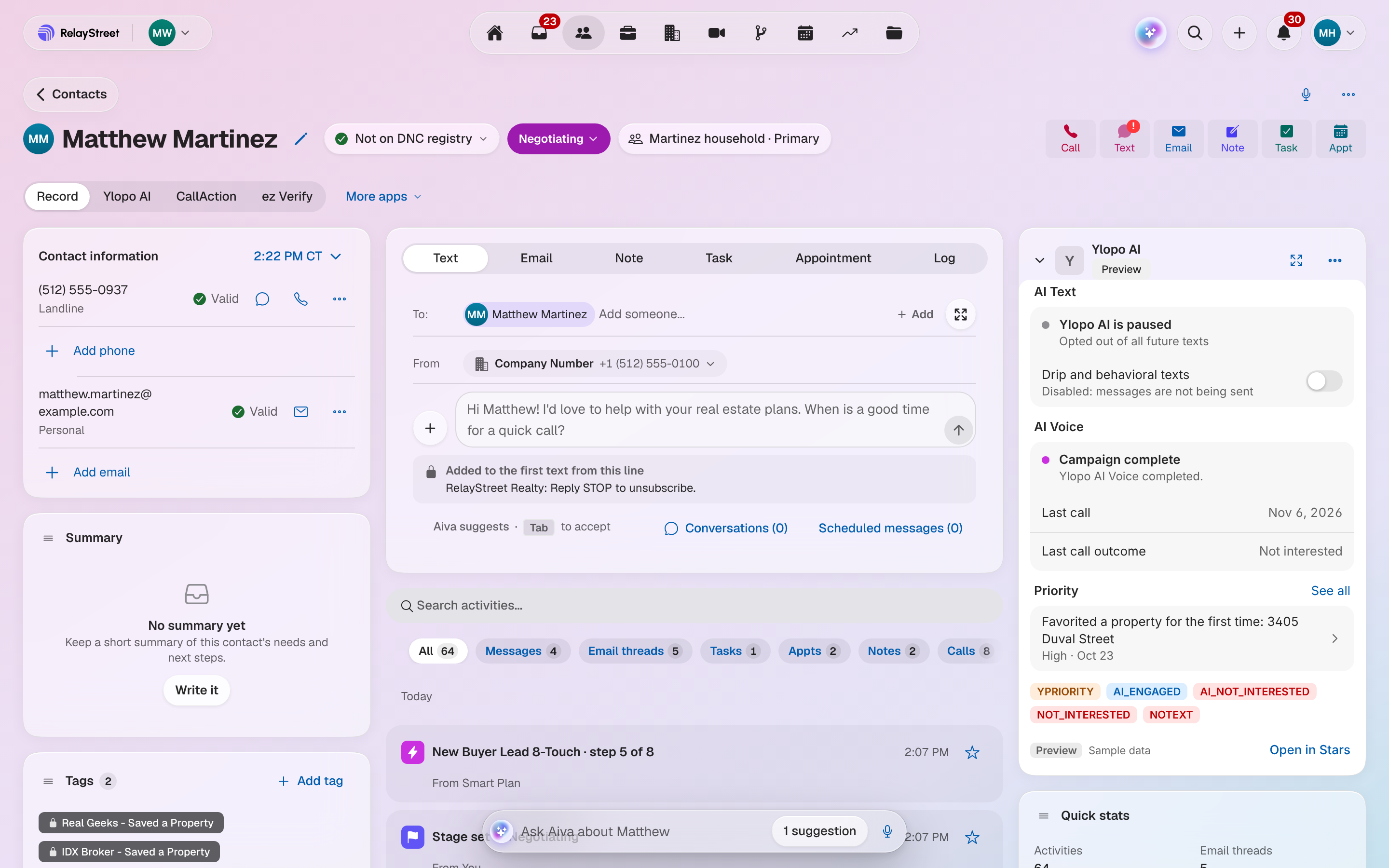
Aiva answers
Your assistant will reply on her own. The lead texted at 9:47 PM, so the answer goes out at the first legal minute for her.
Sends for them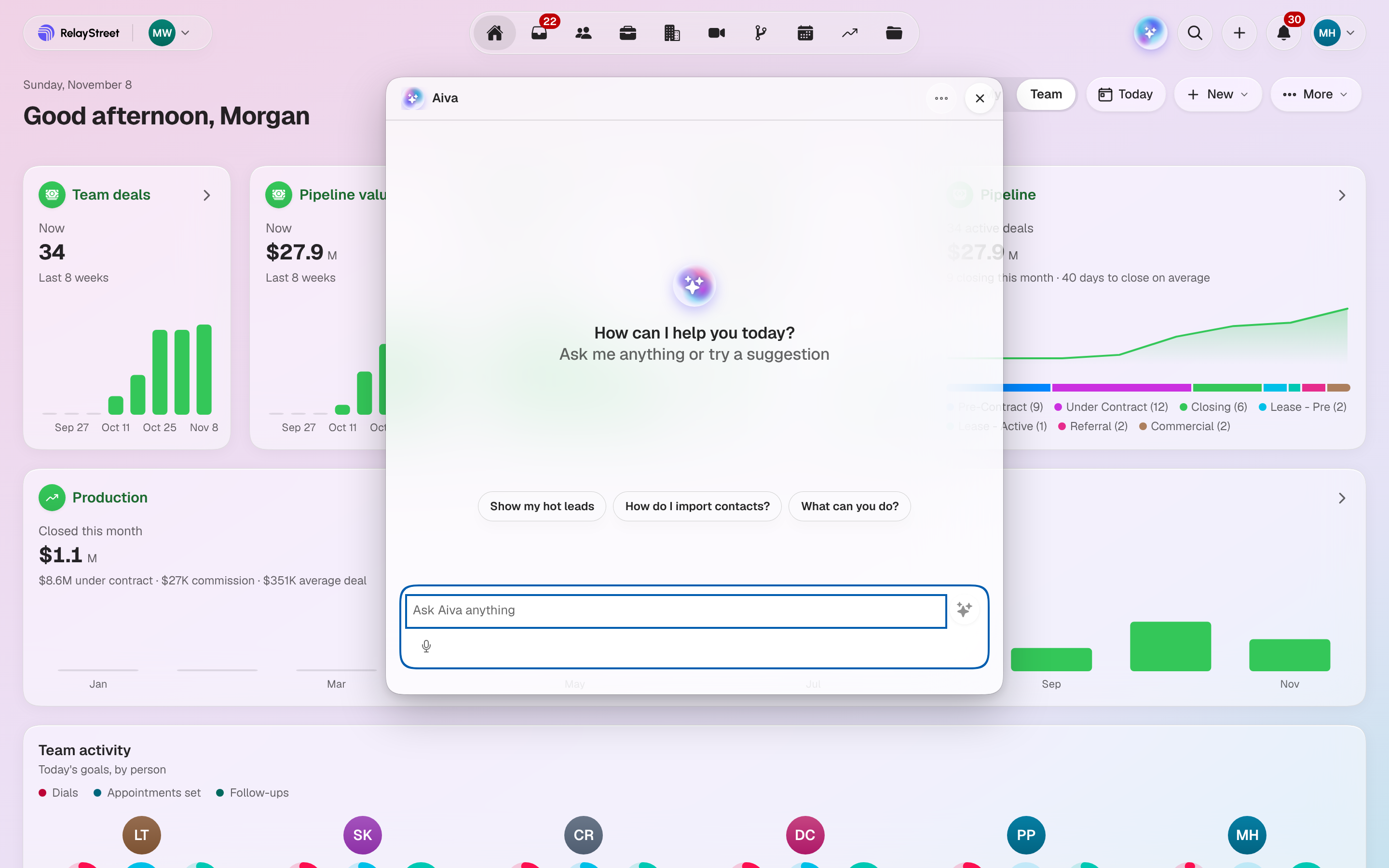
One inbox
Texts, calls and voicemail in one thread, with her record beside it.
You call, with your script
Call from her record. Your script opens beside the call, and the recording lands on her timeline.
The appointment counts
The appointment gets an outcome, who set it and who ran it.
Signed becomes a deal
“Signed” opens the deal with the client and the home already filled in.
Stay in front of her
A video in a text, a home tour and your posts, all on one calendar.
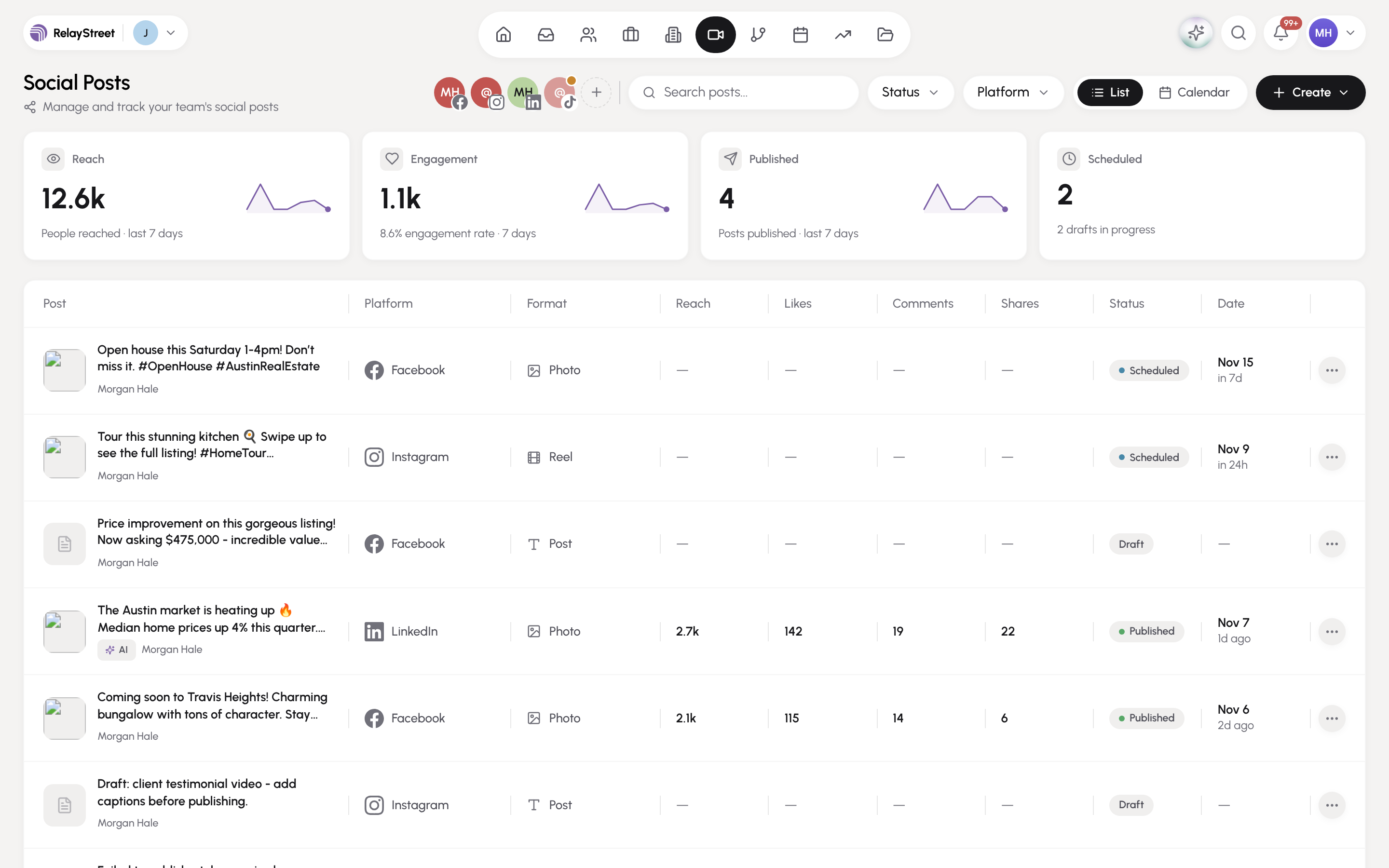
Everyone gets credit
The ISA for the kept appointment, the agent for the deal, the source for the commission.
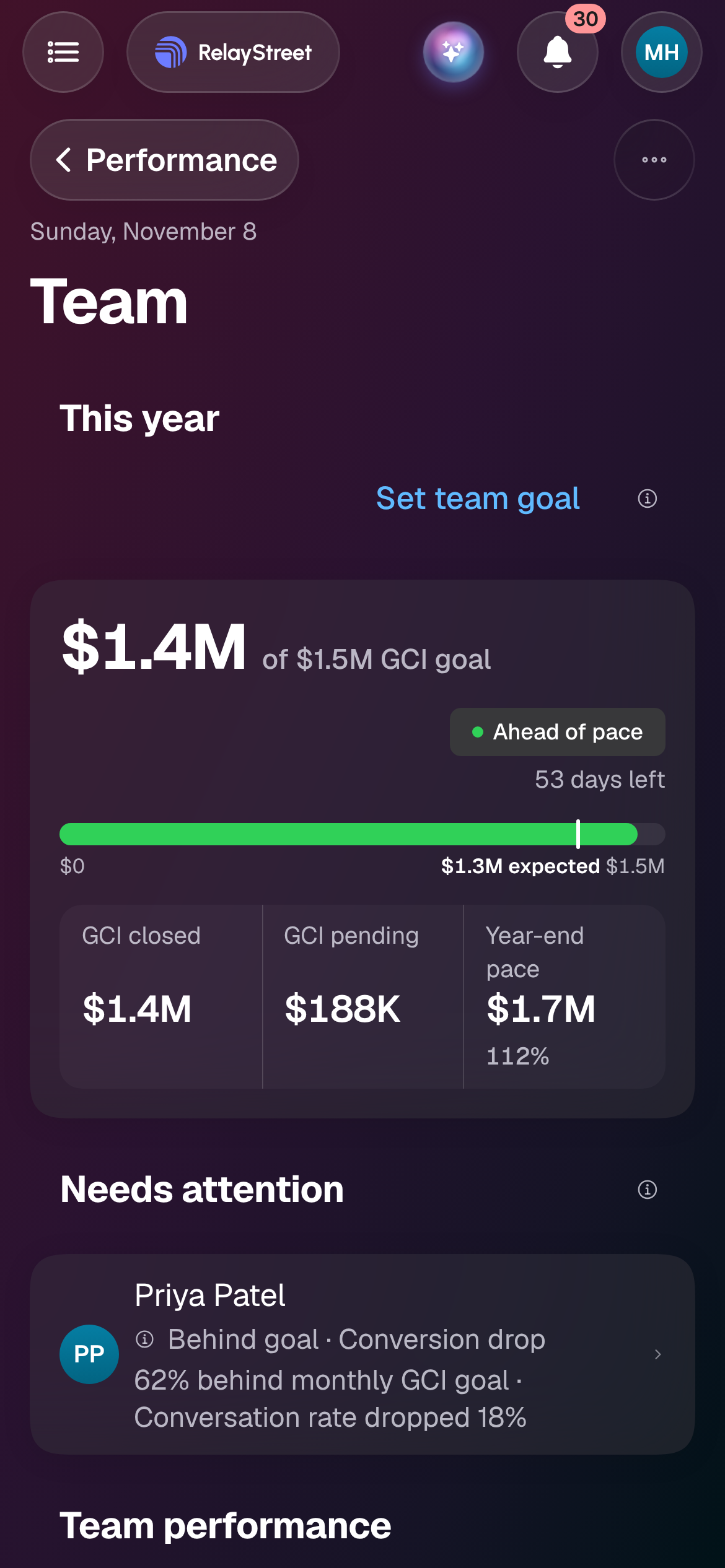
Your assistant
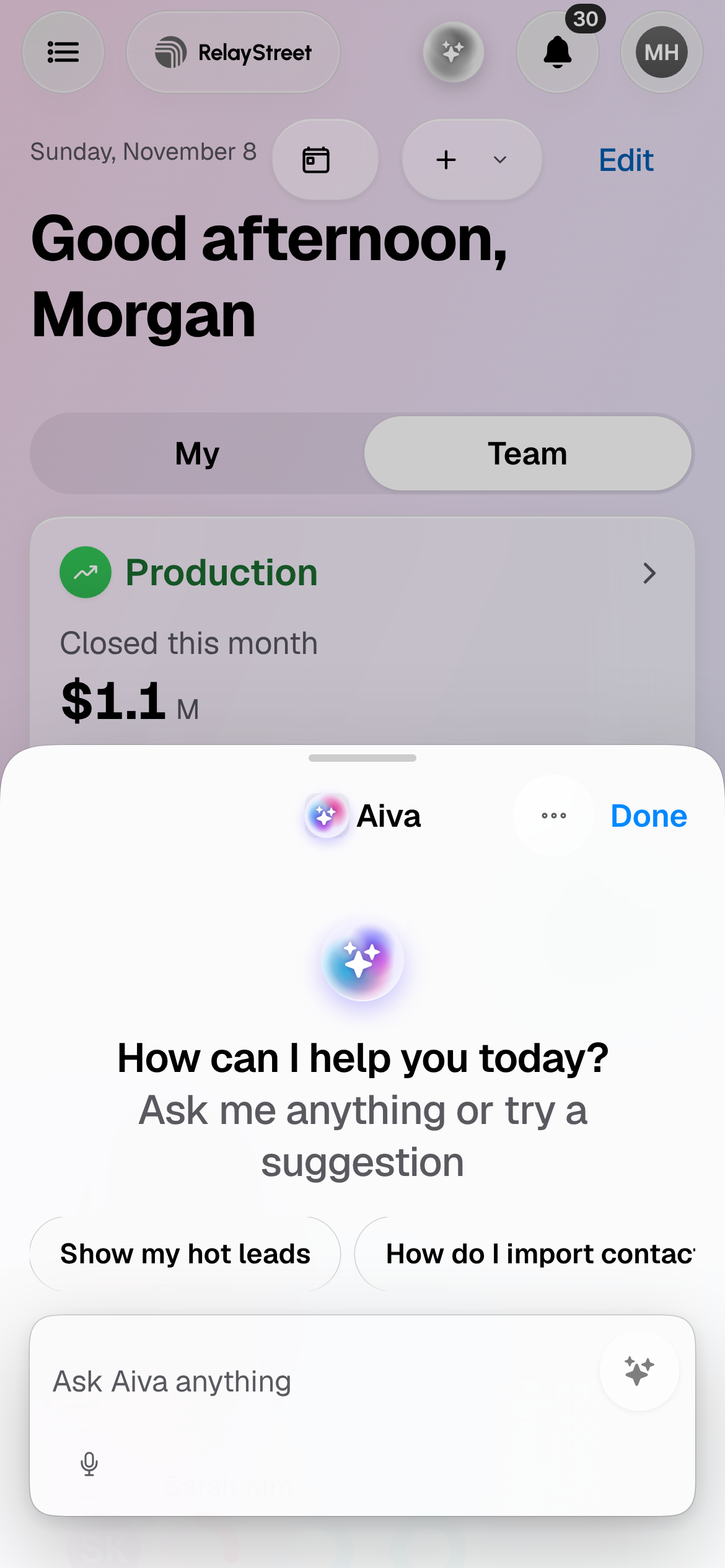
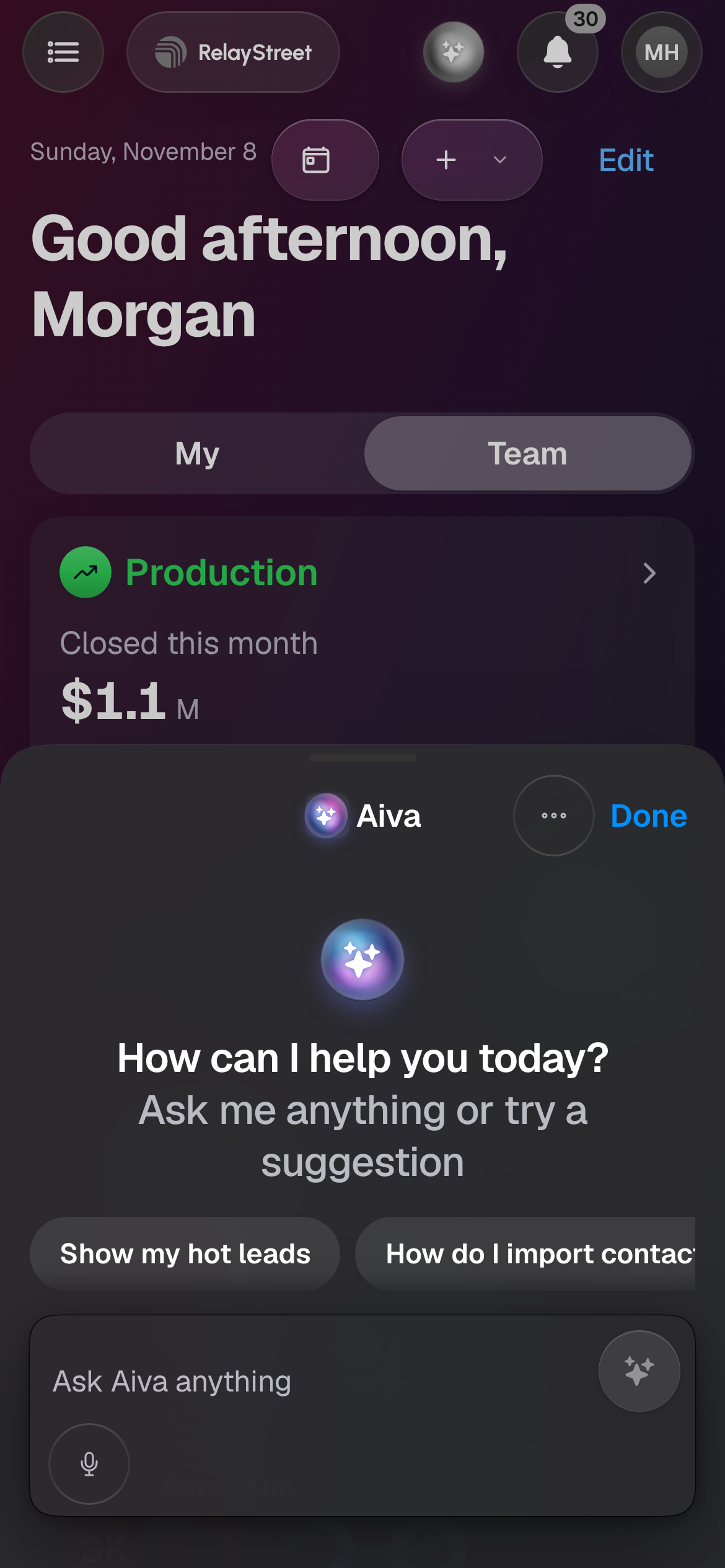
Meet the assistant who works your leads
She is Aiva until you give her your team’s own name. Once she is on a lead, she will answer, follow up and set the appointment on her own, in your voice.
New lead, from your site
Is the 3 bed on Elm still available? Could we see it this weekend?
for themShe texted at 9:47 PM. Aiva answered first thing in her morning
Aiva writes the reply as soon as the lead texts. It goes out at the first legal minute in the lead’s own time zone, and the buyer consultation is set with you before you’re out of bed.
She sets the appointment
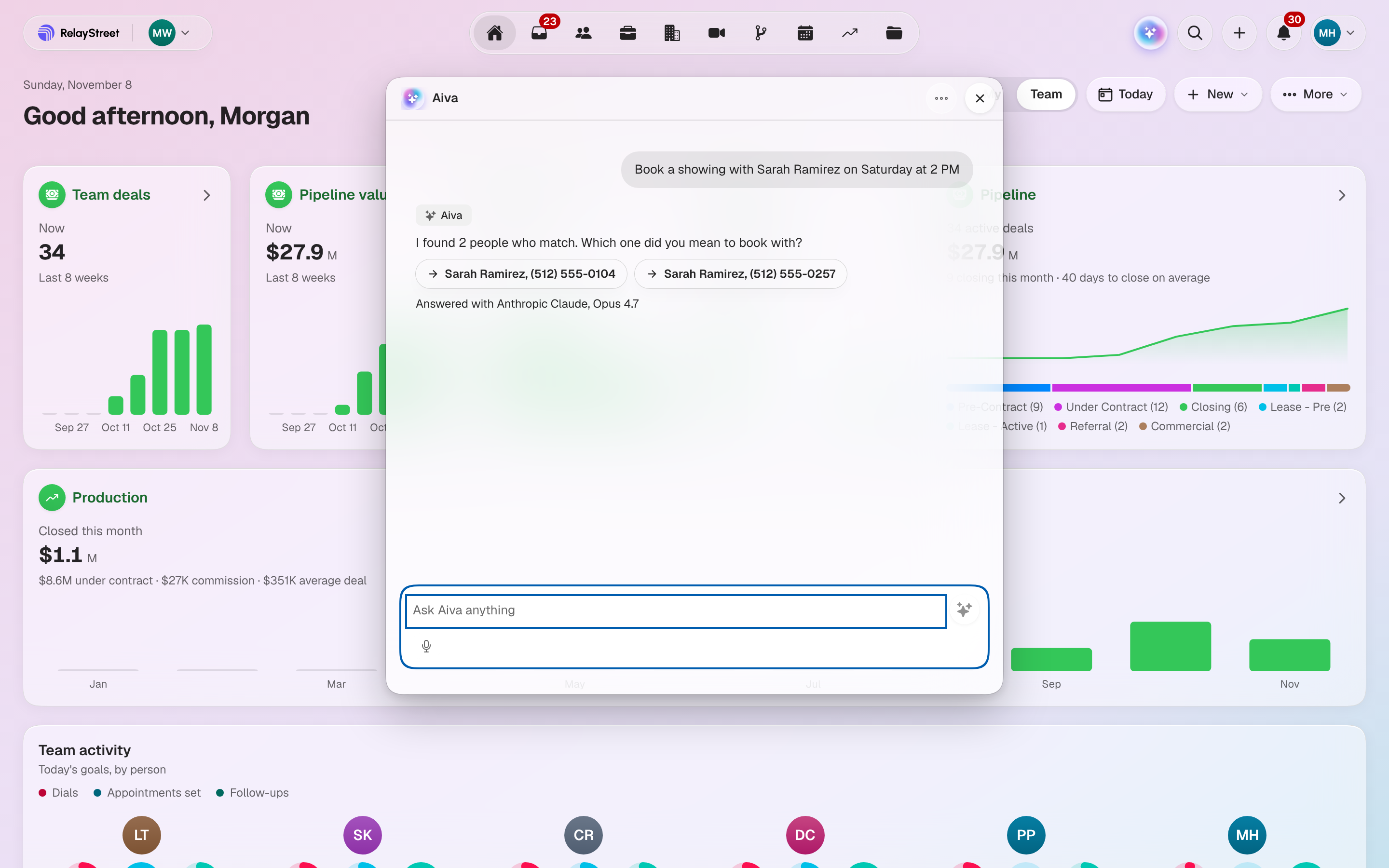
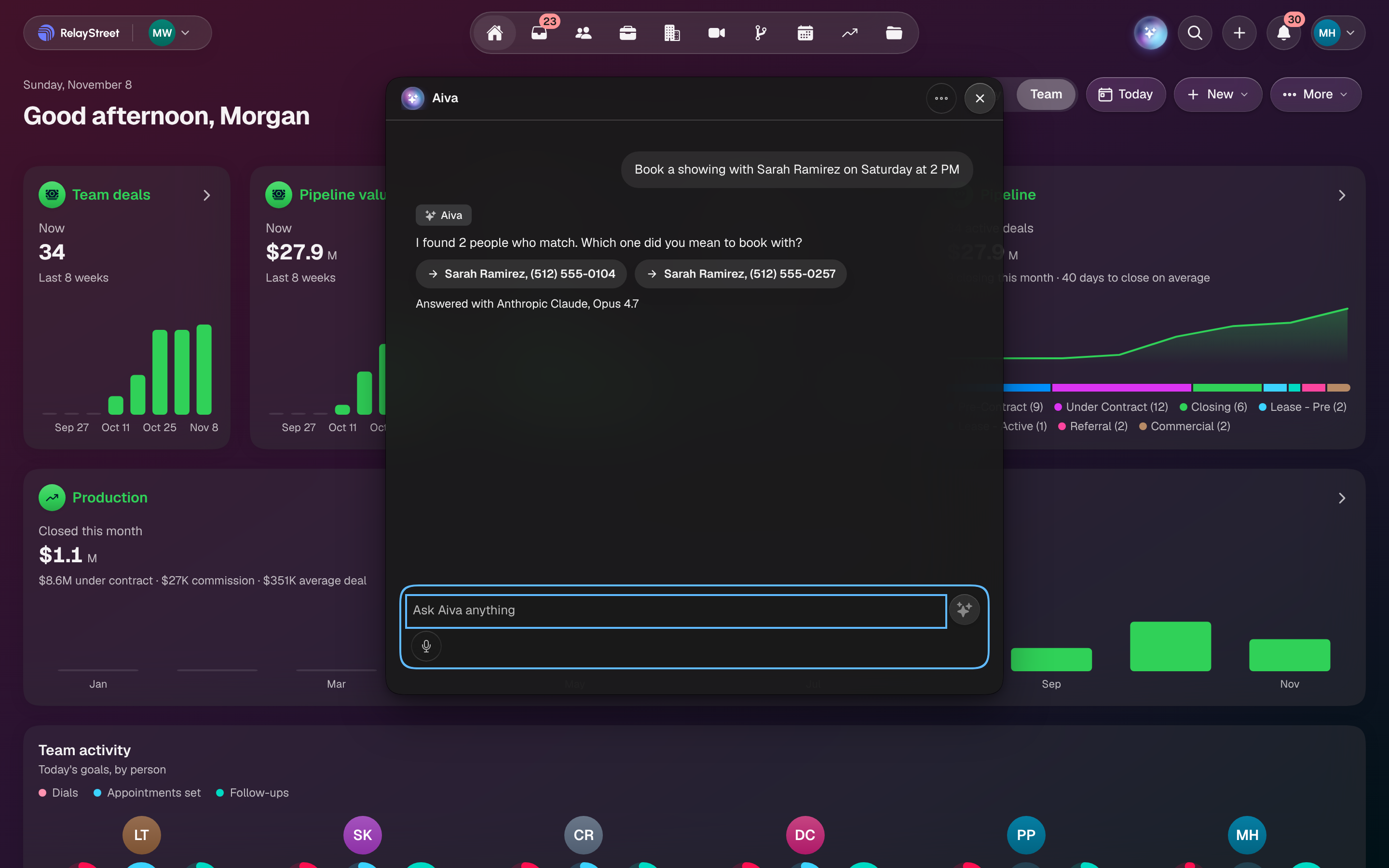
Two people with the same name? She asks which one before she sets it.
She sorts your inbox
Needs a reply, hot lead, FYI or spam, so you open the right thread first.
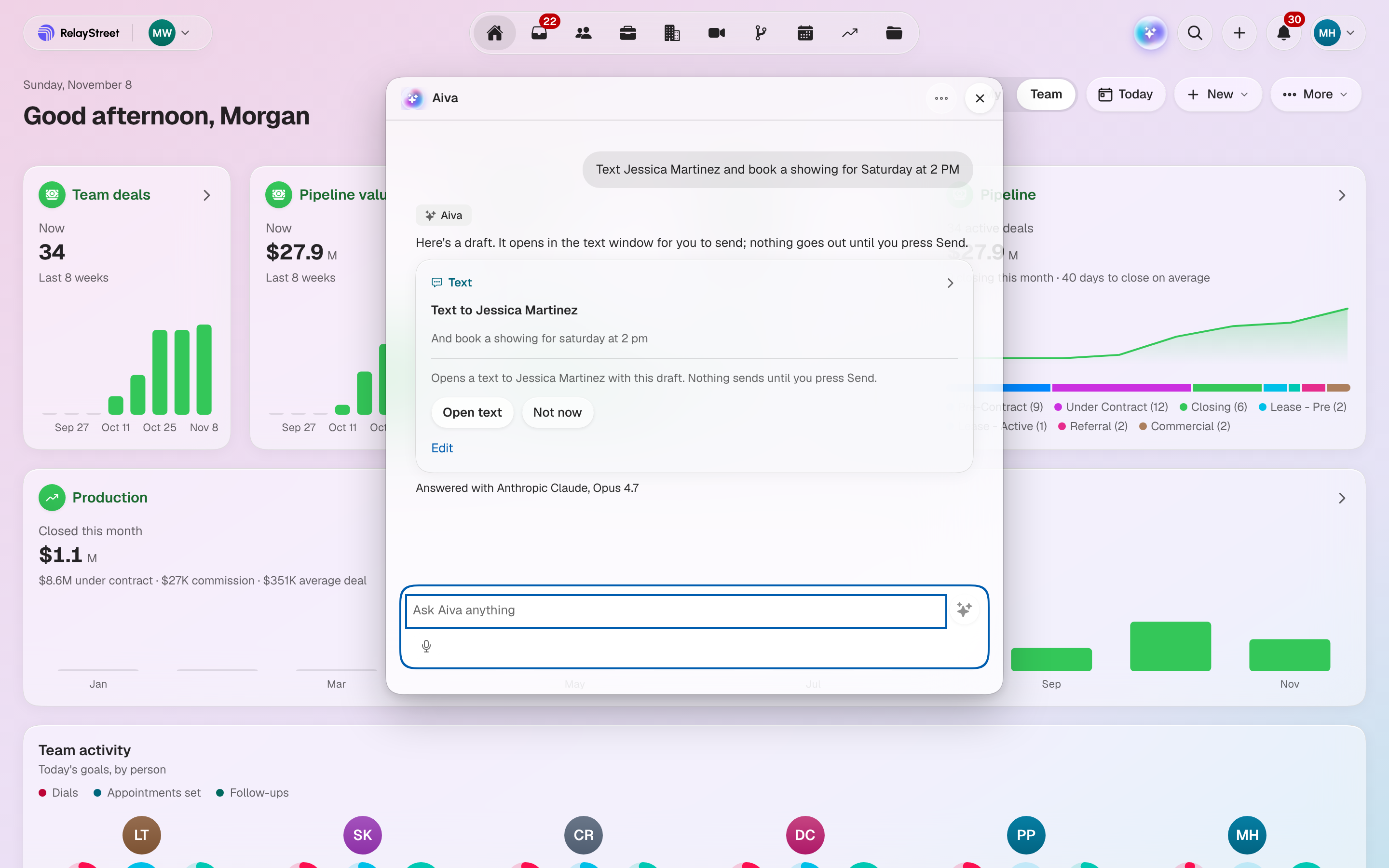
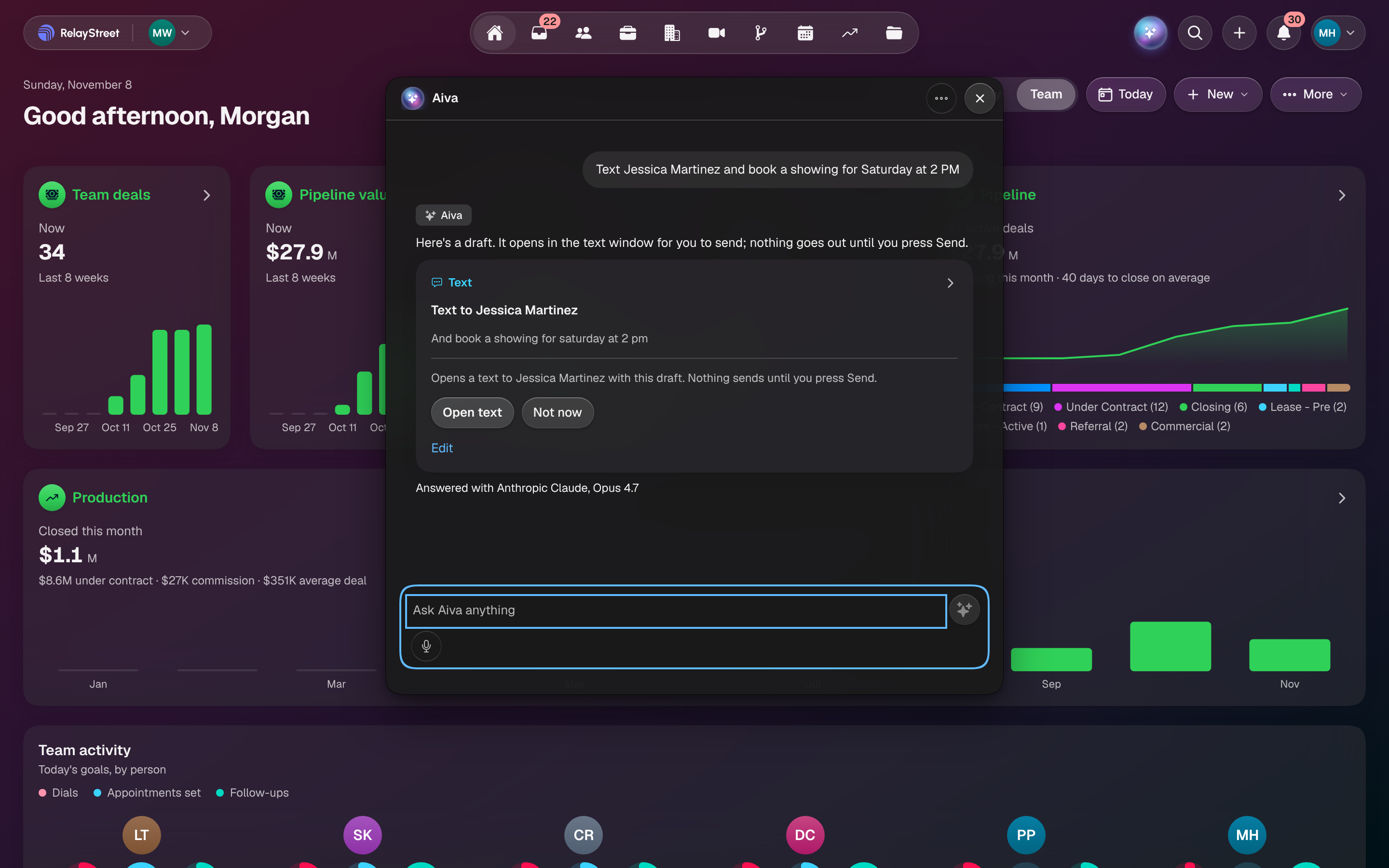
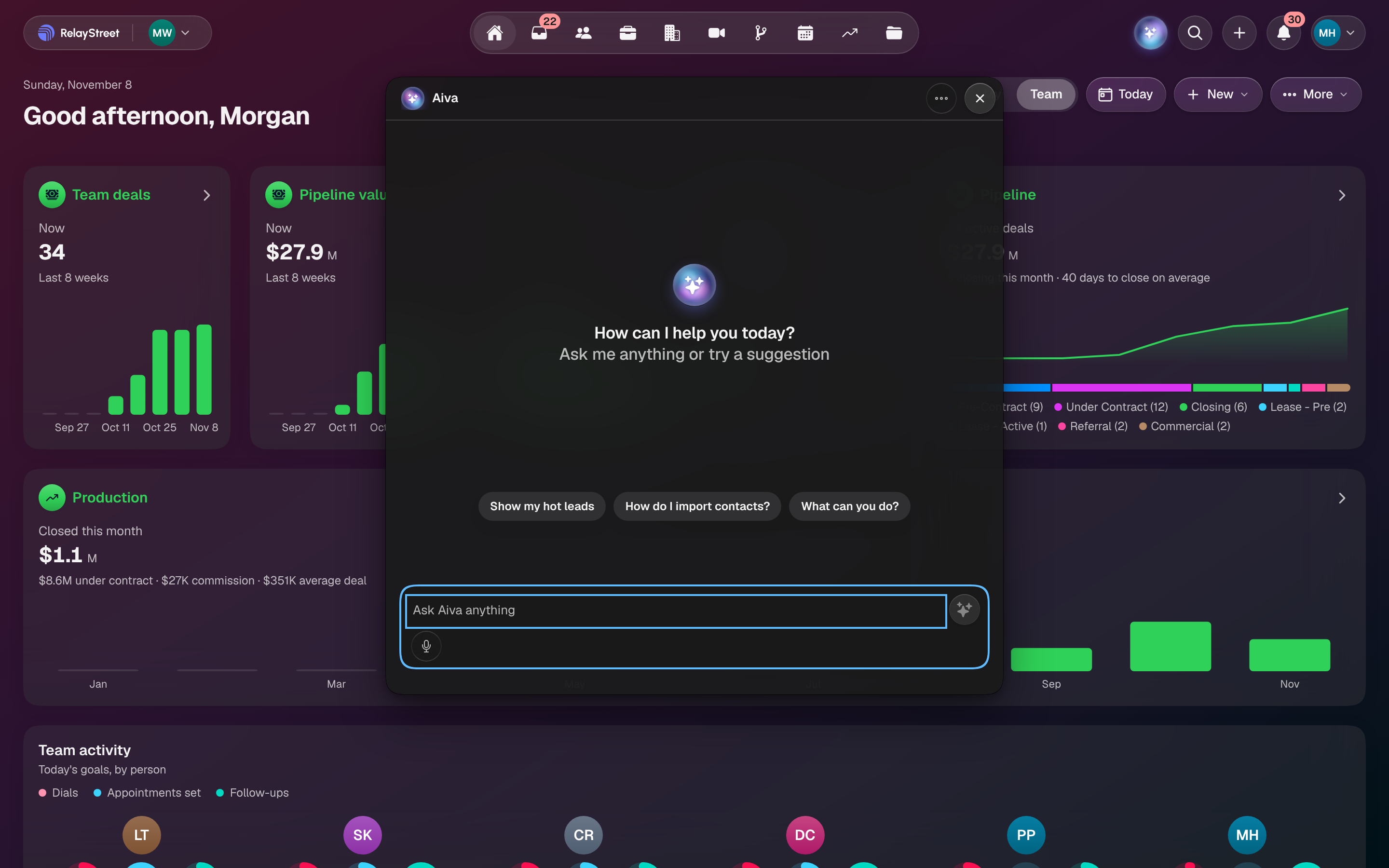
Ask her anything in the app
Ask for a text, a task or an appointment. What you ask for in the app waits for your OK.
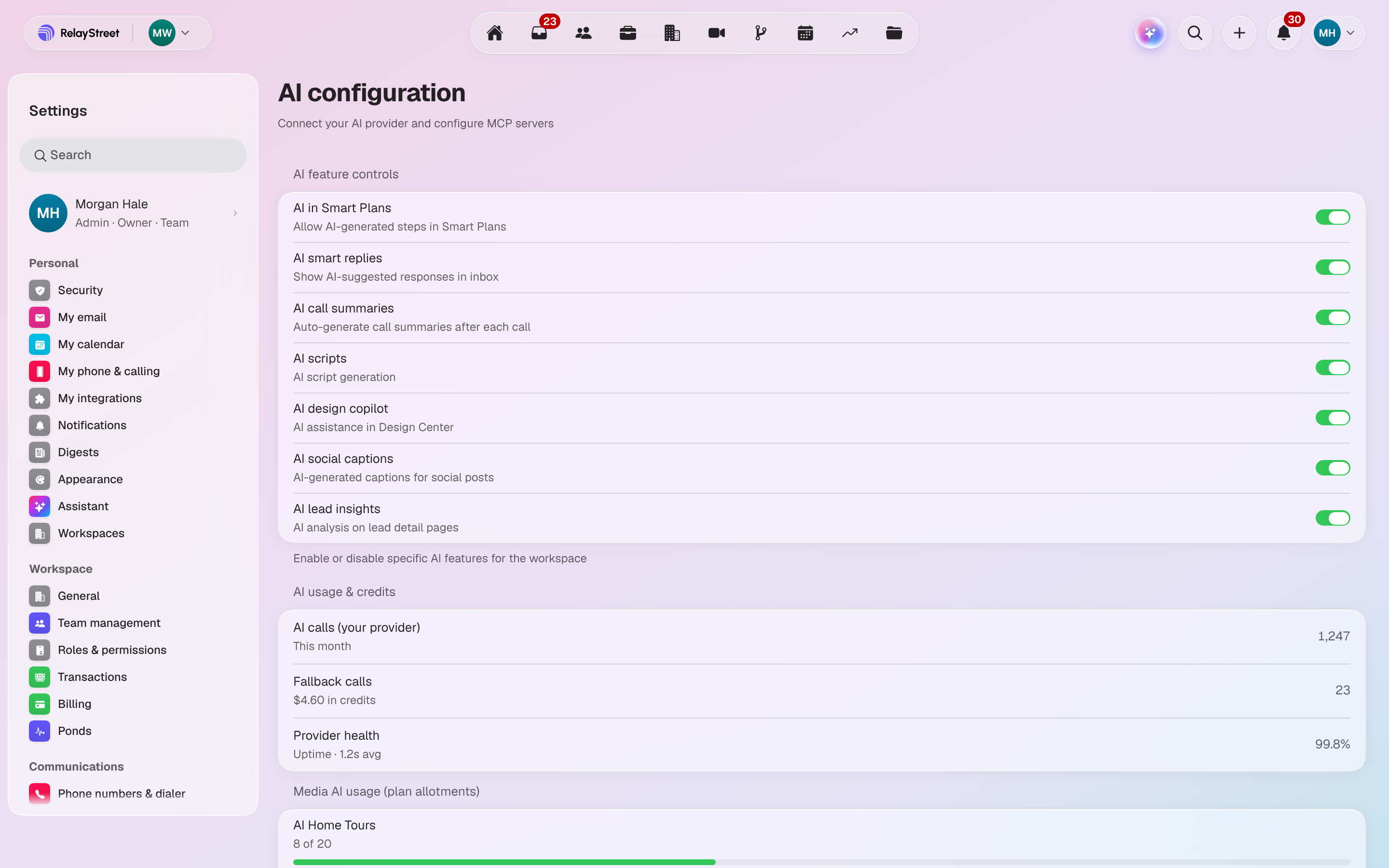
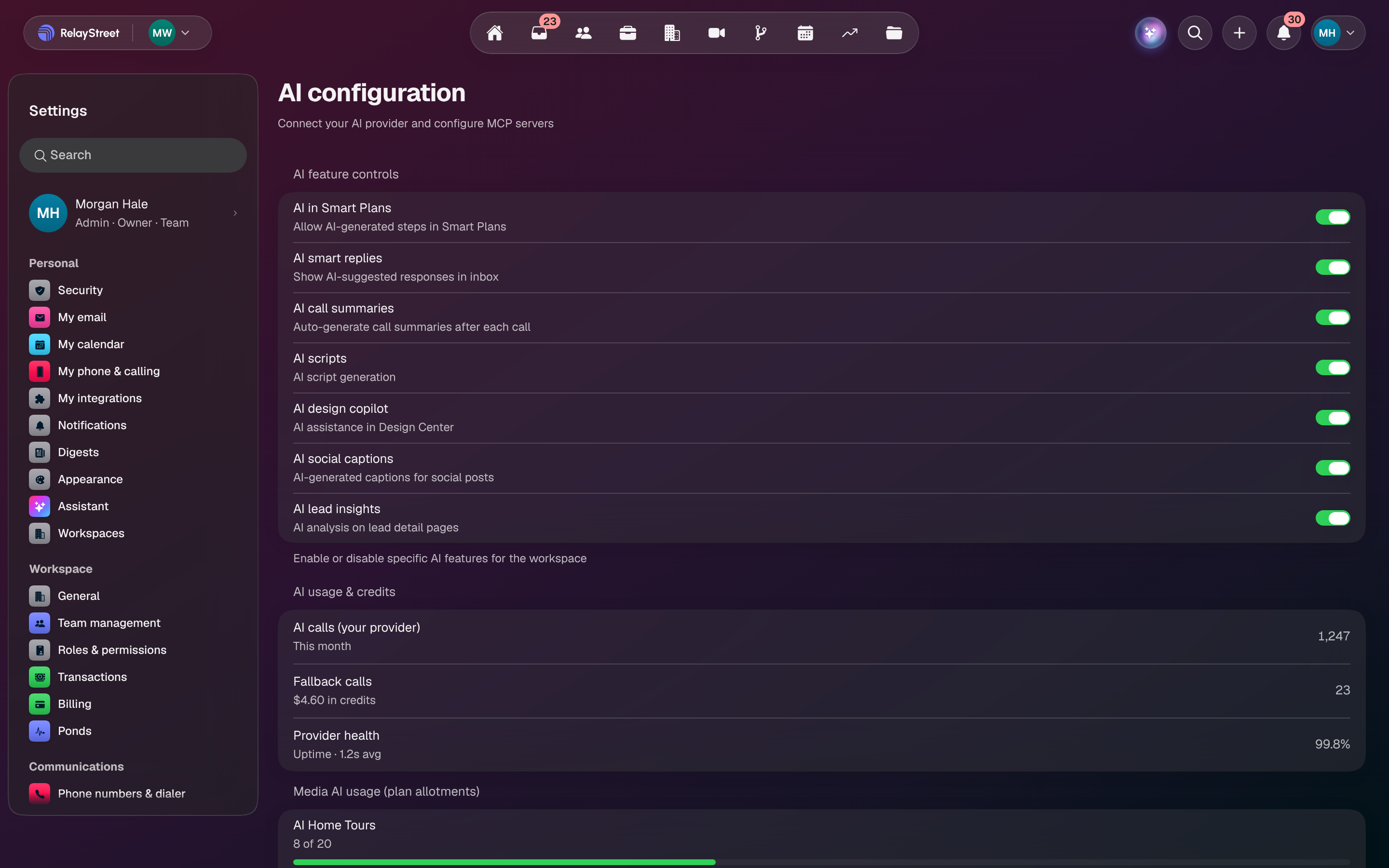
Your AI or ours
Run her on RelayStreet AI or on your own AI account. With your own, we charge nothing for AI.
- She texts only inside each state’s legal hours, in the lead’s own time zone
- Do Not Call, STOP and consent apply to everything she sends
- Her first message says she’s an assistant
- When she takes a lead, that lead’s Smart Plan pauses, so nobody gets two texts
- She never drops a conversation when an AI provider fails
Work your leads
Reach every lead first, from one screen
- Every lead on one record, with its source and whole timeline
- Smart Lists that build your call list for you
- A power dialer with your script beside the call
- Recordings and transcripts land on the timeline
Run your deals
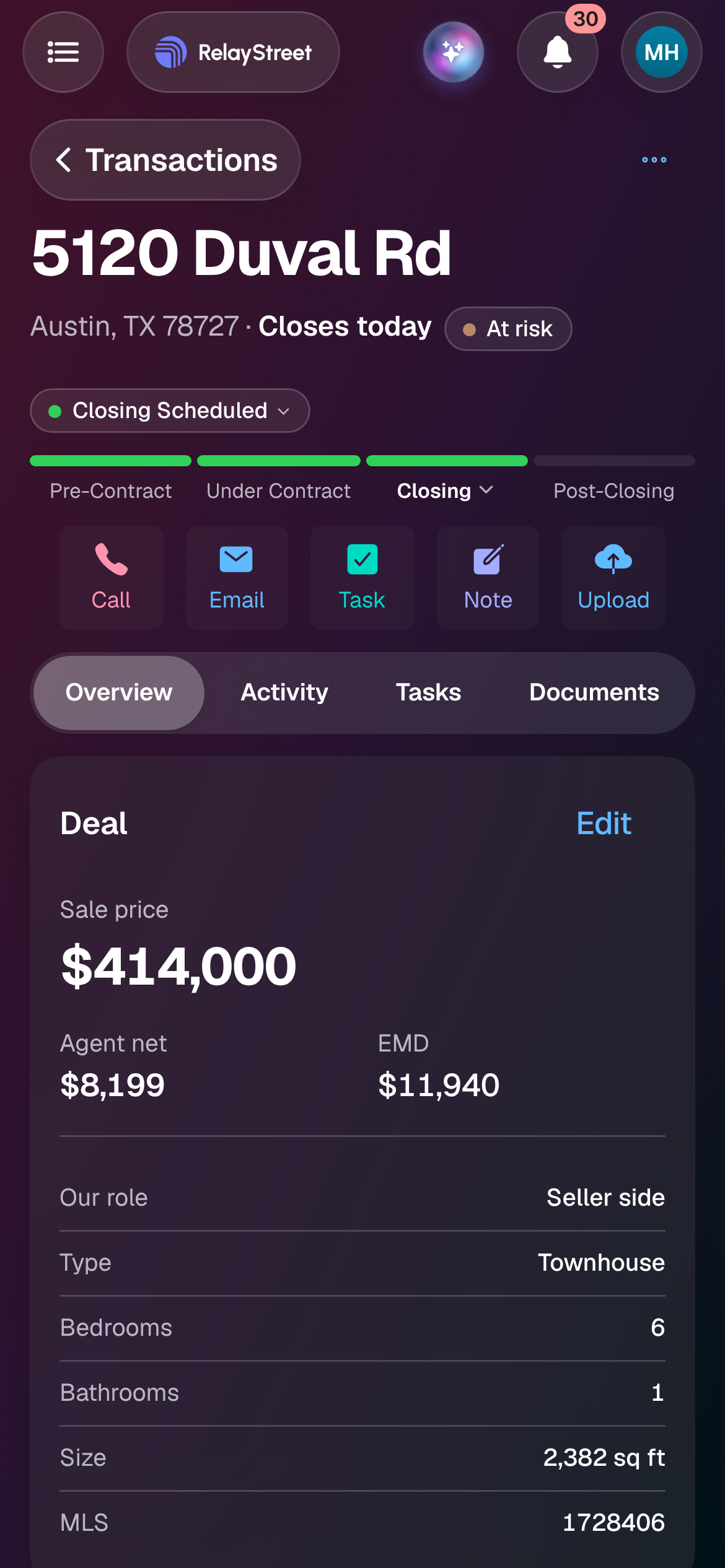
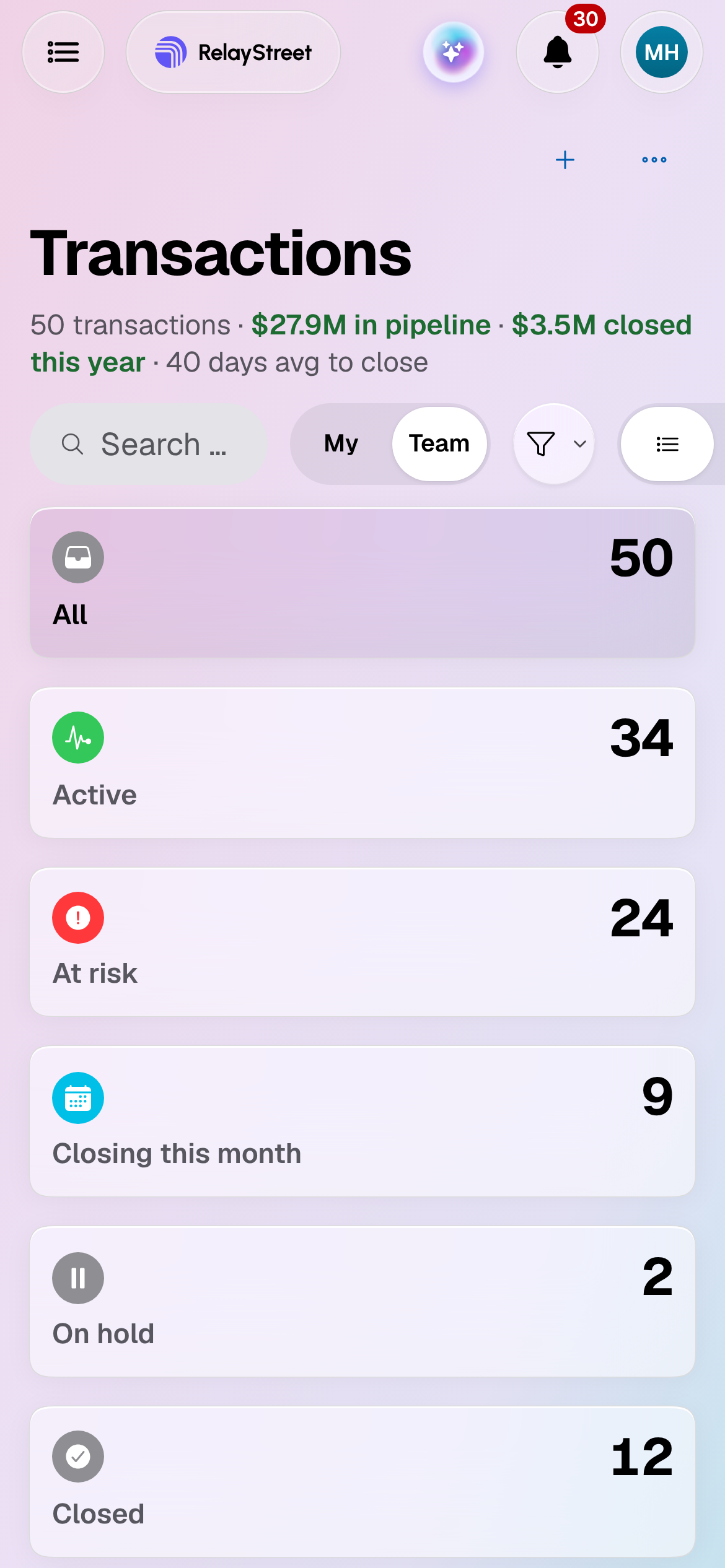
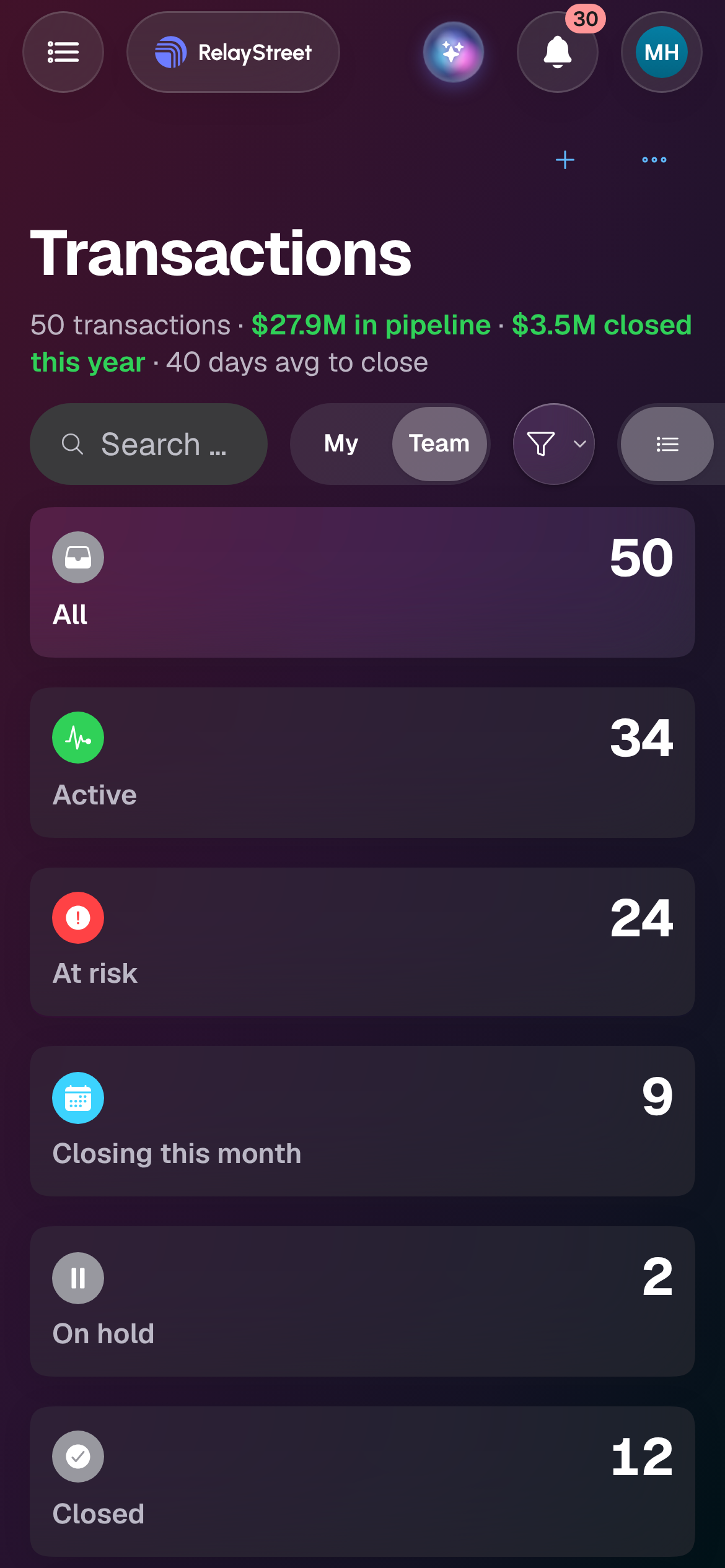
Move the closing date. Everything follows
- Key dates that calculate themselves and move together
- One queue with the next step on every deal
- Documents reviewed and approved inside the deal
- Every file tied to its contact, deal and property
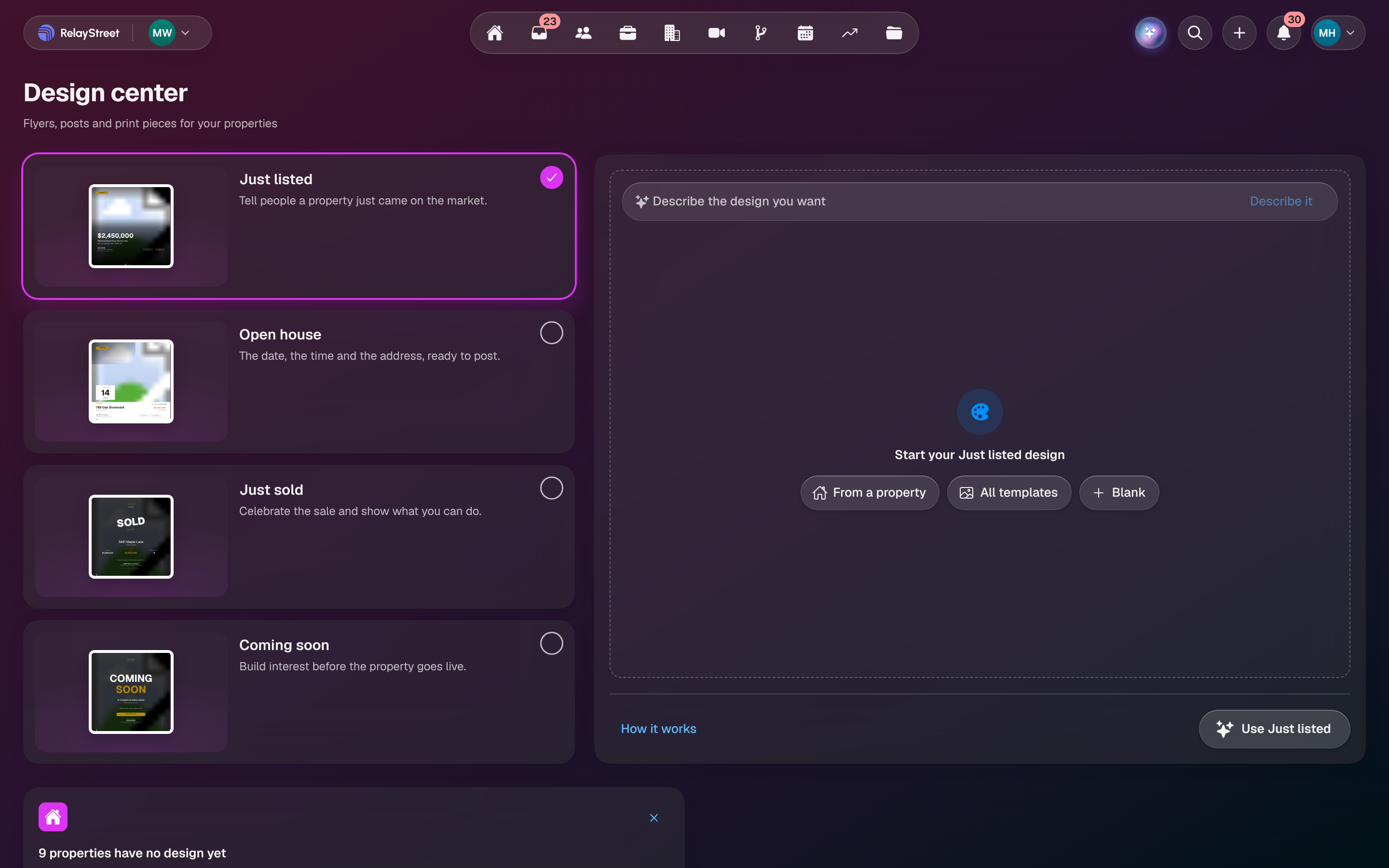
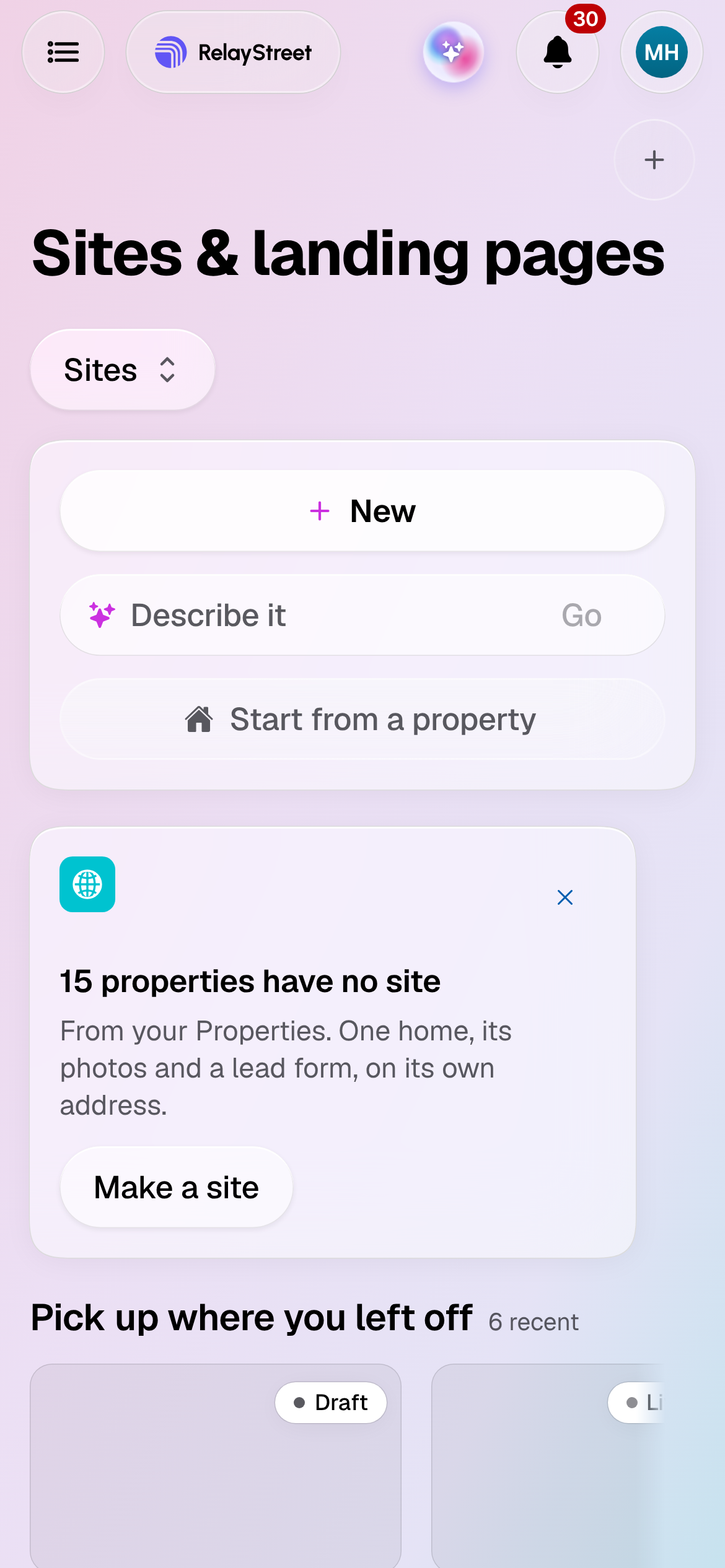
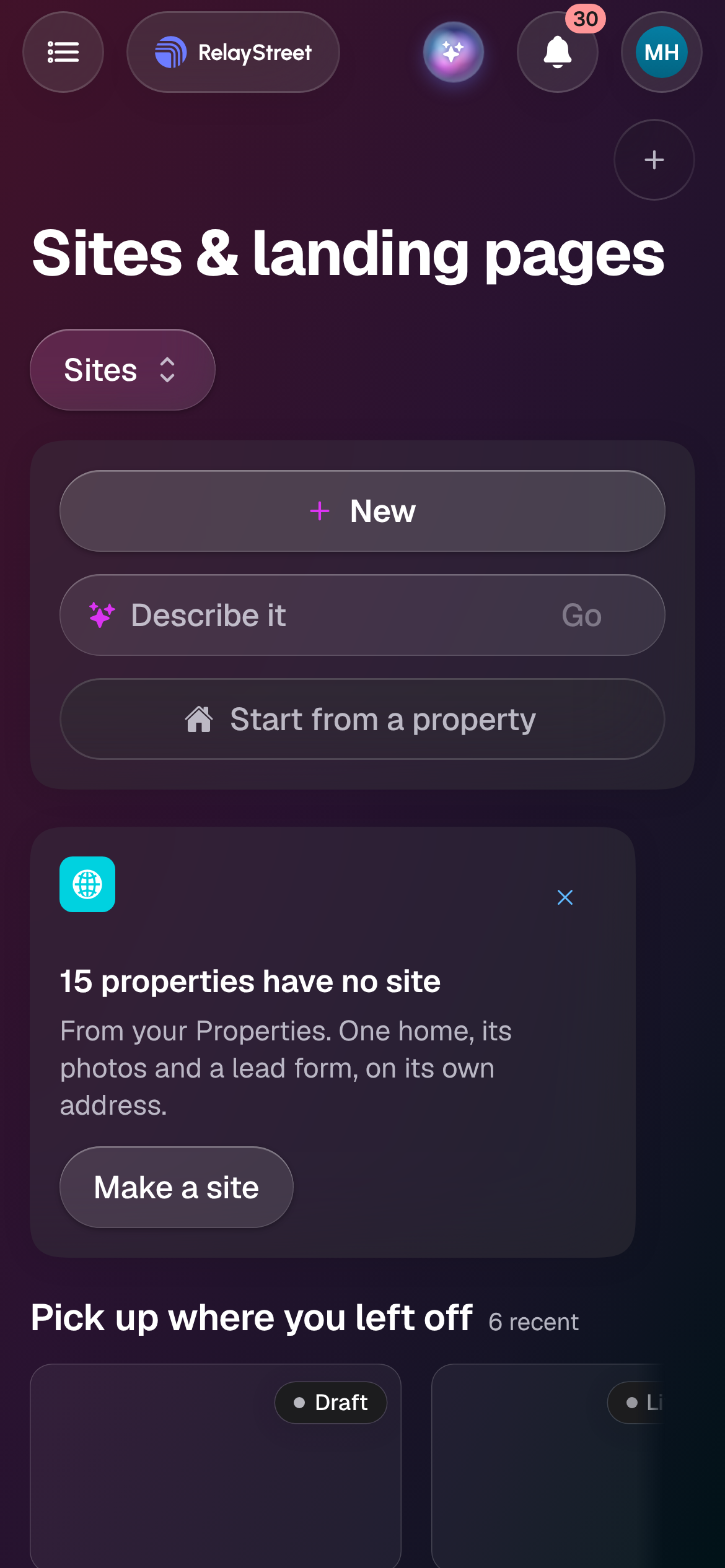
Market yourself
Look like a brand without hiring one
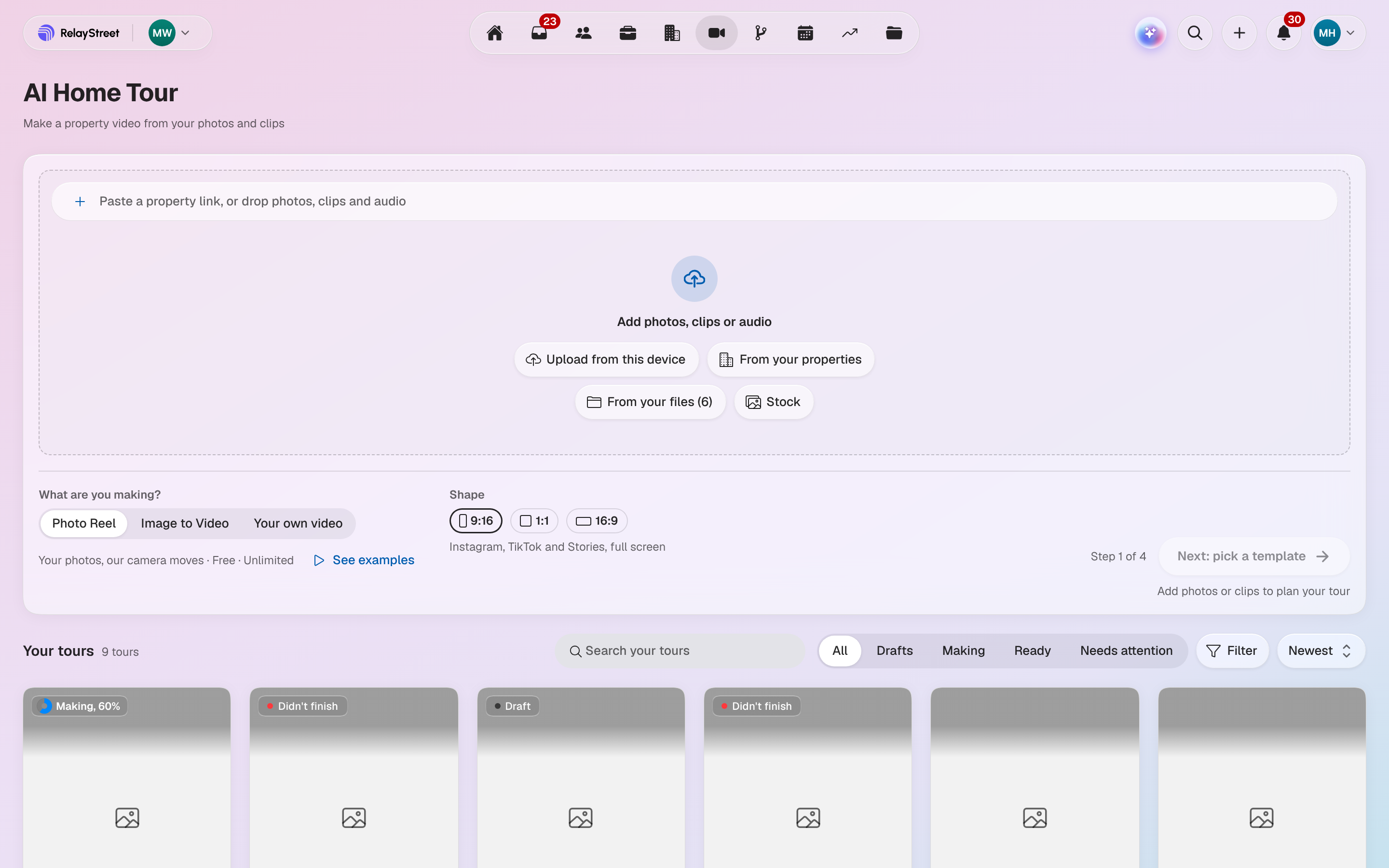
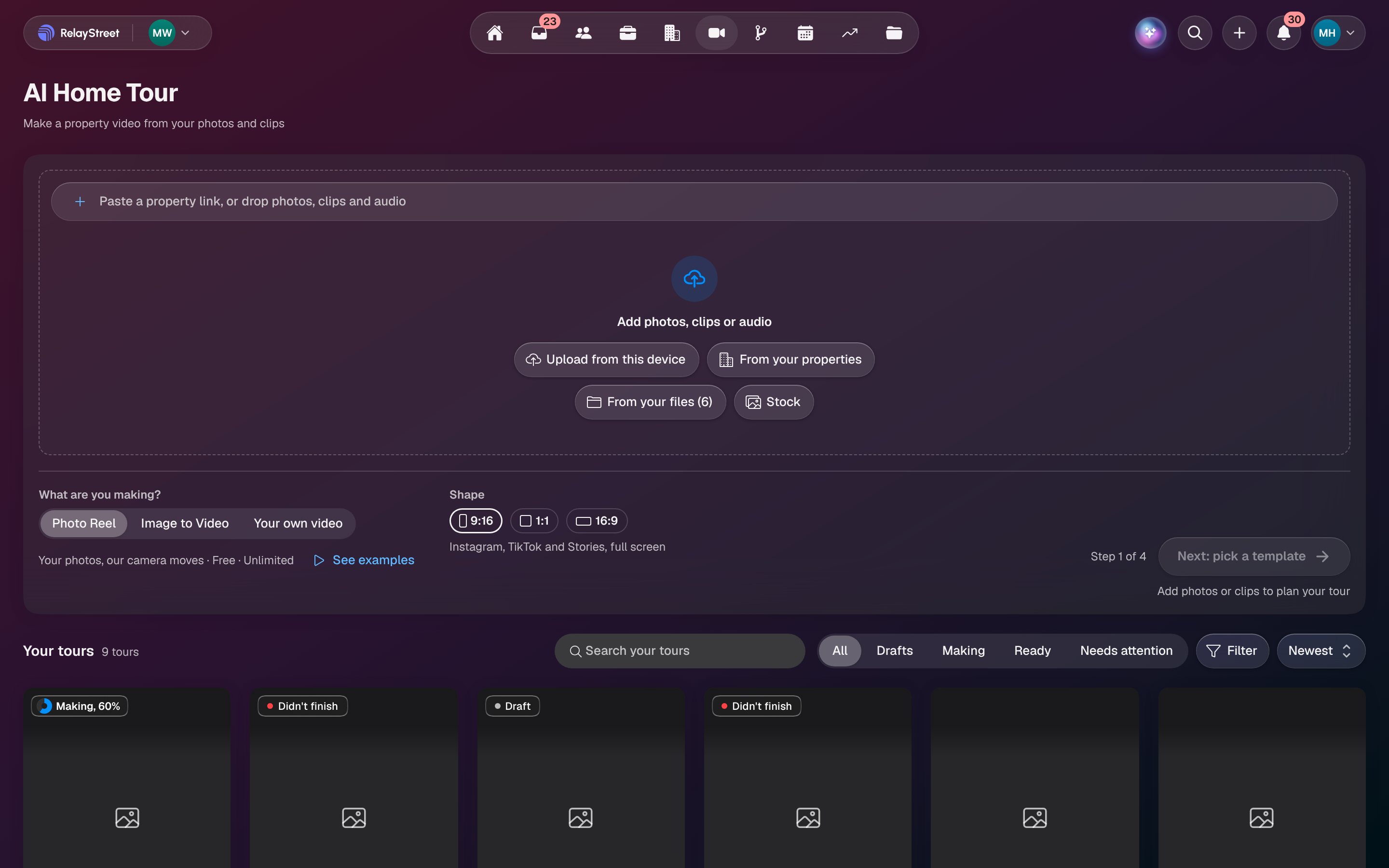
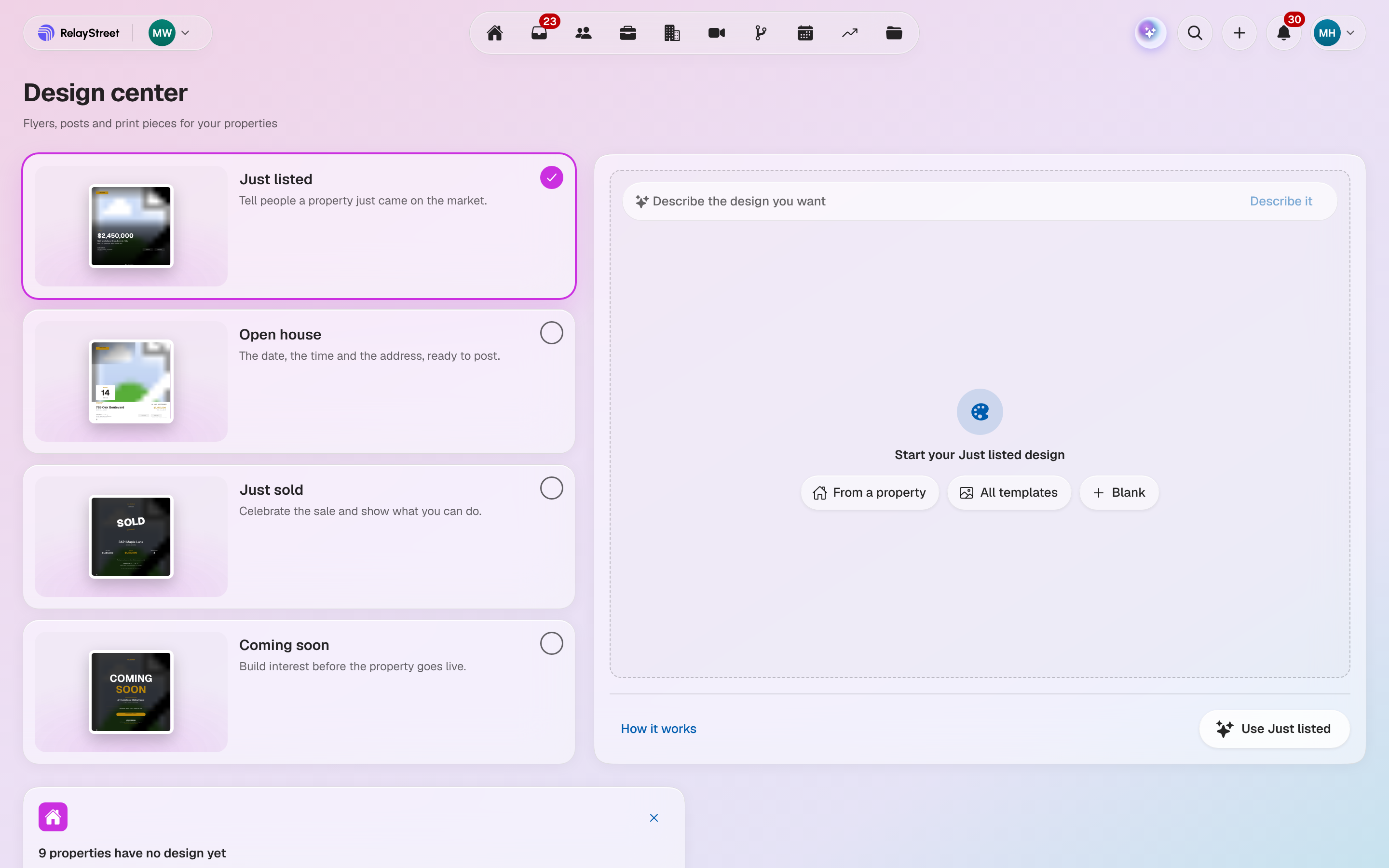
- An AI Home Tour video from your property photos
- Design Center templates in your brand kit
- Sites, forms and link pages that feed your contacts
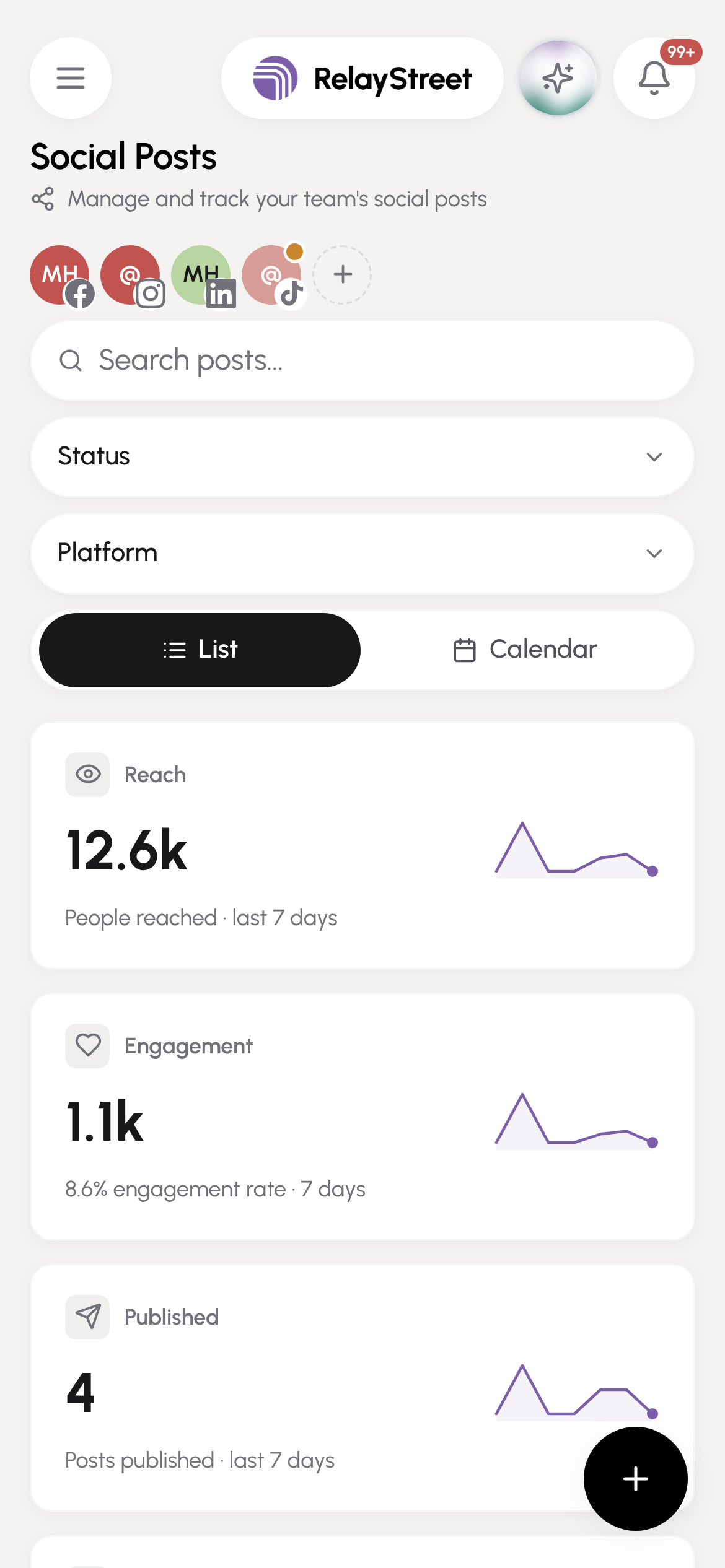
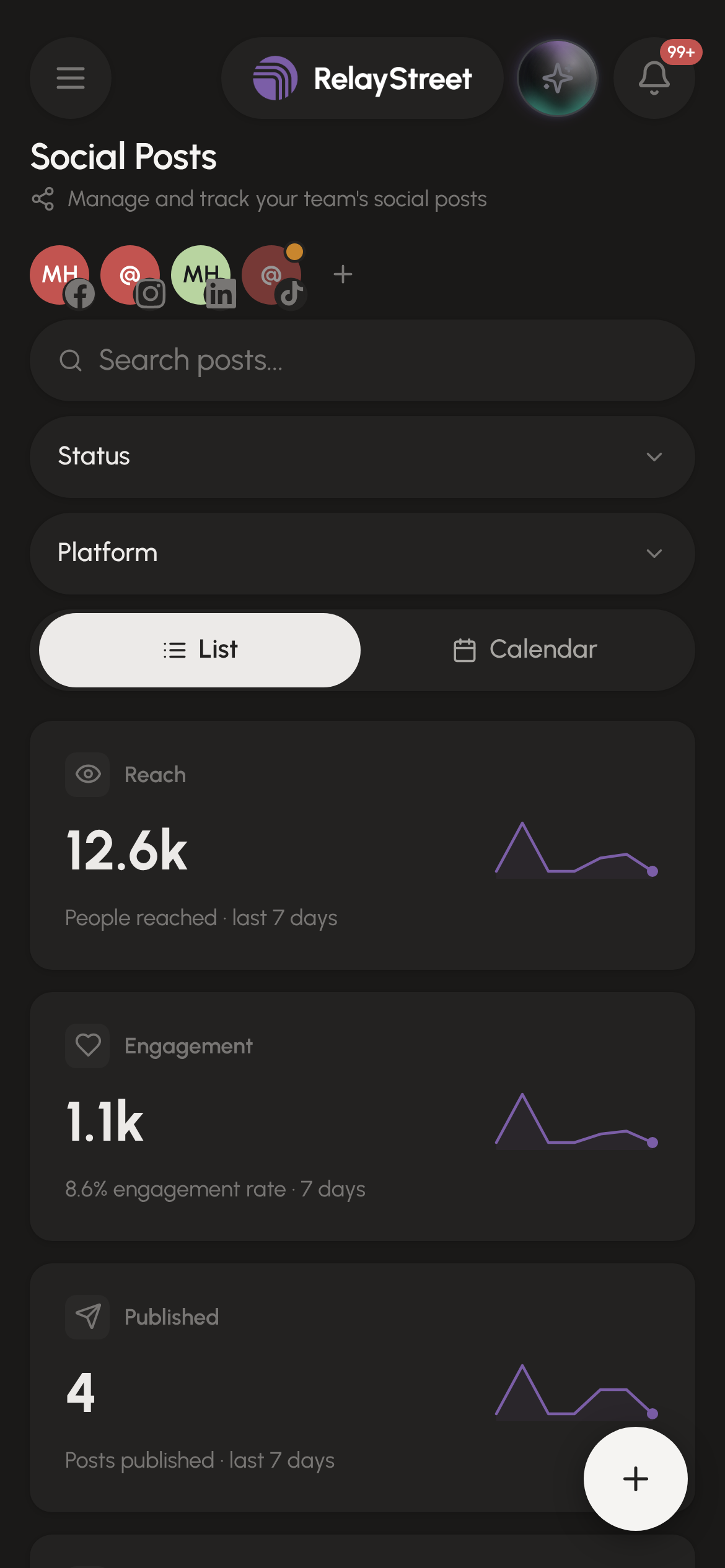
- A week of social posts planned in one sitting
Lead your team
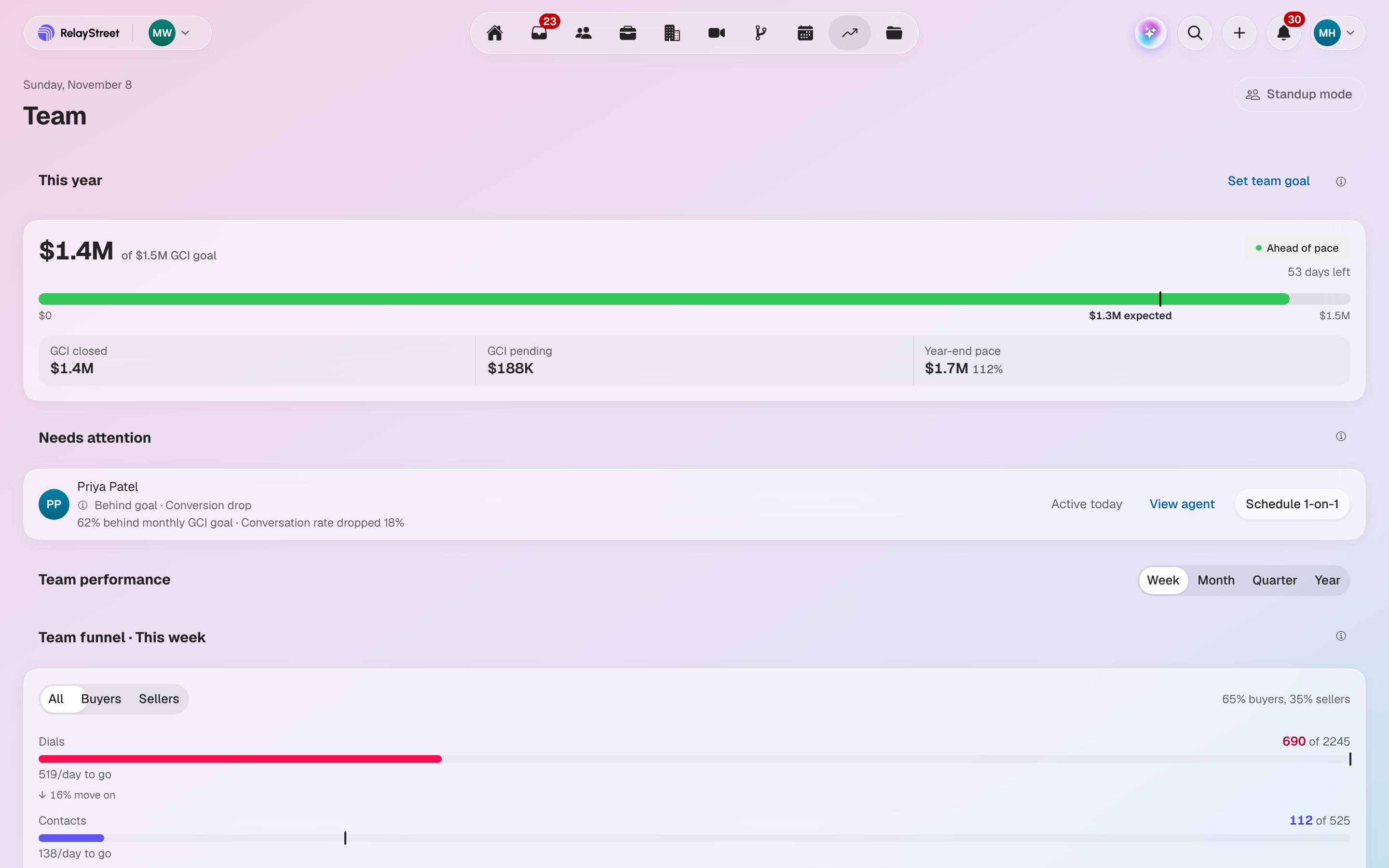
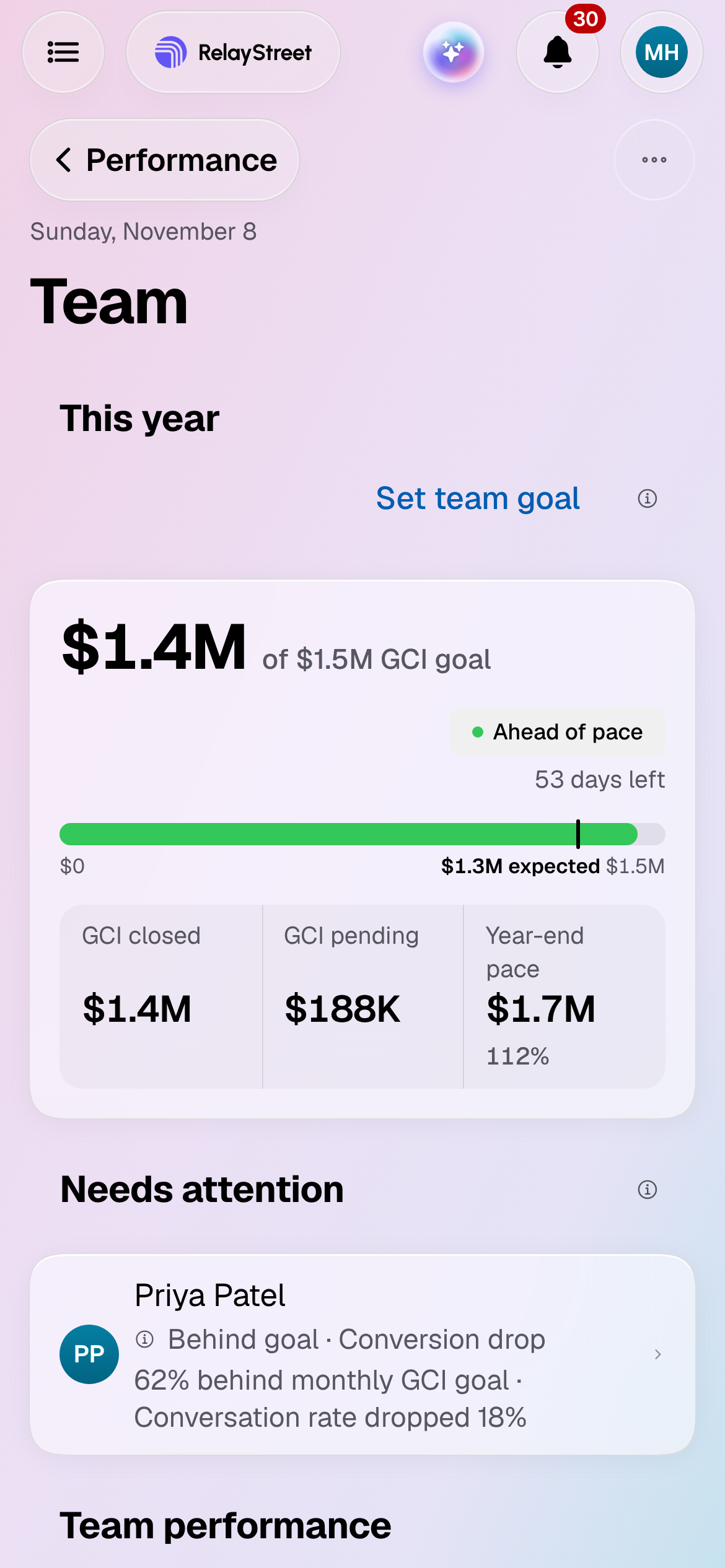
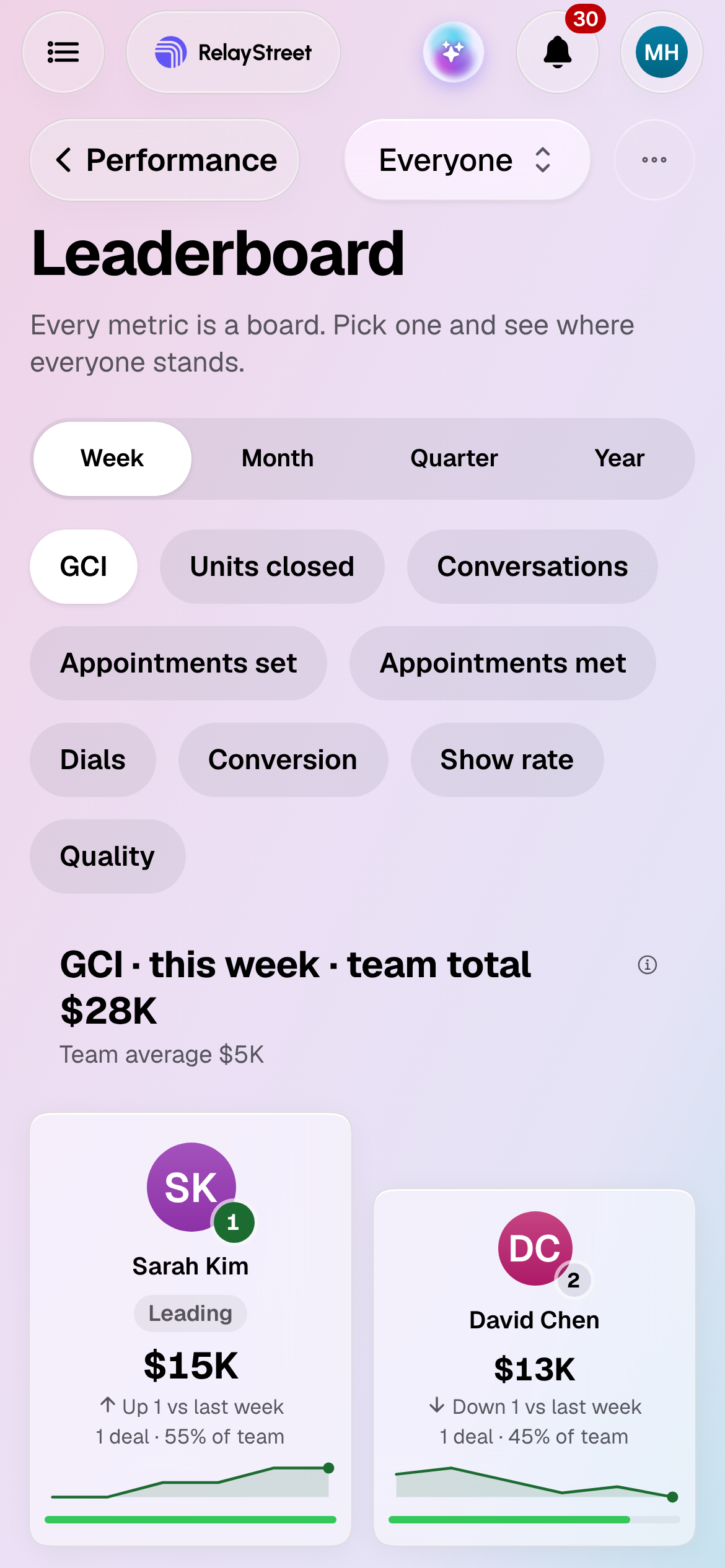
Know who needs you before you ask
- A team page that shows who to coach first
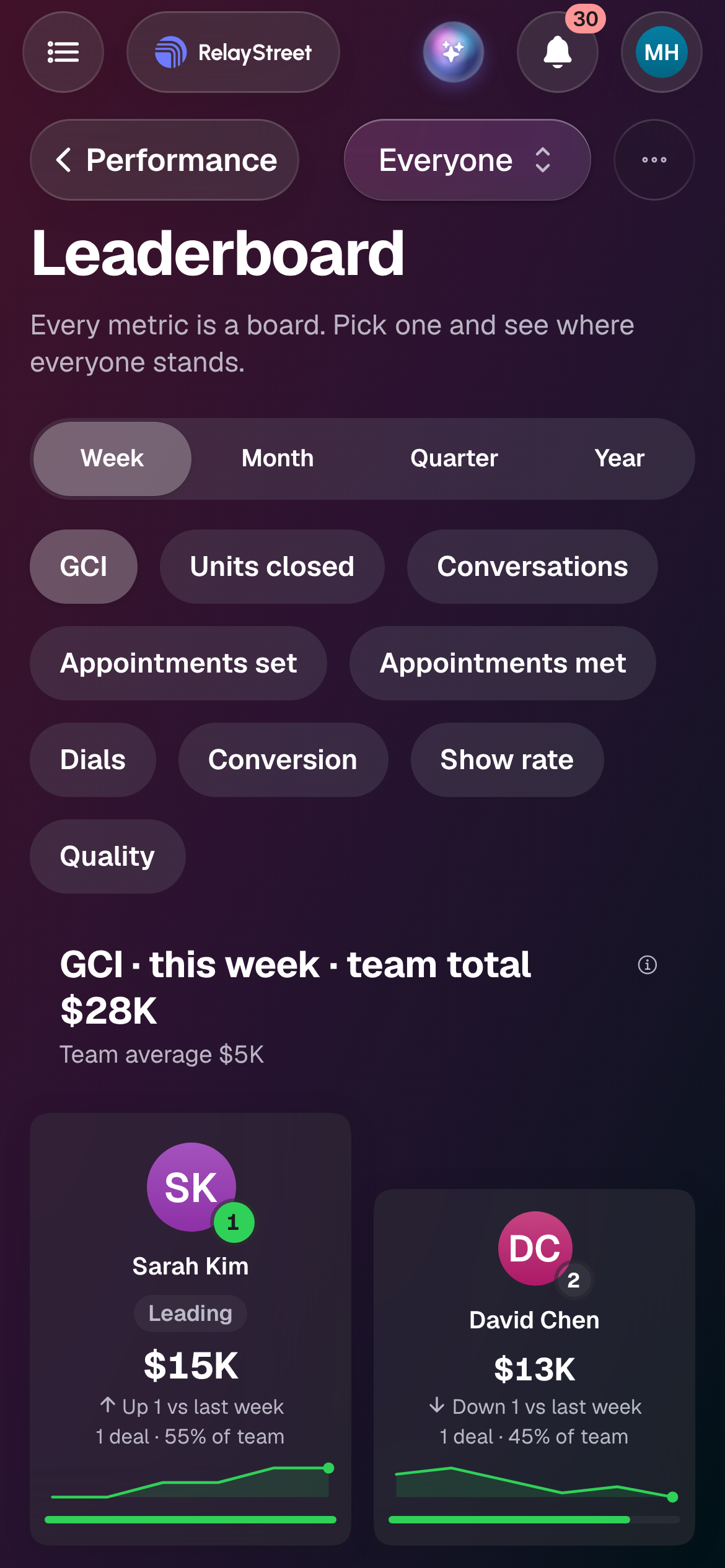
- A leaderboard counted from real calls, appointments and deals
- Credit for whoever set, ran and closed each appointment
- Roles so every person sees exactly what they should
Every screen
One app. Every screen you own
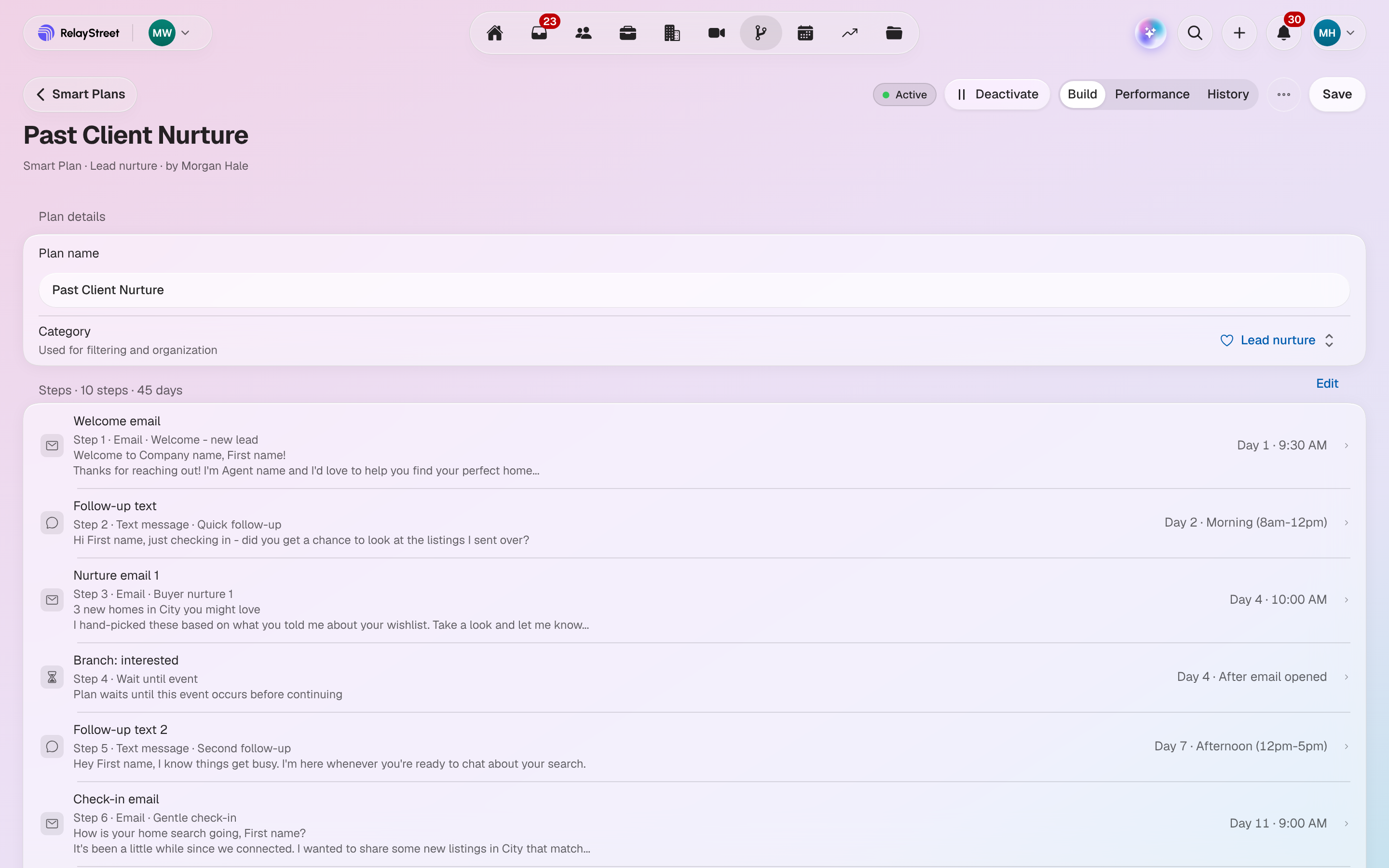
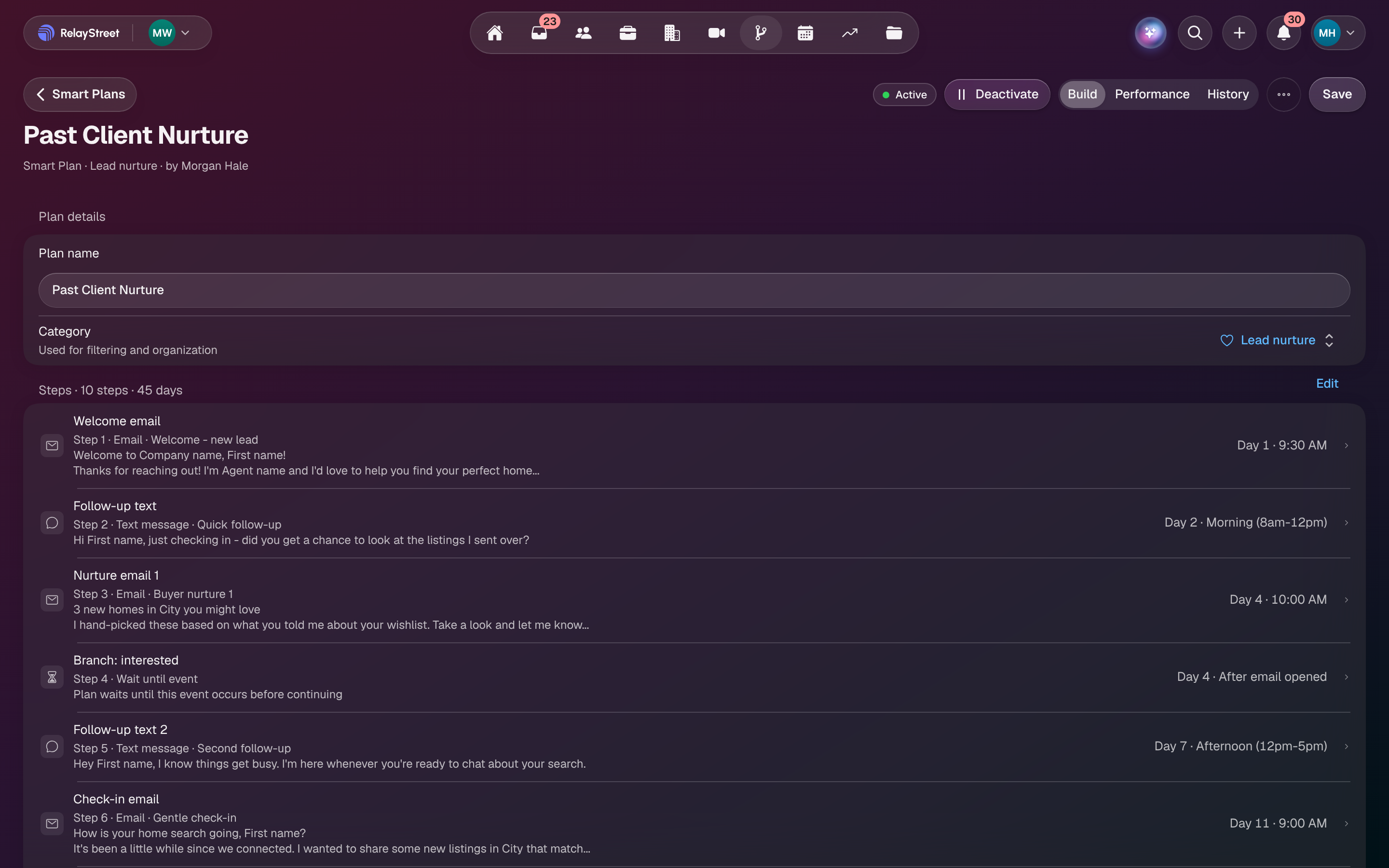
Native apps for iPhone, iPad, Mac and Android, and the web in any browser. The same contact, the same day, wherever you pick it up.
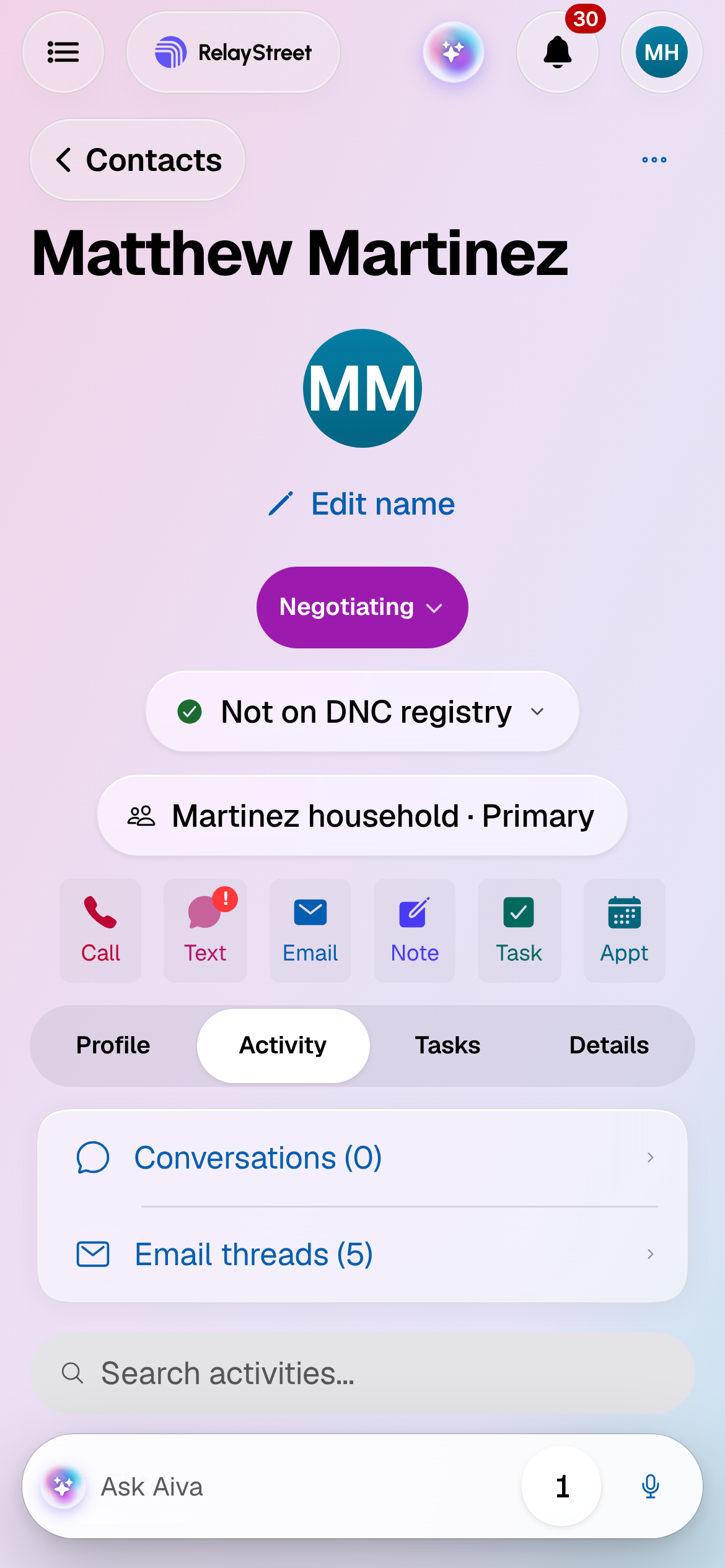
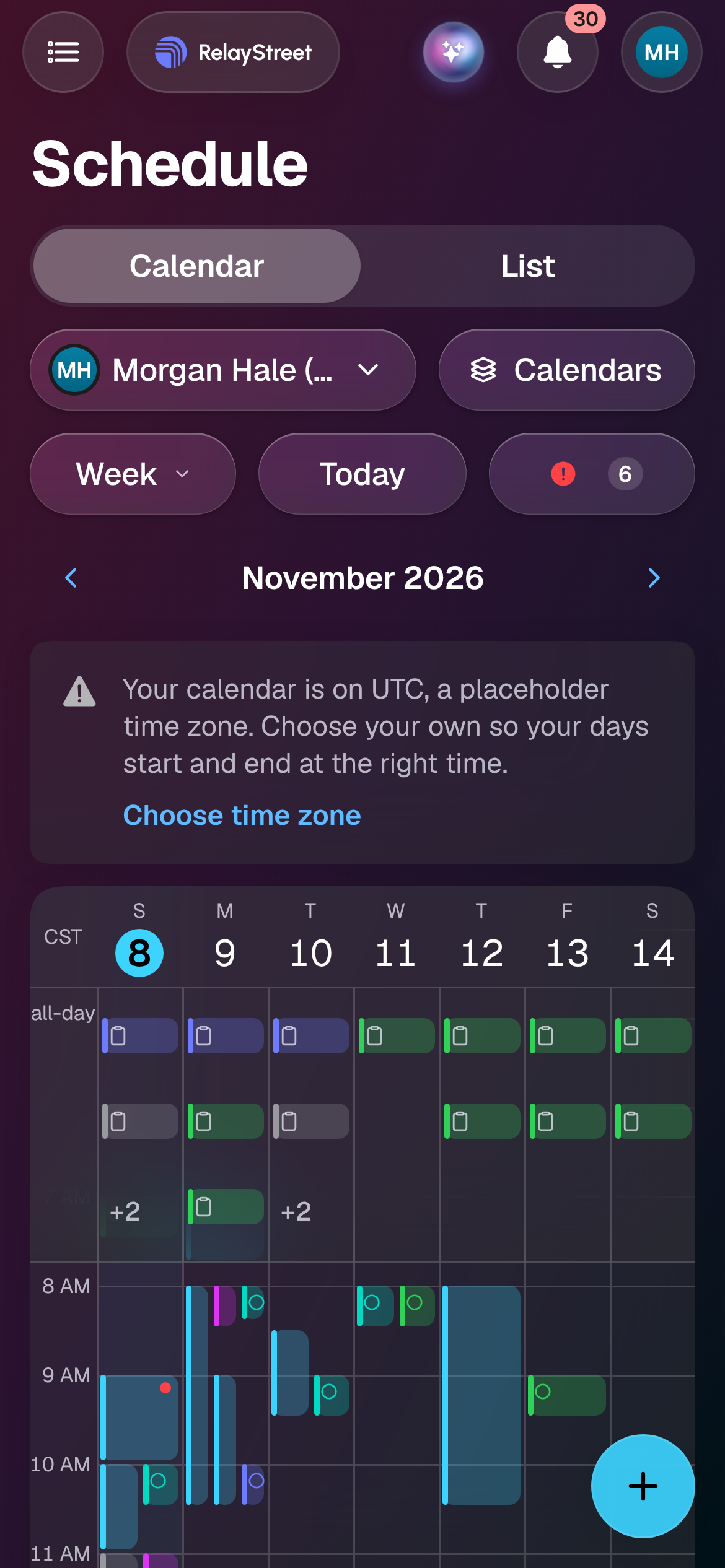
The same contact on Mac, iPhone and Android.
Your data is yours. Export all of it whenever you like, and we never sell it.
See the apps
Who builds it
Built by Josh and a small team
Every screen on this site is the real RelayStreet app, running on sample data. Tell us on the waitlist form what your setup gets wrong today.
Join the waitlistFounding members
What you get for joining early
In first
Early access opens in waves. Founding members go first, and teams join as one group.
A say in what we build
Beta testers use RelayStreet before anyone else and tell us what to fix. We pick a small group by hand.
Bring your database
Import it yourself from a spreadsheet or your current CRM, check a dry run first, and undo it for 30 days.
The live launch demo
One live walkthrough for the waitlist before early access opens. Tick the box when you join.
Join the waitlist
Get in the founding group
Your work email is all it takes. Two taps after that tell us which wave fits you.
Questions
Questions, answered
Is it real?
Yes. Every screen on this site is the real app, running with sample data.
When can I start?
Early access opens in waves, and founding members go first. Beta testers start before that. We’ll email you when your spot opens.
Who is it for?
Solo agents, teams, ISAs, transaction coordinators and brokerages. One app, with roles so each person sees what they should.
How does priority work?
You get a place in line when you join. Each person who joins with your invite link moves you up. Teams that join together go in together.
Can my whole team join together?
Yes. Use the team form and tell us how many agents you have. Your team gets one place in line and starts as one group.
How hard is it to switch?
Bring your contacts from a spreadsheet or a file from your current CRM, with their stages, tags and sources. You decide every duplicate before anything lands.
My brokerage already gives me a CRM. Why switch?
RelayStreet puts your leads, calls, deals, marketing and an assistant who works your leads in one app on every device. Join, look around when your spot opens, and decide then.
Whose AI does it use?
Your choice: RelayStreet AI, your own AI account, or no AI at all. The whole app works in every mode. With your own AI, RelayStreet charges nothing for AI.
Will Aiva say something wrong to my lead?
She works inside your rules: each state’s legal hours, Do Not Call, opt-outs and consent. Her first message says she’s an assistant, and every conversation stays on the lead’s record for you to read.
Does it work with the tools I already use?
RelayStreet connects to the tools agents already use, and it has an open API. Tell us what you use when you join, and it helps decide what we connect first.
Does it work on my phone?
Yes. There are native apps for iPhone, iPad, Mac and Android, and the web works in any browser.
What does it cost?
Individual is $79 per person a month, or $69 a month billed yearly, with 1 seat. The dialer is $39 more per seat. Team is $499 a month, or $449 billed yearly, with 10 seats and $59 per extra seat ($49 billed yearly). Enterprise is $999 a month, or $899 billed yearly, with 30 seats and $30 per extra seat ($25 billed yearly).
What happens to my data?
It stays yours. You can export all of it, and we never sell it.