Engage
Reach every lead first, at an hour that’s right for them
Smart Plans write the follow-up once and run it. Smart Lists tell you who’s next. The dialer, texts and email all land in one inbox, and every automatic send waits for the lead’s own legal hours.
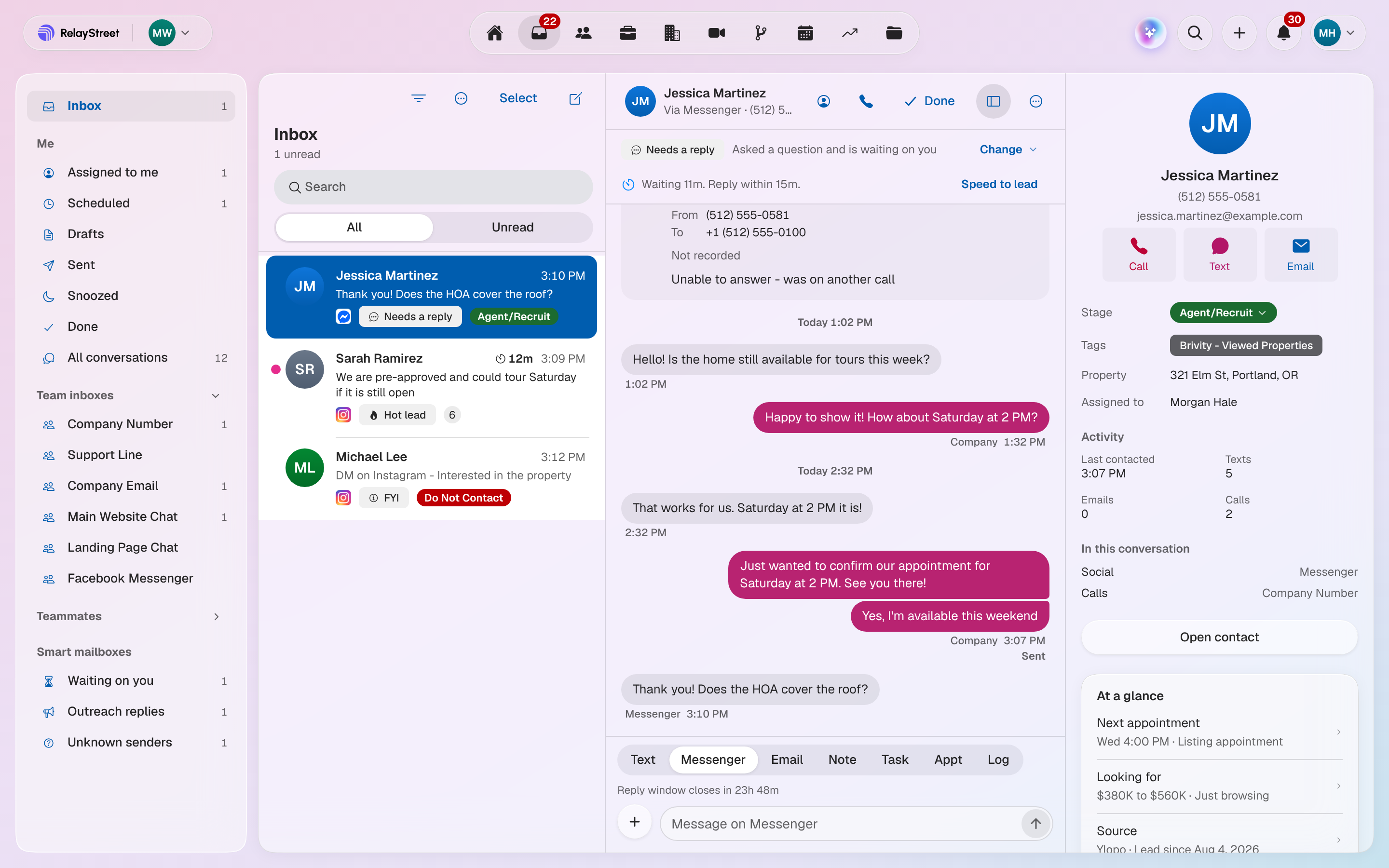
Follow up on time, every time
Write the follow-up once. RelayStreet runs it, pauses when the lead answers and shows you who to call next.
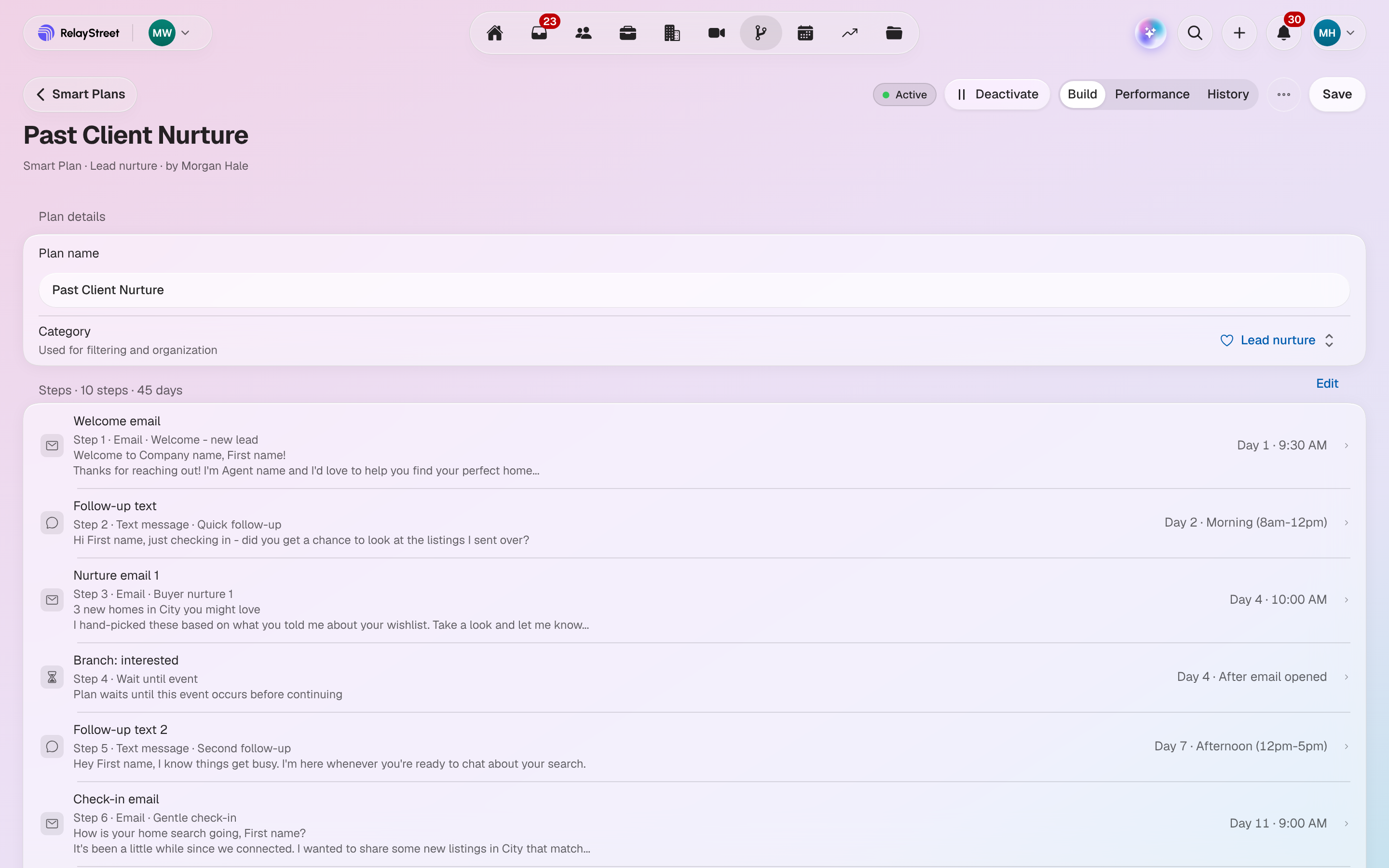
Smart Plans
Texts, emails, calls and tasks that run exactly as written
- Steps on the schedule you set, from the same day to a year out
- Pauses on its own when the lead replies by text, email or a real call
- Stops when Aiva takes over, so the two never talk over each other
- Content Plans send an email series, like a first-time buyer series
Smart Lists
Know who to call next without building a spreadsheet
- Save any filter as a Smart List, like hot leads or callbacks today
- Use your own lists, your team’s, or import a teammate’s filter
- A team lead can make a list required in everyone’s daily game plan
- Start calling a whole list in one tap
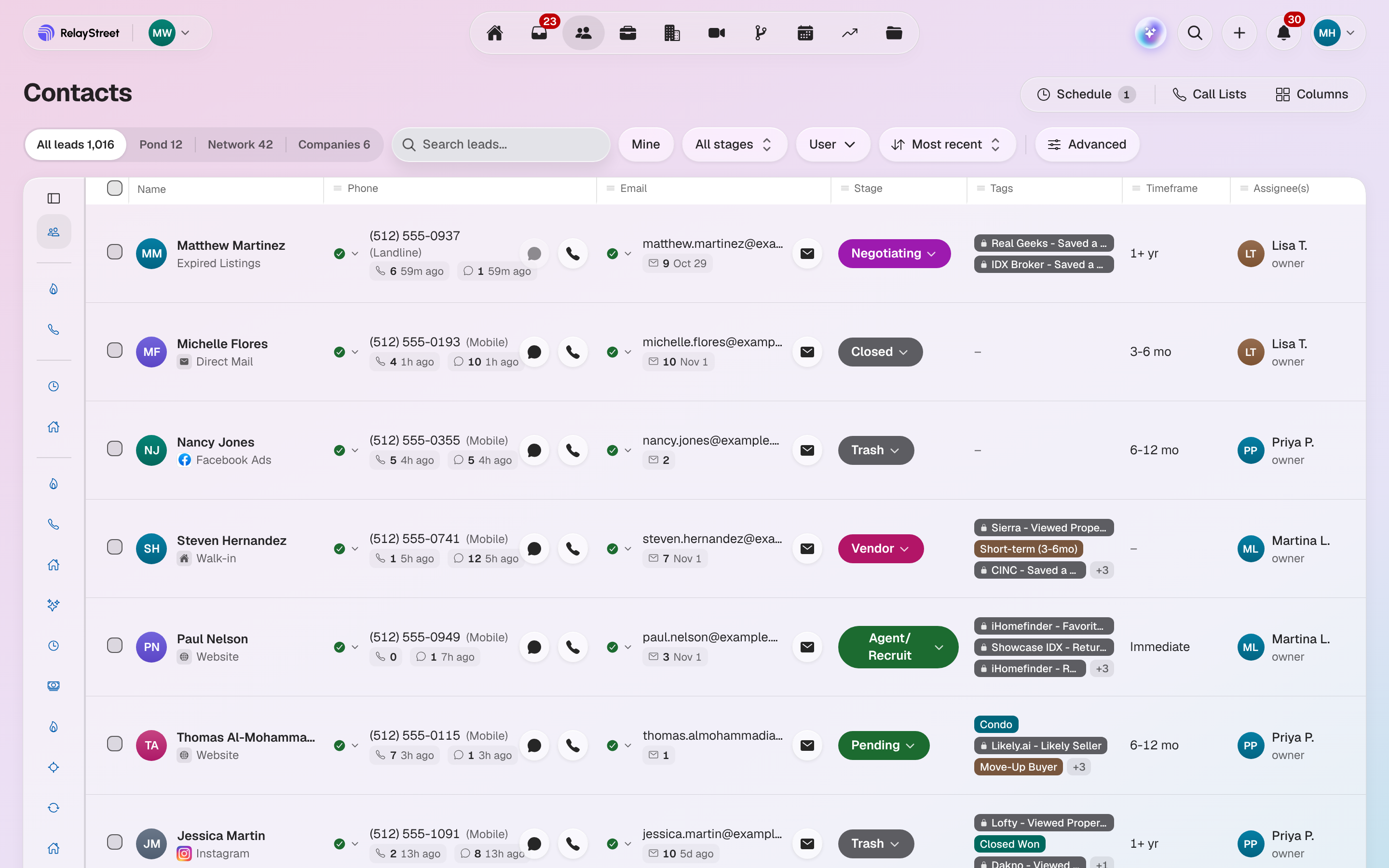
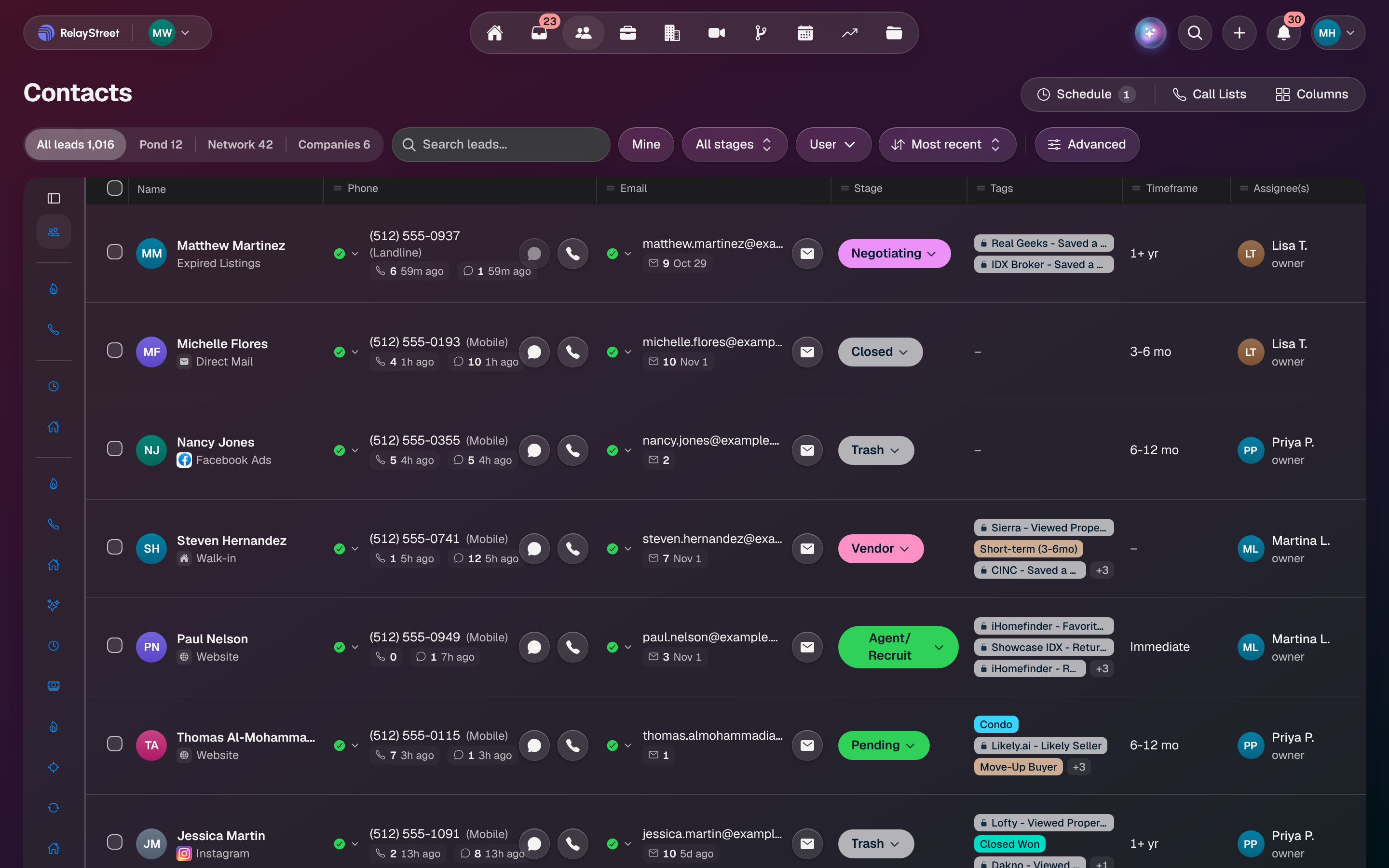
Every conversation in one place
One person is one conversation, whether they called, texted, emailed or wrote from your site.
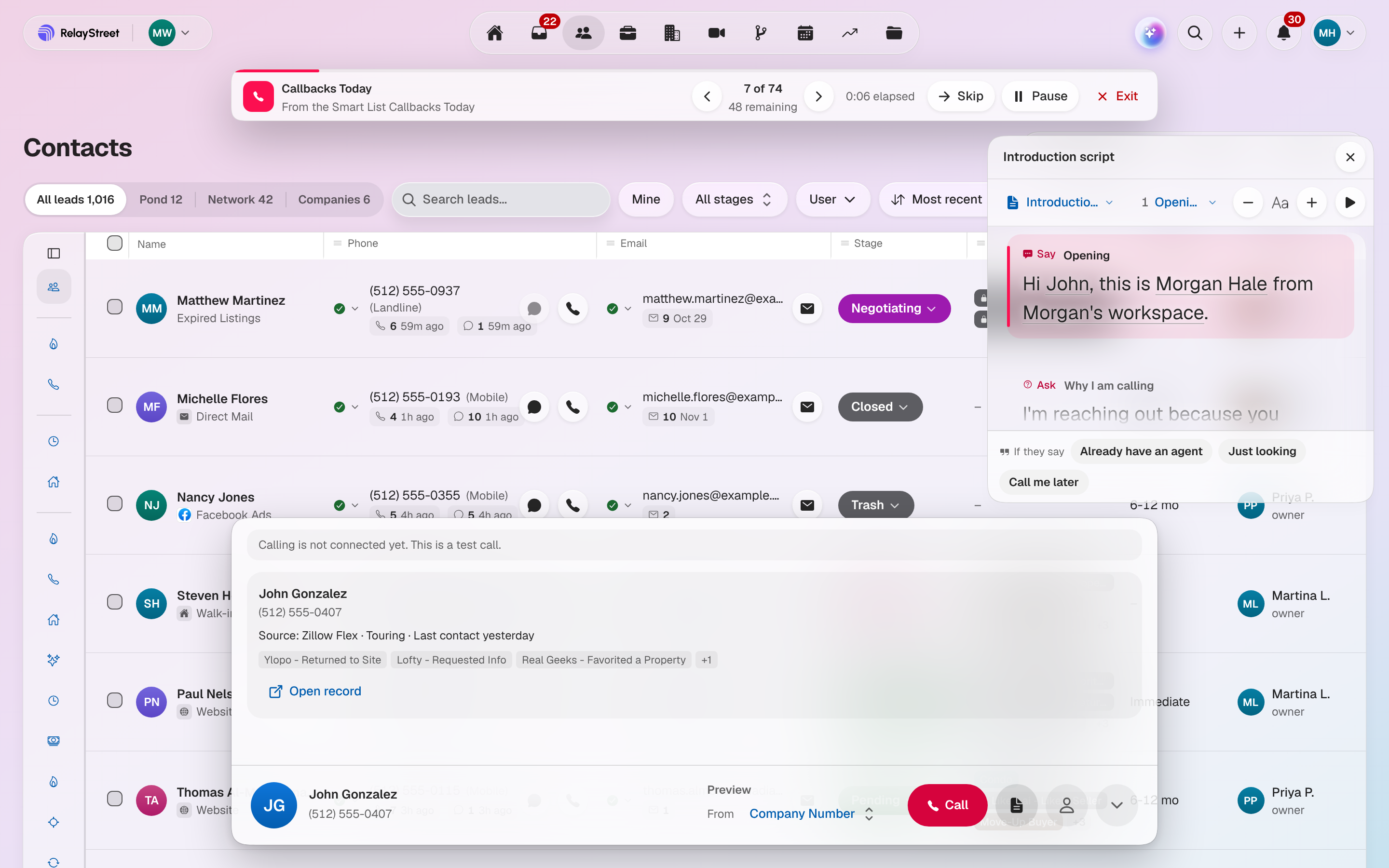
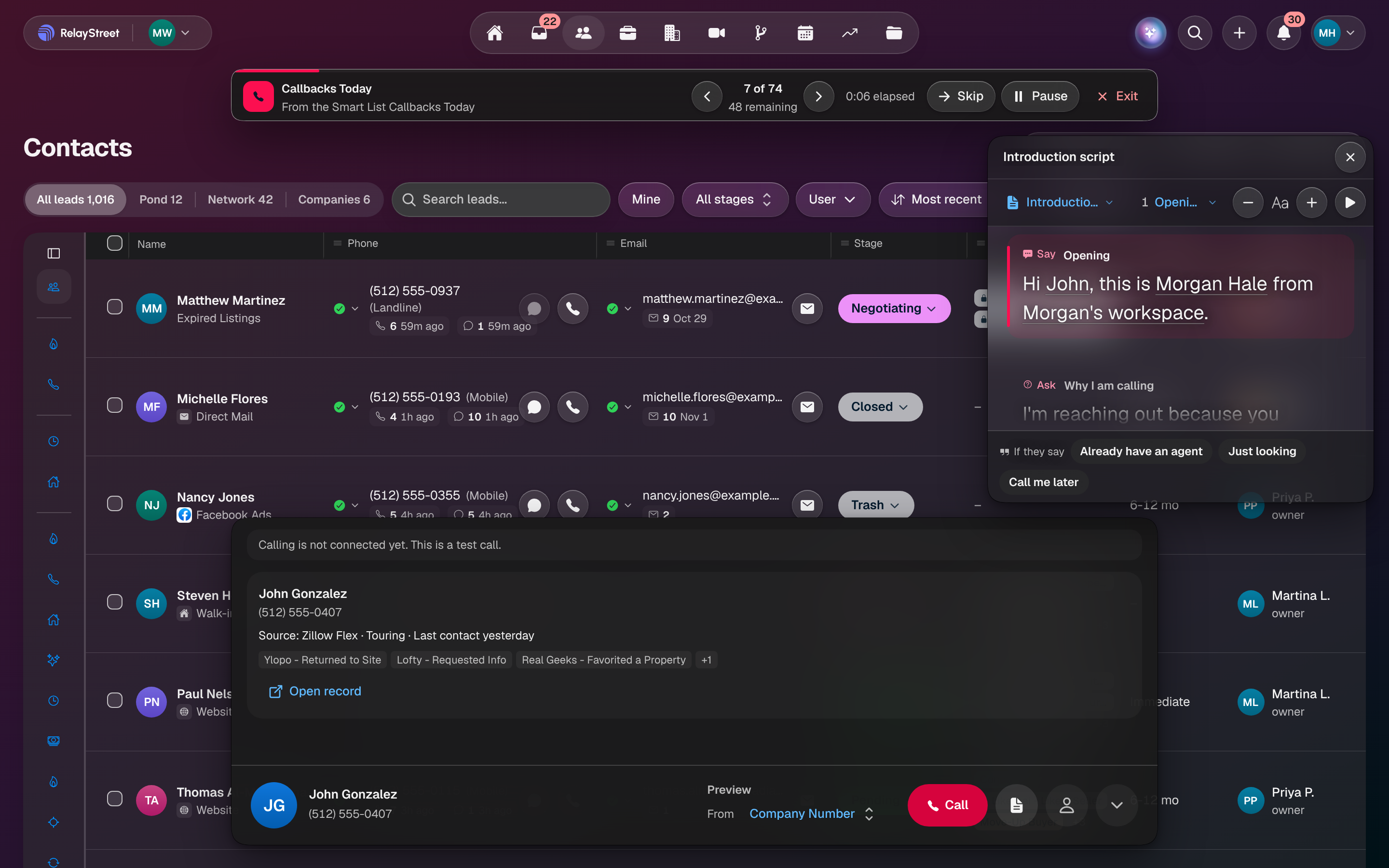
Dialer
More calls in an hour, with the next step logged as you hang up
- Power mode dials the next lead after each call; Preview shows them first
- Skips anyone on Do Not Call or outside calling hours before you start
- Pick the outcome and the next step: appointment, task, text or email
- Shows the time where the lead is before you press Call
Texting
Text from wherever you are in the app
- Reply from the contact, the inbox, a task or right after a call
- Templates fill in the person’s details before you send
- Group texts, and Send later for the morning, afternoon or evening
- Bulk texts show who can and can’t receive one, and why
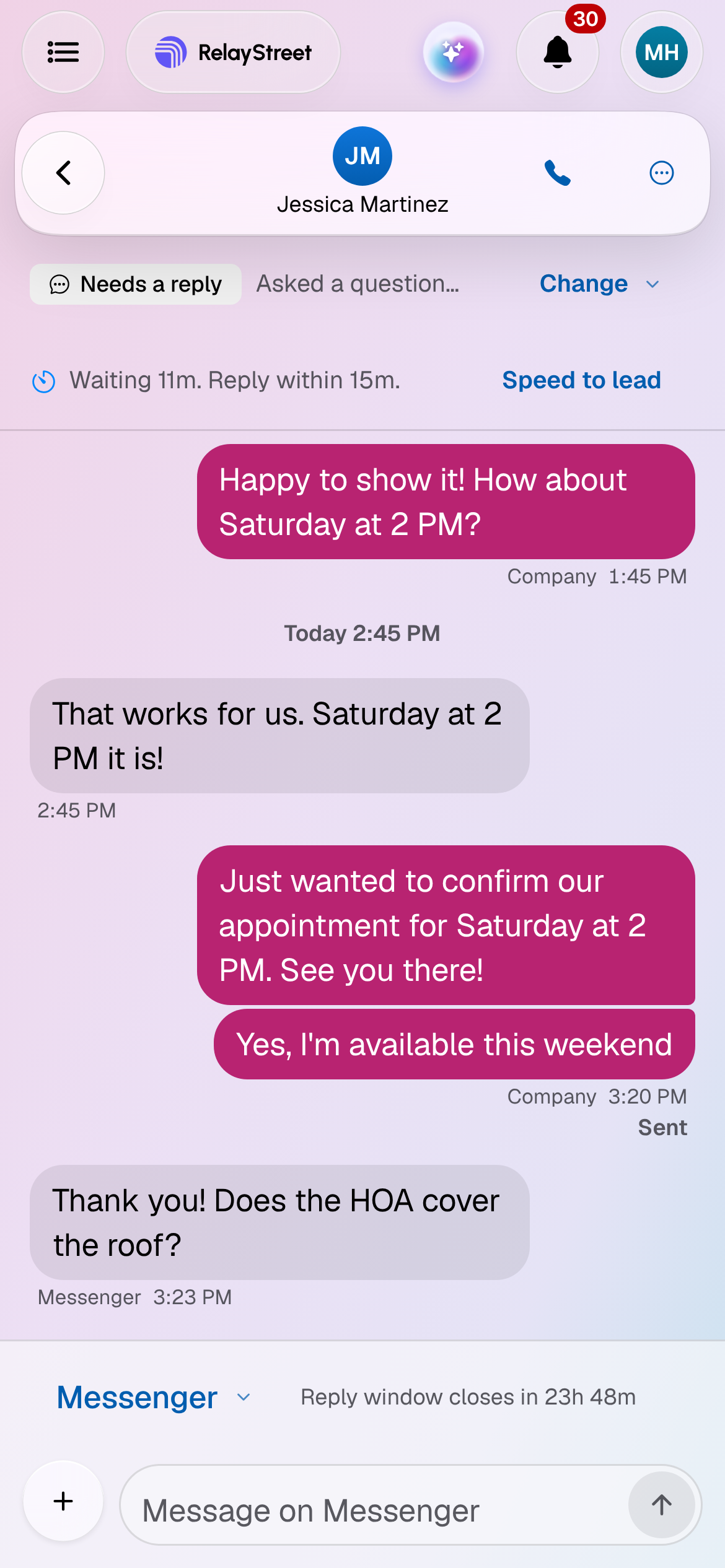
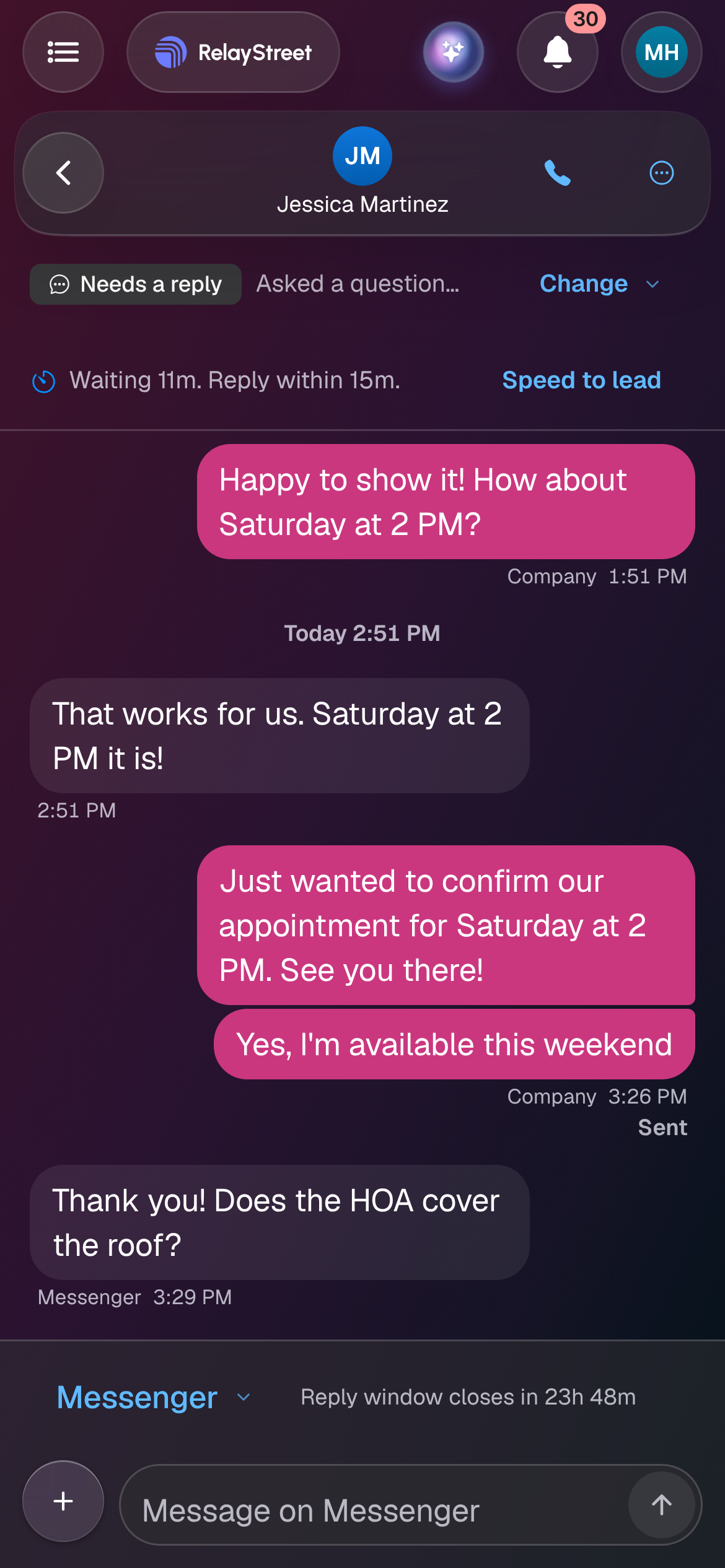
Email that comes from you and comes back to you
- Plan emails go from your own connected inbox, so replies reach you
- Threads read like a mail app, with every message to the person
- Bulk email with progress you can watch
- SPF, DKIM and DMARC checks in settings
Contact hours
You text any time. Automatic sends wait for their morning
A client writing at 10:30 PM gets an answer from you. A Smart Plan text written at 9:04 PM waits for the lead’s legal hours, using their state’s rules, and is never dropped or sent early.
From the contact-hours rule, decided Nov 8
- Written
- 9:04 PM
- Sends
- 8:00 AM
A Smart Plan text, held to the federal 8 AM to 9 PM window where a state has no rule of its own
Catch the leads your database would forget
When something happens, if it’s true for this person, do the next thing. Opt-outs and missing consent always stop it.
Automations
Start the right follow-up the moment a lead shows interest
- Triggers like a return visit, a repeat property view or an information request
- Birthdays, home anniversaries and closing dates start their own touches
- Reassign, change the stage, start a plan or create a task
- Opt-outs, Do Not Contact and missing consent always stop texts and emails
Team inboxes
Calls and texts to the business never go unanswered
- A team inbox for each team phone line
- Route the company number to the assigned agent, the whole team or round robin
- Response targets turn a thread red when it waits too long
- Send from your own number, the company number or a team line
Mobile
Answer a new lead from the car
- Calls ring on your phone and desktop together, or one then the other
- The call bar keeps the lead’s record readable during the call
- Recent calls, missed calls and voicemail on iPhone and Android
- The same inbox and dialer on iPhone, iPad, Mac and Android
How it works
A new lead, start to appointment set
The lead arrives
From a form, a lead source or an import, and routing hands it to the right agent.
The plan starts
The first text and email go out, inside the lead’s legal hours.
They answer
The reply lands in your inbox, and the plan pauses so you take it from there.
You call and set it
Log the outcome and set the appointment as you hang up.
Where it stands
What’s built, and what’s next
The plain list for this page, from the product specs as they stand today.
Built
- Smart Plans, Smart Lists, Automations, the Inbox and the dialer as screens on web, iPhone, iPad, Mac and Android
- Saved Smart Lists run on the server
- Calls are logged, with live calling behind a switch
- Contact hours on web: your own texts go at any hour, with a warning before a first text late at night
Next
- Real sending from Smart Plans and Automations (today the steps are logged, not sent)
- Call recording, transfer and incoming calls on web
- Email open and click tracking
- The state-by-state hours on iPhone, Android and the server
Questions
Can I text a client late at night?
Yes. Your own texts and calls go at any hour. If it’s a first text and it’s outside their hours, you see a warning and can still send it. Only automatic sends wait.
What stops a plan from texting someone who opted out?
Opt-outs, Do Not Contact and missing consent always stop texts and emails. It is a locked rule on every automation and can’t be turned off.
Does a plan keep texting after the lead replies?
No. When the contact replies by email, text or a real call, the plan pauses on its own.
Does Aiva text my new leads?
Yes. Once Aiva is on a lead she answers on her own, with no OK step. Her text goes out at the first legal minute for that lead, under the same contact hours as every other automatic send.
How it works