Create a campaign
Ads
Facebook and Instagram ads for a property, with leads routed on arrival
Work your leads
Run your deals
Market yourself
Lead your team
Teams and brokerages
Social
Ten composers for Instagram, Facebook, TikTok, LinkedIn, YouTube Shorts and Google Business. Pick a property and its address, price and main photo are already in the post.
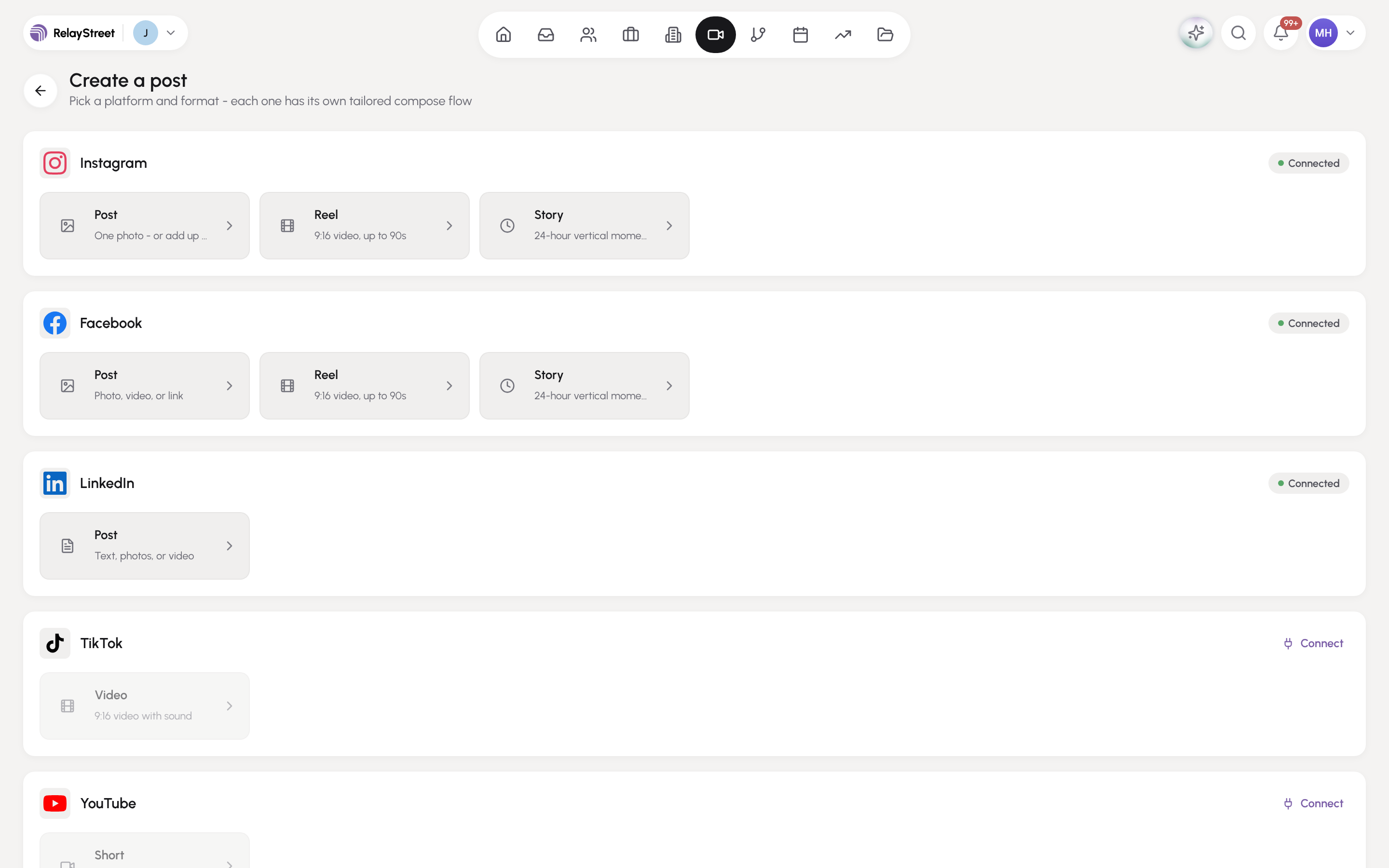
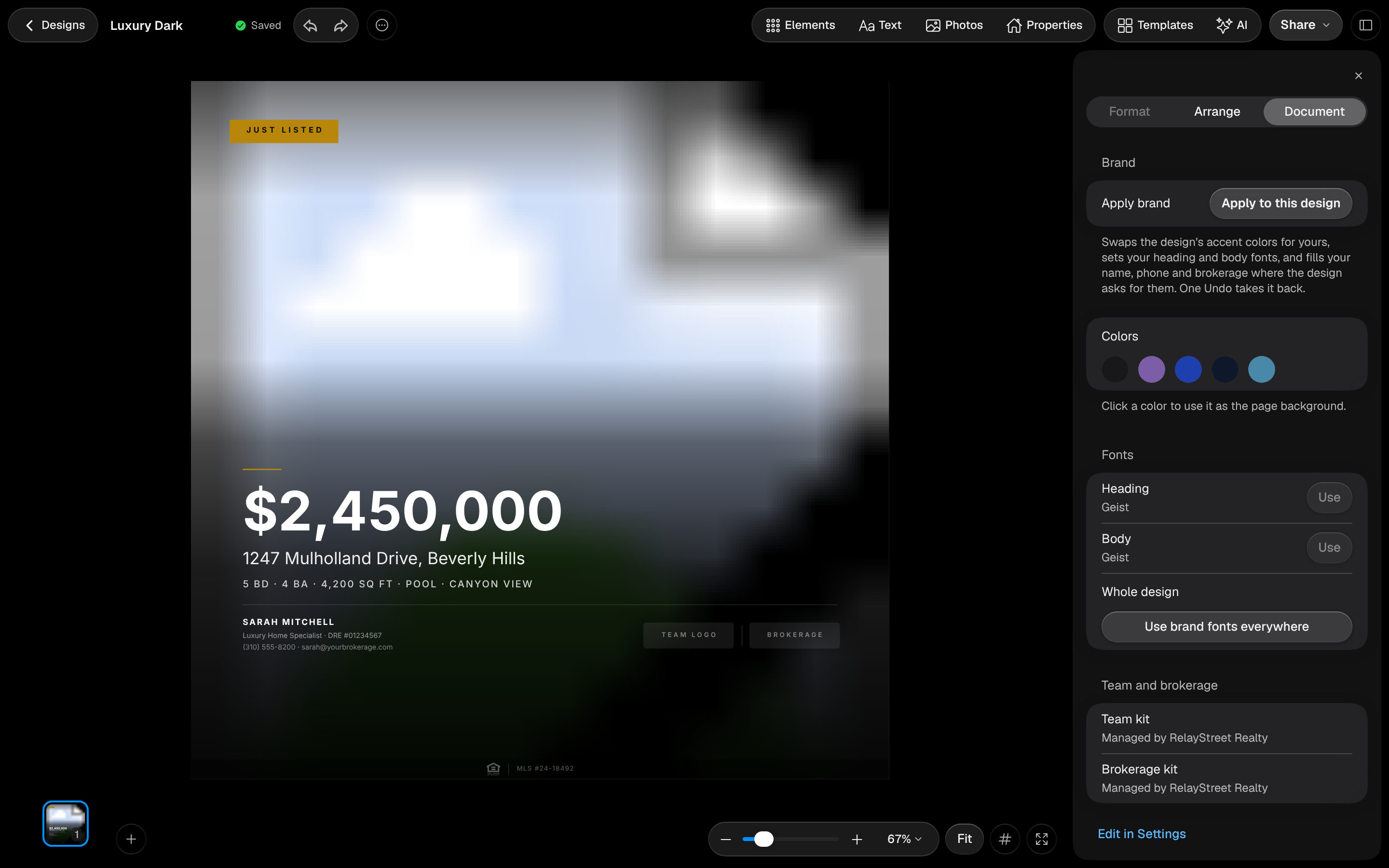
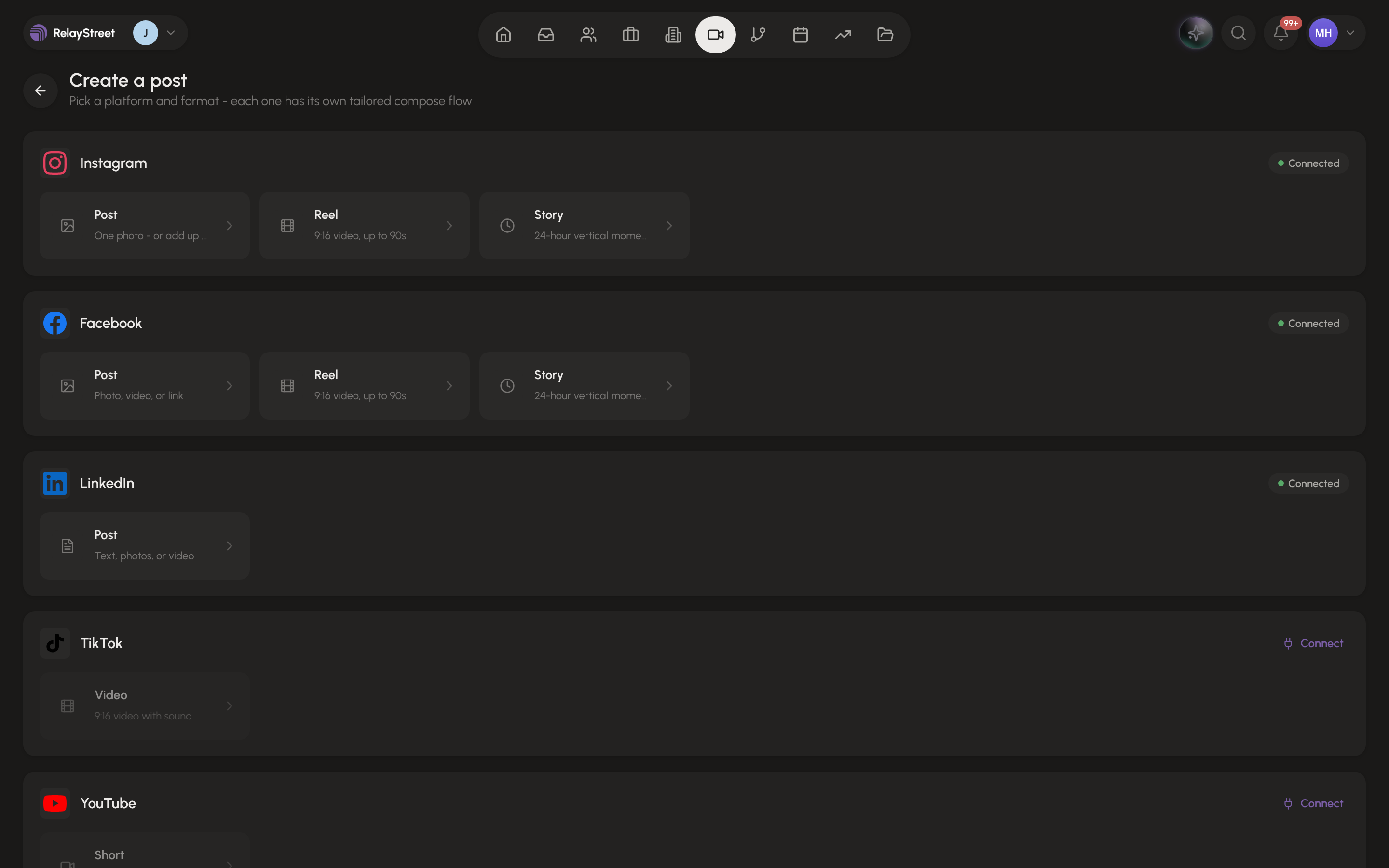
Ten composers
Instagram Post, Reel and Story. Facebook Post, Reel and Story. TikTok Video, LinkedIn Post, YouTube Short and Google Business Post. Each composer knows its own shape and limits, and shows the post the way that platform draws it.
Start from a property
The address, the price with beds, baths and square feet, and the main photo come straight from the property record. When one of your properties goes Pending, RelayStreet offers to make that post for you.
Calendar
Every post sits in one list with its status, and on a calendar by day, week or month. Filter by status or platform, or search for the one you want.
Numbers
Reach, engagement, published and scheduled for the last 7 days sit at the top of Social. Each post has its own performance page.
How it works
A post, a video or a story, and where it goes. Or start from a property.
Photos or video, and a caption you write or ask Aiva for.
The fair housing check and your confirmation, then schedule it.
Reach and engagement in Social and on the post’s own page.
Rules
The fair housing check runs while you write, not after the post is up.
The check runs on every word as you write and again before Post now or Schedule. A blocked post waits until you edit it.
Only someone with compliance rights can override a block, with a written reason. The override is logged in the Compliance center.
Before a post goes, you confirm you are licensed, or authorized to act for someone who is, and allowed to publish it.
Where it stands
The honest list for this tool, as it stands today.
Instagram, Facebook, TikTok, LinkedIn, YouTube Shorts and Google Business, in ten formats.
Yes. Pick the property and the address, price facts and main photo fill in.
Yes. As you type, and again before you post or schedule, with a confirmation from you.
Not yet. Approvals are on the list above.
Yes. Boost on a published Facebook or Instagram post opens it in Ads.
Marketing
Facebook and Instagram ads for a property, with leads routed on arrival
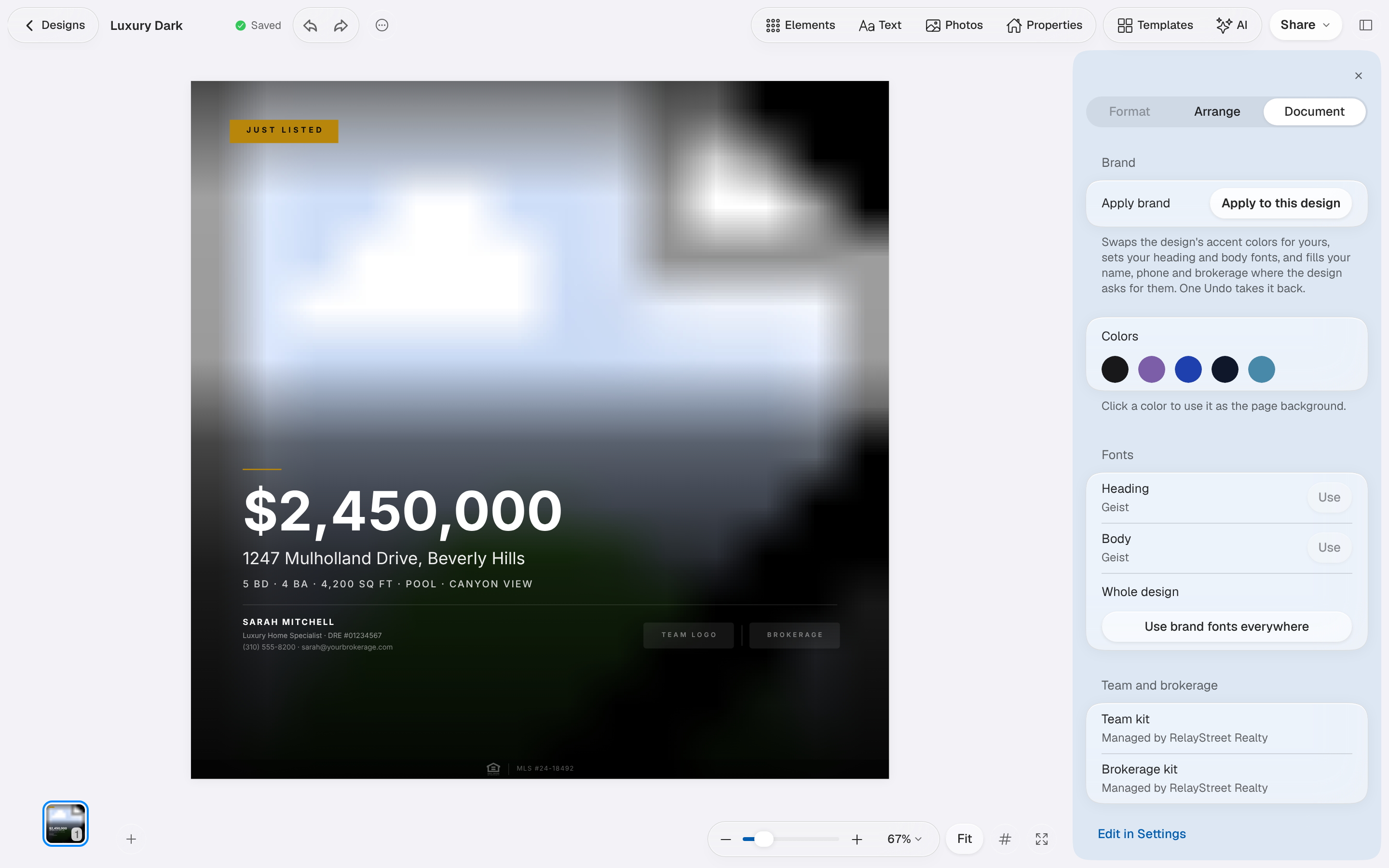
Flyers, posts and print pieces, filled in from the property
A property video from its photos, in three versions