Contact hours and consent
Reach leads at the right hour, in their time zone
RelayStreet checks each lead's own local time, their state's rules, Do Not Call and consent before a text or call goes out. You work your list, and the rules come along.
Hours checked in the lead's own time zone
Each state's rules on top of the federal limit
A STOP reply pauses texts to that number
Every consent change kept in an audit trail
Their time, not yours
Bulk texts wait for each lead's morning
A bulk send splits your list by each lead's local time. Leads outside their hours get the text at the start of their allowed hours, on its own.
- Can be reached now, Wait for contact hours, Can't be reached
- Waiting texts go out when their hours open
- Each lead is checked again just before their batch
- Email is never held to contact hours
for them
State by state
Each state's own hours, applied for you
Hours follow the law where the lead lives, not where you sit. Settings shows them, locked, so nobody changes them by accident.
- Hours follow the lead's state and time zone
- Stricter state hours and Sunday rules applied
- A state with two time zones must pass in both
- Canada's own weekday and weekend hours
Do Not Call
Never text someone who asked you to stop
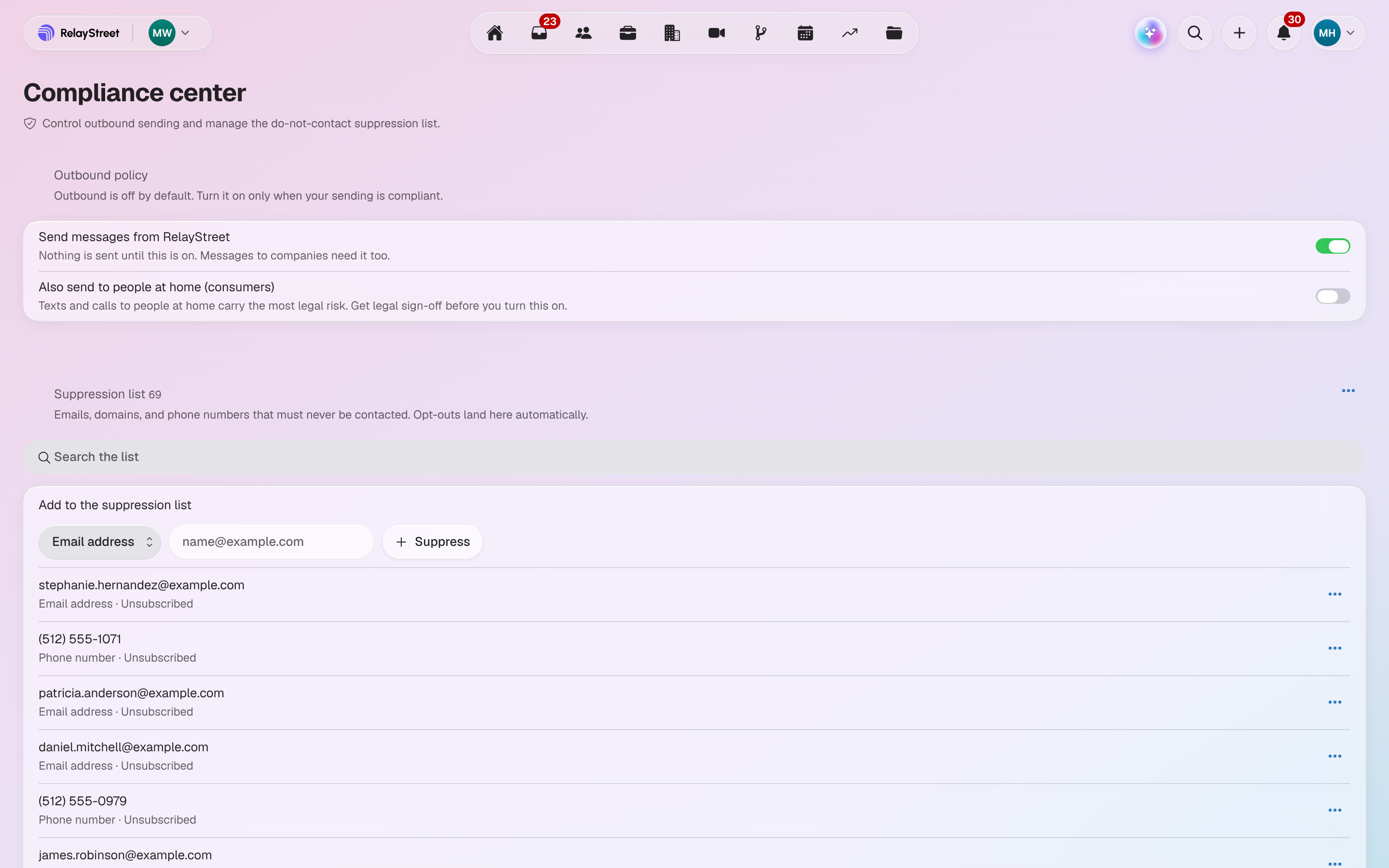
Do Not Contact and your own Do Not Call list block the send for everyone on the team. Nobody can override them.
- Do Not Contact locks texts, calls and email
- Add a number to your internal DNC list with a reason
- Every removal needs a reason and is logged
- The dialer checks the exact number you dial
Opt-outs
STOP means stop, every time
When a lead replies STOP, texts to that number pause until they opt back in. Your first text always tells them how.
- A STOP reply pauses texts to that number
- Texts resume only when they reply START
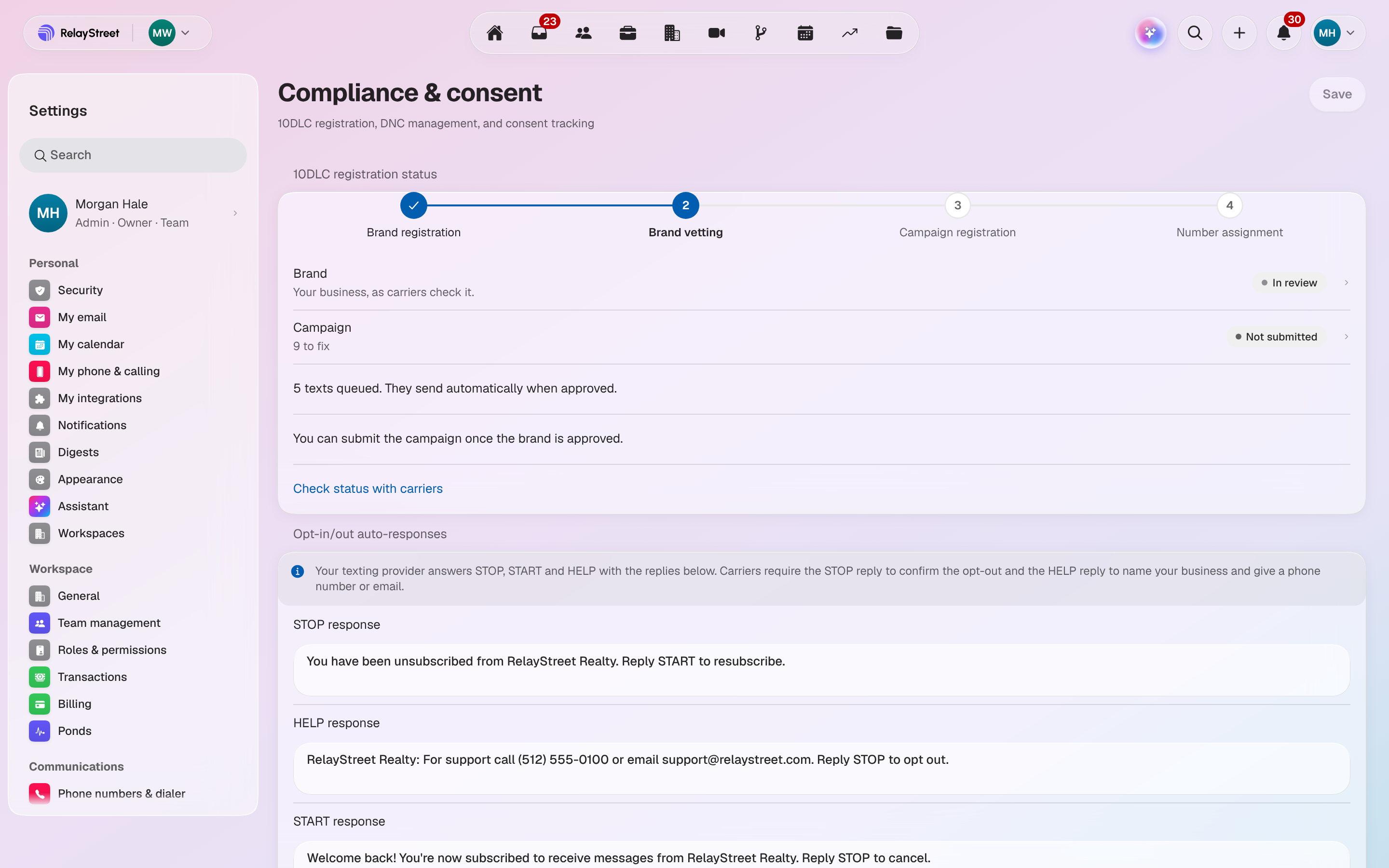
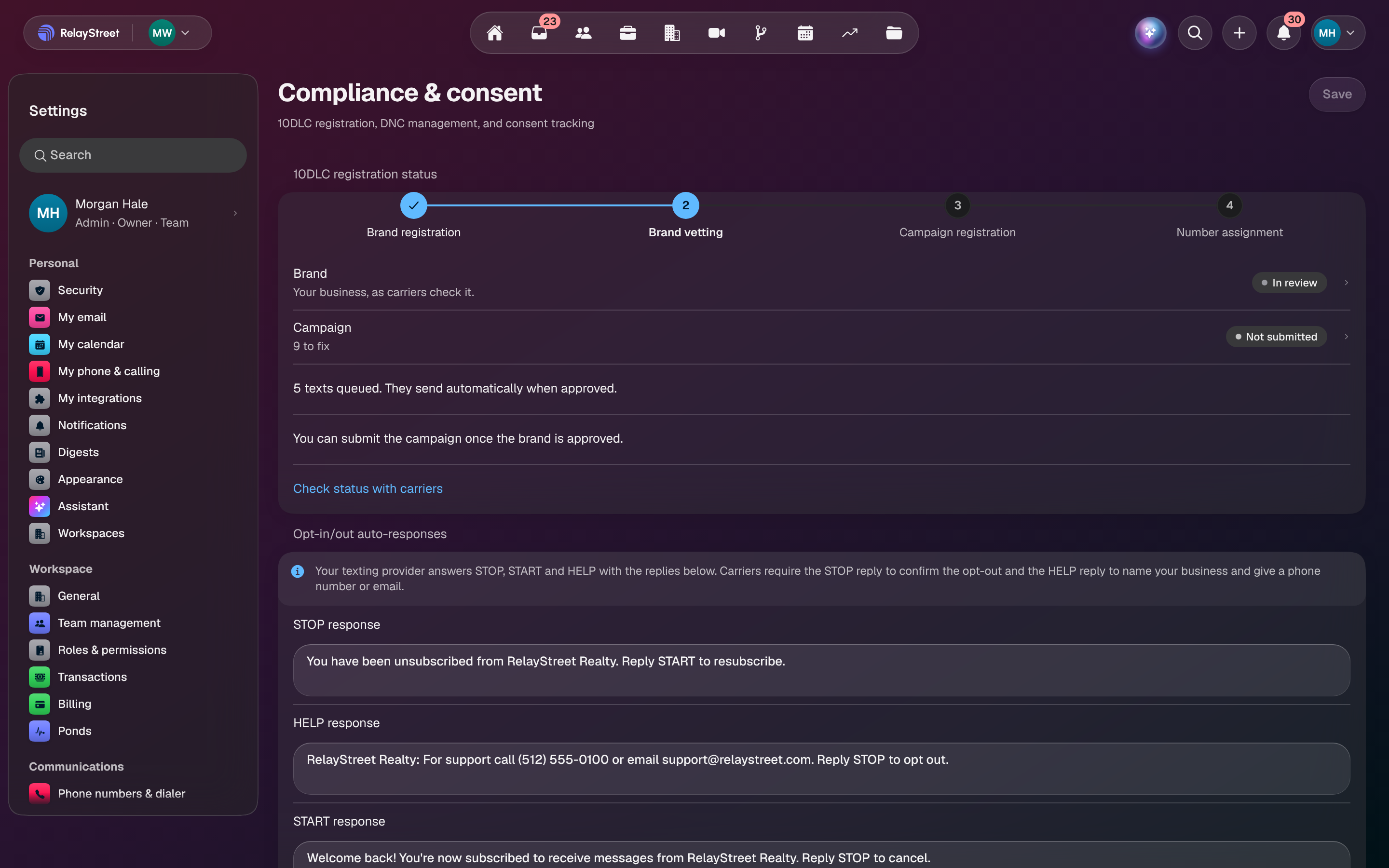
- Write your own STOP, HELP and START replies
- Your first text ends with your opt-out line
Consent
Proof of consent, channel by channel
Consent is kept per channel on each contact, with a dated record of every change.
- Texts, calls and marketing email tracked one by one
- Texts need written consent on the record first
- Grants, withdrawals and DNC removals all logged
- Export the consent audit trail as CSV
Calls and texting setup
Recording rules and texting registration, handled
Recorded calls get the right disclosure, and texting registration happens in Settings, step by step.
- Disclosure first on calls to 11 all-party states
- Write your own recording disclosure
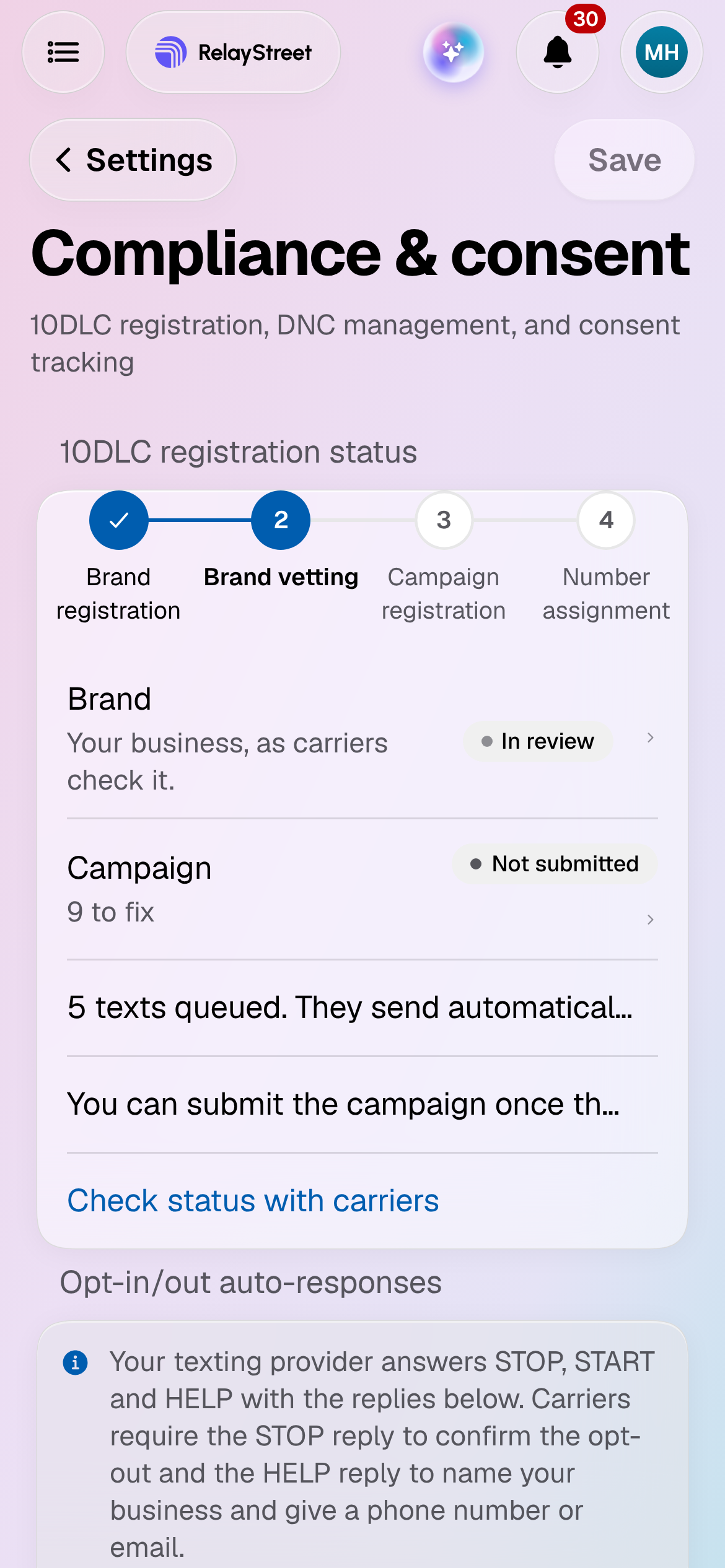
- Register your brand and campaign for texting
- Texts queue and send once carriers approve
How it works
Contact hours and consent, step by step
You text or call
Send from the Inbox, a contact record, a bulk send, or the dialer.
RelayStreet checks
The lead's local time and state, Do Not Call, opt-outs and consent are checked first.
You see why
Anything blocked or waiting says why, with a Fix that takes you to the field.
It goes out when allowed
Texts waiting for contact hours send at the start of the lead's allowed hours.
Questions
About Contact hours and consent
Whose time zone counts?
The lead's. Contact hours are worked out in the lead's own local time, using their state's rules.
Do emails follow contact hours?
No. Email is never held to contact hours. Unsubscribed contacts stop getting marketing email.
Can anyone override a block?
People who manage compliance, owners, admins and brokers by default, can override some checks with a written reason that is logged. Nobody can override Do Not Contact, an opt-out or missing consent.
Who can change compliance settings?
Owners, admins and brokers. Everyone else meets the rules through the check before a send and the warnings in the composer.
Are leads from Zillow or my website marked as consented?
Leads from Zillow, Sierra and other sites are not marked as agreeing to texts. Texts wait until consent is recorded on the contact.
Do these checks stop if a payment fails?
No. Opt-out handling, Do Not Call checks and the compliance logs keep working at every billing stage.