Skip to content

Design Center

Flyers, posts and print pieces for your properties

190 real estate templates, your brand kit and the property’s facts, in one editor. Download a PDF for the printer, or send the design straight into a post or an ad.
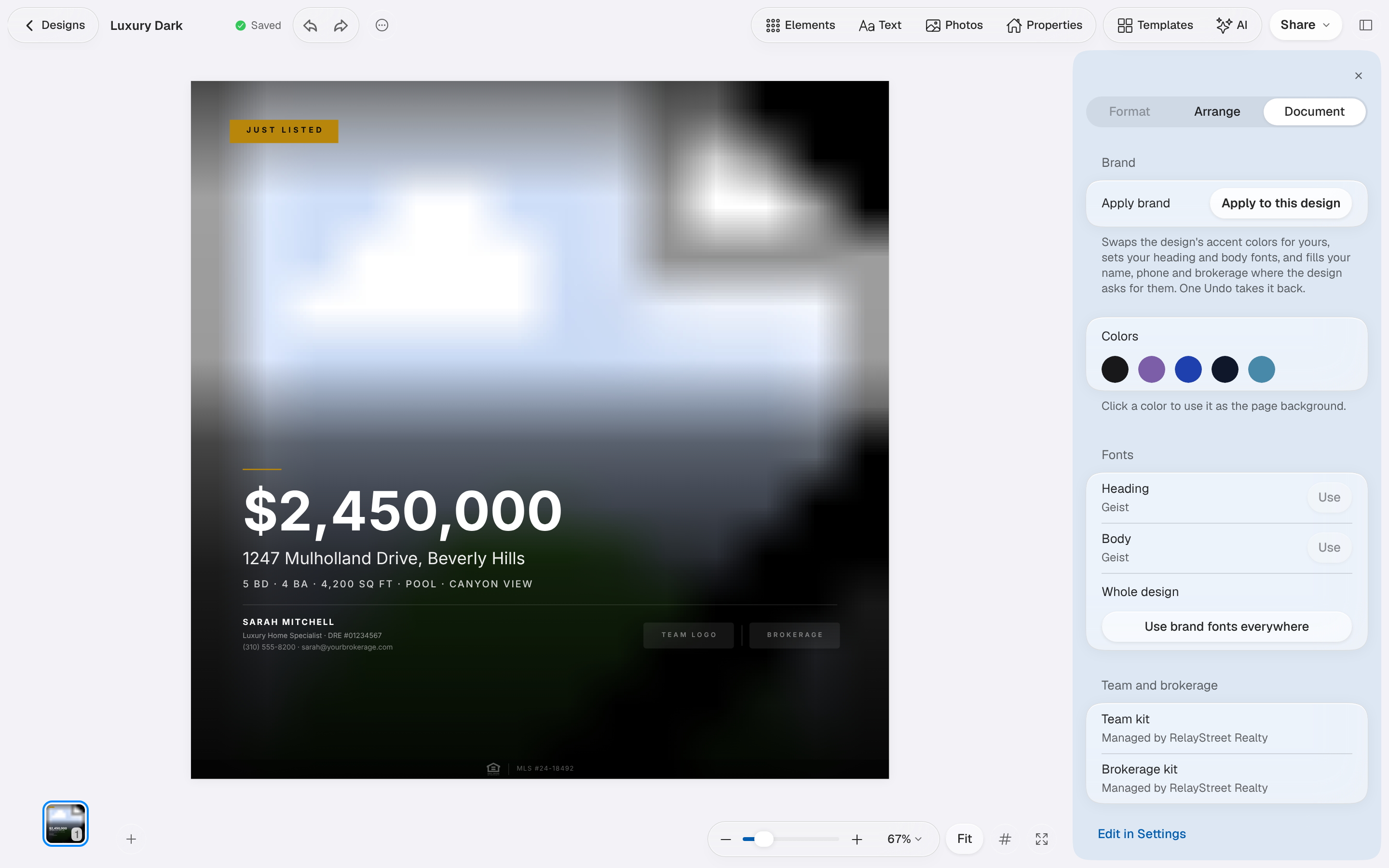
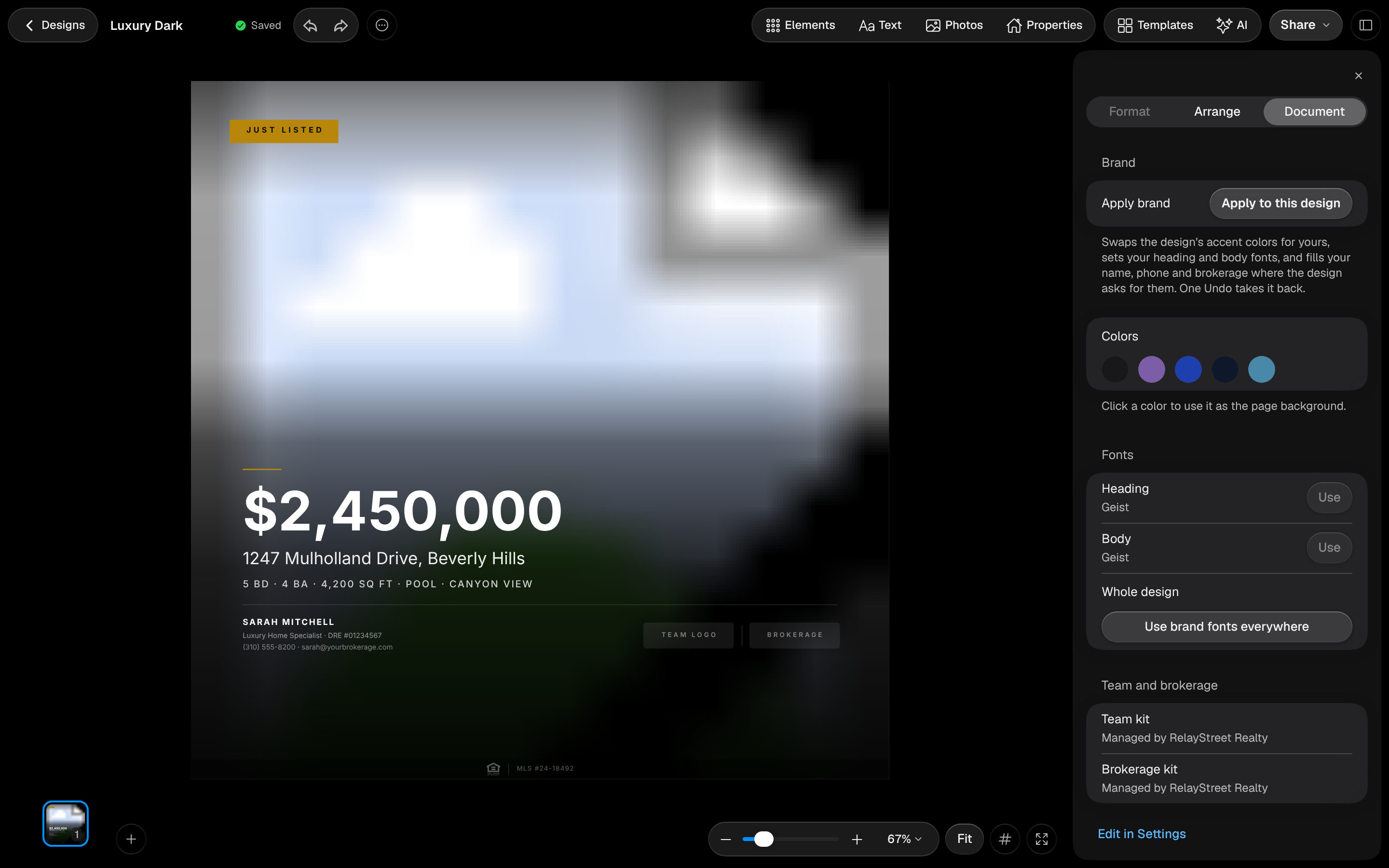
The Design Center editor, with a design open and the property’s details filled in.

Get the highlights

Templates

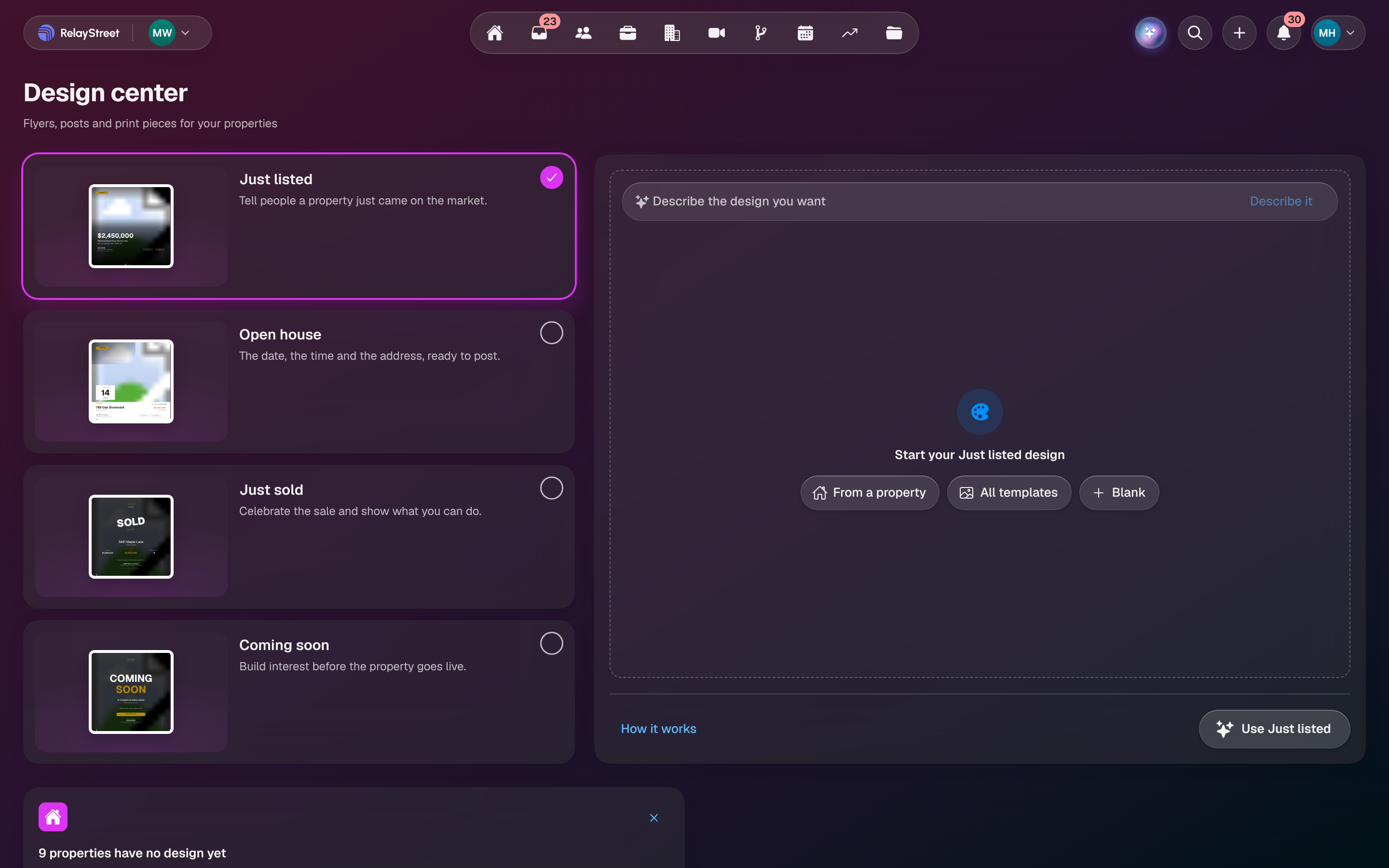
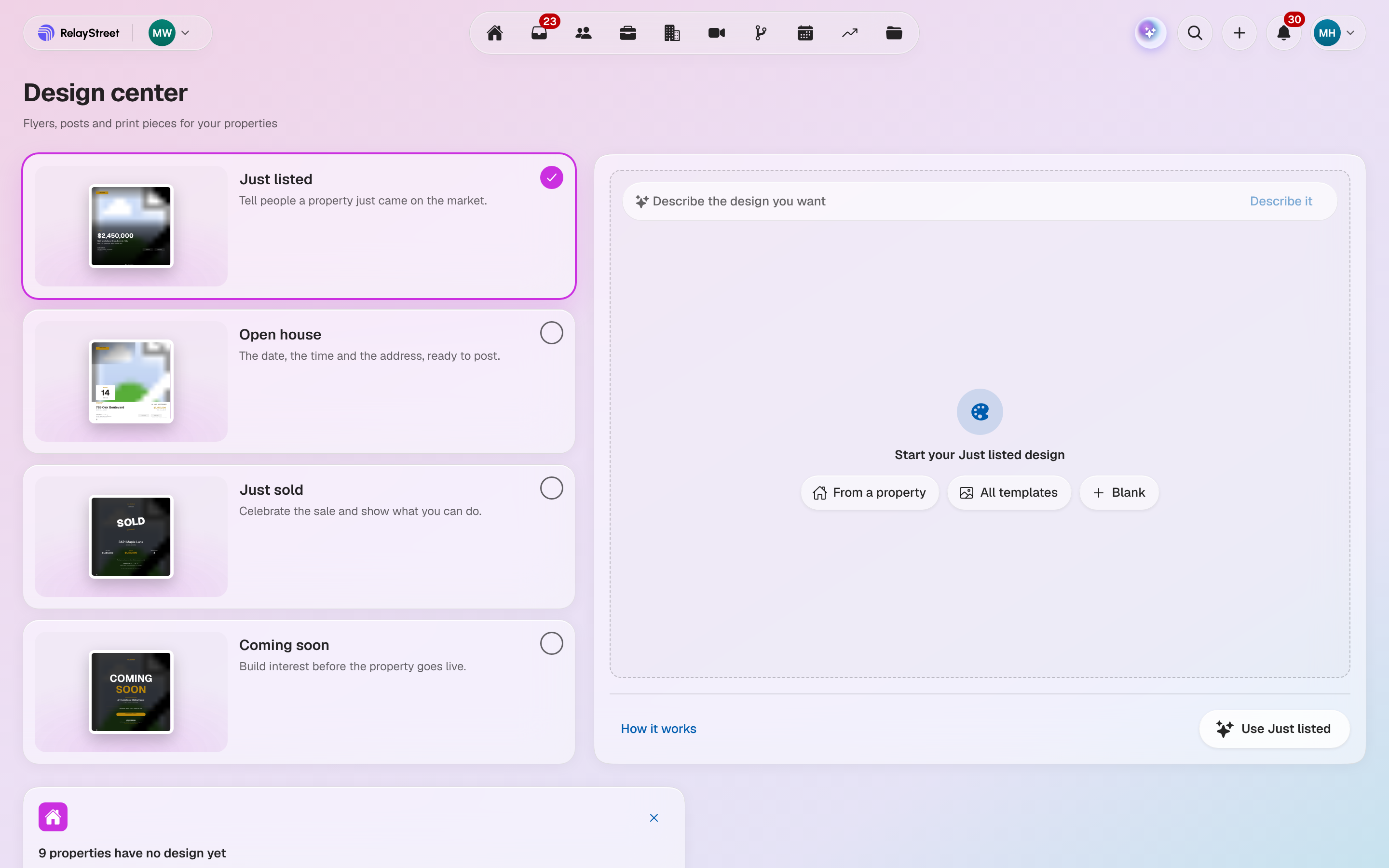
Start from the piece you need today

Just listed, Open house, Just sold, Price drop, Coming soon, Market update, tips and agent bios. Social posts and stories, flyers, postcards, brochures, business cards, yard signs, email headers and display ads.

  • 23 formats
  • Describe it, and the closest templates come up
  • The price, beds, baths, square feet and address are read from what you type
The Design Center, with real estate templates for flyers, posts and print pieces.

Link a property

The facts come from the property, and they stay put

Link a property and its address, price, beds, baths, square feet and main photo fill in. They are kept as they were, so a flyer that said $850,000 keeps saying it.

  • 16 fields you can bind, including your brokerage license number
  • Save the finished design to Files on that property
  • Use the same design again for the next property
Pick a propertyMac 1512 × 982

Brand kit

Your brand in one step, and out in one undo

Apply brand puts your colors, fonts, name, phone and brokerage on the design at once. One undo takes it back.

  • Personal, team and brokerage brands
  • Equal Housing and other compliance marks in Elements
  • Version history, with a version kept before risky steps
The Design Center editor, with a design open and the property’s details filled in.

Editor

A real editor, on the Mac, the web and the iPad

Pages, layers and snapping. 39 fonts, text effects and photo adjustments. Charts, QR codes, real estate icons, shapes, frames and collage grids.

  • 15 kinds of chart and 43 real estate icons
  • 56 shapes, 46 frames and 26 collage layouts
  • 100 steps of undo, and zoom from 10% to 400%
Design editoriPad 1180 × 820

Export and send

Print it, post it, or run it as an ad

Download PNG, JPG or PDF at one to four times the size. Resize for Instagram, Story, Facebook, LinkedIn, X, Pinterest, YouTube, a US Letter flyer or a postcard. Schedule post opens the social composer with the design attached.

  • A PNG can have a transparent background
  • Use in ad campaign opens one of four ad flows
  • Resize lays the design out again instead of stretching it
Resize forMac 1512 × 982
real estate templates
190
formats
23
fonts
39
real estate icons
43

How it works

Design Center in four steps

  1. 01

    Pick a template or a size

    Just listed, open house, a flyer or a story.

  2. 02

    Drop in the property

    Address, price, beds and photos fill in.

  3. 03

    Apply your brand

    Colors, fonts and your brokerage, then edit anything.

  4. 04

    Export, post or print

    PNG or PDF, or straight into a post.

Rules

The facts on the flyer stay true

A printed flyer outlives a price change. Design Center is built around that.

Facts are kept as filled

A linked design keeps the facts from when it was made, so nothing on a printed piece changes by surprise.

Compliance marks at hand

Equal Housing and other compliance marks are in Elements, under Logos and compliance.

Your license number

Your brokerage license number can be bound to a field, so it is right on every piece.

Where it stands

What’s built, and what’s next

The honest list for this tool, as it stands today.

Built

  • 190 templates in 23 formats
  • Linking a property and the brand kit
  • The full editor on web, Mac, iPhone and iPad
  • Resize, version history and export
  • Hand-offs to Social, Ads and Files

Next for Design Center

  • The editor on Android
  • Designs generated from a description. Today Describe it finds the closest templates
  • A stock photo library
  • Versions saved while you edit

Questions

If my price changes, does my flyer change?

No. Linking keeps the facts from when the design was filled, so a printed piece stays true.

Can I use my brokerage branding?

Yes. The brand kit holds personal, team and brokerage colors, logos and fonts.

What can I export?

PNG, JPG or PDF at one to four times the size. A PNG can have a transparent background.

Can I post straight from Design Center?

Yes. Schedule post opens the social composer with the design attached.

Does it print?

Download the PDF and take it to your printer.

Marketing

Works with

Instagram Reel composerWeb 1440 × 900

Social

Ten composers, a calendar and the numbers for every post

Create a campaignWeb 1440 × 900

Ads

Facebook and Instagram ads for a property, with leads routed on arrival

Email builderMac 1512 × 982

Email campaigns

Campaigns and newsletters, designed block by block

Get in early. Bring your database when you do.

Join the waitlist today. When your invite comes, import your contacts, check them first, and undo it for 30 days.