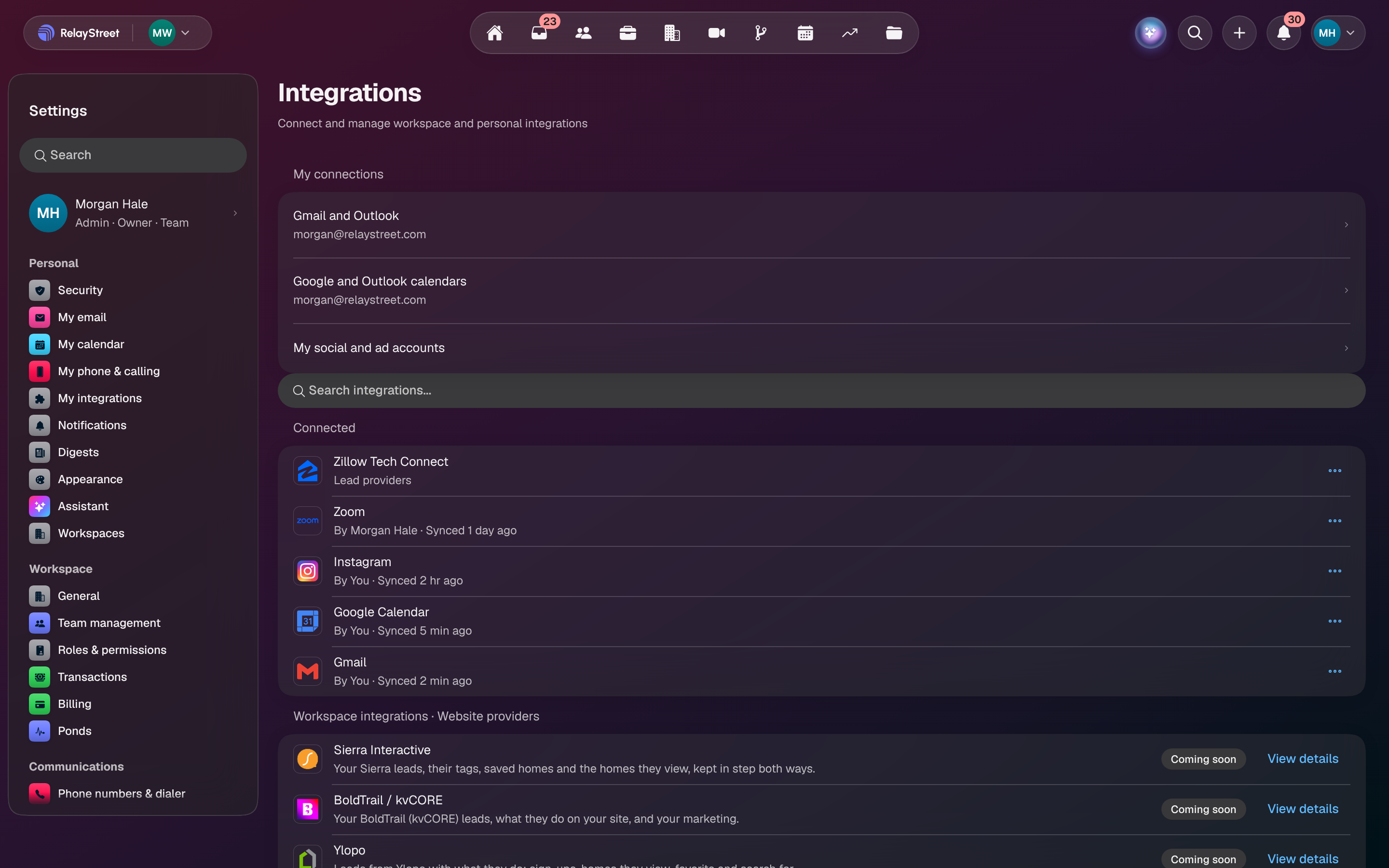
Compliance
Legal hours, Do Not Call and consent
Work your leads
Run your deals
Market yourself
Lead your team
Teams and brokerages
For brokerages
Your brand on every site and flyer, your rules on every message, and every agent in the same app.
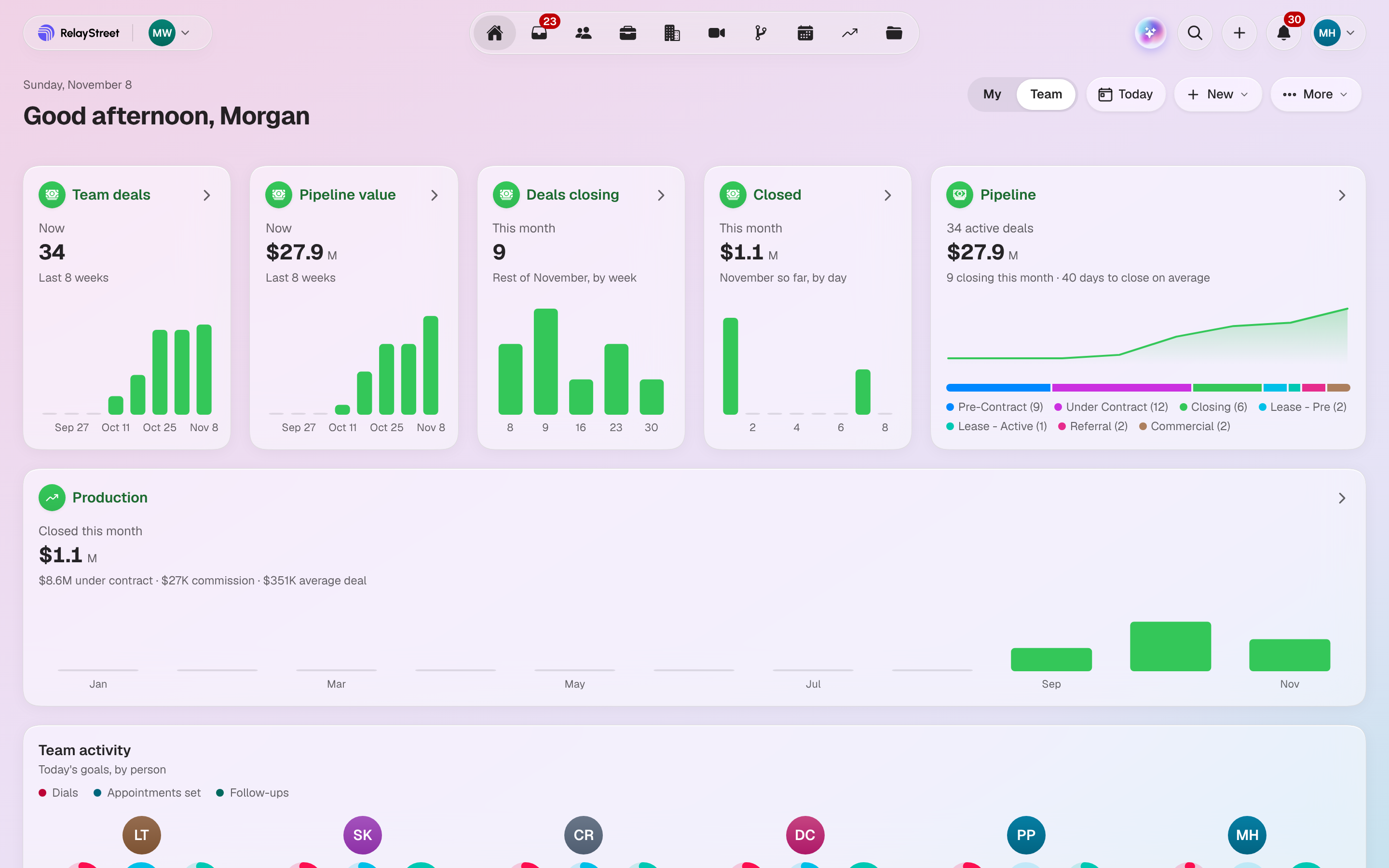
Your day
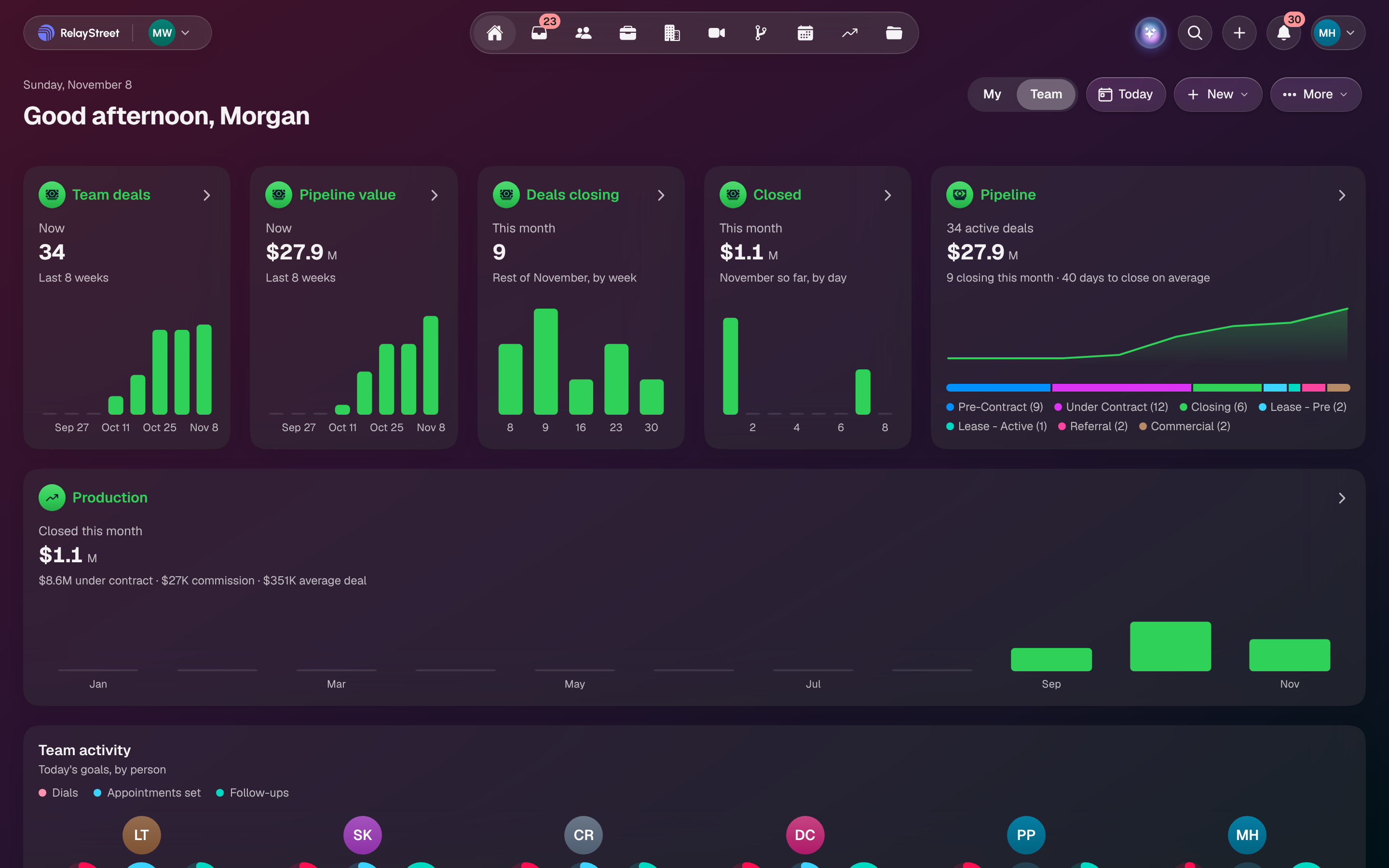
The brokerage view, from linking a team to closing the month.
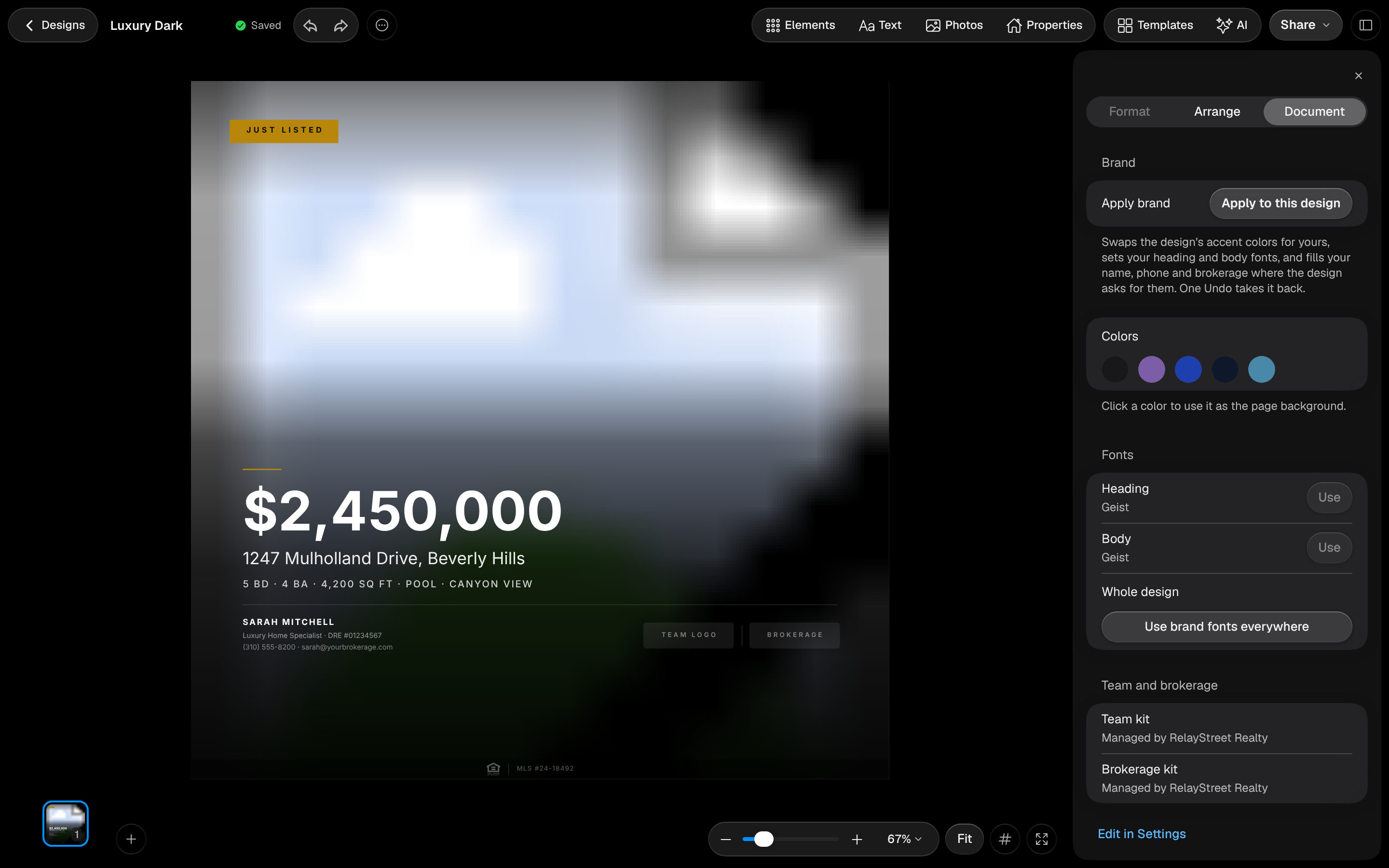
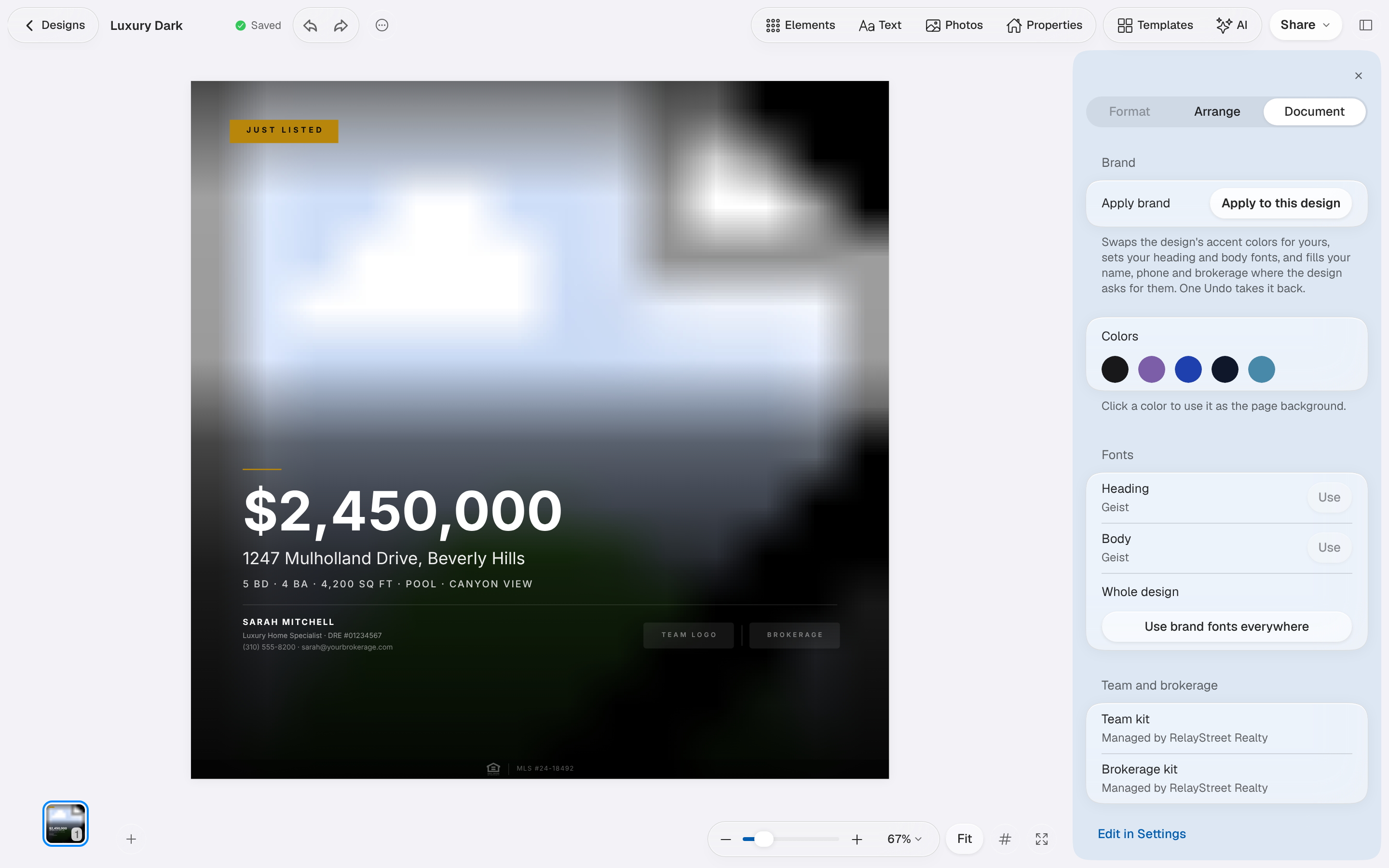
Your logo, footer and disclaimers apply to their account from the start.
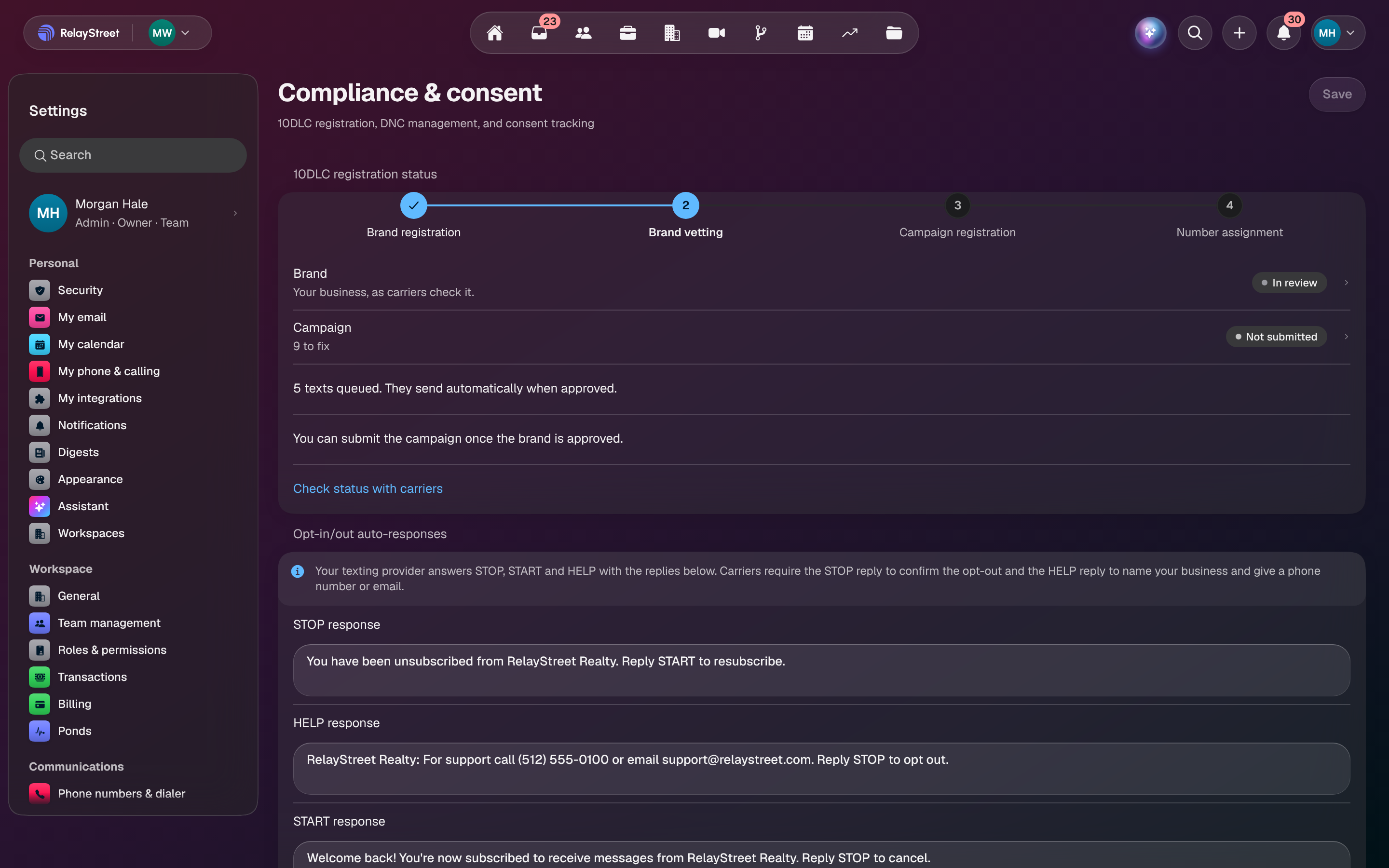
Automated sends wait for each state’s legal hours, and Do Not Call applies to every send.
Documents and checklists on each deal, in one place.
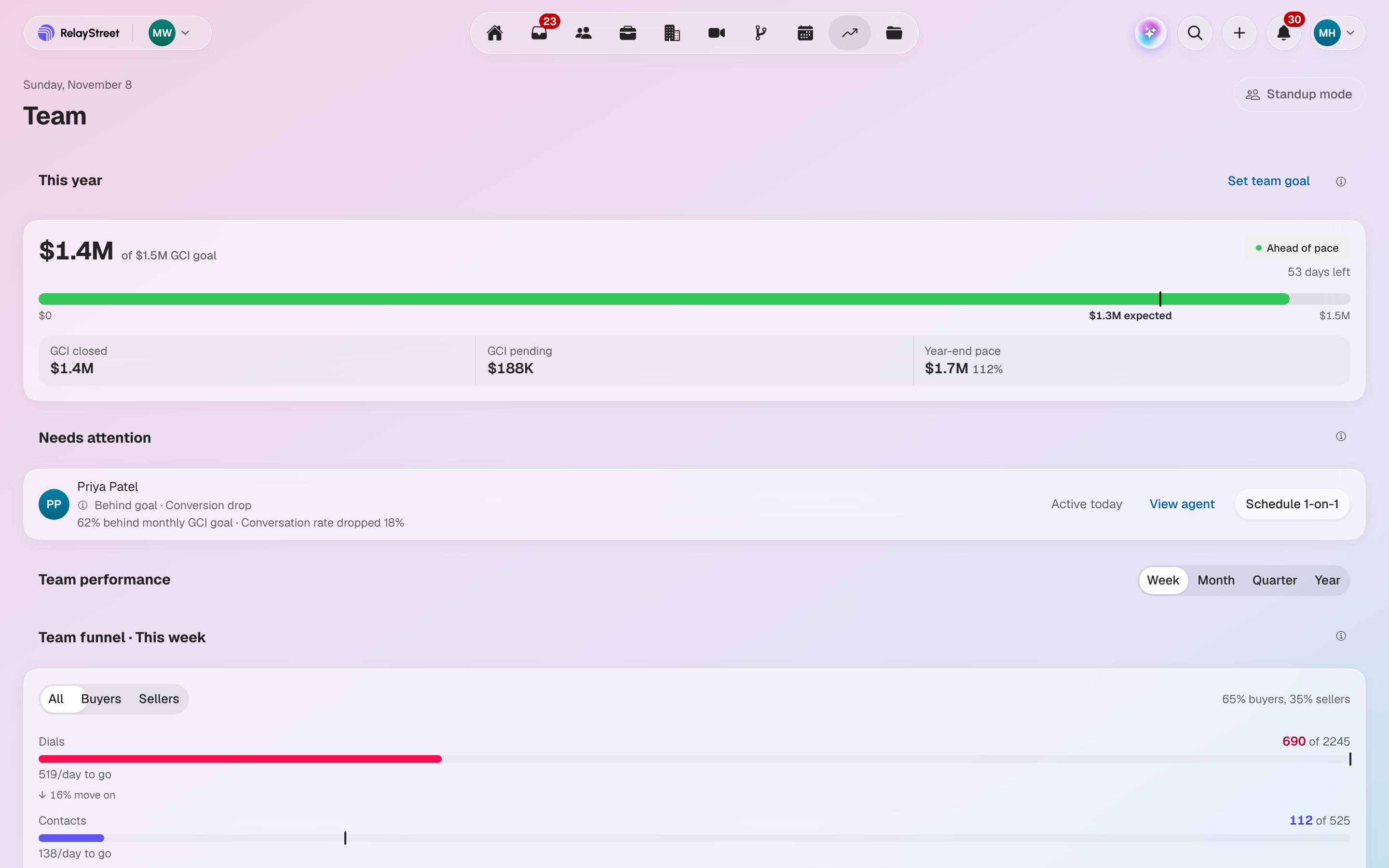
Reporting across every linked account, at the visibility you chose.
Brand
Thirty agents with thirty versions of your logo is a brand problem.
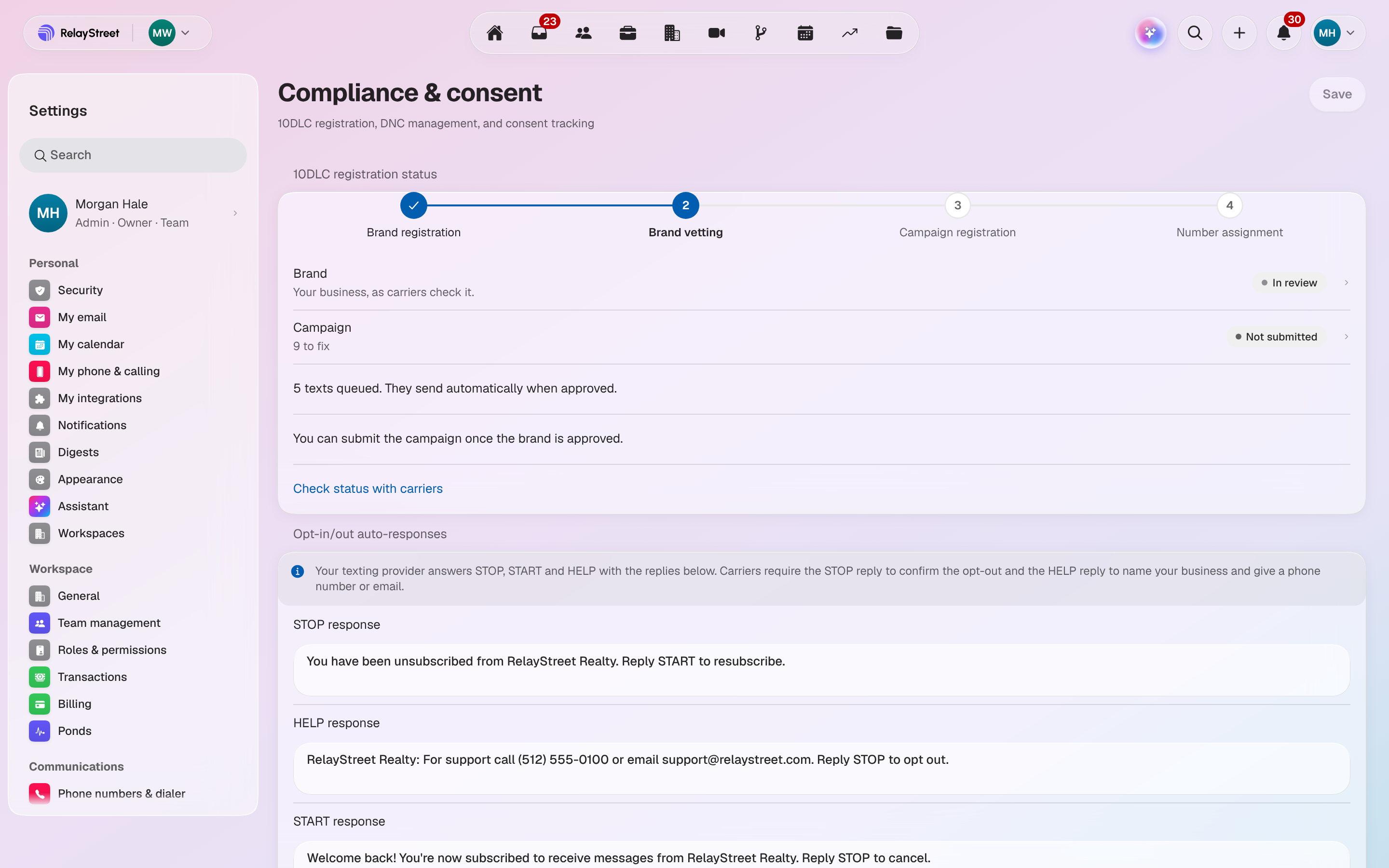
Compliance
Contact rules change state by state, and one agent’s automated text at the wrong hour is the brokerage’s problem.
Admin
Offices, teams, agents, ISAs and TCs all need different views of the same data.
Reporting
You shouldn’t need a spreadsheet from each office to know how the month went.
Open
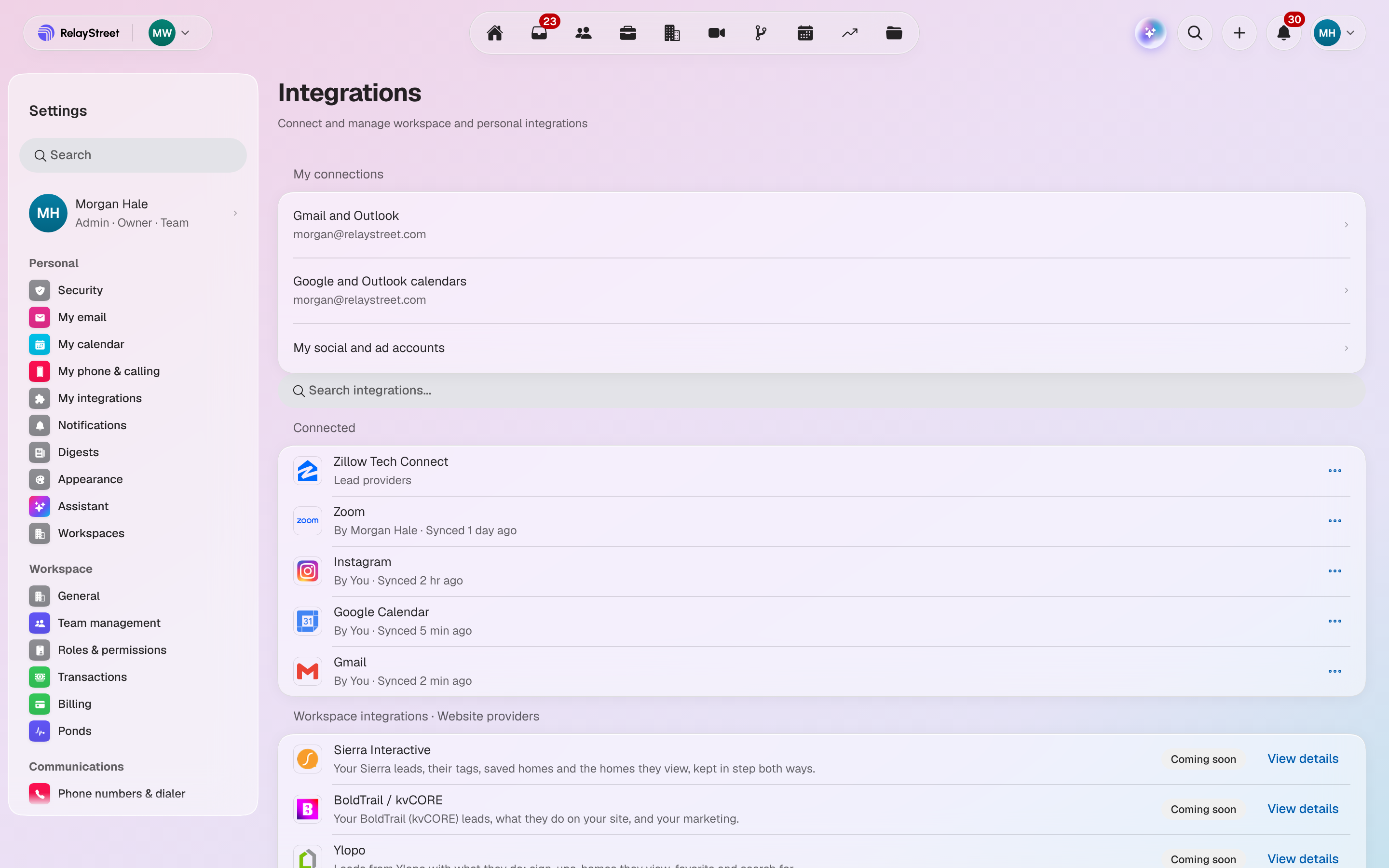
A brokerage CRM that won’t talk to your back office is one more system to re-key.
Billing
A new hire should never bring a surprise on the next invoice.
Brokerages
Each one goes deeper on its own page.
Legal hours, Do Not Call and consent
Your brand on every flyer and post
Agent, property and open house sites
Campaigns, social, ads and video
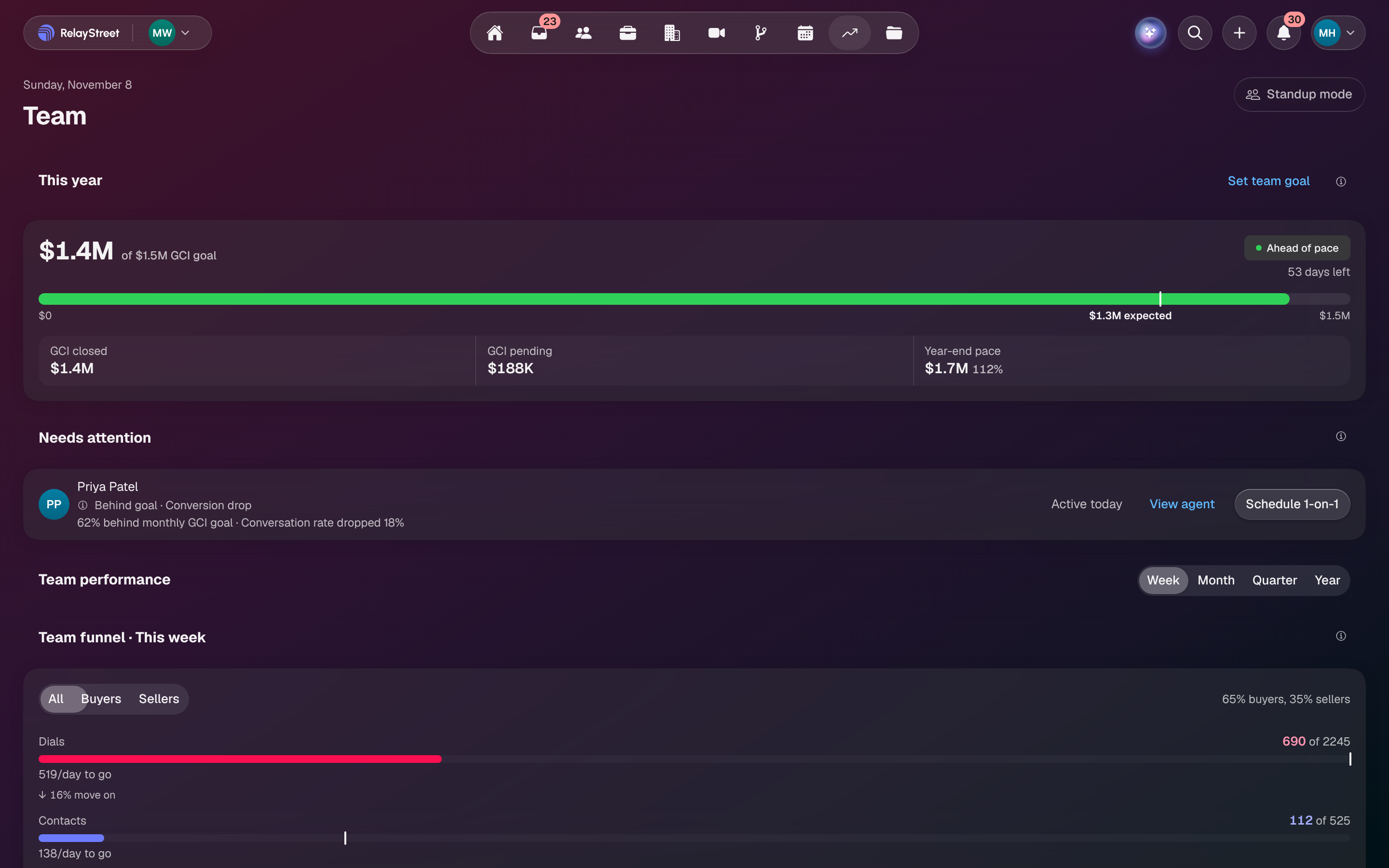
Goals, game plans and leaderboards
Rules for routing and hand-offs
Lead sources, calendars and email
Your data, open to your tools
Who it’s for
Route every lead, coach with real numbers and keep the team on one system
Get your leads, work them faster and see your own numbers
One app for every lead, deal and day, with Aiva covering the hours you can’t
Dial faster, set appointments on agents’ calendars and hand off with the history
Start your first year with the habits the best agents already have
Every file on the team, every date and every document, in one queue
You choose: full, performance only or none, set for the linked accounts.
Yes. Each team works in its own linked account, under the brokerage’s brand, footer and disclaimers.
Automated sends never go outside each state’s legal hours, from a table of all 50 states and DC. A person’s own calls and texts can go at any hour, with a warning on a first text outside them. Do Not Call and STOP apply to every send.
Import a file, paste them in, or connect Follow Up Boss, Sierra Interactive, Lofty, CINC, kvCORE or BoomTown. Moving a whole Follow Up Boss account runs a dry run first and can be undone as a whole.
It’s yours. You can export every contact, deal, note and file whenever you like, and the open API and MCP server reach the same data.
Brokerage plans include custom onboarding and a dedicated account team.