Import and export
Bring your whole business over, and take it with you
Connect Follow Up Boss, Sierra Interactive, Lofty, CINC, kvCORE or BoomTown, or bring a CSV from any CRM. Export your data any time, in the format you need.
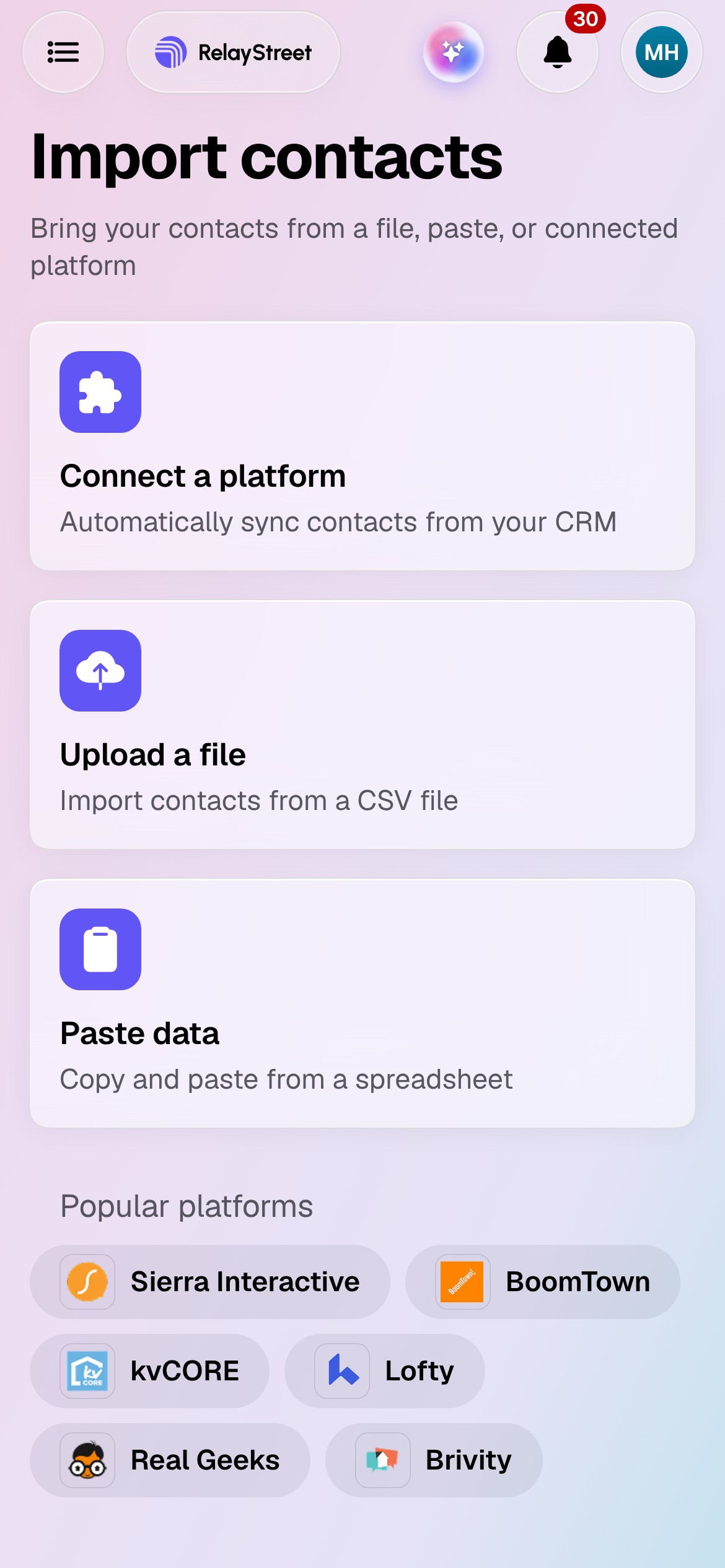
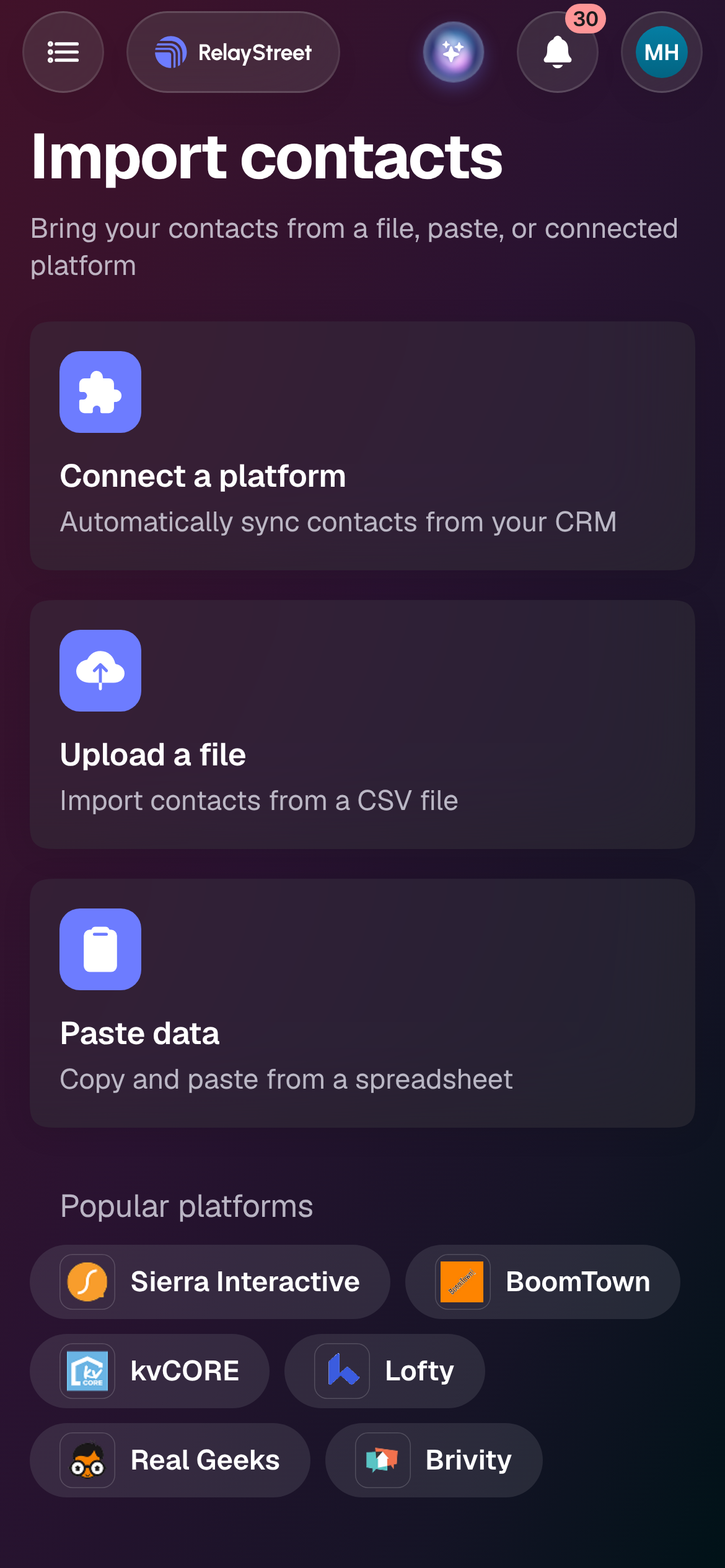
Import from a CSV, a paste or a connected CRM
Follow Up Boss brings people, history, deals and plans
Undo a whole business import for 30 days
Export eight kinds of data in six formats
The whole business
Move your whole business in one go
From Follow Up Boss, or a CSV from any CRM, RelayStreet brings over far more than names. Nothing changes in your old CRM.
- People, notes, calls, texts, emails, tasks, appointments
- Deals come in as transactions, action plans as Smart Plans
- Plans arrive paused, so nothing sends by surprise
- Do Not Contact stays on every person who had it
Check first
See exactly what will happen before you import
A dry run shows what will be created, updated and skipped, and why. Then the import runs in the background while you work.
- Counts for created, updated and skipped records
- Choose how people already here are merged
- Pause and Resume while it runs
- Undo the whole import for 30 days
Import contacts
Get a spreadsheet of leads in without the cleanup
Upload a CSV, paste rows, or pull from a connected CRM. RelayStreet spots exports from known platforms and matches the columns for you.
- Columns matched on their own, with AI suggestions
- Fix phones and names with one AI command
- Skip, update or merge duplicates
- Save a mapping as a template for next time
Ready to work
Imported leads land with an owner, a stage and tags
Before you import, decide who gets the leads and where they start, so follow up begins the same day.
- Assign an agent, Round robin or Unassigned
- Set the stage and tags for the whole file
- Confirm TCPA consent before the import runs
- Download an error report for any failed rows
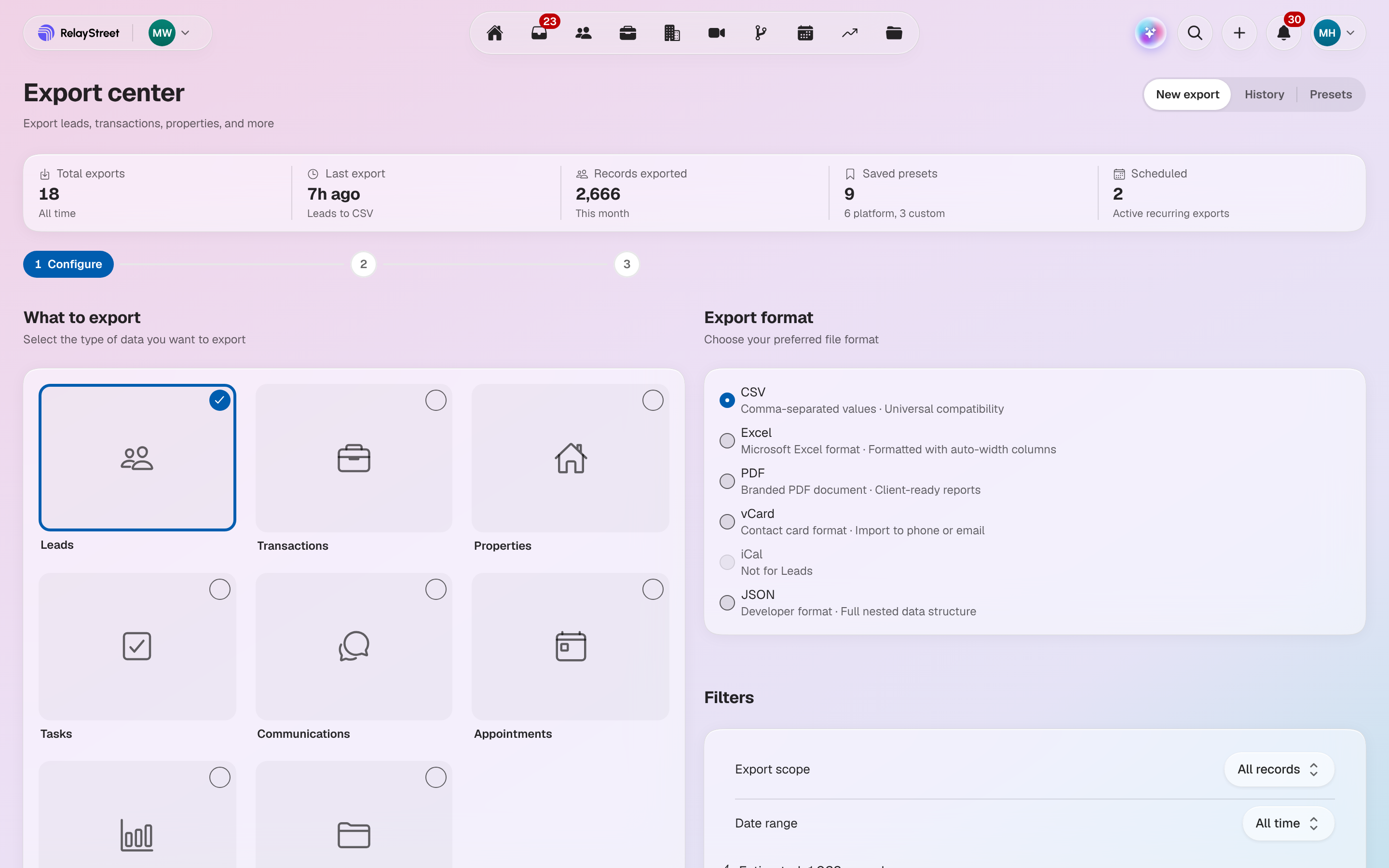
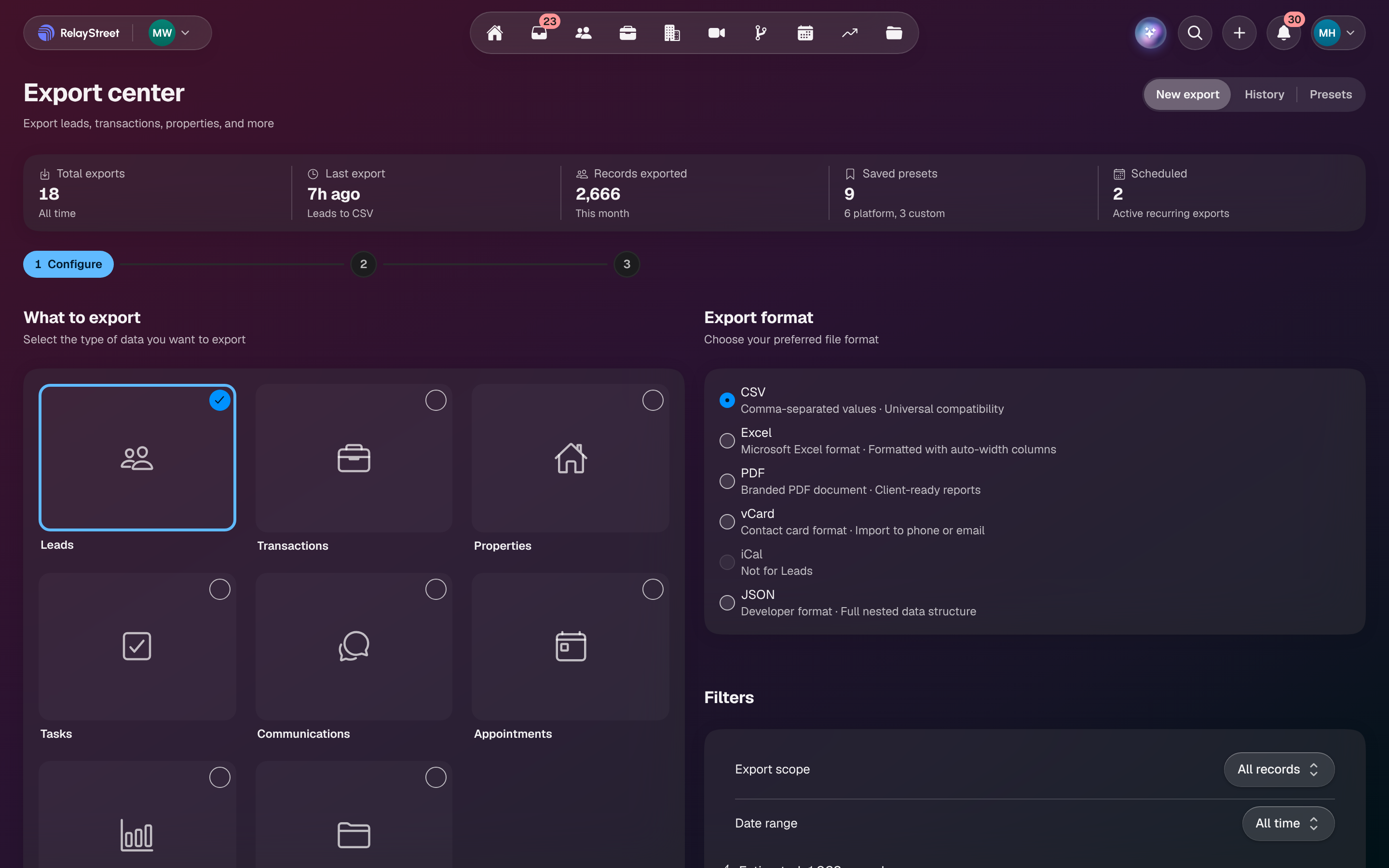
Export center
Your data, in the format you need
Pick what to export, choose the fields, preview the first rows, then download it.
- Leads, transactions, properties, tasks and more
- CSV, Excel, PDF, vCard, iCal or JSON
- Presets formatted for other CRMs
- Every export kept in History with its reason
No lock-in
Take everything with you, any time
Your data is yours. Anyone can download a ZIP of their own data, and owners can export the entire workspace.
- Contacts, deals, tasks, notes, messages and files
- Settings too, as CSV and JSON with a manifest
- Entire workspace export for the owner
- Your ZIP stays ready to download for one day
How it works
Import and export, step by step
Choose a source
Six CRMs that connect directly, a CSV from any CRM, or a paste from a spreadsheet.
Match your fields
Columns are matched for you. Change any match and your pick always wins.
Check before importing
See what will be created, updated, merged and skipped before anything changes.
Import and get to work
Open your new contacts, and turn on imported Smart Plans when you are ready.
Questions
About Import and export
Who can import and export?
Owners, admins and brokers can use every import and export screen. Everyone can download a ZIP of their own data from Settings.
Which CRMs can I bring my contacts from?
Import contacts connects to Follow Up Boss, Sierra Interactive, Lofty, CINC, kvCORE and BoomTown, and reads a CSV from any CRM. Bring your business over moves a whole Follow Up Boss account.
Can I undo an import?
Bring your business over can be undone as a whole for 30 days. It removes what the import created and leaves your existing contacts as they were.
Is there a size limit?
Import contacts has no file size or row limit. A CSV for Bring your business over can be up to 50 MB.
Does importing mark my contacts as consented?
No. You confirm TCPA consent for the file, and each channel is marked consented only when the row says so in your file.
Where can I import and export?
Import contacts and the Export center work on the web, iPhone, iPad, Mac and Android. Bring your business over works everywhere except Android.