Aiva
Every lead gets an answer. You get the appointment
Your AI assistant inside RelayStreet. She is Aiva until you give her your team’s own name, and your leads see that name. Once she is on a lead, she will text and email them on her own, ask the questions you would ask, and set appointments with your agents, inside that lead’s legal hours.
Get the highlights
One real conversation
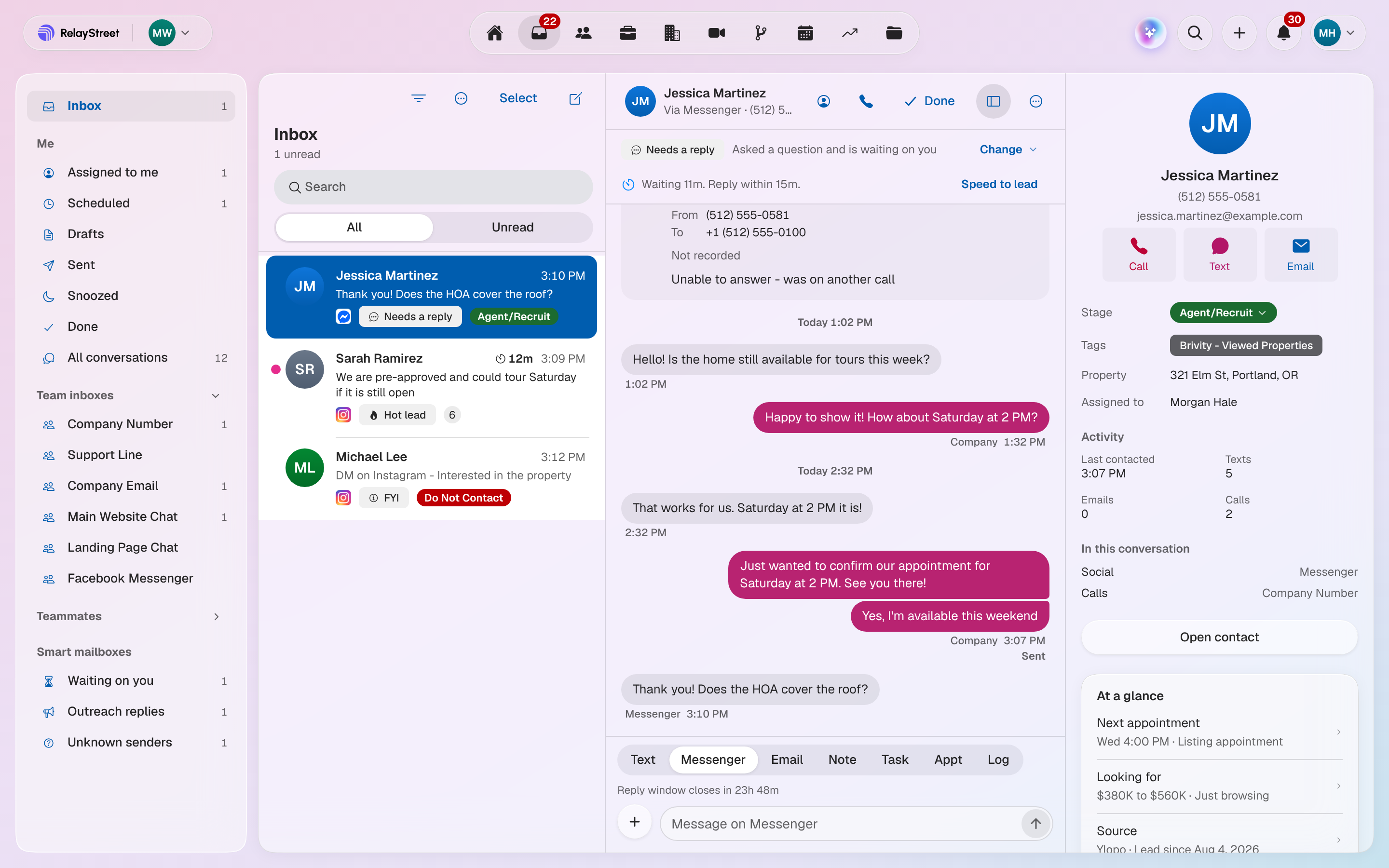
A new lead texts at 9:47 PM. She will have the reply written before you see it
No waiting for your OK. She will answer on her own, and the text goes out at the first legal minute in the lead’s own time zone. When they reply, she sets the appointment on a real calendar.
New lead
Hi, is the 3 bed on Alder Lane still available? Could we see it this weekend?
for themWritten at 9:47 PM, held for their morning
Speed to lead
Every new lead will hear back, even the ones who write at 2 AM
- Once she is on a lead, she will text and email on her own. No OK step
- She will write the reply right away and send it at the first legal minute for that lead, in their own time zone
- Each state’s legal hours apply. Where a state has no rule, federal hours of 8 AM to 9 PM do
- She will ask the questions you would ask, so your agent starts the call knowing what the lead wants
Appointments
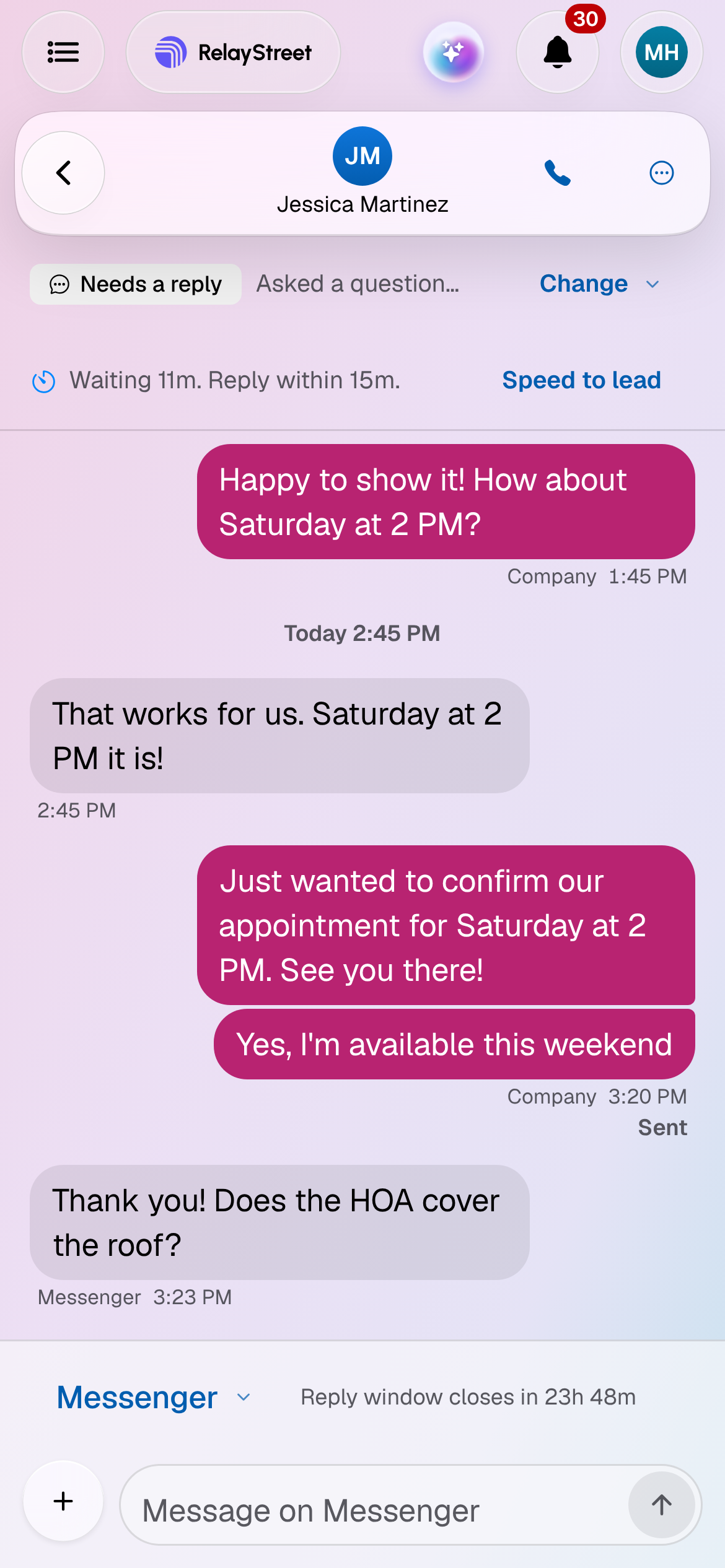
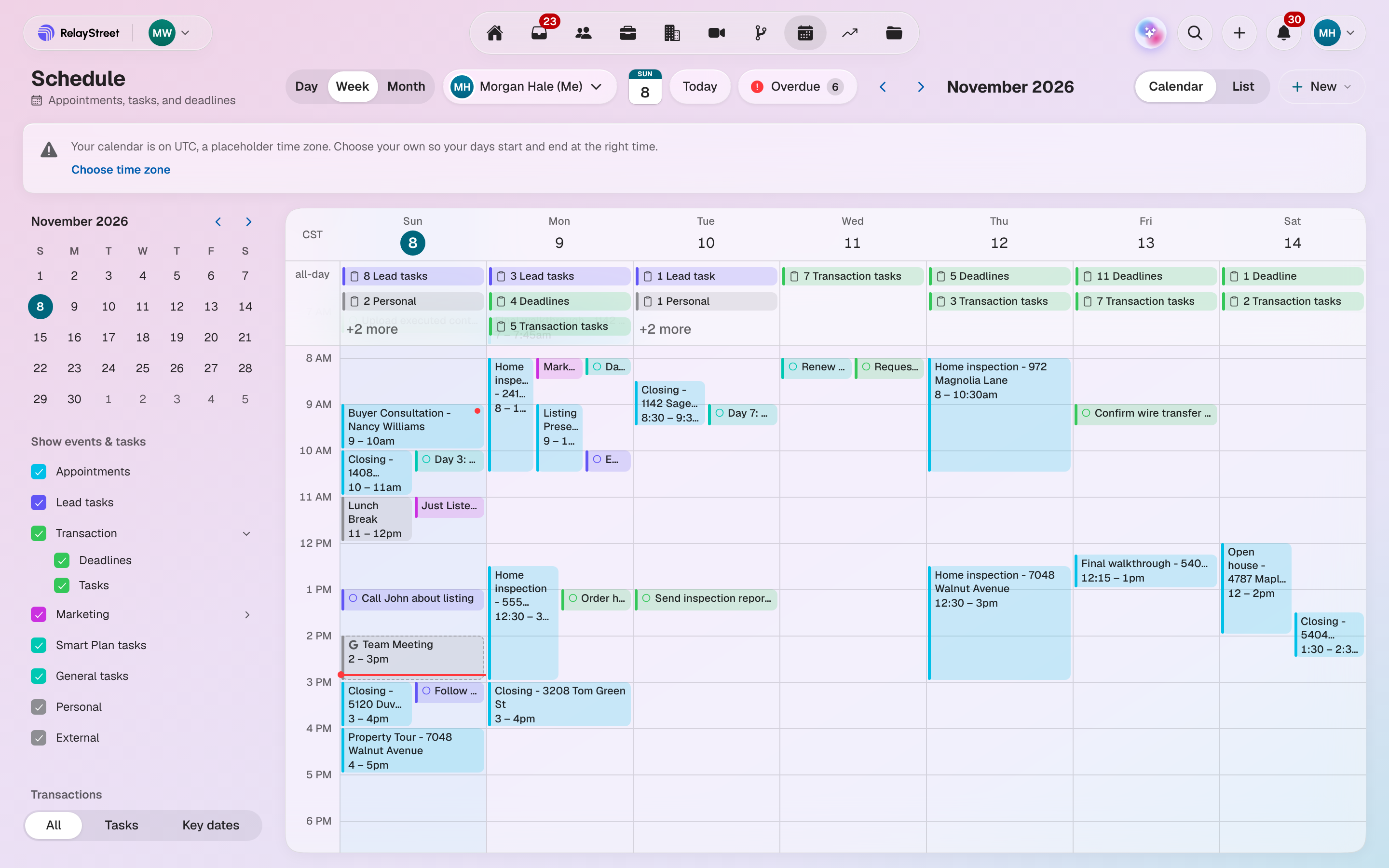
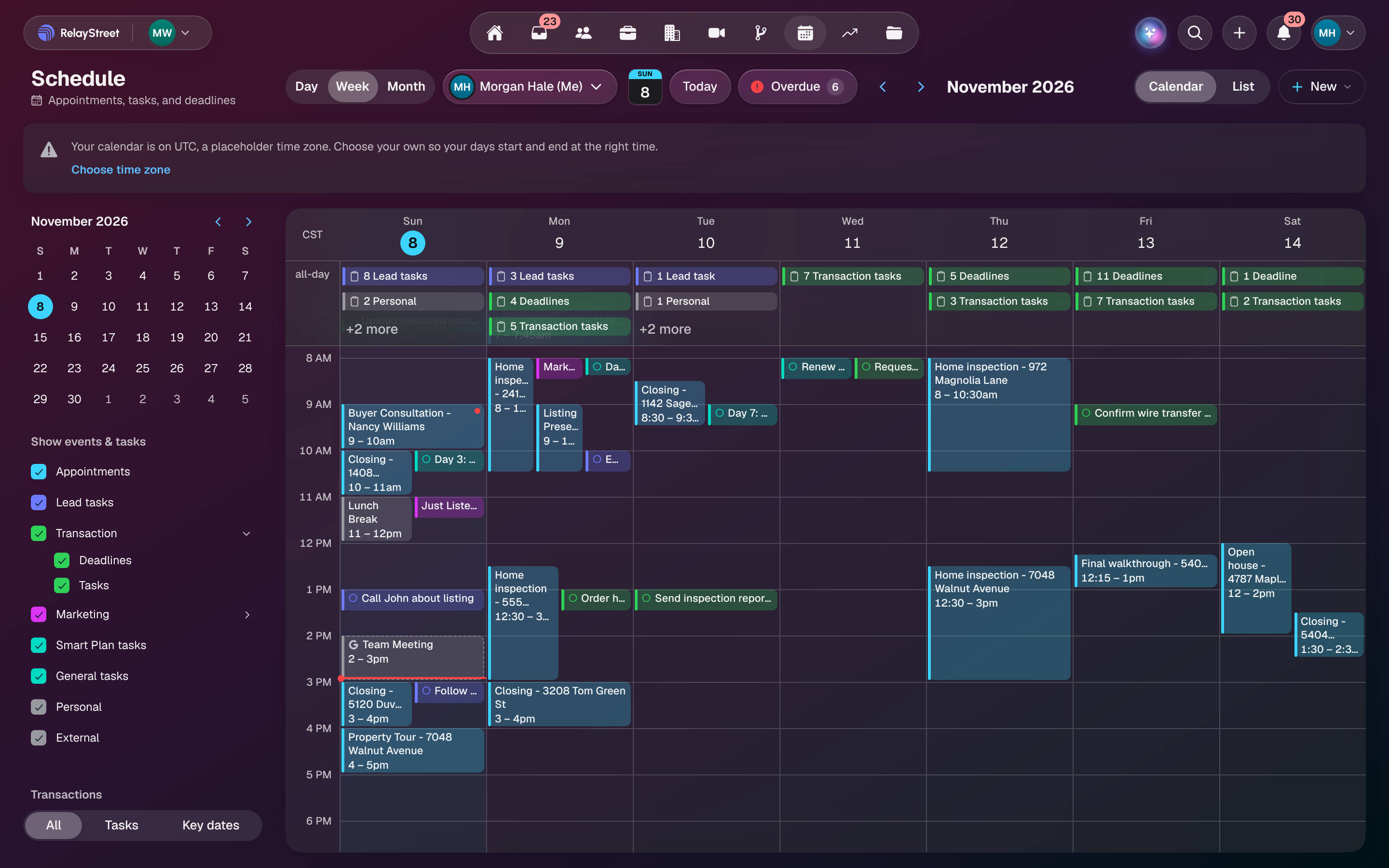
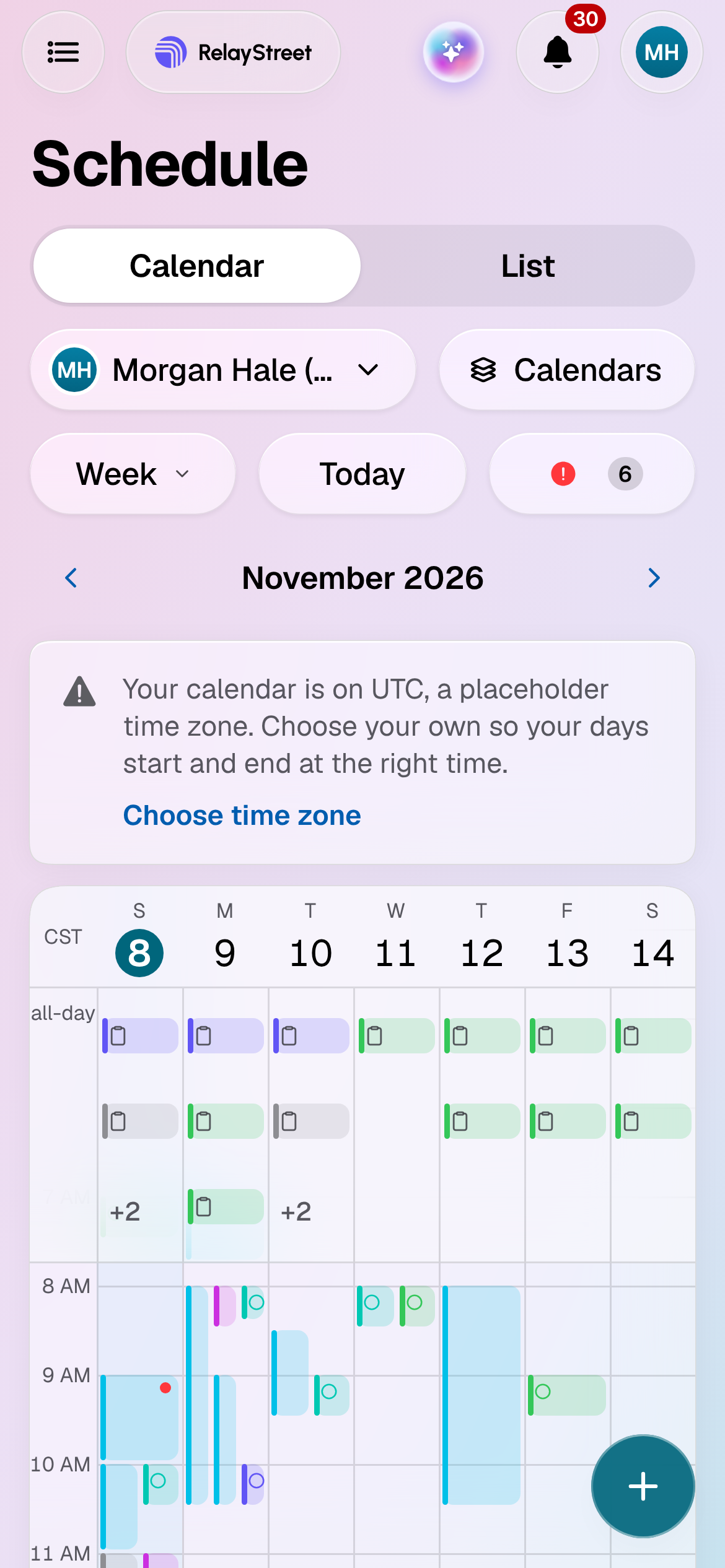
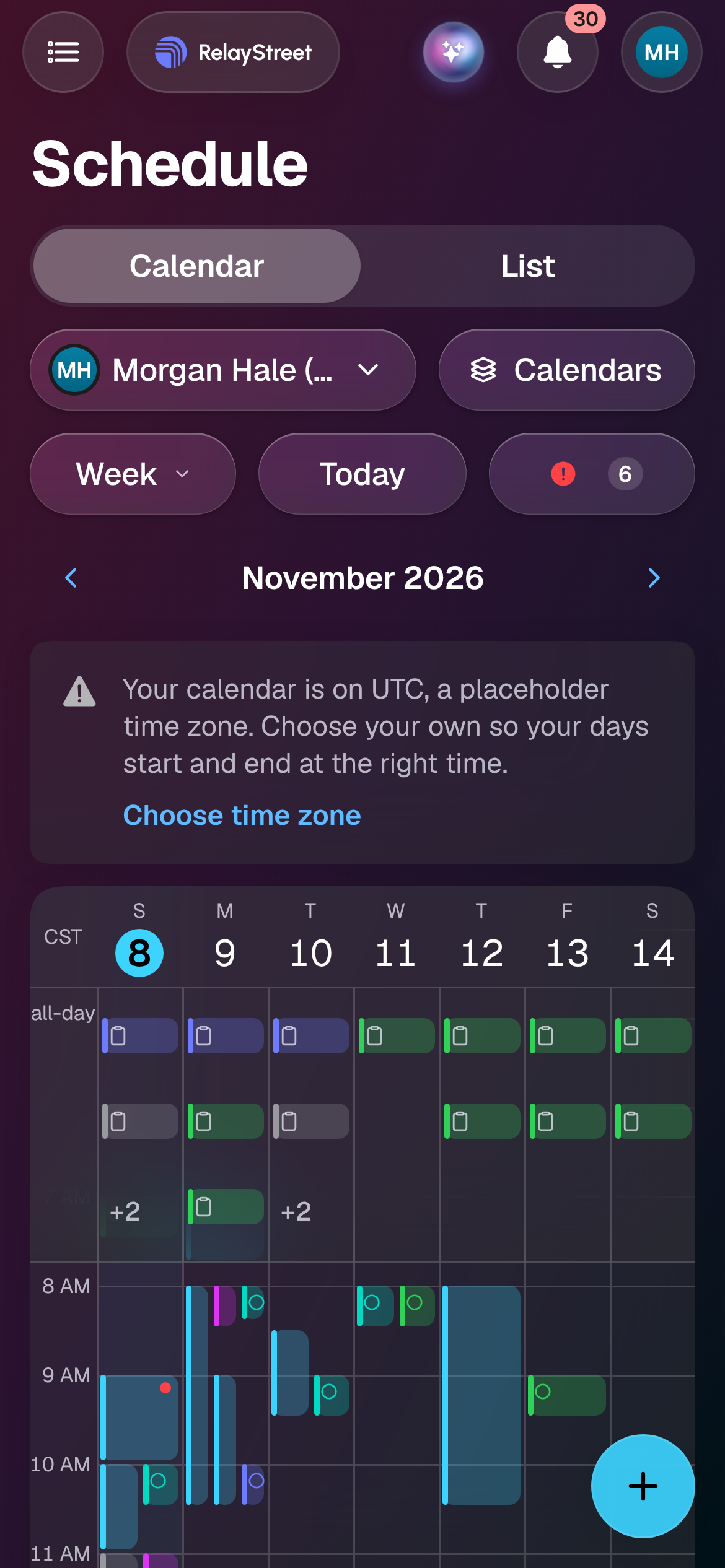
Appointments will land on real calendars, not in a to-do list
- She will set appointments with your agents straight from the conversation
- She will only offer times your agents actually have
- After the consultation, she will remind your team to log how it went
Your playbook
She will work leads the way your team already does
- For each stage you choose her role: she leads, helps then steps back, keeps them warm, watches, or never contacts
- A stage without a one-line description goes to a person until you write it
- Smart Plans will pause while she works a lead, so nobody gets two texts at once
- Each stage has a hand-off: when she passes the lead, and to whom
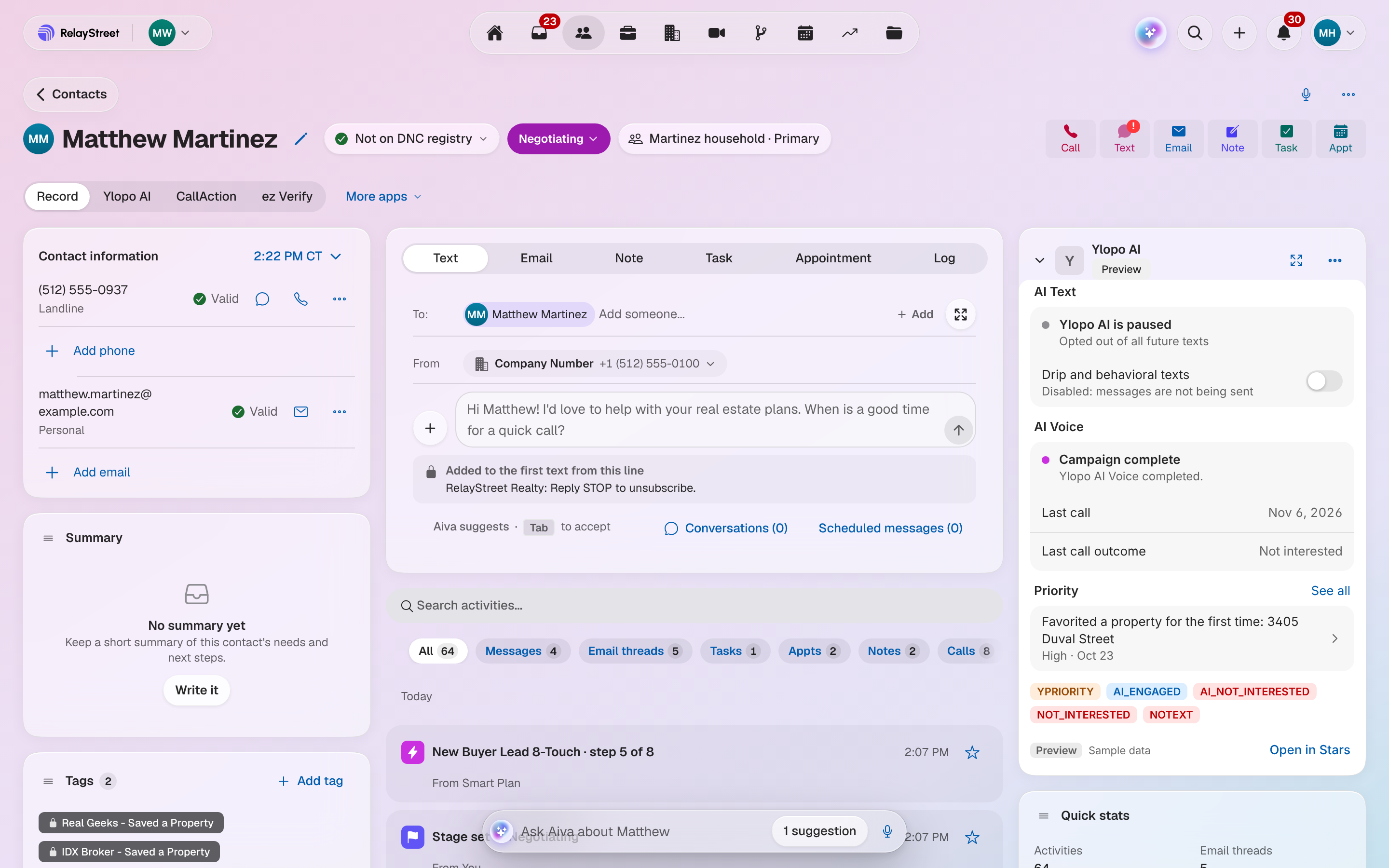
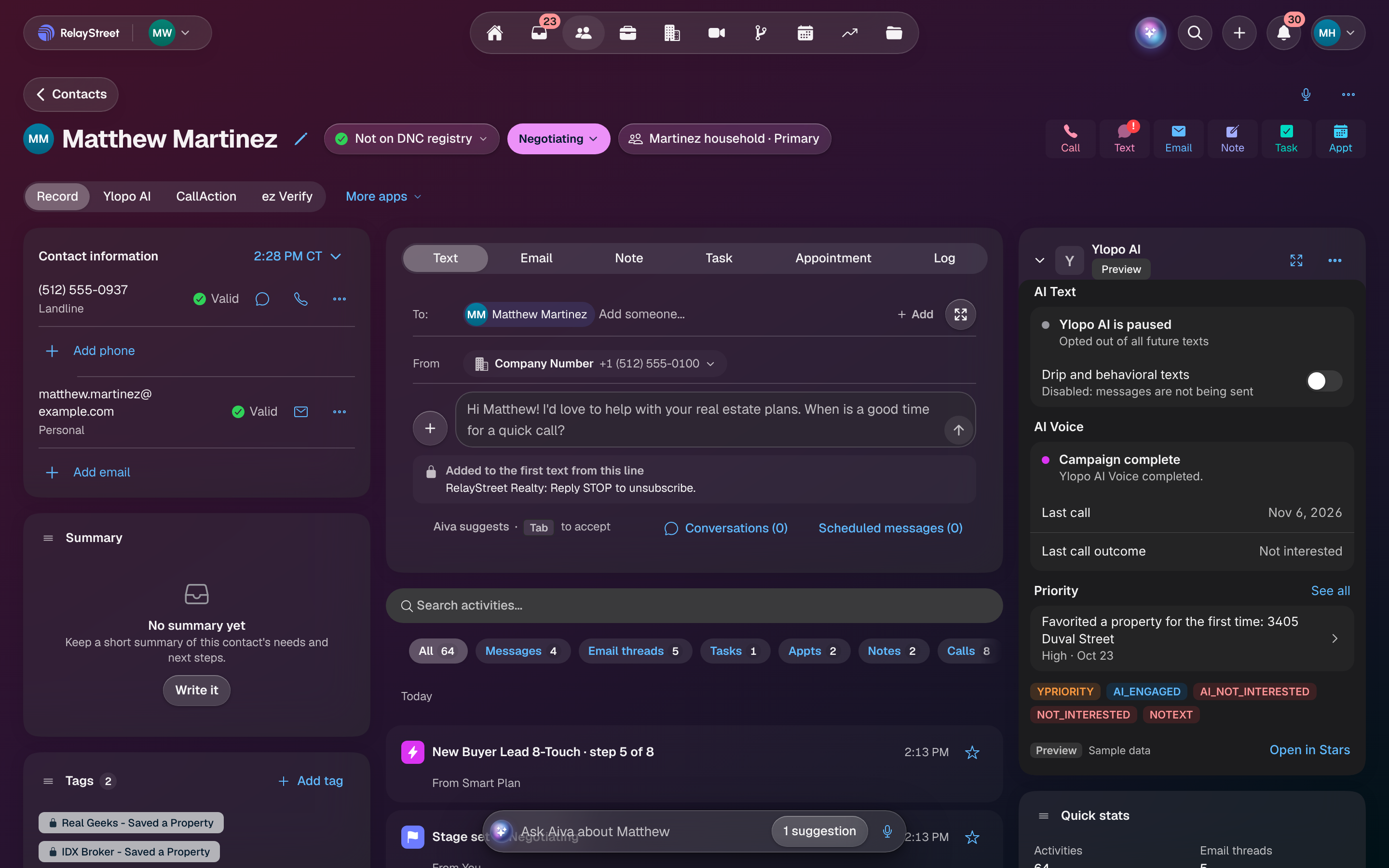
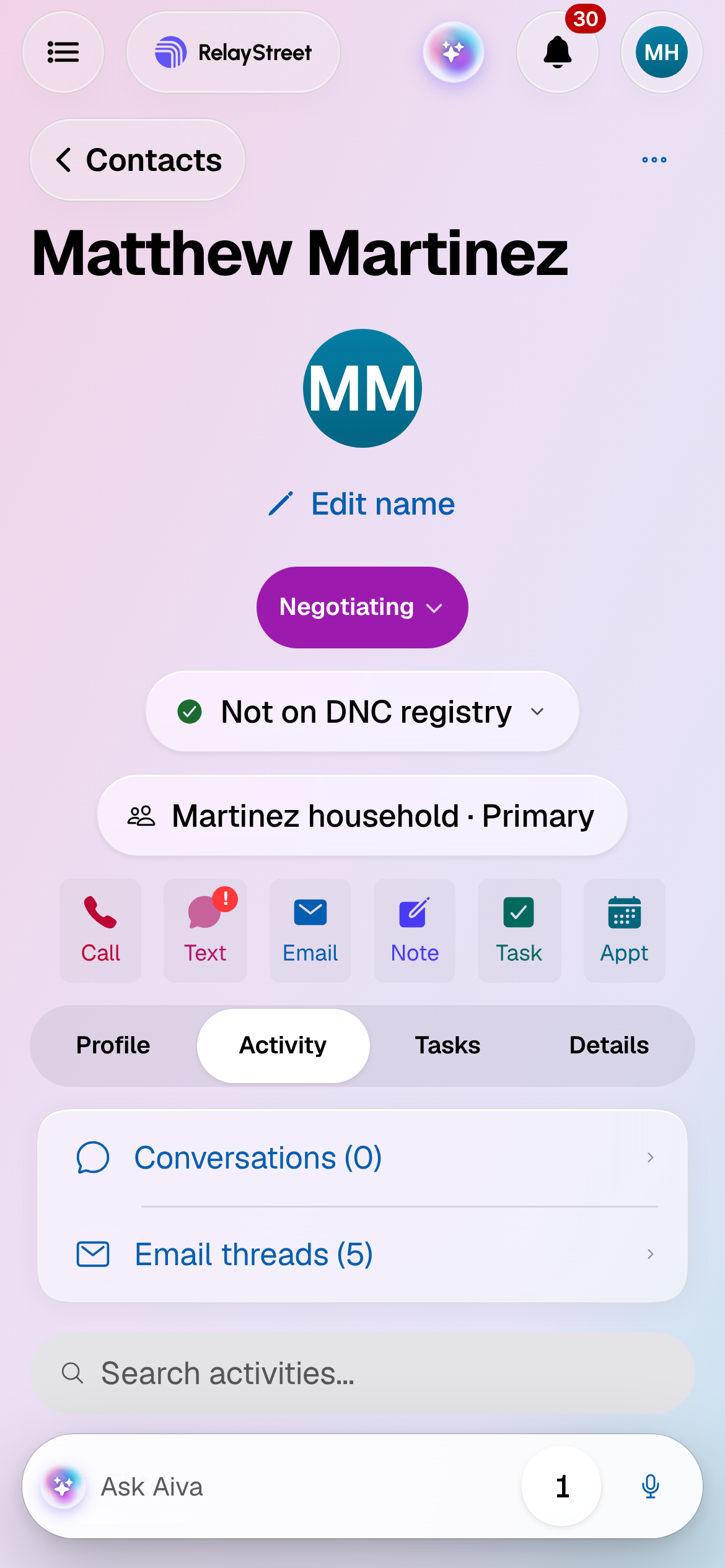
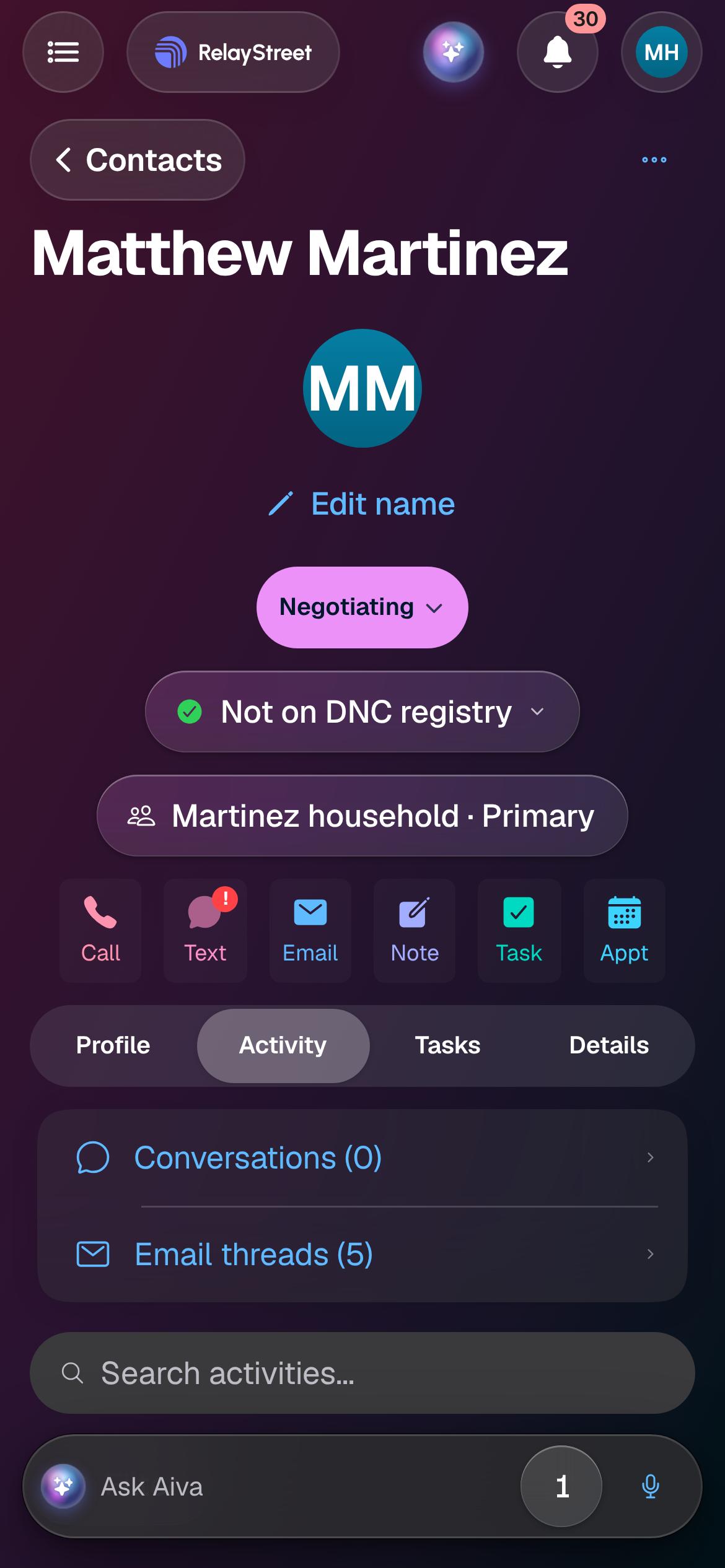
Ask Aiva
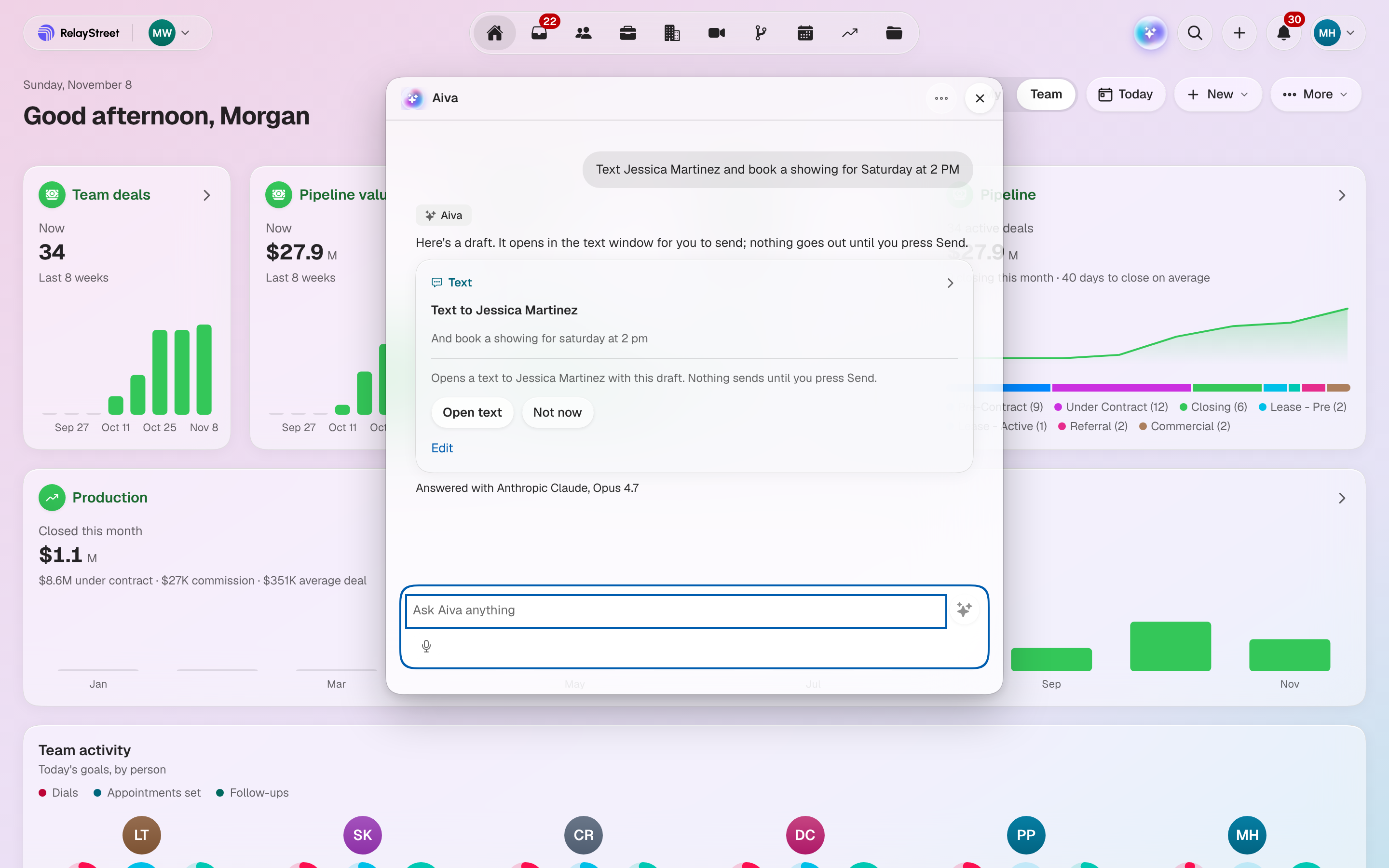
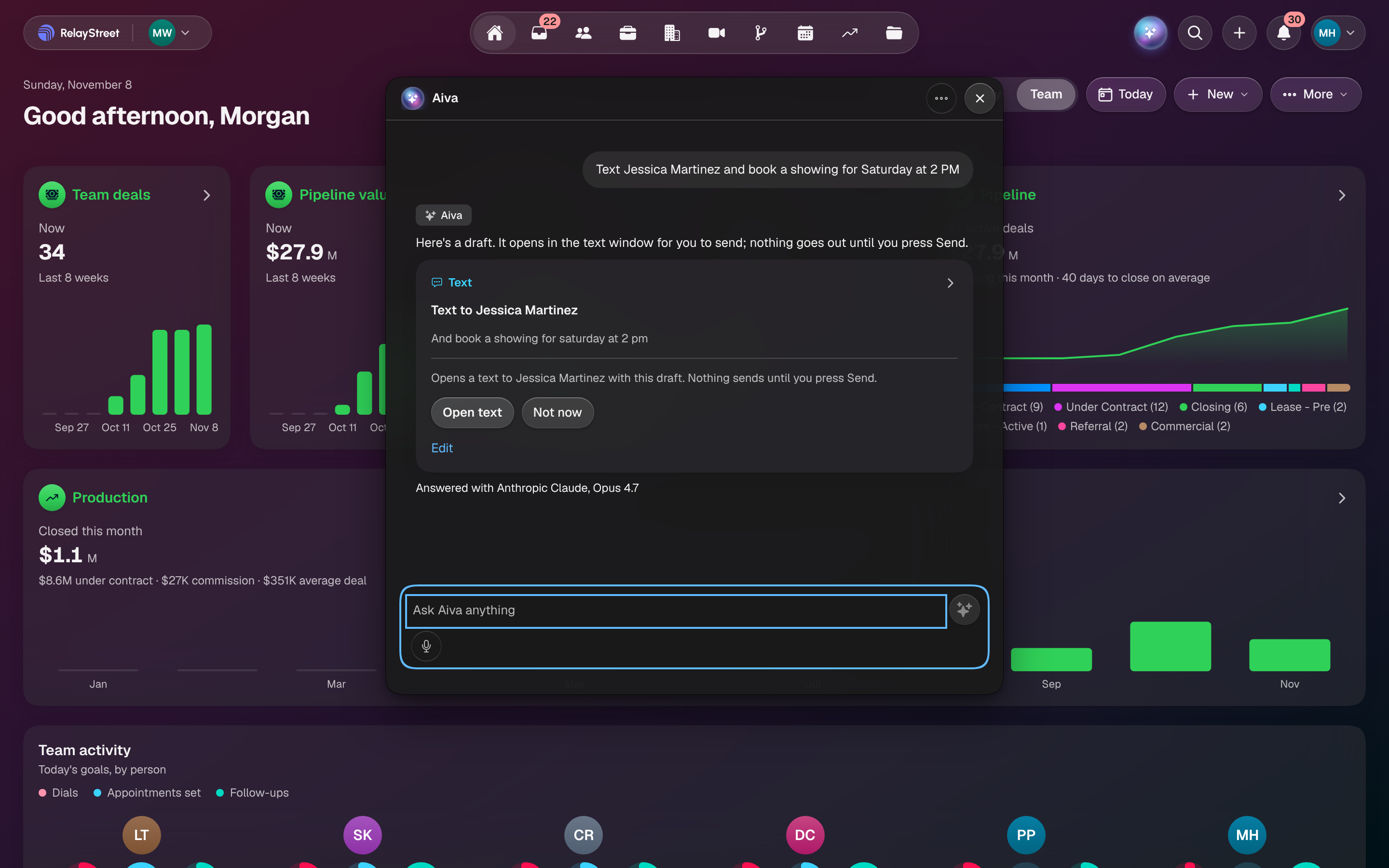
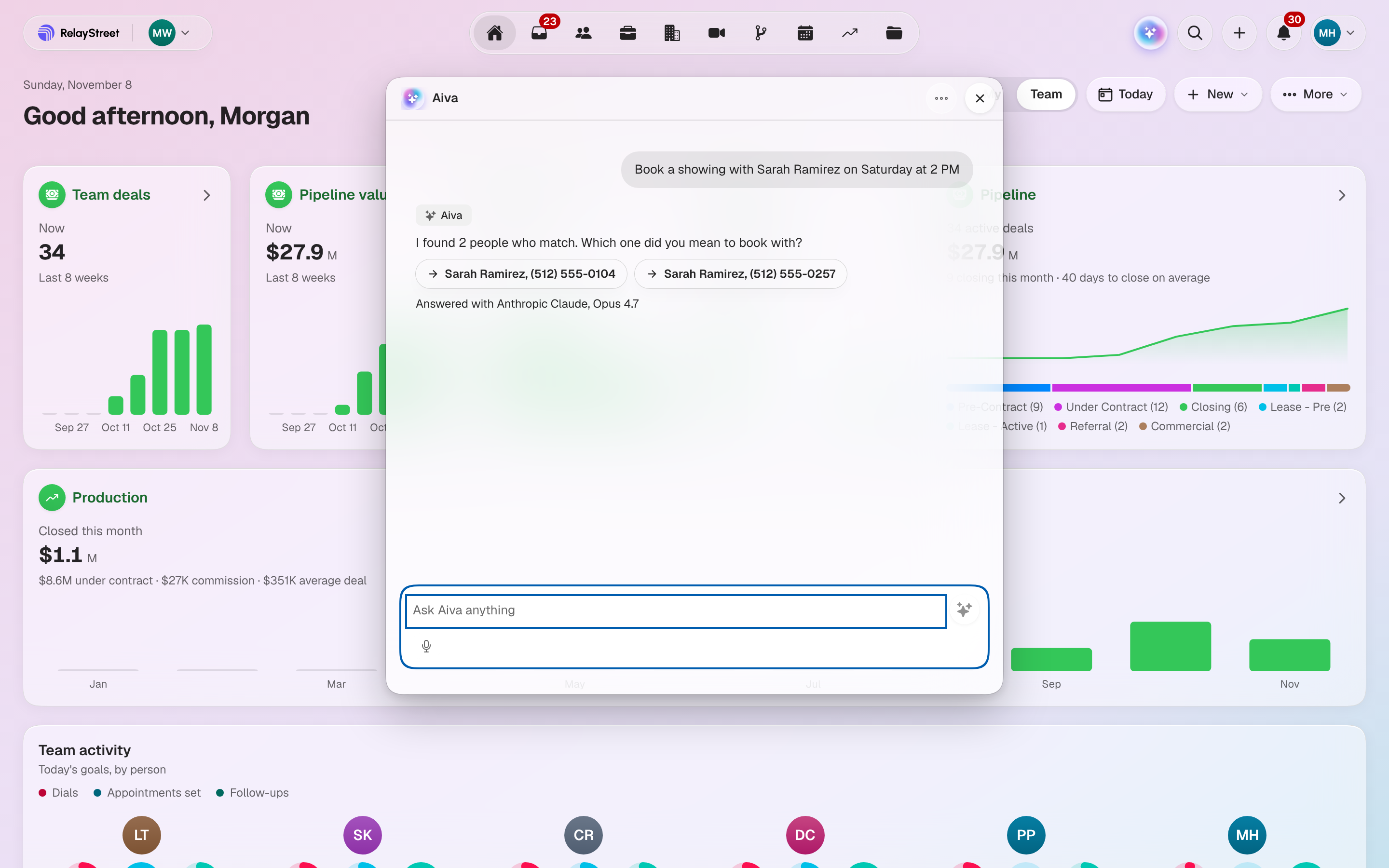
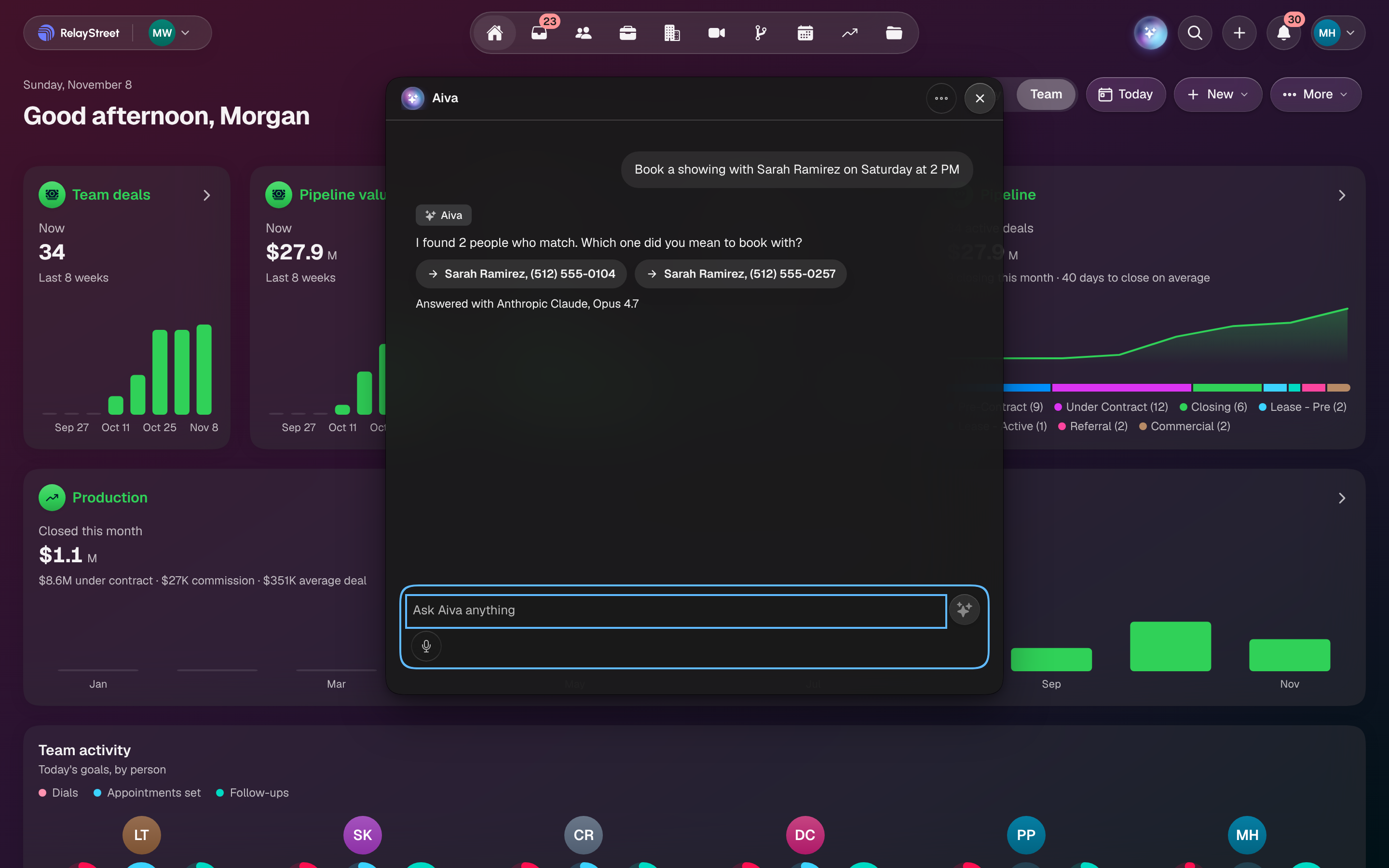
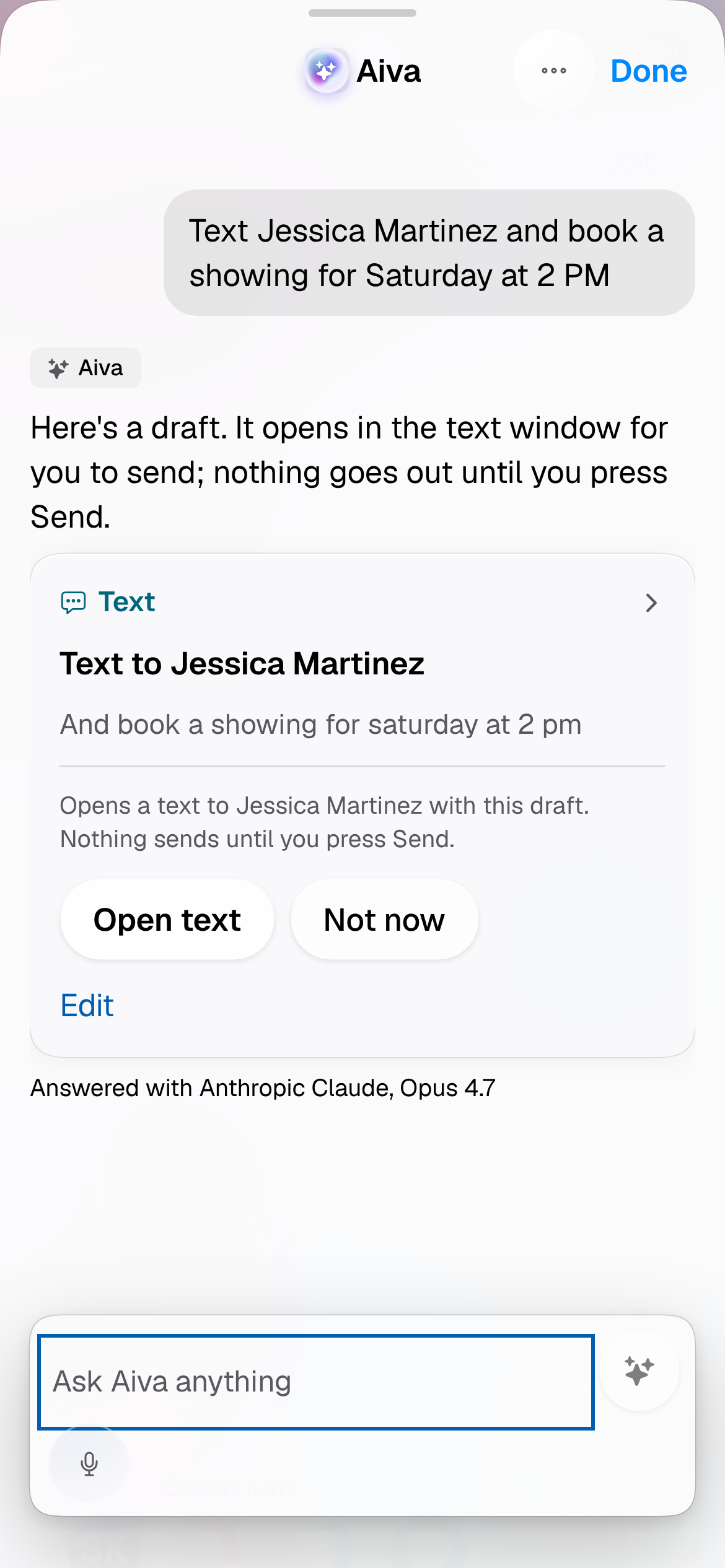
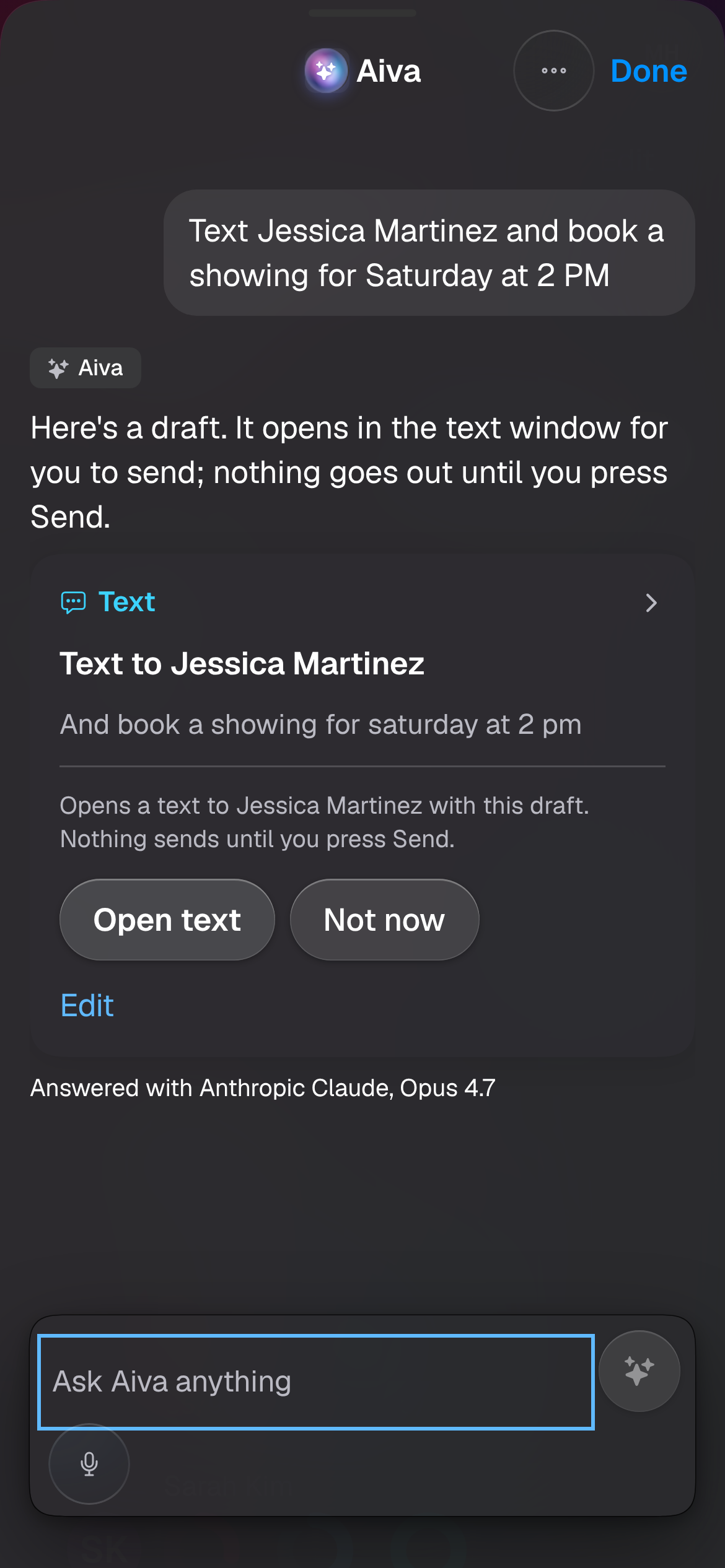
Ask in plain words. Approve what you asked for
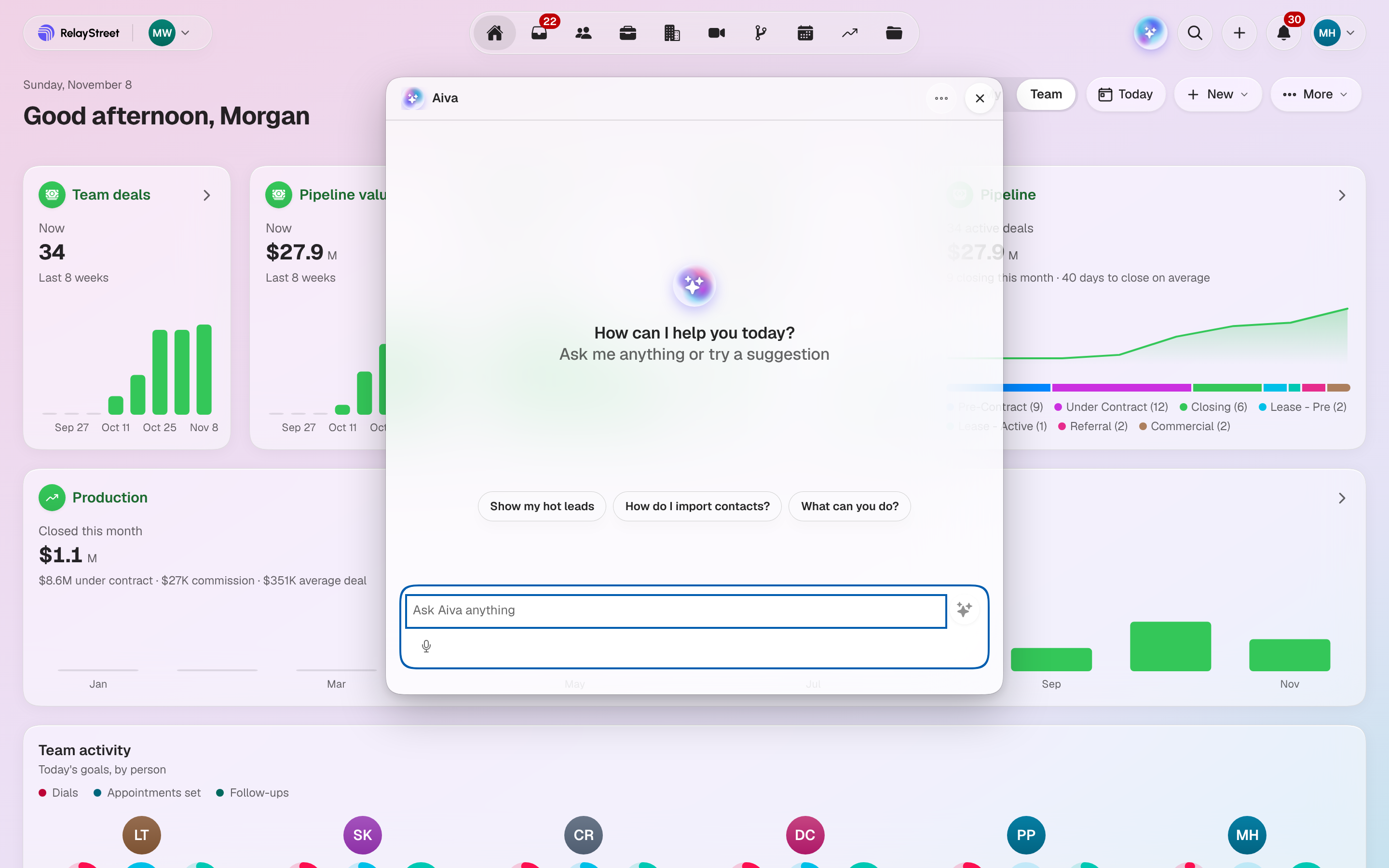
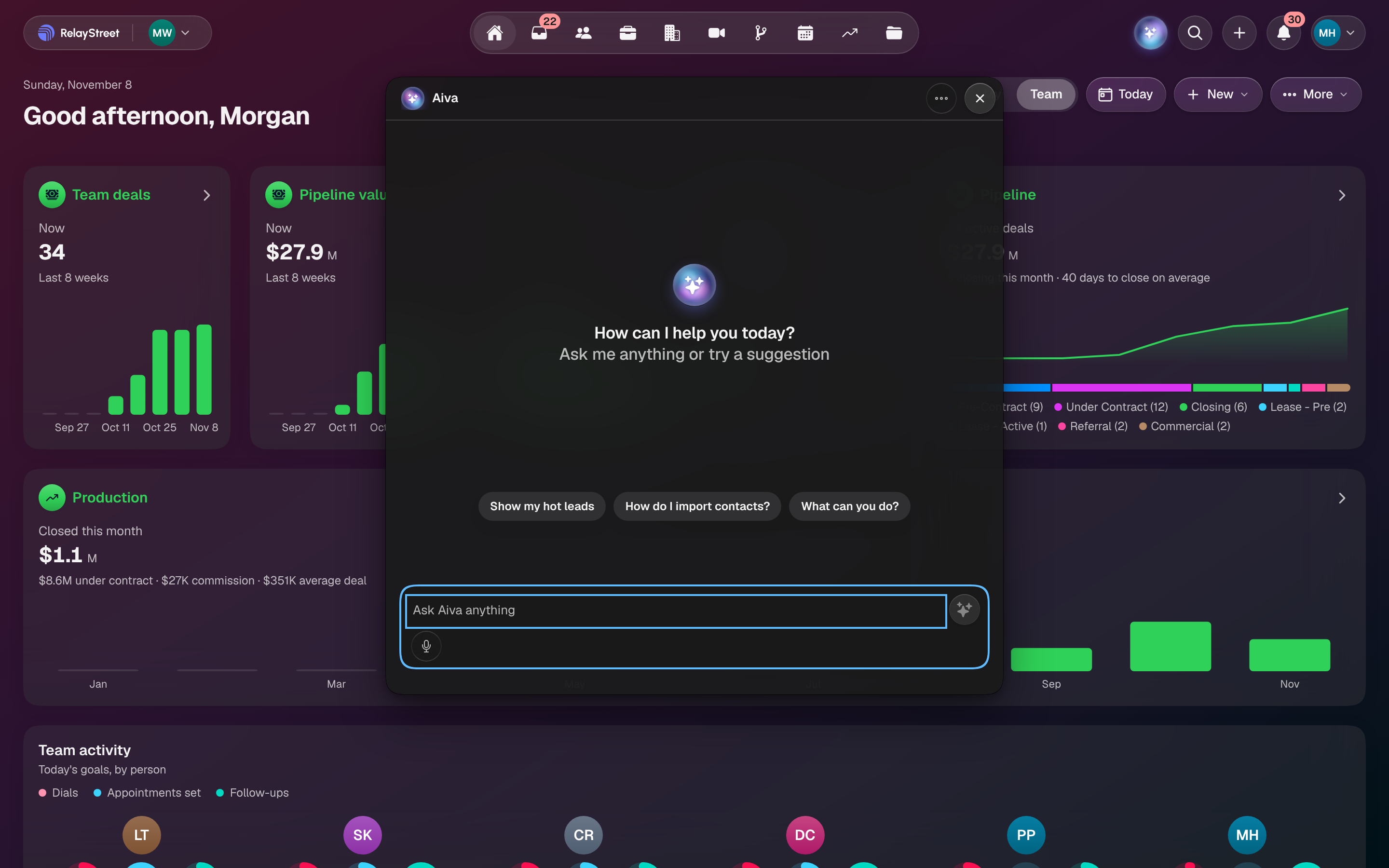
- Open her from the orb on any screen, or press Cmd or Ctrl and the apostrophe key
- Ask about a contact by typing or speaking
- When you ask her to text someone, she drafts it and nothing goes out until you press Send
- Search finds nothing? Send the question to Aiva in one tap
Your team
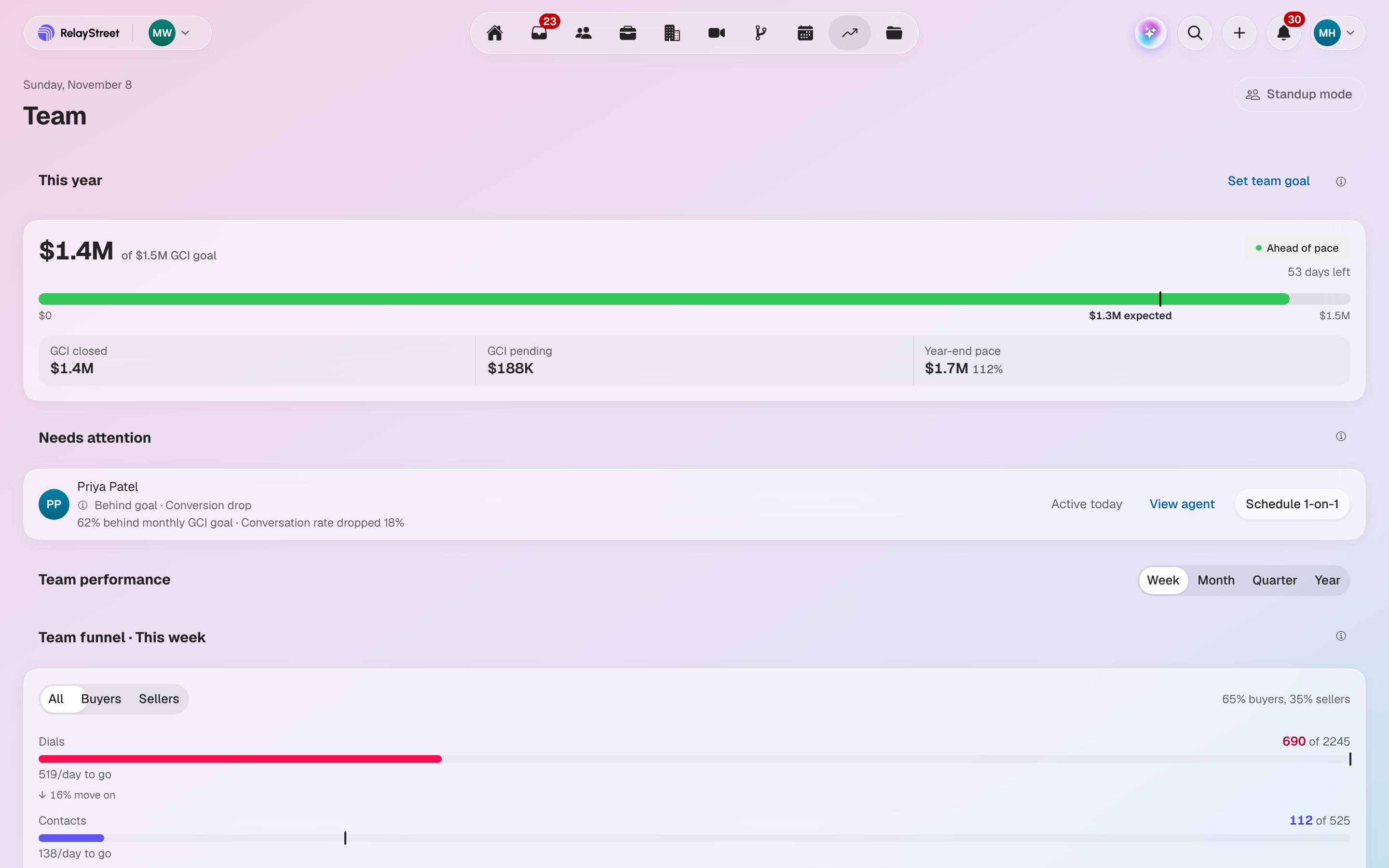
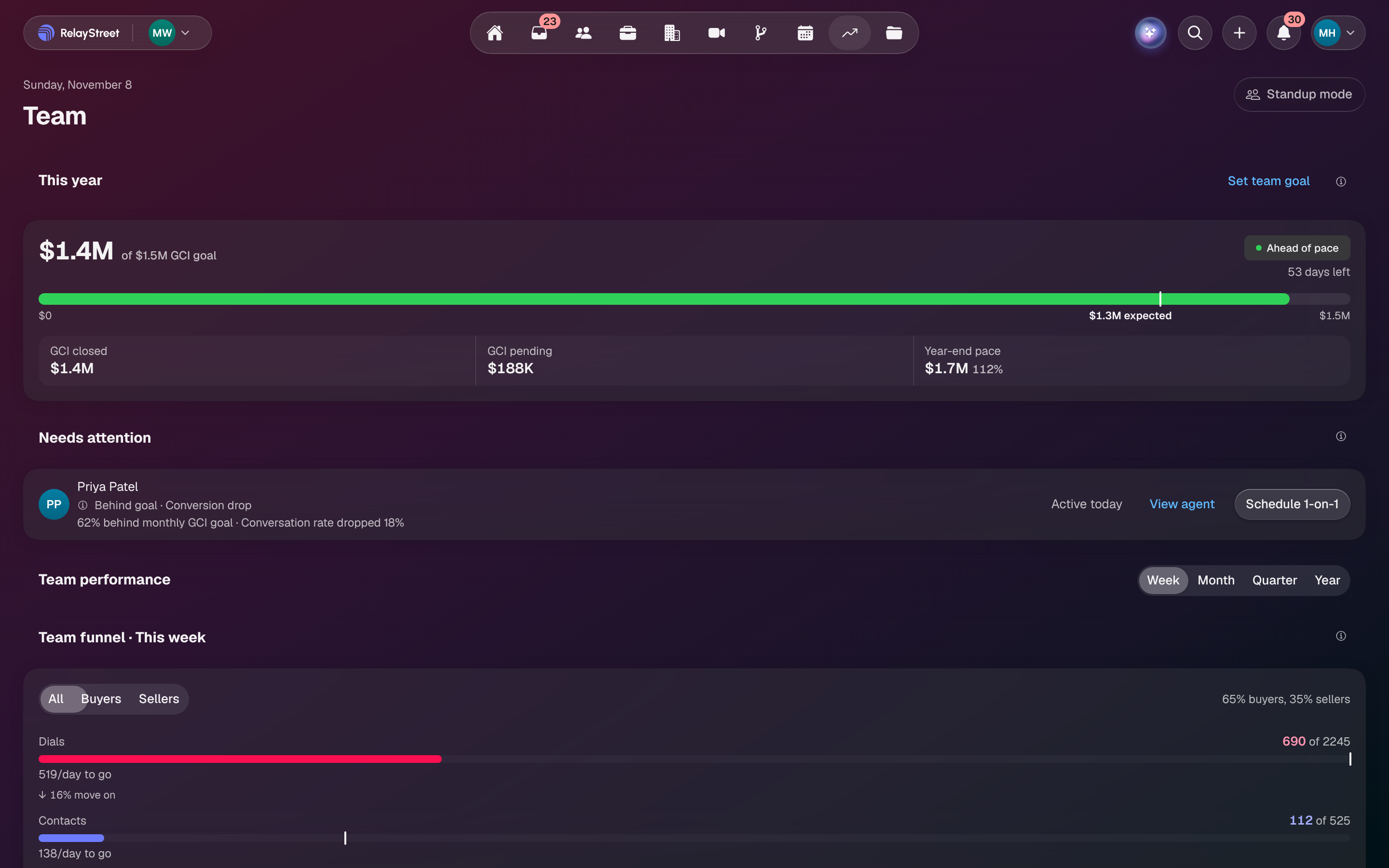
Team leads will see what she did and what needs a person
- A daily summary will go to the team leader, on by default
- One list of what needs someone right now: calls, approvals and fixes
- The tasks she hands your team will stay visible when overdue
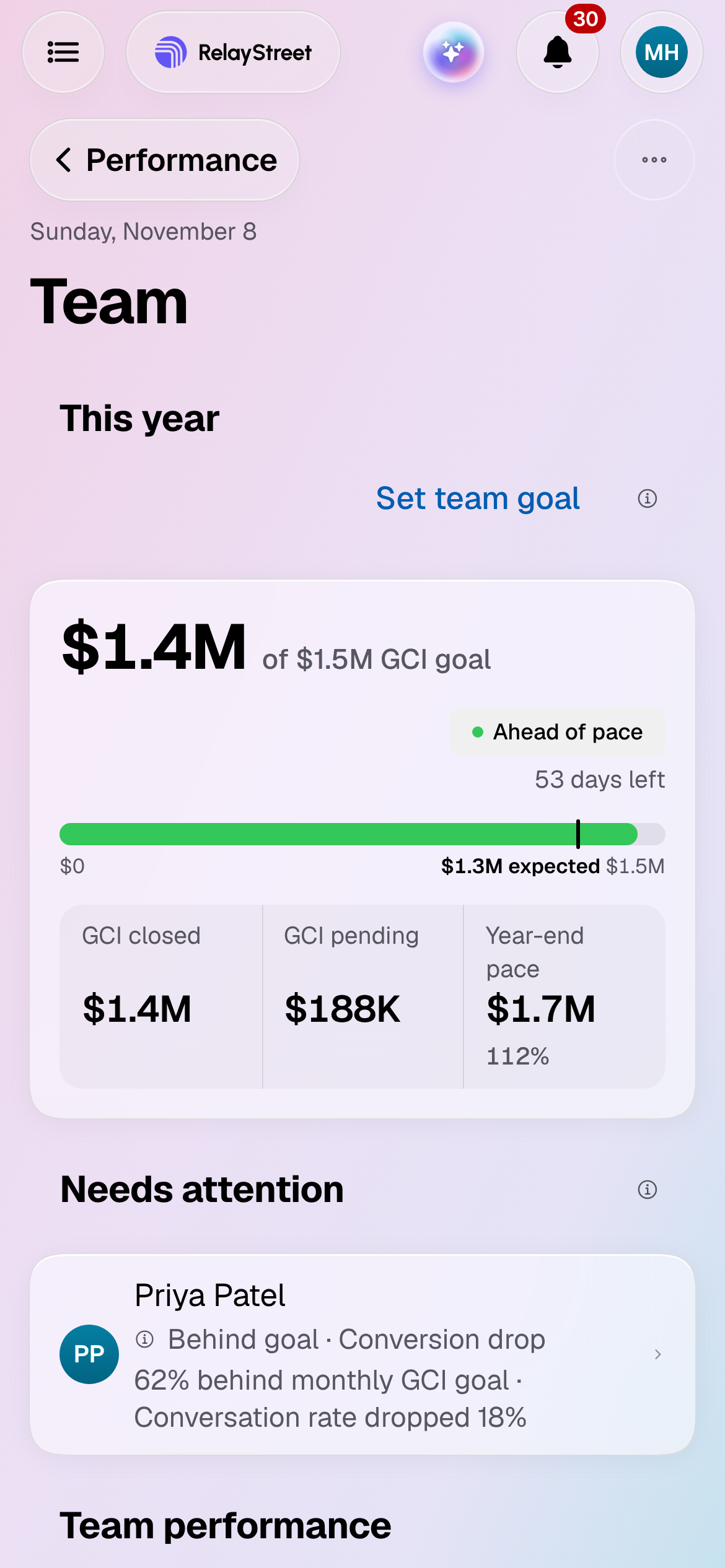
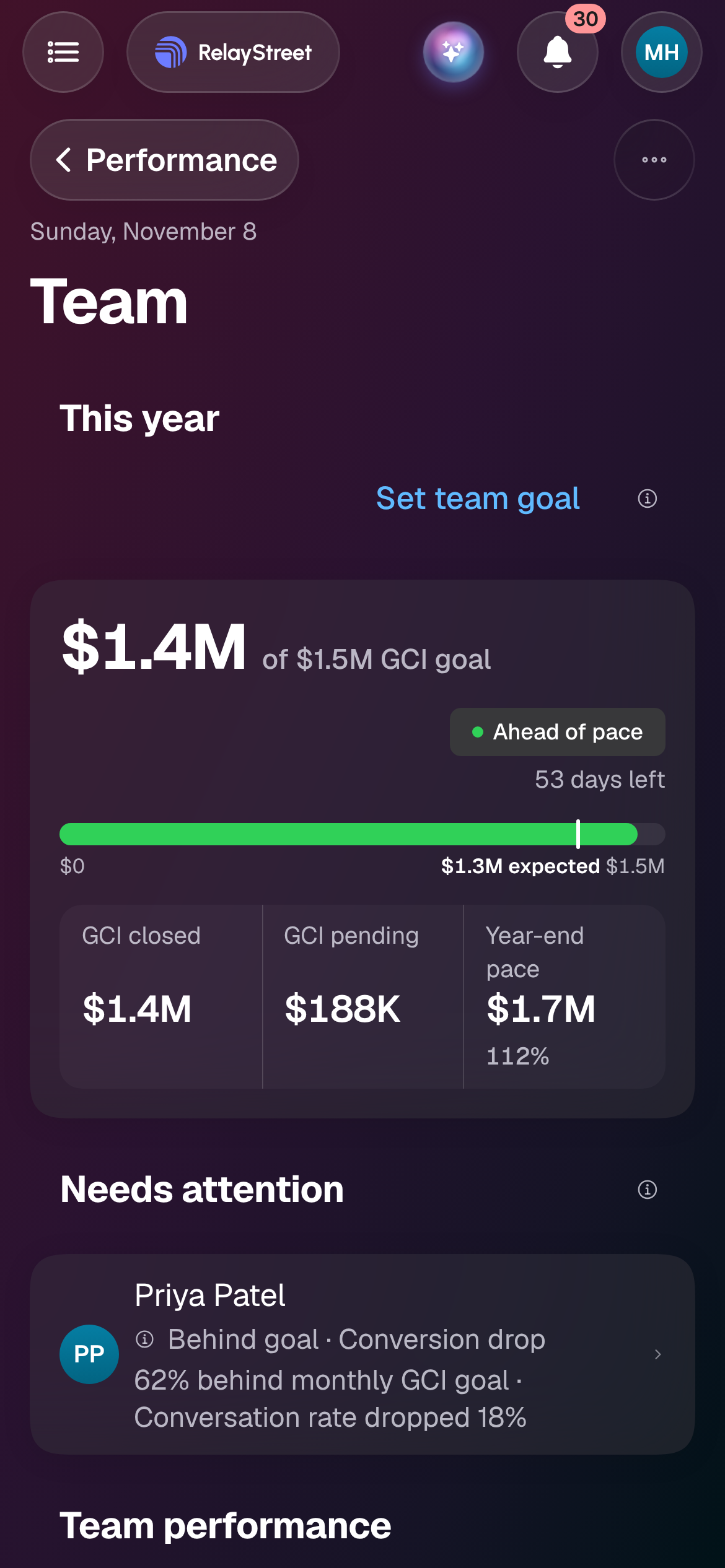
- Her work will have its own page in Performance and never count toward a person’s targets
And so much more
Give her a name
Keep Aiva or pick your own name in Settings, up to 30 characters.
Leads know it is an assistant
Her first message to a lead carries an assistant identity line.
Old leads, caught
Dormant leads who show interest again will be pulled back to your team.
Ask about one person
On a contact, ask Aiva about them by typing or by voice.
Describe a site
Tell her what you want on the Sites start bar and she plans it.
Change a finished video
Ask for a change to a home tour or captioned video, preview it, then keep or undo.
On every screen
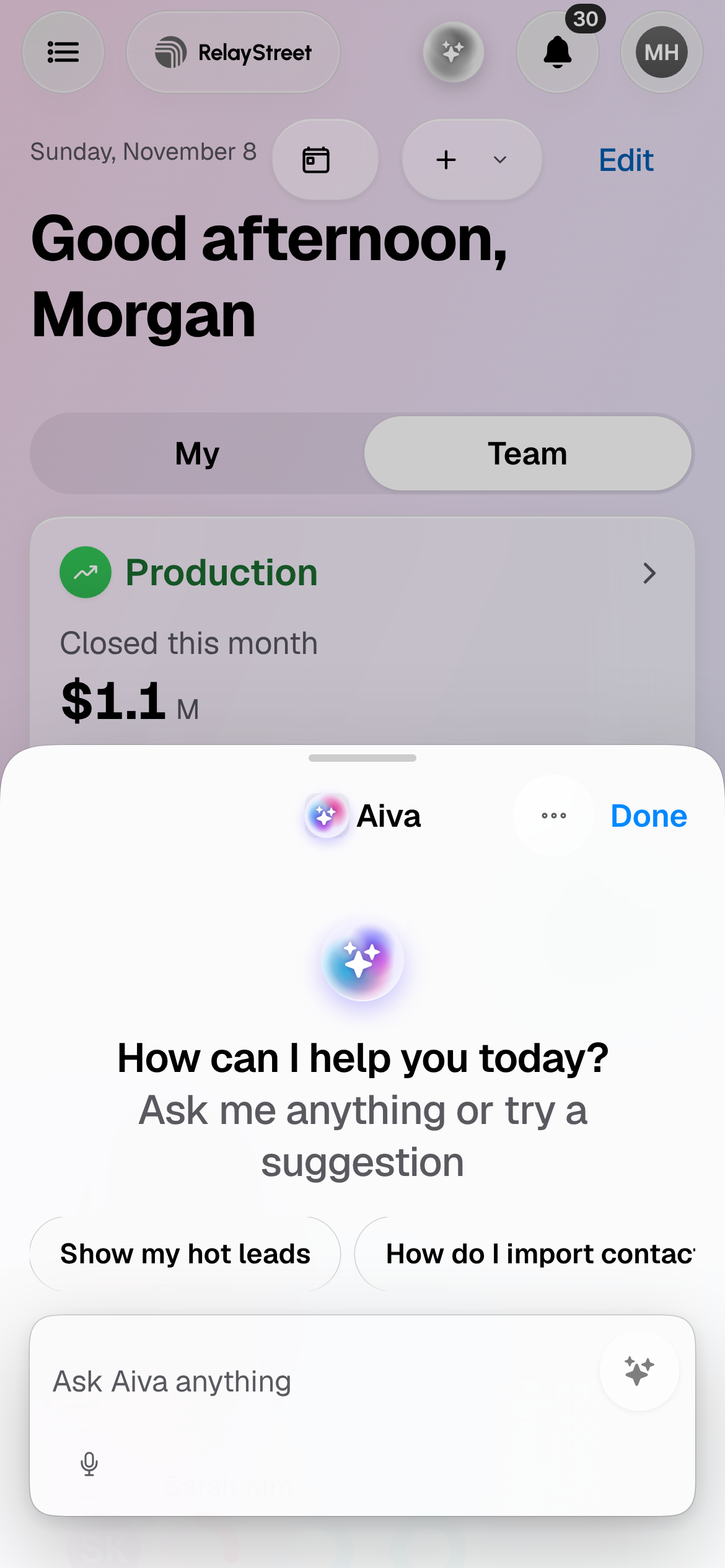
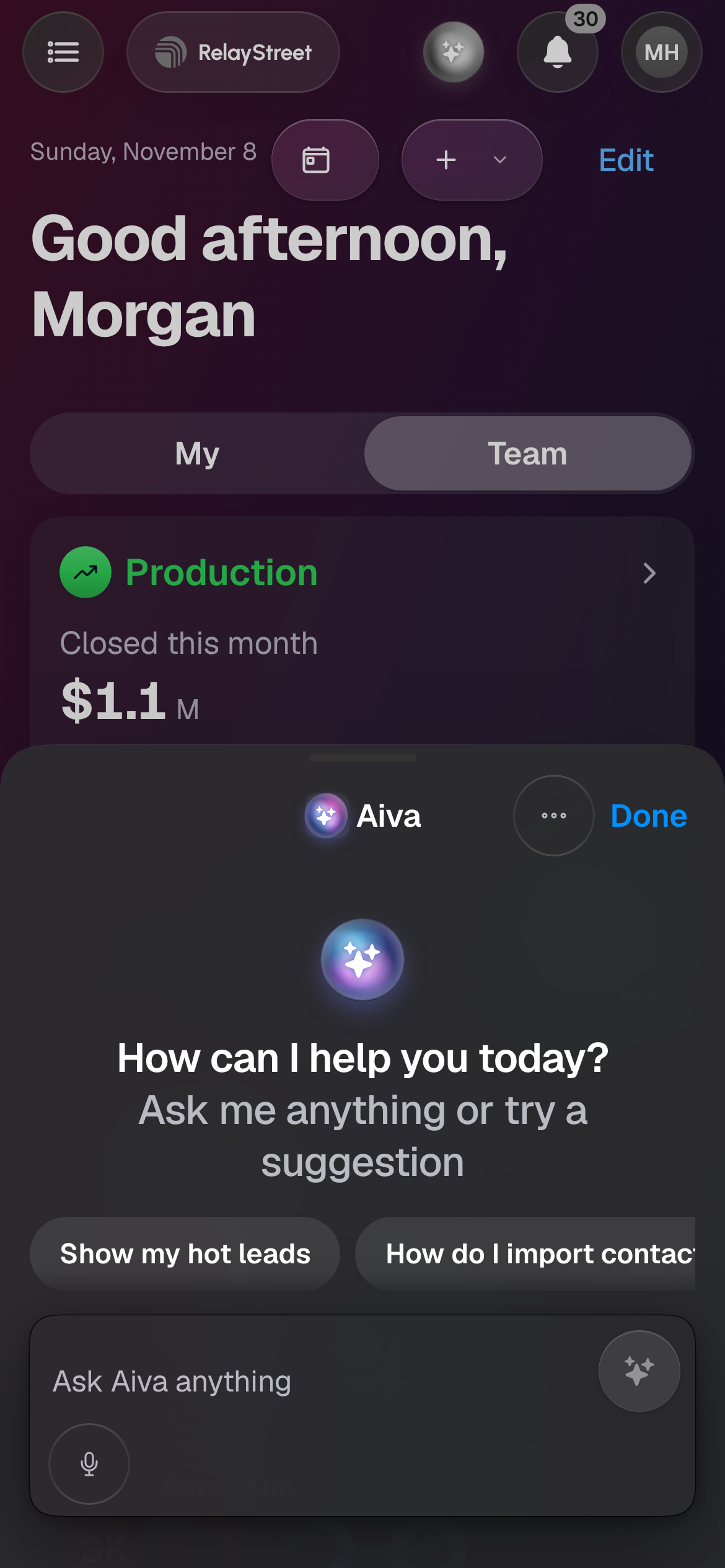
A sheet on iPhone and Android, a side pane on iPad, its own window on Mac.
Off when you want
Turn the assistant off for the workspace. Every feature still works by hand.
Privacy and compliance
Your leads, your rules, every time she sends
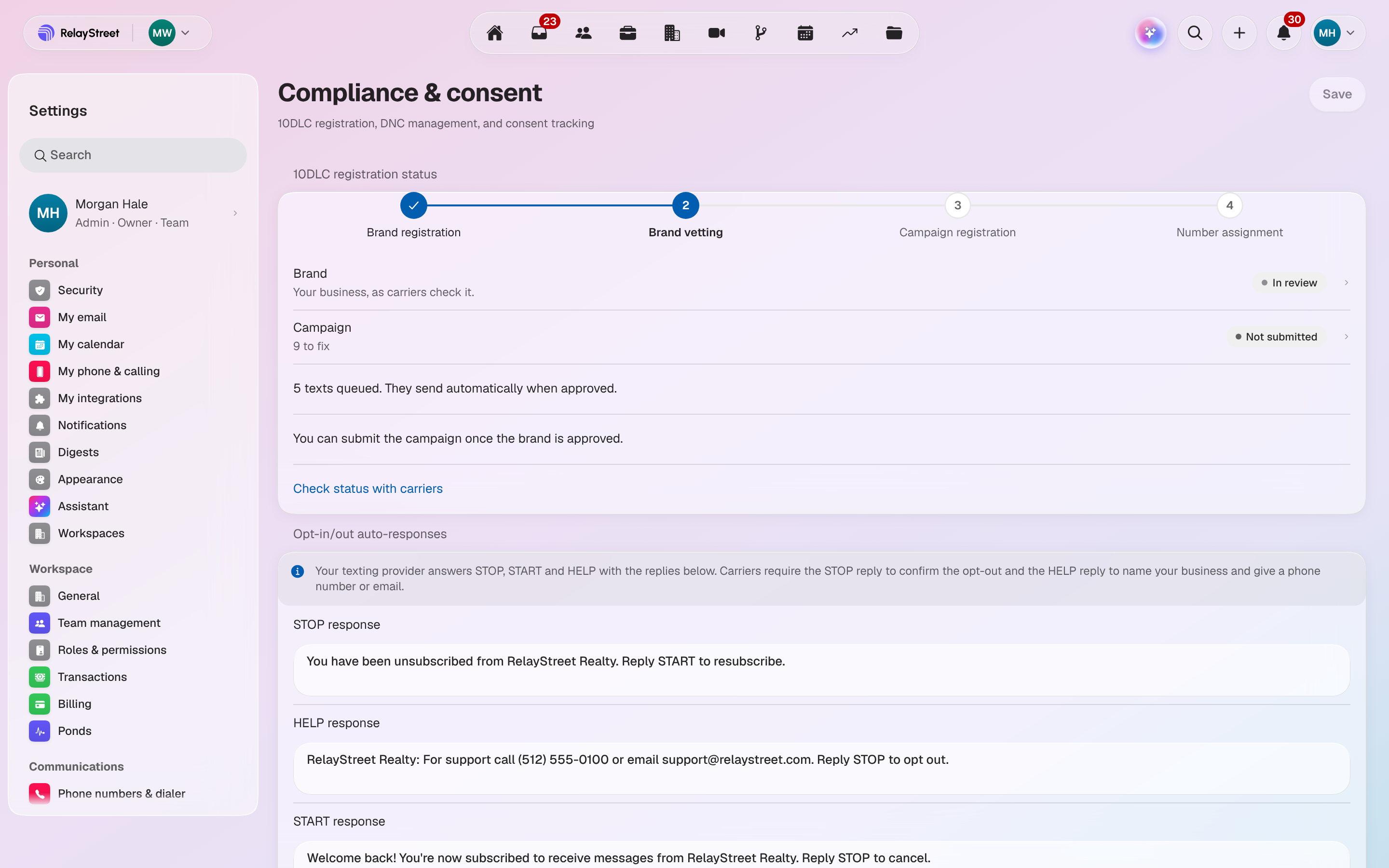
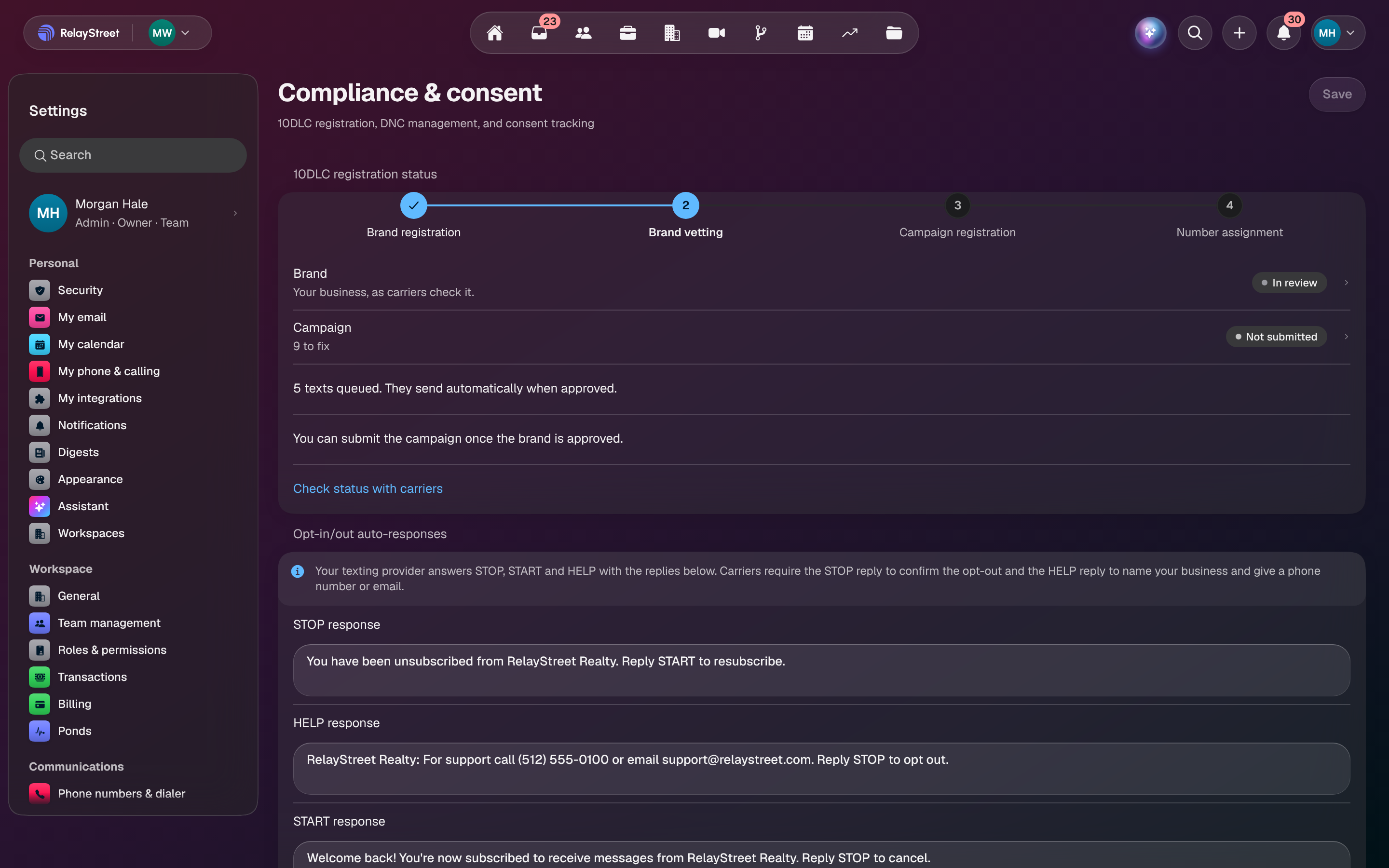
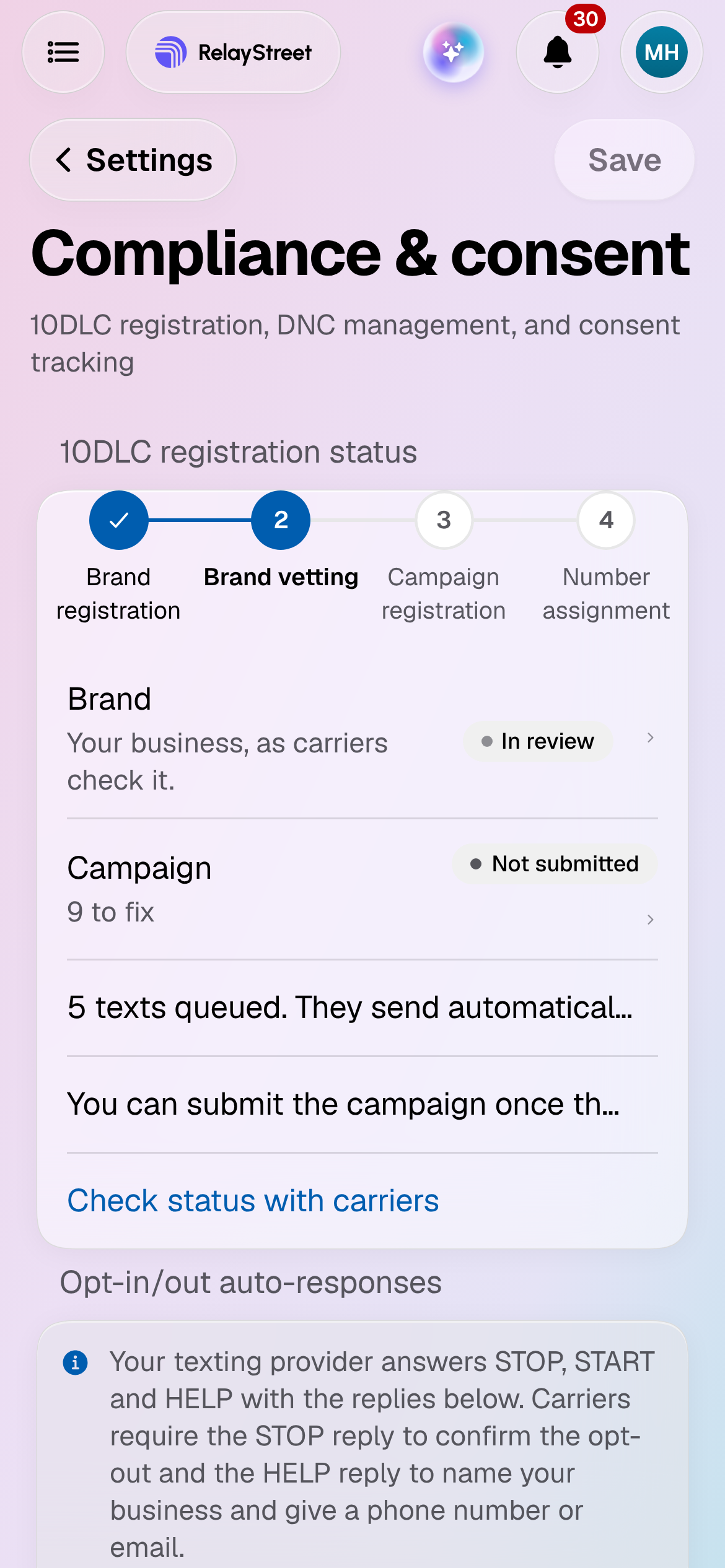
- Do Not Call, STOP and consent will be checked on every text she sends
- If a lead’s time zone is unknown, she will wait for an hour that is legal everywhere on the mainland
- What you tell her during setup is processed under our data agreement, not used to train AI, and deleted by the provider within 30 days
- At launch, bring your own AI key and it stays in your workspace, never shown again, only its last 4 characters
Bring your own AI
Run Aiva on your own AI, on ours, or turn AI off
At launch, connect your own AI and RelayStreet adds nothing to your bill for it. Ours is there with your consent and a monthly cap. Setup help from your assistant is always free.