Properties
Every home you work, in one record
Keep the address, the facts, the photos, the owners and the deal for each home together, and set an appointment there from the same page.
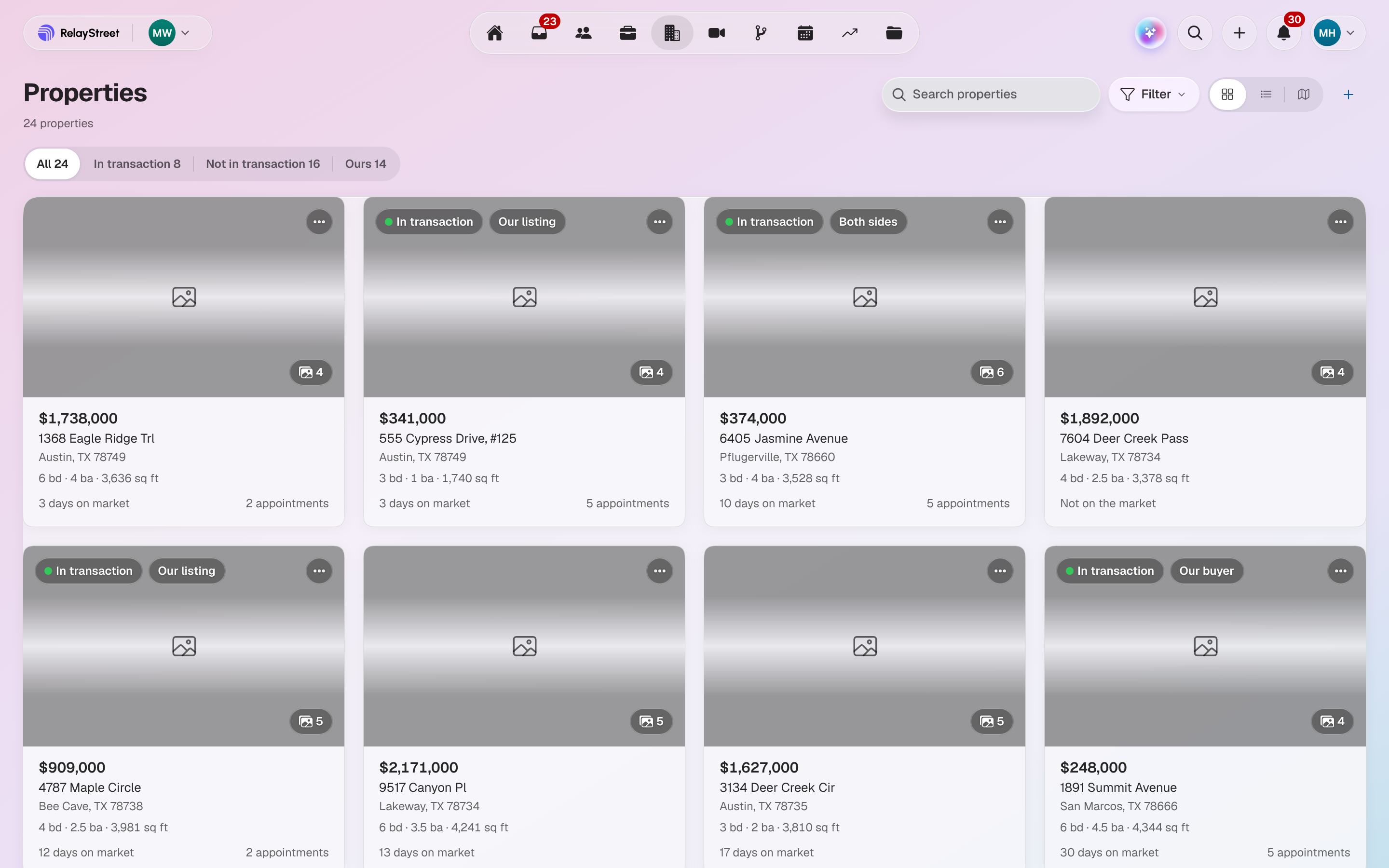
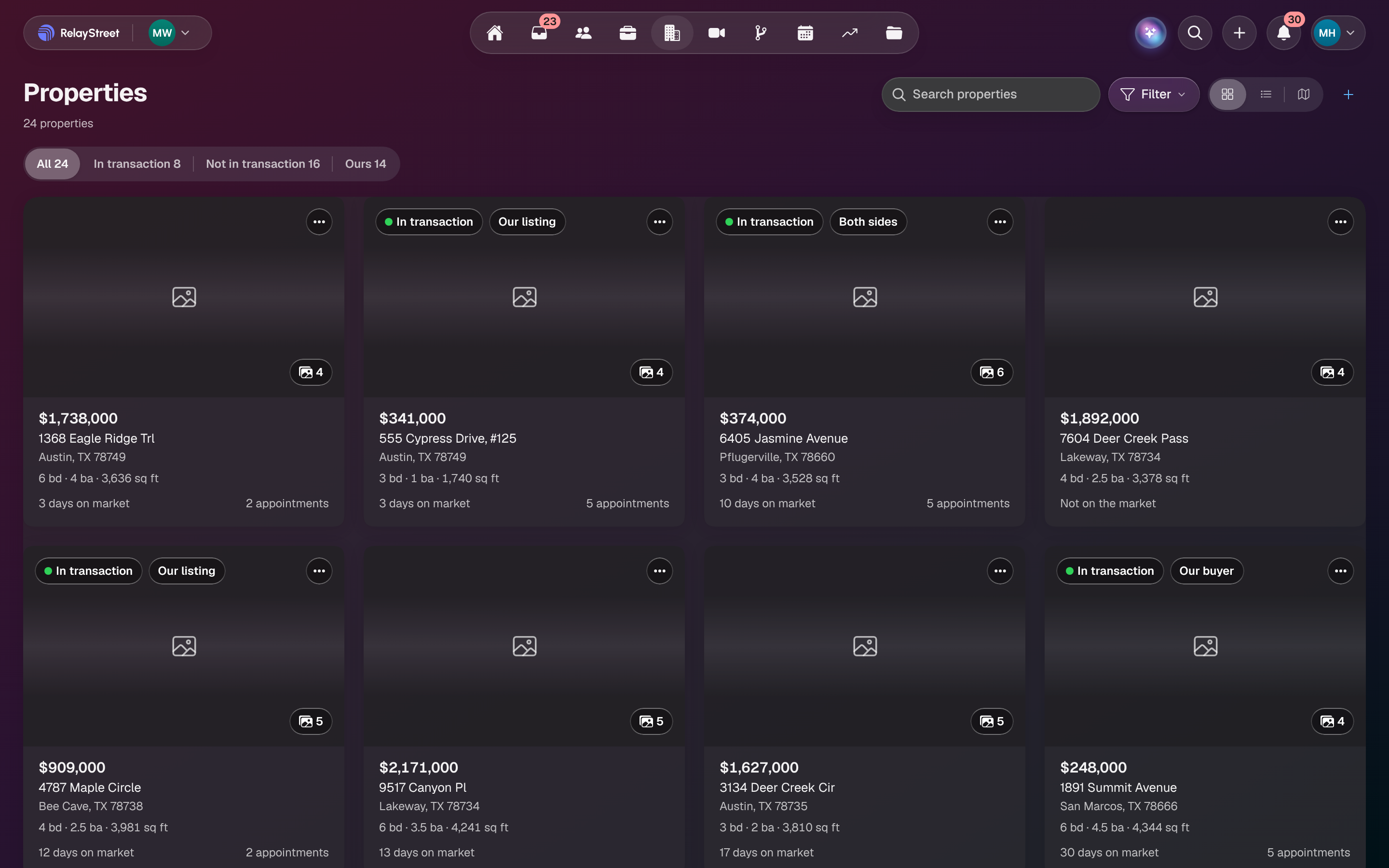
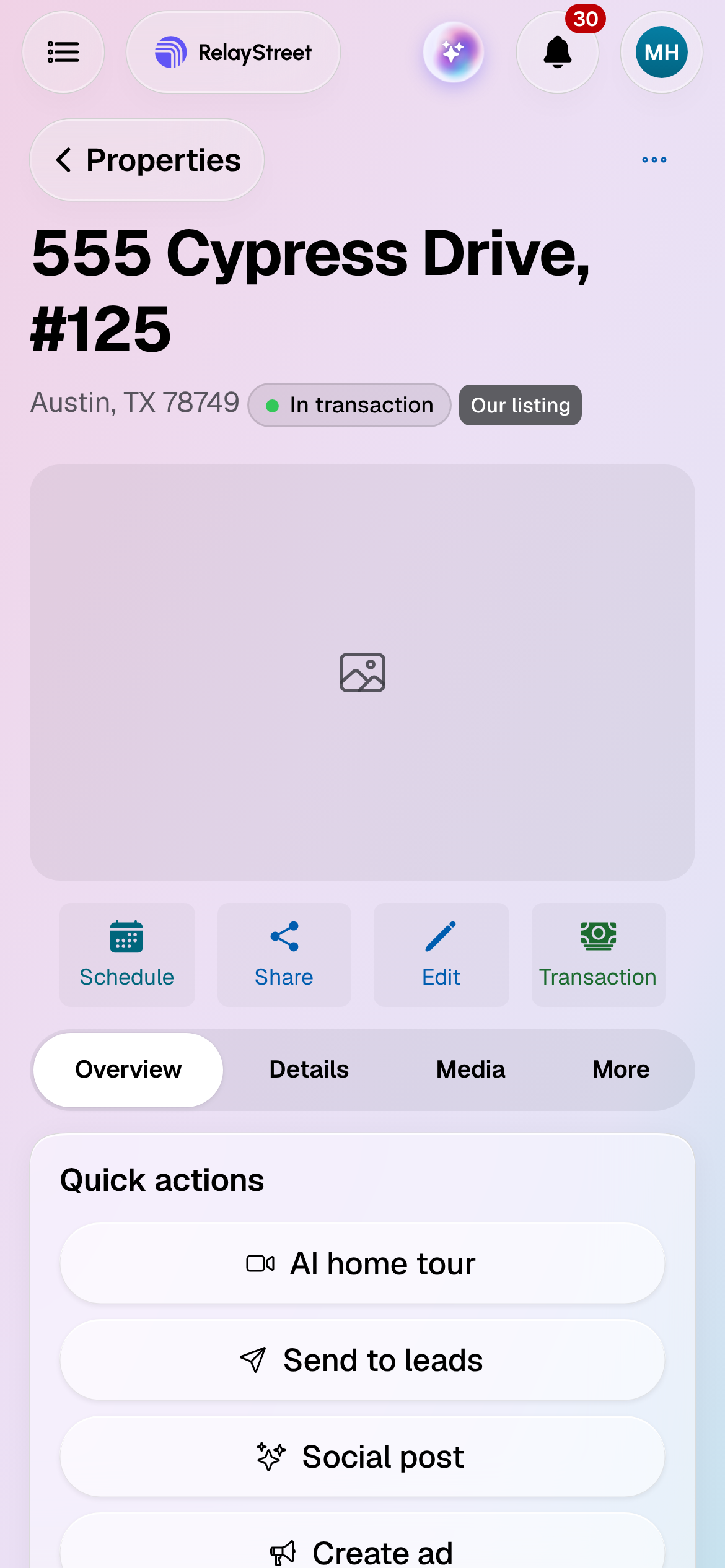
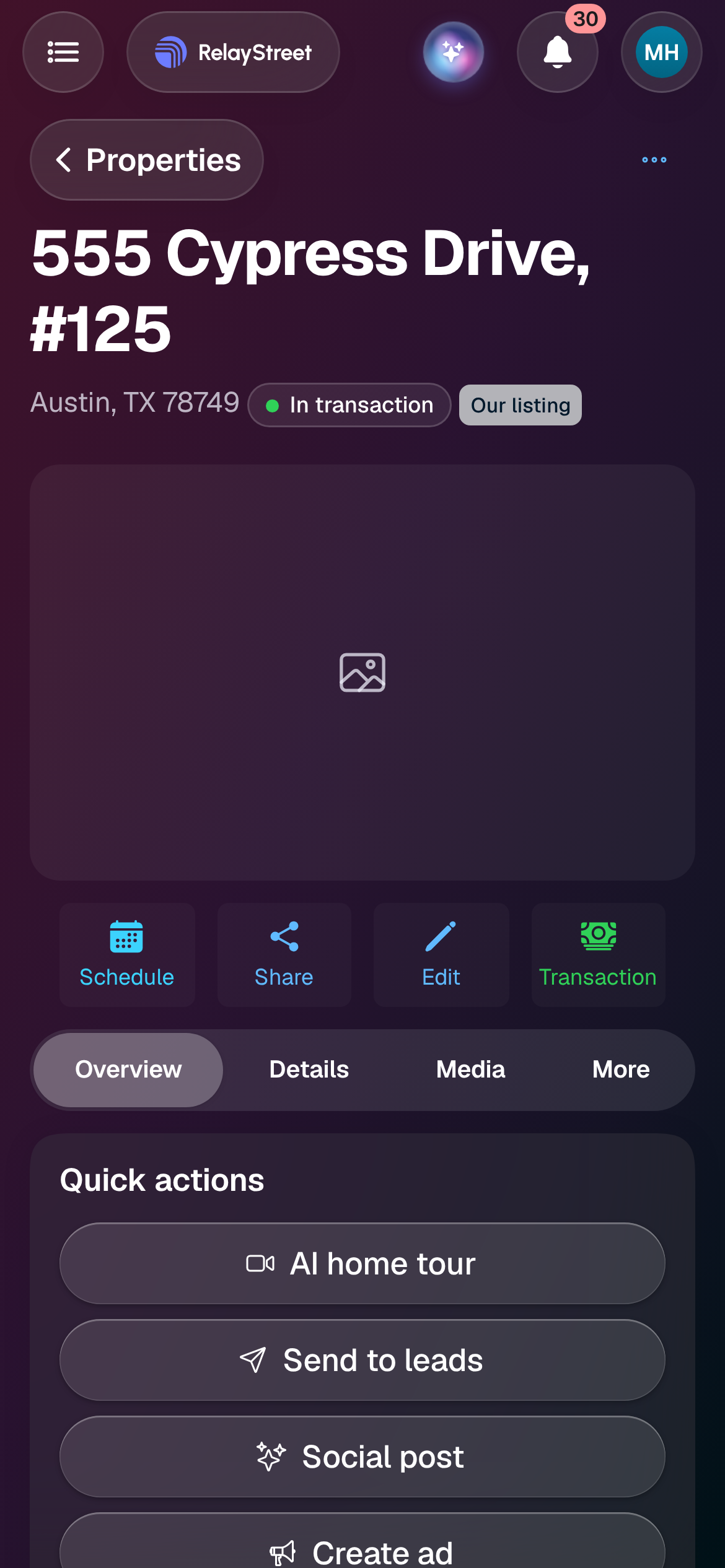
Grid and List views, with a map on iPhone, iPad and Mac
Photos, videos, floor plans and virtual tours
Owners, tenants, partners and your team on each home
Start a transaction from any property
Your properties
See every home you work at a glance
Photo cards show the price, address, beds, baths, square feet and days on market. Search by address or city.
- All, In transaction, Not in transaction and Ours
- Filter by type, price, beds, baths, square feet and tags
- In transaction badge while a deal is in progress
- Assign an agent, add a tag or archive in bulk
The property record
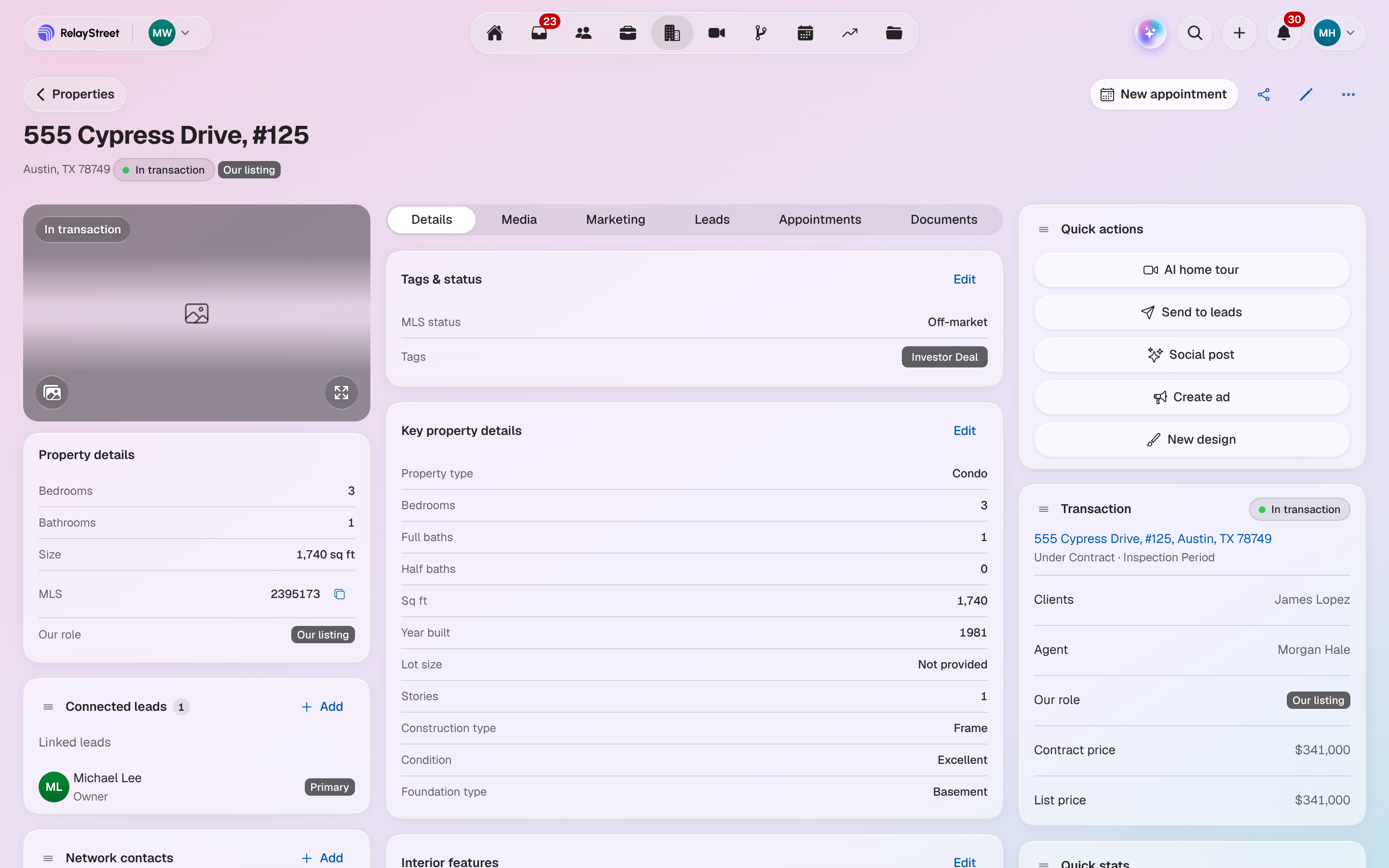
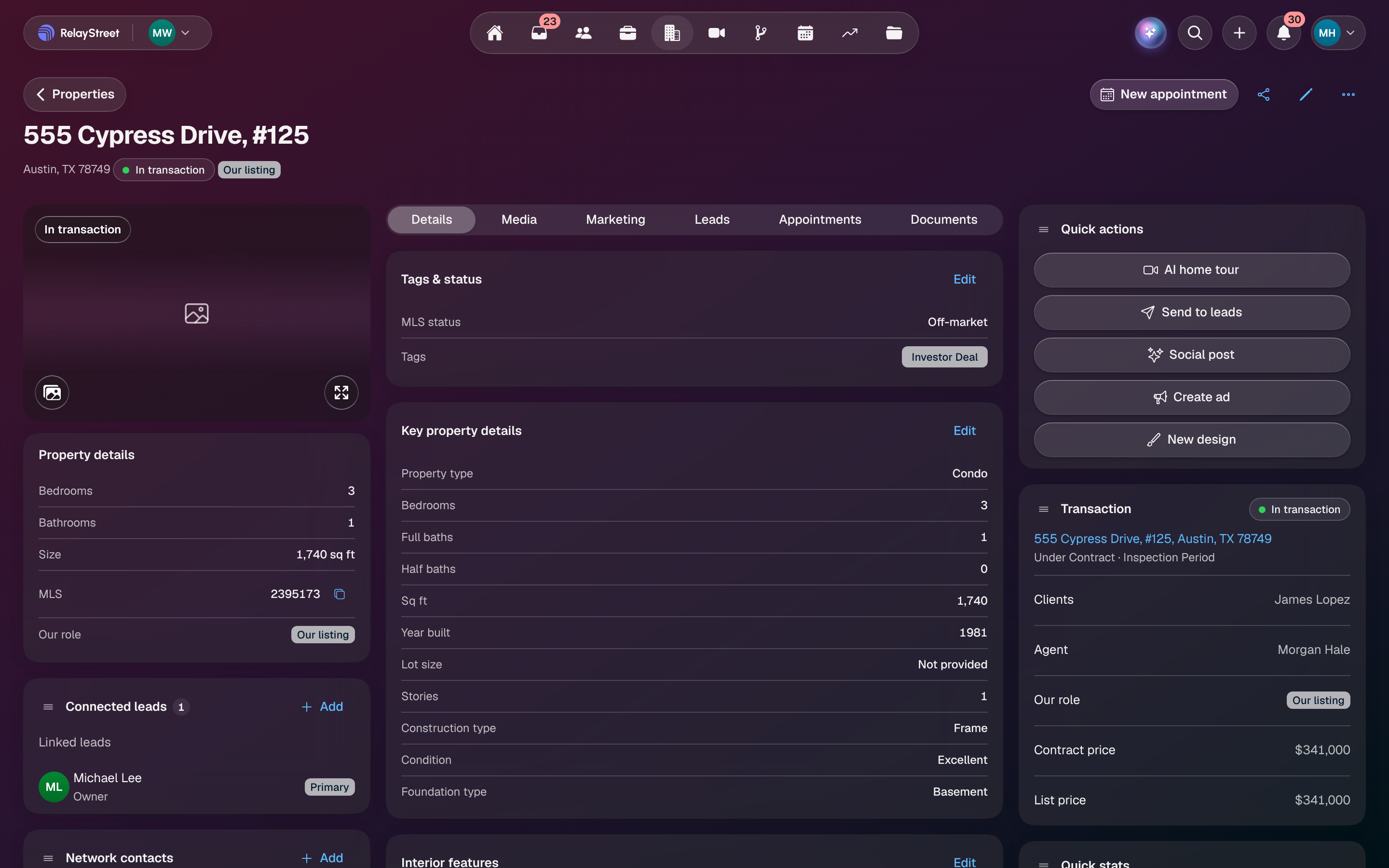
The whole home on one page
The property record shows the home, its people and what to do next, with tabs for Details, Media, Appointments and Documents.
- 11 detail sections, from interior to HOA and schools
- Tax, flood zone and utilities kept with the home
- Private agent remarks kept apart from the description
- Drag cards into the order you like on every property
Media
Photos, tours and floor plans that stay with the home
Upload photos, videos and floor plans, label each photo by room, and add Matterport, YouTube or Vimeo tours.
- Files up to 50MB each
- Label photos by room, from a list of 31 rooms
- Pick the key photo for the card and the record
- Full screen viewer with room captions
People
Know who owns it and who is working it
Link owner and tenant leads, ownership groups like a household or an LLC, the lenders and inspectors on the home, and the team members assigned to it.
- Owner, Tenant and Co-investor, with ownership percent
- Households, investment groups and partnerships
- Network contacts such as lenders and inspectors
- Team roles from Buyer's agent to Photographer
Showings
Set an appointment from the home itself
New appointment opens as a Property Showing with the address filled in, and it shows on the property, the list and your Schedule.
- Access instructions, lockbox and a hidden access code
- Upcoming and past appointments with their status
- Start transaction fills in the property for you
- Documents tab for disclosures, HOA and inspections
How it works
Properties, step by step
Add the property
Open Add property and type the street, city, state and ZIP. Beds, baths, square feet and a list price are there when you have them.
Add photos and details
Drop in photos, videos and floor plans, then fill the detail sections you need, from HOA to schools.
Link the people
Link the owner or tenant, the lender and inspector, and the team members working the home.
Set the appointment, then start the deal
Set an appointment from the record, then use Start transaction when the home goes under contract.
Questions
About Properties
Where do the homes come from?
Properties holds the homes you work. You type in the facts, and the status, and nothing is pulled in from outside.
Where can I use Properties?
On the web, iPhone, iPad, Mac and Android. The map view draws on iPhone, iPad and Mac. Add photos and videos from the web app.
Who can add and edit properties?
Owners, Admins and Brokers can do everything, including archive. Team Leads, Sales Managers and Agents can add properties and edit them.
What does archive do?
Archive takes the property out of your list. Its people, media and history stay with it.
How does a property connect to a deal?
Start transaction opens New transaction with the property filled in. While the deal is in progress, the property shows an In transaction badge and the deal on its Transaction card.