
Skip to content

Integrations · Social media

LinkedIn

Share updates and articles to your LinkedIn from RelayStreet.

  • Coming soon
  • Out from RelayStreet
  • Each person connects their own

This page shows how it will work. It isn’t in the app yet.

Social media
Post to LinkedIn without leaving your CRM

  • Your own LinkedIn account, signed in once
  • A place to share updates
  • A place to share articles
The marketing tools
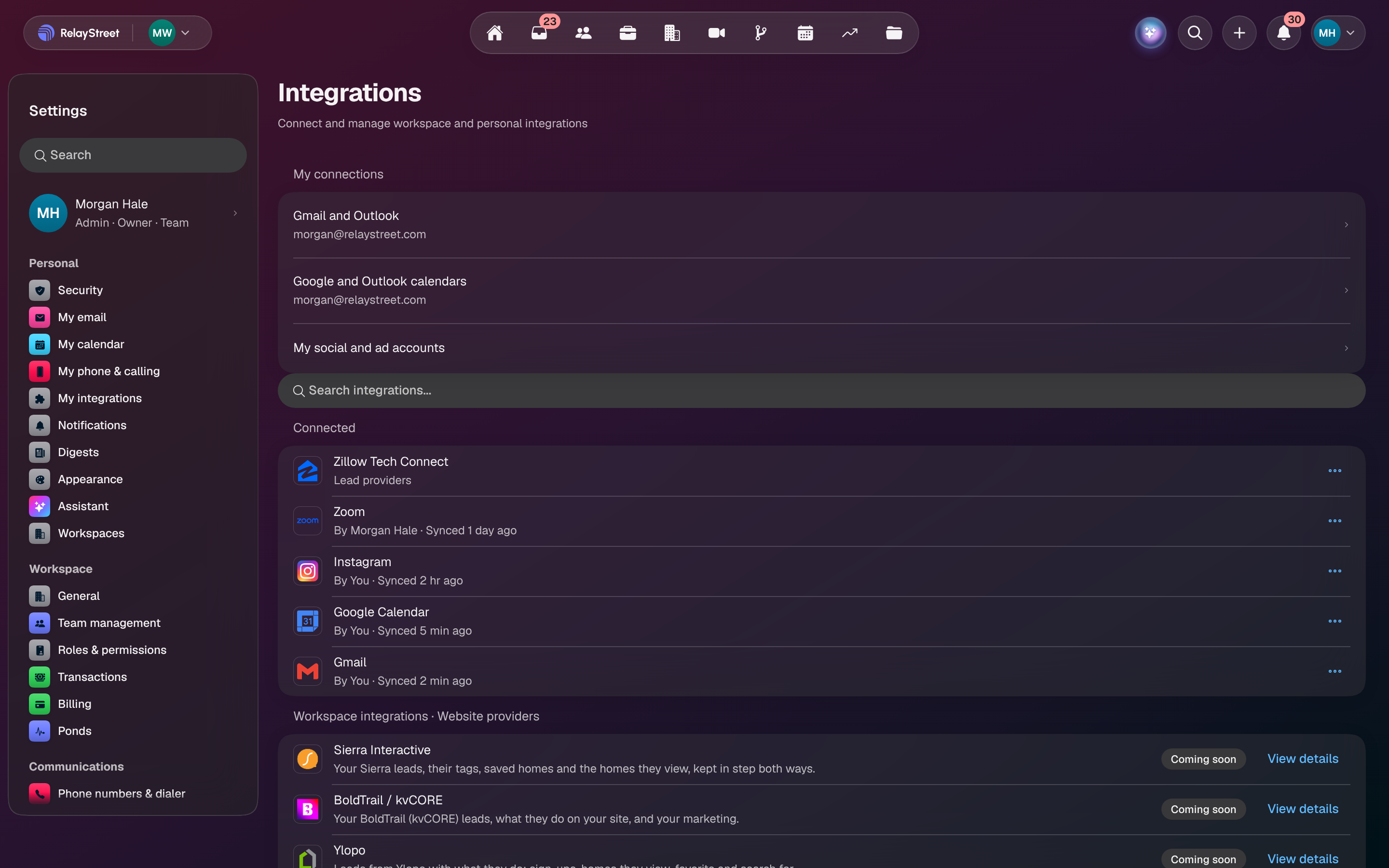
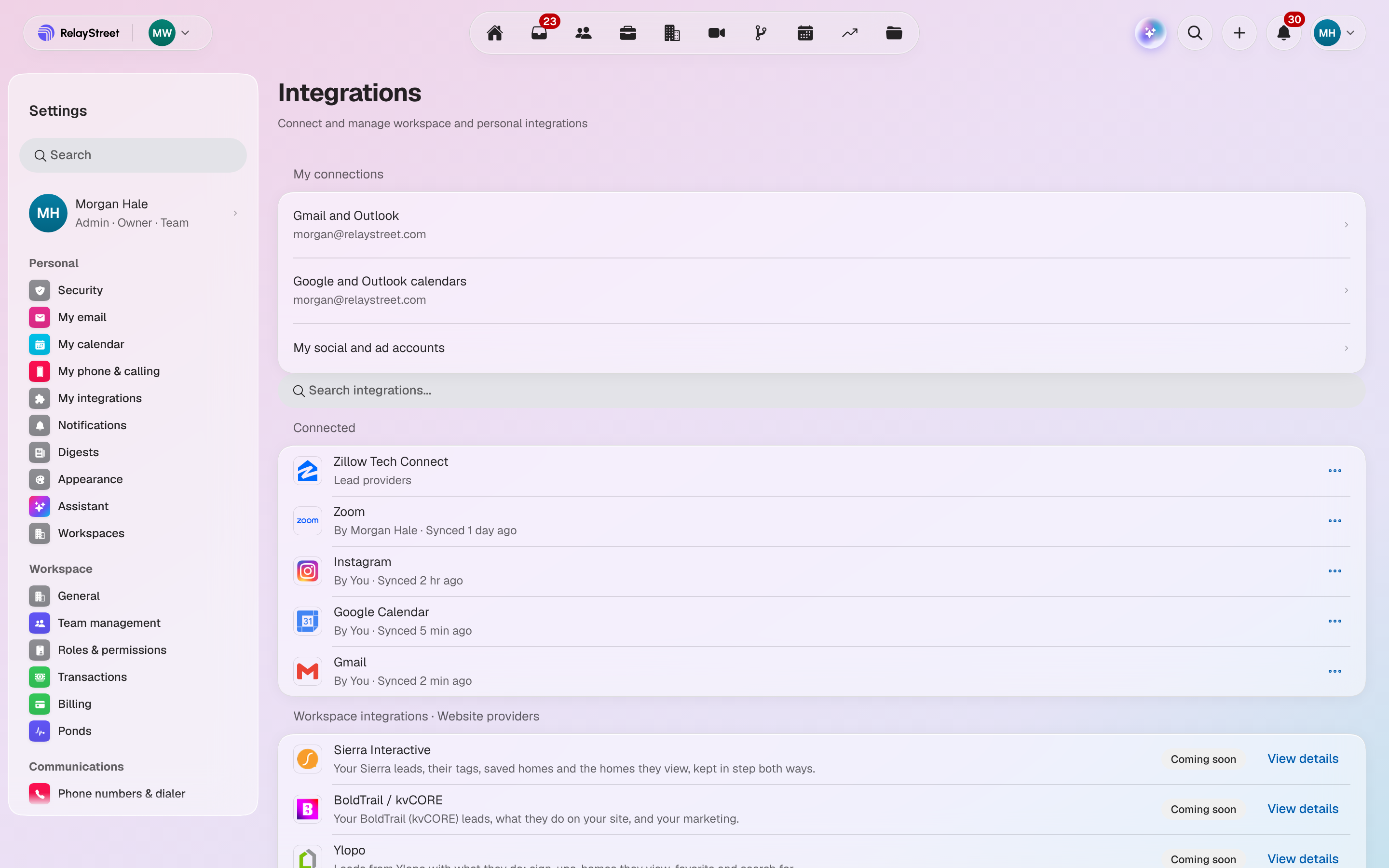
Integrations settings, where LinkedIn is connected

Out from RelayStreet

What you set up, and what goes out

You choose what RelayStreet sends to LinkedIn. Nothing goes without you setting it up.

What you get

  • Your own LinkedIn account, signed in once
  • A place to share updates
  • A place to share articles

Sent to LinkedIn

  • Updates you share
  • Articles you share

Smart Plans

What Smart Plans do with LinkedIn

  • Smart Plans

    LinkedIn doesn't start Smart Plans; you share updates and articles when you choose.
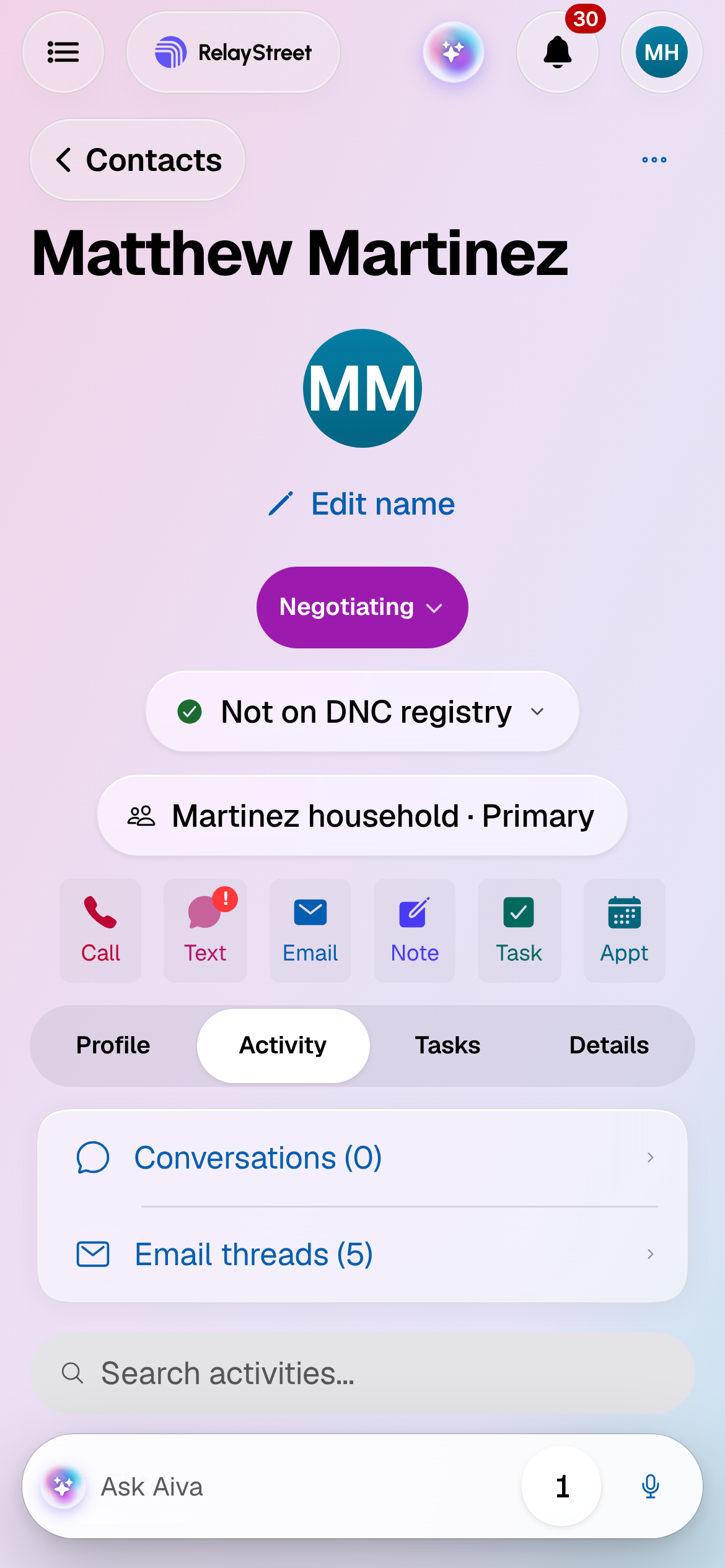
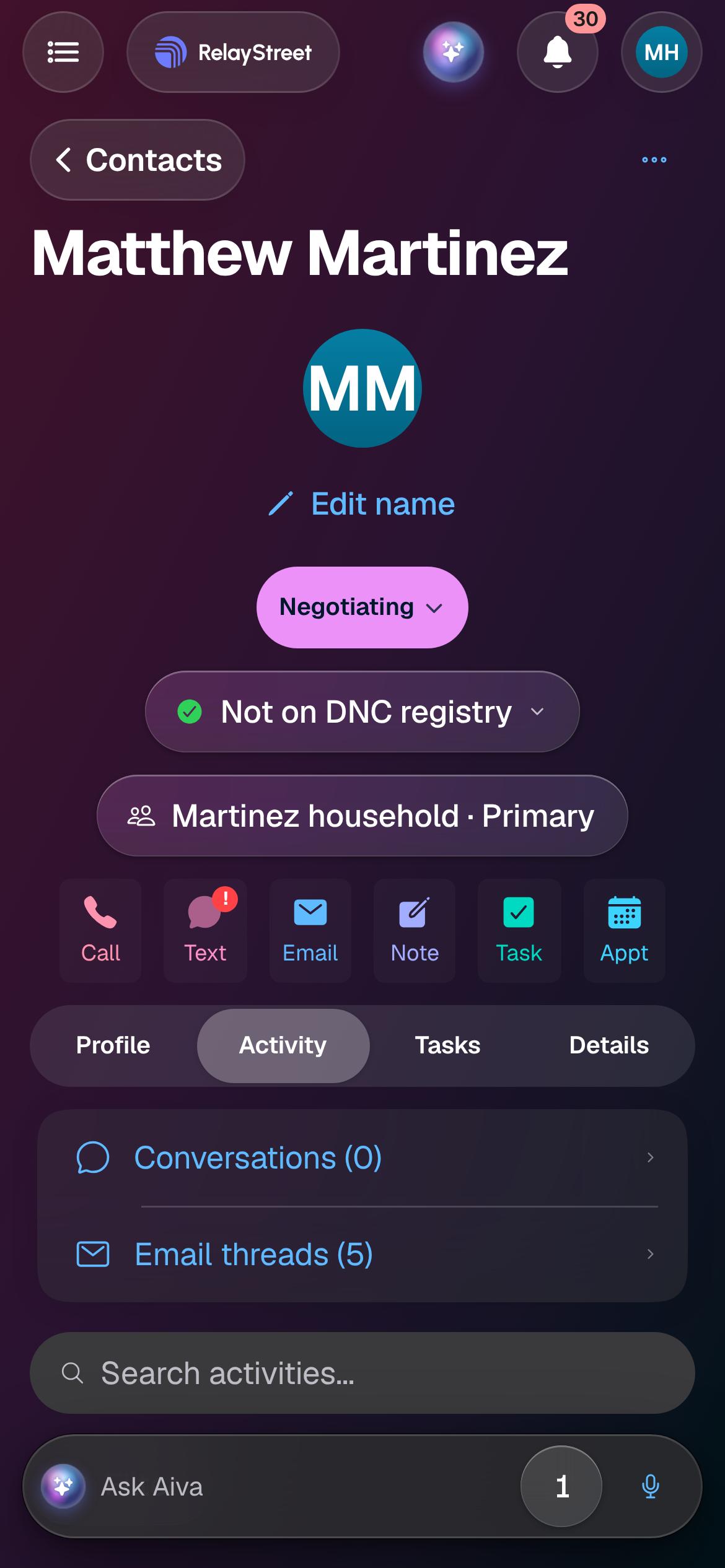
A contact record, with the lead’s details, the full timeline of calls, texts and emails, and their deals.

How you connect

Set it up once

Each person signs in to their own LinkedIn account.

Each person connects their own

About LinkedIn

LinkedIn

LinkedIn is a professional social network.

Social media

More like this

Facebook

Post to your business page and get your Facebook lead ad leads in RelayStreet.

Coming soon

Instagram

Post photos, videos, Reels and Stories to your Instagram business account from RelayStreet.

Coming soon

TikTok

Post short videos to your own TikTok account from RelayStreet.

Coming soon

Don’t see your tool? Connect it with the open API, webhooks or Zapier.

For developers


Get in early. Bring your database when you do.

Join the waitlist today. When your invite comes, import your contacts, check them first, and undo it for 30 days.