Skip to content

Integrations · Email & calendar

Google Calendar

Your RelayStreet appointments on your Google Calendar, and your busy time back in RelayStreet.

  • Available at launch
  • Two-way sync
  • Each person connects their own

Email & calendar

One calendar, no showings set twice for one time

  • Events and busy time from your calendars
  • Attendee replies: accepted, declined or maybe
  • Changes and cancellations made in Google
How RelayStreet works your leads
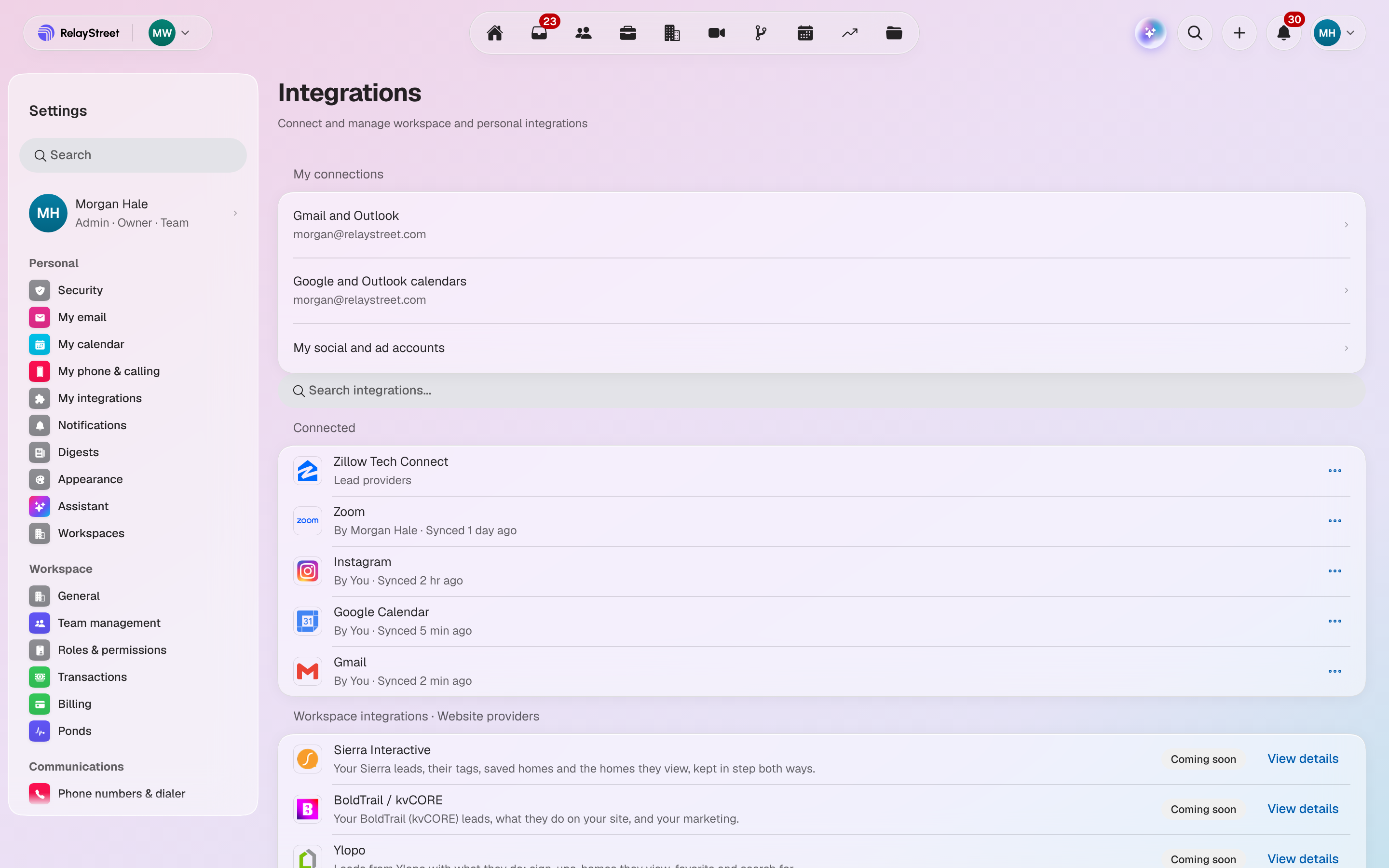
Integrations settings, where Google Calendar is connected

Two-way sync

What moves each way

What RelayStreet reads from Google Calendar, and what it writes back.

Into RelayStreet

  • Events and busy time from your calendars
  • Attendee replies: accepted, declined or maybe
  • Changes and cancellations made in Google

Back to Google Calendar

  • Appointments made in RelayStreet, with the contact and property
  • Invites to the contact and other attendees
  • Updates when you reschedule or cancel

Smart Plans

What Smart Plans do with Google Calendar

  • Smart Plans

    A set, completed, cancelled or rescheduled appointment can start a Smart Plan, such as a follow-up after a showing.
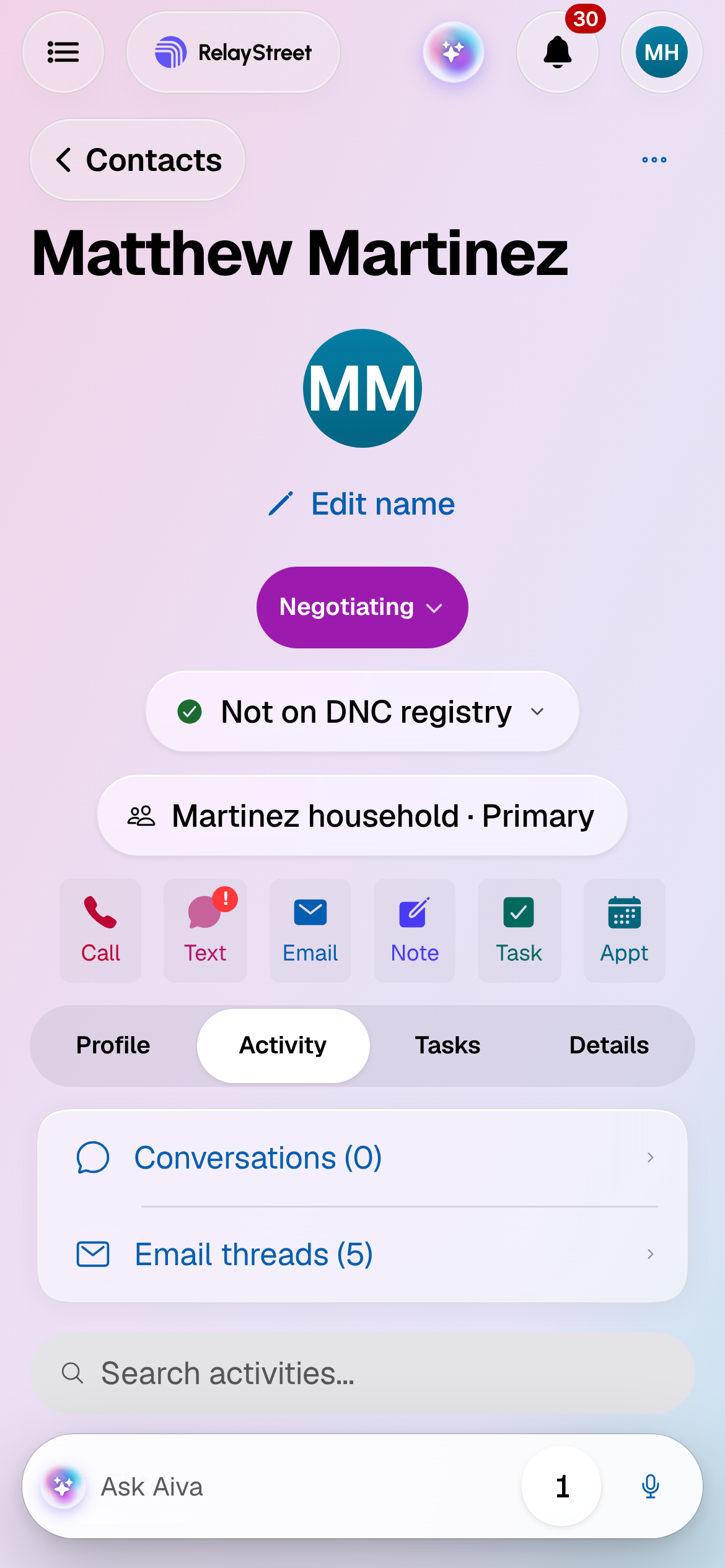
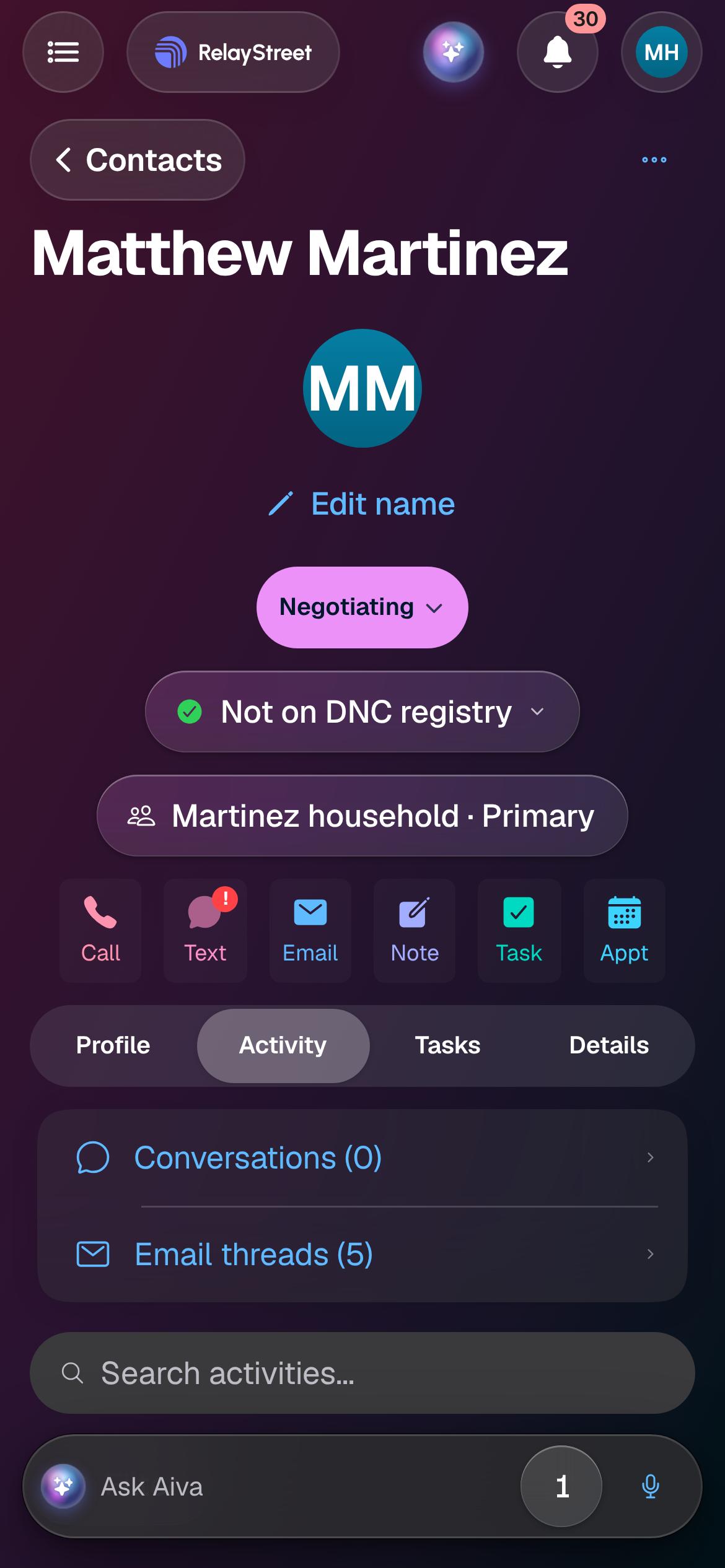
A contact record, with the lead’s details, the full timeline of calls, texts and emails, and their deals.

How you connect

Set it up once

Each person signs in with Google to connect their own calendar.

Each person connects their own

About Google Calendar

Google Calendar

Google Calendar is Google's calendar app, where many agents keep their appointments and personal time.

Email & calendar

More like this

Gmail

Every email with a client on their timeline, and replies sent from your own Gmail address.

Available at launch

Microsoft 365

Your Outlook email and calendar in step with RelayStreet, on every contact and in your day.

Available at launch

Don’t see your tool? Connect it with the open API, webhooks or Zapier.

For developers

Get in early. Bring your database when you do.

Join the waitlist today. When your invite comes, import your contacts, check them first, and undo it for 30 days.